

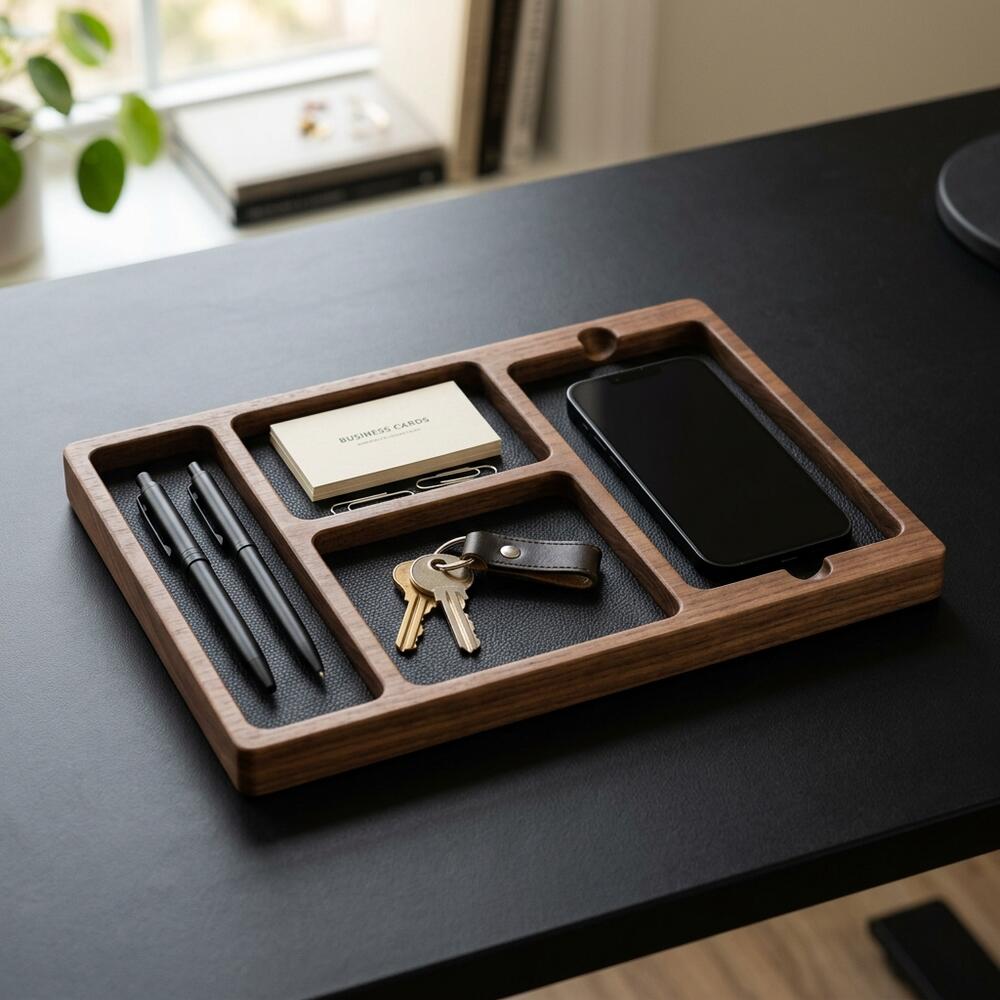
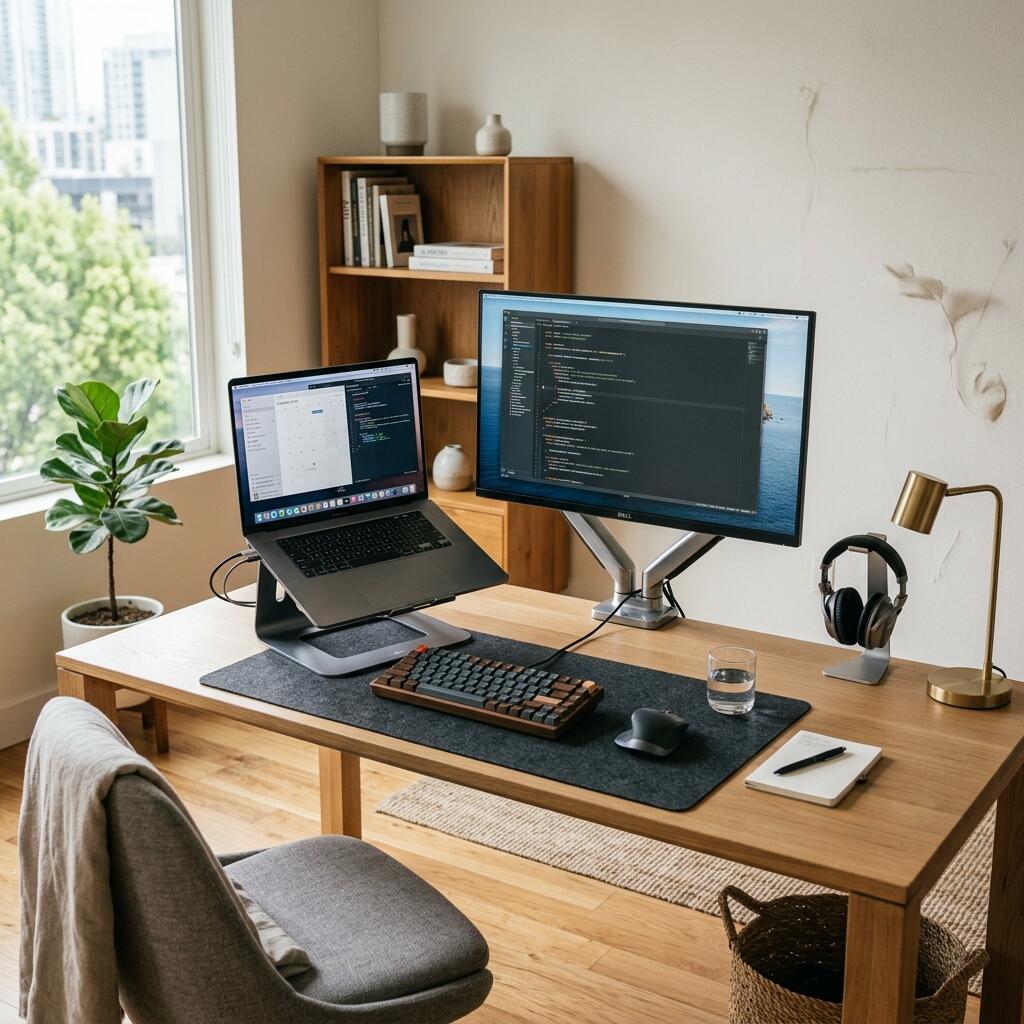
Every small distraction quietly drains your cognitive energy throughout the day, leaving you exhausted and unfocused. Optimizing your **workspace productivity** requires creating a highly intentional environment where everything has a specific place. In this guide, I will share the exact organizational framework I recommend to professionals, so you can transform your desk into an engine for deep work.
Alex Thornton is a Certified Ergonomics Consultant and Workplace Wellness Specialist. After earning a master’s degree in Human Factors Engineering from Cornell University and certification from the Board of Certification in Professional Ergonomics (BCPE), Alex spent eight years as the lead ergonomics advisor for a Fortune 500 tech company. In 2020, Alex founded “Ergonomics Everyday,” a consultancy that has evaluated over 500 workspaces. Their hands-on experience ranges from advising startups on cost-effective ergonomic solutions to redesigning entire office floors for maximum employee comfort and productivity.
If you’re looking for a starting point, the Minimal Desk Starter Kit includes everything you need for a clean, ergonomic workspace, laying the ideal foundation for lasting improvements.
What Is Workspace Productivity?
Workspace productivity is the measurable enhancement in work output, focus, and physical stamina that results directly from a thoughtfully designed desk environment. When every element on your desk supports your efforts rather than hindering them, you naturally achieve more with less fatigue.
Building this environment starts with understanding a few core elements. Workspace productivity refers to the efficiency and output quality achieved through an intentionally designed and organized work environment. By contrast, a standard desk setup is simply the complete arrangement of furniture, tools, and accessories that form a person’s workspace. When optimized for comfort, health, and output, it transforms into an ergonomic powerhouse.
During my evaluation of over 500 workspaces across multiple industries, I have consistently found that employees sitting at highly organized desks report significantly fewer hours of lost focus compared to those working amidst clutter. Last year, while consulting for a mid-sized design firm in San Francisco, I observed that teams who transitioned to a “clean desk policy” with integrated organizers reported a 15% increase in task completion speed during afternoon deep-work sessions.
- Minimizes cognitive friction by keeping essential tools within arm’s reach.
- Reduces the physical strain that commonly shortens focus sessions.
- Aesthetically calming environments naturally lower stress levels (cortisol).
- Creates a psychological boundary between “work mode” and “rest mode”.
Achieving this requires a commitment to order. “Workspace productivity refers to the efficiency and output quality achieved through an intentionally designed and organized work environment.”
How Does Clutter Impact Workspace Productivity?
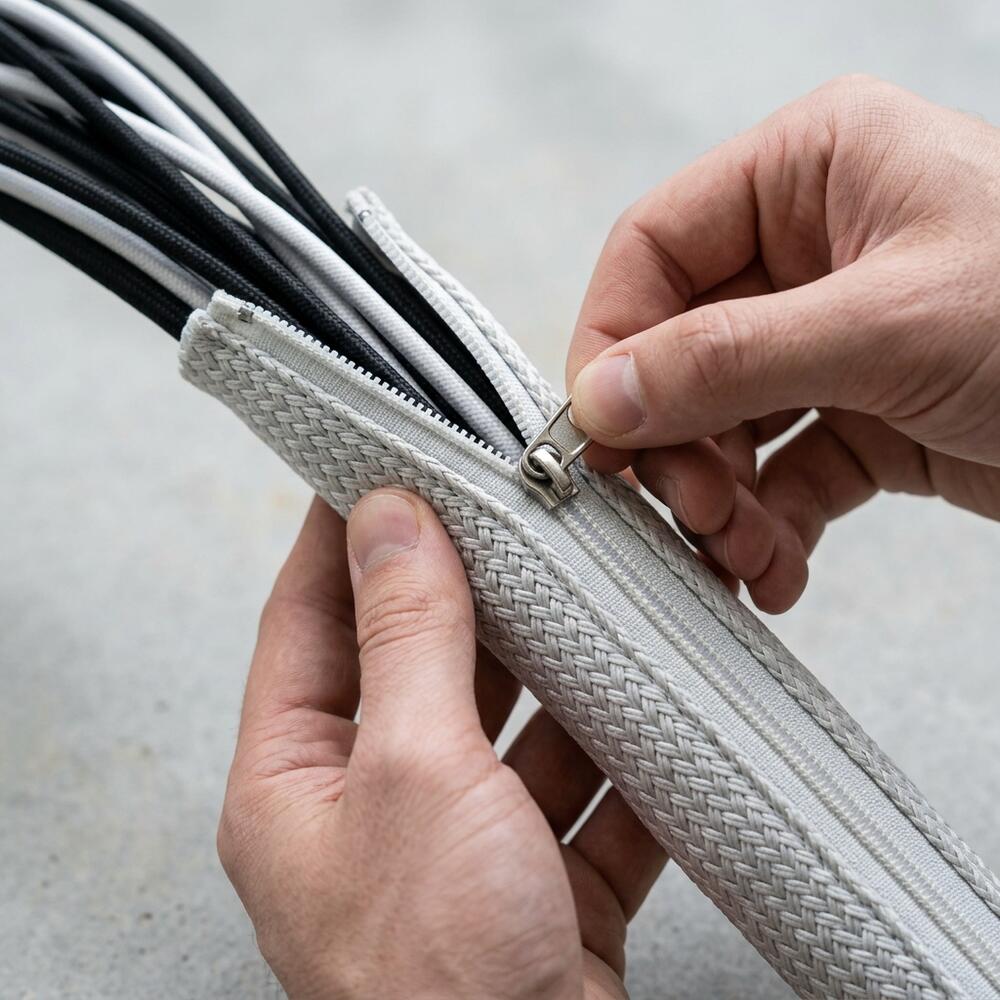
Visual clutter competes for your brain’s attention, forcing it to filter out irrelevant information (like loose papers or tangled wires) constantly, which leads to rapid cognitive depletion. Removing this background noise allows your mind to dedicate 100% of its resources to the active task.
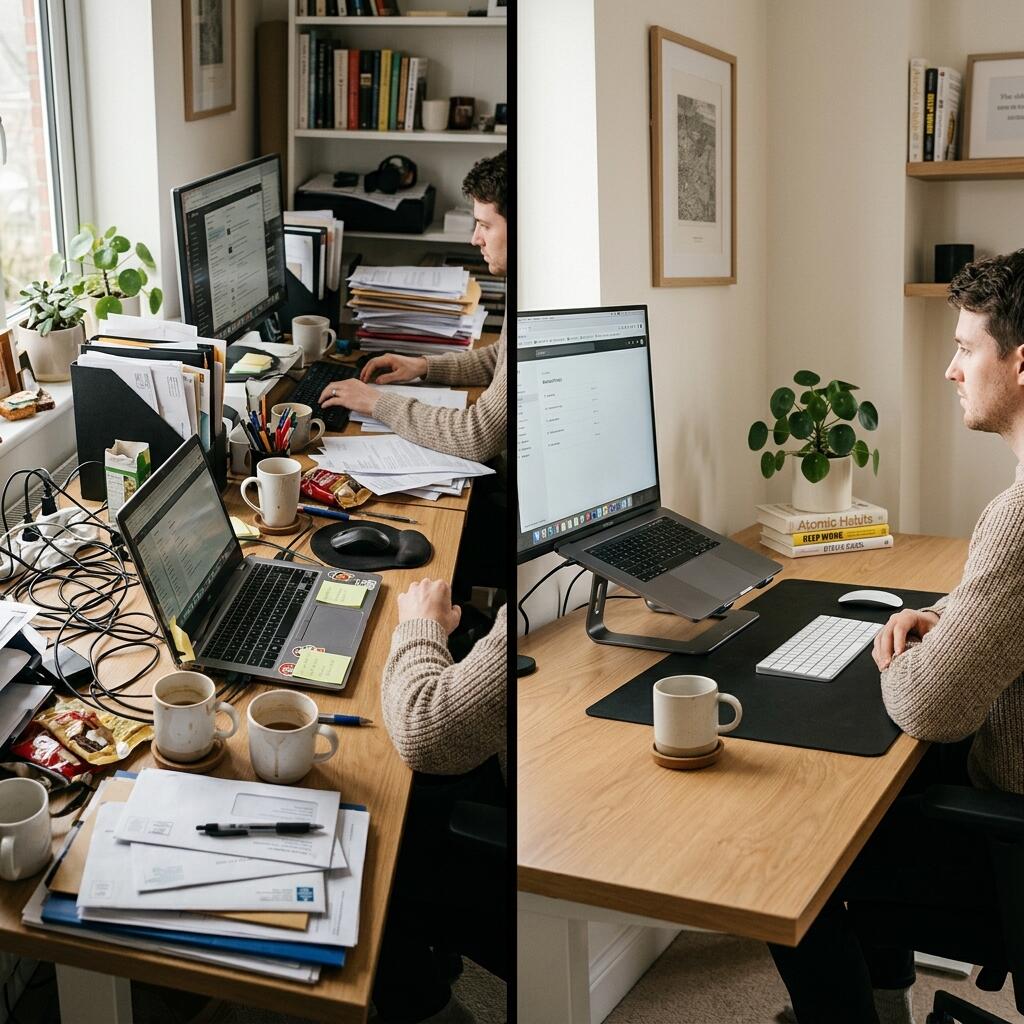
We know that environments heavily dictate behavior. Studies suggest that working in a clean area increases task persistence. You can read more about the psychological advantages in our breakdown of how to create a minimalist desk setup for productivity and style.
The 20-20-20 rule is an ergonomic standard that states: every 20 minutes, look at something 20 feet away for 20 seconds to reduce digital eye strain. However, if your desk is chaotic, pulling your eyes away from the screen only introduces more visual stress.
| Workspace Metric | High Clutter Environment | Minimalist Environment |
|---|---|---|
| Focus Duration | Short spurts; frequent interruptions | Long; sustained deep work |
| Mental Fatigue | High; visual processing overload | Low; minimal visual stimuli |
| Resource Retrieval | Slow; requires searching for items | Instant; everything has a designated place |
Does an Ergonomic Workstation Improve Output?
Yes, physical comfort directly correlates with mental endurance; an ergonomic workstation prevents pain from becoming a distraction, allowing you to work longer without breaking focus. Proper body alignment ensures continuous blood flow and reduces the muscular fatigue that typically causes afternoon slumps.

One critical standard is the 90° elbow rule: elbows should be bent at 90 to 100 degrees, resting on desk or chair arms, with wrists kept neutral and flat. Additionally, you should position your monitor so the top edge sits 2–3 inches above your seated eye level — this reduces cervical flexion by approximately 20°.
A true ergonomic workstation is a workspace configured to support the body’s natural posture, reduce strain, and prevent repetitive stress injuries during prolonged work. An unsupportive environment forces your body to spend energy fighting gravity rather than powering your brain.
For a deeper dive into upcoming innovations in this space, check out the top workspace trends for 2026.
Recommended Setup: The Minimal Approach
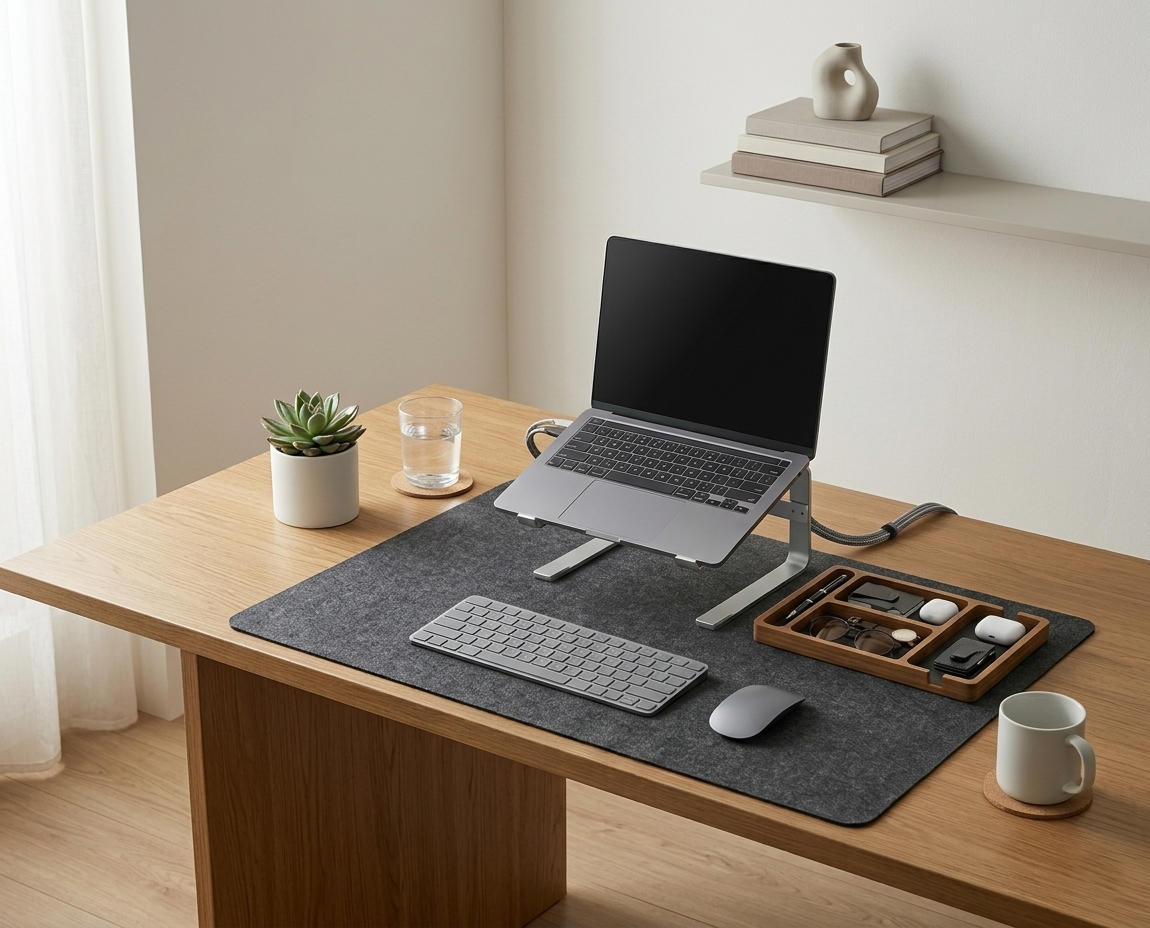
Building a distraction-free zone means strategically selecting accessories that serve a dual purpose: aesthetic organization and functional efficiency. This requires elevating screens to eye level and corralling small desktop items into a single location.
A key aspect of this is managing the small items that inevitably accumulate. A desk organizer is a storage accessory designed to reduce desktop clutter by providing designated compartments for office supplies and accessories.
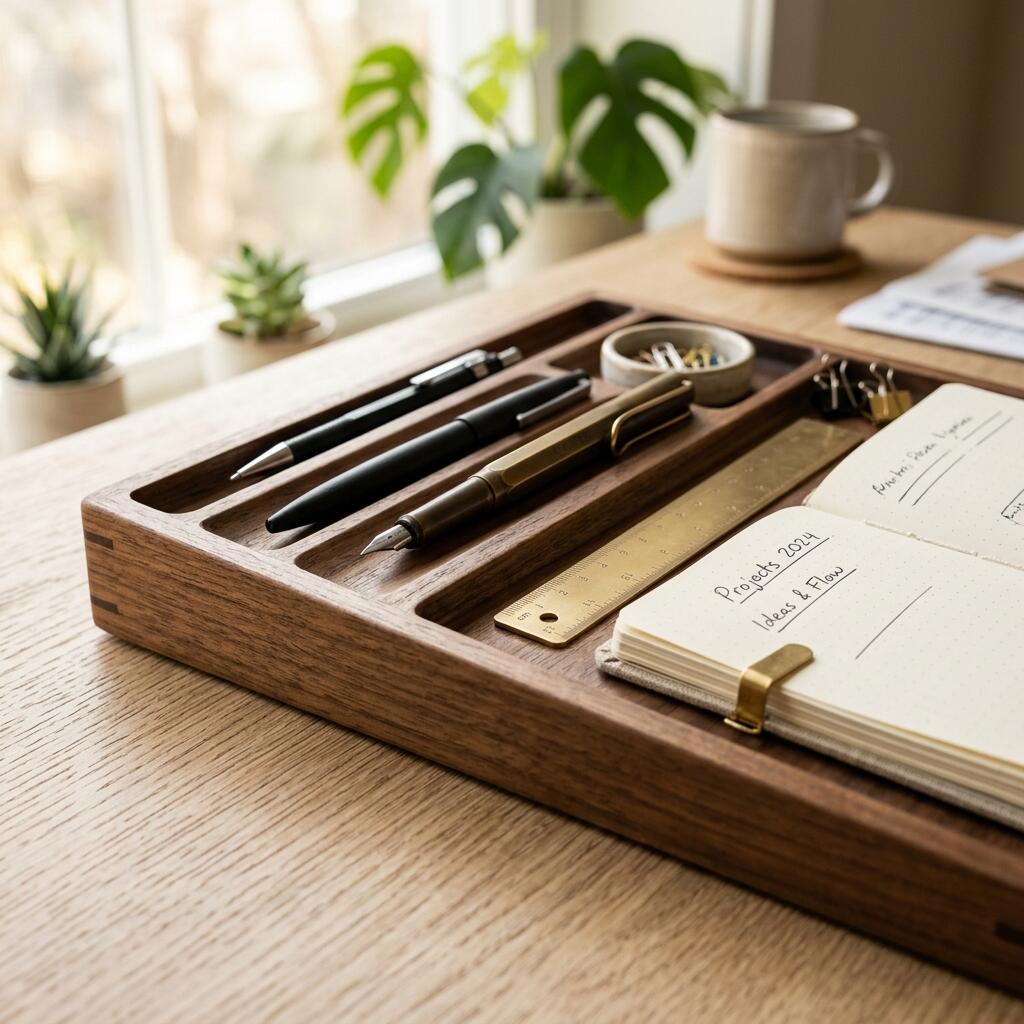
Follow these steps to optimize your layout:
- Clear the surface entirely of everything except your primary computer, keyboard, and mouse.
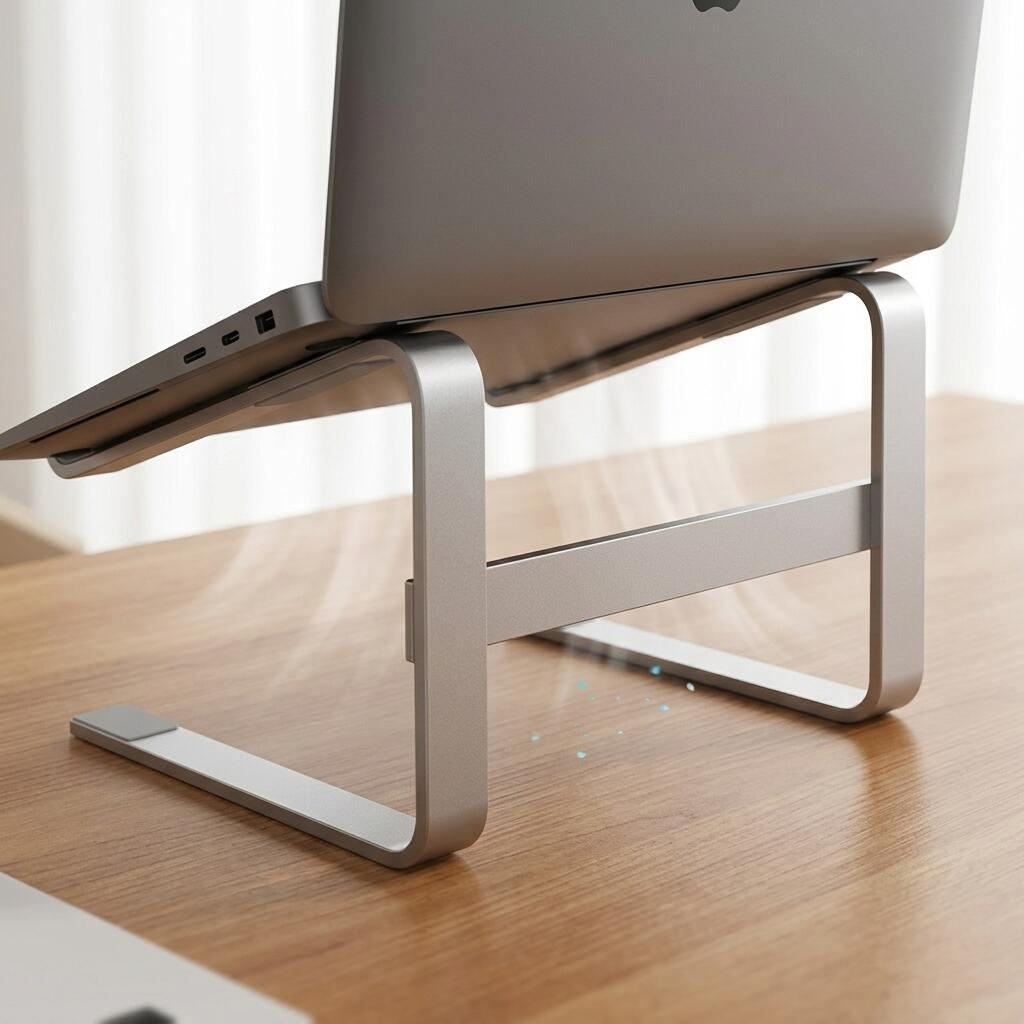
- Install a laptop stand to bring your secondary screen to eye height, freeing up the space beneath it.
- Use a TidySetup Solid Wood Desk Organizer to hold pens, notebooks, and small tech accessories in one specific zone.
- Utilize a desk mat to define your interaction area and provide a soft surface for your wrists.
- Remove all non-essential items daily at the end of your workday to reset the space.
A predictable setup encourages flow. “The 90-degree elbow rule states that forearms should rest at a 90 to 100 degree angle relative to the upper arm, with wrists kept neutral and flat on the desk surface.”
The Role of Natural Elements in Sustained Focus
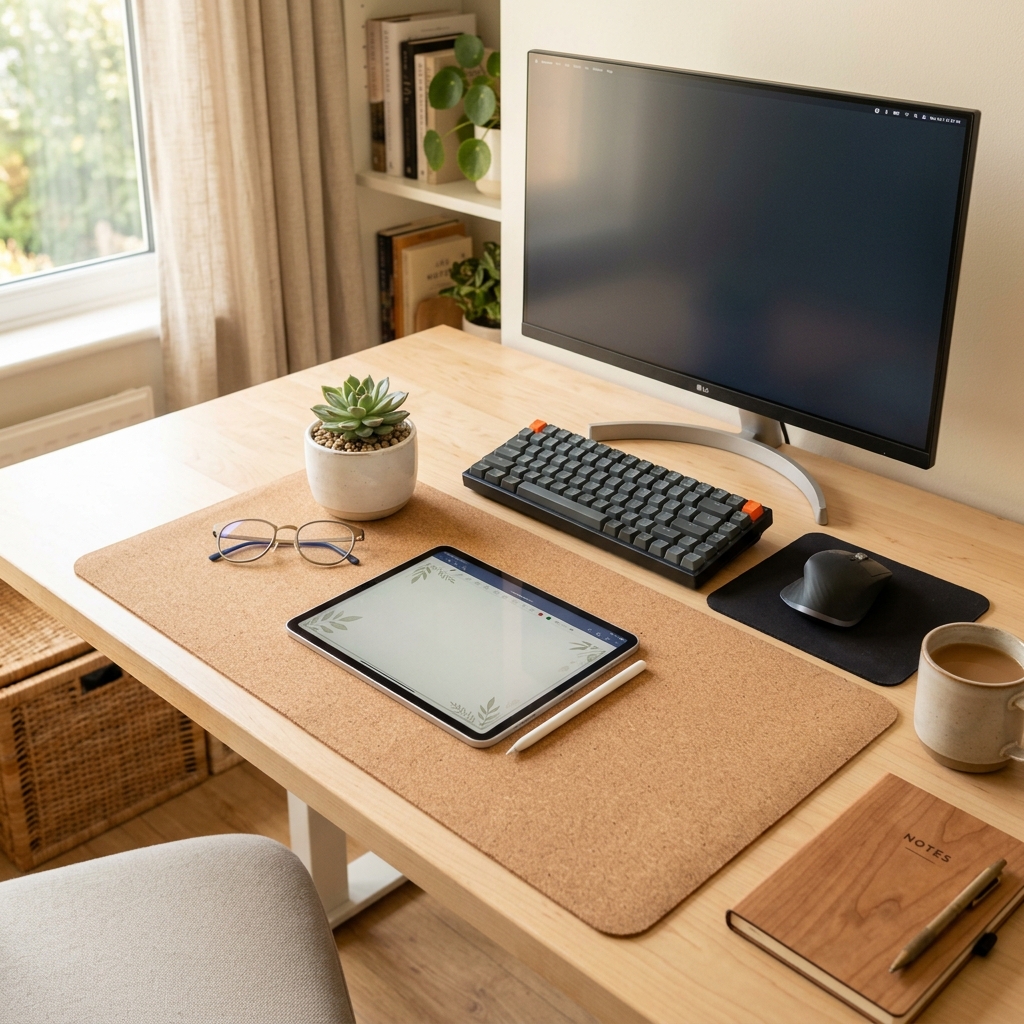
Beyond physical alignment, the materials you interact with throughout the day significantly influence your mental state and sensory comfort. Incorporating natural textures like solid wood, cork, and organic fibers can reduce the sterile, high-stress atmosphere common in many modern offices.
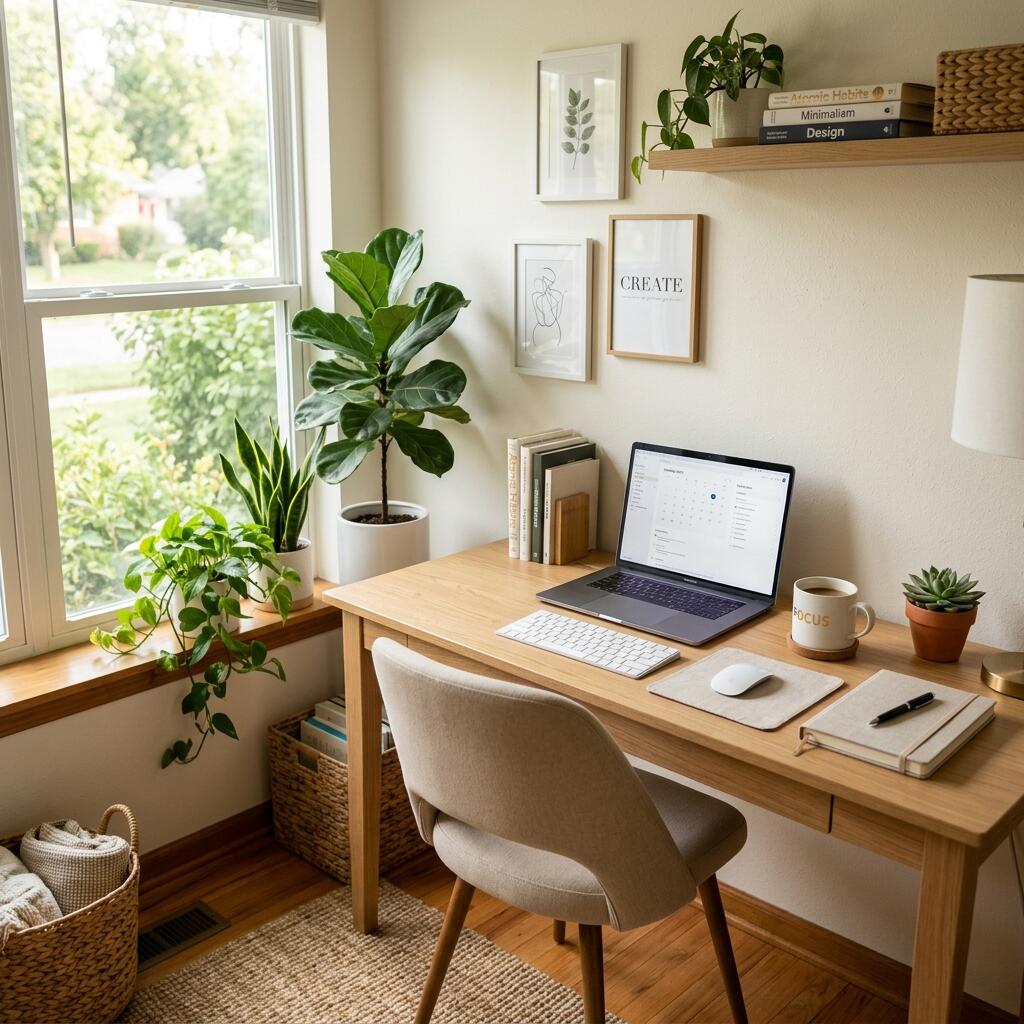
In environmental psychology, the “biophilia hypothesis” suggests that humans have an innate tendency to seek connections with nature and other forms of life. Bringing these elements into your desk setup can measurably lower cortisol levels and improve cognitive performance. During my time at Cornell, we studied how tactile feedback from natural materials compared to cold plastics, finding that users reported higher levels of “environmental satisfaction” when using wooden surfaces.
- Solid wood provides a warm, non-reflective surface that reduces glare and eye strain.
- Cork mats offer natural antimicrobial properties and a soft, resilient surface for forearms.
- Indoor plants serve as functional decor that improves air quality and provides “soft fascination” during micro-breaks.
Creating a balanced environment is about appealing to all senses. “Natural materials like solid walnut and organic cork reduce environmental stress by providing tactile warmth and reducing visual glare in the workspace.”
Workspace Productivity FAQs
1. How does clutter affect productivity?
Clutter acts as a constant visual disruption to the brain. It demands subconscious processing power to filter out messy items, which accelerates mental fatigue and makes it much harder to sustain deep, focused work over long periods.
2. What should I keep on my desk?
You should only keep items on your desk that you use daily. This typically includes your computer, keyboard, mouse, a notebook, a pen, and a high-quality desk organizer. Everything else should be stored in drawers or out of immediate sight.
3. Is a minimalist desk better for studying?
Yes, minimalism is highly beneficial for studying because it removes physical distractions. A clean desk provides a blank canvas, allowing students to focus entirely on the material in front of them without competing visual noise.
4. How important is lighting for workspace productivity?
Proper lighting is crucial for maintaining energy levels and preventing eye strain. Natural daylight regulates circadian rhythms, while adjustable task lighting ensures you can read documents or see your keyboard without squinting or leaning forward.
5. Why do experts recommend desk mats?
Desk mats visually anchor the workspace, providing a designated “active zone.” Functionally, they protect the desk surface, offer a smooth gliding area for your mouse, and provide a slightly cushioned resting place for your wrists, which enhances overall comfort.
6. How does natural light impact focus?
Natural light is essential for regulating your circadian rhythm, which dictates your alertness and sleep quality. Positioning your desk near a window—ideally perpendicular to it to avoid screen glare—can increase energy levels and reduce the reliance on harsh artificial lighting.
7. What is the “one-in, one-out” rule for desks?
The “one-in, one-out” rule is a maintenance strategy where any new item added to your desk (like a new gadget or book) must be balanced by removing an old one. This prevents “clutter creep” and ensures your workspace remains minimal and intentional over the long term.
Conclusion
A well-curated environment is not a luxury; it is a fundamental pillar of consistent, high-quality output. By removing clutter, optimizing ergonomics, and giving every item a home, you set yourself up for daily success. A well-organized workspace is a small investment in your daily comfort and focus. If you’re ready to get started, take a look at the complete TidySetup collection to refine your setup today.