
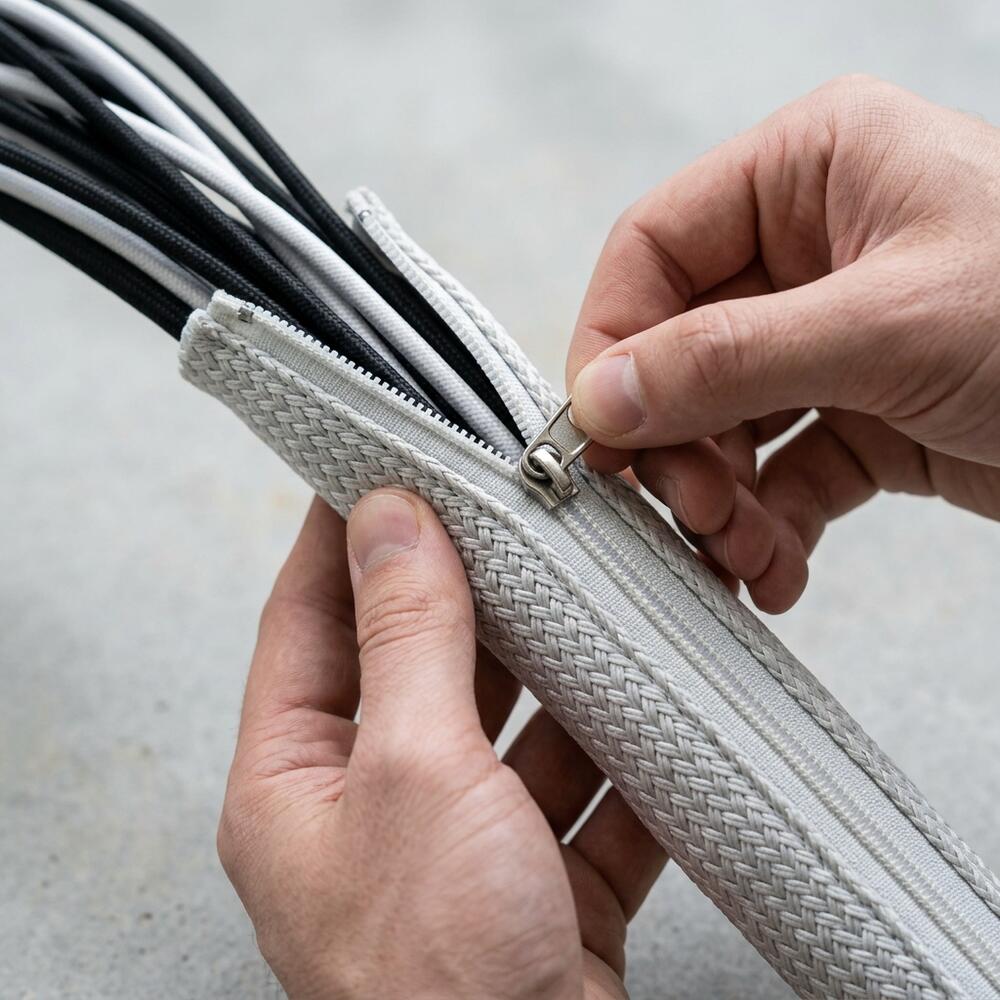
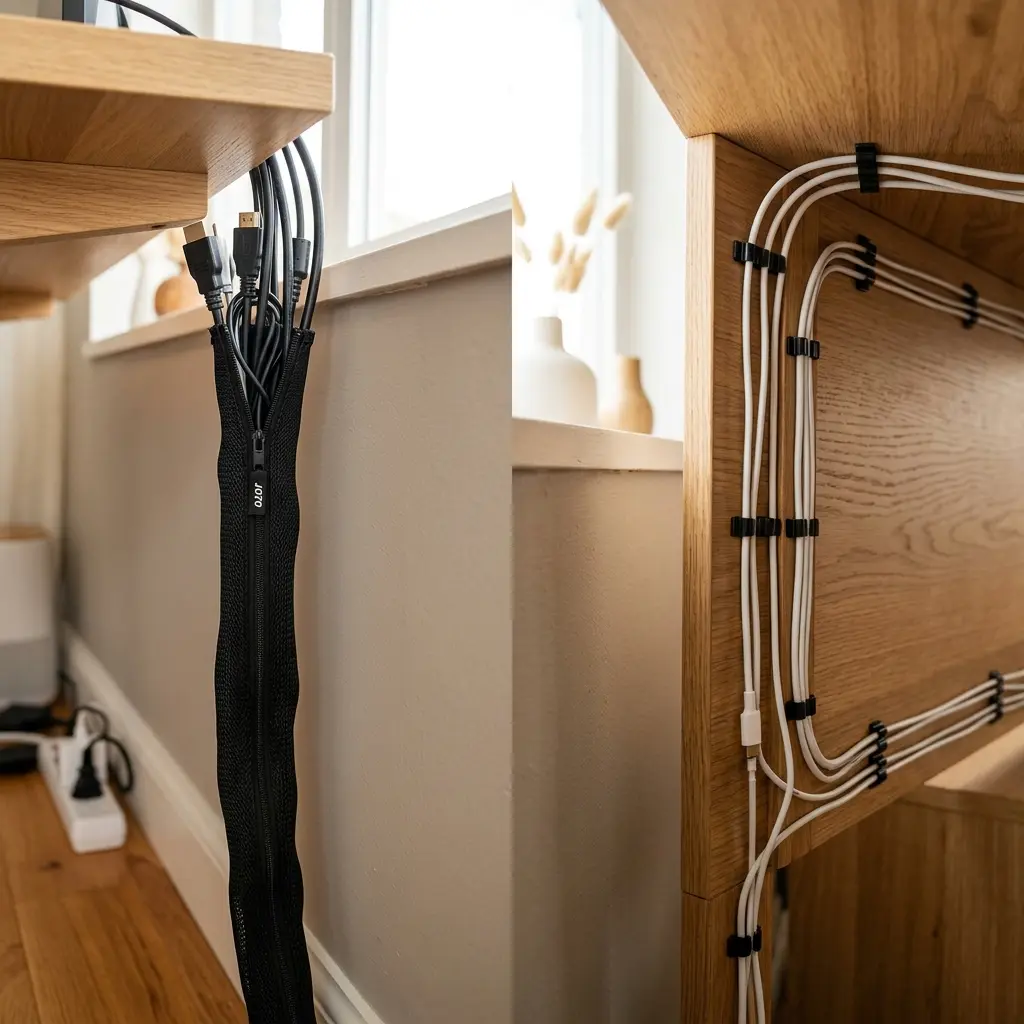
Choosing the right tool for your setup often comes down to the zipper cable sleeve vs clips debate, and understanding the differences is key to achieving a truly clean, professional aesthetic. The challenge lies in choosing the right tool for the job. Should you wrap everything in a flexible sleeve, or route individual wires through dedicated clips? The answer is that neither tool is perfect for every scenario. In this detailed comparison of the zipper cable sleeve vs clips, I will break down exactly where each tool excels, how to install them properly, and why using a combination of both is the ultimate strategy for an invisible setup.
Alex Thornton is a Certified Ergonomics Consultant and Workplace Wellness Specialist. After earning a master’s degree in Human Factors Engineering from Cornell University and certification from the Board of Certification in Professional Ergonomics (BCPE), Alex spent eight years as the lead ergonomics advisor for a Fortune 500 tech company. In 2020, Alex founded “Ergonomics Everyday,” a consultancy that has evaluated over 500 workspaces. Their hands-on experience ranges from advising startups on cost-effective ergonomic solutions to redesigning entire office floors for maximum employee comfort and productivity.
If you’re looking for a starting point, the Minimal Desk Starter Kit includes both of these essential tools, providing everything you need to tame cord chaos without guesswork.
What Is the Difference Between Sleeves and Clips?
The primary difference between a zipper cable sleeve and cable clips is their functional purpose: sleeves are designed to bundle multiple thick cords together over long distances, particularly vertical drops, while clips are designed to route and secure single cords along flat, horizontal surfaces.
To establish a baseline, we must define the ecosystem. A cable management system is a combination of tools such as clips, sleeves, and trays used to organize and conceal wires in a workspace. Effectively managing these cables is a crucial element of an ergonomic workstation, which is a workspace configured to support the body’s natural posture, reduce strain, and prevent repetitive stress injuries during prolonged work.
During a workspace audit for a 200-person engineering team, I found that individuals who attempted to use clips for thick power cables frequently experienced adhesive failure within weeks, leading to cords dropping dangerously near their feet.
- Cable Sleeves: Flexible, wide diameter, designed for bulk organization and movement.
- Cable Clips: Rigid, small diameter, designed for precision routing and surface attachment.
- Sleeves conceal the wires entirely; clips simply guide them out of sight.
- Sleeves are ideal for the floor-to-desk transition; clips are ideal for the under-desk area.
Choosing the right tool depends entirely on the specific run of the wire. “A cable management system requires dynamic tools like zipper sleeves for vertical movement and static tools like adhesive clips for horizontal routing along the desk edge.”
When Should You Use a Zipper Cable Sleeve?
You should use a zipper cable sleeve when you need to group several cords traveling the same path, particularly the vertical distance between the back of your desk and the wall outlet or power strip. The sleeve consolidates chaotic individual lines into one clean, unified column that is visually appealing and easy to clean around.
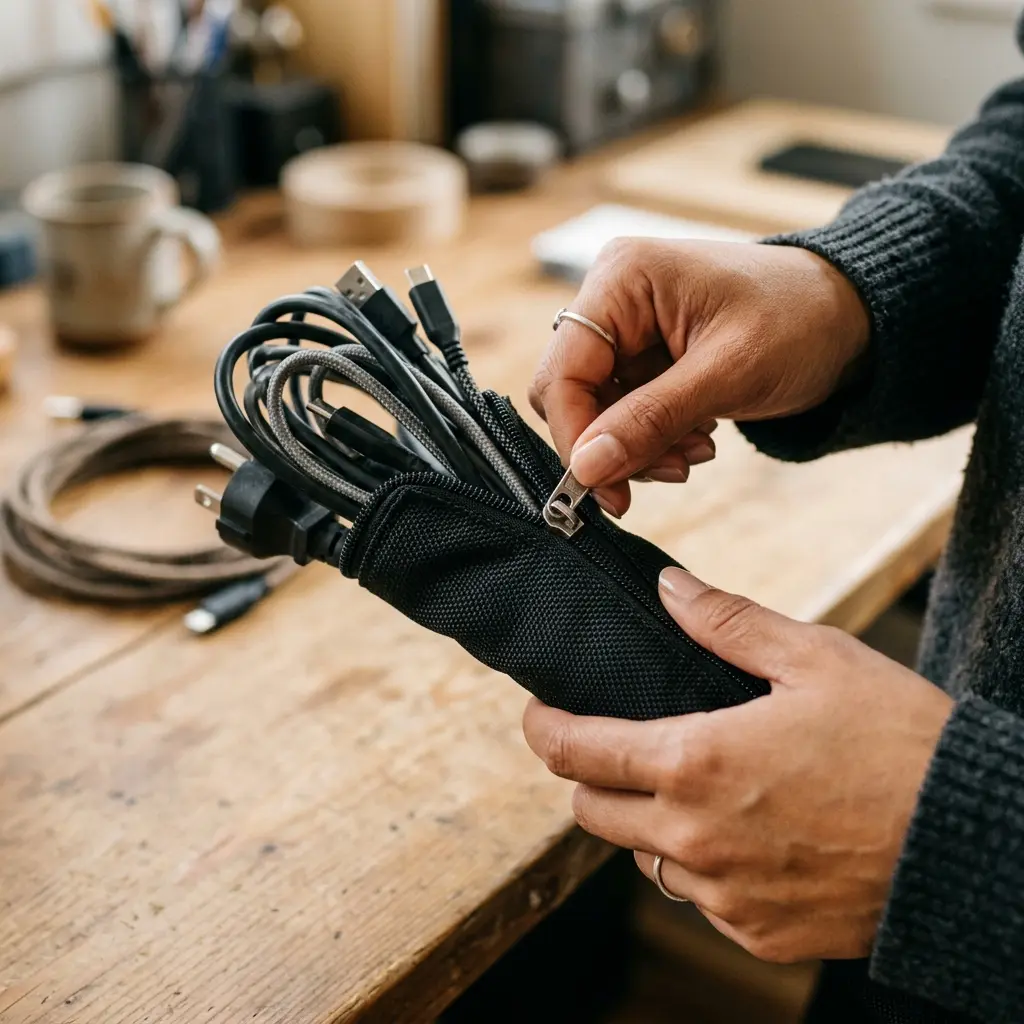
The TidySetup Zipper Cable Sleeve is constructed from flexible, durable fabric that allows cables to exit at any point along the zipper, making it highly adaptable for complex setups with multiple devices.
Sleeves are absolutely mandatory if you utilize an adjustable height desk. They provide the necessary bundled slack to allow the desk to move up and down without tension. If you simply leave wires dangling from a sit-stand desk, they will catch on furniture or unplug abruptly.
| Application | Zipper Sleeve Suitability |
|---|---|
| Vertical Drops to Outlet | Excellent (Creates a single neat column) |
| Standing Desk Movement | Excellent (Allows safe flexing and slack) |
| Bundling 3+ Thick Cords | Excellent (Contains bulk efficiently) |
| Under-Desk Edge Routing | Poor (Too bulky; prone to sagging) |
If you are struggling with the specific challenges of a motorized desk, refer to our comprehensive article: How to Master Standing Desk Cable Management for an Ergonomic Workspace.
When Should You Use Cable Clips?
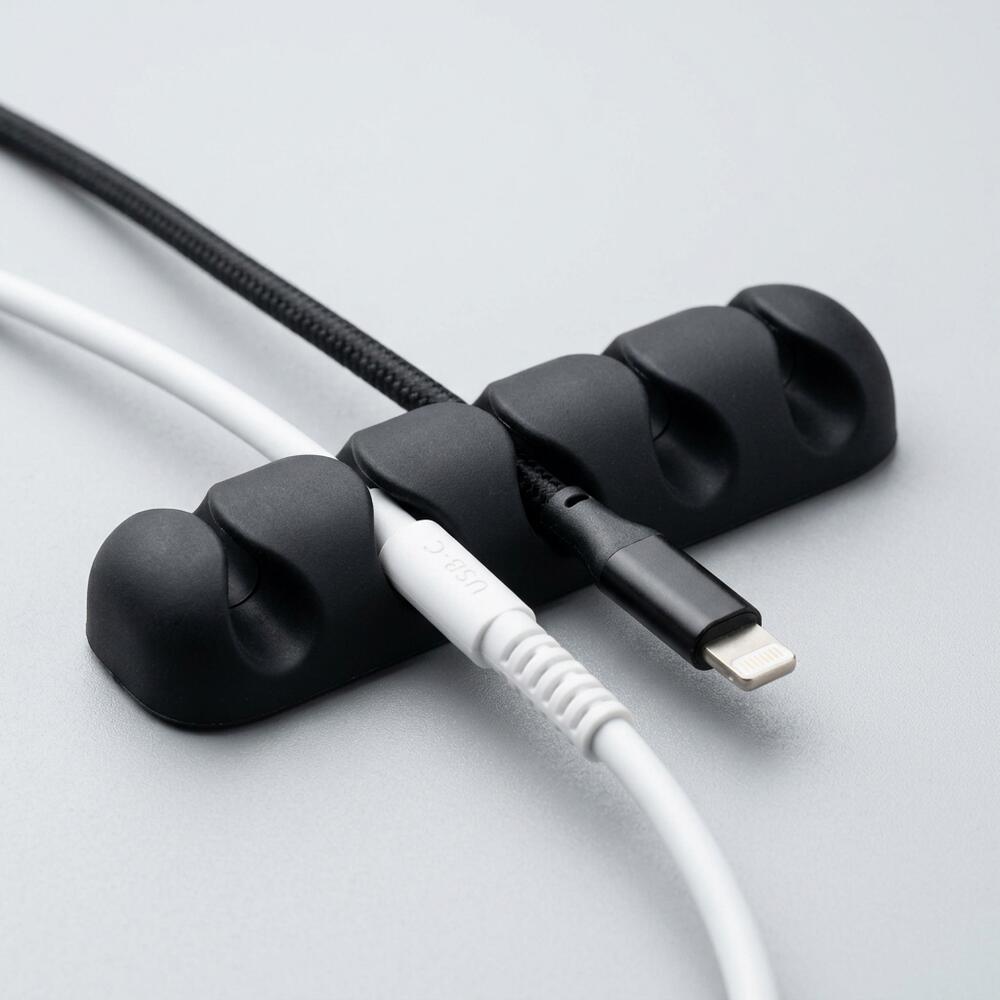
You should use adhesive cable clips when you need to guide individual wires—such as a thin USB charging cable, a mouse wire, or a lightweight HDMI cord—tightly along the underside or back edge of your desk. Clips provide precise, customized paths that keep wires completely out of your legroom and invisible from a standing position.
Clips rely on strong adhesive backing. Therefore, they excel at routing cords horizontally where gravity is pulling the wire down, but they struggle to hold heavy power bricks or dense bundles of AC cords, which will eventually pry the adhesive loose.
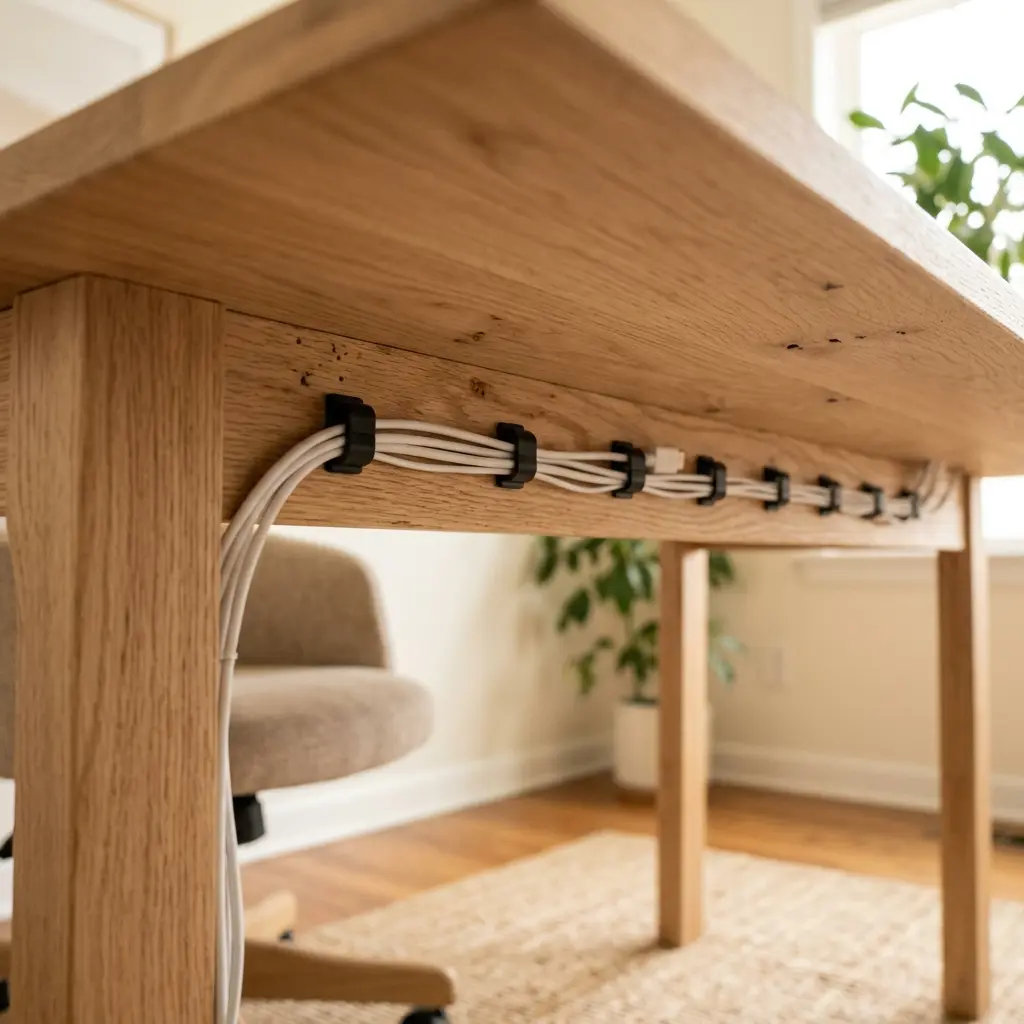
The Cable Holder Clips for Cord Management are designed with a flexible silicone mouth that allows you to pop cables in and out quickly without having to remove the entire clip from the desk.
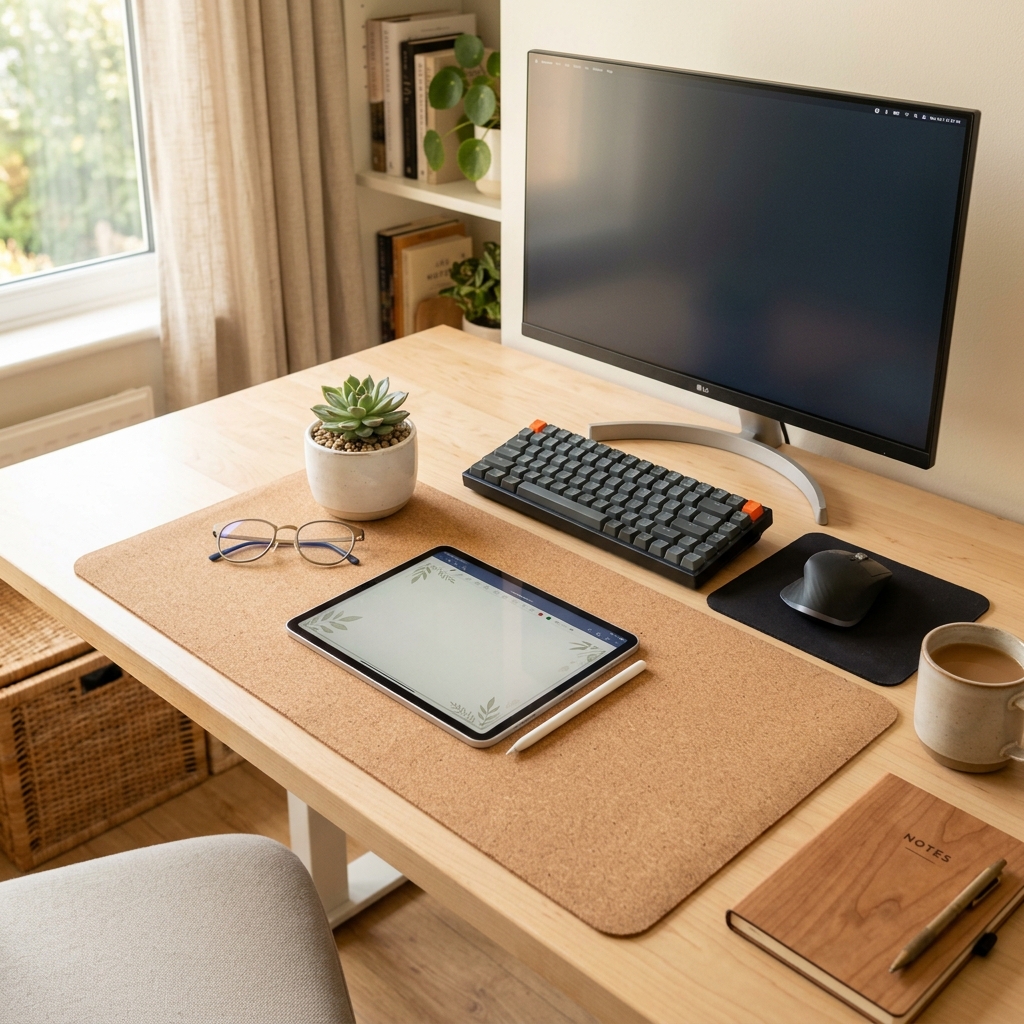
This precise routing is also vital for your desk’s top surface. When placing your peripherals on a desk mat or near a laptop stand, clips ensure your mouse wire has exactly enough slack to move without dragging.
| Application | Cable Clip Suitability |
|---|---|
| Under-Desk Edge Routing | Excellent (Keeps wires invisible and tight) |
| Surface Device Anchoring | Excellent (Prevents chargers from falling off the desk) |
| Single Thin Cords | Excellent (Perfect fit for USB/HDMI) |
| Bundling 3+ Thick Cords | Poor (Will pop open or rip adhesive off) |
The Hybrid Approach: Using Both for Perfection
For a flawless setup, you should never choose between the two; you must use a hybrid approach. The most effective strategy leverages clips for the horizontal paths beneath the desk and sleeves for the vertical path down to the floor. This combination is the hallmark of professional ergonomic installations.
We detail this overarching philosophy extensively in our TidySetup Starter Kit: Complete Setup Guide, where both tools are employed in tandem.
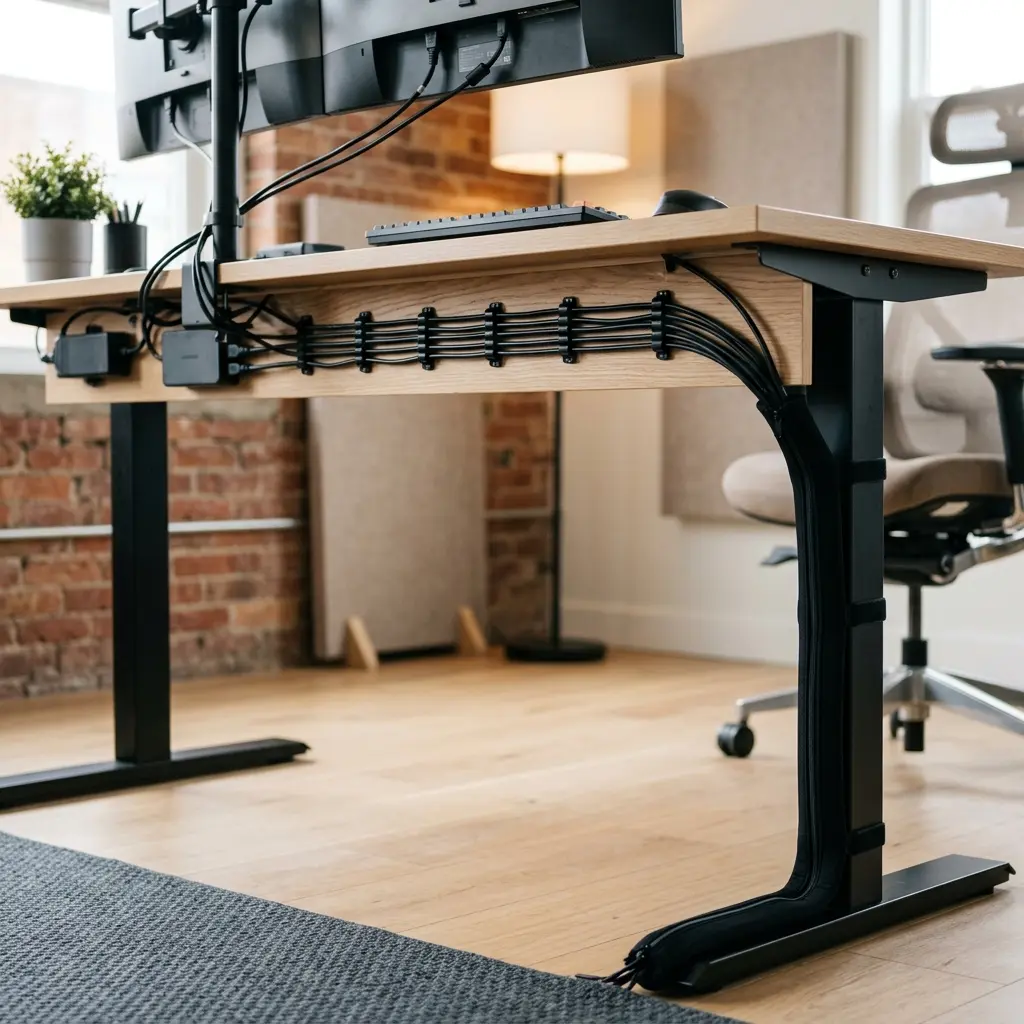
- Mount the power strip: Secure your surge protector directly to the underside of the desk if possible.
- Route horizontally with clips: Run all monitor and peripheral cables along the back edge of the desk using adhesive clips spaced every 10 inches.
- Consolidate at the leg: Bring all horizontal runs to one central point, usually near a rear desk leg.
- Drop vertically with a sleeve: Bundle the consolidated wires into a zipper sleeve and run it straight down the desk leg to the wall outlet.
By defining your wire paths clearly, you naturally increase workspace productivity, which refers to the efficiency and output quality achieved through an intentionally designed and organized work environment. A clean desk directly correlates to a clear mind.
Zipper Cable Sleeve vs Clips FAQs
1. Do adhesive cable clips ruin desk surfaces?
High-quality cable clips use strong but non-destructive adhesives (like 3M). They will not damage solid wood, metal, or laminate if removed correctly. To prevent peeling paint or veneer, apply heat from a hairdryer for 30 seconds to soften the glue before gently peeling the clip away.
2. How many cables can fit inside a zipper sleeve?
A standard 1.5-inch diameter zipper sleeve can comfortably hold 4 to 6 thick power cables (like monitor or PC power cords) or up to 10 thinner cables (like USB or HDMI). It is best not to overstuff them, as this makes the zipper difficult to close and reduces flexibility.
3. Can I cut a zipper cable sleeve to a shorter length?
Fabric zipper sleeves generally cannot be cut with scissors without ruining the zipper track and causing the fabric to fray. If you need a shorter length, it is better to fold the excess inside itself or use a hook-and-loop (Velcro) sleeve instead, which can be cut to size.
4. Why do my cable clips keep falling off?
Clips usually fall off for three reasons: the desk surface was not cleaned with alcohol before application (leaving dust/oil), the clip is trying to hold a cable that is too thick or heavy, or the user did not let the adhesive cure for 24 hours before inserting a cable.
5. Are cable sleeves fire safe?
Most premium cable sleeves made for electronics are constructed from flame-retardant PET (polyethylene terephthalate) or neoprene materials. However, you should never bundle damaged cords or cords that become excessively hot to the touch during operation.
6. What is the best way to hide a laptop charger on a desk?
The best method is to use a single adhesive cable clip attached to the back edge of the desk. When you unplug your laptop, the clip catches the connector, preventing the charger from sliding off the back of the desk onto the floor, keeping it instantly accessible for next time.
Conclusion
When deciding between a zipper cable sleeve vs clips, the reality is that a truly optimized workspace requires both. Sleeves are unmatched for organizing thick, vertical drops and providing slack for adjustable desks, while clips offer the precision needed to route wires invisibly along horizontal edges. Workspace productivity thrives when visual distractions are entirely eliminated. A well-organized workspace is a small investment in your daily comfort and focus. If you’re ready to get started, take a look at the complete TidySetup collection to acquire the right tools for your setup.