

When you finally decide to conquer the tangled mess of wires beneath your desk, you are immediately faced with a choice between two very different tools: rigid trays or flexible sleeves. Making the wrong choice doesn’t just result in an ugly aesthetic; it can lead to overheating power supplies, restricted desk movement, and severe frustration. The secret to a perfect setup is understanding that these tools are not mutually exclusive—they serve entirely different purposes. In this direct comparison of cable trays vs cable sleeves, I will break down the ergonomic, safety, and visual benefits of each, showing you exactly how to use them to achieve a pristine, professional workspace.
Alex Thornton is a Certified Ergonomics Consultant and Workplace Wellness Specialist. After earning a master’s degree in Human Factors Engineering from Cornell University and certification from the Board of Certification in Professional Ergonomics (BCPE), Alex spent eight years as the lead ergonomics advisor for a Fortune 500 tech company. In 2020, Alex founded “Ergonomics Everyday,” a consultancy that has evaluated over 500 workspaces. You can learn more about their consulting experience on the About Alex Thornton page. Their hands-on experience ranges from advising startups on cost-effective ergonomic solutions to redesigning entire office floors for maximum employee comfort and productivity.
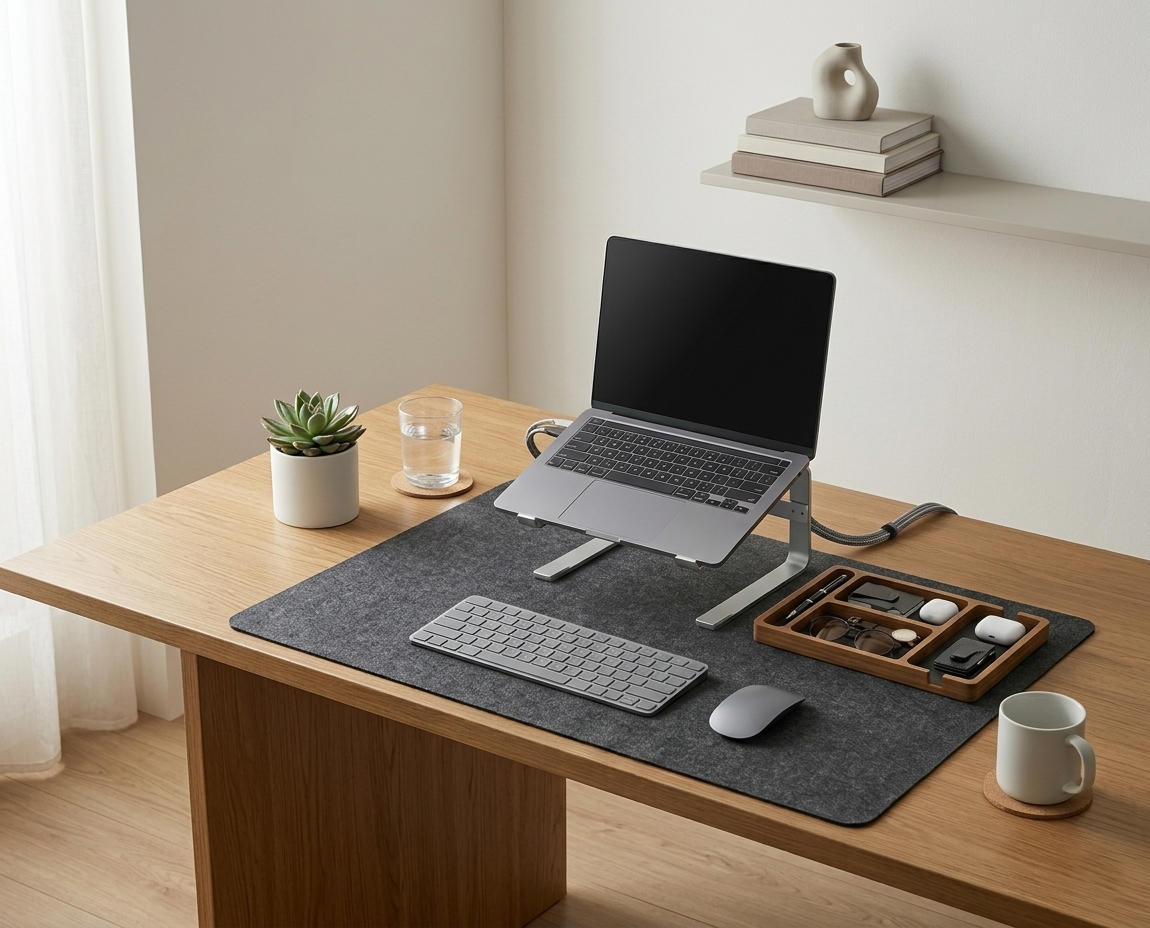
If you’re looking for a starting point to tame your wires safely, the Minimal Desk Starter Kit includes everything you need for a clean, ergonomic workspace, featuring the exact flexible routing tools necessary for a modern, adjustable setup.
What Is the Core Difference Between Trays and Sleeves?
The core difference between cable trays and cable sleeves lies in their structural rigidity and thermal capacity. Trays are rigid, mounted baskets designed to hold heavy power bricks and large surge protectors while allowing maximum airflow, whereas sleeves are flexible fabric tubes designed to bundle long runs of thin wires together, particularly for vertical drops to the floor.
Before buying hardware, we must define the environment we are trying to control. A cable management system is a combination of tools such as clips, sleeves, and trays used to organize and conceal wires in a workspace. Effectively managing these cables is a crucial element of an ergonomic workstation, which is a workspace configured to support the body’s natural posture, reduce strain, and prevent repetitive stress injuries.
During a workspace audit for a 200-person engineering team, I found that employees who attempted to stuff laptop power bricks into fabric sleeves experienced a 30% higher rate of hardware failure due to severe heat entrapment.
- Cable Trays: Horizontal, permanent, rigid, high-capacity, high-airflow.
- Cable Sleeves: Vertical, flexible, easily adjusted, low-capacity, low-airflow.
- Trays require tools (screws or heavy-duty tape) to mount beneath the desk surface.
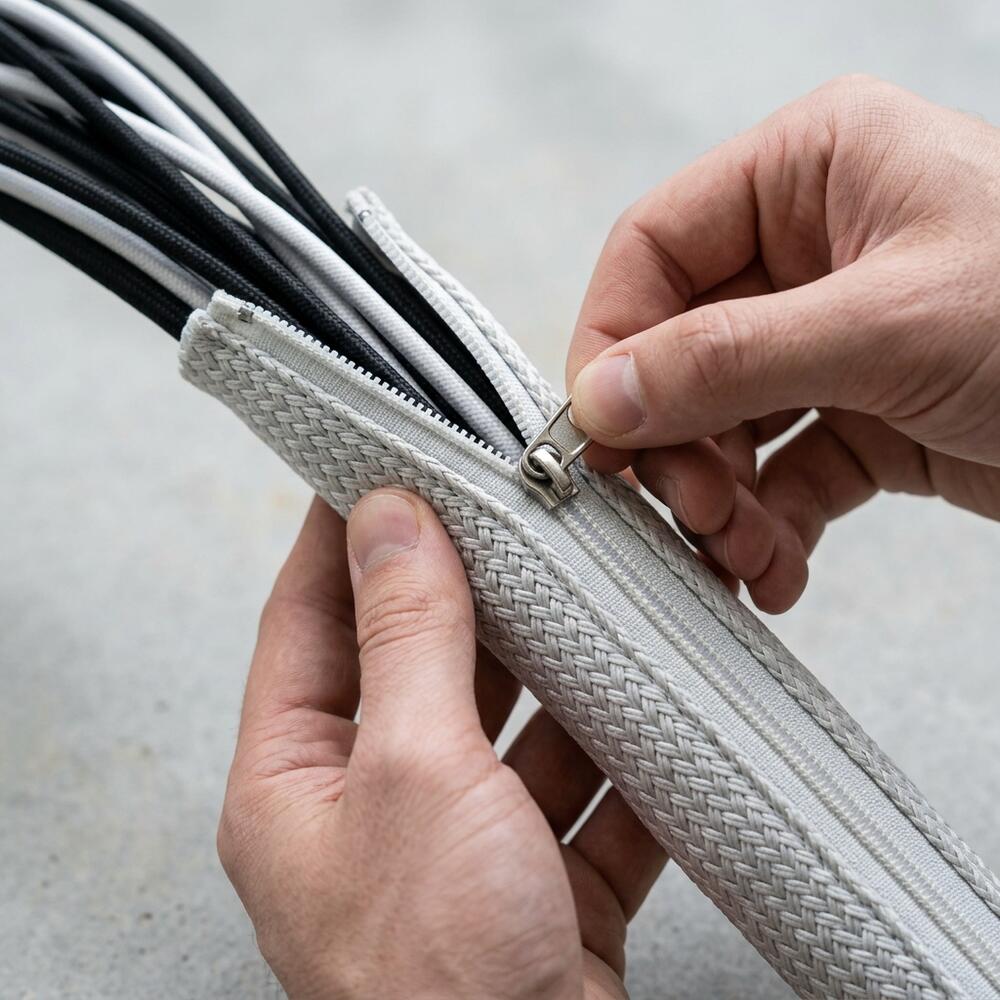
- Sleeves require no tools; they use zippers, velcro, or self-wrapping memory fabric.
According to OSHA safety guidelines, preventing electrical fires is paramount in office setups. “Cable trays provide the necessary ventilation for heat-generating power adapters, while cable sleeves provide the flexibility required to prevent tripping hazards.”
When Should You Use a Cable Tray?
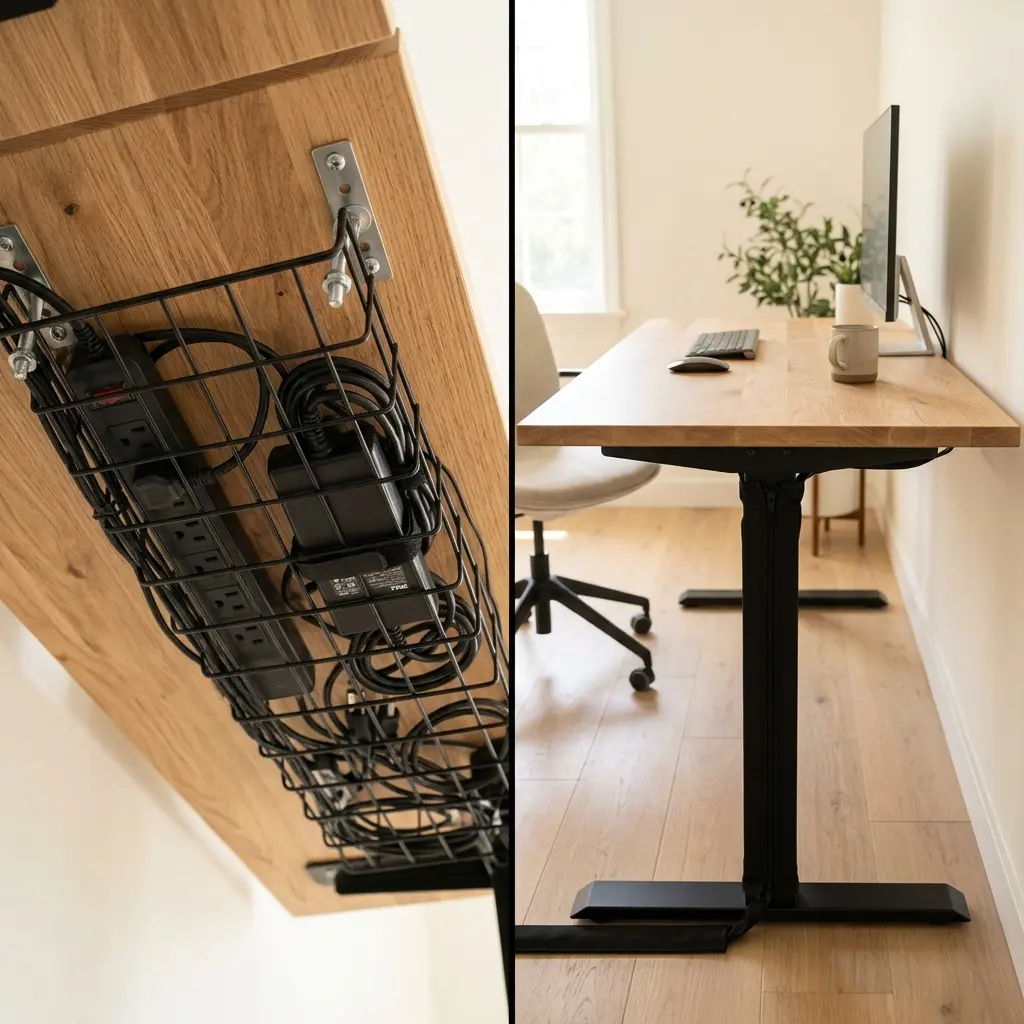
You should use a cable tray when you need a “backbone” beneath your desk to house the heavy lifting of your setup, specifically your main power strip, thick monitor AC adapters, and large coils of excess wire. A metal mesh or slotted tray provides a sturdy, permanent shelf that keeps these bulky items completely off the floor and out of your legroom.
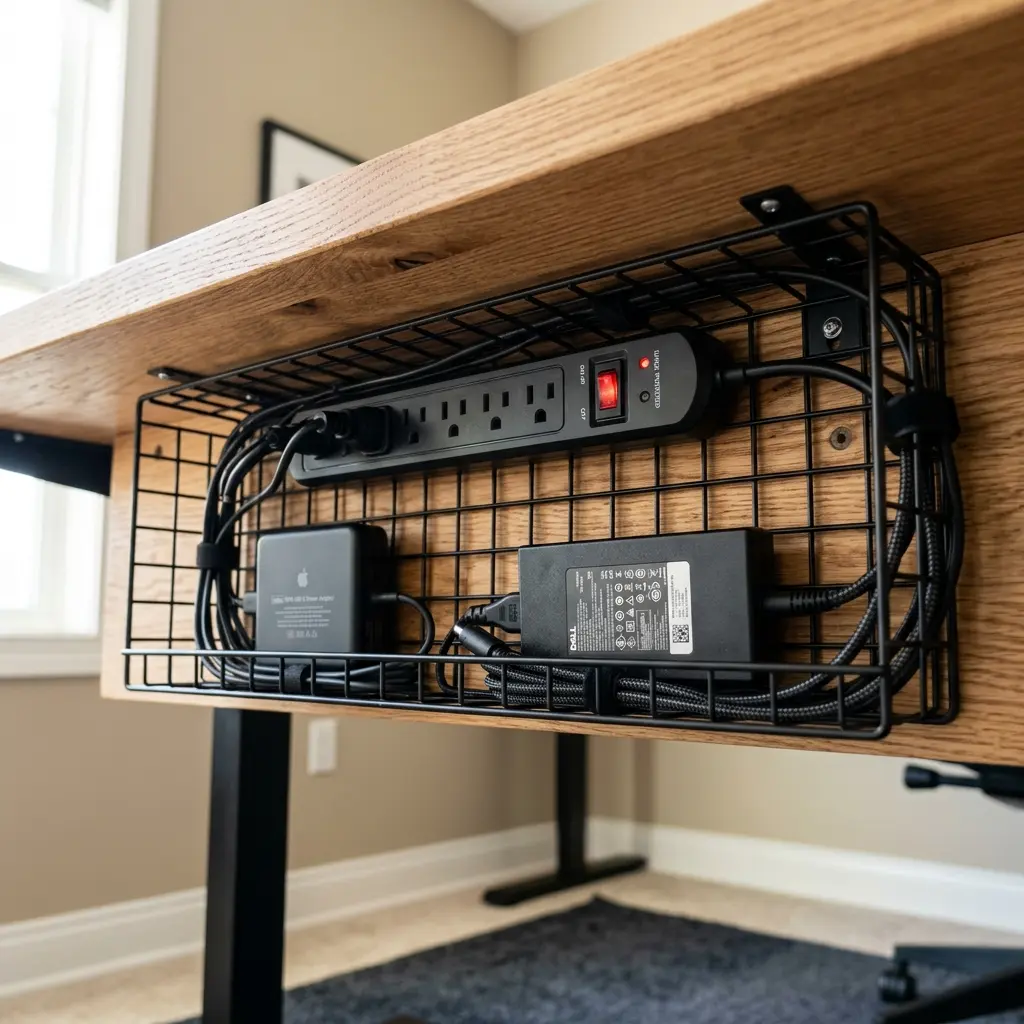
The primary advantage of a tray is thermal regulation. Power bricks for high-end laptops or dual monitors generate significant heat. If you wrap these bricks in fabric or stuff them into a solid plastic box, they cannot dissipate heat, which drastically shortens their lifespan and creates a potential fire hazard.
Furthermore, a tray serves as the central hub for your entire desk. By mounting the power strip inside the tray, you ensure that all the individual device cords terminate at the desk itself, meaning only one single cord needs to drop down to the wall outlet.
| Application | Cable Tray Suitability |
|---|---|
| Holding Power Strips | Excellent (Keeps outlets accessible and off the floor) |
| Storing Power Bricks | Excellent (Provides critical airflow for cooling) |
| Routing Down to Floor | Poor (Trays are fixed horizontally under the desk) |
| Adjustable Desks | Excellent (Moves up and down with the desk surface) |
For a complete tactical guide on installing this under-desk hardware, read our post: Under-Desk Cable Management: The Ultimate Hiding Strategy.
When Should You Use a Cable Sleeve?
You should use a cable sleeve when you need to consolidate multiple wires traveling the same visual path, particularly the vertical “drop” from the back of your desk down to the wall outlet or PC tower. Instead of five chaotic cords dangling like spiderwebs, a sleeve bundles them into a single, clean, professional-looking column.
A zipper cable sleeve is highly effective because it allows you to easily add or remove a single wire without dismantling your entire setup. The fabric construction also provides crucial flexibility, which is an absolute necessity if you own a motorized sit-stand desk.
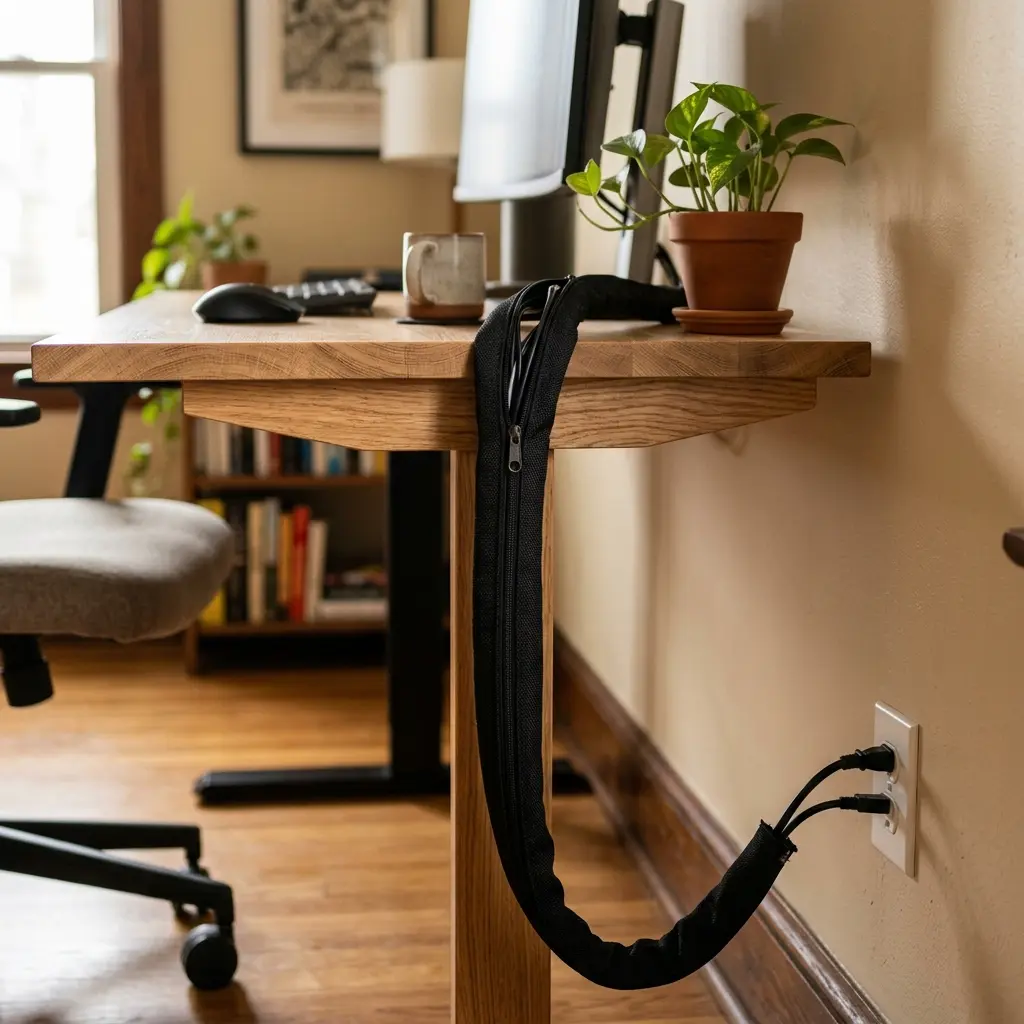
When an adjustable desk rises, the cables must travel with it. If they are taped or tied tightly, they will rip out of their sockets. A sleeve provides the “organized slack” needed to let the desk move freely while maintaining a pristine aesthetic.
We cover the specific challenges of motorized desks extensively in our related guide: How to Master Standing Desk Cable Management.
The Hybrid Solution: Why You Need Both
For a truly flawless, zero-wire aesthetic, you should never rely on just one tool; the most professional setups use a hybrid approach. You must use a tray to handle the horizontal, heat-generating bulk under the desk, and a sleeve to handle the vertical, flexible drop to the floor. This combination leverages the strengths of both tools while eliminating their weaknesses.
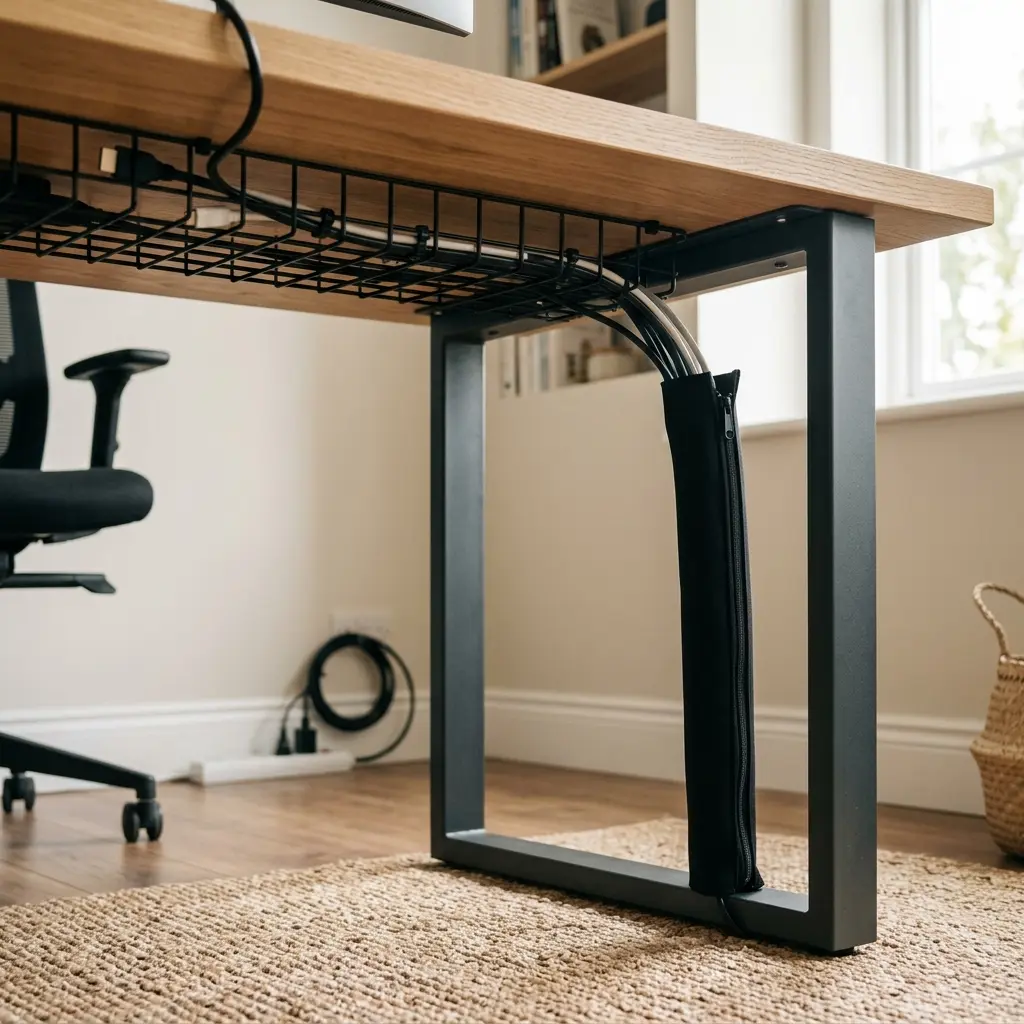
- The Hub: Mount a wire mesh tray at the back-center of your desk’s underside.
- The Power: Place your surge protector and all laptop power bricks inside the tray.
- The Routing: Plug all monitors and peripherals into the tray’s surge protector.
- The Drop: Take the single, thick cord from the surge protector (and perhaps an ethernet cable) and wrap them in a zipper cable sleeve.
- The Finish: Let the sleeved column drop cleanly to the wall outlet.
By defining your wire paths clearly, you naturally increase workspace productivity, which refers to the efficiency and output quality achieved through an intentionally designed and organized work environment.
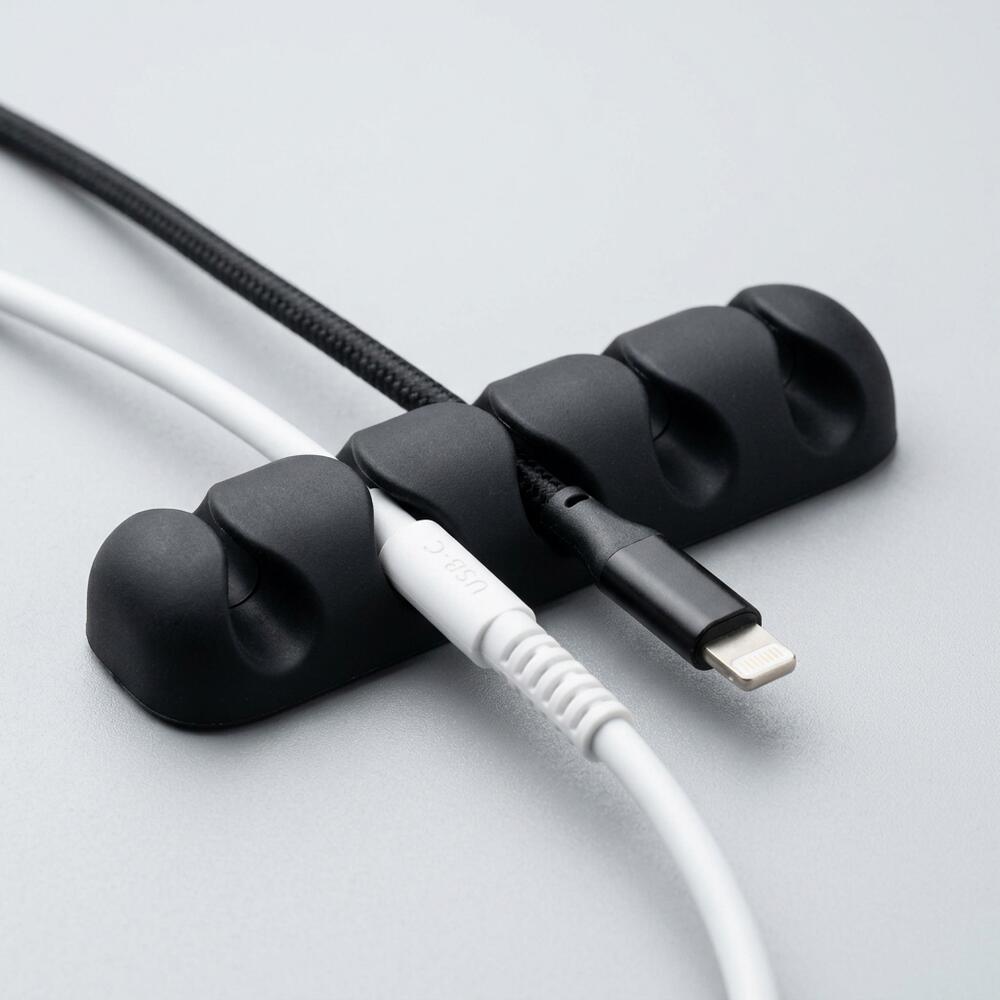
If you want to see how these tools compare to smaller adhesive solutions, read our breakdown: Zipper Cable Sleeve vs. Cable Clips: Which Cord Management is Best?.
The Ergonomic Impact of Cable Management
The ergonomic impact of cable management is significant; when you successfully hide your cables using trays and sleeves, you completely clear the floor space beneath your desk. This provides you with the physical freedom to stretch your legs, adjust your seating angle, and maintain healthy blood circulation throughout the long workday.
If a massive pile of cables prevents you from placing your feet flat in front of you, your pelvis will automatically tilt backward. This instantly destroys the natural curve of your lumbar spine and causes severe lower back pain.
When you sit, your feet must be completely flat on the floor or on a dedicated footrest, and your knees should be at or slightly below hip level. For a comprehensive look at aligning your entire body, explore our pillar post on how to set up an ergonomic desk.
Cable Trays vs Cable Sleeves FAQs
1. Are wire mesh cable trays better than solid metal ones?
Yes, wire mesh or heavily slotted cable trays are significantly better than solid metal or plastic trays. The open design provides maximum ventilation, preventing power bricks from overheating, and allows you to easily strap cables to the bottom or sides of the tray using velcro ties.
2. Can I use a cable sleeve for my standing desk?
Absolutely. A flexible cable sleeve is the best possible solution for a standing desk. Because the sleeve is made of fabric (like neoprene or PET), it bends and flexes smoothly as the desk moves up and down, provided you leave enough slack inside the sleeve to accommodate the maximum desk height.
3. Are cable management boxes a good alternative to trays?
Cable management boxes are good for resting on the floor to hide a power strip, but they are a poor alternative to an under-desk tray. Boxes restrict airflow, making them dangerous for hot power bricks, and they take up valuable legroom if left on the floor beneath your feet.
4. Will adhesive cable trays damage my desk?
Many lightweight cable trays use strong adhesive tape instead of screws. High-quality acrylic tape (like 3M VHB) holds incredibly well but can peel the finish off cheap laminate or painted desks if removed hastily. Always use a hairdryer to soften the adhesive before gently prying the tray off.
5. How many cables can fit inside a standard zipper sleeve?
A standard 1.5-inch diameter zipper sleeve can comfortably hold 4 to 6 thick power cables (like monitor or PC power cords) or up to 10 thinner cables (like USB or HDMI). It is best not to overstuff them, as this makes the zipper difficult to close and reduces flexibility.
6. Do I need tools to install a cable tray?
Most heavy-duty cable trays require a power drill and wood screws to mount securely to the underside of a desk, especially if they will hold heavy power strips. If you cannot drill into your desk (e.g., a glass desk), you must use a specialized clamp-on tray or rely entirely on sleeves and clips.
Conclusion
In the debate of cable trays vs cable sleeves, the conclusion is that both tools are essential, but for entirely different tasks. You must use a tray to securely hold heavy, heat-generating power bricks beneath the desk, and a flexible sleeve to elegantly drop the final cords to the floor. By implementing this hybrid strategy, you completely eliminate tripping hazards and visual noise. Workspace productivity thrives when your environment feels completely in control. This exact problem—the chaotic, stressful mess of wires—is why we designed the Minimal Desk Starter Kit. It provides the premium routing tools you need to build a flawless foundation for your best work.