
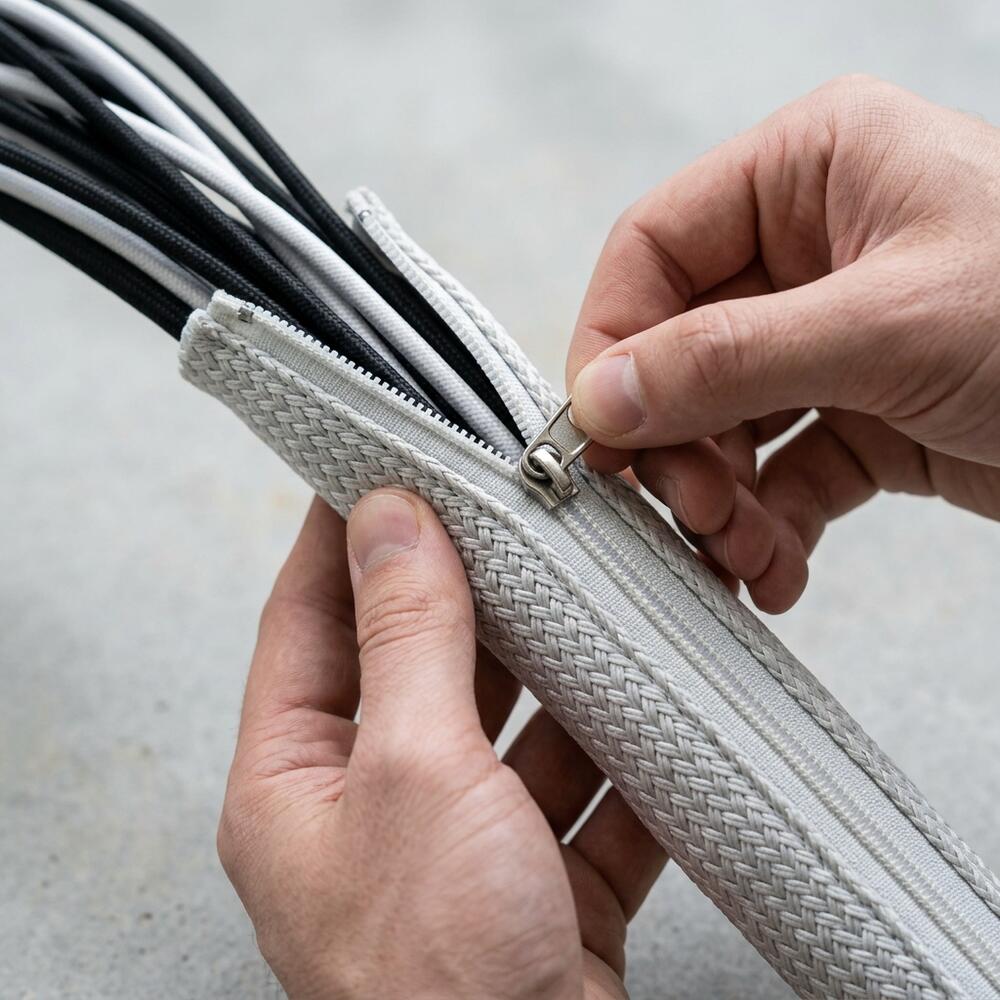
Cable holders for a desk can transform your workspace from chaotic to organized, boosting both productivity and ergonomics. As someone who’s battled cable clutter and found success with cable holders for my desk, I know their value firsthand.
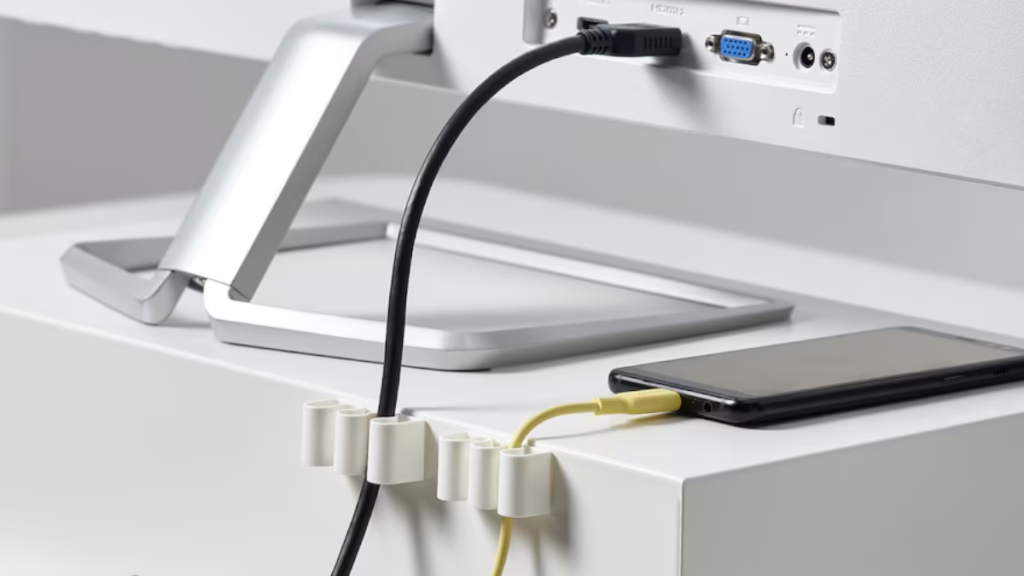
In this guide, I’ll share six essential tips for using cable holders for a desk, supporting the broader organizational framework found in my complete guide to desk cable management.
Perfect for remote workers and freelancers, these cable holders desk strategies will streamline your workspace and enhance focus. Let’s get your desk organized!
While individual clips are great, I recommend starting with the Minimal Desk Starter Kit if you’re looking for a professionally curated bundle that includes industrial-strength cable holders and high-quality sleeves.
Why Cable Holders Matter
Cable holders for a desk keep wires neat, reducing clutter and safety risks that can disrupt your workflow. According to NIOSH’s ergonomic recommendations, organized workspaces minimize trip hazards and stress, supporting ergonomic benefits like a neutral posture. A 2024 University of Michigan study found that tidy desks improve productivity by 15%.

By using cable holders for a desk, you create a professional, calming environment that enhances efficiency and aesthetics, especially for cable-heavy setups like mine with multiple devices.
6 Expert Tips for Using Cable Holders on Your Desk
Not all cable holders are equal. I switched to adhesive clips after flimsy ones failed, transforming my desk’s look.
1. Choose the Right Cable Holders
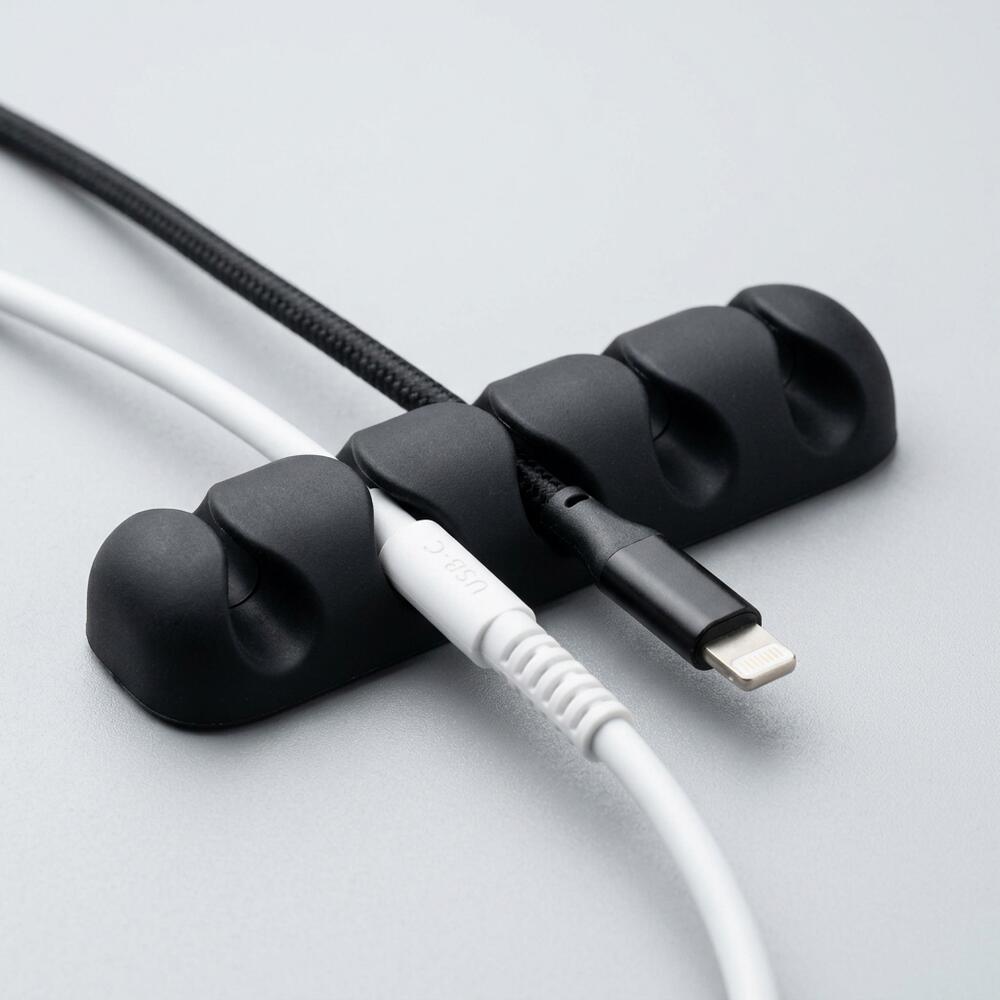
- How: Pick holders based on cable type (e.g., adhesive clips for USB-C, sleeves for power cords). Ensure they’re durable and compatible with your desk material, per workspace organization best practices. For example, I use clips for thin cables and channels for thicker ones.
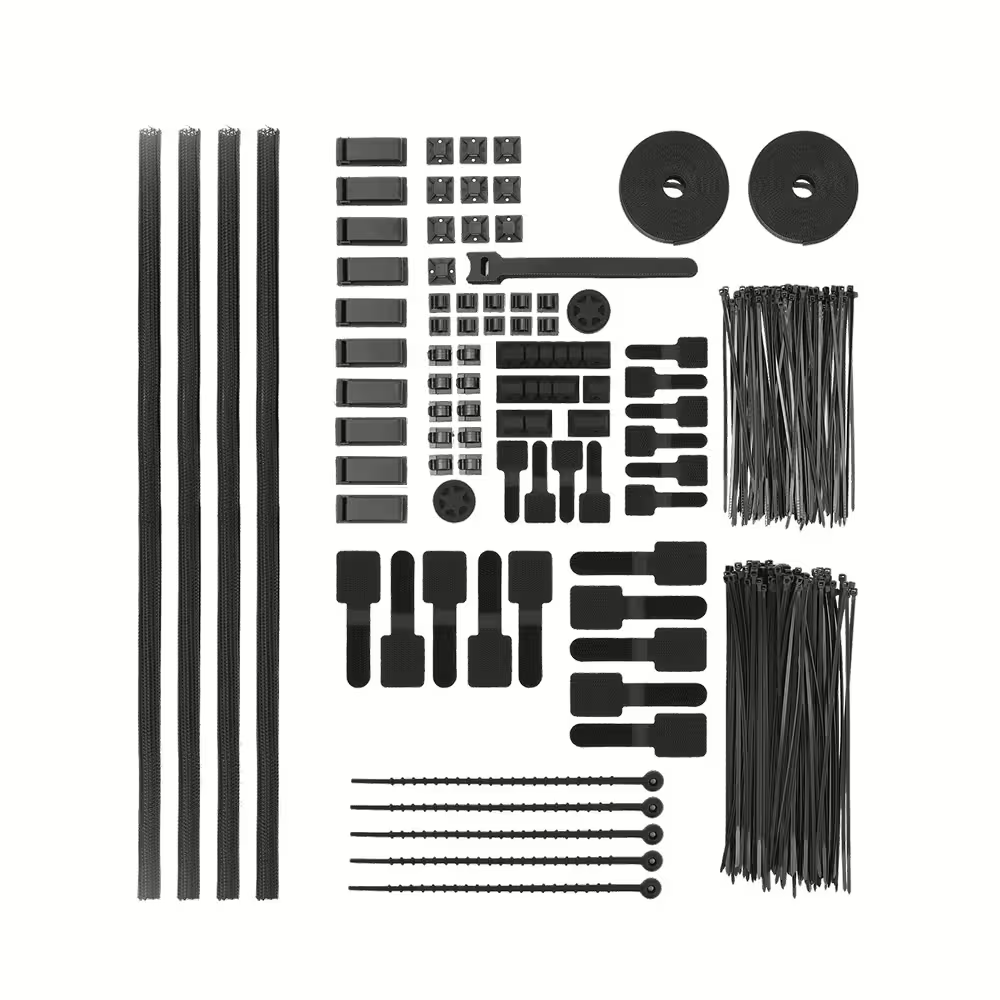
- Why It Works: Tailored cable holders for a desk ensure long-term tidiness and prevent cable slippage.
2. Plan Your Cable Holders Layout Strategically
Randomly sticking holders creates a patchy setup. I mapped my cables first, inspired by physical therapists’ advice for clean lines.
- How: Sketch your desk layout, marking where cables (e.g., laptop, monitor) need holders. Place holders along desk edges or under the surface.
- Why It Works: Creates a cohesive, clutter-free look.
3. Secure Cable Holders Firmly to Your Desk
Loose cable holders defeat the purpose. I reattached mine with stronger adhesive after noticing cables slipping.
- How: Clean the desk surface before applying adhesive holders. Press firmly for 30 seconds to ensure a strong bond.
- Why It Works: Keeps cables in place, maintaining ergonomic aesthetics.
Consistency is key for a truly ergonomic layout. For my primary consulting projects, I use the TidySetup Starter Kit to ensure every cable holder and organizer matches the same minimalist aesthetic and performance standards.
4. Route Cables for an Ergonomic Cable Holders Desk
Cables dangling across your desk disrupt workflow. I routed mine under the desk for a sleek, professional setup.
- How: Use holders to guide cables along desk legs or edges, ensuring you follow the “path of least resistance” routing standards defined in our comprehensive cable management setup.
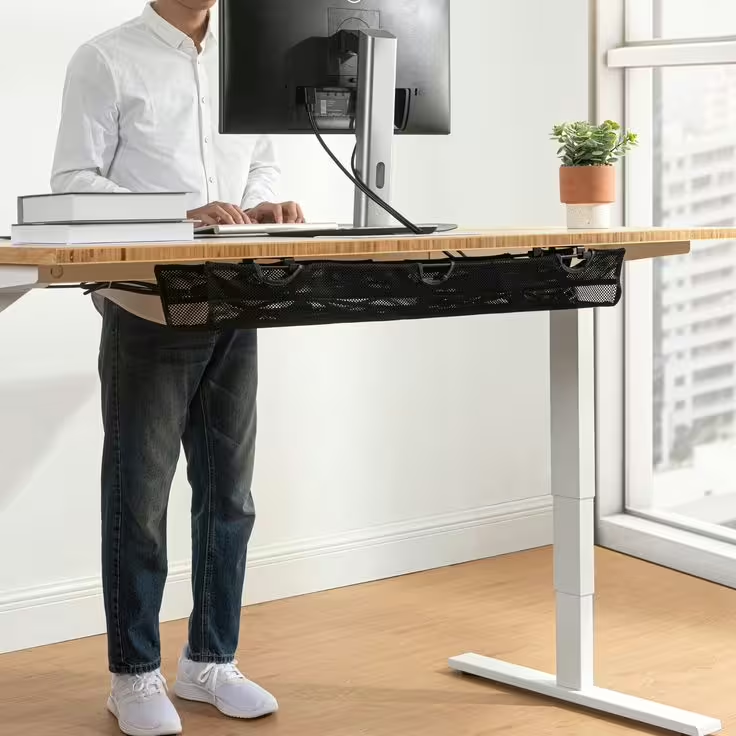
- Why It Works: Reduces visual clutter and trip risks, supporting a neutral posture.
5. Combine Cable Holders with Other Desk Organization Tools
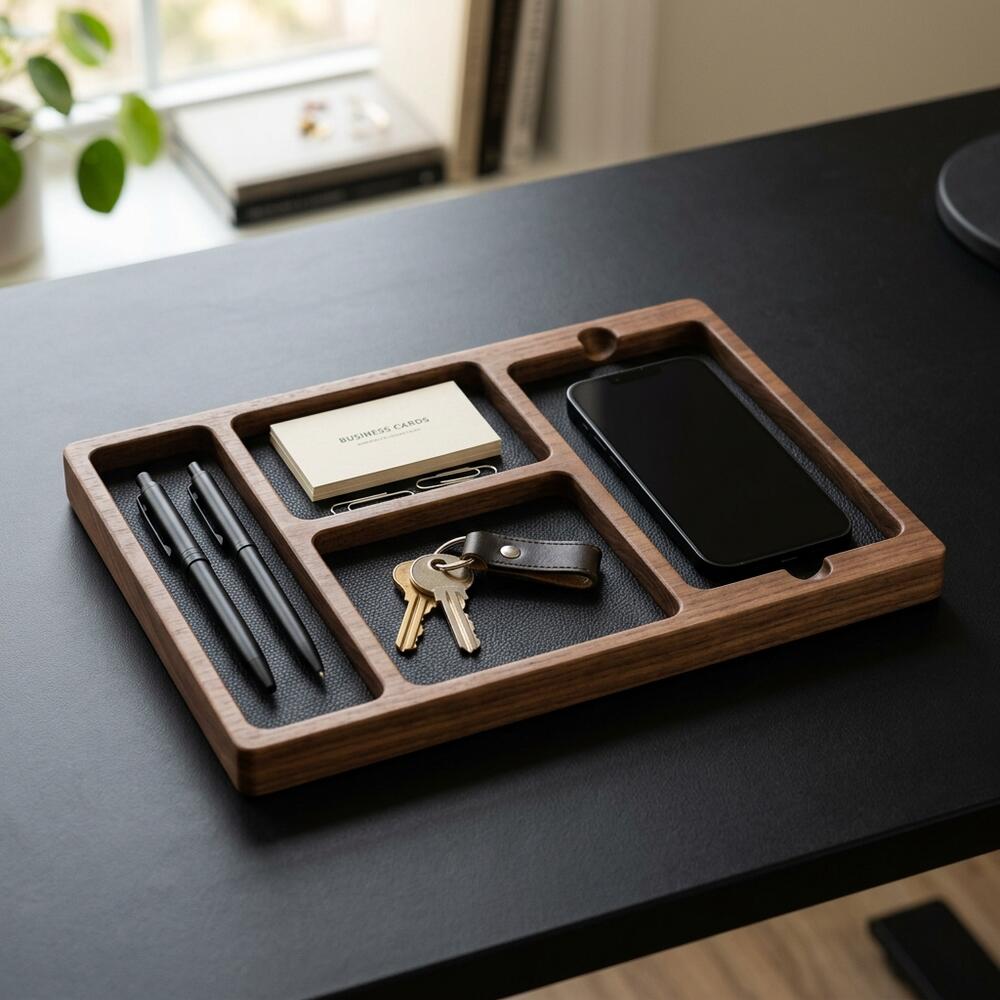
Cable holders shine when paired with trays or sleeves. I added a tray to my setup, amplifying the tidy effect.
- How: Use holders with a cable management tray or flexible sleeves for bulkier cables. Secure power strips in holders for easy access.
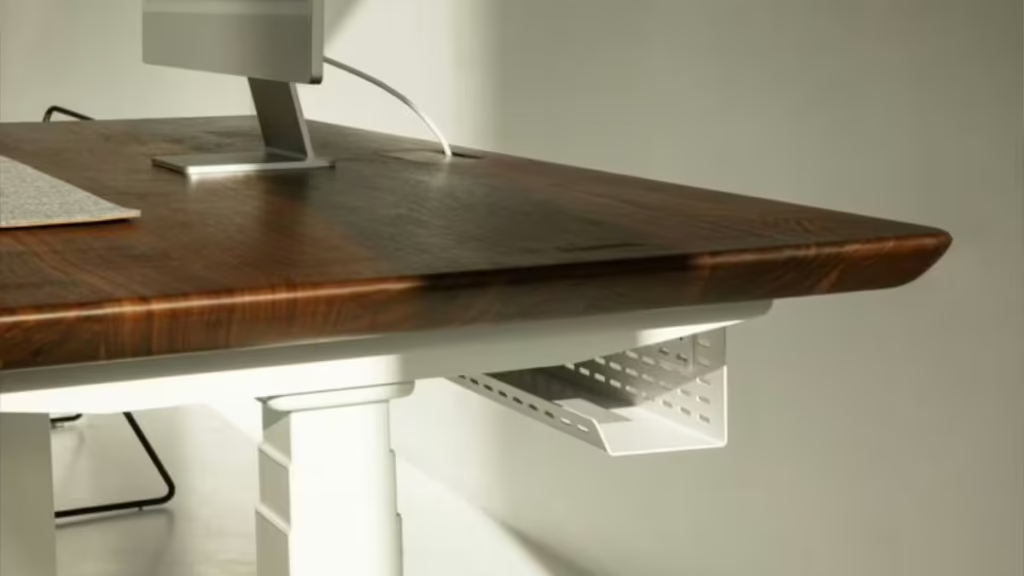
- Why It Works: Enhances organization, aligning with ergonomic principles.
6. Maintain Your Cable Holders Desk System Regularly
Cable holders need upkeep to stay effective. I check mine weekly, a habit that keeps my desk pristine.
- How: Spend 5 minutes weekly tightening holders, re-routing cables, and cleaning dust. Adjust for new devices, per Cornell’s ergonomic research.
- Why It Works: Sustains a tidy, productive workspace.
How to Get Started with Cable Holders for a Desk
Start by choosing a few cable holders and planning their placement. My desk took time to perfect, but small changes made a big difference.
What’s Included in a Pro Setup
- Silicone Cable Clips – Keep cables exactly where you need them
- Cable Management Sleeve – Hide messy wires instantly
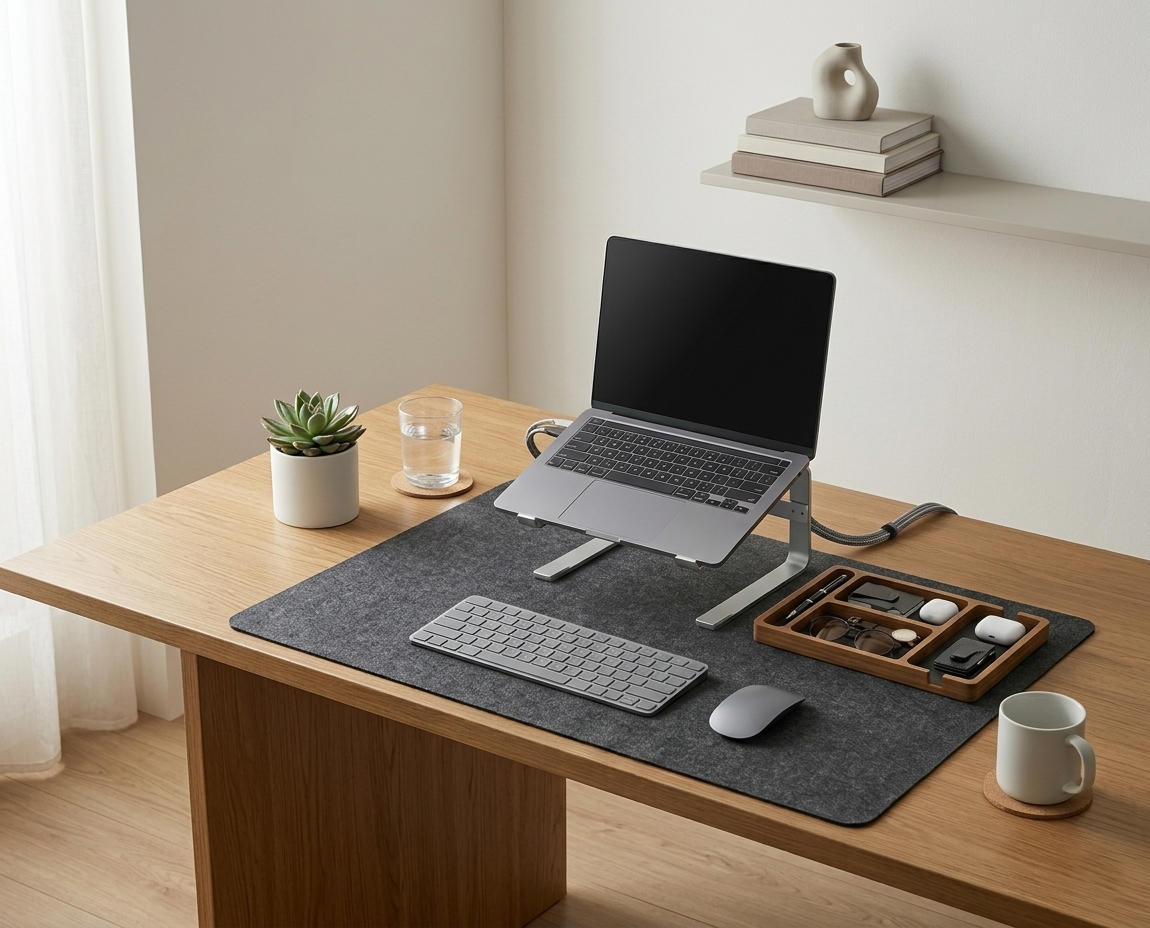
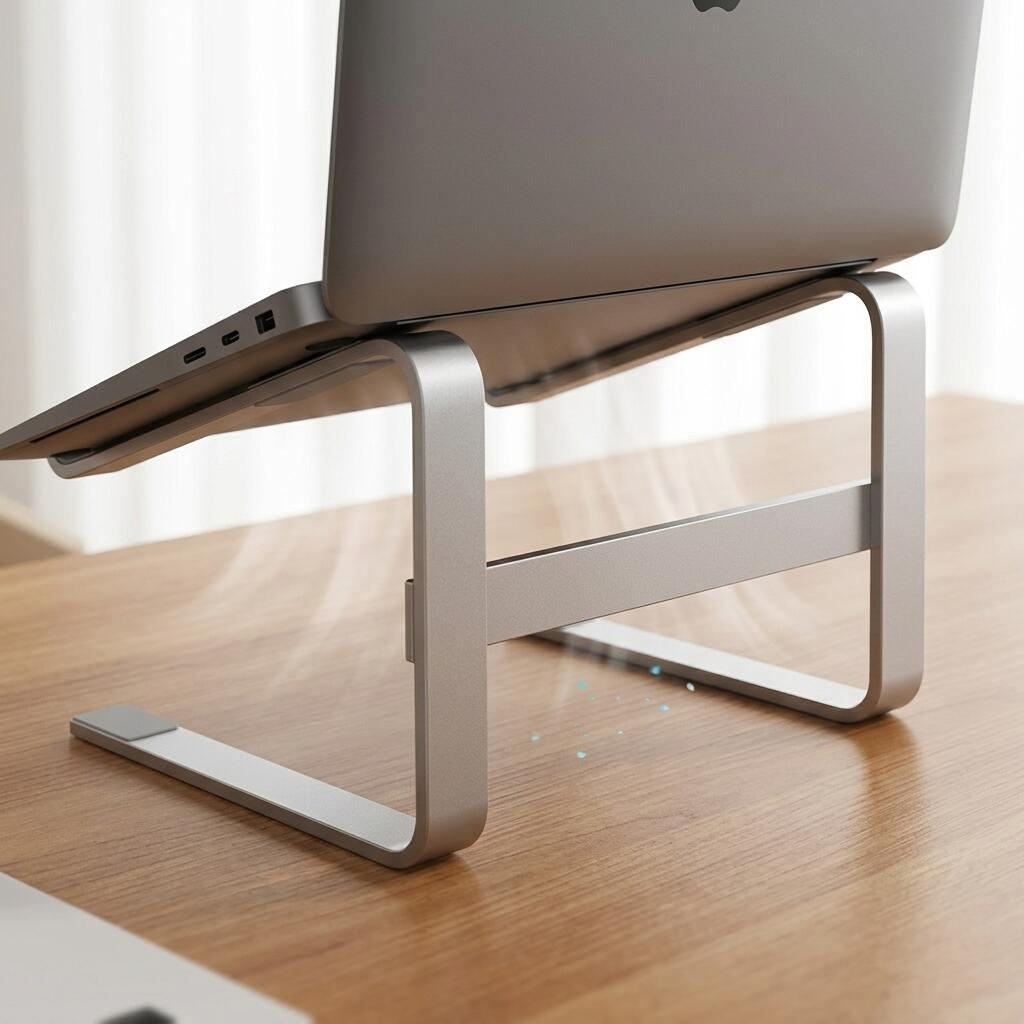
- Aluminum Laptop Stand – Improve ergonomics and clean layout
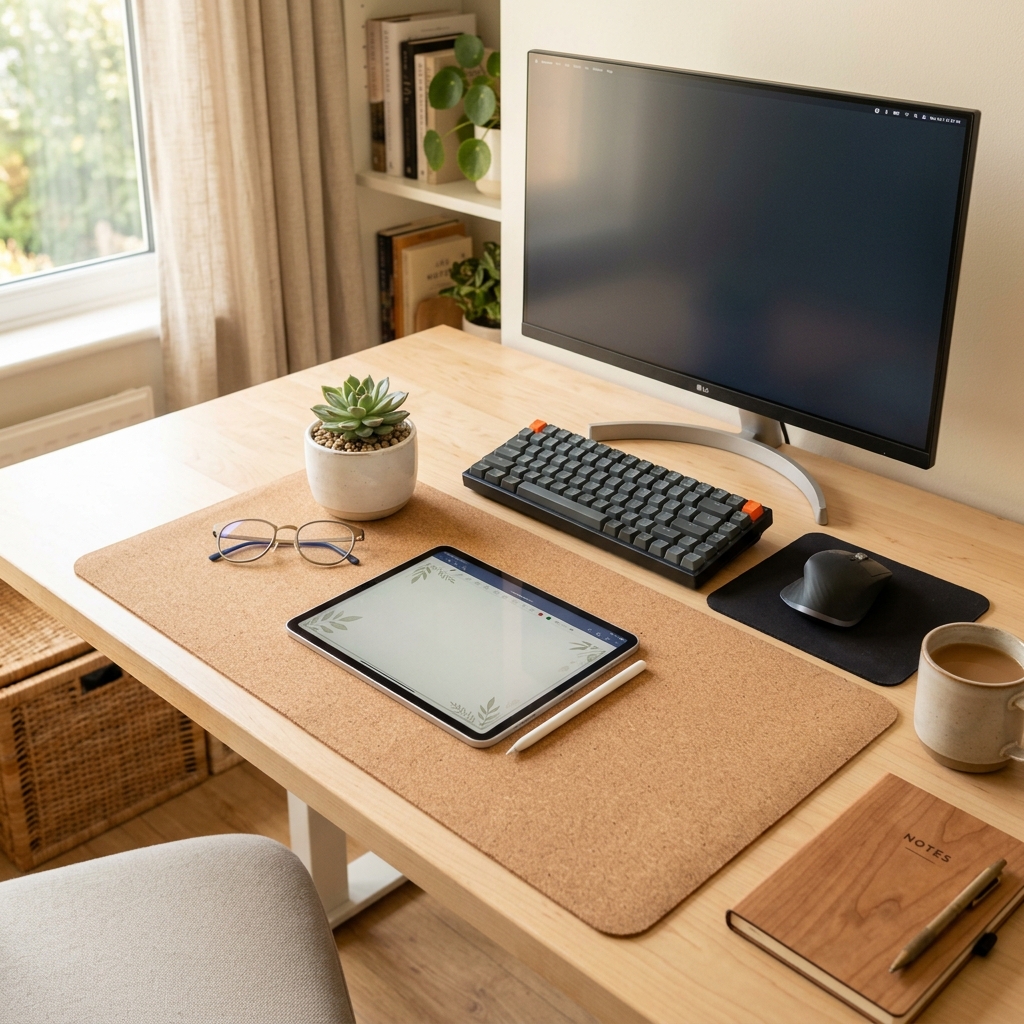
- Minimal Desk Mat – Upgrade your desk aesthetics
- Organizer Tray – Keep essentials in one place
Looking for a specific type of clip or organizer tray? Explore our full range of solutions in the TidySetup Product Catalog.
For more workspace tips, start with our ultimate guide to desk cable management, then explore our specialized resources on ergonomic desk setup, standing desk cables, and storage organization.Conclusion
Using cable holders transforms your desk into a tidy, ergonomic haven. These expert tips will help you stay organized and focused. Have you tried cable holders? Share your cable management hacks in the comments—let’s grow our Tidysetup community!
About the Author
Alex is a workspace enthusiast dedicated to creating organized, ergonomic desks. With hands-on experience and expert insights, Alex empowers remote workers to thrive. Connect at Tidysetup.com!
Links to external sites are for reference and do not imply endorsement.