
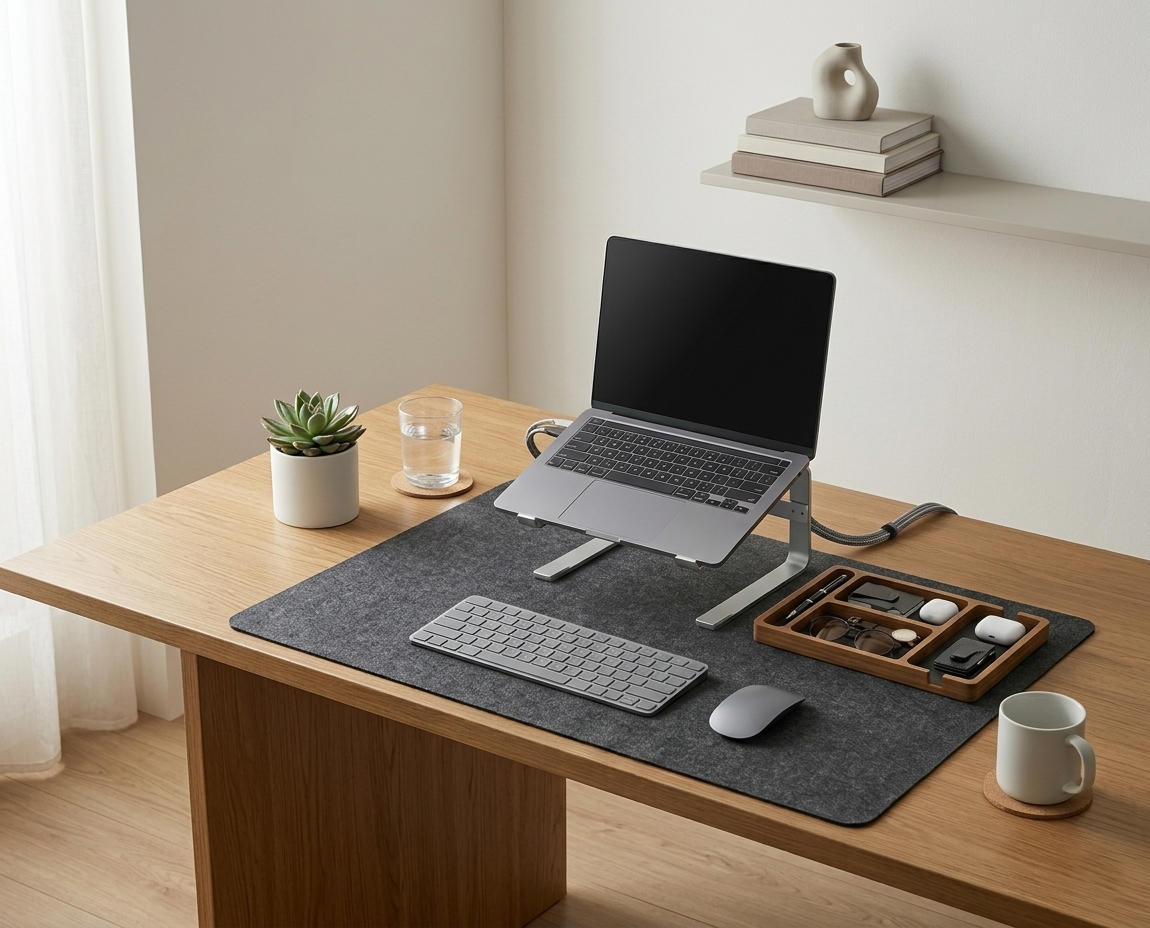

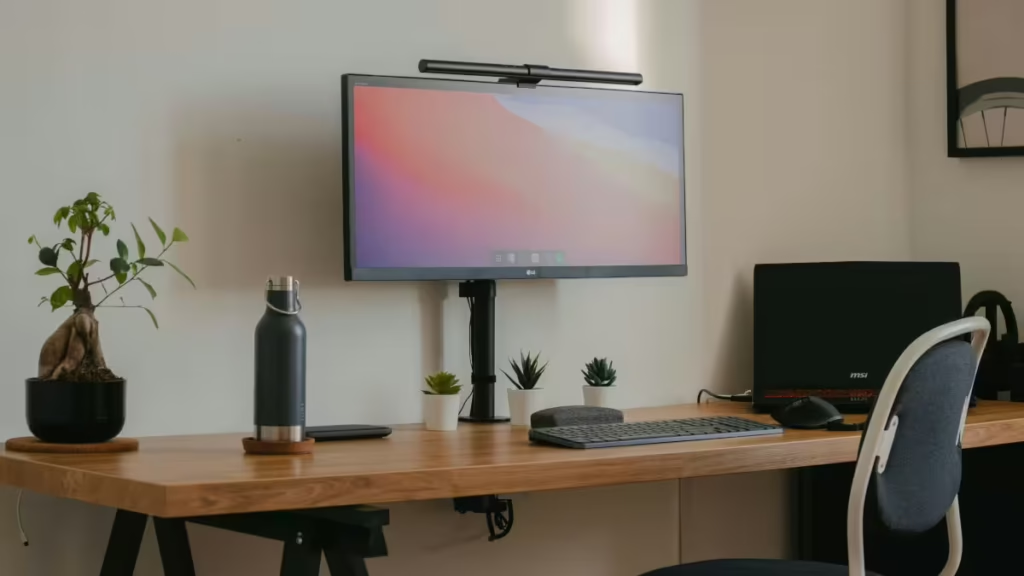
In this guide, I’ll share six expert-backed tips for standing desk cable management, drawing on OSHA’s ergonomic guidelines and the broader framework found in my complete guide to desk cable management.
Whether you’re a remote worker or freelancer, these strategies will keep your desk tidy and functional. Let’s get started!
If you’re looking for a simplified starting point, the Minimal Desk Starter Kit includes the core essentials I recommend for any professional standing desk setup.
Why Standing Desk Cable Management Matters
Cables that dangle or clutter your standing desk can disrupt your workflow and pose safety risks. According to NIOSH’s ergonomic recommendations, poor cable organization can lead to trip hazards and stress, undermining ergonomic benefits. A 2024 Cornell University study found that organized workspaces improve focus by 18%.

Proper cable management ensures your standing desk supports a neutral posture, enhances aesthetics, and boosts efficiency. Here’s how to achieve it.
6 Expert Tips for Standing Desk Cable Management
1. Plan for Desk Movement
Standing desks adjust between sitting and standing, which can tangle cables if not planned. I learned this the hard way when my cables snagged during height changes.
- How: Map out cable paths before setup, accounting for desk height range. Use flexible solutions like sleeves or retractable cords.
- Why It Works: Prevents cable strain, maintaining tidiness during adjustments.
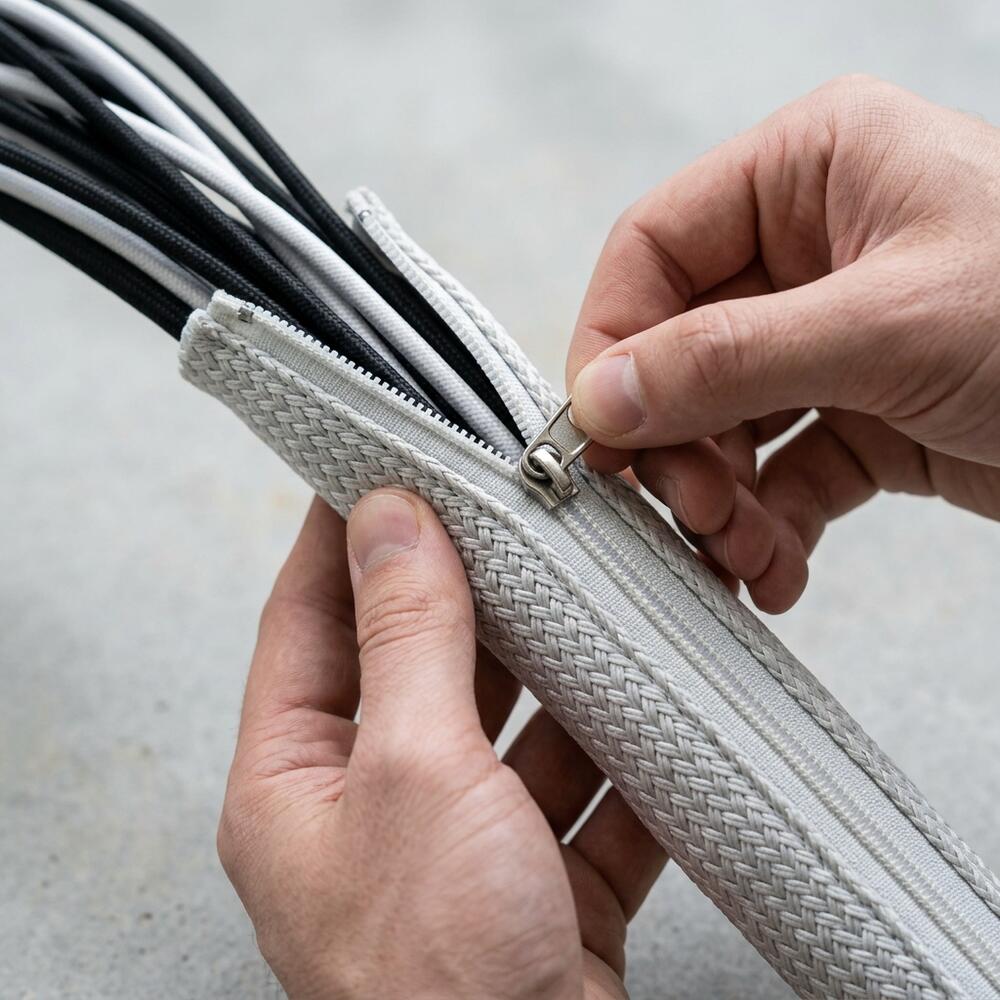
2. Use Flexible Cable Sleeves
Standard cable ties can’t handle a standing desk’s movement. I switched to sleeves after a physical therapist suggested they reduce visual clutter.
- How: Bundle cables in flexible, expandable sleeves and secure them to the desk frame, following the routing standards in our comprehensive cable management setup.
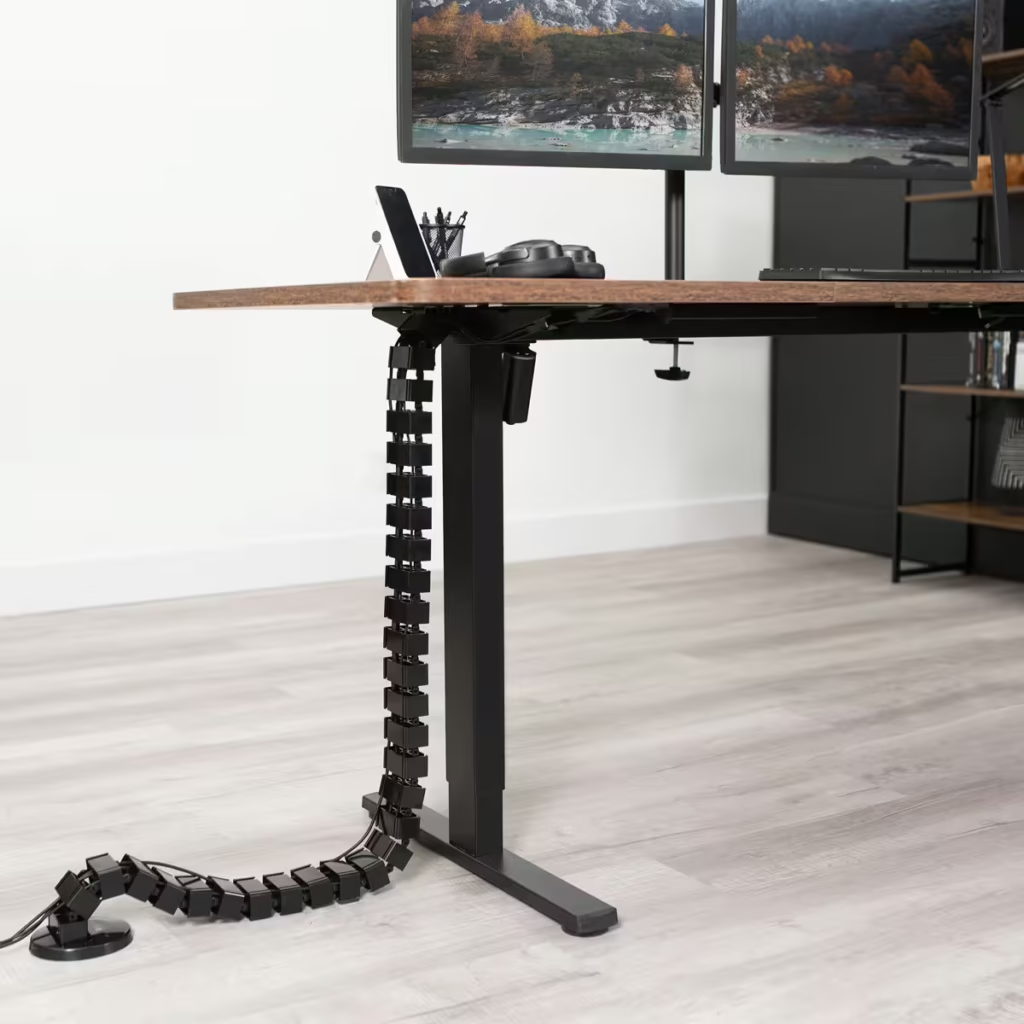
- Why It Works: Keeps cables contained and mobile, enhancing ergonomic flow.
3. Mount a Cable Management Tray
Under-desk trays hide cables and power strips, keeping them off the floor. I added one to my setup
- How: Attach an adhesive or screw-in tray under the desk. Thread cables through and secure excess with ties.
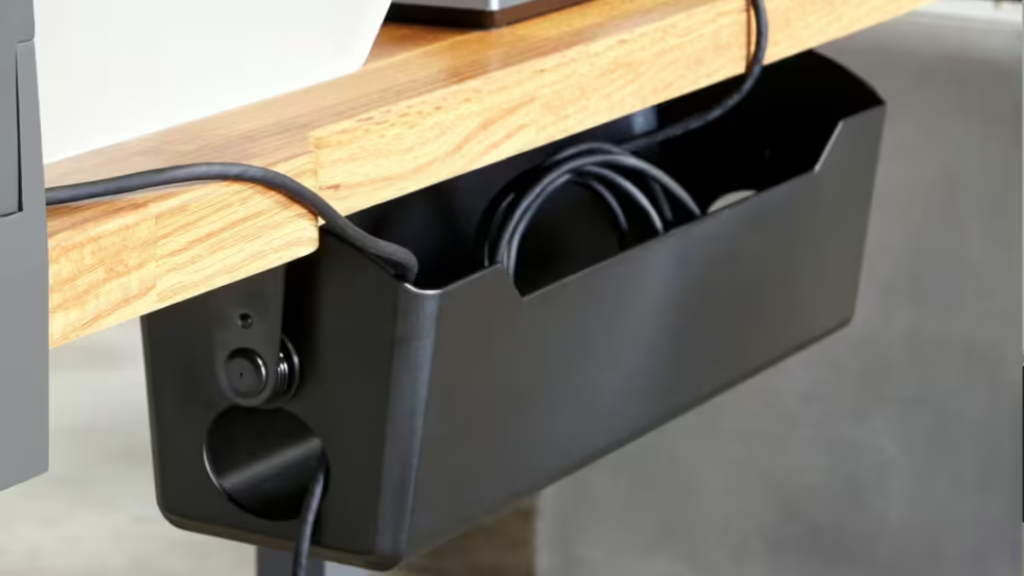
- Why It Works: Conceals clutter, supporting a clean, safe workspace.
For my clients who want a hands-on solution without the guesswork, I often suggest the complete starter kit—it covers approximately 90% of the cable issues I see in typical standing desk evaluations.
4. Secure Cables to the Desk Frame
Loose cables can swing when you adjust your desk. I fixed this by anchoring mine to the frame, a trick I picked up from workspace blogs.
- How: Use adhesive hooks or cable channels to attach cables along the desk’s legs or frame. Ensure slack for height changes.
- Why It Works: Minimizes movement, reducing wear and hazards.
5. Invest in Retractable or Short Cables
Long cables create unnecessary bulk. I replaced mine with shorter, retractable options for a sleeker look.
- How: Swap out cables for lengths that match your setup. Use retractable cords for flexibility.
- Why It Works: Reduces excess, aligning with ergonomic simplicity.
6. Regularly Check and Adjust
Cable management isn’t a one-time fix. I schedule weekly checks to keep my standing desk pristine, avoiding clutter creep.
- How: Spend 5 minutes weekly tightening sleeves, re-securing cables, and cleaning dust. Adjust for new devices, per Cornell’s ergonomic research.
- Why It Works: Maintains organization, boosting long-term productivity.
How to Get Started
Start with one tip, like flexible sleeves, and build from there. For more expert advice, explore our ultimate guide to desk cable management, alongside our resources on setting up an ergonomic desk and avoiding mistakes.
Conclusion
Mastering standing desk cable management creates a tidy, ergonomic workspace that enhances focus and health. These expert tips will transform your setup. Have you tackled cable clutter on your standing desk? Share your solutions in the comments—let’s grow our Tidysetup community!
About the Author
Alex is a workspace enthusiast dedicated to creating organized, ergonomic desks. With hands-on experience and expert insights, Alex empowers remote workers to thrive. Connect at Tidysetup.com!
Links to external sites are for reference and do not imply endorsement.
Why Standing Desk Cable Management Matters
Cables that dangle or clutter your standing desk can disrupt your workflow and pose safety risks. According to NIOSH’s ergonomic recommendations, poor cable organization can lead to trip hazards and stress, undermining ergonomic benefits. A 2024 Cornell University study found that organized workspaces improve focus by 18%.
Proper cable management ensures your standing desk supports a neutral posture, enhances aesthetics, and boosts efficiency. Here’s how to achieve it.
6 Expert Tips for Standing Desk Cable Management
1. Plan for Desk Movement
Standing desks adjust between sitting and standing, which can tangle cables if not planned. I learned this the hard way when my cables snagged during height changes.
- How: Map out cable paths before setup, accounting for desk height range. Use flexible solutions like sleeves or retractable cords.
- Why It Works: Prevents cable strain, maintaining tidiness during adjustments.
2. Use Flexible Cable Sleeves
Standard cable ties can’t handle a standing desk’s movement. I switched to sleeves after a physical therapist suggested they reduce visual clutter.
- How: Bundle cables in flexible, expandable sleeves, securing them to the desk frame with adhesive clips, per workspace organization best practices.
- Why It Works: Keeps cables contained and mobile, enhancing ergonomic flow.
3. Mount a Cable Management Tray
Under-desk trays hide cables and power strips, keeping them off the floor. I added one to my setup
- How: Attach an adhesive or screw-in tray under the desk. Thread cables through and secure excess with ties.
- Why It Works: Conceals clutter, supporting a clean, safe workspace.
4. Secure Cables to the Desk Frame
Loose cables can swing when you adjust your desk. I fixed this by anchoring mine to the frame, a trick I picked up from workspace blogs.
- How: Use adhesive hooks or cable channels to attach cables along the desk’s legs or frame. Ensure slack for height changes.
- Why It Works: Minimizes movement, reducing wear and hazards.
5. Invest in Retractable or Short Cables
Long cables create unnecessary bulk. I replaced mine with shorter, retractable options for a sleeker look.
- How: Swap out cables for lengths that match your setup. Use retractable cords for flexibility.
- Why It Works: Reduces excess, aligning with ergonomic simplicity.
6. Regularly Check and Adjust
Cable management isn’t a one-time fix. I schedule weekly checks to keep my standing desk pristine, avoiding clutter creep.
- How: Spend 5 minutes weekly tightening sleeves, re-securing cables, and cleaning dust. Adjust for new devices, per Cornell’s ergonomic research.
- Why It Works: Maintains organization, boosting long-term productivity.
How to Get Started
Start with one tip, like flexible sleeves, and build from there. My standing desk took time to perfect, but the results were worth it. For more ergonomic tips, explore our guides on setting up an ergonomic desk, avoiding desk setup mistakes, and cable storage organization.
What’s Included in a Pro Setup
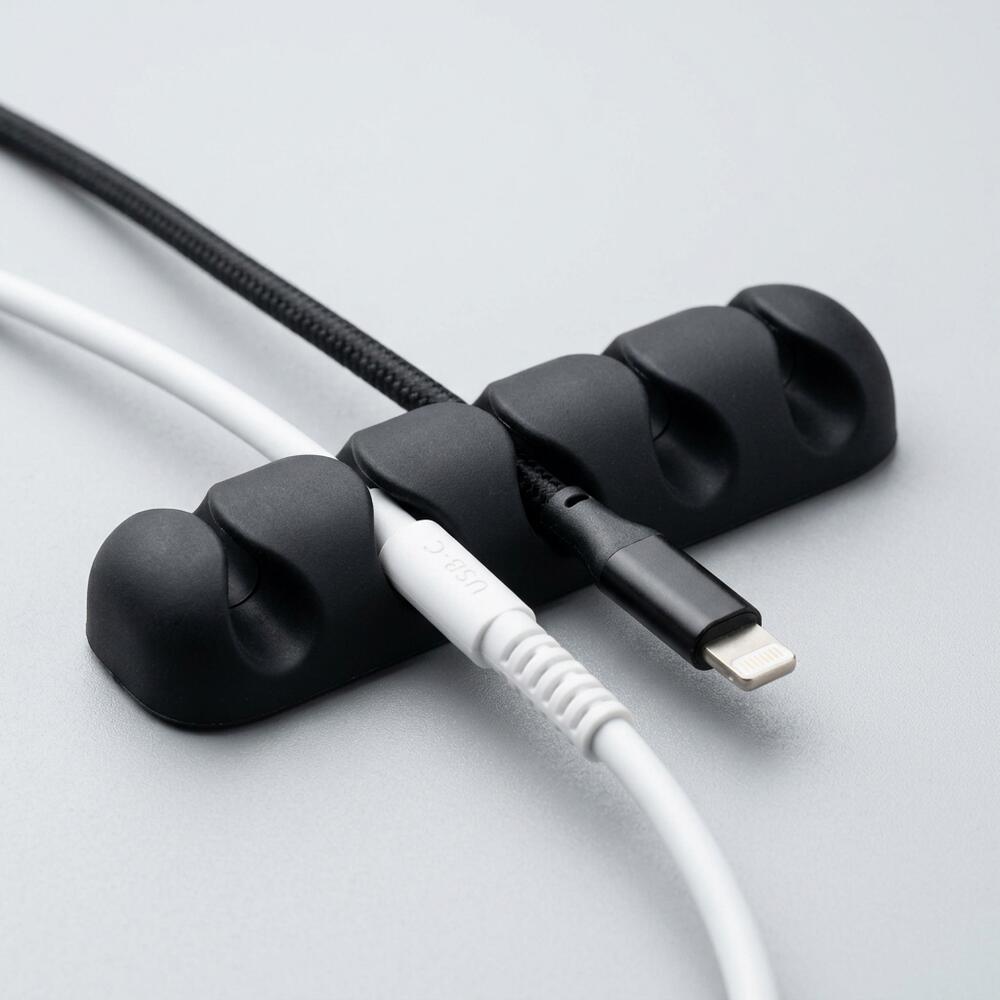
- Silicone Cable Clips – Keep cables exactly where you need them
- Cable Management Sleeve – Hide messy wires instantly
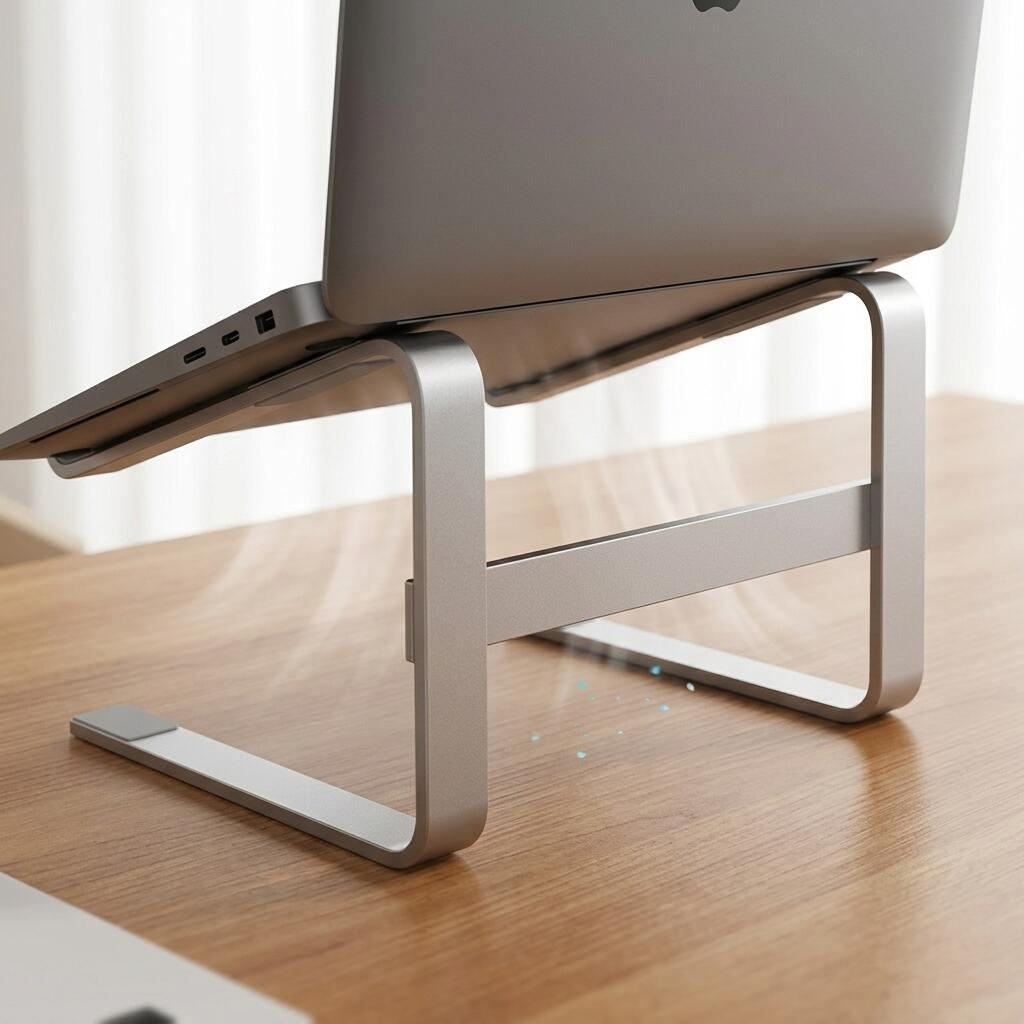
- Aluminum Laptop Stand – Improve ergonomics and clean layout
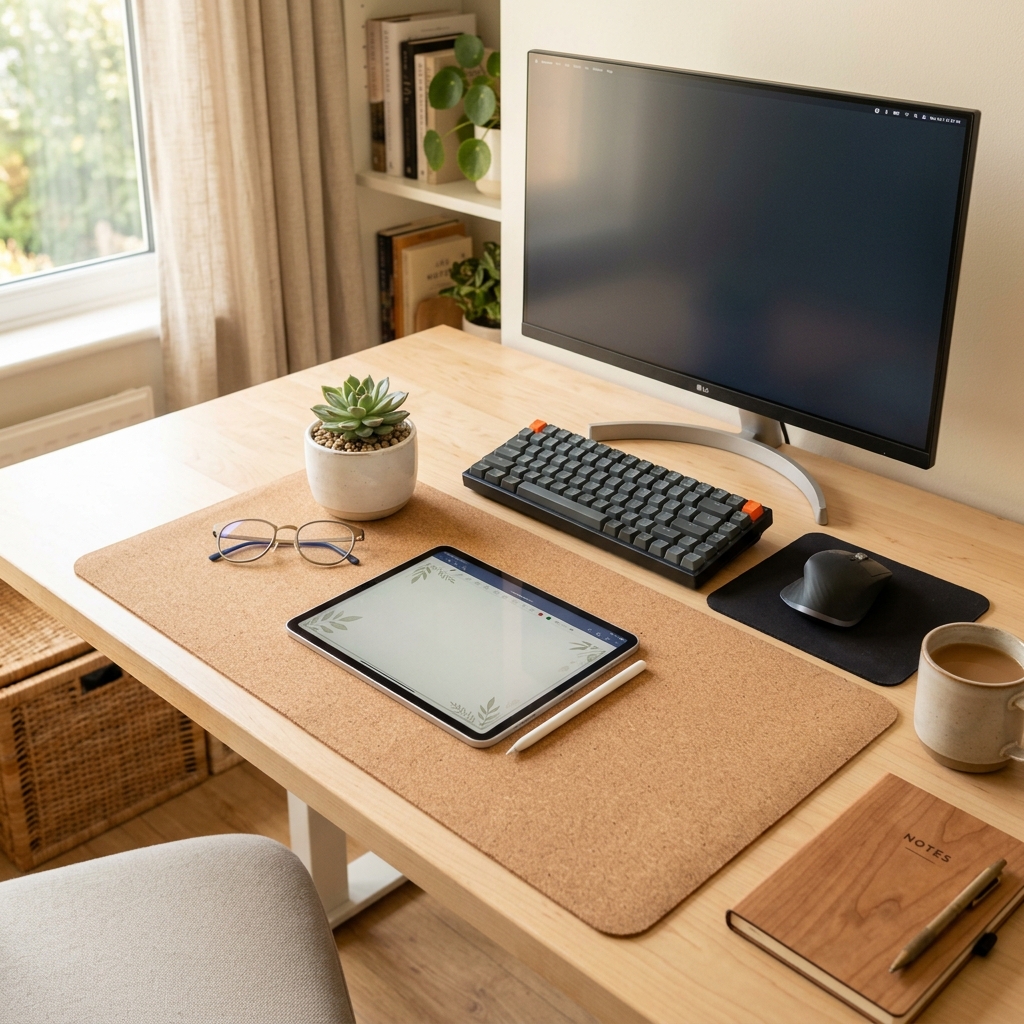
- Minimal Desk Mat – Upgrade your desk aesthetics
- Organizer Tray – Keep essentials in one place
You can explore our full collection of ergonomic tools and individual components in the TidySetup Product Catalog.
Conclusion
Mastering standing desk cable management creates a tidy, ergonomic workspace that enhances focus and health. These expert tips will transform your setup. Have you tackled cable clutter on your standing desk? Share your solutions in the comments—let’s grow our Tidysetup community!
About the Author
Alex is a workspace enthusiast dedicated to creating organized, ergonomic desks. With hands-on experience and expert insights, Alex empowers remote workers to thrive. Connect at Tidysetup.com!
Links to external sites are for reference and do not imply endorsement.