

Working at a desk that is the wrong height is like trying to drive a car with the seat pushed entirely too far back; you are constantly straining just to reach the controls. While most modern office furniture is built to a specific dimension, the reality is that a standard ergonomic desk height only works if it aligns properly with your body and your chair. If you find yourself constantly shrugging your shoulders or slumping forward, your surface height is fundamentally flawed. In this comprehensive guide, I will show you how to calibrate the critical relationship between your seat, your feet, and your desk to establish a pain-free baseline for your entire workstation.
Alex Thornton is a Certified Ergonomics Consultant and Workplace Wellness Specialist. After earning a master’s degree in Human Factors Engineering from Cornell University and certification from the Board of Certification in Professional Ergonomics (BCPE), Alex spent eight years as the lead ergonomics advisor for a Fortune 500 tech company. In 2020, Alex founded “Ergonomics Everyday,” a consultancy that has evaluated over 500 workspaces. Their hands-on experience ranges from advising startups on cost-effective ergonomic solutions to redesigning entire office floors for maximum employee comfort and productivity.
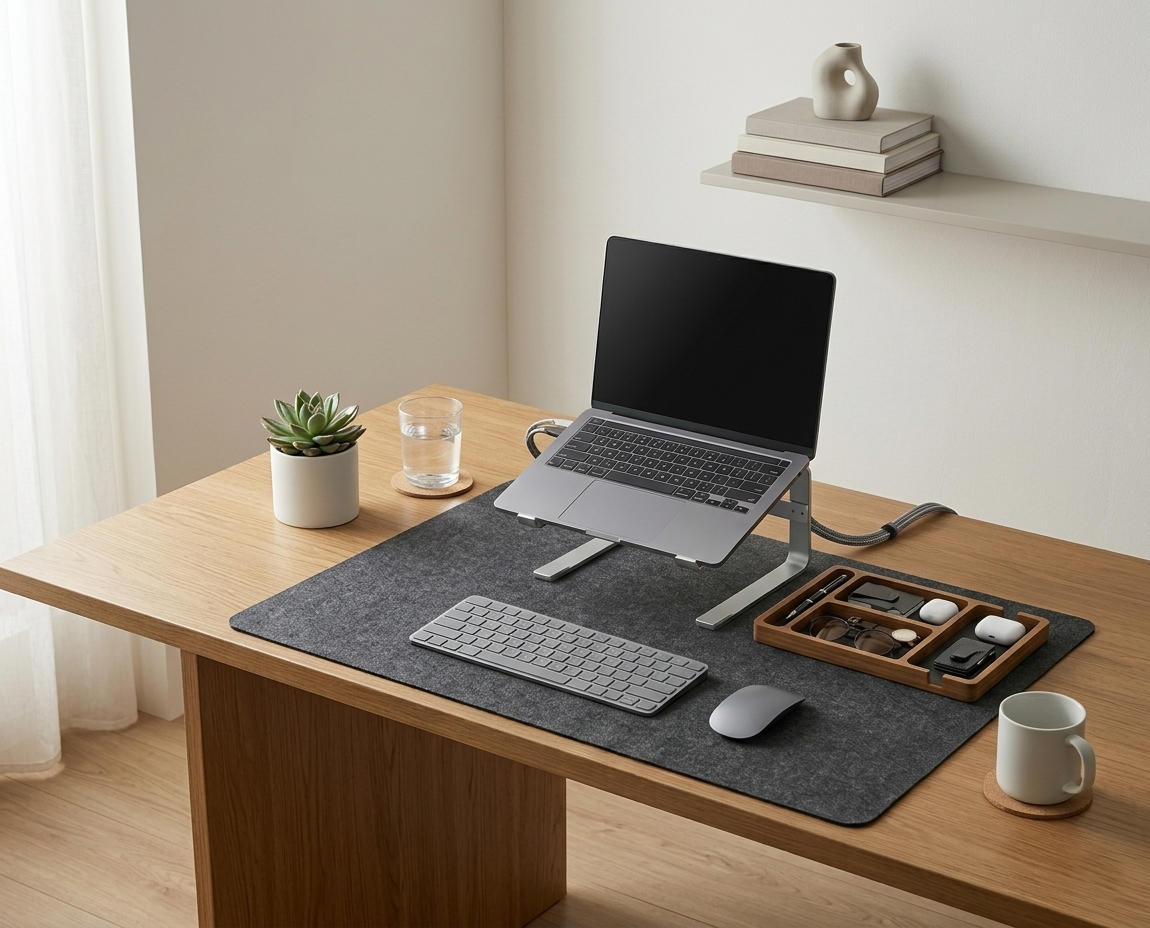
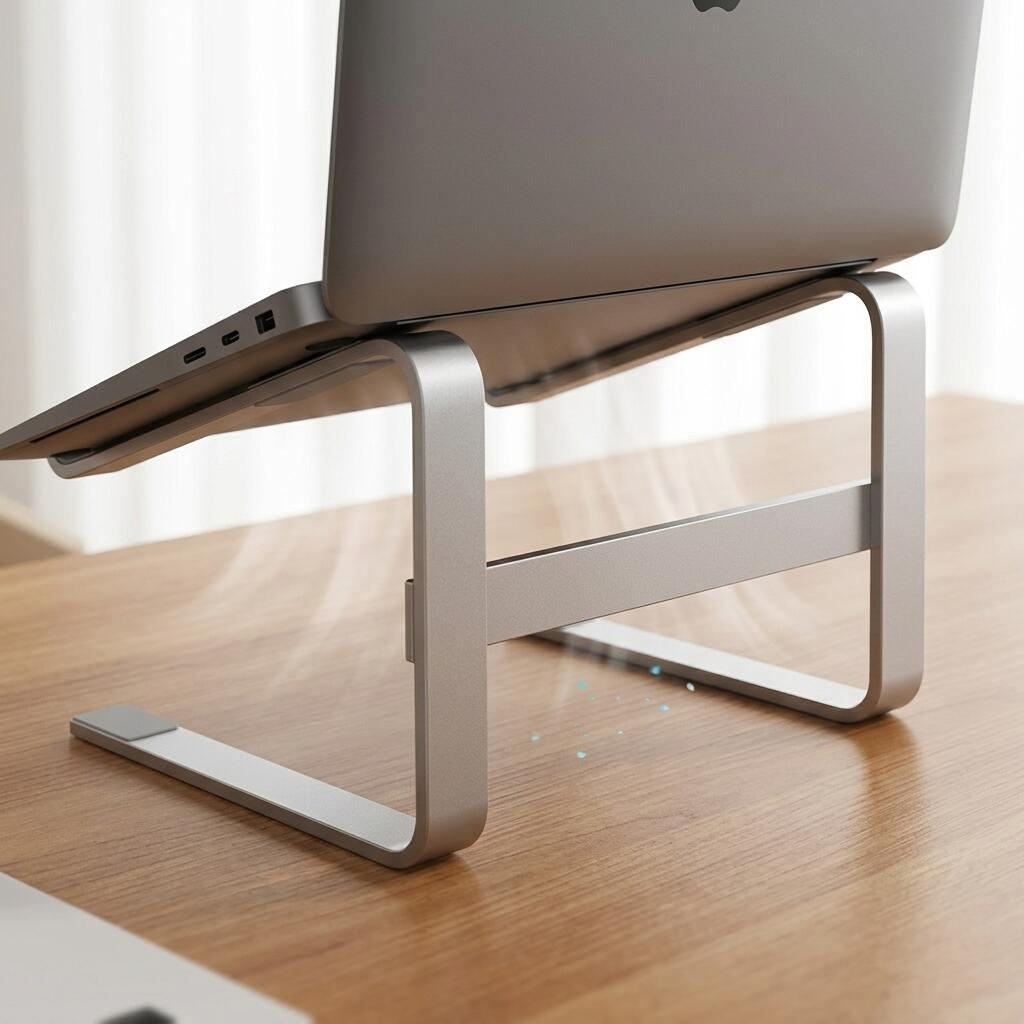
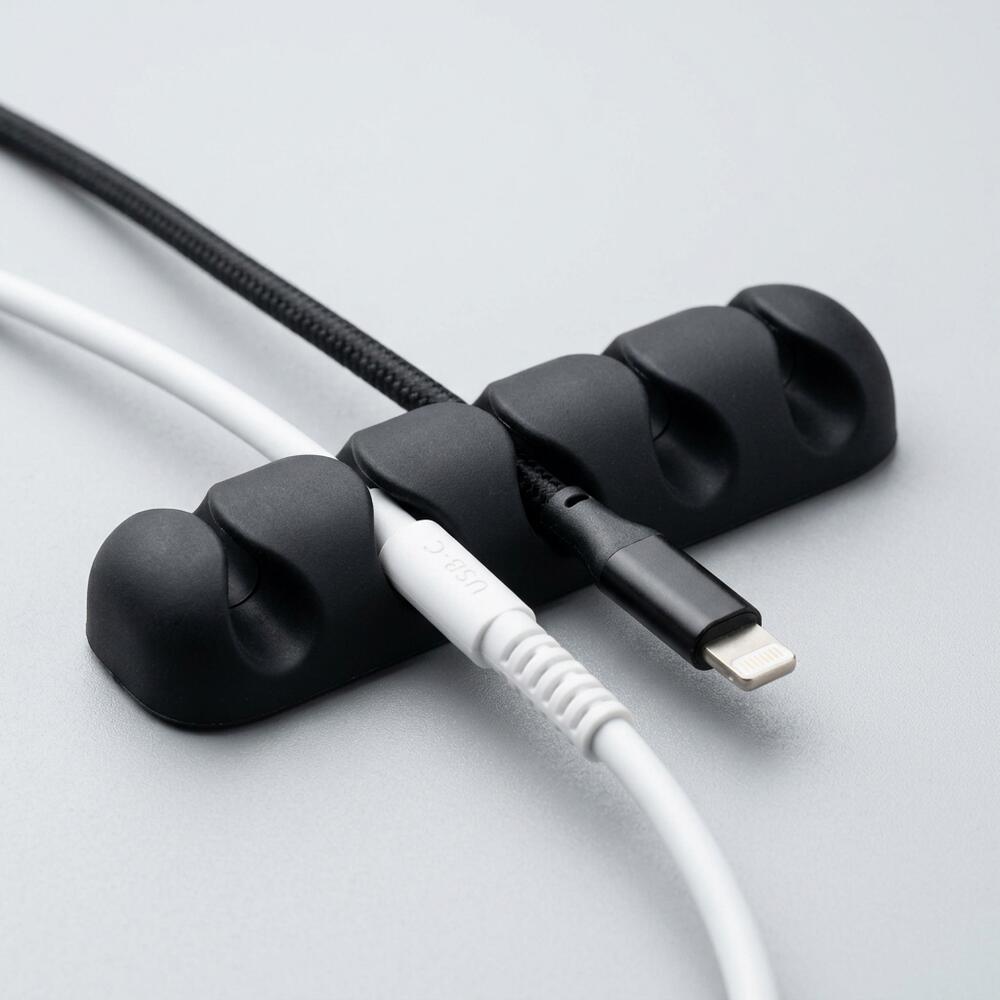
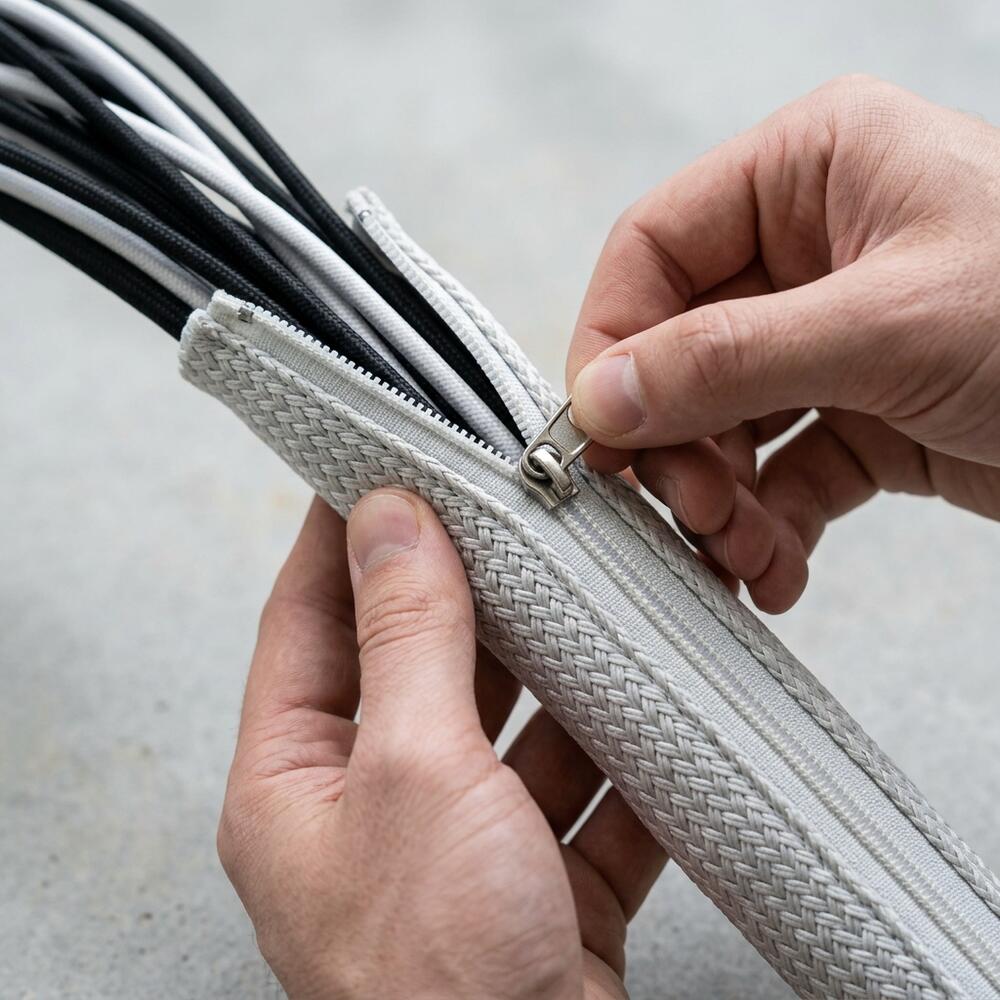
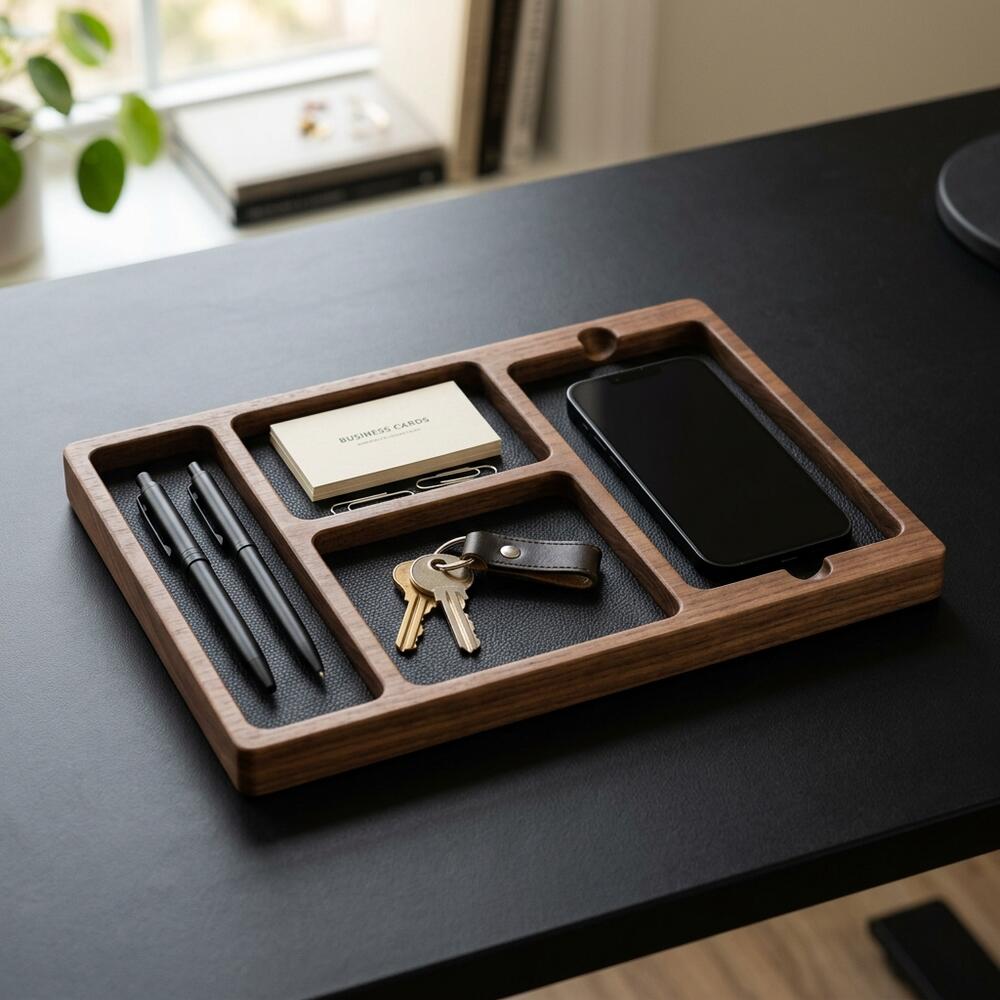
If you’re looking for a starting point, the Minimal Desk Starter Kit includes everything you need for a clean, ergonomic workspace, ensuring that once your desk height is set, your tools are perfectly positioned to support you.
What Is the Standard Ergonomic Desk Height?
The standard ergonomic desk height in the United States and Europe is typically between 28 and 30 inches (71 to 76 cm) from the floor to the top of the desk surface. This dimension is designed to accommodate the majority of the population (roughly the 5th to 95th percentile) when sitting in a standard, adjustable office chair.
Before making adjustments, it is important to understand the overall framework. An ergonomic workstation is a workspace configured to support the body’s natural posture, reduce strain, and prevent repetitive stress injuries during prolonged work. A core element of this is the desk setup, which is the complete arrangement of furniture, tools, and accessories that form a person’s workspace, optimized for comfort, productivity, and health.
During a workspace audit for a 200-person engineering team, I found that over 40% of employees under 5’4″ or over 6’2″ were experiencing severe shoulder or lower back pain simply because they were trying to force their bodies to adapt to a fixed 29-inch desk rather than adjusting their chairs to compensate.
- Standard fixed desks are 28–30 inches high.
- Standing desk converters allow for micro-adjustments above this height.
- Your desk height dictates your elbow angle and wrist posture.
- If the desk cannot move, your chair must do all the heavy lifting.
The height of the desk itself is only half the equation. “A standard ergonomic desk height is meaningless without considering the relative height of the chair; the desk must allow the user’s forearms to rest parallel to the floor while their feet remain flat.”
How to Match Your Chair to Your Desk
You match your chair to your desk by prioritizing your upper body alignment first: raise or lower your seat until your elbows rest comfortably at a 90-degree angle when your hands are placed on your keyboard. Only after establishing this upper body position do you address your lower body, using a footrest if your feet no longer reach the floor.

This process is anchored by the 90° Elbow Rule: Elbows should be bent at 90 to 100 degrees, resting on desk or chair arms, with wrists kept neutral and flat. This is the single most important metric for preventing shoulder and wrist strain.
According to the Mayo Clinic guidelines on office ergonomics, failing to establish this neutral arm angle forces the trapezius muscles to remain constantly contracted.
| Body Indicator | Desk is Too High (or Chair Too Low) | Desk is Too Low (or Chair Too High) |
|---|---|---|
| Shoulders | Shrugged up toward ears | Slumped forward and down |
| Wrists | Bent backward (extension) to reach keys | Bent forward (flexion), pressing into the edge |
| Back | Leaning back to compensate | Hunched over the desk surface |
If you find that correcting your chair height leaves you with a mismatch for your screen, you must read our Monitor Arm Setup Guide: How to Position Your Screen for Perfect Posture.
Why Is a Desk Mat Important for Height Alignment?
A desk mat is important for height alignment because even when your chair and desk are perfectly calibrated, resting your forearms directly against a hard, 90-degree desk edge creates intense localized pressure (contact stress) that compresses the median nerve. A quality mat provides a subtle, supportive buffer that protects your tissue while maintaining your calculated 90-degree elbow angle.
When establishing your neutral posture, you should always account for the surface you will be touching.
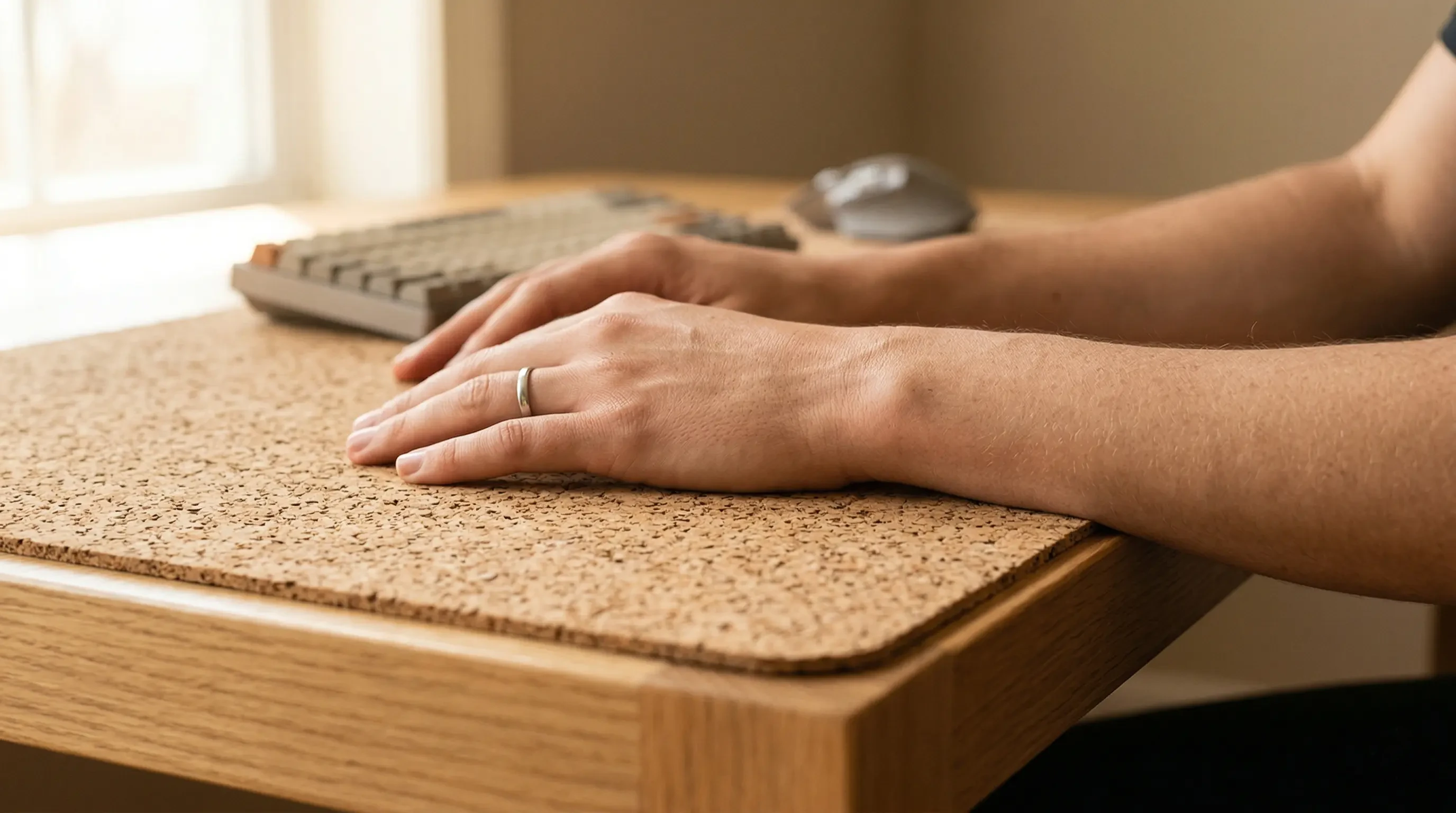
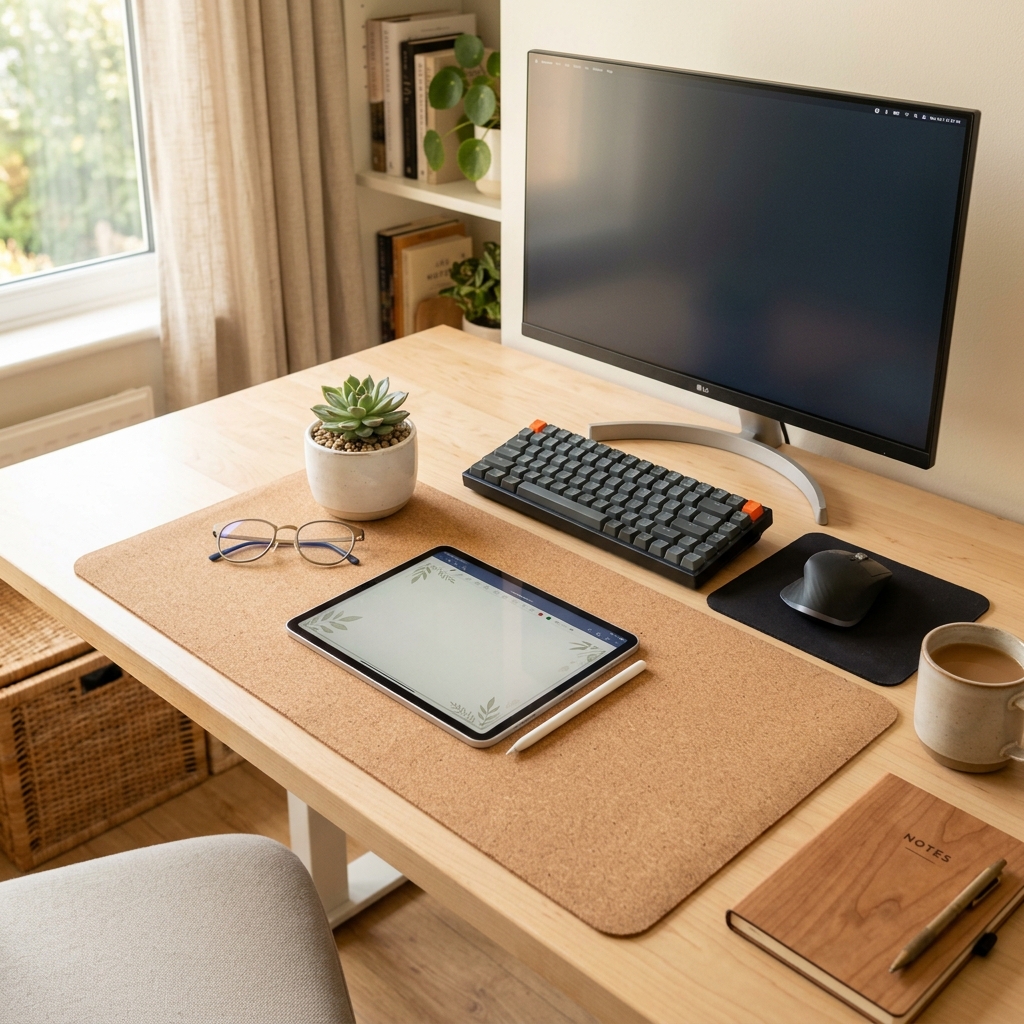
I consistently recommend the Large Natural Cork Mouse Pad Desk Mat because it offers the ideal firmness (durometer). It provides enough give to prevent nerve compression without being so squishy that your hands sink and ruin your flat wrist alignment.
- Place the mat flush with the front edge of the desk.
- Ensure both your keyboard and mouse fit entirely on the mat.
- Let your forearms hover slightly, using the mat only for gentle resting during pauses.
By protecting your contact points, you drastically increase workspace productivity, which refers to the efficiency and output quality achieved through an intentionally designed and organized work environment.
What if the Desk Is Still the Wrong Height?
If the desk is still the wrong height after adjusting your chair—specifically if it is too high and your feet are dangling—you must employ a sturdy ergonomic footrest to bring the “floor” up to your feet. If the desk is entirely too low and your knees hit the underside, you will need to physically raise the desk using furniture risers (blocks) under the legs.
Never compromise your upper body posture to fix a lower body issue. Always set the chair relative to the desk surface (for your arms), and then fix the gap between your feet and the floor.
A common scenario is discovering these issues after purchasing a new desk. We cover this and other frequent pitfalls in our guide: 7 Common Ergonomic Desk Setup Mistakes to Avoid (And How to Fix Them).
How Do Standing Desks Change the Rules?
Standing desks change the rules because they eliminate the chair entirely, transferring the responsibility of alignment directly to the desk’s height mechanism. When you stand, the desk must be raised exactly to the height of your elbows when bent at a 90-degree angle; otherwise, you will immediately begin leaning heavily on your wrists or slouching your upper back.

A standing desk converter is a device placed on an existing desk that allows the user to alternate between sitting and standing positions throughout the workday. These converters are excellent because they allow infinite micro-adjustments to find that perfect elbow height regardless of the fixed desk underneath.
If you are considering making the switch to a dynamic setup, it is crucial to understand the physiological impacts. Read our detailed comparison: Standing vs Sitting Desk: Which is Better for Your Body?.
Step-by-Step Desk Calibration Protocol
To ensure your workstation is not actively working against you, follow this strict calibration sequence.
- Sit deeply: Push your hips all the way back into the chair so the lumbar support engages your spine.
- Relax your shoulders: Let your arms hang completely loose at your sides.
- Bend your elbows: Bring your forearms up to a 90-degree angle, parallel to the floor.
- Adjust the chair height: Raise or lower your chair until your fingertips perfectly graze the top of your keyboard resting on the desk.
- Check your feet: Look down. Are your feet flat on the floor? If yes, you are done. If they are dangling, place a footrest under them immediately.
- Align the monitor: Finally, adjust your screen so the top third is at eye level.
This sequence is the beating heart of our comprehensive guide on how to set up an ergonomic desk.
Standard Desk Height Guide FAQs
1. What is the standard height for a computer desk?
In the US, the industry standard for a fixed computer desk is between 28 and 30 inches (71 to 76 cm) tall. This height is optimized for the average adult male (around 5’10”) when seated, meaning it is often too high for many women and shorter individuals without the use of an adjustable chair and footrest.
2. How do I know if my desk is too high?
Your desk is too high if you notice that you are constantly shrugging your shoulders while typing, or if your wrists are sharply bent backward (extended) to reach the keyboard. Additionally, if the edge of the desk is digging painfully into your forearms, the surface is likely too high.
3. Can a desk be too low?
Yes. If a desk is too low, you will find yourself hunching over the surface to reach your keyboard, which leads to severe upper back and neck pain. You may also find that your knees or thighs constantly bump into the underside of the desk or the keyboard tray.
4. Are keyboard trays a good ergonomic solution?
Keyboard trays can be an excellent solution if your desk is fixed too high and you cannot raise your chair because your feet would dangle. An adjustable articulating keyboard tray allows you to drop the typing surface down to your lap level, instantly achieving the 90-degree elbow rule.
5. What is the correct height for a standing desk?
The correct height for a standing desk is exactly the height of your elbows when your arms are relaxed at your sides and bent at 90 degrees. For an individual who is 5’10”, this is typically around 41 to 43 inches from the floor, but it varies strictly based on arm length.
6. Do I really need a footrest?
If you have raised your chair to properly align your arms with your desk and your feet no longer rest flat and firmly on the floor, a footrest is absolutely mandatory. Dangling feet pull your pelvis forward, completely destroying the natural curve of your lower back and causing significant lumbar pain.
Conclusion
A standard ergonomic desk height is only a starting point; true comfort requires matching your chair and your desk to your unique anatomy. By prioritizing the 90-degree elbow rule, utilizing a footrest when necessary, and protecting your wrists with a quality mat, you transform a generic piece of furniture into a personalized support system. Workspace productivity depends entirely on eliminating physical friction. A well-organized workspace is a small investment in your daily comfort and focus. If you’re ready to get started, take a look at the complete TidySetup collection to ensure every aspect of your desk works in harmony.