
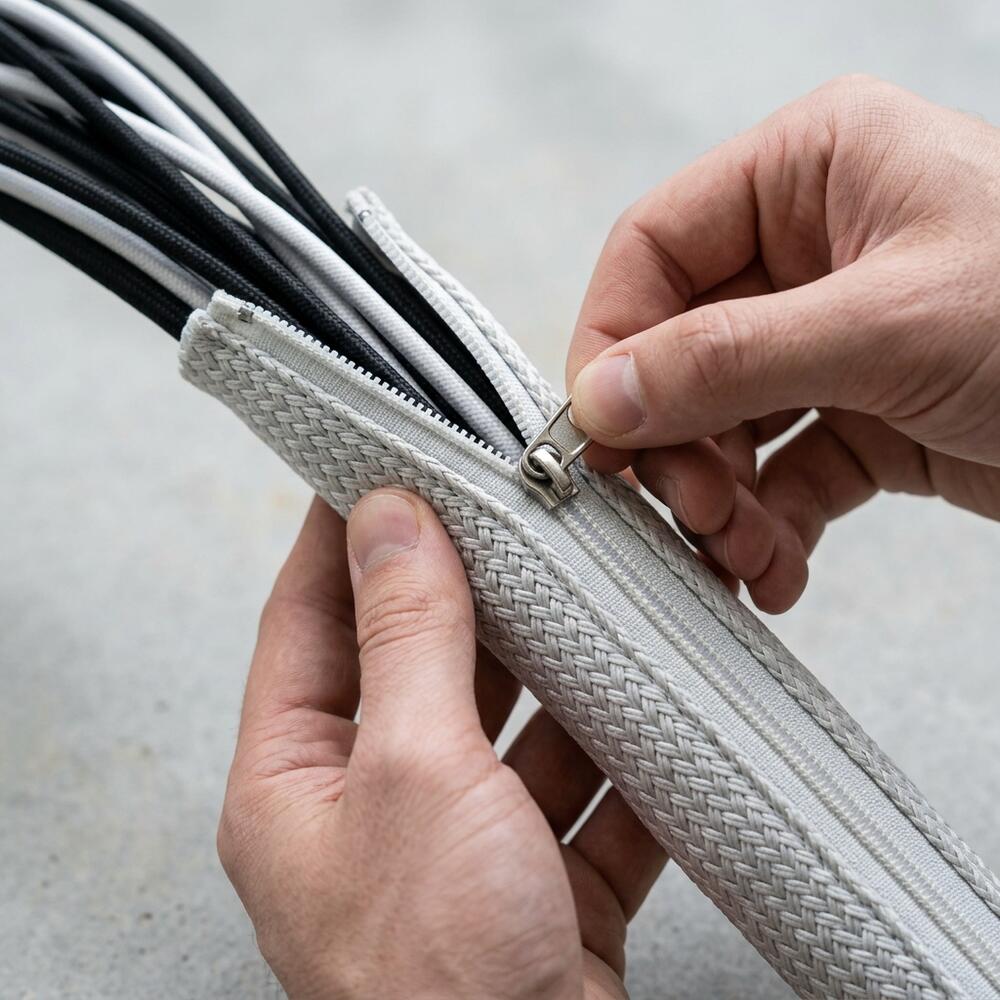


Tangled cables aren’t just an eyesore — they create a cluttered environment that actively disrupts focus and increases stress. The solution is a simple desk cable management system using clips, sleeves, and trays to route and conceal every wire. In this guide, I’ll walk you through the exact setup I recommend to over 500 clients, so you can achieve a clean, distraction-free workspace in under 30 minutes.
Alex Thornton is a Certified Ergonomics Consultant and Workplace Wellness Specialist. After earning a master’s degree in Human Factors Engineering from Cornell University and certification from the Board of Certification in Professional Ergonomics (BCPE), Alex spent eight years as the lead ergonomics advisor for a Fortune 500 tech company. In 2020, Alex founded “Ergonomics Everyday,” a consultancy that has evaluated over 500 workspaces. Their hands-on experience ranges from advising startups on cost-effective ergonomic solutions to redesigning entire office floors for maximum employee comfort and productivity.
If you’re looking for a starting point, the Minimal Desk Starter Kit includes everything you need for a clean, ergonomic workspace, taking the guesswork out of organizing your wires.
What Is an Effective Cable Management System?
An effective cable management system organizes and conceals all visible wires in a workspace using a combination of routing tools, clips, and trays. This ensures that cords do not interfere with legroom, desk aesthetics, or the ergonomic positioning of your equipment.
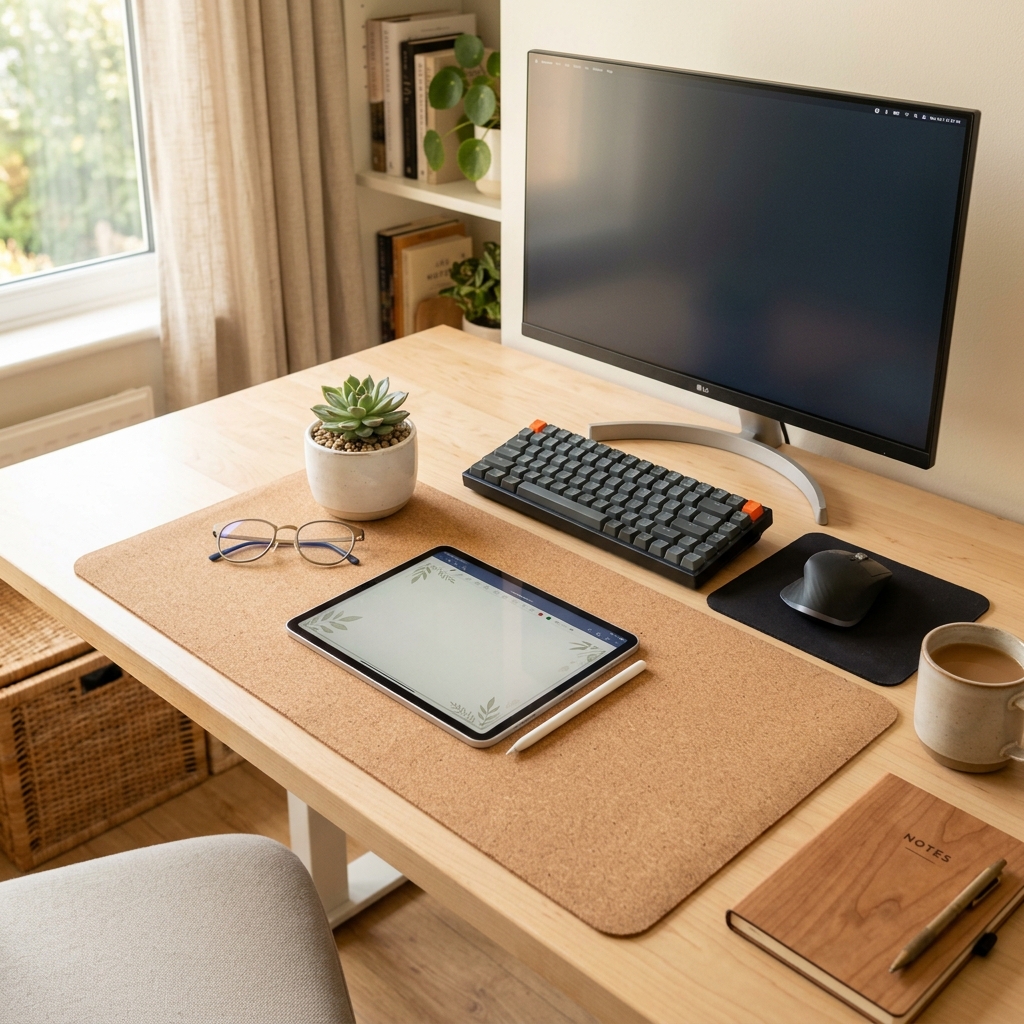
Before diving into the mechanics of hiding cords, it is critical to define what we are working with. A cable management system is a combination of tools such as clips, sleeves, and trays used to organize and conceal wires in a workspace. A well-designed desk setup is the complete arrangement of furniture, tools, and accessories that form a person’s workspace, optimized for comfort, productivity, and health.
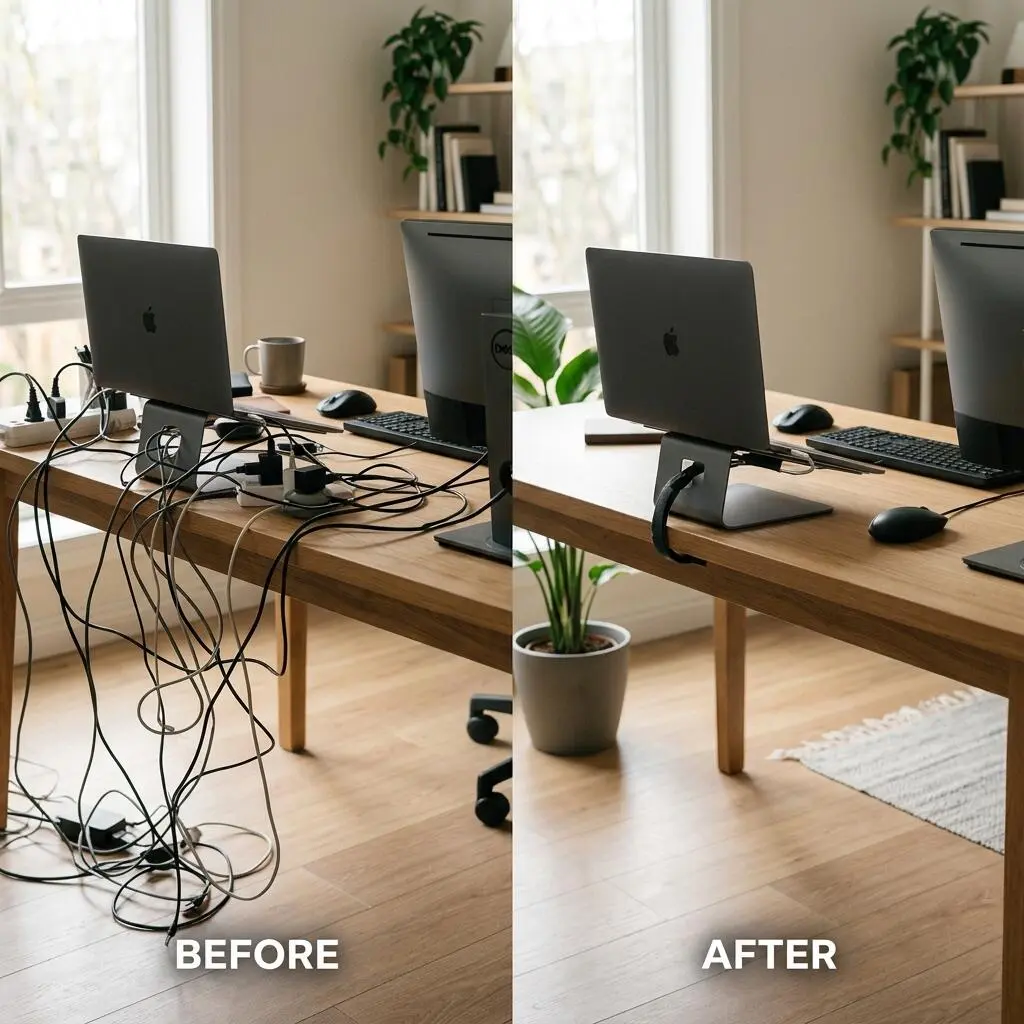
In over 500 workspace evaluations, one of the most common issues I encounter is cable clutter creating both visual stress and physical tripping hazards. People often try to shove cables behind a desk, but without purposeful routing, the visual chaos remains.
- Protects expensive tech equipment from accidental tugs and damage.
- Frees up valuable desk surface space for documents and organizers.
- Eliminates hazardous tripping points near the feet.
- Reduces cognitive load and visual fatigue caused by background clutter.
- Enables easier cleaning and dust prevention in the workspace.
A structured approach to wire routing is foundational. “A cable management system is a combination of tools such as clips, sleeves, and trays used to organize and conceal wires in a workspace.”
Why Is Desk Cable Management Important for Productivity?
Desk cable management directly impacts productivity by eliminating visual distractions and allowing for unimpeded ergonomic movement at your workstation. When cables are hidden and secured, you experience less cognitive fatigue and can maintain a focused state for longer periods.
When I conduct a workspace audit for a 200-person engineering team, I frequently find that poor cable management restricts ergonomic adaptability. If your monitor cables are too tight, you cannot push your screen back to the recommended 20–30 inches (one full arm’s length) viewing distance. A well-managed desk ensures you can adjust your equipment without restriction.
Furthermore, an ergonomic workstation is a workspace configured to support the body’s natural posture, reduce strain, and prevent repetitive stress injuries during prolonged work. When cables block your feet, you cannot sit with both feet flat on the floor, which destabilizes your lumbar alignment.
| Workspace Metric | Cluttered Desk with Loose Cables | Managed Desk Setup |
|---|---|---|
| Visual Distractions | High; cords constantly in peripheral vision | Zero; all cords routed out of sight |
| Ergonomic Freedom | Restricted; monitors cannot be moved easily | Full range of motion for monitor arms and stands |
| Cleaning Efficiency | Difficult; dust accumulates around cables | Easy; flat surfaces can be wiped in seconds |
| Focus Duration | Often interrupted by snagging wires | Continuous and uninterrupted |
How Do You Hide Desk Cables Effectively?
The most effective way to hide desk cables is to use a cable sleeve combined with adhesive cable clips to route wires along the desk edge and down the legs. This approach keeps cables organized, completely out of sight, and easy to access for maintenance.

A systematic implementation guarantees a long-lasting clean desk. Follow these step-by-step instructions to implement professional routing at home or in the office.
- Unplug everything: Remove all power to your devices and clear the desk entirely.
- Identify your power hub: Mount a high-quality surge protector under your desk or on the back leg using strong double-sided tape.
- Group cables by destination: Separate power cables from peripheral cables (HDMI, USB).
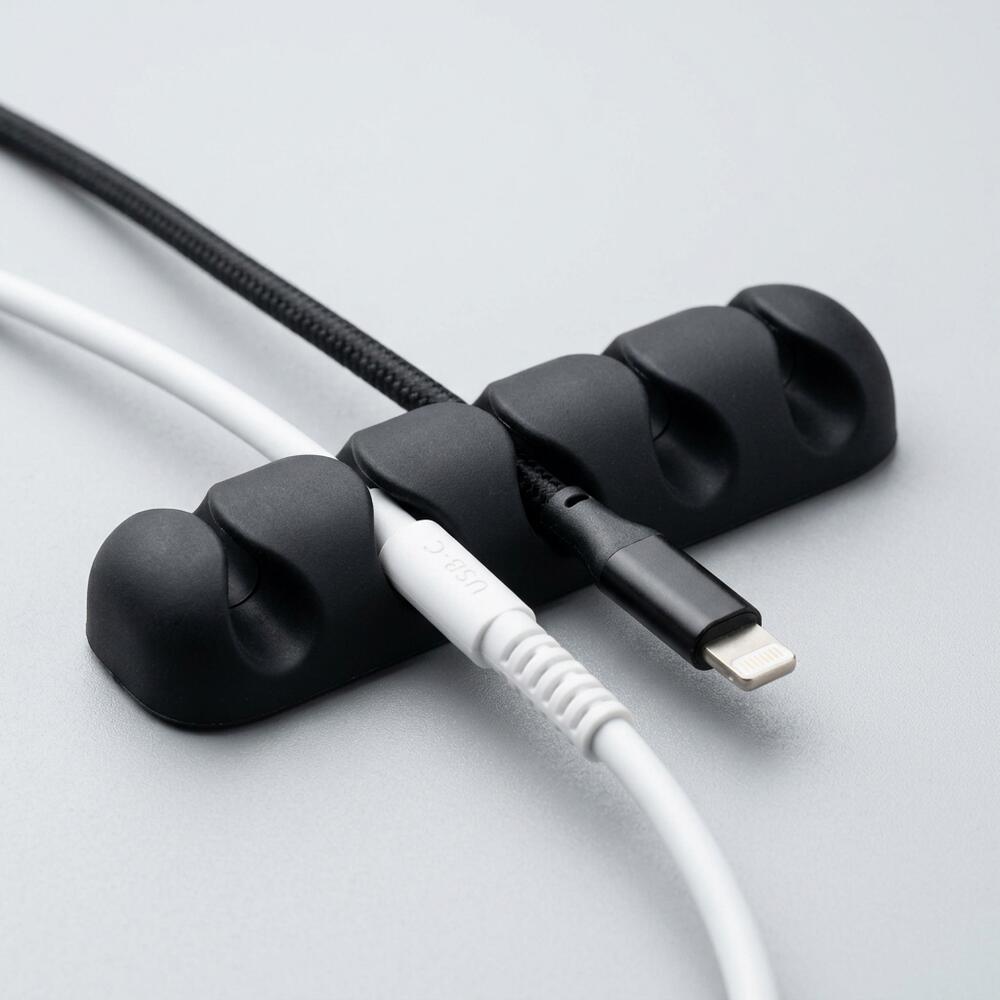
- Route horizontal cables: Use cable holders for a desk to guide the horizontal wires along the back edge. For creative routing ideas, review our essential tips to use cable holders.
- Bundle vertical drops: Group the wires traveling from your desk to the wall outlet into a single TidySetup Zipper Cable Sleeve.
- Ensure slack for movement: Leave 2–3 inches of slack for any devices that need to move, such as your mouse or an adjustable monitor arm.
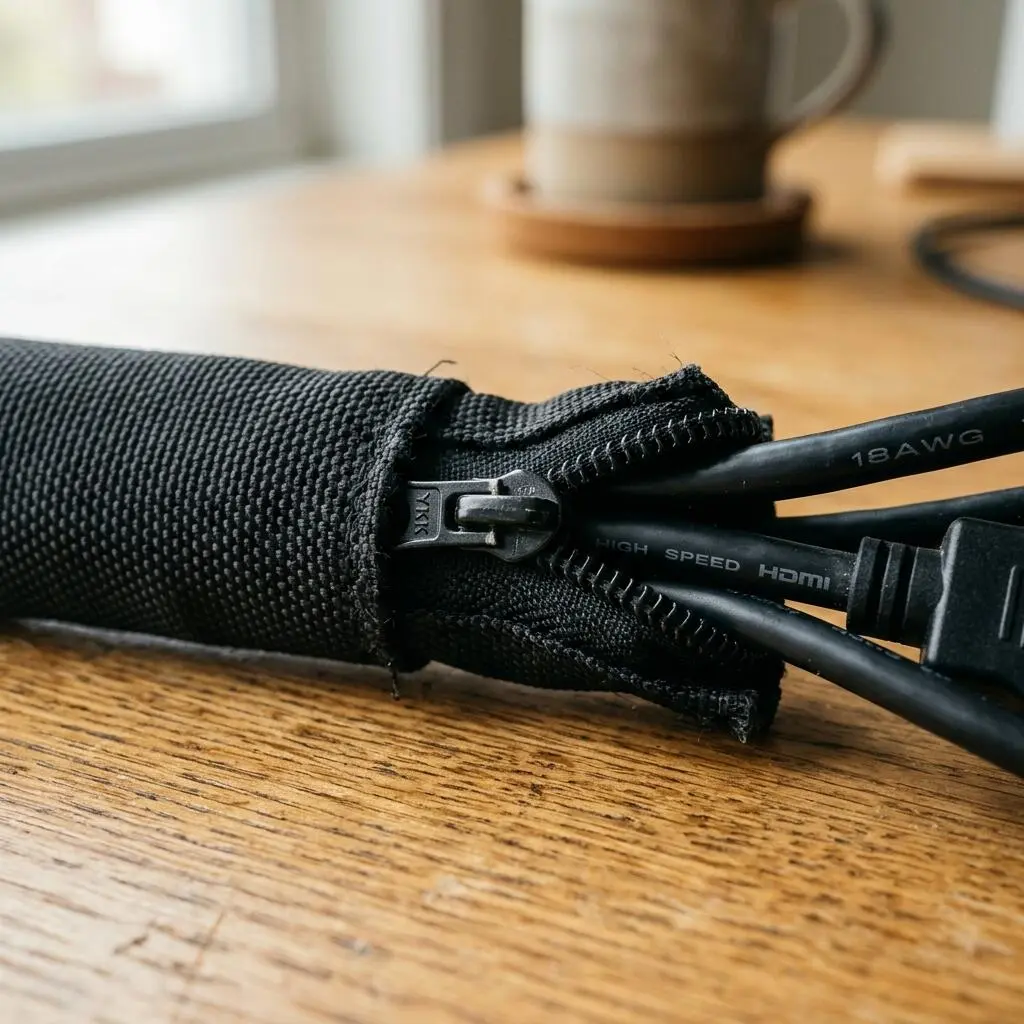
By following these steps, you build a resilient structure. If you utilize a sit-stand desk, remember to test the full range of motion. “Standing desk cable management requires an additional 15 to 20 inches of slack bundled in a flexible sleeve.” For specific routing techniques on adjustable desks, explore our guide on how to master standing desk cable management.
Common Mistakes When Managing Desk Wires
Many individuals unknowingly restrict their posture by tightly binding cables without accounting for ergonomic adjustments. Securing cables too rigidly prevents you from positioning your monitor so the top edge sits 2–3 inches above your seated eye level — a necessary adjustment that reduces cervical flexion by approximately 20°.
For a hands-on solution, many of my clients start with a cable management kit — it covers 90% of typical desk cable issues.
Avoid these frequent pitfalls:
- Ignoring the 90° Elbow Rule: Binding mouse and keyboard cables too tightly can prevent your elbows from bending at 90 to 100 degrees while resting on the desk.
- Using permanent zip ties: Rigid zip ties make it impossible to add or remove devices later. Always opt for reusable hook-and-loop straps or zipper sleeves.
- Forgetting the standing height: If you use a standing desk converter, moving to a standing position will rip cords out of their sockets if slack is not calculated beforehand.
- Running cables across the floor: Tripping hazards are a major OSHA violation in corporate settings and equally dangerous at home.
Workspace productivity refers to the efficiency and output quality achieved through an intentionally designed and organized work environment. By avoiding these minor errors, your efficiency will notably increase.
Creating the Ultimate Minimalist Workspace
Achieving a truly clean desk goes beyond hiding wires; it involves elevating your gear conceptually and physically. The integration of ergonomic tools transforms a messy table into a productivity engine.
If you refer back to our ultimate guide to cable storage organization, the consensus is clear: elevating devices is just as important as hiding their wires.
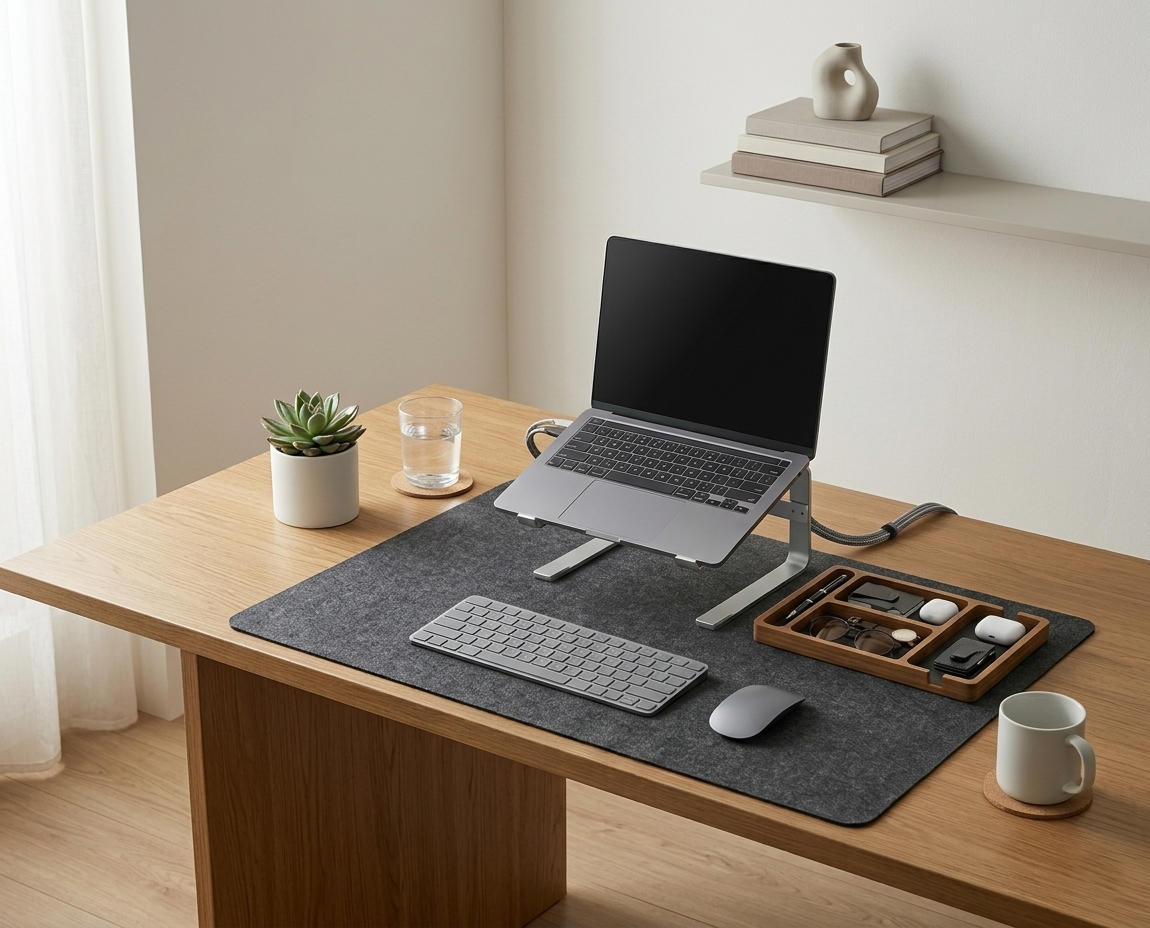
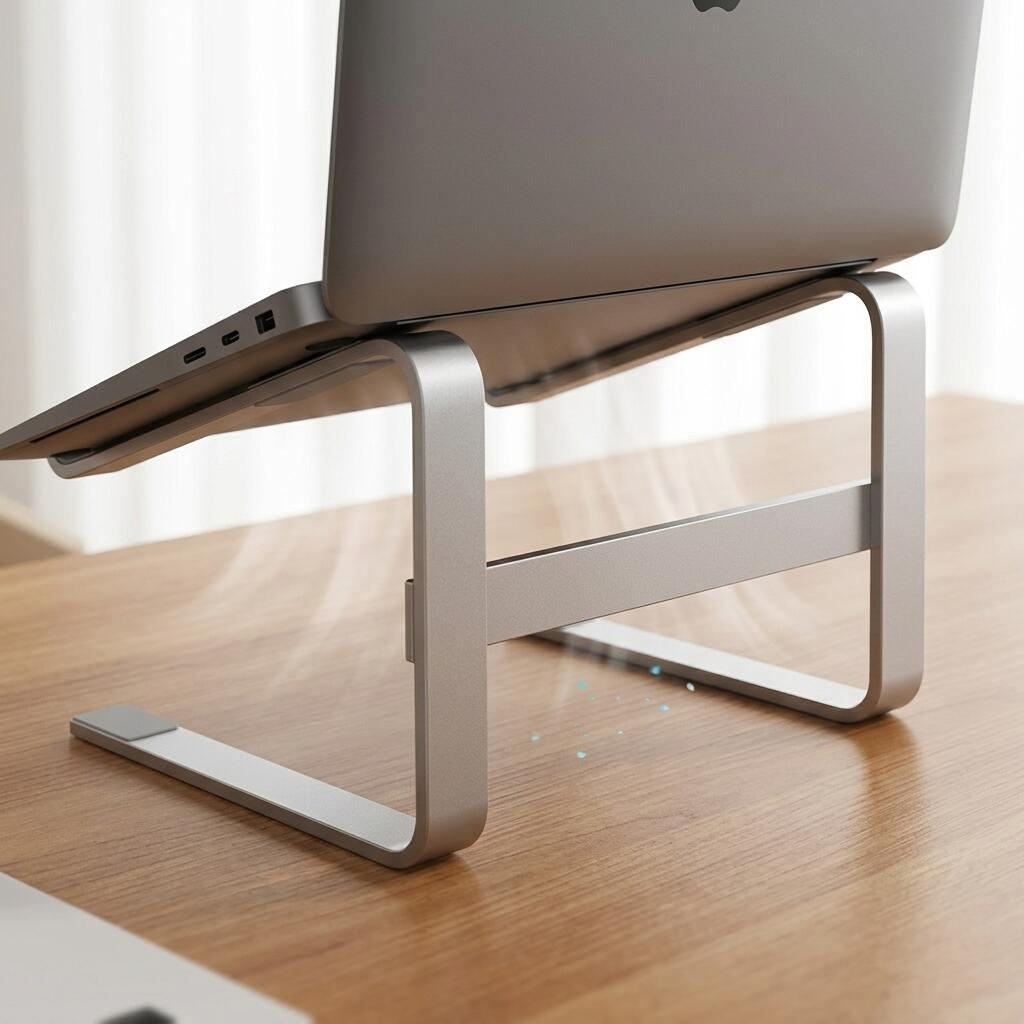
A laptop stand is an elevated platform designed to raise a laptop screen to eye level, reducing neck strain and improving posture during extended use. By placing your machine on an elevated platform, you magically clear space underneath it, providing a safe zone to hide excess cord length.
- Always keep your wrists in a neutral position, straight and level with your forearms.
- When using a standalone monitor, consider a monitor arm—an adjustable mounting system that attaches a display to a desk or wall, allowing height, depth, and angle adjustments for ergonomic alignment.
- Group small items into a desk organizer, which is a storage accessory designed to reduce desktop clutter by providing designated compartments for office supplies and accessories.
To deepen your understanding of these principles, review our guide on how to set up an ergonomic desk workstation.
Desk Cable Management FAQs
1. What is the easiest way to hide desk cables?
The easiest method is to bundle dangling cords into a flexible zipper sleeve and attach adhesive clips to the back edge of your desk. This combination visually removes cables in minutes without requiring tools or drilling.
2. How much does good cable management cost?
Basic desk cable management can be achieved for very little investment. A comprehensive starter solution featuring reusable sleeves, adhesive clips, and ties typically provides everything necessary to completely organize a home office workstation.
3. Is cable management necessary for a standing desk?
Yes, standing desks absolutely require strategic wire routing to prevent cables from snagging or disconnecting during height adjustments. You must ensure all cables connected to wall outlets have enough slack to accommodate the maximum height of the desk.
4. Should I use zip ties for my computer wires?
Permanent plastic zip ties are not recommended for computer desks because they require scissors to remove, risking damage to sensitive wires. Reusable hook-and-loop straps or fabric zipper sleeves are much safer and more adaptable.
5. How do I hide the power strip on my desk?
The best way to hide a power strip is to mount it to the underside of the desktop using strong double-sided mounting tape or a specialized under-desk wire tray. This elevates the power source off the floor, reducing cord travel distance.
6. Can messy cables cause hardware damage?
Yes, unsupported dangling cables put stress on the ports of your devices. Over time, the weight of a hanging HDMI or power cable can physically bend or damage the internal pins of your laptop or monitor.

Conclusion
Effective desk cable management is the foundation of any professional, ergonomic workstation. By defining your routing paths and utilizing the right clips and sleeves, you eliminate visual stress and protect your hardware. A well-organized workspace is a small investment in your daily comfort and focus. If you’re ready to get started, take a look at the complete TidySetup collection to transform your environment today.