

Your office chair is the single most important piece of furniture you will ever own; you likely spend more time sitting in it than you do sleeping in your bed. Yet, thousands of professionals suffer from chronic lower back pain because they selected a chair based purely on how it looked in a photograph rather than how it supported their specific anatomy. A chair that forces your pelvis to tilt or fails to support your lumbar curve will actively work against your focus and physical health. In this comprehensive buying guide, I will show you exactly how to choose an ergonomic office chair that fits your body perfectly, turning your workstation from a source of pain into a foundation for deep, sustained productivity.
Part of TidySetup’s comprehensive resource series: explore our master Ergonomic Workstation Alignment Master Guide for complete workstation benchmarks.
Alex Thornton is a Certified Ergonomics Consultant and Workplace Wellness Specialist. After earning a master’s degree in Human Factors Engineering from Cornell University and certification from the Board of Certification in Professional Ergonomics (BCPE), Alex spent eight years as the lead ergonomics advisor for a Fortune 500 tech company. In 2020, Alex founded “Ergonomics Everyday,” a consultancy that has evaluated over 500 workspaces. You can learn more about their consulting experience on the About Alex Thornton page. Their hands-on experience ranges from advising startups on cost-effective ergonomic solutions to redesigning entire office floors for maximum employee comfort and productivity.
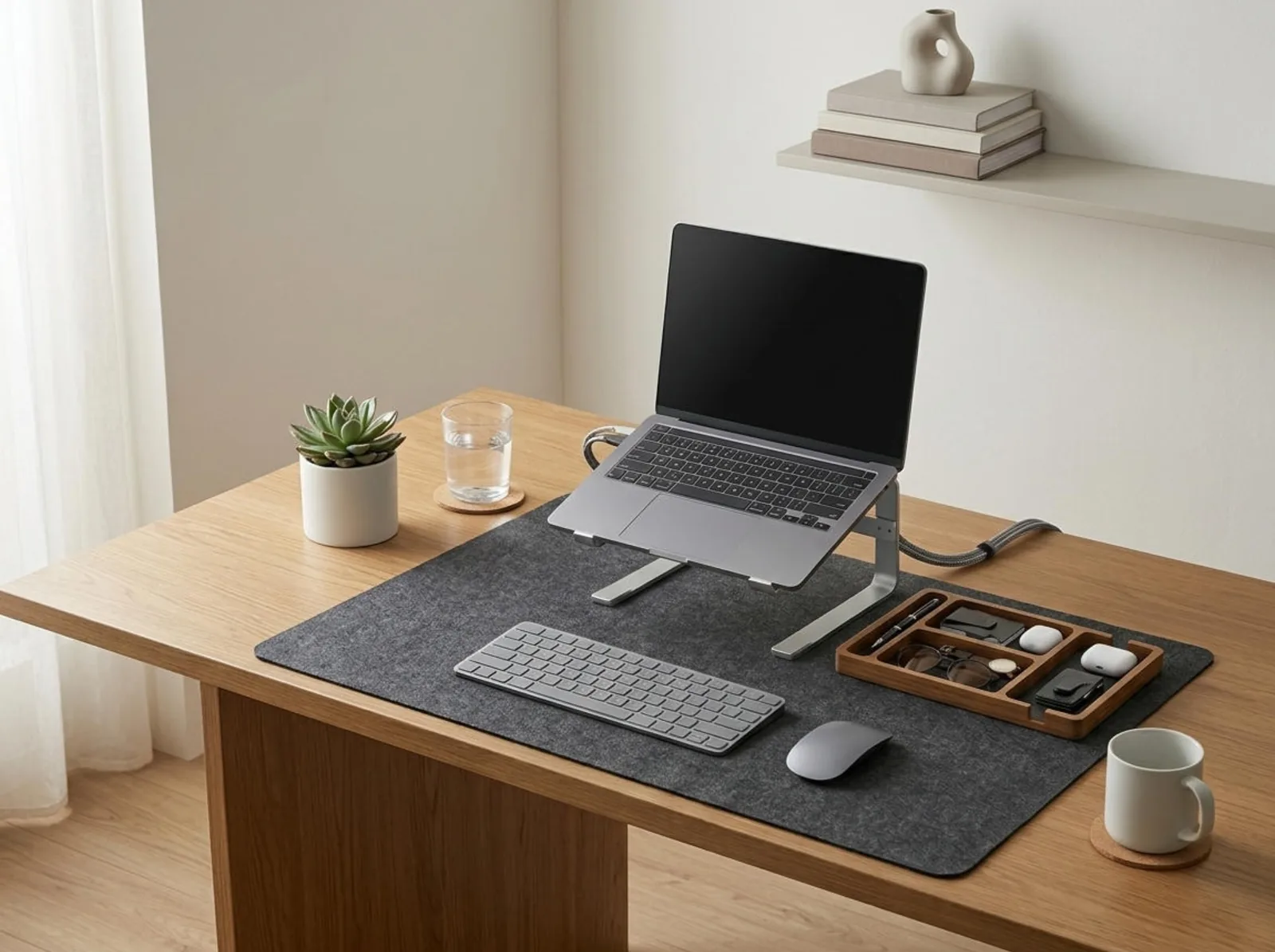
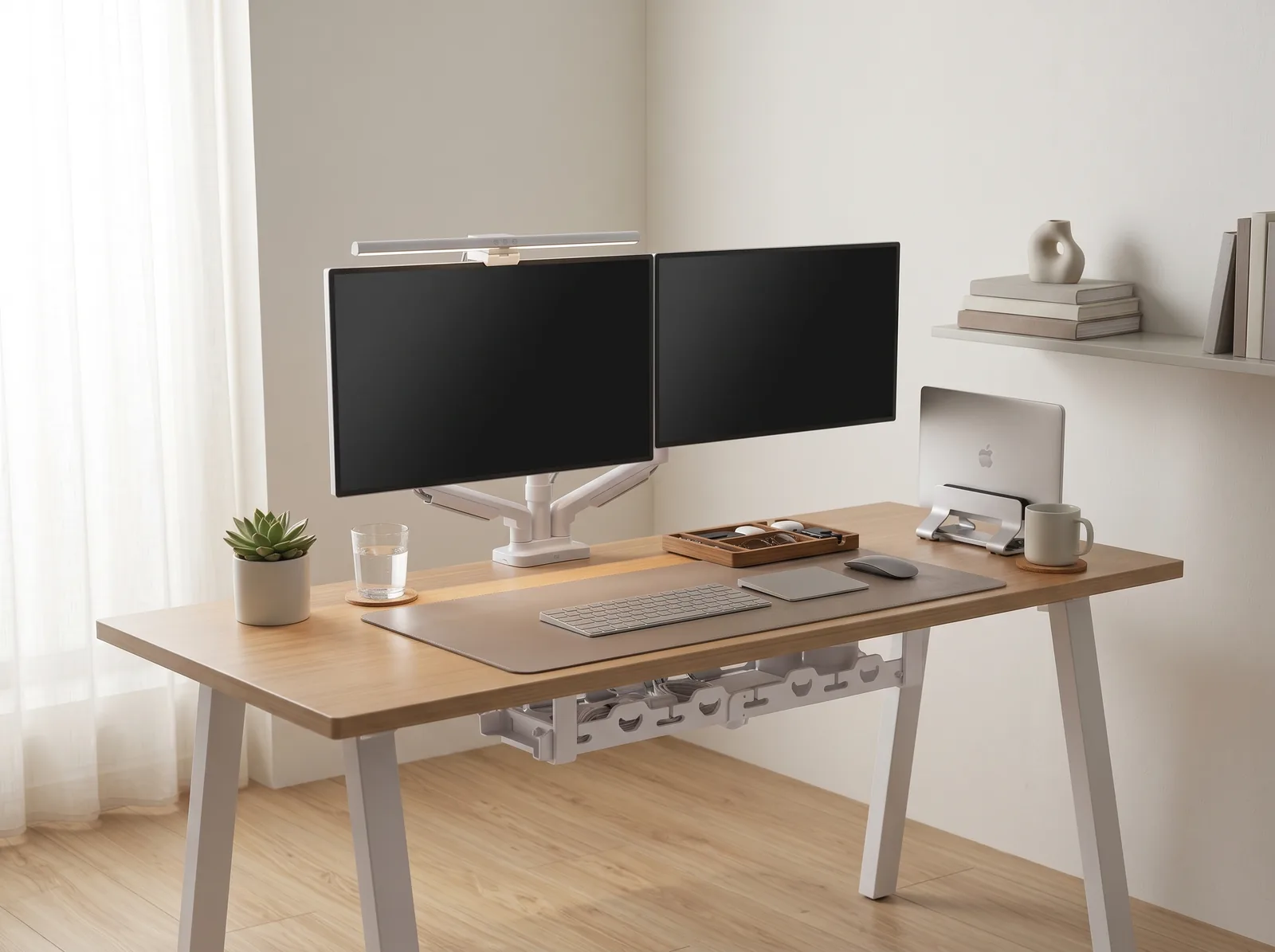
If you’re looking for a starting point to optimize the rest of your desk once your seating is sorted, the Minimal Desk Starter Kit includes everything you need for a clean, ergonomic workspace, providing the exact tools necessary to match your new chair’s alignment.
Why Is Choosing the Right Chair So Critical?
Choosing the right chair is critical because prolonged sitting inherently places immense compressive force on the discs of your lumbar spine and restricts blood flow to your lower extremities. A truly ergonomic chair counteracts this by distributing your body weight evenly, supporting the natural inward curve of your lower back, and encouraging micro-movements that keep your muscles engaged and oxygenated throughout the day.
Before you buy, you must understand the broader ecosystem. An ergonomic workstation is a workspace configured to support the body’s natural posture, reduce strain, and prevent repetitive stress injuries during prolonged work. Your chair is the anchor of your desk setup, which is the complete arrangement of furniture, tools, and accessories optimized for comfort, productivity, and health.
During a workspace audit for a 200-person engineering team, I found that over 70% of employees were sitting in chairs that lacked basic seat depth adjustment, leading directly to a high incidence of sciatica and hamstring compression.
- Prevents lumbar disc compression and chronic lower back pain.
- Maintains proper pelvic tilt, which dictates the alignment of the entire upper spine.
- Reduces contact stress on the back of the thighs, improving circulation.
- Allows the shoulders to relax, preventing tension headaches.
According to the OSHA Computer Workstations eTool, a chair must be highly adjustable to accommodate the specific dimensions of the user. “When you choose an ergonomic office chair, you are not buying a static seat; you are investing in a dynamic support system that must adapt to the unique biomechanics of your body.”
What Are the Non-Negotiable Adjustments?
The non-negotiable adjustments you must look for when you choose an ergonomic office chair are pneumatic seat height, adjustable lumbar support (both height and depth), adjustable seat pan depth, and fully articulating armrests (3D or 4D). If a chair lacks even one of these features, it cannot be customized to fit your body, rendering the “ergonomic” label entirely meaningless.
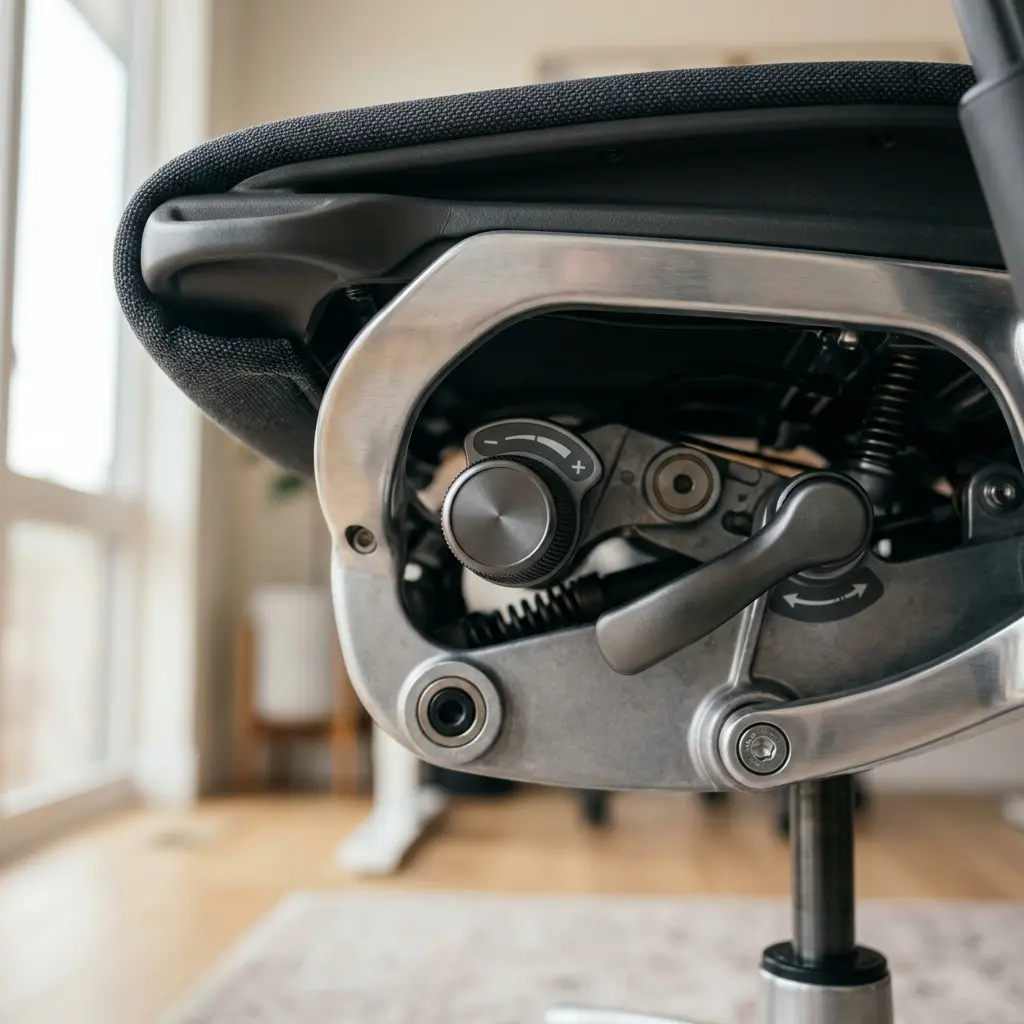
Many “executive” leather chairs look incredibly comfortable but feature fixed armrests and a static back angle. These are the worst possible choices for computer work.
To align your upper body, you must follow the 90° Elbow Rule: Elbows should be bent at 90 to 100 degrees, resting on desk or chair arms, with wrists kept neutral and flat. You cannot achieve this if your armrests are bolted in place at the wrong height.
| Chair Feature | Ergonomic Purpose | What to Look For |
|---|---|---|
| Seat Height | Allows feet to rest flat on the floor | Smooth pneumatic lever, 16-21 inch range |
| Lumbar Support | Maintains natural spinal curve | Adjustable up/down AND in/out tension |
| Seat Pan Depth | Prevents hamstring compression | Sliding seat pan (2-4 inches of clearance from knees) |
| Armrests | Supports arms without shrugging | Height, width, and pivot adjustability (3D/4D) |
For more details on how to set your desk height to match these chair adjustments, read our Standard Desk Height Guide.
How Important Is Seat Pan Depth?
Seat pan depth is critically important because if the seat is too long, the front edge will dig into the back of your knees, cutting off blood circulation and causing numbness in your legs. Conversely, if the seat is too short, it fails to support your thighs, placing all of your upper body weight directly onto your sit bones and lower back.
When you choose an ergonomic office chair, test the seat depth immediately. Sit all the way back so your spine is flush against the lumbar support. You should be able to fit exactly three or four fingers between the front edge of the seat and the back of your calves.
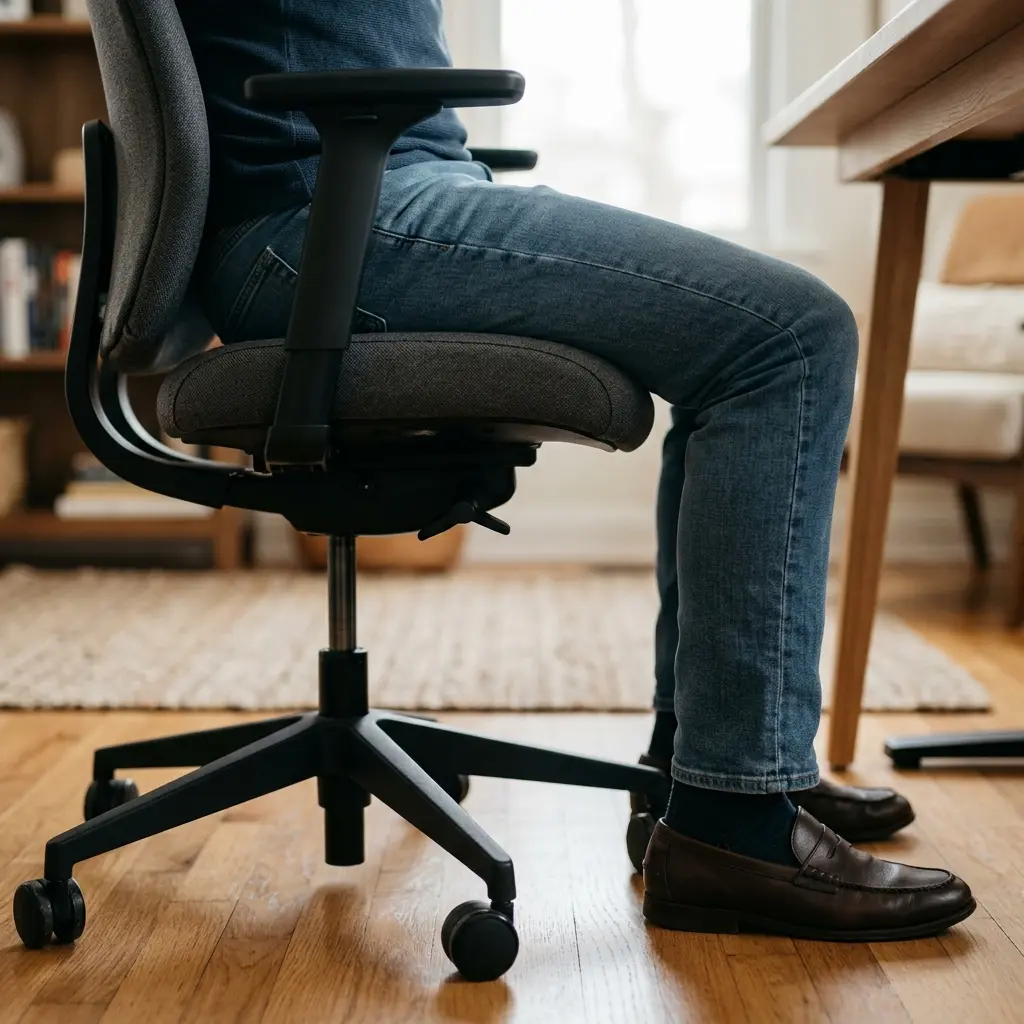
If you cannot achieve this gap, the chair does not fit you, regardless of its price tag.
This lower body alignment works in tandem with your upper body. To ensure your hands are also supported correctly, review our guide on Ergonomic Keyboard Placement: Angles and Distance Guide.
Mesh vs. Cushion: Which Material Is Better?
Mesh is generally the better material choice for the backrest of an ergonomic chair because it provides dynamic, tension-based support that conforms to your spine while allowing for maximum airflow to prevent heat buildup. For the seat pan, high-density molded foam is usually superior to mesh, as sitting on mesh for 8 hours can create uncomfortable pressure points around the plastic frame holding it together.
Aesthetics often drive the material choice, but comfort must come first. Workspace productivity refers to the efficiency and output quality achieved through an intentionally designed and organized work environment. You cannot be productive if your back is sweating or your thighs are aching.
- Backrest: Prioritize high-quality, taut mesh.
- Seat Pan: Prioritize thick, firm fabric-covered foam.
- Armpads: Prioritize soft polyurethane that yields slightly to the elbows.
- Casters: Choose soft wheels for hard floors, and hard wheels for carpets.
For more on balancing aesthetics and focus in your workspace, read our cross-cluster post: Desk Setup Accessories: Aesthetics vs. Pure Focus.
Do You Need a Headrest?
You generally do not need a headrest for standard, upright computer typing, as proper monitor alignment should keep your head perfectly balanced neutrally over your shoulders without requiring rear support. However, if you frequently recline to read long documents, take phone calls, or suffer from chronic cervical issues, a highly adjustable headrest becomes a valuable ergonomic addition.

If you choose a chair with a headrest, it must be adjustable in height and angle so that it fits into the curve of your neck (the cervical lordosis) rather than pushing the back of your skull forward into a dangerous “text neck” posture.
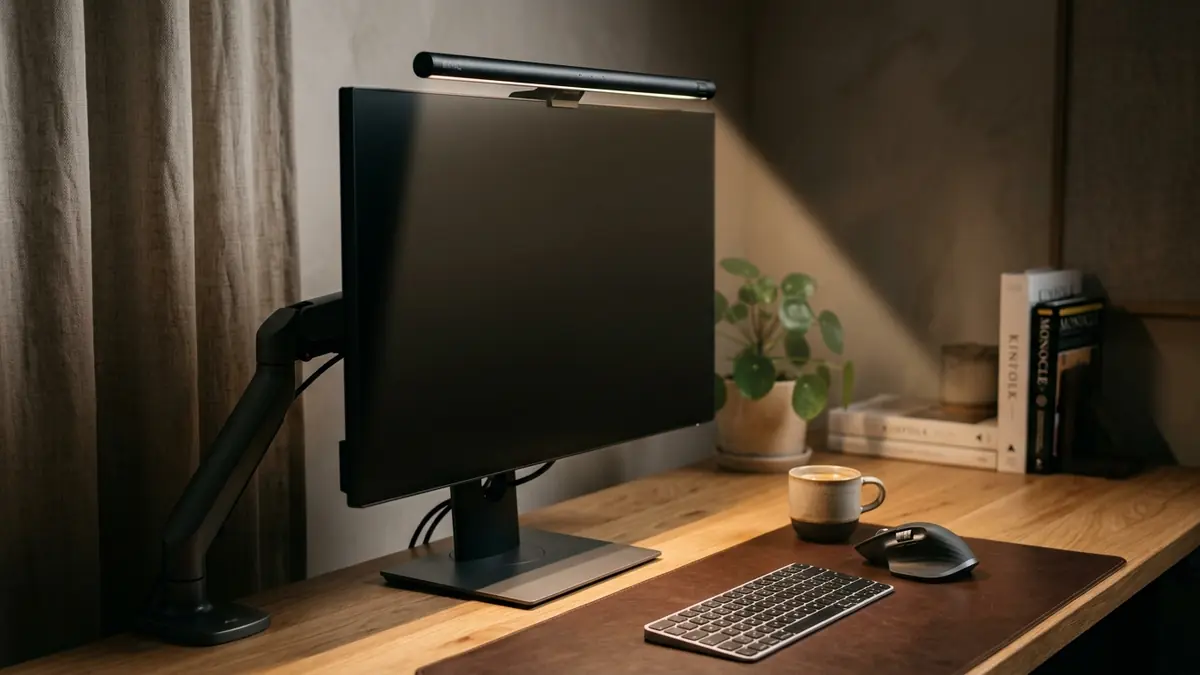
The Eye-Level Rule is paramount here: The top 1/3 of the monitor or laptop screen should align with the user’s natural line of sight. If your chair reclines, you must use a laptop stand or monitor arm to tilt the screen backward to match your new viewing angle.
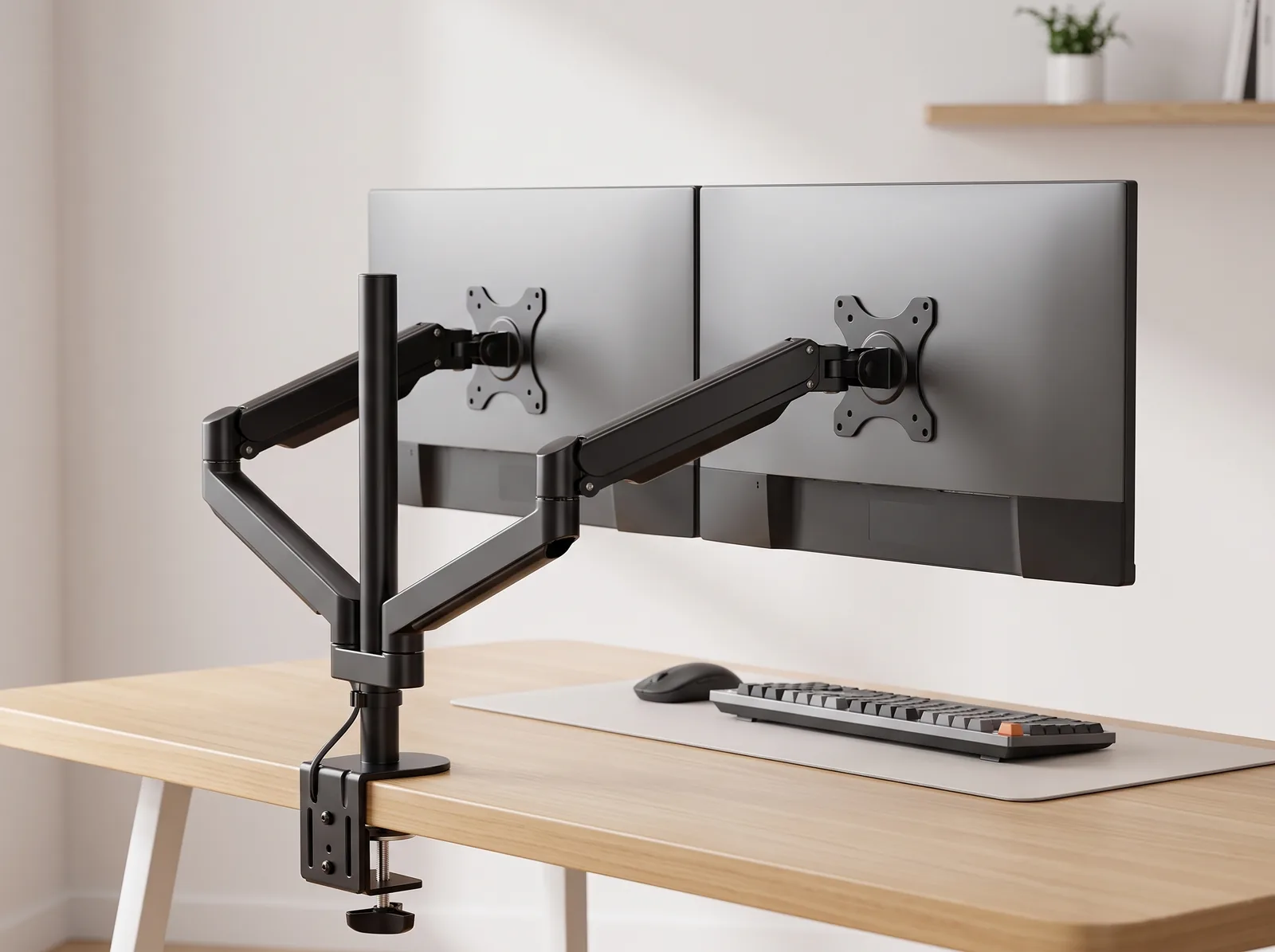
You can learn how to dial in this screen angle perfectly in our Monitor Arm Setup Guide.
Ergonomic Office Chair FAQs
1. Are “gaming chairs” ergonomic?
Most “racing style” gaming chairs are highly unergonomic. They feature bucket seats with raised side bolsters that restrict leg movement, and they force the shoulders forward into a rounded posture. Their lumbar support is usually just a loose, unadjustable pillow. A dedicated ergonomic office chair is vastly superior for long hours.
2. How much should I spend on an ergonomic chair?
A high-quality ergonomic chair is an investment in your health. While you can find decent budget options, a chair with a 10-year warranty, highly durable mechanisms, and full 4D adjustability typically costs between $400 and $1,200. Consider it the cost of preventing years of physical therapy.
3. What does “synchro-tilt” mean?
Synchro-tilt is a premium mechanism where the backrest and the seat pan recline at different ratios (usually 2:1). This means when you lean back 20 degrees, the seat pan only tilts up 10 degrees, keeping your feet flat on the floor and opening your hip angle for better circulation.
4. Is it better to sit on an exercise ball?
No, sitting on an exercise ball for an entire workday is dangerous. While it engages your core for short periods, your back muscles will quickly fatigue without a backrest to support them. Once fatigue sets in, you will slouch severely, causing significant spinal compression.
5. What are 4D armrests?
4D armrests are fully articulating arms that can be adjusted in four distinct directions: up/down (height), left/right (width), forward/backward (depth), and pivot inward/outward (angle). This allows you to support your elbows perfectly regardless of your shoulder width or typing style.
6. How do I know if my chair is broken?
The most common sign of a failing chair is a sinking pneumatic cylinder (the chair slowly lowers itself while you sit). Other signs include armrests that no longer lock into place, or mesh backrests that have stretched out and feel “saggy” rather than taut and supportive.
Conclusion
When you choose an ergonomic office chair, you are establishing the physiological baseline for your entire workday. By prioritizing adjustable lumbar support, seat depth, and 4D armrests over mere aesthetics, you actively protect your spine and preserve your mental energy. Workspace productivity thrives when you remove the distraction of physical pain. This exact problem—the necessity of precise physical alignment—is why we designed the Minimal Desk Starter Kit. Once your chair is perfectly tuned, the kit provides the premium surface tools and screen elevation needed to bring your desk up to meet your new, healthy posture.