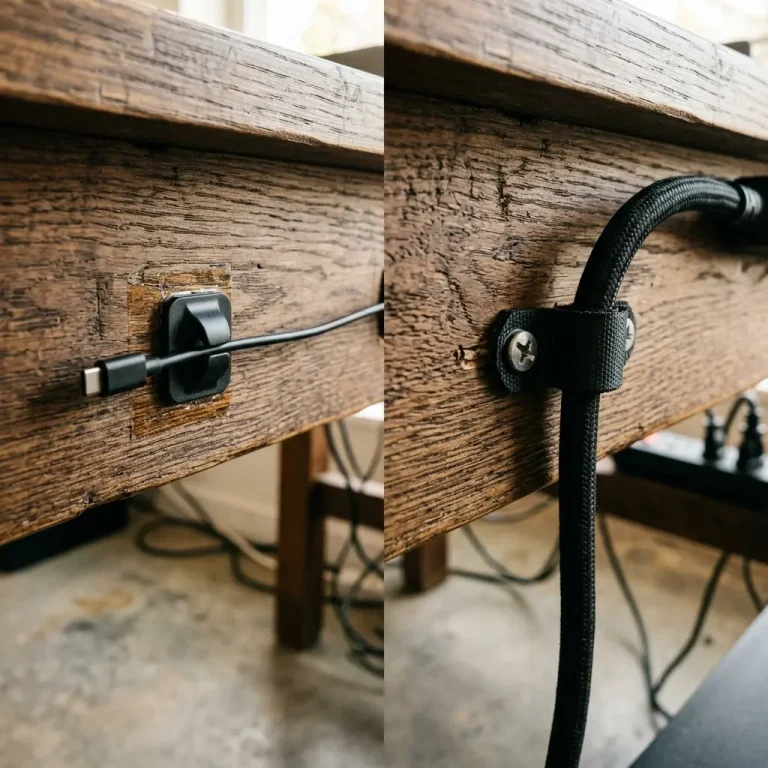
A beautifully designed, ergonomic workspace can be instantly ruined by a tangled nest of power bricks and display cables dangling beneath the desk. Beyond aesthetics, poor cable management creates physical hazards: rolling your chair over a power cord or snagging a monitor cable with your foot can cause hundreds of dollars in damage.
When you commit to hiding your wires, you are faced with a fundamental choice regarding your infrastructure: cable raceways vs cable sleeves. Do you hard-mount a rigid metal channel to the underside of your desk, or do you bundle the cables together inside a flexible fabric tube?
The answer is rarely one or the other. In fact, a perfectly managed desk almost always utilizes both. In this guide, we will examine the specific use-case for raceways (horizontal routing) versus sleeves (vertical routing) so you can build a workstation with zero visible wires.
Cable Raceways: The Foundation of Clean Desks
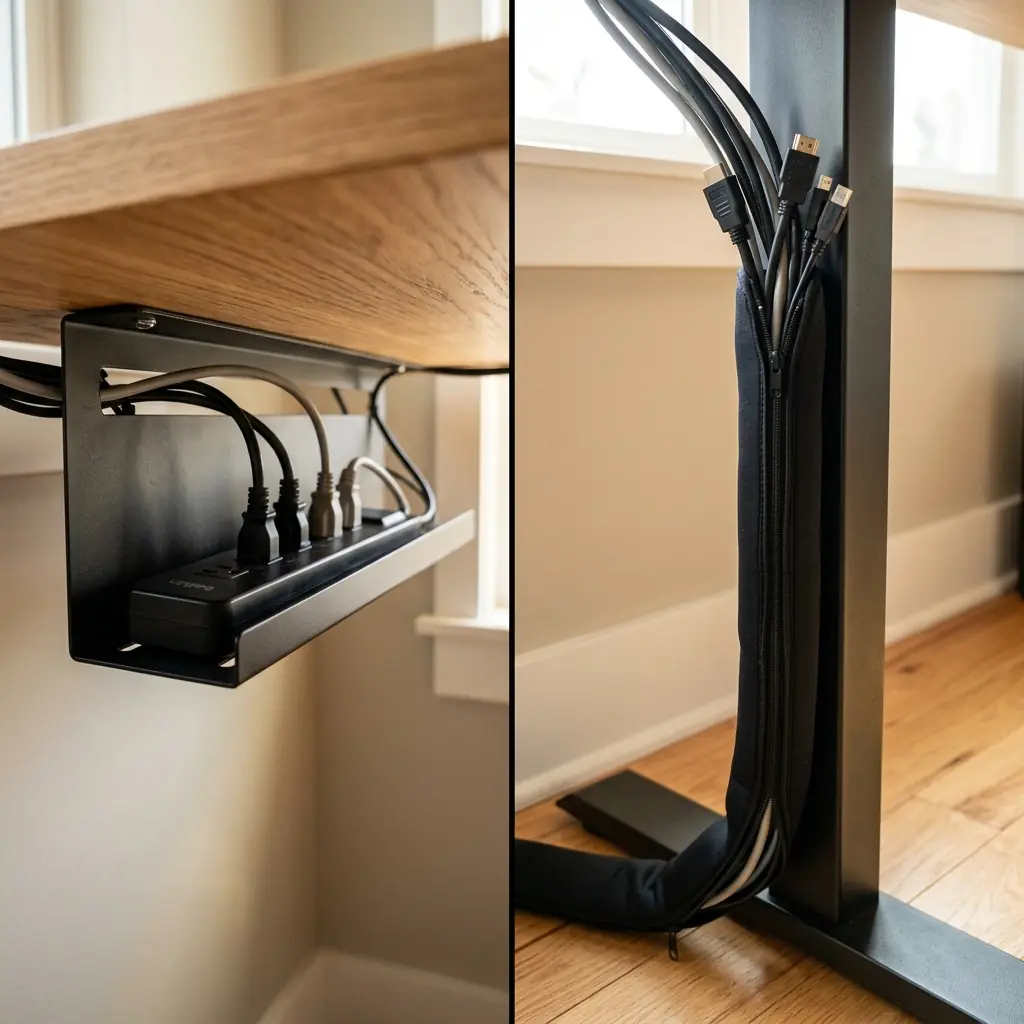
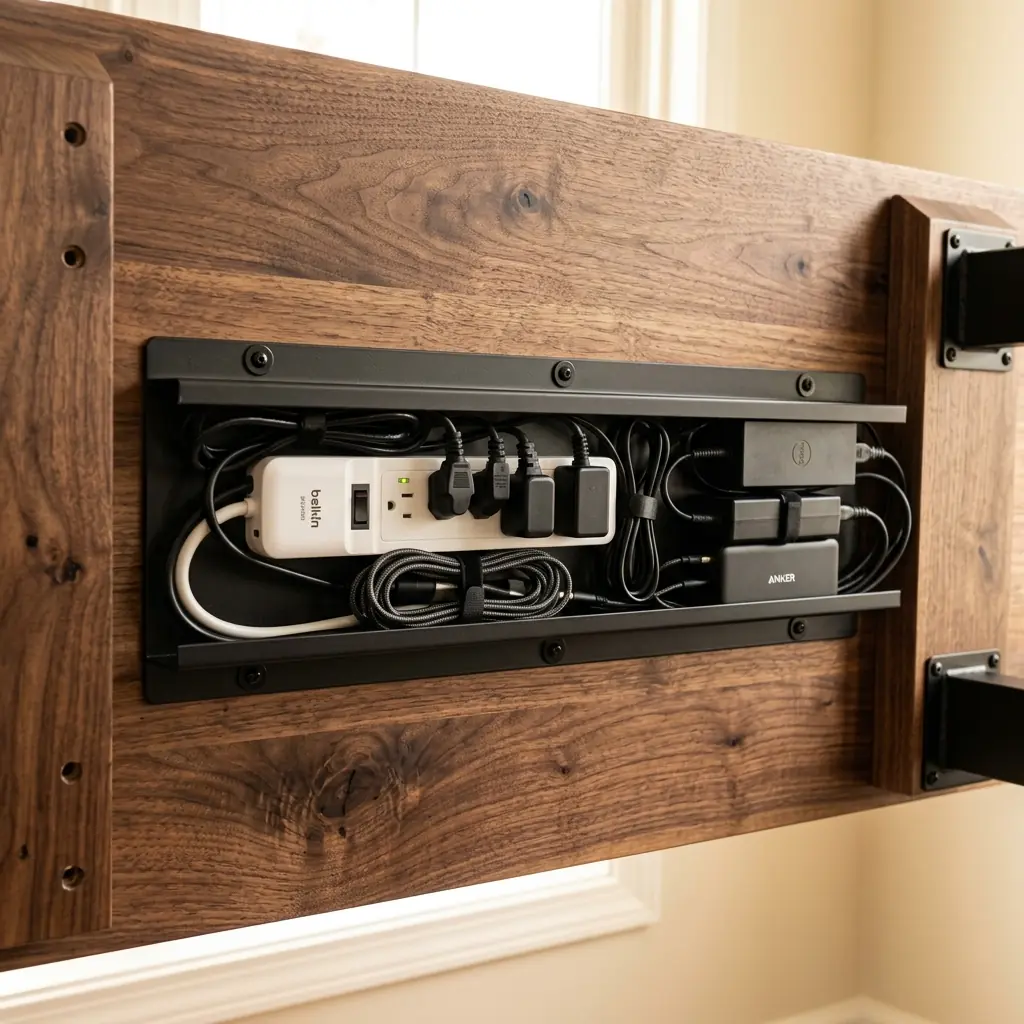
A cable raceway (often called a J-channel or cable tray) is a rigid tray made of metal or thick PVC. It mounts directly to the underside of your desk surface, running horizontally along the back edge. Its primary purpose is to act as a hidden shelf for the heaviest, bulkiest items in your setup.
The Strengths of Raceways
- Hiding Power Strips and Bricks — This is the raceway’s superpower. A deep metal tray can hold a 6-outlet surge protector and heavy MacBook or monitor power bricks. This gets them off the floor and out of sight.
- Horizontal Routing — If your PC tower is on the left side of the desk, but your right monitor needs a DisplayPort cable, the raceway provides a hidden “highway” to route the cable horizontally across the desk without it drooping over your knees.
- Heat Dissipation — Open-top metal trays allow air to circulate around hot power bricks, preventing thermal throttling or fire hazards.
The Weaknesses of Raceways
Raceways are difficult to install. High-quality metal trays require you to drill pilot holes and use wood screws to mount them to the underside of your desk. Adhesive-backed plastic raceways exist, but the adhesive almost always fails under the weight of a heavy surge protector. Furthermore, raceways cannot help you route cables from the desk down to the floor outlet.
Cable Sleeves: The Flexible Solution
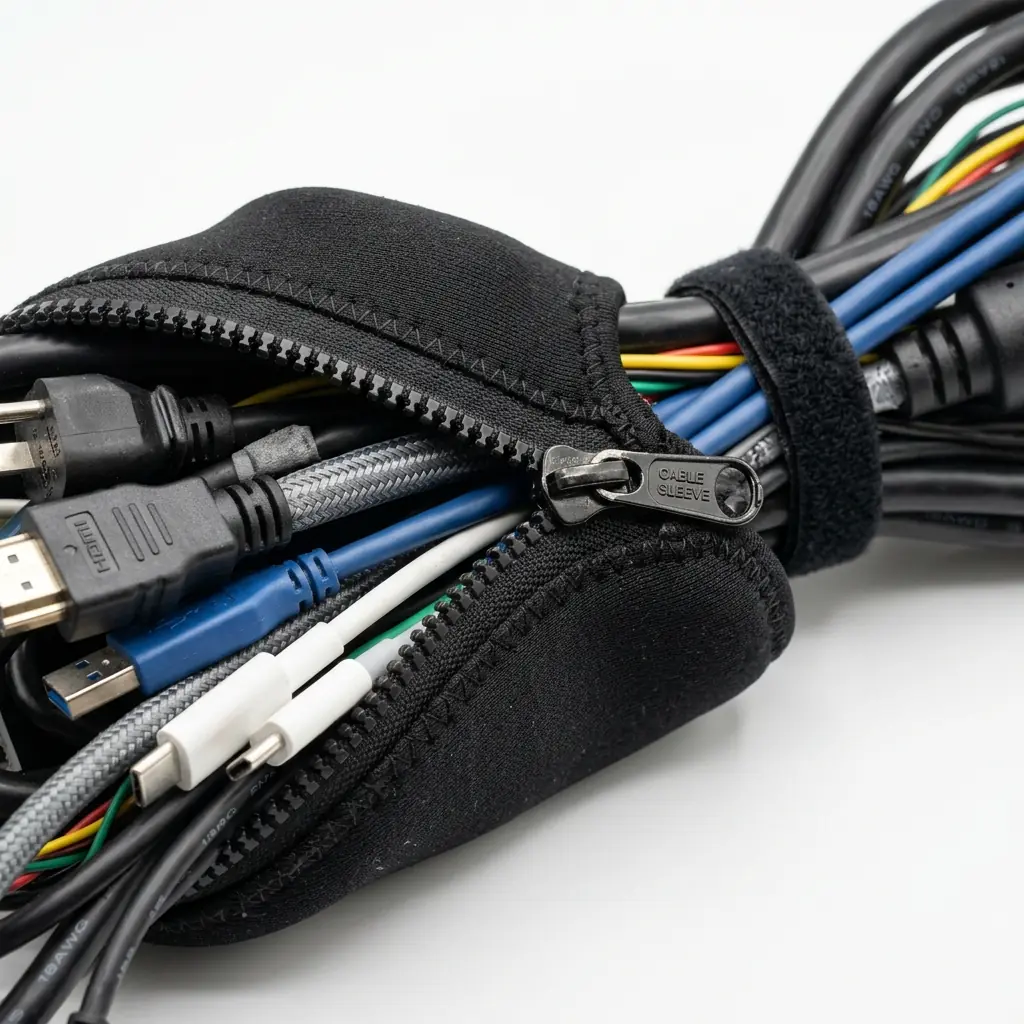
A cable sleeve is a flexible tube—typically made of neoprene, braided nylon, or plastic spiral wrap—designed to bundle multiple loose wires together into a single, clean-looking cord.
The Strengths of Cable Sleeves
- The “Umbilical Cord” — Sleeves excel at vertical routing. Instead of having five separate cables (power, ethernet, speaker wire) draping messily from your desk down to your PC or wall outlet, a sleeve bundles them into one thick, professional-looking tube.
- Zero Installation — Sleeves require no tools. Neoprene sleeves use zippers or Velcro, making them incredibly easy to apply or remove if you need to add a new cable later.
- Standing Desk Flexibility — If you have an electric standing desk, your vertical cables must stretch and move. A flexible neoprene sleeve accommodates the motion of the desk seamlessly.
The Weaknesses of Cable Sleeves
Sleeves are terrible at hiding bulk. You cannot fit a power strip or a laptop charging brick inside a cable sleeve. Furthermore, if you use a cheap plastic spiral wrap (instead of zipper neoprene), it can take a frustrating amount of time to weave the cables inside, and removing a single cable later is a nightmare.
Head-to-Head: Building the Perfect Setup
The secret to a zero-wire desk is not choosing between raceways and sleeves, but using them in tandem based on the axis of movement.
The Horizontal Axis (Use Raceways)
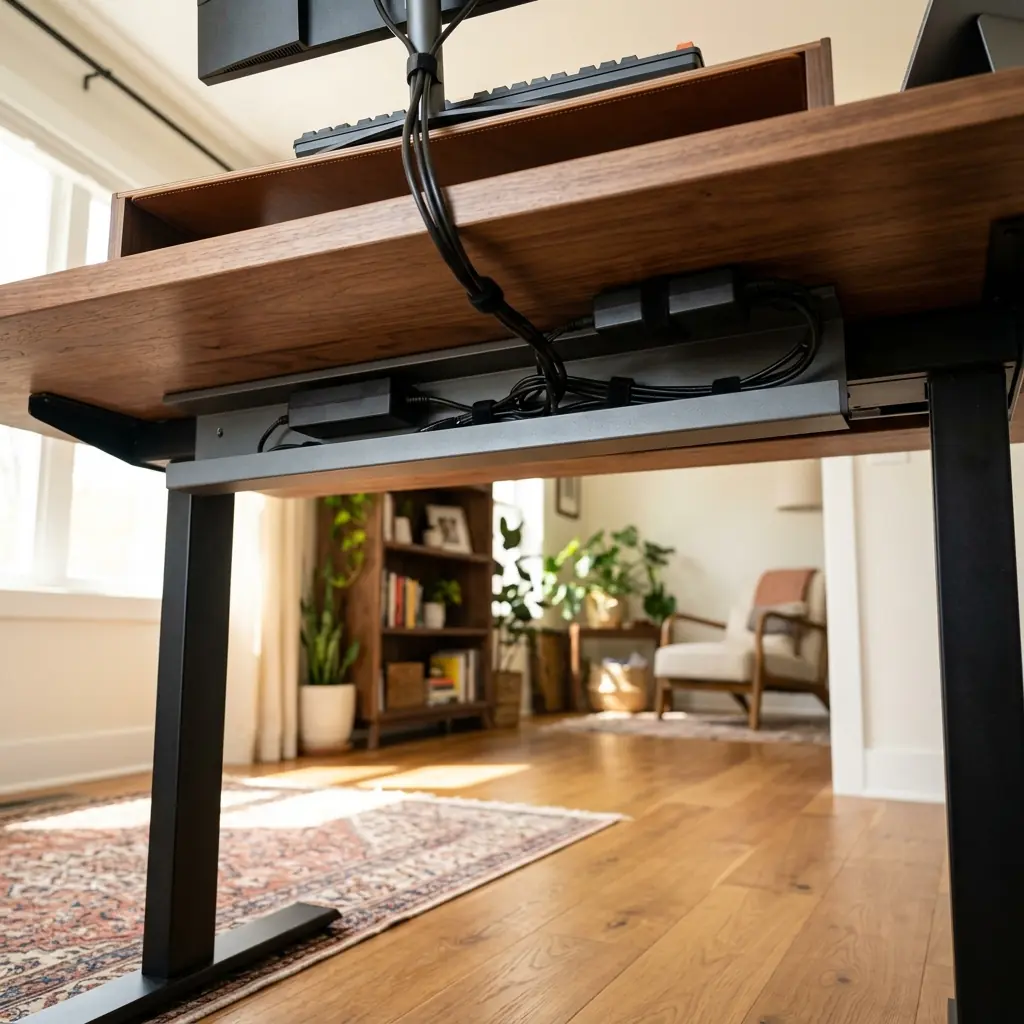
Mount a wide metal raceway to the back edge of your desk. Plug a surge protector into the wall, route its single cable up to the desk, and place the surge protector inside the raceway. Now, plug your monitors, speakers, and chargers directly into the surge protector inside the tray. Any excess cable length should be coiled and zip-tied inside the tray.
The Vertical Axis (Use Sleeves)
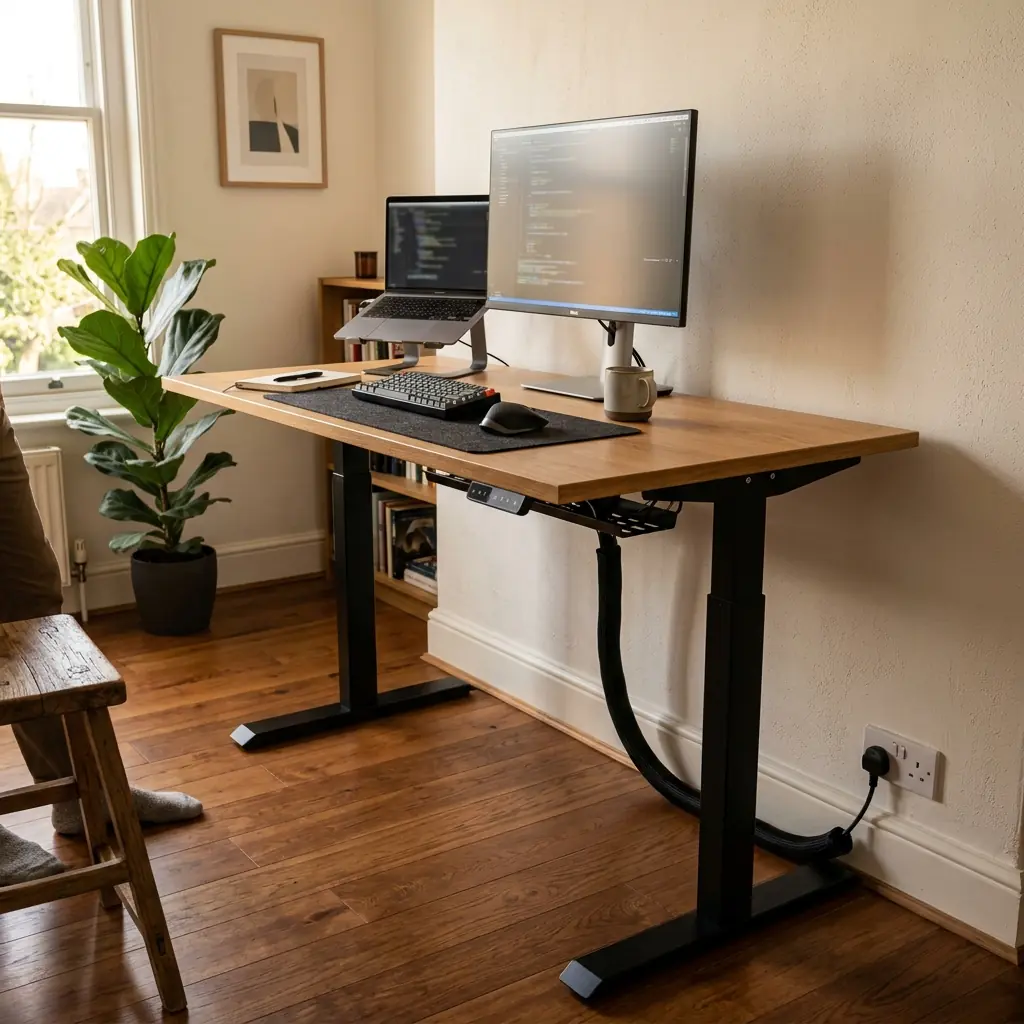
You should only have one or two cables leaving the desk to go to the floor (the surge protector power cord, and perhaps a long DisplayPort cable running to a floor-mounted PC). Bundle these vertical cables inside a black neoprene zipper sleeve. Route the sleeve tight against the back leg of the desk so it disappears from the front view.
Conclusion

Comparing cable raceways vs cable sleeves is like comparing a foundation to paint: they serve different purposes in the same build.
If you have to buy only one, buy the cable raceway. Getting the heavy power strip and power bricks off the floor and mounted under the desk eliminates 90% of the visual clutter and removes the tripping hazard. Once your horizontal cables are hidden in the tray, you can use a cheap Velcro sleeve to tidy up the one remaining cord running to the wall.
For a complete breakdown of the clips, ties, and trays required for a pristine workstation, read our definitive desk cable management guide.
While sleeves group wires neatly, high-wattage power supplies and multiport adapters require an open-wire under-desk cable management tray to ensure adequate heat dissipation and zero ground sag.
Part of TidySetup’s comprehensive resource series: explore our master Desk Cable Architecture Blueprint for complete workstation benchmarks.