
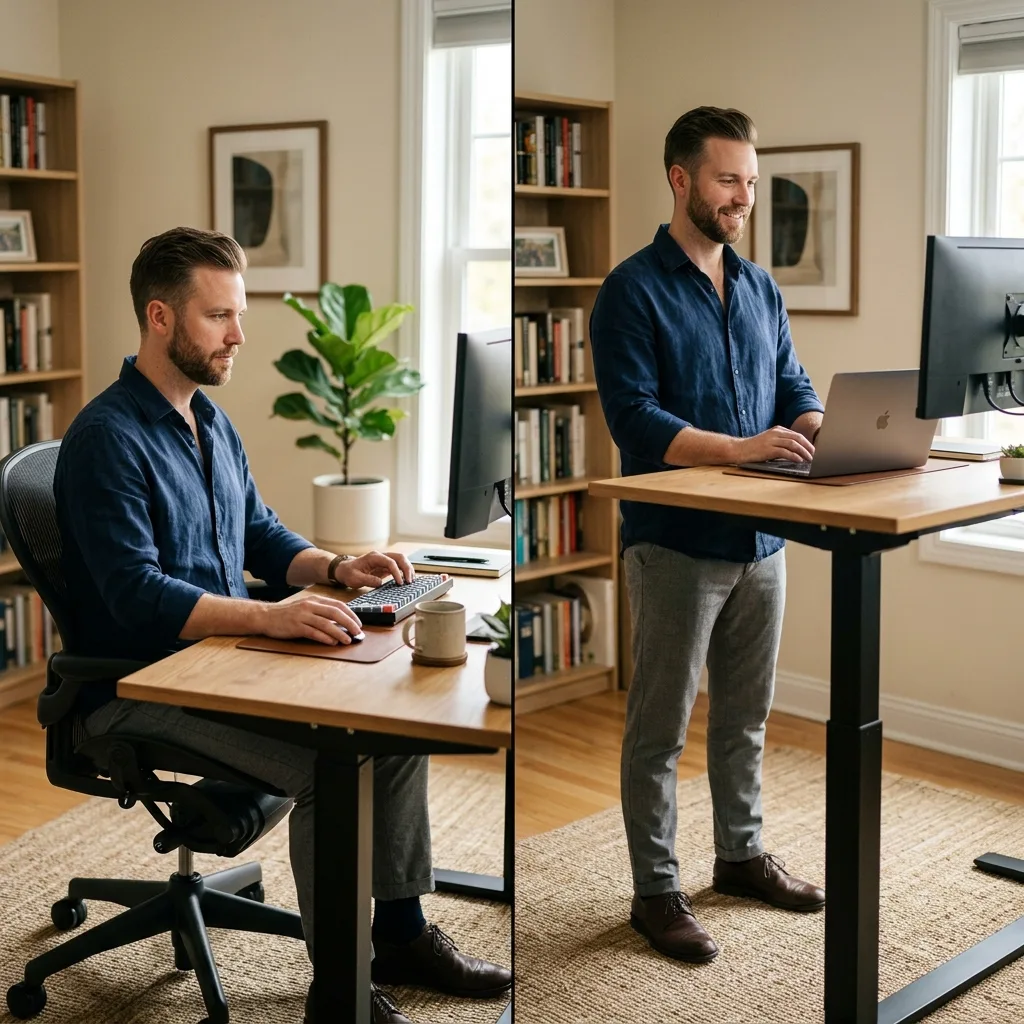
The debate over the **standing vs sitting desk** often leaves professionals confused and dealing with back pain regardless of which option they choose.
Part of TidySetup’s comprehensive resource series: explore our master Ergonomic Workstation Alignment Master Guide for complete workstation benchmarks.
The solution is understanding that neither prolonged sitting nor prolonged standing is inherently healthy; the key is postural rotation using an adjustable **standing vs sitting desk** setup. In this comprehensive comparison, I will break down the physical impacts of both positions and show you how to optimize your environment for maximum health and sustained productivity. Mastering the **standing vs sitting desk** dynamic is essential.
Alex Thornton is a Certified Ergonomics Consultant and Workplace Wellness Specialist. After earning a master’s degree in Human Factors Engineering from Cornell University and certification from the Board of Certification in Professional Ergonomics (BCPE), Alex spent eight years as the lead ergonomics advisor for a Fortune 500 tech company. In 2020, Alex founded “Ergonomics Everyday,” a consultancy that has evaluated over 500 workspaces. Their hands-on experience ranges from advising startups on cost-effective ergonomic solutions to redesigning entire office floors for maximum employee comfort and productivity.
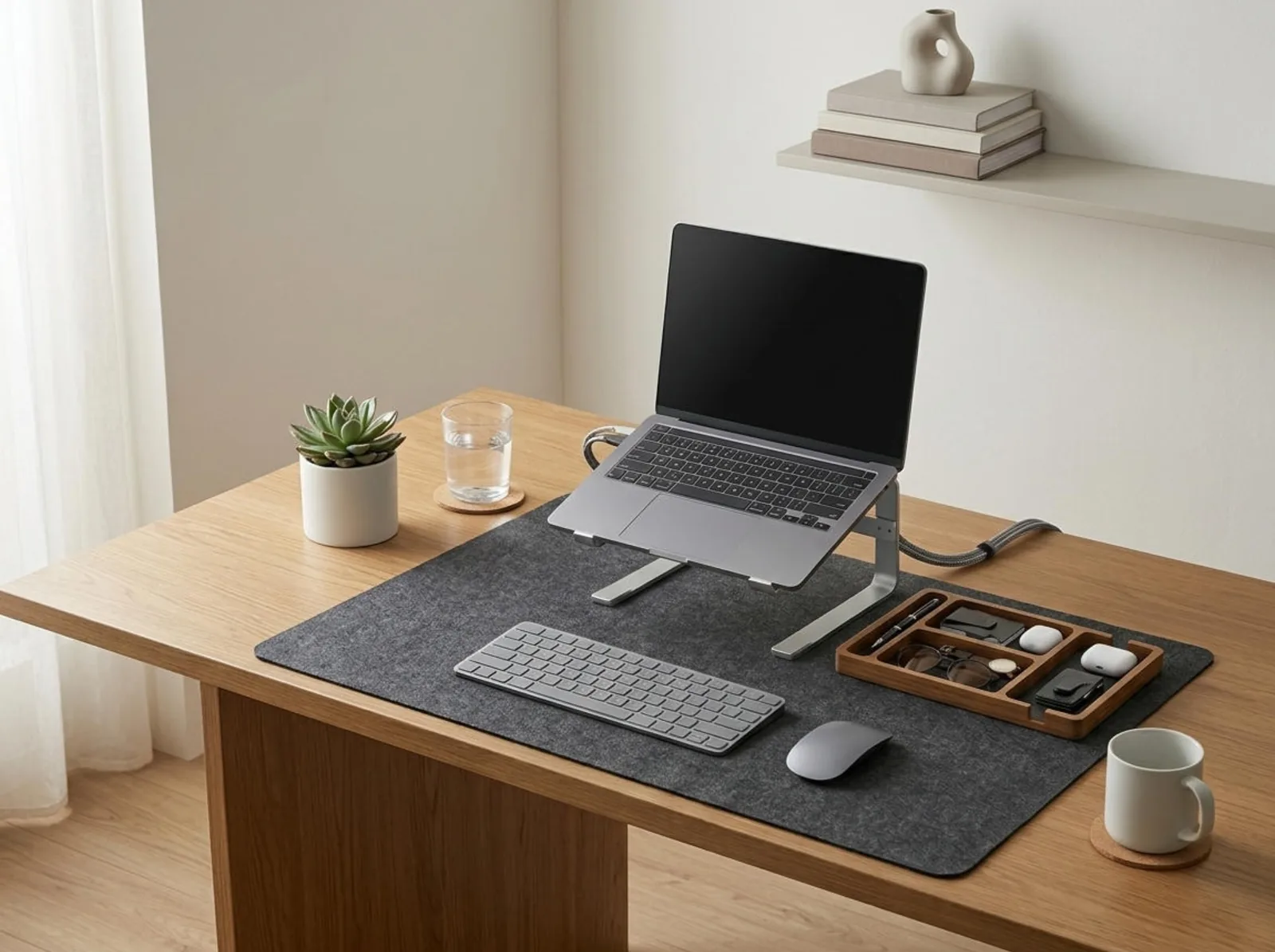
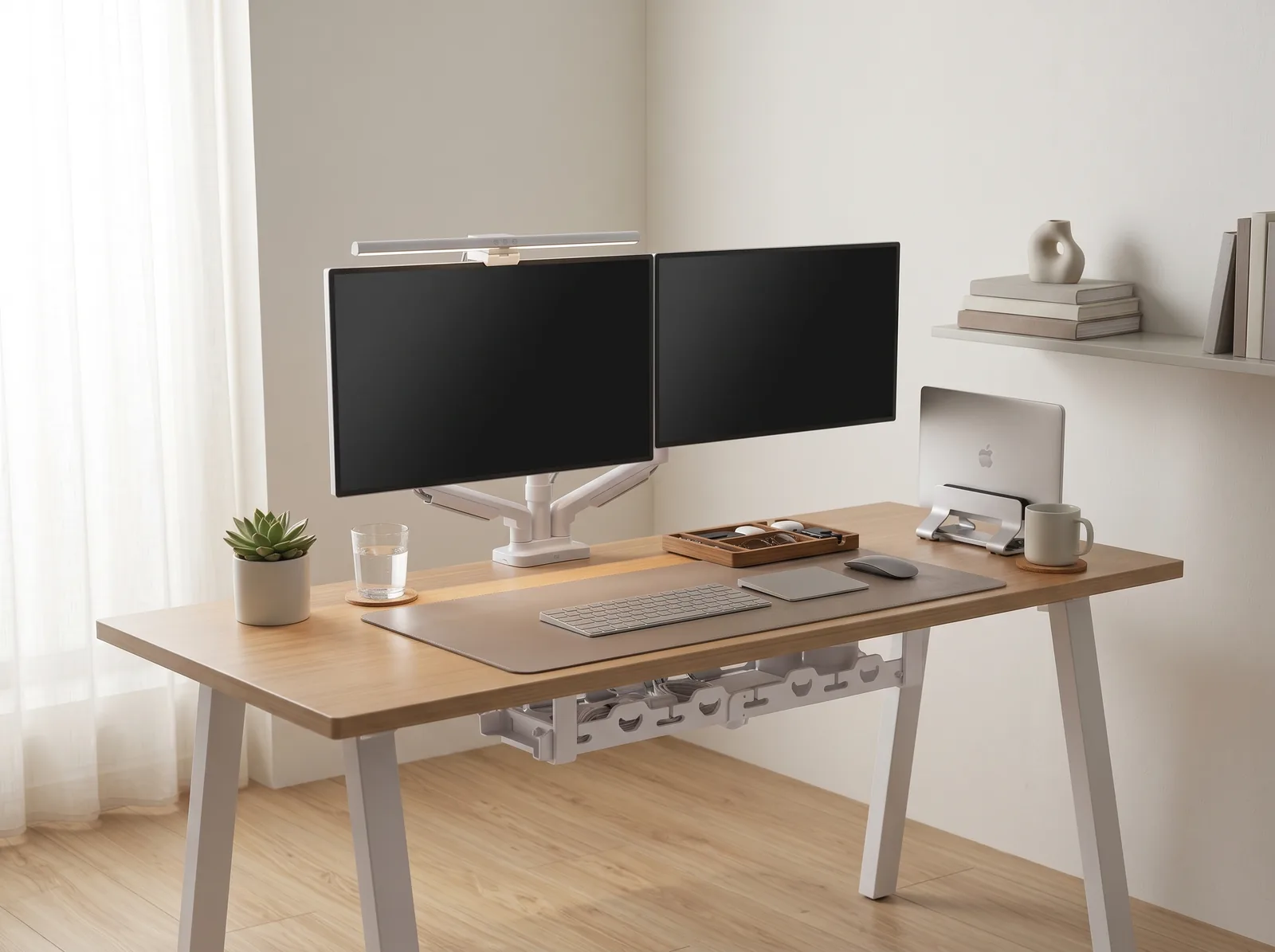
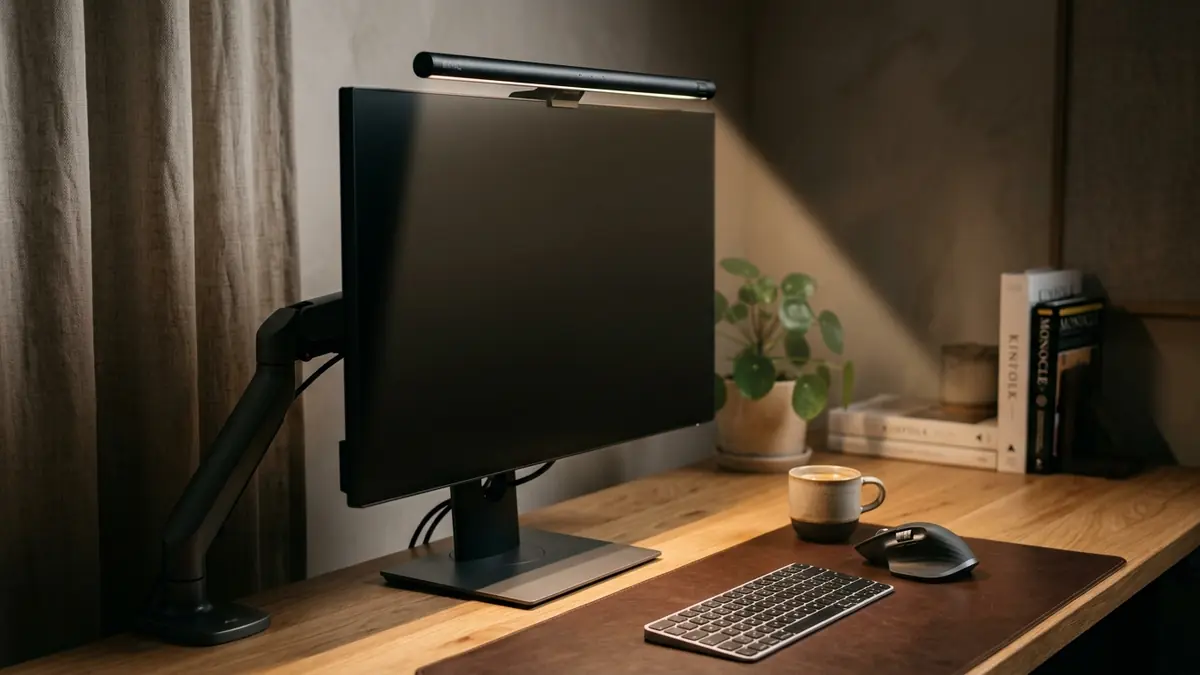
If you’re looking for a starting point, the Minimal Desk Starter Kit includes everything you need for a clean, ergonomic workspace, ensuring your accessories support you whether you choose to sit or stand.
The primary difference between **standing vs sitting desk** ergonomics lies in how your body distributes its weight against gravity. Sitting shifts the load onto your lumbar spine and pelvis, which can compress discs, while standing distributes the load through your legs and feet, which increases circulation but can cause muscular fatigue in the lower body. Understanding the **standing vs sitting desk** dynamic is the first step toward a healthier workday.
Before comparing the physical impacts, it is critical to define the tools we are discussing. An ergonomic workstation is a workspace configured to support the body’s natural posture, reduce strain, and prevent repetitive stress injuries during prolonged work. A standing desk converter is a device placed on an existing desk that allows the user to alternate between sitting and standing positions throughout the workday.
During a workspace audit for a 200-person engineering team, I found that individuals who transitioned to full-time standing without alternating postures reported a 45% increase in lower limb fatigue within the first month, highlighting that standing alone is not a cure-all.
- Sitting requires excellent lumbar support to maintain the spine’s natural curve.
- Standing requires supportive footwear or an anti-fatigue mat to prevent foot pain.
- Both positions require the monitor to be placed at eye level to prevent cervical strain.
- Both positions require the keyboard to be at elbow height.
Understanding these distinct physical demands is crucial. “An ergonomic workstation requires postural rotation, meaning the user frequently alternates between sitting and standing to prevent static muscle fatigue and joint compression.”
A **standing vs sitting desk** setup that leans too heavily on sitting provides superior upper body stability, making it ideal for tasks requiring intense fine motor skills. However, prolonged sitting severely restricts blood flow, slows metabolism, and places immense compressive force on the lower spinal discs. This is why a balanced **standing vs sitting desk** routine is vital.
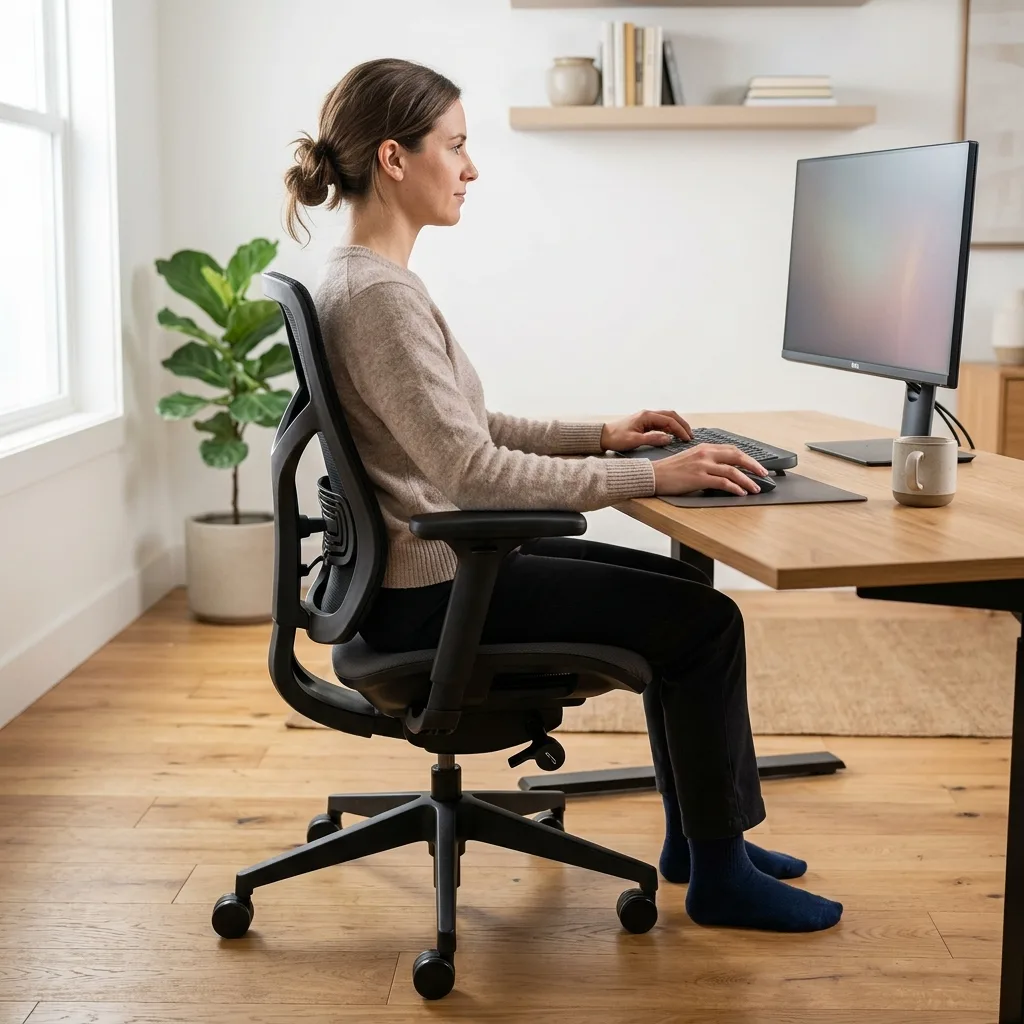
When you sit, you must actively fight the urge to slouch. Standard ergonomic desk height is 28–30 inches for seated work. If your desk is properly calibrated to this height, you can achieve a highly productive state.
The danger arises when the setup is flawed. The 90° Elbow Rule dictates that elbows should be bent at 90 to 100 degrees, resting on desk or chair arms, with wrists kept neutral and flat. If your chair is too low, you will violate this rule and experience shoulder tension.
| Attribute | Sitting Desk Setup |
|---|---|
| Best Used For | Deep concentration, prolonged typing, fine motor control |
| Physical Benefits | Reduces load on feet and knees, stabilizes the torso |
| Physical Risks | Lumbar disc compression, tight hip flexors, poor circulation |
| Energy Expenditure | Very low (can lead to afternoon sluggishness) |
To combat the risks of sitting, you must ensure your hands are properly supported. Review our detailed guide on wrist strain prevention to optimize your seated hand position.
A **standing vs sitting desk** configuration at the standing height excels at promoting alertness, improving circulation, and preventing hip flexor tightness. Conversely, standing completely static for an entire workday at your **standing vs sitting desk** can lead to swollen ankles, knee pain, and vascular issues.
Standard ergonomic desk height for standing work is typically 38–46 inches, depending on your height. Achieving this height perfectly is crucial so that you do not find yourself leaning heavily on your wrists.
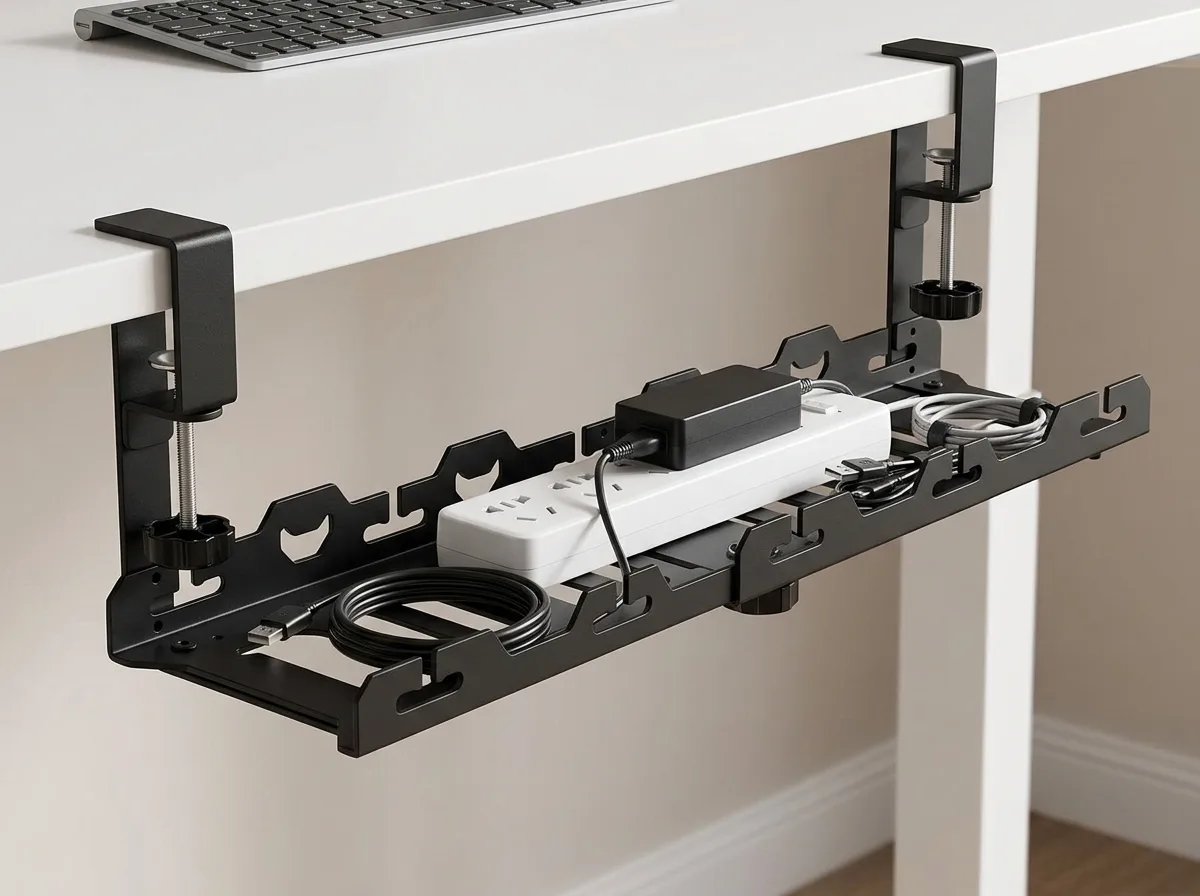
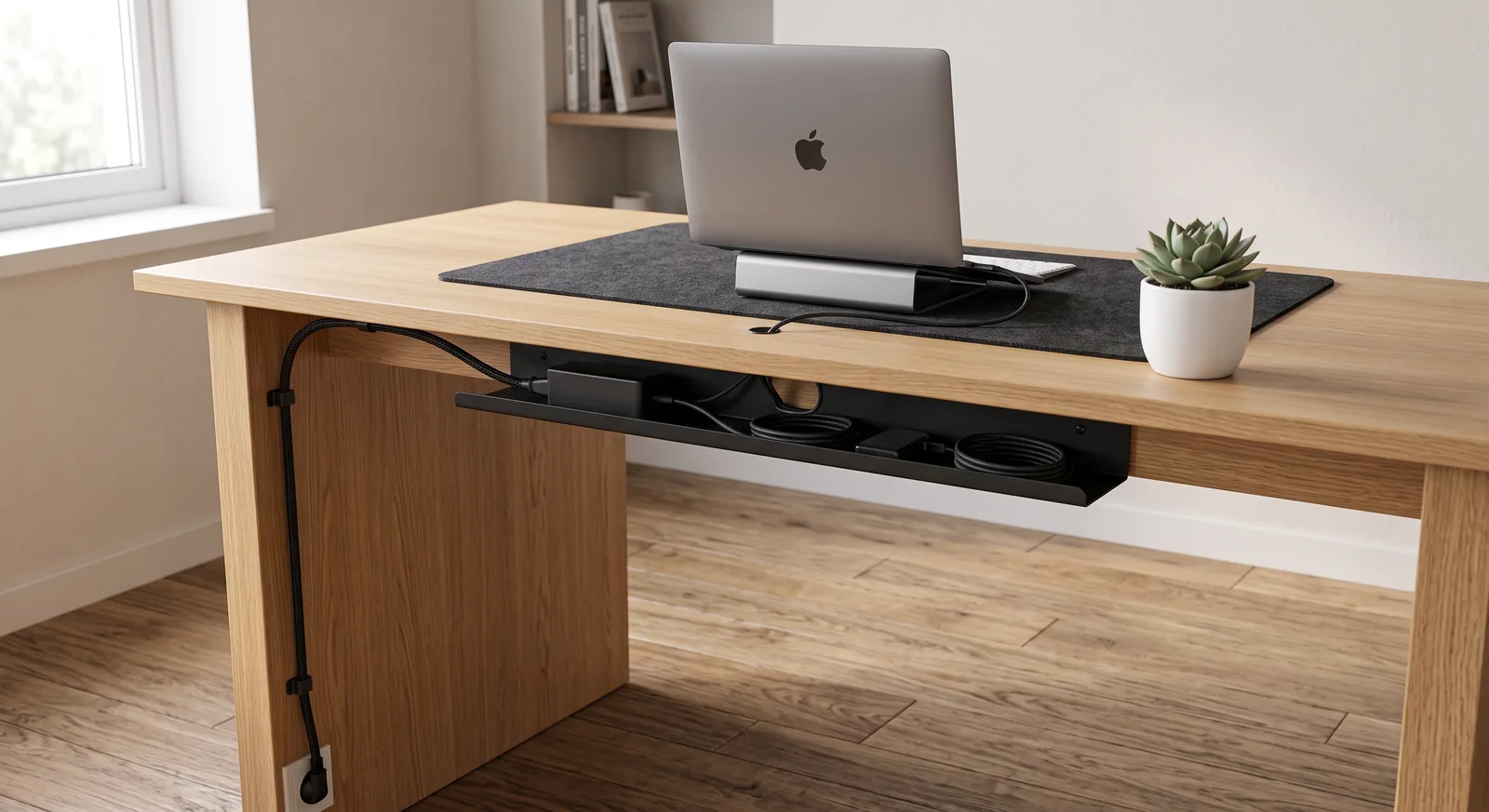
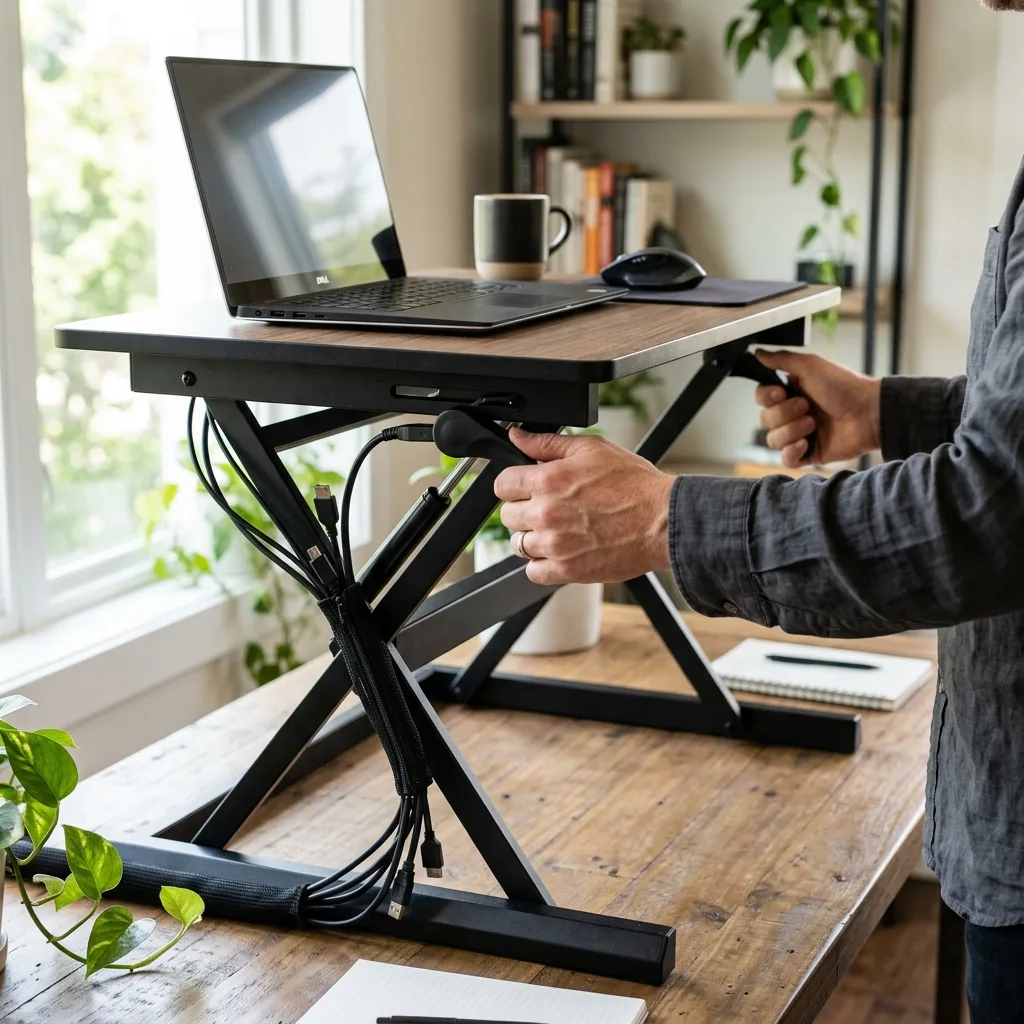
For a hands-on solution, many of my clients start with a flexible wire management system — specifically the TidySetup Zipper Cable Sleeve — because adjusting a desk from sitting to standing heights will violently unplug devices if your cables lack organized slack.
| Attribute | Standing Desk Setup |
|---|---|
| Best Used For | Reading, meetings, phone calls, boosting energy |
| Physical Benefits | Maintains hip extension, engages core, increases blood flow |
| Physical Risks | Foot pain, varicose veins, lower back fatigue if locking knees |
| Energy Expenditure | Higher than sitting (burns slightly more calories) |
When incorporating a standing desk, the routing of your wires becomes a dynamic challenge. I highly recommend reading our guide on how to master standing desk cable management for an ergonomic workspace before making the transition.
Standing vs Sitting Desk: The Verdict on Postural Rotation
The consensus among ergonomic professionals is that neither a purely standing nor a purely sitting desk is optimal; the best choice for your body is a **standing vs sitting desk** that facilitates “postural rotation” every 30 to 60 minutes. Alternating between the two states provides the stability of sitting and the circulatory benefits of standing without the chronic downsides of either.
In over 500 workspace evaluations, one of the most common issues I encounter is employees purchasing expensive standing desks and never actually changing the height, leaving them stuck in one position permanently.
To implement postural rotation effectively:
- Start your morning seated to handle deep, focus-heavy tasks like writing.
- Transition to standing for meetings, reading emails, or taking phone calls.
- Ensure that your monitor remains at eye level in both positions. The top 1/3 of the monitor should align with your natural line of sight.
- Stand on an anti-fatigue mat to reduce joint compression in your legs.
- Never stand for longer than 60 minutes at a time without taking a short seated break or walking.
The goal is movement. “A standing desk converter is a device placed on an existing desk that allows the user to alternate between sitting and standing positions throughout the workday.”
Optimizing Your Setup for Both Heights
Whether you are sitting or standing, the fundamental rules of alignment do not change. Your workspace must adapt to you, not the other way around.
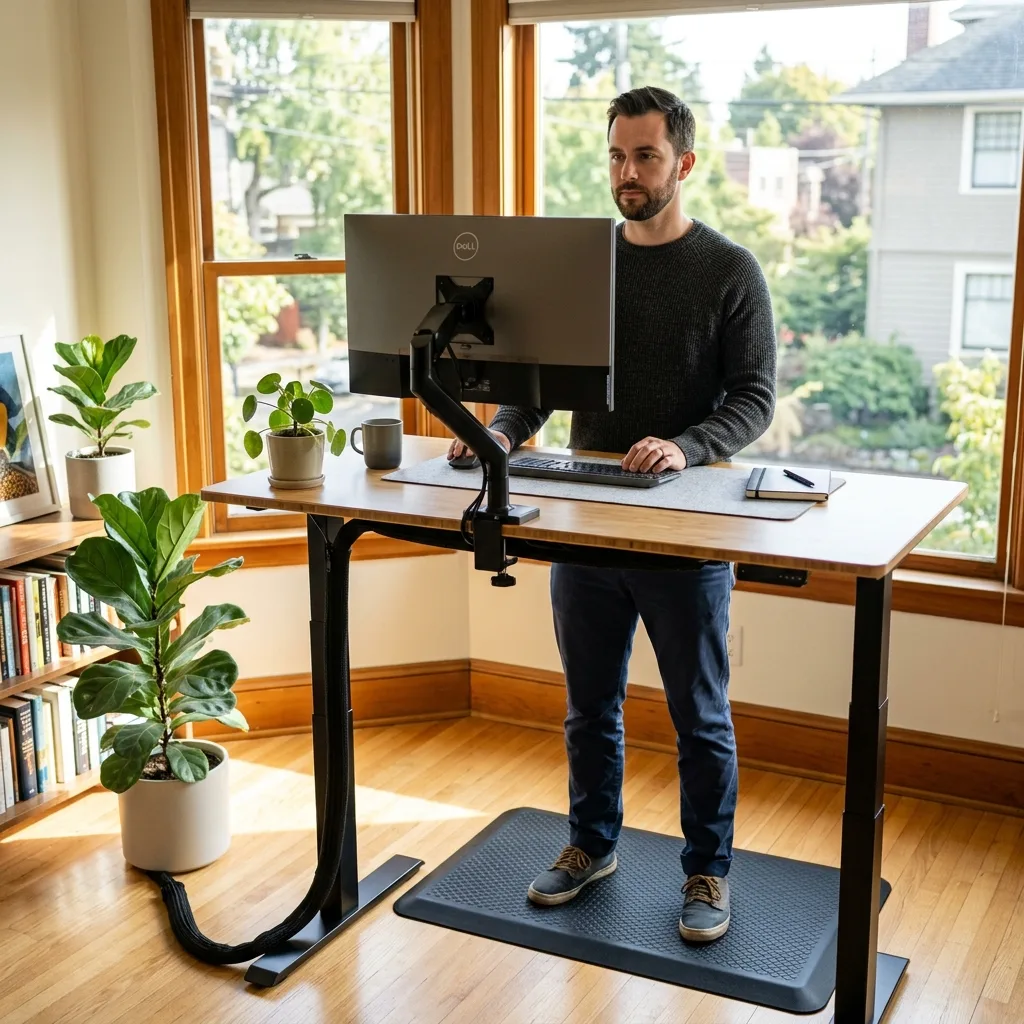
Workspace productivity refers to the efficiency and output quality achieved through an intentionally designed and organized work environment. A truly productive environment allows seamless transitions.
- Maintain the Arm’s Length Rule: Viewing distance between the eyes and the screen should be approximately 20–30 inches.
- Keep your feet flat. If sitting, feet must be flat on the floor; if standing, weight should be evenly distributed across both feet (do not lean constantly on one hip).
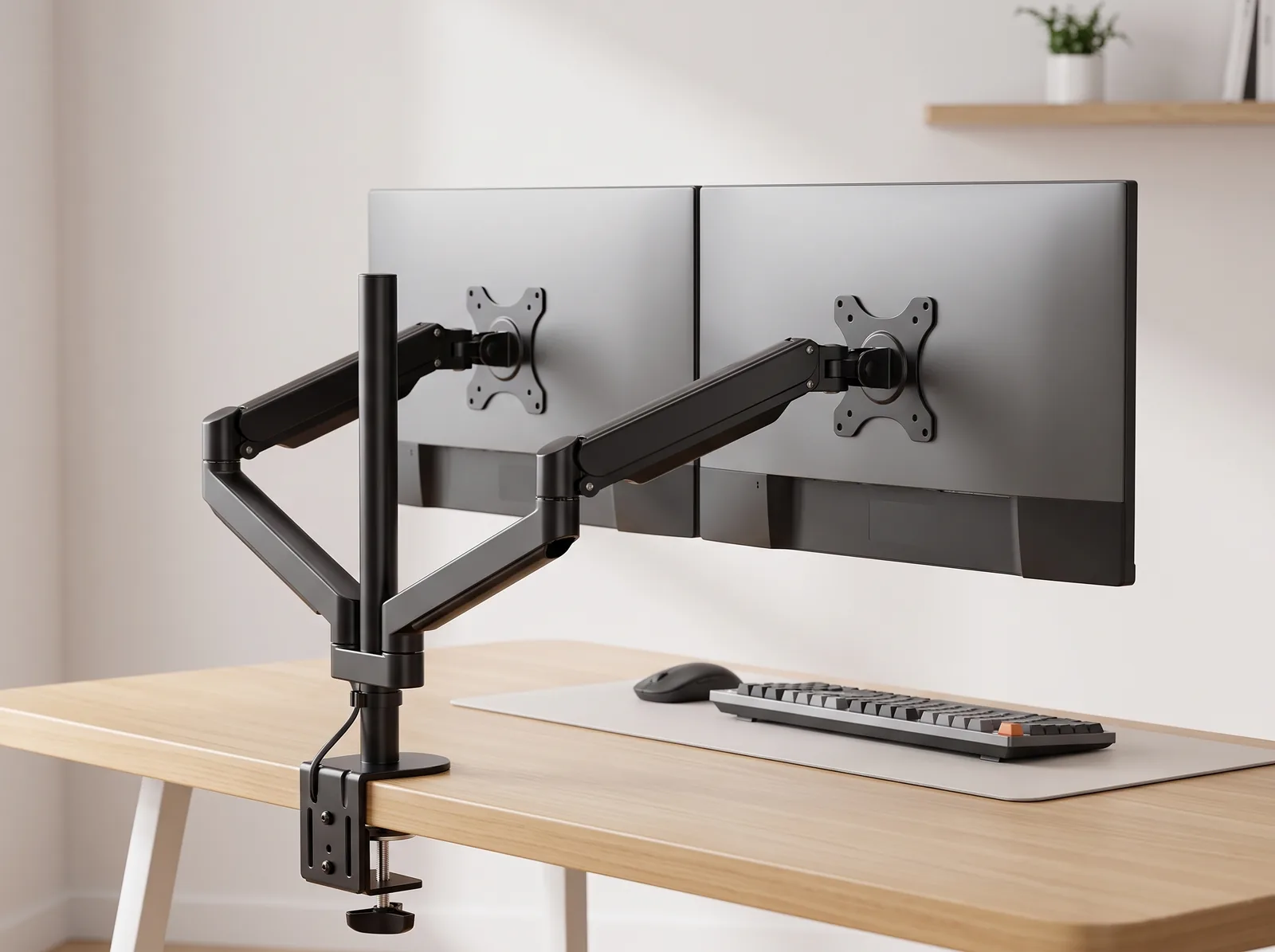
- Elevate your screen using a laptop stand if a monitor arm is unavailable, as looking down while standing will immediately cause severe neck pain.
These principles form the basis of our overarching strategy for preventing desk-related pain. Your body thrives on variety and suffers under static repetition.
Standing vs Sitting Desk FAQs
1. How long should I stand at my standing desk?
Ergonomic experts recommend a ratio of roughly 1:1 or 2:1 for sitting to standing. A good rule of thumb is to stand for 15 to 30 minutes every hour. Standing for more than an hour continuously can lead to muscle fatigue and joint pain in the lower body.
2. Do standing desks help you lose weight?
Standing burns slightly more calories than sitting (roughly an extra 10-20 calories an hour), but the difference is generally not significant enough to cause noticeable weight loss on its own. The primary benefit of a standing desk is postural health and circulation, not weight loss.
3. Why does my lower back hurt when I use a standing desk?
Lower back pain while standing usually occurs because you are locking your knees or tilting your pelvis forward (anterior pelvic tilt). Keep your knees slightly soft, engage your core gently, and try resting one foot on a small footstool to relieve lumbar pressure.
4. Are standing desk converters better than full standing desks?
Standing desk converters are an excellent, cost-effective way to achieve postural rotation without replacing your entire desk. They are generally better for individuals on a budget or those working in corporate offices where they cannot easily swap out the existing furniture.
5. What kind of shoes should I wear with a standing desk?
You should wear supportive, flat shoes with good arch support. Avoid high heels or completely flat shoes without cushioning. If you work from home and prefer to be barefoot, using a high-quality anti-fatigue mat is absolutely essential.
6. Is it bad to sit on a stool at a standing desk?
Using a tall drafting stool or an active sitting chair (like a wobble stool) at a standing desk is a great way to “perch.” This takes weight off your feet while maintaining a more open hip angle than traditional sitting, offering a healthy middle-ground posture.
Conclusion: Mastering the Standing vs Sitting Desk for Better Health
Maintaining a healthy spine is not about picking one position; it’s about movement. By mastering the **standing vs sitting desk** transition and using supportive tools like an anti-fatigue mat and an ergonomic chair, you prevent the chronic pain that ruins focus.
**Workspace productivity** relies on physical comfort. A well-organized workspace is a small investment in your daily focus. If you’re ready to get started, take a look at the complete TidySetup collection to anchor your **standing vs sitting desk** setup today.