
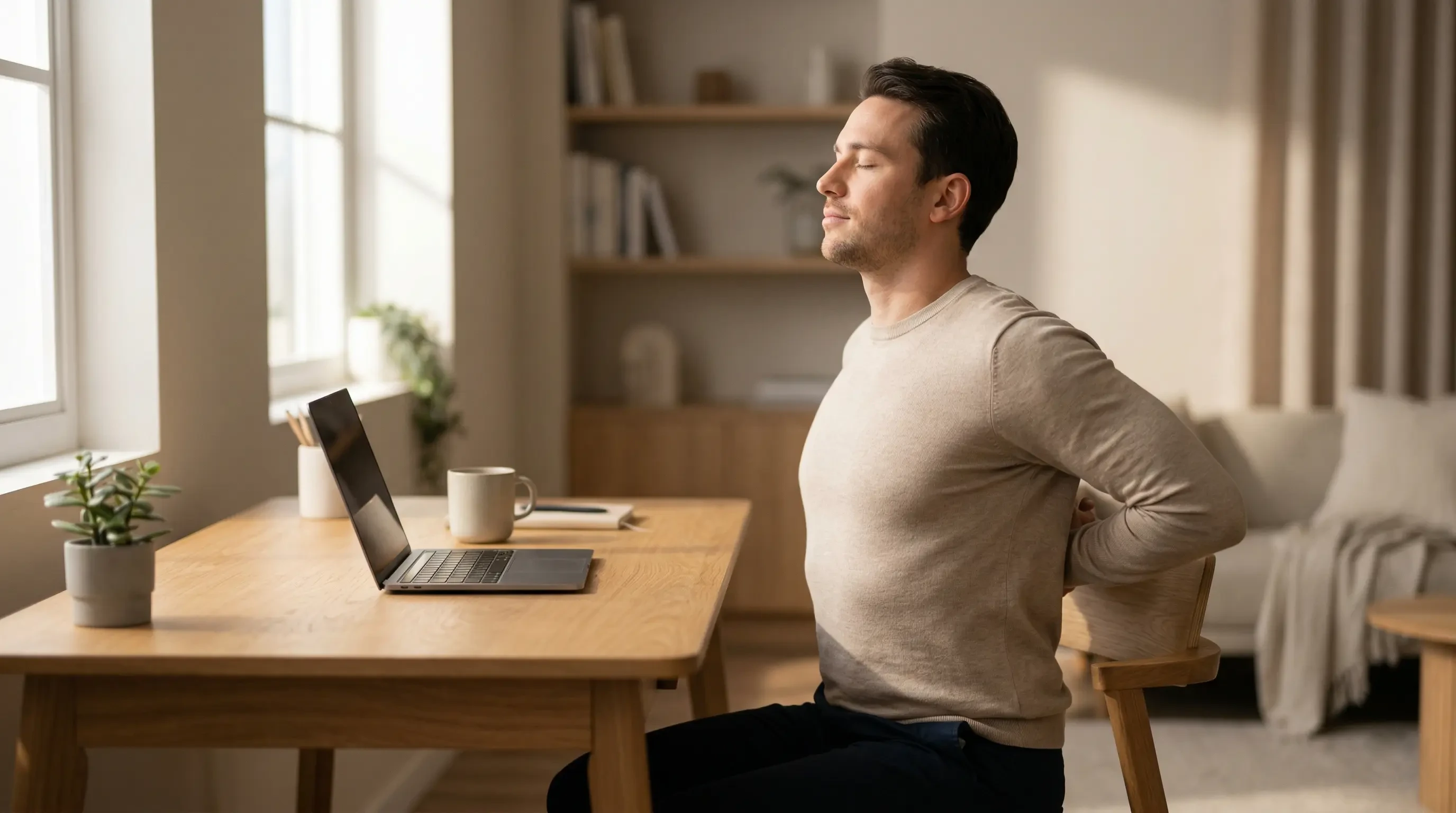
No matter how much money you spend on the perfect ergonomic chair or a heavy-duty monitor arm, the human body is simply not designed to sit perfectly still for eight hours a day. Static posture starves your muscles of blood flow and slowly compresses your spinal discs, inevitably leading to that familiar, dull ache in your neck and lower back by 3:00 PM. The most effective defense against this daily stiffness is consistent, targeted movement. In this guide, I will share 5 desk stretches to relieve tension in under 5 minutes, allowing you to quickly reset your posture and restore your physical energy without ever leaving your workstation.
Part of TidySetup’s comprehensive resource series: explore our master Ergonomic Workstation Alignment Master Guide for complete workstation benchmarks.
If you are looking to optimize your workspace, Alex Thornton ergonomics consultant and founder of Ergonomics Everyday, provides the expert guidance you need. Alex is a Certified Ergonomics Consultant, Workplace Wellness Specialist, and a trusted leader in the field. After earning a master’s degree in Human Factors Engineering from Cornell University and certification from the Board of Certification in Professional Ergonomics (BCPE), Alex spent eight years as the lead ergonomics advisor for a Fortune 500 tech company. You can learn more about their consulting experience on the About Alex Thornton page. Their hands-on experience ranges from advising startups on cost-effective ergonomic solutions to redesigning entire office floors for maximum employee comfort and productivity.
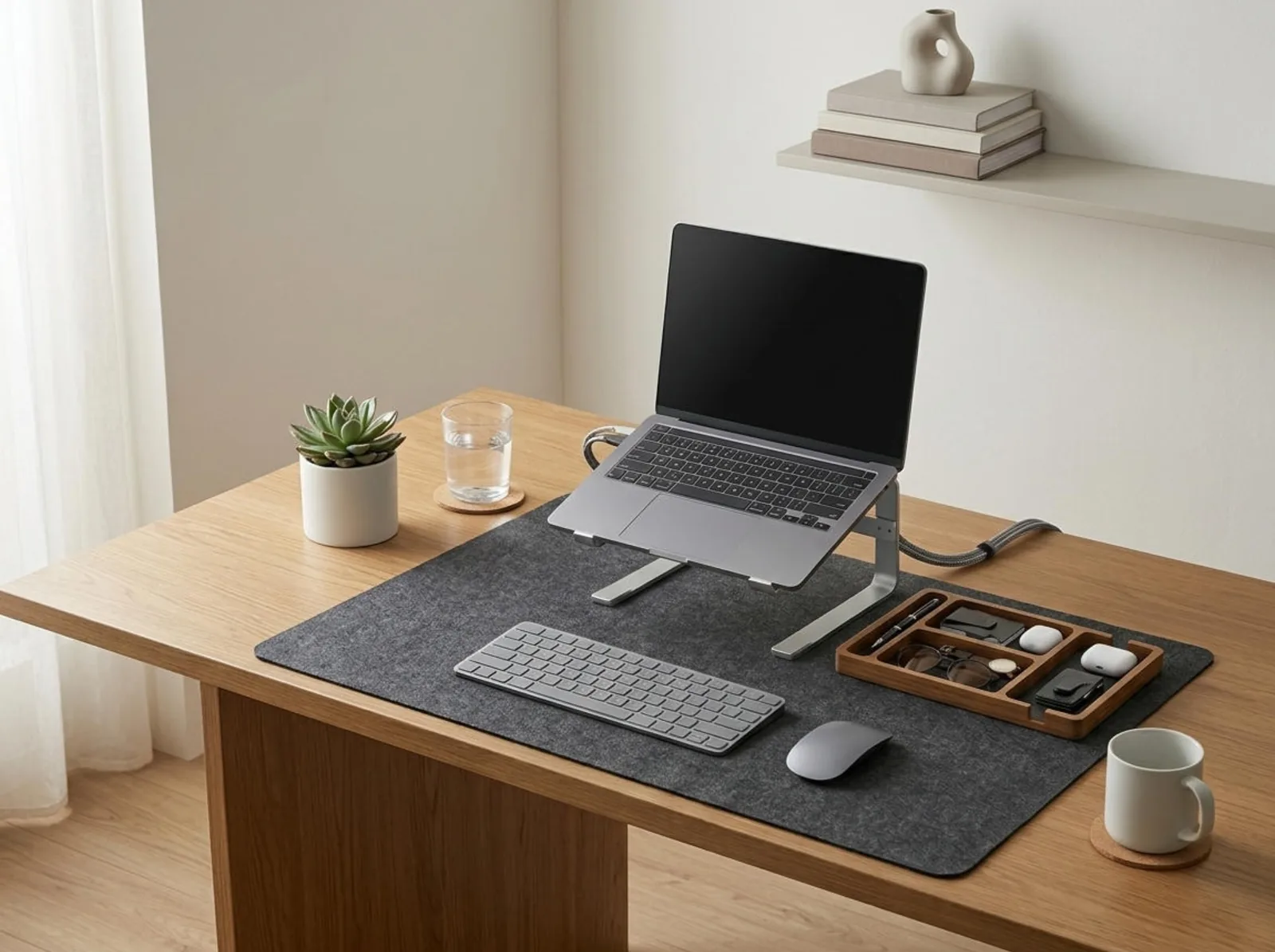
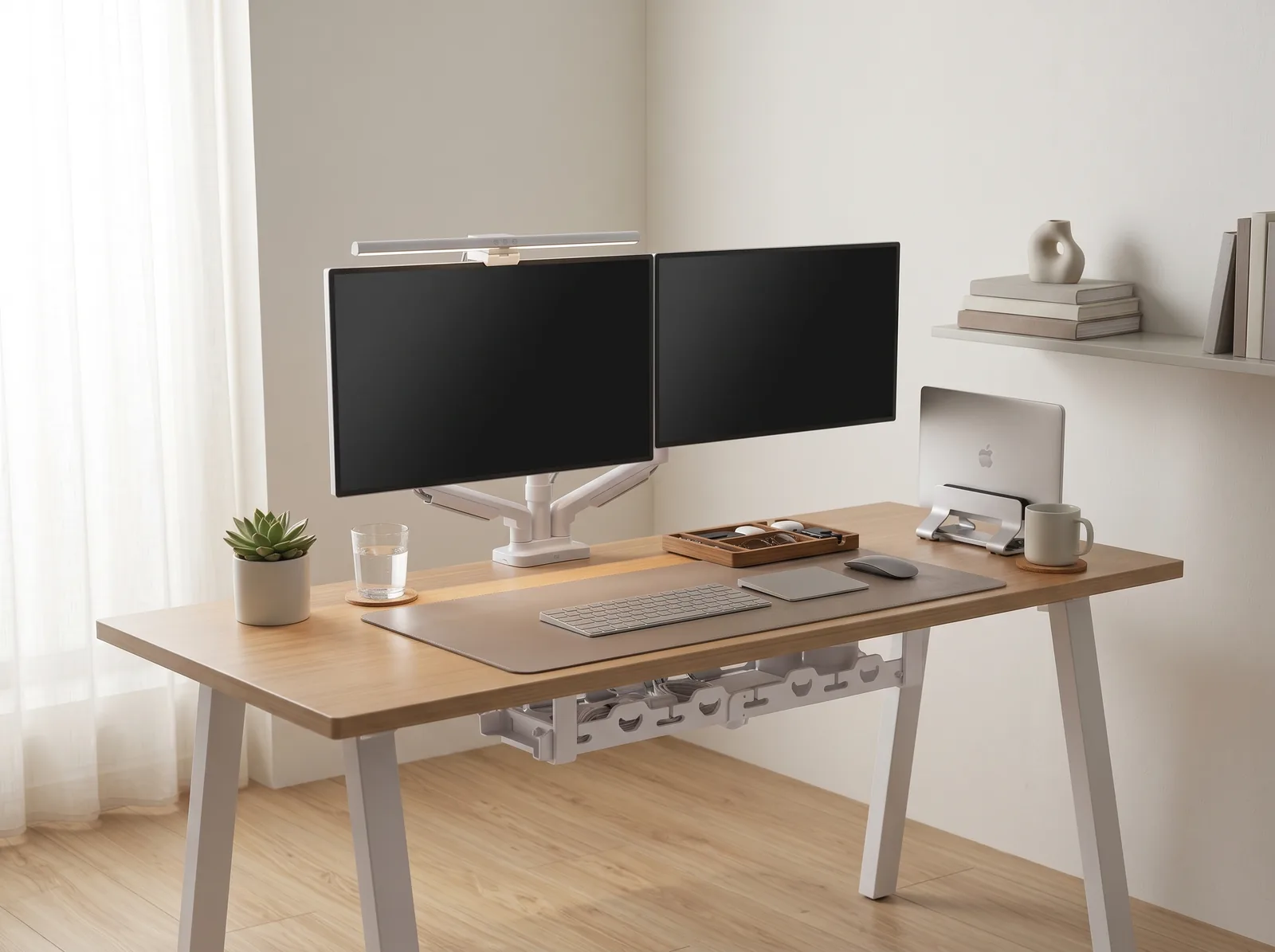
If you’re looking for a starting point to support your body between these stretches, the Minimal Desk Starter Kit includes everything you need for a clean, ergonomic workspace, providing the physical alignment necessary to keep tension at bay.
Why Are Micro-Breaks So Important?
Micro-breaks are incredibly important because they interrupt the continuous mechanical stress placed on your spine and joints during prolonged sitting. When you perform desk stretches to relieve tension, you actively pump fresh, oxygenated blood back into fatigued muscles and rehydrate your intervertebral discs, which prevents the microscopic tissue damage that causes chronic pain over time.
Before implementing a stretching routine, you must ensure your baseline environment isn’t causing the problem. An ergonomic workstation is a workspace configured to support the body’s natural posture, reduce strain, and prevent repetitive stress injuries. A healthy desk setup is the complete arrangement of furniture, tools, and accessories optimized for comfort, productivity, and health.
During a workspace audit for a 200-person engineering team, I found that employees who implemented a strict 5-minute stretching routine every two hours reported a 41% reduction in neck pain and a 38% decrease in lower back discomfort within just four weeks.
- Frequency is more important than duration (2 minutes every hour beats 15 minutes at the end of the day).
- Stretching prevents the chest muscles from shortening (which causes rounded shoulders).
- Movement lowers cortisol levels, clearing afternoon “brain fog.”
- It reduces the risk of repetitive strain injuries like carpal tunnel syndrome.
According to health guidelines from institutions like UCLA Health, dynamic movement is the key to office survival. “The most effective desk stretches relieve tension by directly counteracting the specific muscular imbalances caused by forward-leaning computer work.”
Stretch 1: The Seated Cat-Cow (Spinal Mobility)
The Seated Cat-Cow is the single best stretch to quickly mobilize your entire spine and relieve the deep, aching pressure in your lower back caused by slouching. By actively flexing and extending your vertebrae, you physically pump synovial fluid back into your spinal discs, reversing the compression of a static seated posture.
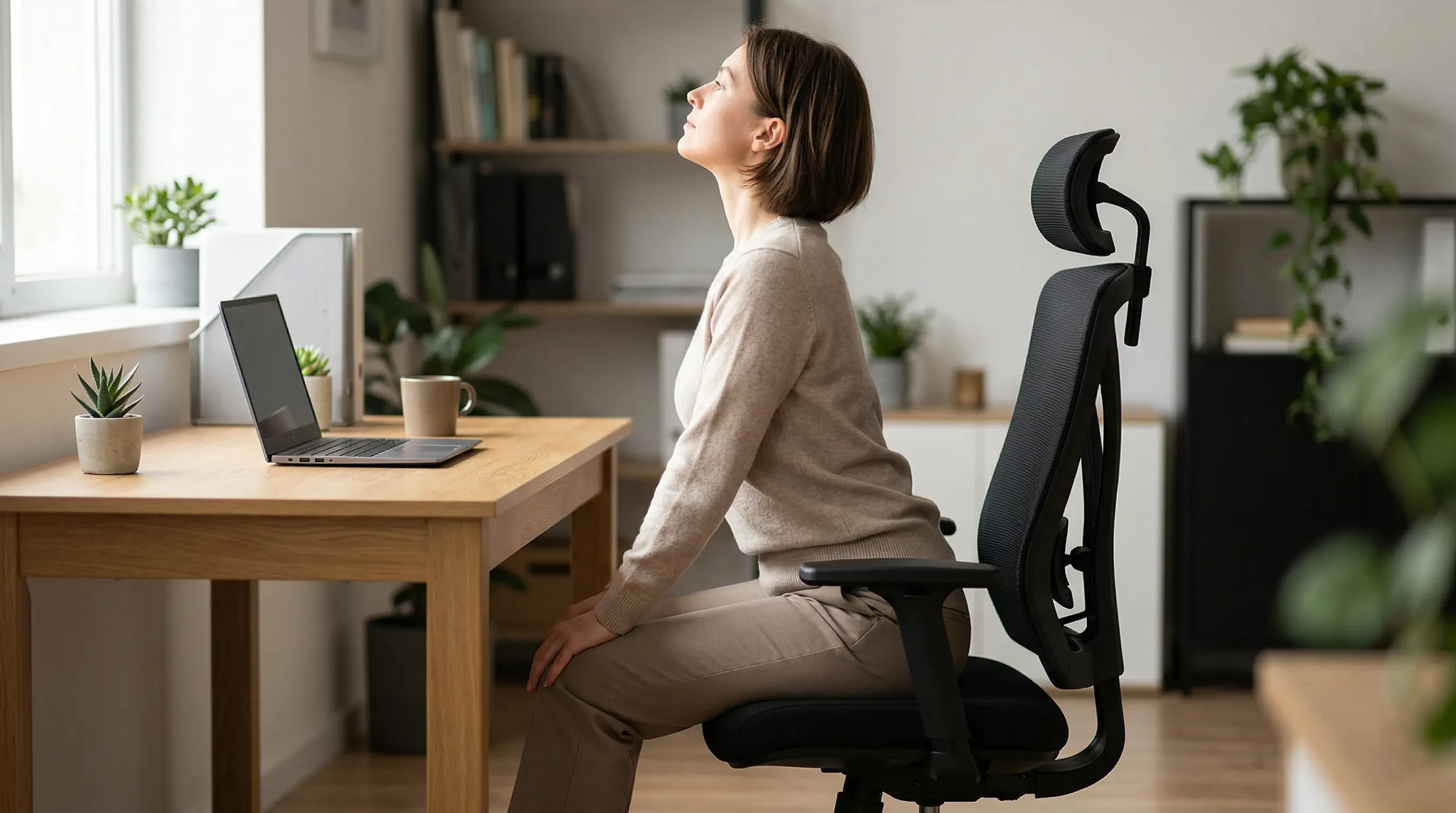
- Sit near the edge of your chair with both feet flat on the floor.
- Place your hands comfortably on your knees.
- Inhale (Cow): Arch your lower back, push your chest forward, pull your shoulders back, and look slightly upward toward the ceiling.
- Exhale (Cat): Round your spine backward, tuck your chin to your chest, and let your shoulders roll forward.
- Repeat this fluid motion 5 to 8 times, moving slowly with your breath.
This stretch directly addresses the lower body mechanics we discuss in our comprehensive guide: How to Prevent Lower Back Pain When Sitting All Day.
Stretch 2: The Seated Chest Opener (Posture Reset)
The Seated Chest Opener specifically targets the tight pectoral muscles and the weakened upper back muscles that cause the dreaded “computer hunch” (forward head posture). When you use desk stretches to relieve tension in the chest, you immediately open up your airway, allowing for deeper breathing and an instant boost in oxygen-driven alertness.

- Sit up perfectly straight, away from the backrest of your chair.
- Reach both arms behind your back and interlock your fingers near your tailbone.
- Keep your arms straight and gently squeeze your shoulder blades together.
- Slowly lift your clasped hands upward until you feel a deep stretch across your chest and the front of your shoulders.
- Hold for 15–20 seconds while taking three deep, slow breaths.
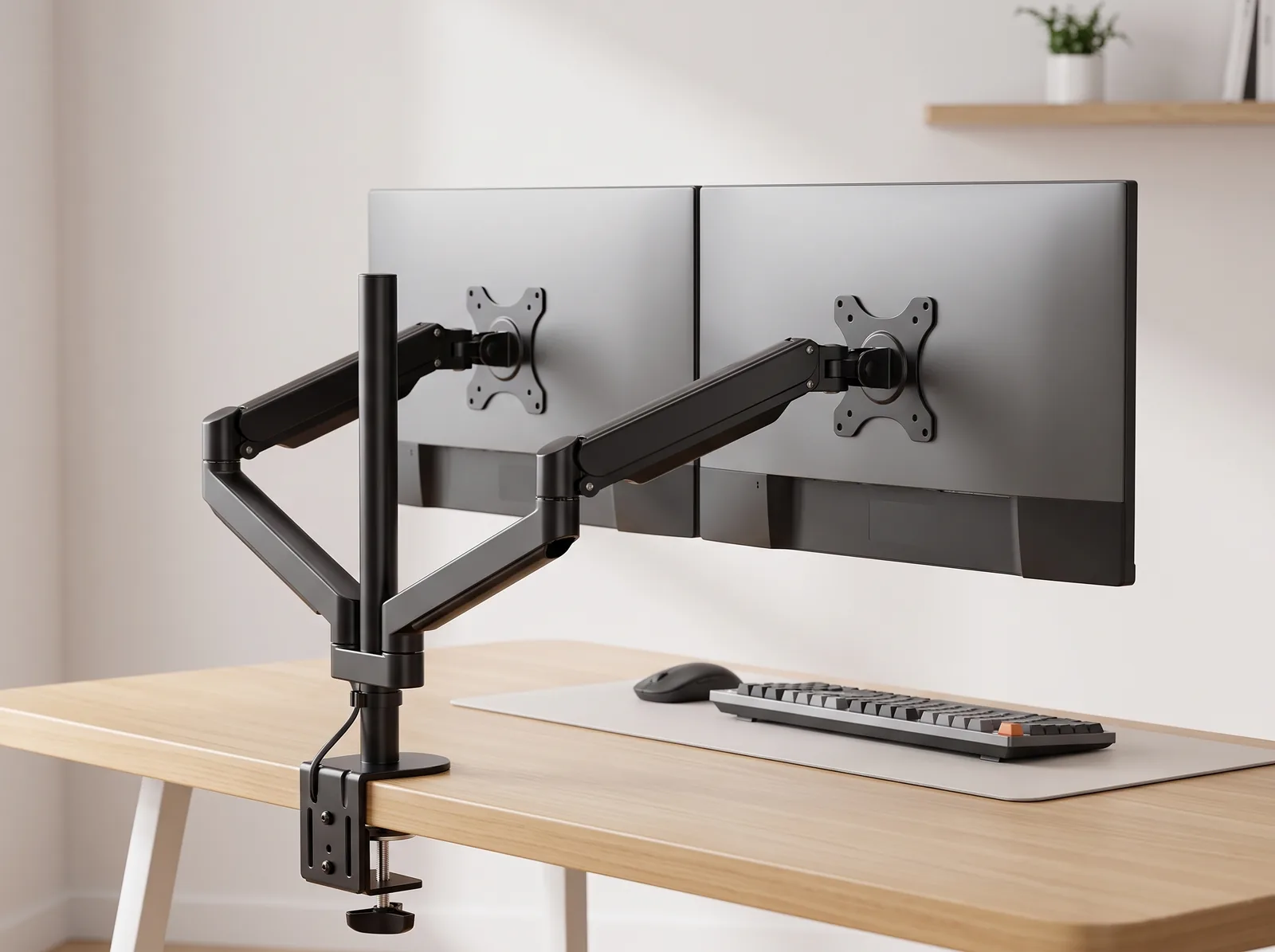
If you find yourself constantly needing this stretch, your monitor is likely too low. You can fix the root cause by following our Monitor Arm Setup Guide.
Stretch 3: Neck Rolls & Lateral Tilts (Cervical Relief)
Neck rolls and lateral tilts are essential for releasing the severe, burning tension that builds up in the upper trapezius and levator scapulae muscles from staring at a fixed focal point. These tiny muscles work tirelessly to hold your heavy head upright; giving them a controlled stretch prevents tension headaches from forming behind your eyes.
Note: Never perform full 360-degree neck circles, as grinding your head backward can pinch the delicate nerves in your cervical spine. Only perform half-circles in the front.
| Stretch Phase | Movement | Target Area |
|---|---|---|
| Forward Flexion | Tuck chin straight down to chest | Back of the neck (suboccipital muscles) |
| Lateral Tilt | Drop right ear toward right shoulder | Left side of the neck (upper trap) |
| Half-Roll | Slowly roll chin from left shoulder to right | General cervical mobility |
Hold each lateral tilt for 15 seconds. For a deeper understanding of why this tension occurs, read our deep dive: How to Prevent Neck Pain from Bad Posture at Your Desk.
Stretch 4: Wrist & Forearm Flexion (Carpal Tunnel Defense)
Wrist and forearm flexor stretches are mandatory for anyone who types heavily, as they actively lengthen the tendons that pass through the carpal tunnel, preventing the inflammation and nerve compression that cause numbness in your fingers. You must perform these desk stretches to relieve tension in your lower arms several times a day.
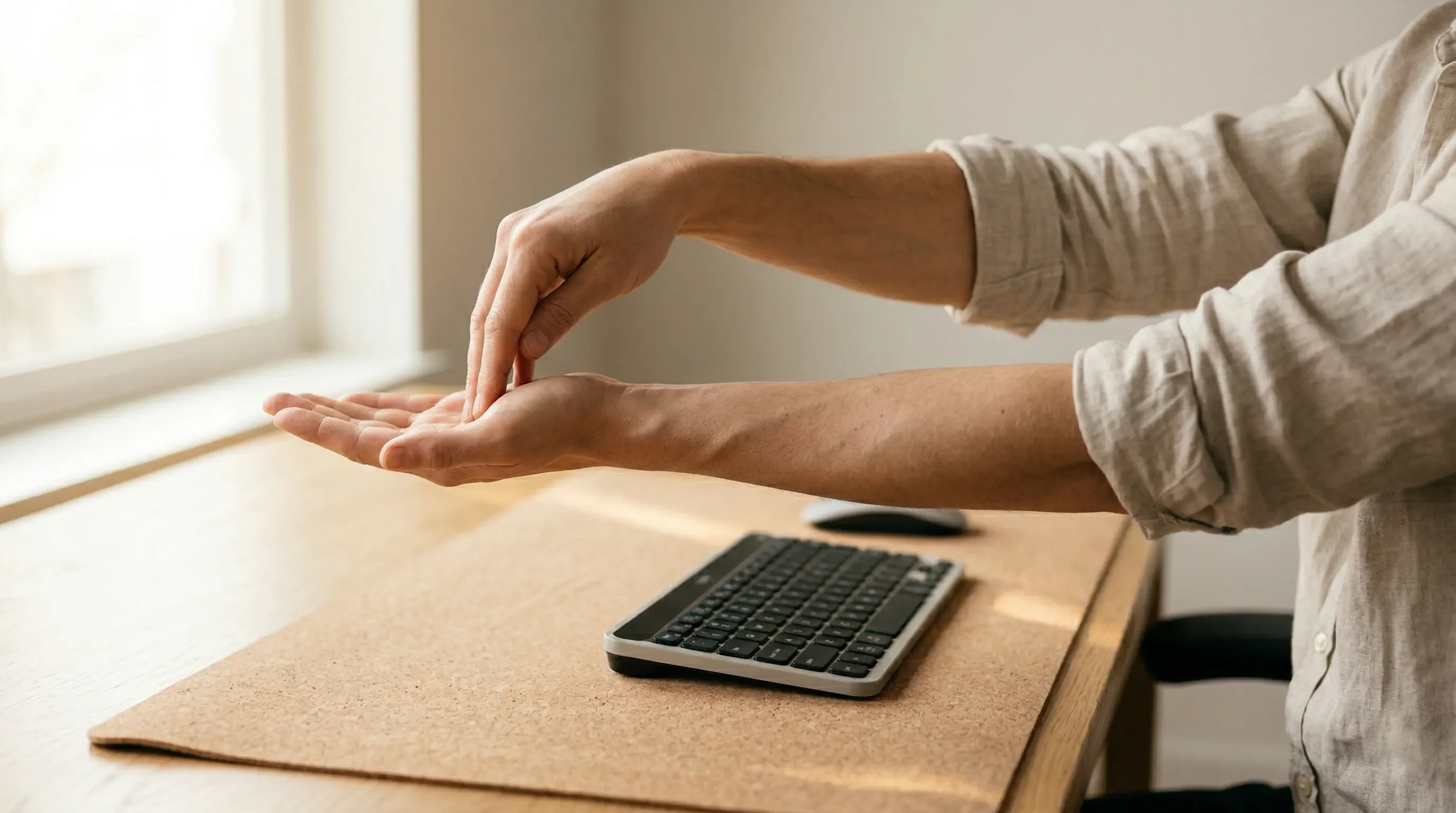
- Extend your right arm straight out in front of you, parallel to the floor.
- Turn your hand so your palm faces the ceiling.
- Use your left hand to gently pull the fingers of your right hand downward, toward the floor.
- You should feel a strong stretch along the bottom of your forearm. Hold for 15 seconds.
- Repeat on the left arm.
To ensure your hardware isn’t causing this tightness in the first place, review our Ergonomic Keyboard Placement Guide.
Stretch 5: The Figure-4 Hip Stretch (Sciatica Relief)
The seated Figure-4 stretch targets the piriformis muscle and the glutes, which become incredibly tight and shortened when your hips remain locked in a 90-degree seated angle for hours. Stretching these deep hip rotators relieves the pulling pressure on your lower back and helps prevent the shooting pain of sciatica down your legs.
Workspace productivity refers to the efficiency and output quality achieved through an intentionally designed and organized work environment. You cannot be efficient if shooting nerve pain is distracting you.
- Sit tall with both feet flat on the floor.
- Lift your right leg and place your right ankle directly on top of your left knee (creating a “4” shape).
- Keep your right foot flexed to protect your knee joint.
- Gently press down on your right knee, or lean your torso slightly forward with a straight back until you feel a deep stretch in your right hip/glute.
- Hold for 20 seconds, then switch legs.
This stretch is particularly vital if you do not use a sit-stand desk. If you are considering transitioning to one, read our comparison: Standing vs Sitting Desk: Which is Better for Your Body?.
Desk Stretches to Relieve Tension FAQs
1. How often should I stretch at my desk?
Ergonomists and physical therapists recommend performing a 1 to 2-minute micro-break stretch every 30 to 60 minutes. Frequent, short bursts of movement are significantly more effective at preventing tissue stiffness and muscle fatigue than a single 15-minute stretching session at the end of the workday.
2. Should desk stretches hurt?
No, stretching should never cause sharp or shooting pain. You should feel a mild to moderate pulling sensation (tension) in the belly of the muscle, but it should be manageable and allow you to breathe normally. If a stretch causes sharp joint pain, stop immediately.
3. Can stretching fix bad posture?
Stretching alone cannot fix bad posture if you immediately return to an unergonomic desk setup. Stretching relieves the symptoms (tight muscles), but you must fix the root cause (monitor height, chair alignment) to achieve permanent postural correction.
4. Is it better to stretch sitting or standing?
It is beneficial to incorporate both. Standing stretches (like overhead reaches or standing backbends) are excellent because they force your hips out of the seated 90-degree angle. However, seated stretches are highly convenient and less disruptive, making you more likely to actually perform them frequently.
5. What is the 20-20-20 rule?
While not a physical muscle stretch, the 20-20-20 rule is a vital “stretch” for your eye muscles. Every 20 minutes, look at an object at least 20 feet away for 20 seconds. This relaxes the ciliary muscles in your eyes, drastically reducing digital eye strain and associated tension headaches.
6. Why does my neck crack when I roll it?
The cracking or popping sound (crepitus) in your neck during a stretch is usually harmless. It is often caused by the release of gas bubbles from the synovial fluid within your facet joints, or tendons snapping lightly over bones. If the cracking is accompanied by pain, consult a doctor.
Conclusion
Knowing which desk stretches relieve tension is only half the battle; the true benefit comes from building the habit of consistent, daily execution. By taking just five minutes to mobilize your spine, open your chest, and stretch your hips, you actively defend your body against the mechanical wear and tear of office life. Workspace productivity requires both mental focus and physical endurance. This exact problem—the physical toll of working at a desk—is why we designed the Minimal Desk Starter Kit. It provides the premium ergonomic foundation your body needs so that when you finish your stretches, you return to a workspace that actively supports your health.