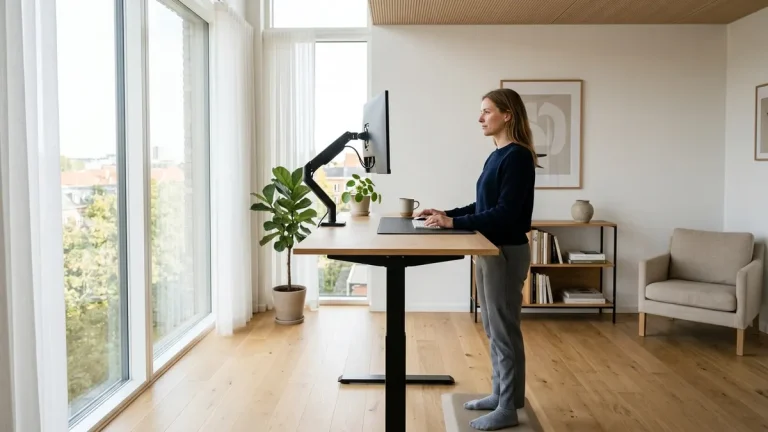
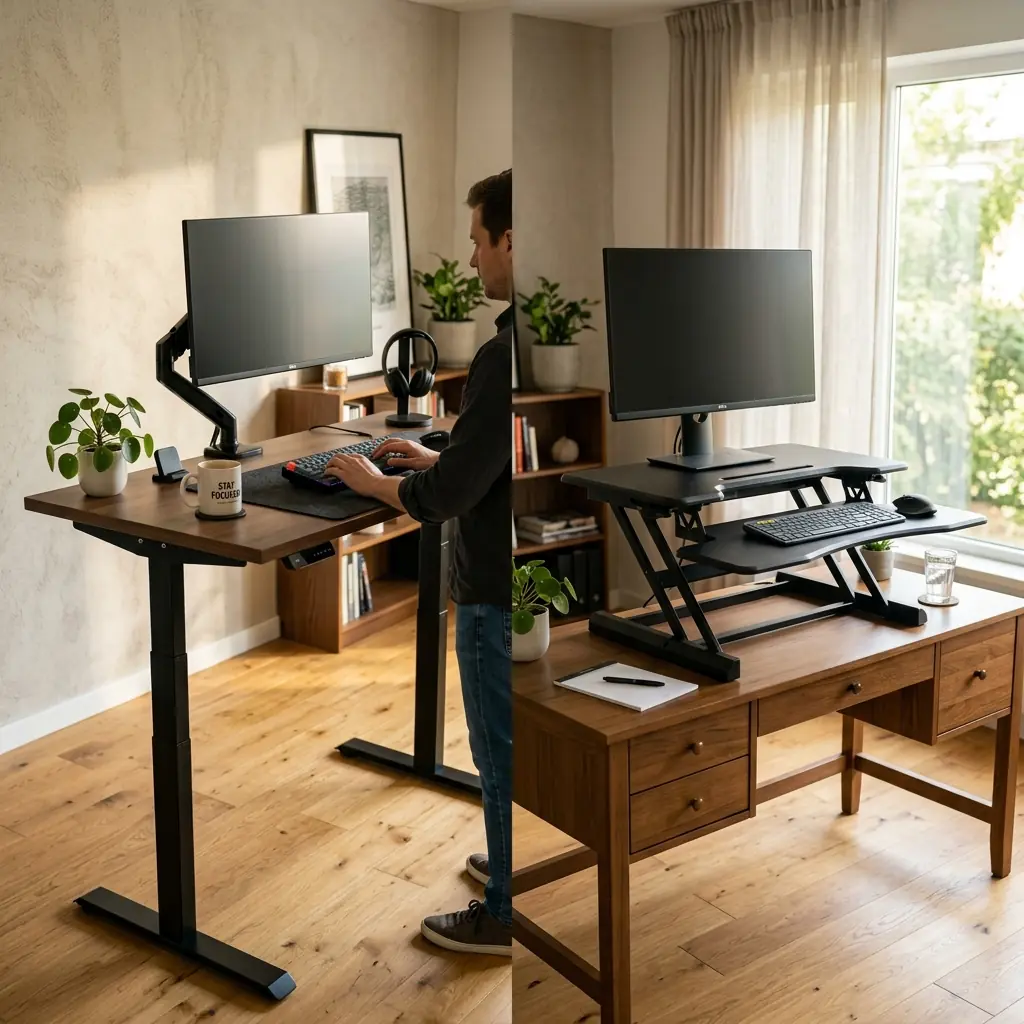
The science is clear: alternating between sitting and standing throughout the workday reduces lumbar compression, improves vascular circulation, and mitigates the risk of chronic lower back pain. However, when it comes time to upgrade your home office to support active sitting, you are faced with two distinct hardware paths: investing in a complete electric standing desk, or retrofitting your existing desk with a sit-stand converter.
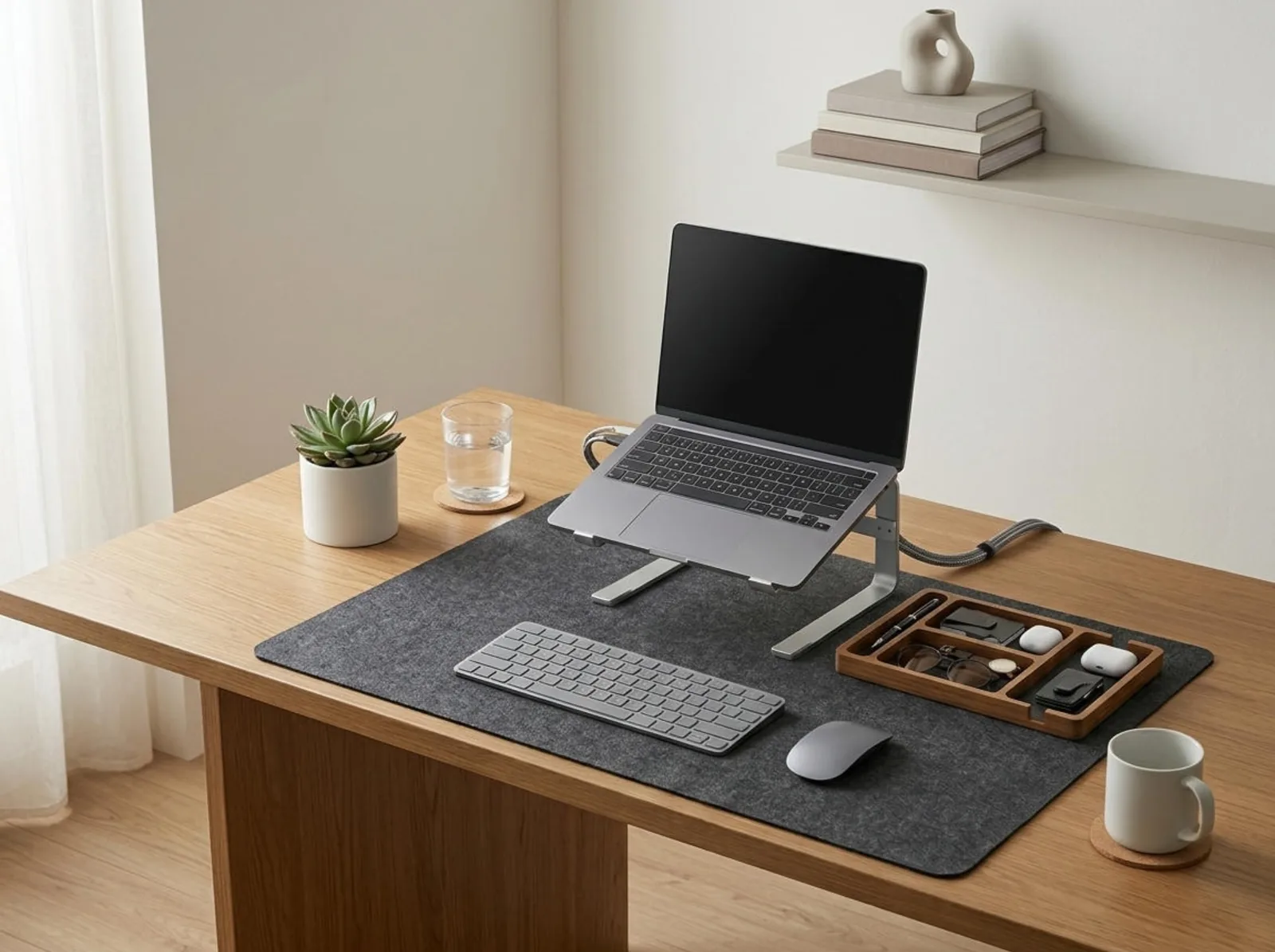
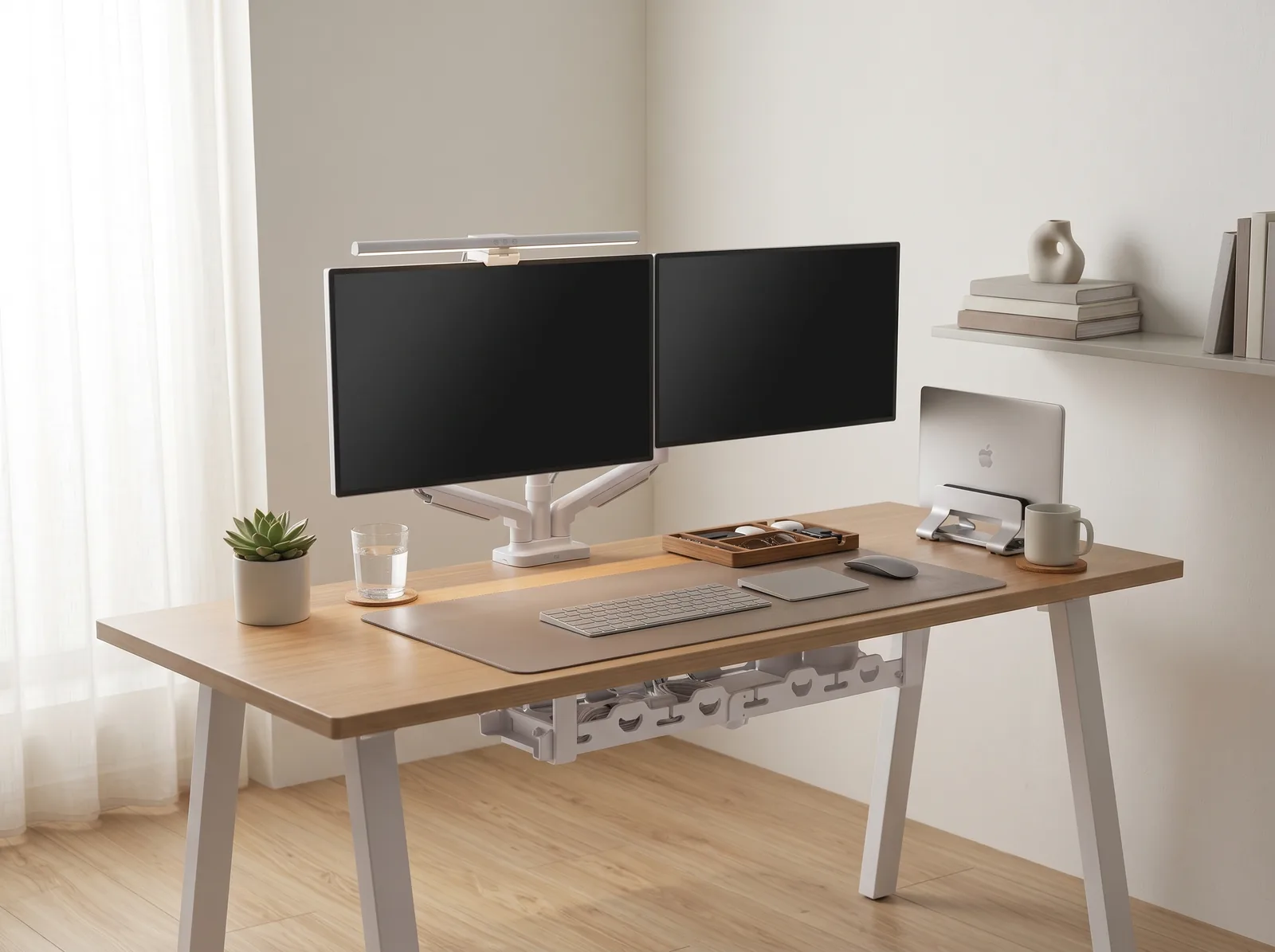
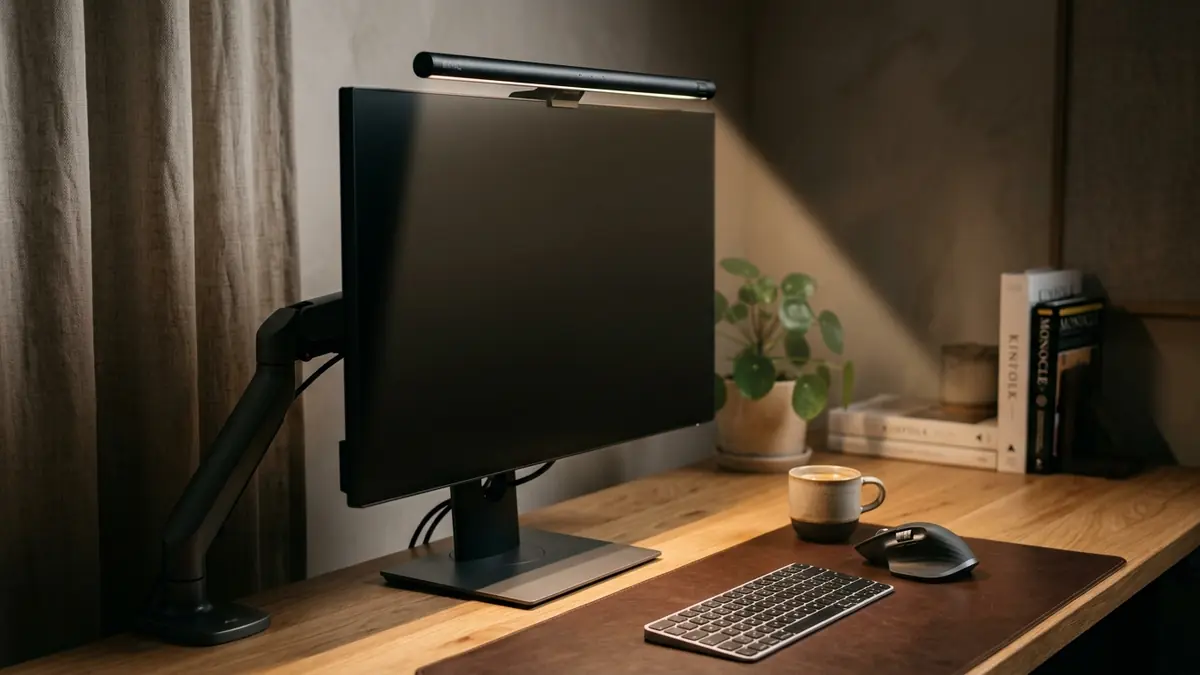
A standing desk vs sit-stand converter comparison is not simply a matter of budget. It involves analyzing your available space, the stability required for your specific workflow (e.g., heavy typing vs reading), and your tolerance for visual clutter. While a full standing desk, like the one featured in our TidySetup Starter Kit, offers the ultimate clean aesthetic, a converter provides a highly practical stepping stone.
In this guide, we will break down the structural, ergonomic, and aesthetic differences between full standing desks and desktop converters to help you choose the best solution for your posture and your workspace.
The Full Electric Standing Desk
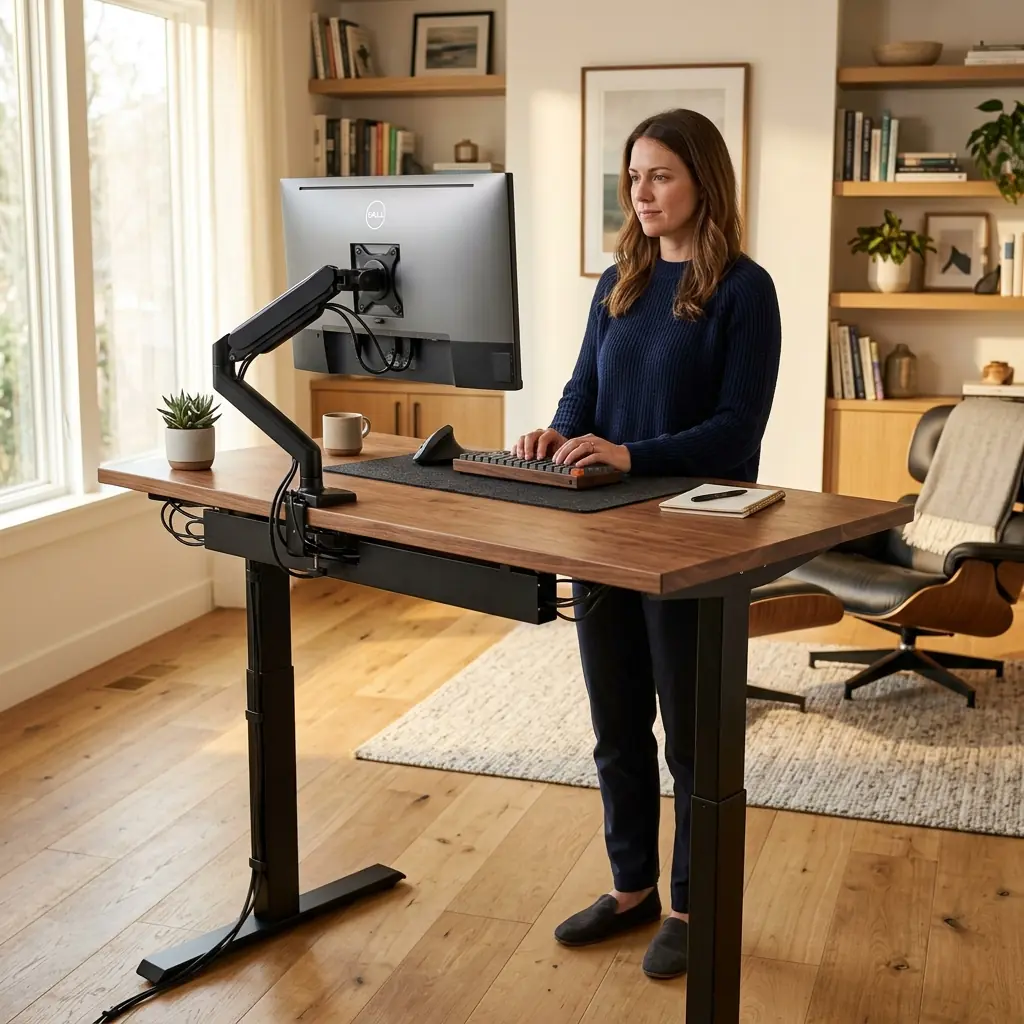
An electric standing desk replaces your entire workstation. Using dual or single motors housed in the legs, the entire desk surface raises and lowers at the push of a button.
Pros of a Full Standing Desk
- Maximum Surface Area — When the desk raises, everything comes with it: your monitor, your keyboard, your coffee mug, and your notebooks. You have zero compromise on usable workspace whether seated or standing.
- Micro-Adjustability — High-quality electric desks allow you to program memory presets down to the millimeter. This ensures your desk is at the exact, mathematically correct ergonomic height for your specific body measurements every single time you stand.
- Unmatched Stability — A premium dual-motor frame with a solid wood top provides an incredibly rigid typing surface, even at its maximum height. There is virtually no monitor wobble.
Cons of a Full Standing Desk
- High Initial Cost — A high-quality electric desk frame and solid hardwood top will cost between $600 and $1,200.
- Assembly Required — These desks are heavy (often over 100 lbs) and require significant assembly, including drilling into the desktop if it is not pre-drilled.
The Sit-Stand Desk Converter
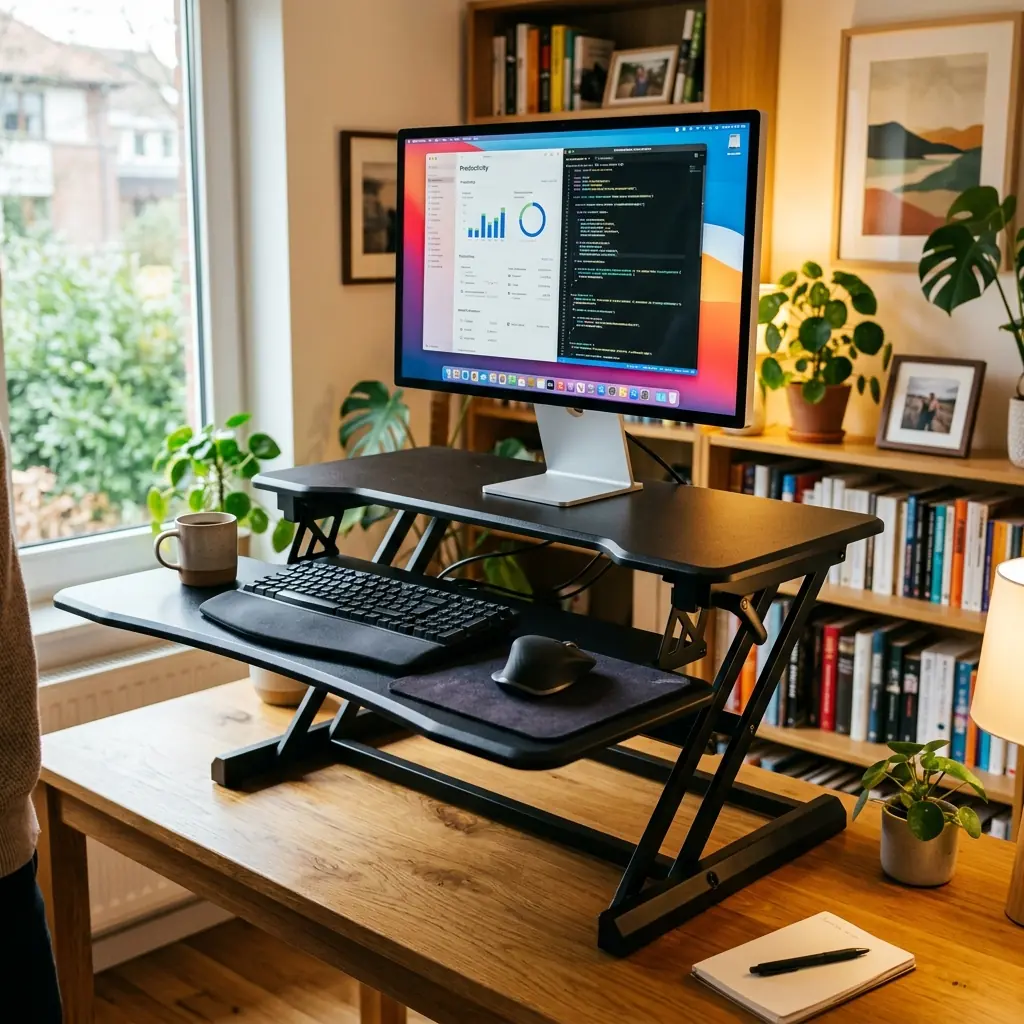
A sit-stand converter (also known as a desktop riser) is a mechanical or gas-spring unit that sits directly on top of your existing, fixed-height desk. It usually features two tiers: an upper tier for your monitor, and a lower tray for your keyboard and mouse.
Pros of a Sit-Stand Converter
- Cost-Effective Retrofit — If you already own a beautiful, expensive, or built-in desk (like an antique solid wood table) that you cannot replace, a converter allows you to stand without destroying your existing furniture.
- Zero Assembly — Most converters ship fully assembled. You take it out of the box, place it on your desk, and you can begin standing immediately.
- Lower Entry Price — High-quality converters range from $150 to $350, significantly lowering the barrier to entry for ergonomic standing.
Cons of a Sit-Stand Converter
- Loss of Desk Space — Converters consume a massive footprint on your desk. The hardware itself eats up the space you would normally use for writing or storing documents.
- Ergonomic Limitations — The height difference between the keyboard tray and the monitor tier is often fixed. This makes it difficult to achieve perfect ergonomic alignment for both your neck (monitor height) and your elbows (keyboard height) simultaneously.
Head-to-Head Comparison
1. Stability and Monitor Wobble
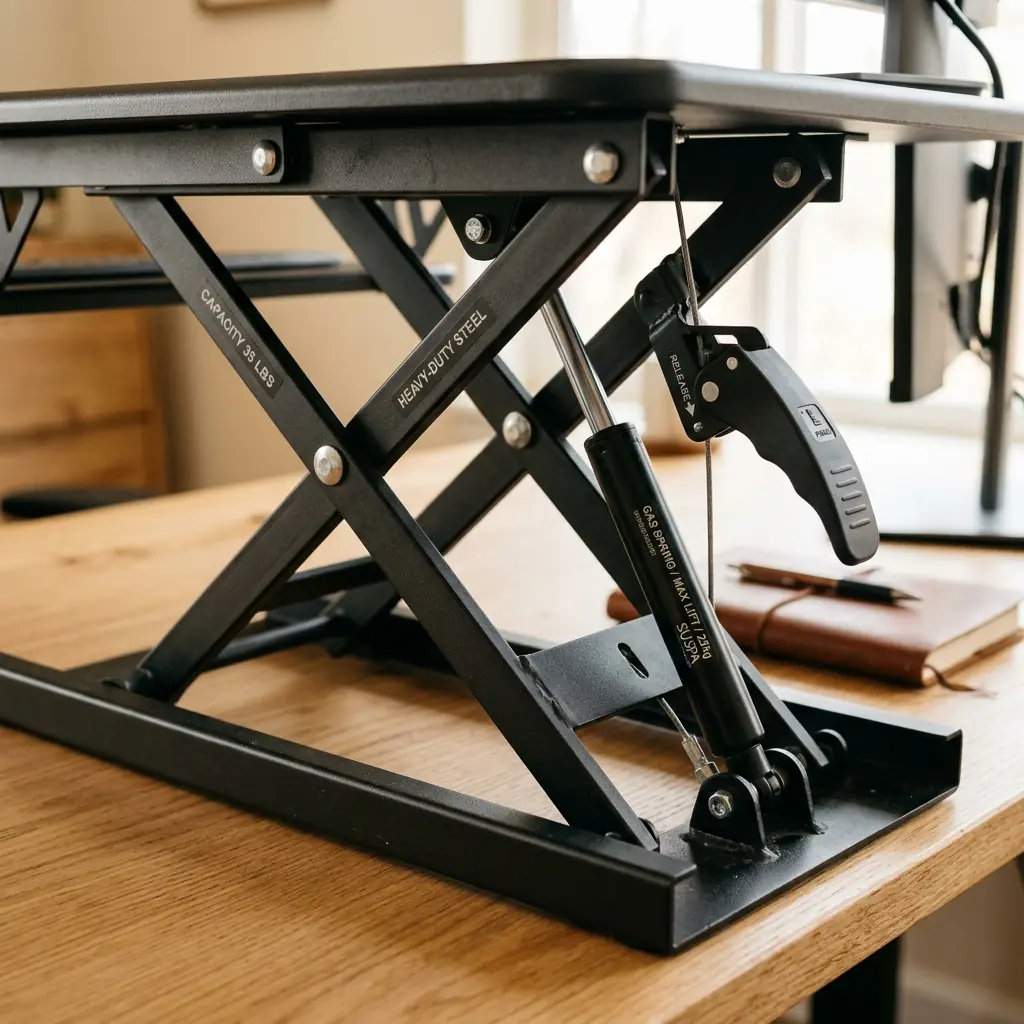
Winner: Full Standing Desk
Because sit-stand converters rely on scissor-lift or Z-lift mechanisms extending upward from a base, they inherently have a higher center of gravity and more joint play. Heavy typing on a converter often translates to noticeable monitor wobble, which can cause micro-distractions and eye strain over time. A full standing desk on a heavy steel frame is vastly more stable.
2. Cable Management
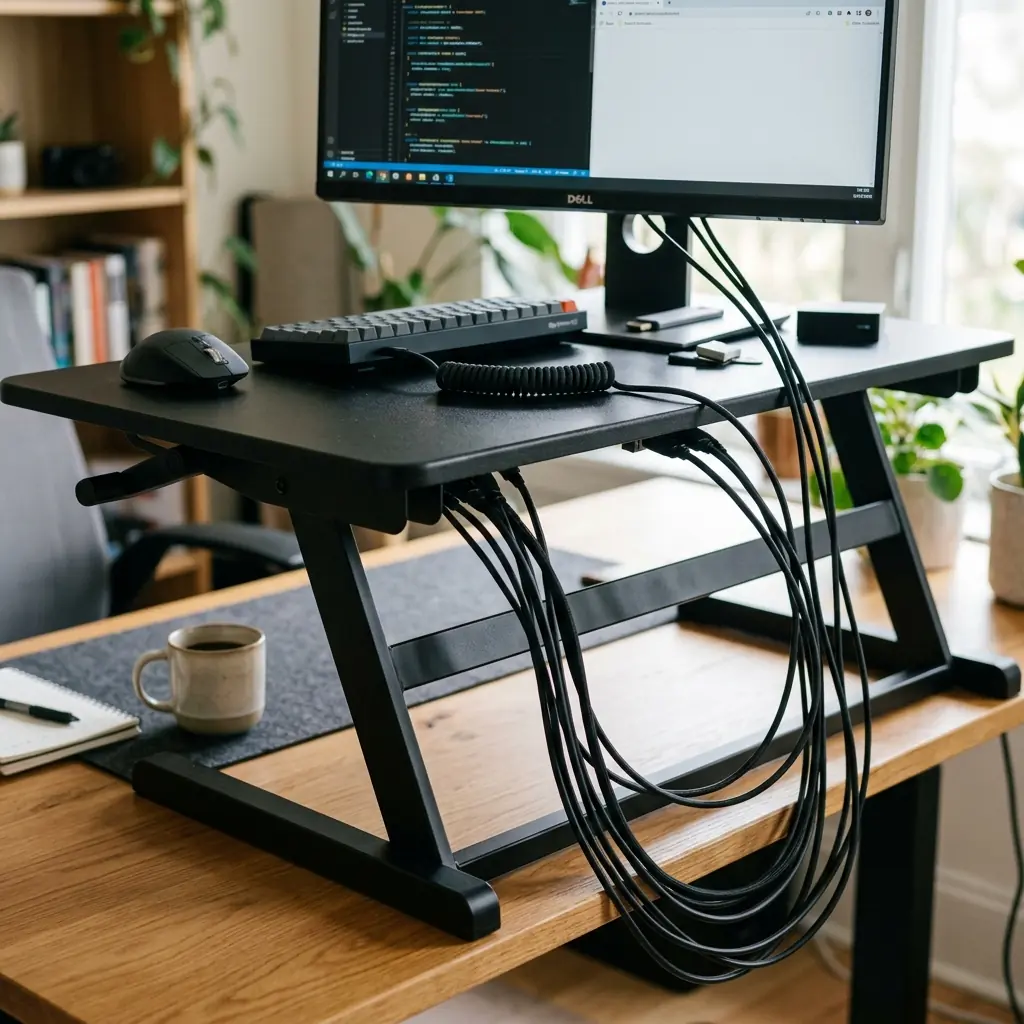
Winner: Full Standing Desk
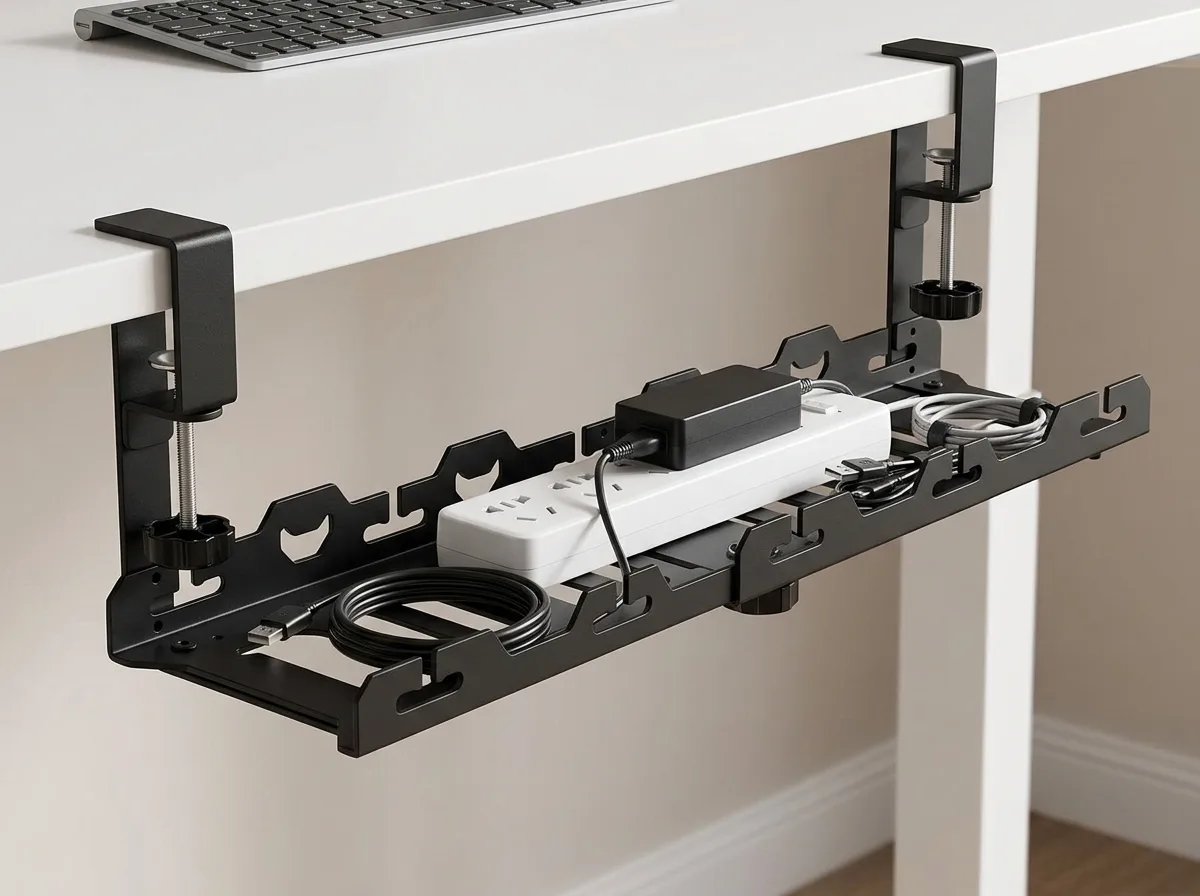
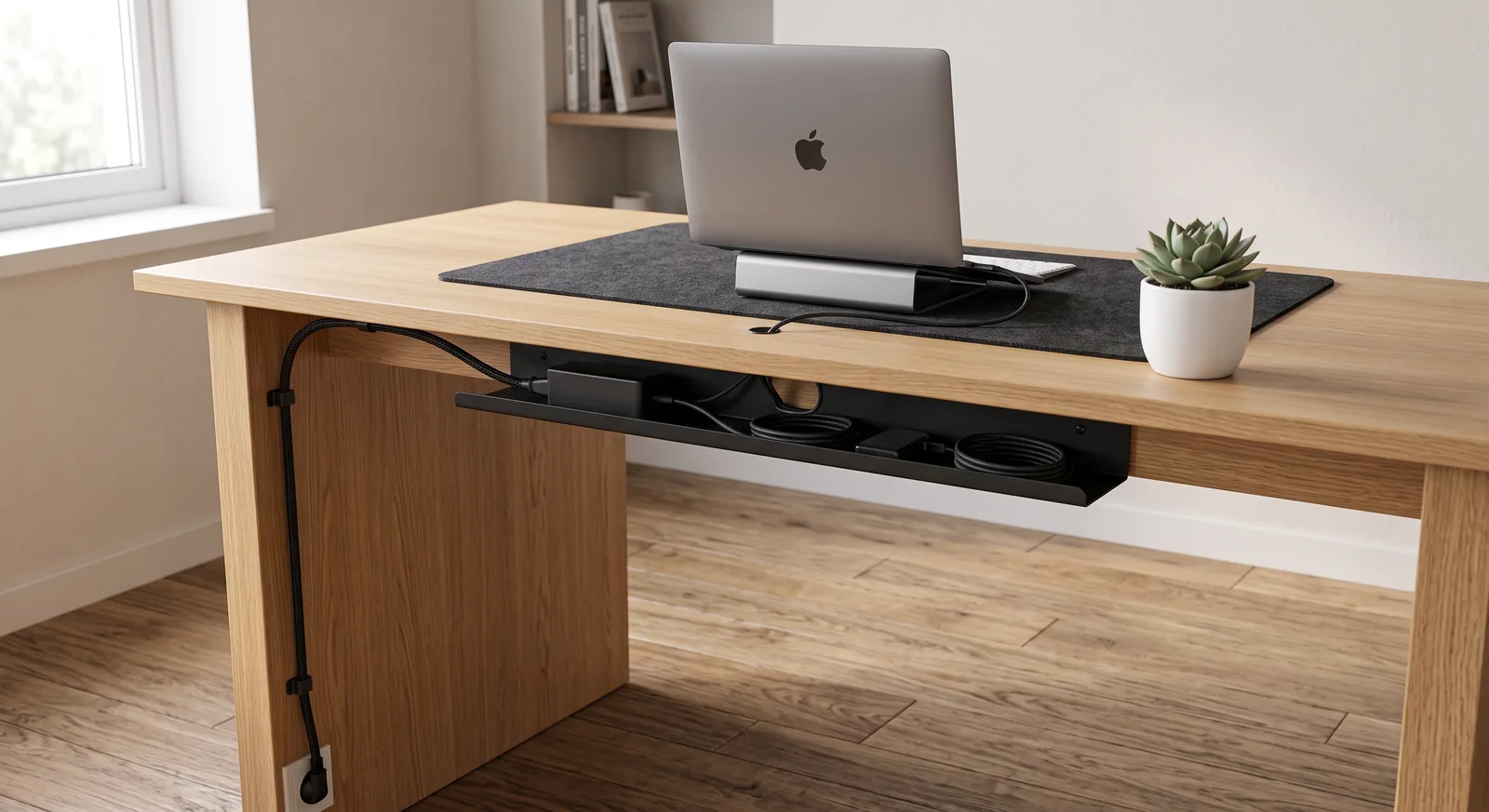
Cable management on a full standing desk is relatively straightforward: you mount a cable tray under the desk surface, place a power strip inside, and run a single “umbilical cord” down the leg to the wall outlet. (See our cable management guide for details).
With a converter, your cables must have enough slack to travel up and down with the platform, independent of the desk underneath. This often results in an unsightly “waterfall” of cables draping over the back of the converter.
3. Posture and Biomechanics

Winner: Full Standing Desk
Converters artificially raise the height of your desk even when in the seated position. Because the keyboard tray sits an inch or two above your actual desk surface, you are forced to raise your chair to compensate, which often lifts your feet off the floor (requiring a footrest). A full standing desk drops low enough to accommodate the 5th to 95th percentile of human heights comfortably while seated.
Conclusion: Which Should You Buy?
Buy a Sit-Stand Converter if:
- Your employer is paying for it and has a strict $300 budget.
- You work at a built-in counter, a kitchen island, or an antique desk you refuse to replace.
- You do not have the physical ability or tools to assemble a heavy steel desk frame.
Buy a Full Electric Standing Desk if:
- You are building a permanent home office or remote work setup.
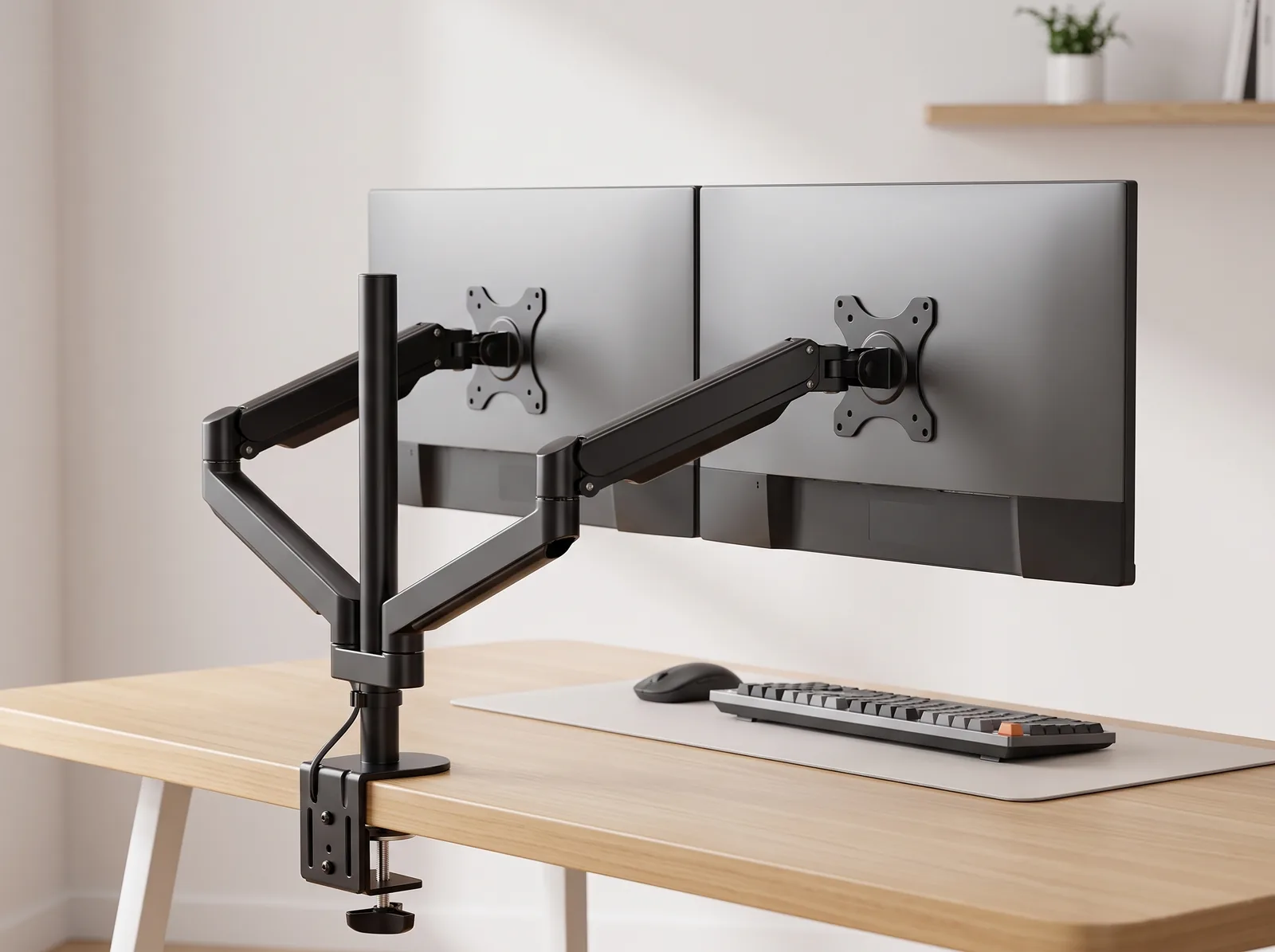
- You use multiple large monitors that require a heavy-duty monitor arm.
- You value a minimalist aesthetic and clean cable management.
- You want the absolute best ergonomic support with infinite micro-adjustability.
If you choose to invest in a full electric frame, review our foundational ergonomic desk setup guide to ensure you program your seated and standing height presets correctly.
When using a sit-stand desk, attaching a gas-strut single monitor arm ensures your screen smoothly tracks your changing eye level without manual re-clamping.
Part of TidySetup’s comprehensive resource series: explore our master Ergonomic Workstation Alignment Master Guide for complete workstation benchmarks.