
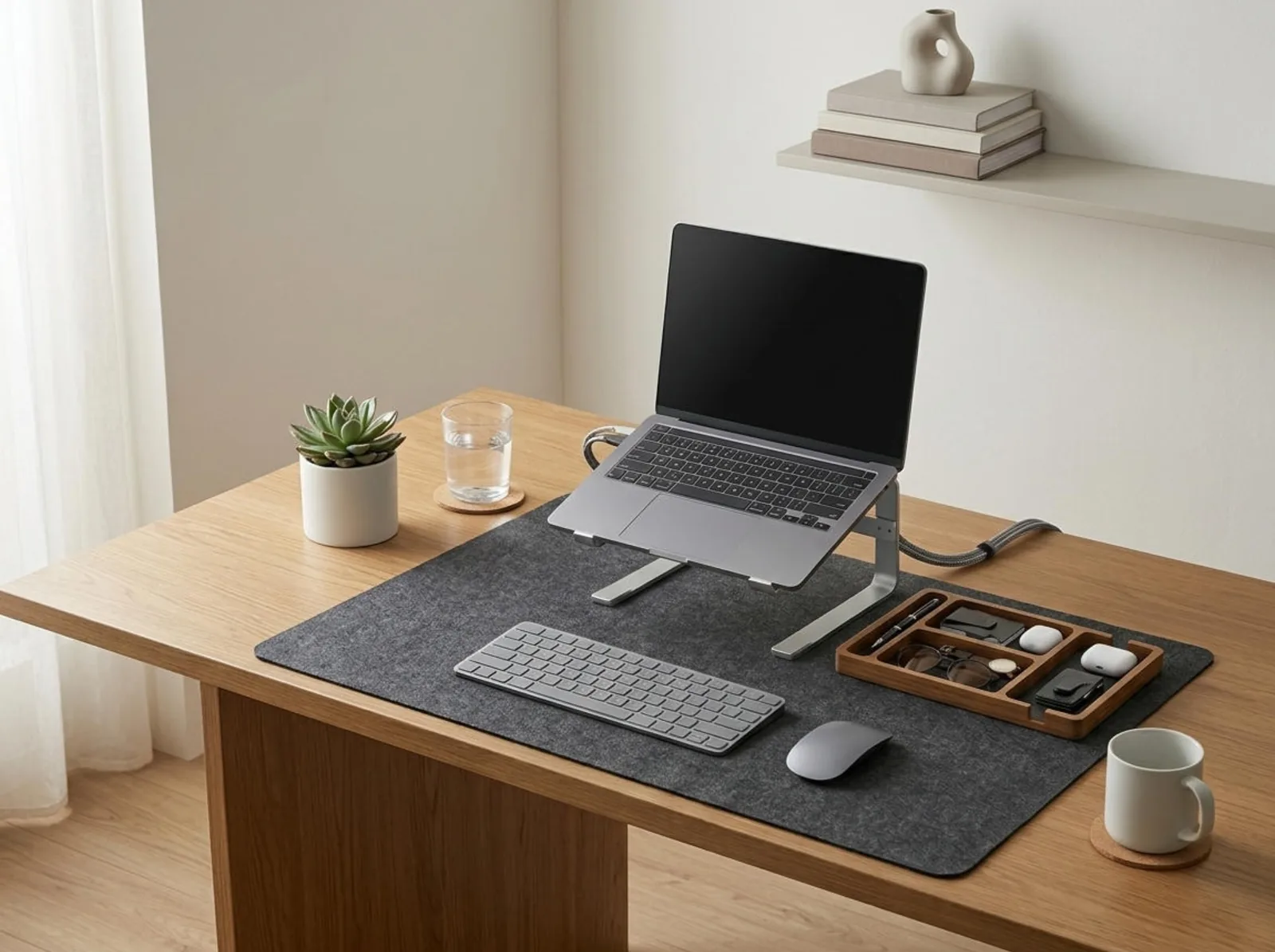
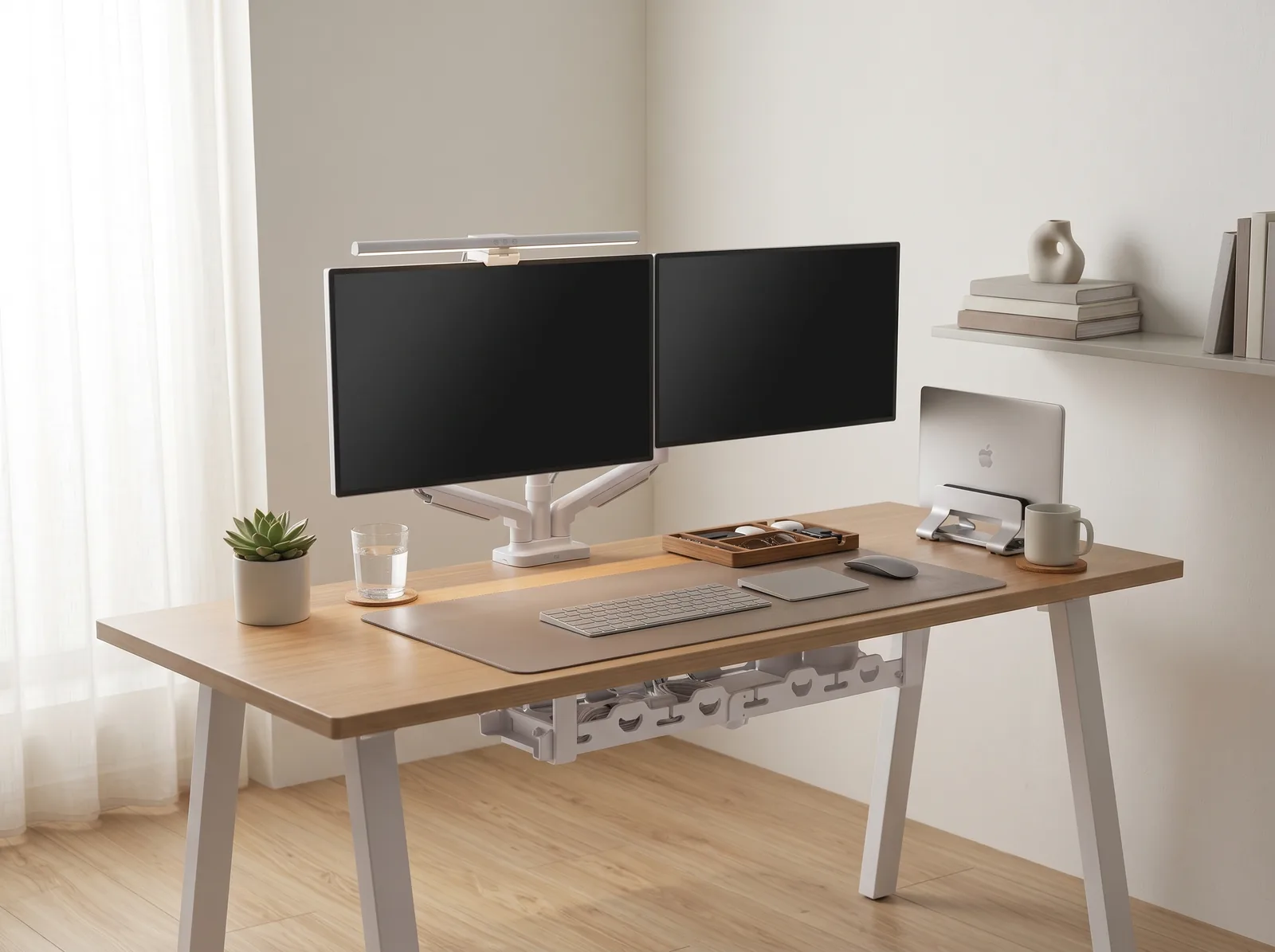
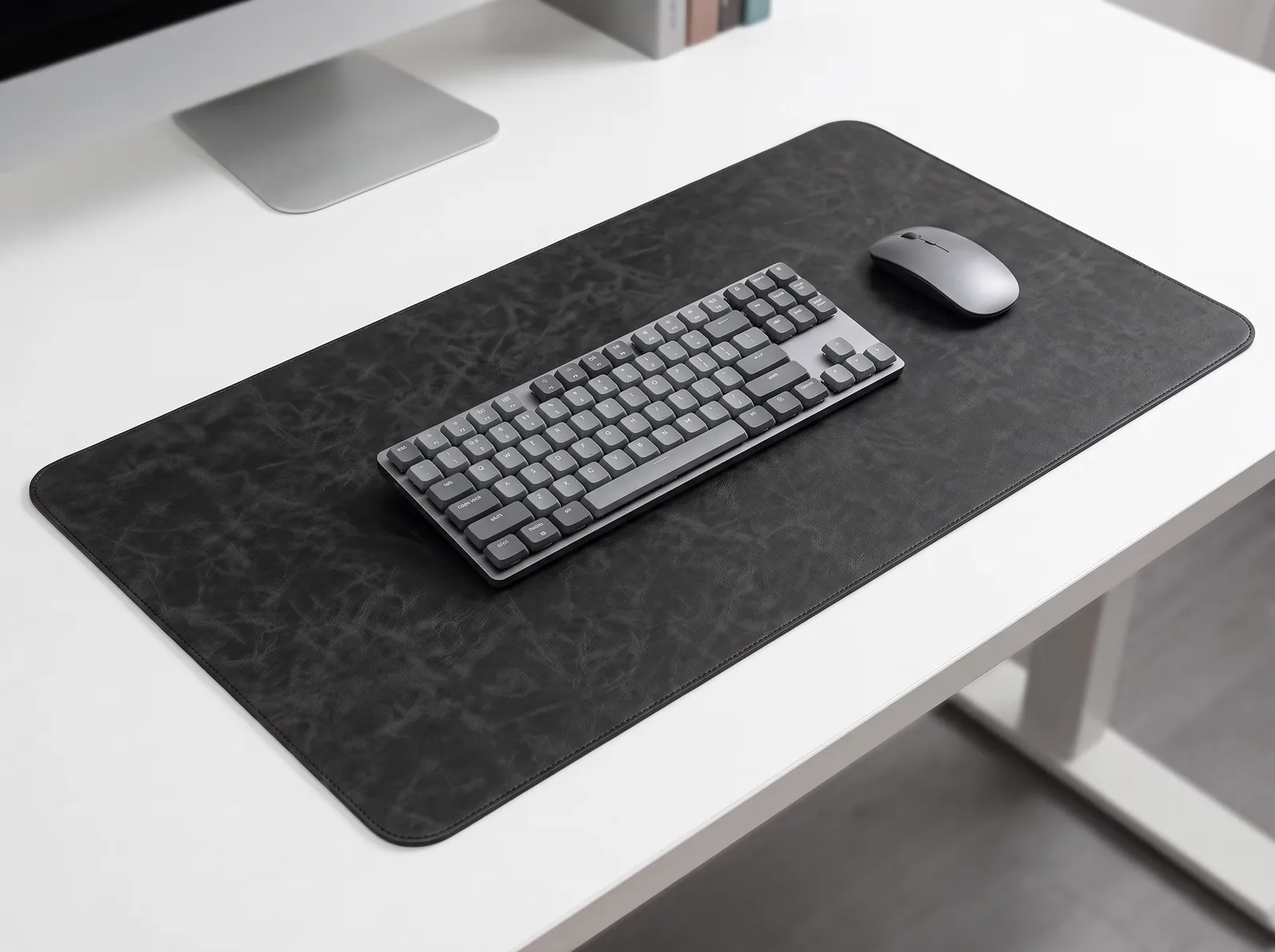
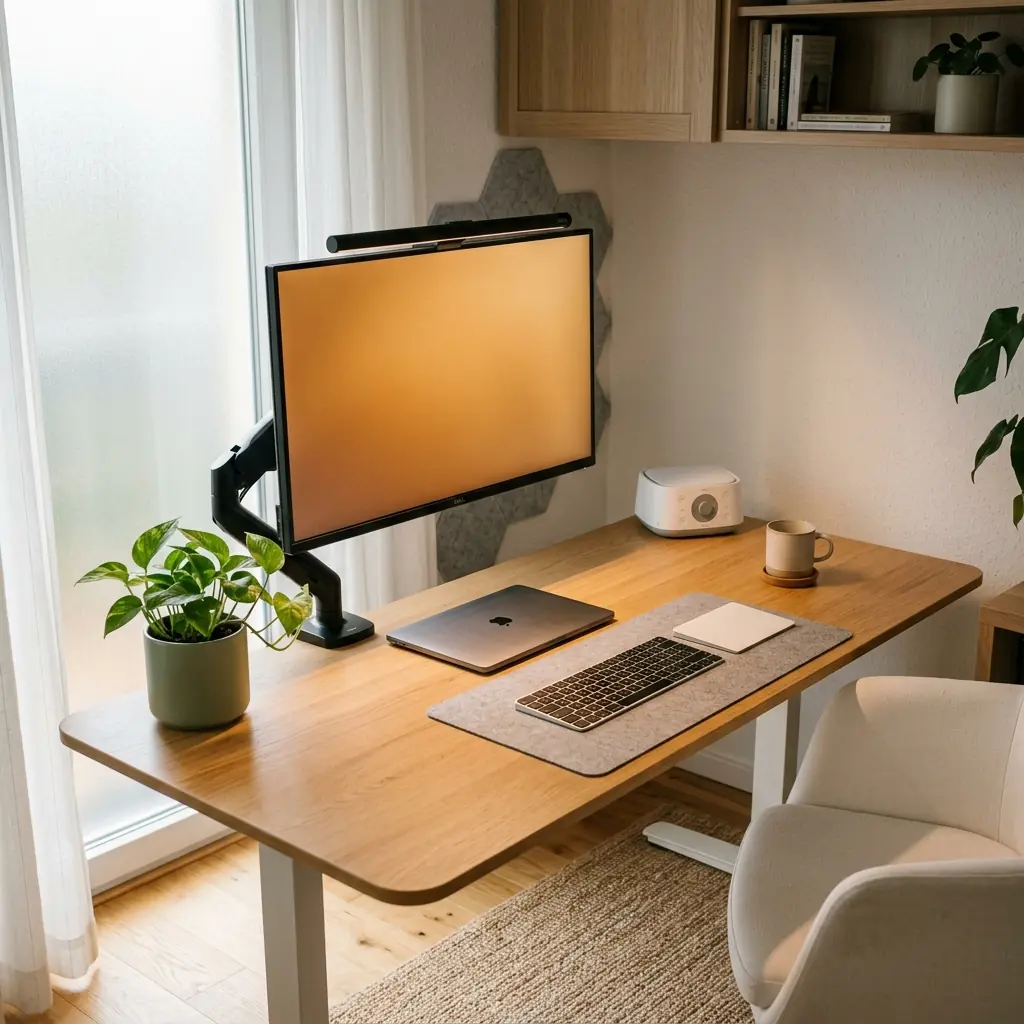
Most people optimize their desk for ergonomics and organization — and stop there. But the environment surrounding your desk has an equally powerful impact on your focus, energy, and long-term health. Poor lighting causes eye strain. Excessive noise fragments concentration. Stale air lowers oxygen availability to the brain. Workspace environmental design is the discipline of deliberately shaping these invisible forces so your workspace supports you, not works against you.
Comprehensive Architecture Resource: This foundational guide is part of TidySetup’s definitive Workspace Environmental Architecture Guide. Explore asymmetric light bar optical physics, 2700K–5000K circadian tuning, and tactile desk mat engineering.
The good news: you don’t need a full renovation. Small, targeted changes to your lighting, acoustics, and air quality can produce measurable improvements in productivity and comfort. If you’re already working on your ergonomic desk setup, adding environmental layers is the natural next step. If you’re looking for a practical starting point, the TidySetup Starter Kit pairs well with the environmental upgrades covered in this guide.
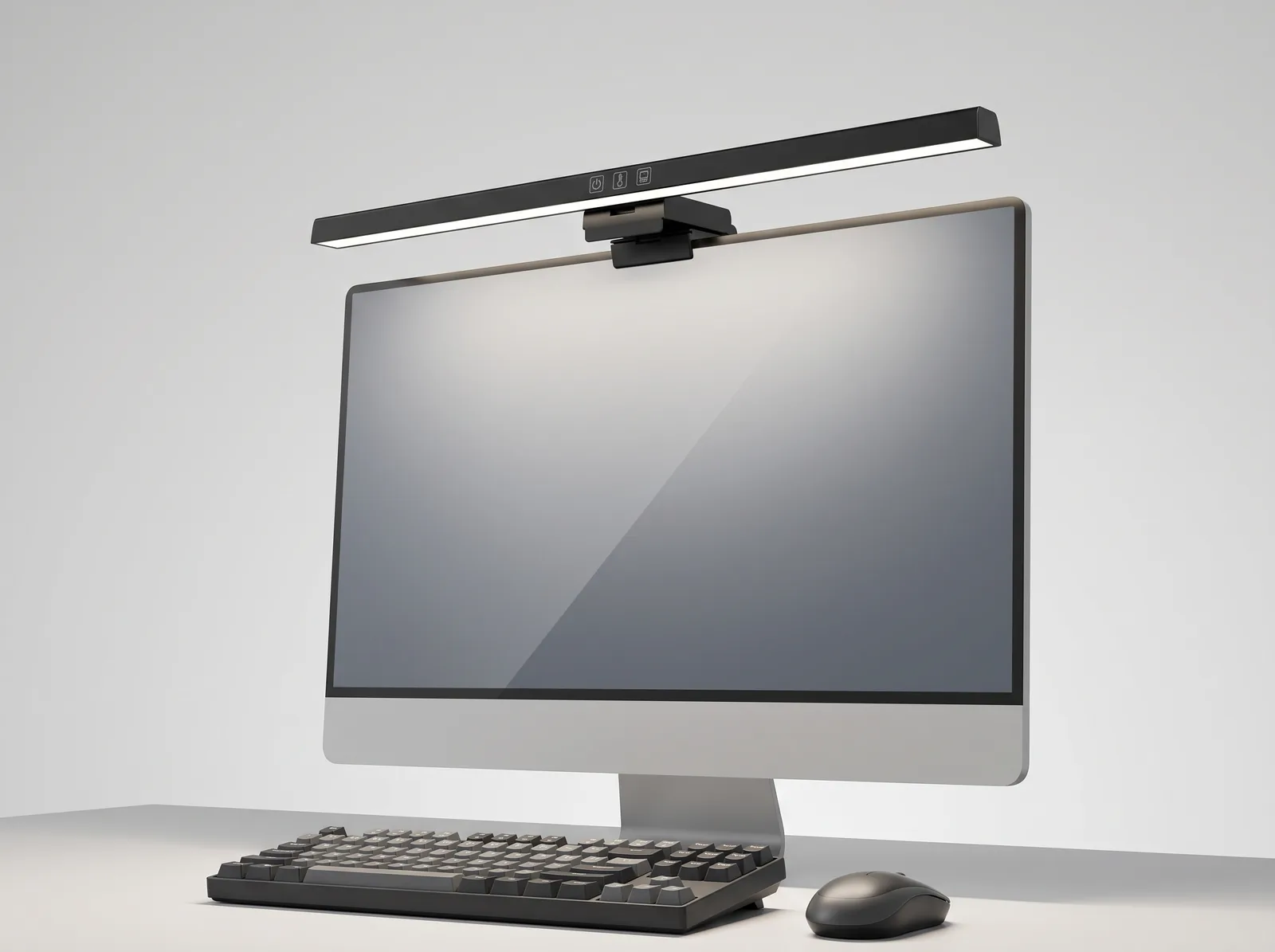
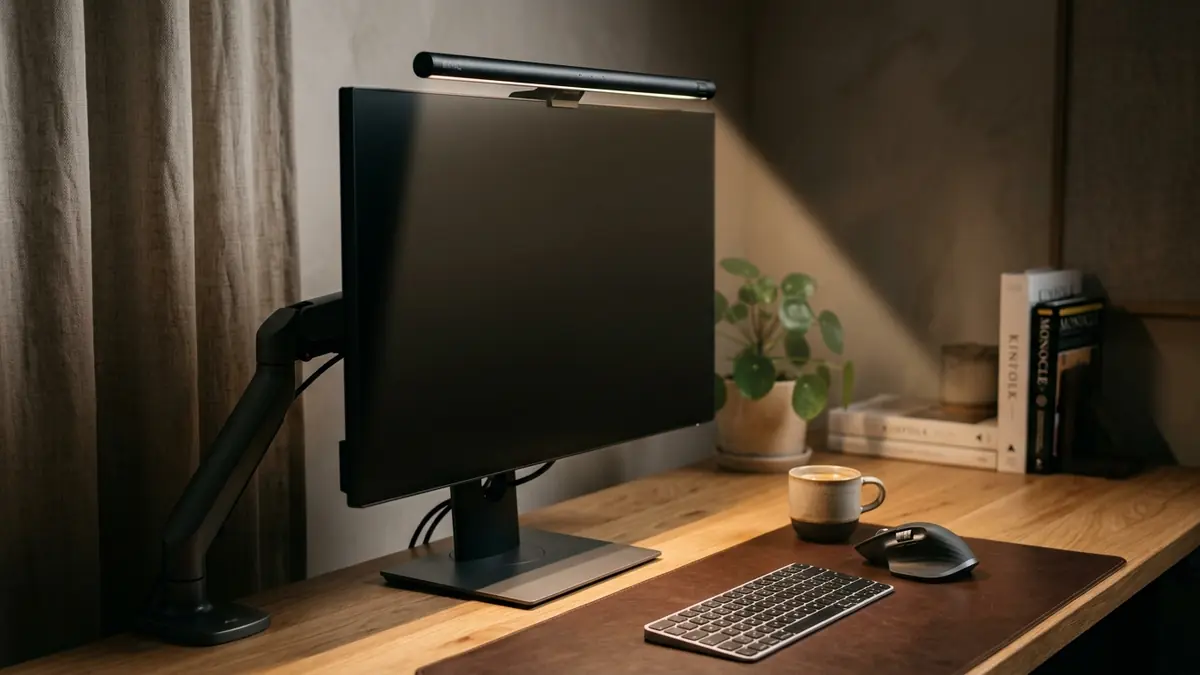
For focused evening deep-work sessions, a high-CRI monitor light bar provides balanced task lighting with customizable color temperature to reduce visual fatigue.
In this guide, I’ll walk you through every layer of workspace environmental design — from the science of color temperature to the acoustics of a home office — so you can build a workspace that performs as well as it looks.
What Is Workspace Environmental Design?
Workspace environmental design is the intentional configuration of the physical conditions surrounding a workstation — including lighting, acoustics, air quality, temperature, and scent — to optimize cognitive performance, physical comfort, and long-term health.
Most ergonomic advice focuses on the desk, chair, and monitor position. Environmental design extends that thinking to the room itself. It recognizes that your body and brain are constantly processing sensory input from the space around you — and that input either supports or degrades your ability to focus and work comfortably for hours at a time.
In over 500 workspace evaluations, one of the most consistent findings I encounter is this: people who struggle with afternoon fatigue or midday focus crashes often have a lighting or air quality problem, not a time management problem. Addressing the environment frequently resolves issues that no productivity app could fix.
The Four Pillars of Workspace Environmental Design
- Lighting — Color temperature, brightness, glare control, and circadian alignment
- Acoustics — Sound absorption, noise masking, and distraction reduction
- Air Quality — Ventilation, humidity, CO₂ levels, and plant integration
- Thermal Comfort — Room temperature and airflow management
How Does Lighting Affect Focus and Eye Health?
Lighting is the single most impactful environmental variable in a workspace. The right light reduces eye strain, signals wakefulness to your circadian rhythm, and prevents the visual fatigue that causes headaches and afternoon energy crashes. The wrong light — too dim, too blue, or poorly directed — creates measurable physiological stress.
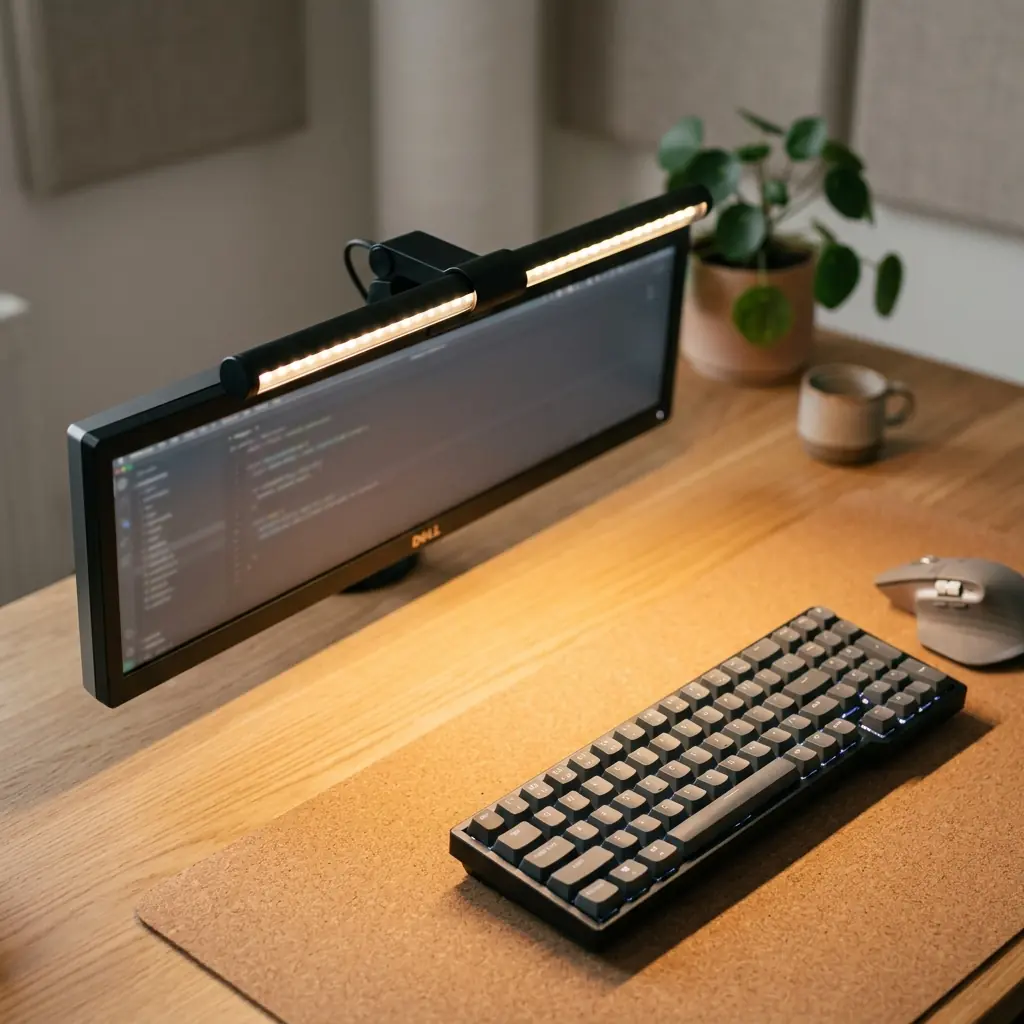
Understanding Color Temperature (Kelvins)
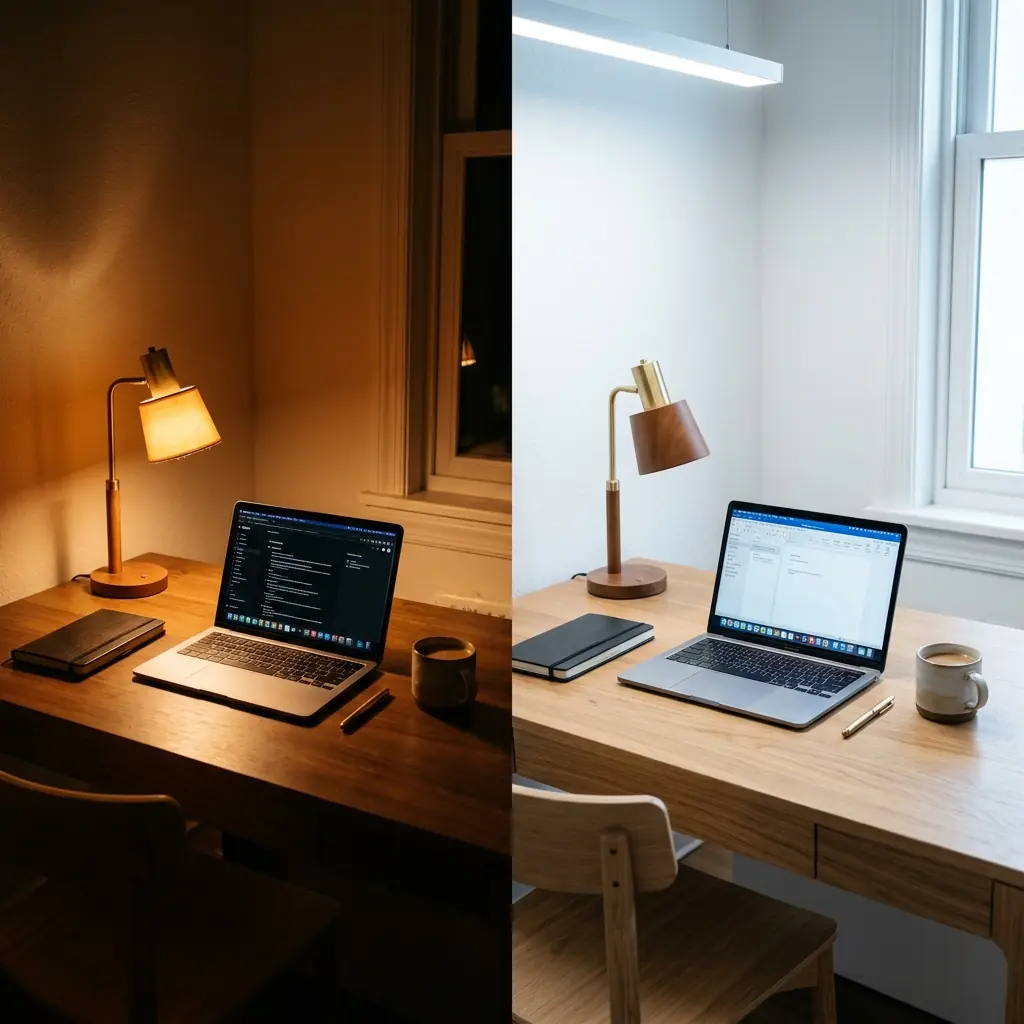
Light color temperature is measured in Kelvins (K). Lower Kelvin values produce warm, amber tones. Higher values produce cool, blue-white light. For desk work, the optimal range depends on the time of day:
| Time of Day | Recommended Kelvin Range | Effect |
|---|---|---|
| Morning (6am–10am) | 4,000K–5,000K | Promotes alertness, mimics morning daylight |
| Core Work Hours (10am–3pm) | 4,000K–4,500K | Neutral focus light, reduces fatigue |
| Afternoon (3pm–6pm) | 3,000K–4,000K | Eases circadian transition, maintains focus |
| Evening (6pm+) | 2,700K–3,000K | Warm amber, supports melatonin production |
“A color temperature of 4,000 Kelvin represents the ‘neutral white’ range — it closely mimics natural midday daylight without the blue-light stress associated with 6,500K cool white bulbs, making it the optimal baseline for sustained desk work.”
Monitor Light Bars vs. Traditional Desk Lamps
A monitor light bar is an LED lighting accessory that mounts directly on top of a monitor and directs light downward onto the desk surface — illuminating the keyboard and documents without projecting light toward the user’s eyes or creating screen glare. This asymmetric beam design is specifically engineered for desk work and represents a significant upgrade over traditional desk lamps for most setups.
- Monitor light bar advantages: No screen glare, illuminates keyboard without eye fatigue, saves desk space, adjustable color temperature
- Traditional desk lamp advantages: Broader room illumination, suitable for reading physical documents, more ambient light spread
- Best approach: A monitor light bar for task lighting + a warmer floor or shelf lamp for ambient room lighting
For more detail on this comparison, see our dedicated post on monitor light bars vs. desk lamps.
Practical Lighting Setup Checklist
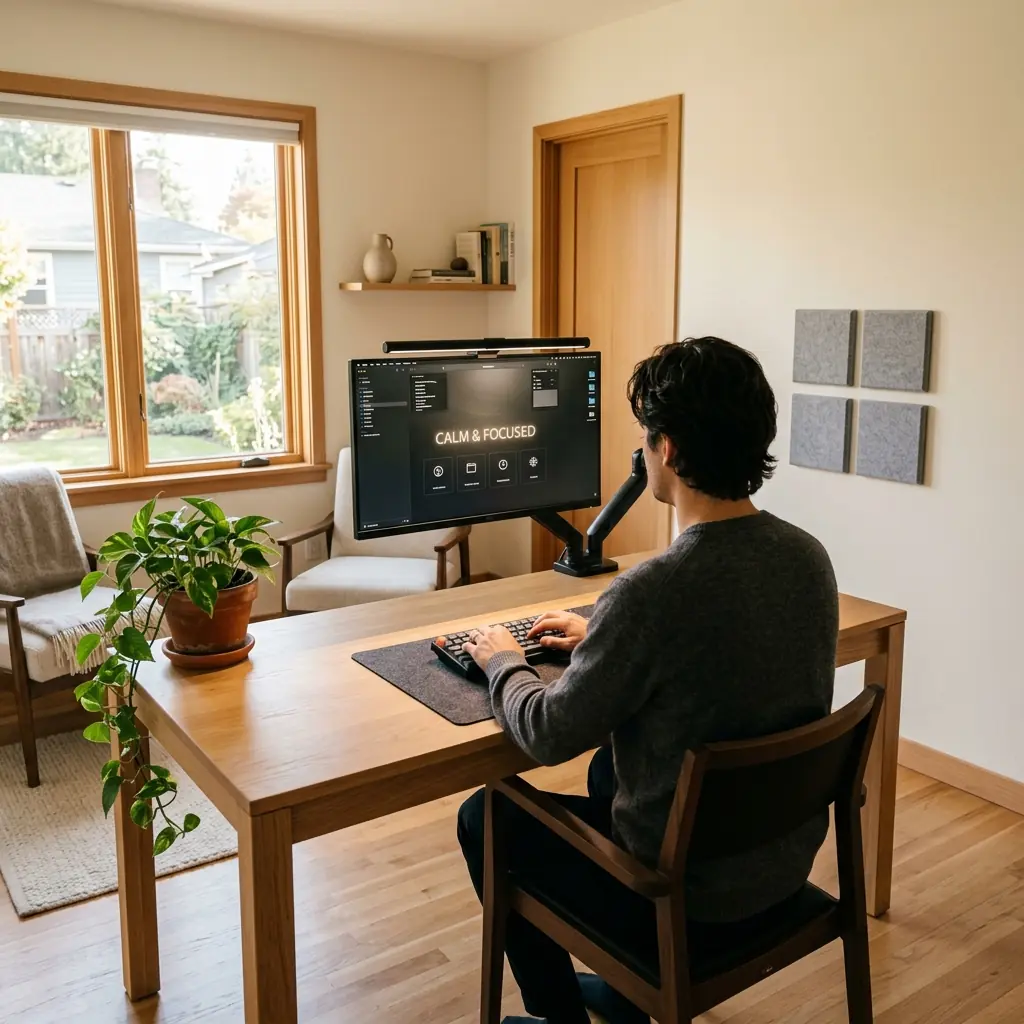
- Position your desk perpendicular to windows — never directly facing or backing a window
- Add a monitor light bar set to 4,000K during core work hours
- Install a warm ambient lamp (2,700K–3,000K) for evening use
- Use blackout or diffusing blinds to control direct sunlight glare
- Switch to tunable LED bulbs to adjust Kelvin output through the day
How to Reduce Noise and Improve Acoustics in Your Home Office
Sound is an invisible productivity killer. A 2019 study published in the Journal of the Acoustical Society of America found that unexpected speech — a conversation in the next room, TV audio, or street traffic — reduces cognitive task performance by up to 66% compared to silence. Acoustic management is not a luxury; it is a core component of workspace environmental design.
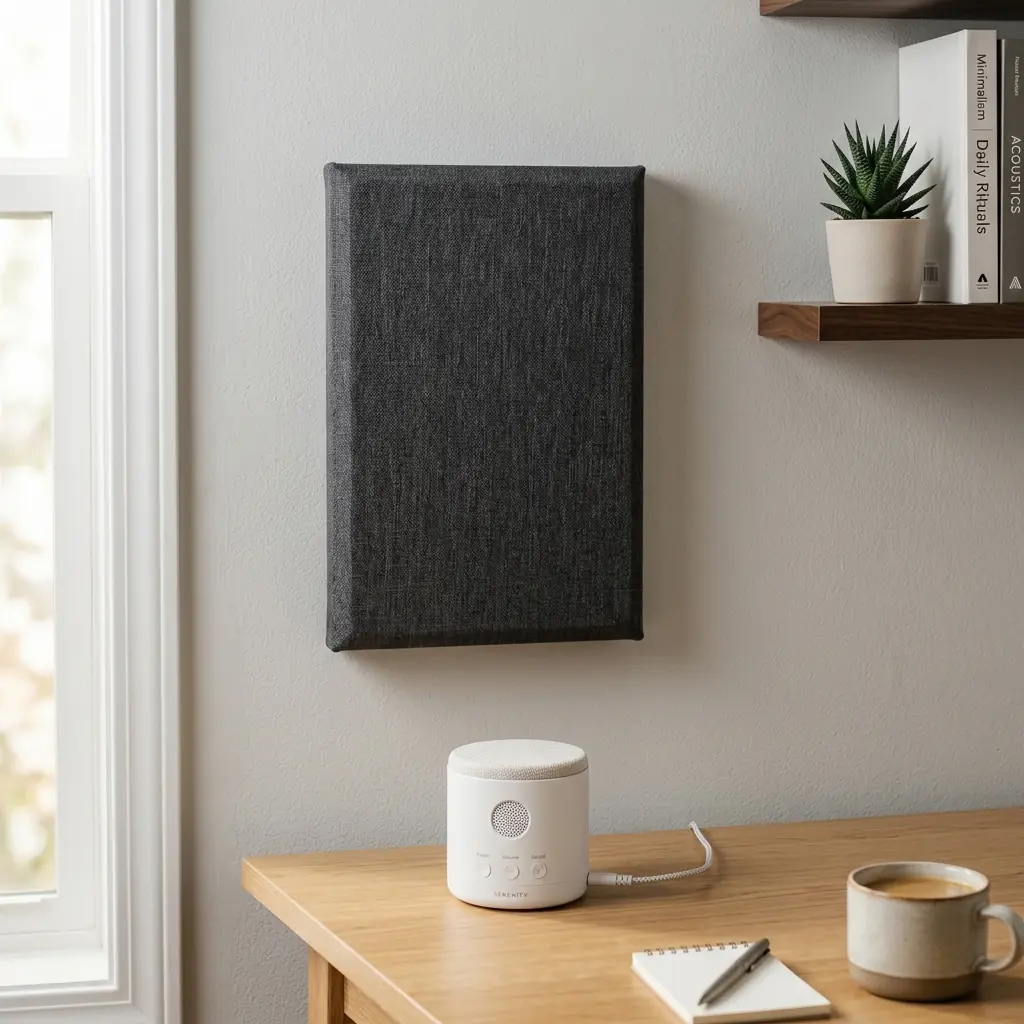
“An acoustic panel is a wall-mounted or freestanding sound-absorbing panel made from dense foam, fabric-wrapped fiberglass, or recycled cotton, designed to reduce reverberation and echo within a room by converting sound energy into heat.”
The Three Acoustic Levers
- Absorption — Acoustic panels, thick rugs, curtains, and upholstered furniture absorb reflected sound and reduce echo. Even 2–4 panels (each 24″×24″) placed at primary reflection points (the wall you face, side walls at ear height) can reduce reverberation time by 30–50% in a typical 10’×12′ home office.
- Blocking — Door sweeps, window seals, and weatherstripping block incoming noise from adjacent rooms or outside. These are low-cost, high-impact interventions.
- Masking — A white noise machine or brown noise generator creates a consistent ambient sound that masks irregular, distracting noises. Research shows pink and brown noise are particularly effective for sustained cognitive work.
Recommended Acoustic Priority Order
| Problem | Solution | Estimated Cost |
|---|---|---|
| Echo / hollow room sound | 2–4 acoustic panels + thick rug | $40–$150 |
| Neighbor / street noise | Door sweep + window seal kit | $15–$40 |
| Household noise (TV, family) | White noise machine on desk | $25–$60 |
| All-around distraction | Noise-canceling headphones | $100–$350 |
During a workspace audit for a freelance architect working from a shared apartment, I recommended placing two acoustic panels on the wall directly opposite her desk and adding a white noise machine. She reported a measurable improvement in her ability to sustain two-hour deep work blocks without distraction within the first week.
Why Air Quality Matters More Than Most People Realize
Indoor air quality is the most underrated variable in workspace environmental design. Research from the Harvard T.H. Chan School of Public Health found that cognitive performance scores drop by 50% when CO₂ levels in a room rise from 550 ppm to 1,000 ppm — a threshold easily reached in a closed home office within two to three hours of occupancy.
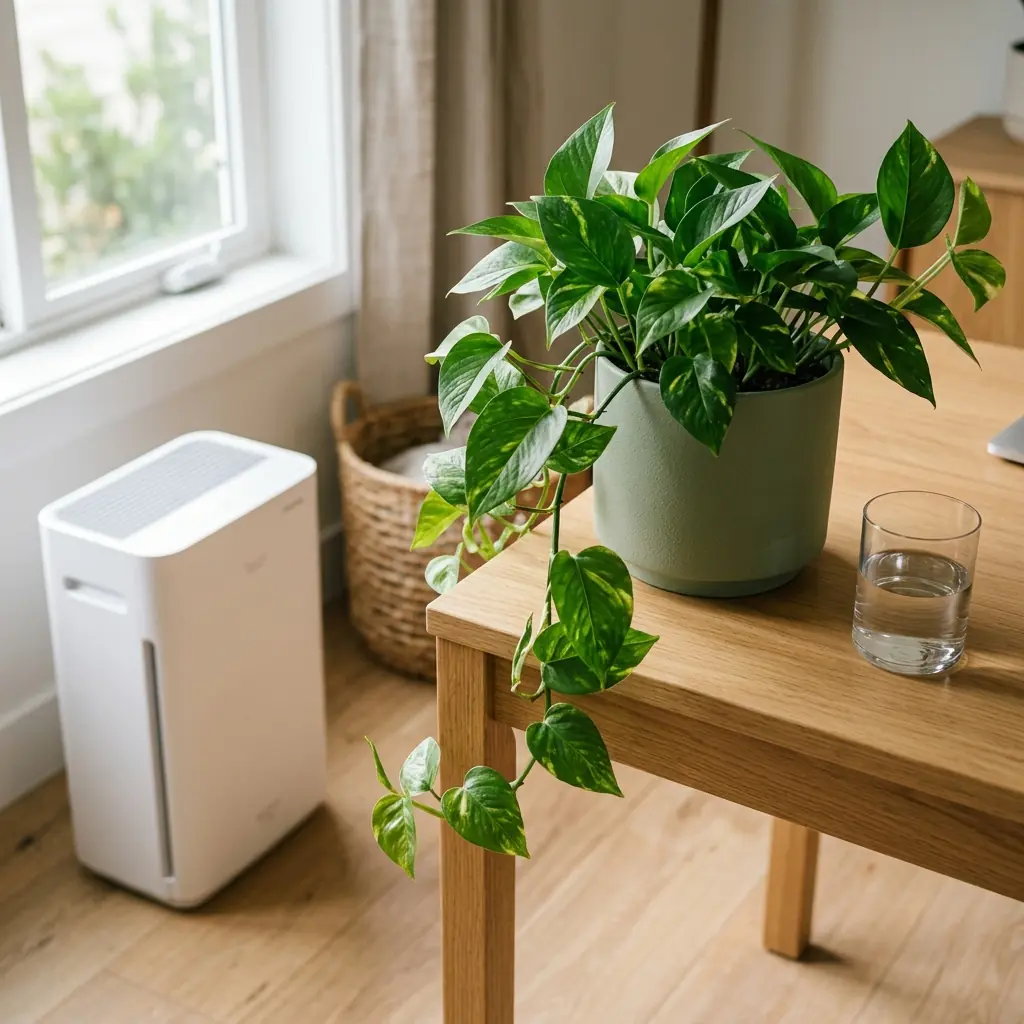
“Indoor CO₂ concentration above 1,000 parts per million has been shown to reduce decision-making performance by up to 50% — making ventilation and air circulation essential components of a productive workspace, not optional comfort features.”
Air Quality Improvements by Priority
- Ventilate first: Opening a window for 10–15 minutes every 90 minutes is the single most cost-effective way to reduce CO₂ buildup
- Add desk plants: Pothos, snake plants, and peace lilies are proven to reduce VOCs (volatile organic compounds) and improve perceived air freshness. One medium plant per 100 sq ft is a practical target.
- Control humidity: The optimal relative humidity for workspace comfort and respiratory health is 40%–60%. Below 30%, mucous membranes dry out and increase susceptibility to illness. Above 60%, mold risk increases.
- Consider an air purifier: HEPA-filtered air purifiers address particulates, allergens, and VOCs — particularly useful for home offices with pets, candles, or poor outdoor air quality
Best Desk Plants for Air Quality
| Plant | Light Needed | Care Level | Primary Benefit |
|---|---|---|---|
| Pothos | Low to medium | Very easy | VOC reduction, CO₂ absorption |
| Snake Plant | Low | Very easy | Oxygen at night, VOC removal |
| Peace Lily | Low to medium | Easy | Humidity regulation, VOC removal |
| ZZ Plant | Low | Very easy | Tolerates neglect, improves aesthetics |
| Spider Plant | Medium | Easy | Fast-growing, excellent CO₂ absorption |
Thermal Comfort: The Hidden Focus Variable
Room temperature directly affects cognitive performance. A study from Cornell University found that workers at 68°F (20°C) made 44% more errors than those working at 77°F (25°C). The optimal range for sustained desk work is 70°F–77°F (21°C–25°C).
- Keep a small fan on the desk for airflow — moving air at the same temperature feels 3–4°F cooler and prevents the stagnant, sluggish feeling of still air
- If the room runs cold, a heated seat cushion is more energy-efficient than raising room temperature
- Avoid positioning your desk directly under HVAC vents — temperature fluctuations disrupt focus
Putting It All Together: The Complete Environmental Design Checklist
A well-designed workspace environment works as a system. Each layer reinforces the others. Here is the complete setup checklist I provide to clients:
Lighting
- ☐ Desk perpendicular to window (no direct glare)
- ☐ Monitor light bar installed, set to 4,000K during work hours
- ☐ Warm ambient lamp (2,700K) for evening use
- ☐ No overhead fluorescent lights directly above the screen
Acoustics
- ☐ At least 2 acoustic panels on primary reflection wall
- ☐ Thick rug on hard floor to absorb bass frequencies
- ☐ Door gap sealed with door sweep
- ☐ White noise machine on desk for variable noise environments
Air Quality
- ☐ Window opened 10–15 min every 90 minutes
- ☐ At least 1 desk plant (pothos or snake plant recommended)
- ☐ Humidity maintained at 40%–60% (hygrometer recommended)
- ☐ HEPA air purifier if allergies or urban pollution are factors
Thermal Comfort
- ☐ Room temperature held at 70°F–77°F
- ☐ Small desk fan for air circulation
- ☐ Desk not positioned directly under HVAC vent
Frequently Asked Questions
What is the best color temperature for a home office?
The best color temperature for a home office during core work hours is 4,000K to 4,500K — a neutral white light that mimics natural midday daylight. This range promotes alertness without the blue-light stress of cooler 6,500K light. In the evening, shift to 2,700K to 3,000K warm light to support natural melatonin production.
Do acoustic panels actually make a difference in a home office?
Yes — significantly. Even two to four fabric-wrapped acoustic panels (24″×24″) placed at primary reflection points in a typical home office can reduce reverberation time by 30% to 50%. This reduction in echo makes the room feel quieter and reduces the cognitive load of processing reflected speech, improving sustained concentration.
How many plants do I need to improve air quality at my desk?
One medium-sized plant per 100 square feet is a practical and effective target for improving workspace air quality. For a typical 10’×10′ home office, one pothos or snake plant on the desk plus one larger floor plant provides meaningful VOC reduction and CO₂ absorption benefits.
What is the ideal room temperature for productivity?
Research consistently identifies 70°F to 77°F (21°C to 25°C) as the optimal temperature range for sustained cognitive work. Below 68°F, fine motor skills and concentration begin to decline. Above 79°F, heat stress increases error rates and reduces processing speed.
Is a monitor light bar better than a desk lamp?
For primary task lighting at a desk, a monitor light bar is generally the better choice. Its asymmetric beam design illuminates the desk surface and keyboard without projecting light toward your eyes or creating screen glare. A desk lamp is better suited for ambient room lighting or illuminating physical documents away from the screen.
How does noise affect productivity at a home office?
Unpredictable speech — conversations, TV audio, phone calls — is the most disruptive form of noise for cognitive tasks, reducing performance by up to 66% compared to silence, according to acoustic research. Consistent sounds like white noise or low ambient music are far less disruptive and can be used strategically to mask variable background noise.
What humidity level is best for a home office?
The optimal relative humidity for workspace comfort and respiratory health is between 40% and 60%. Below 30%, dry air irritates mucous membranes, increases static electricity, and can cause dry eyes — a significant issue for screen-heavy work. Above 60%, the risk of mold growth and dust mite proliferation increases meaningfully.
Conclusion
Your desk and chair are only part of what makes a workspace effective. The light falling on your screen, the sound bouncing off your walls, the air circulating through the room — these invisible forces shape how you think, how long you can focus, and how your body feels at the end of the day. Workspace environmental design brings these variables under your control.
Start with the highest-impact changes: position your desk perpendicular to your window, add a monitor light bar at 4,000K, place one acoustic panel on your primary reflection wall, and open a window for fifteen minutes each morning. These four steps alone will produce a noticeable difference in how your workspace feels and how you perform within it.
For the ergonomic foundation that your environmental upgrades will build on, explore our complete ergonomic desk setup guide. And if you’re ready to bring all the elements together, the TidySetup Starter Kit provides a clean, organized base for every environmental layer you add.
A workspace that feels calm and intentional is not an accident — it is the result of deliberate choices. You now have the framework to make them.