
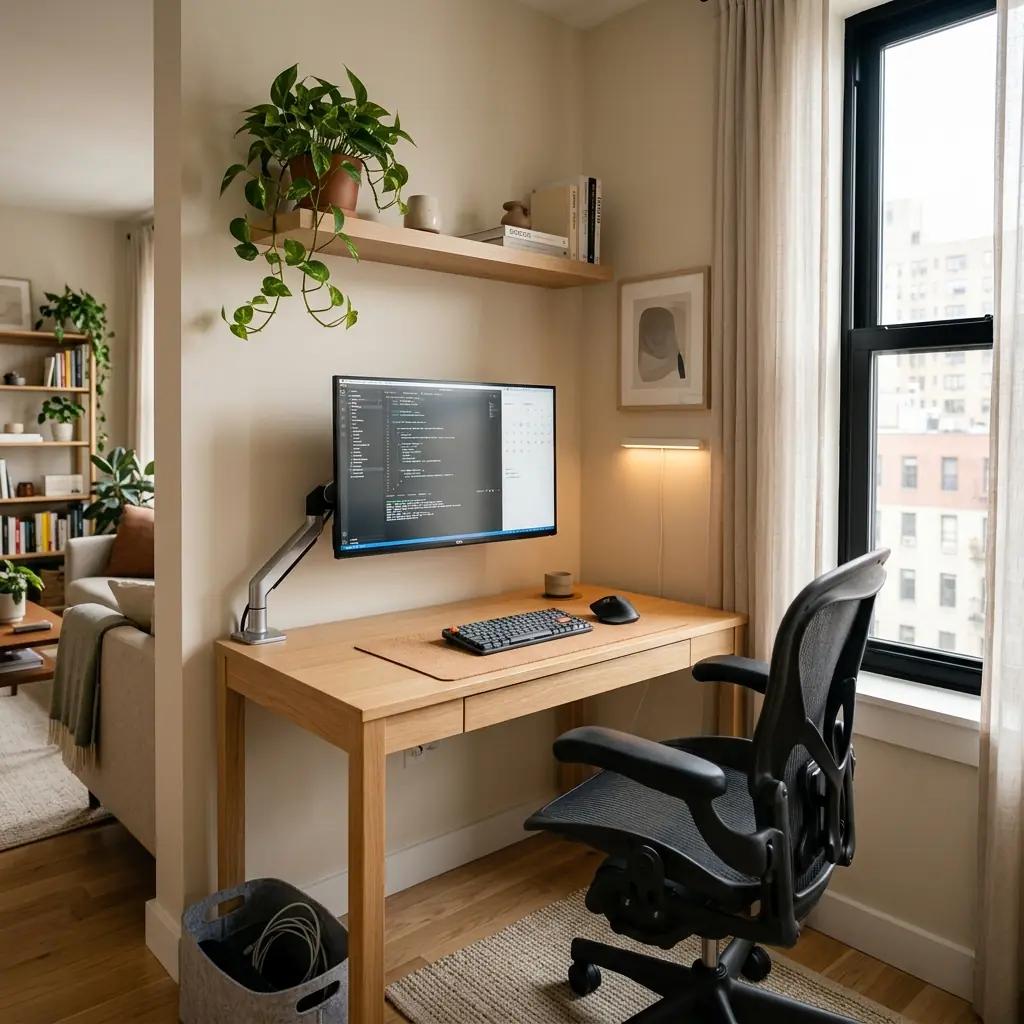
Working from a small apartment presents a unique tension: you need a professional, ergonomically sound workstation to protect your physical health, but you cannot surrender half of your living room to massive corporate office furniture. When square footage is at a premium, every inch of your desk must justify its existence.
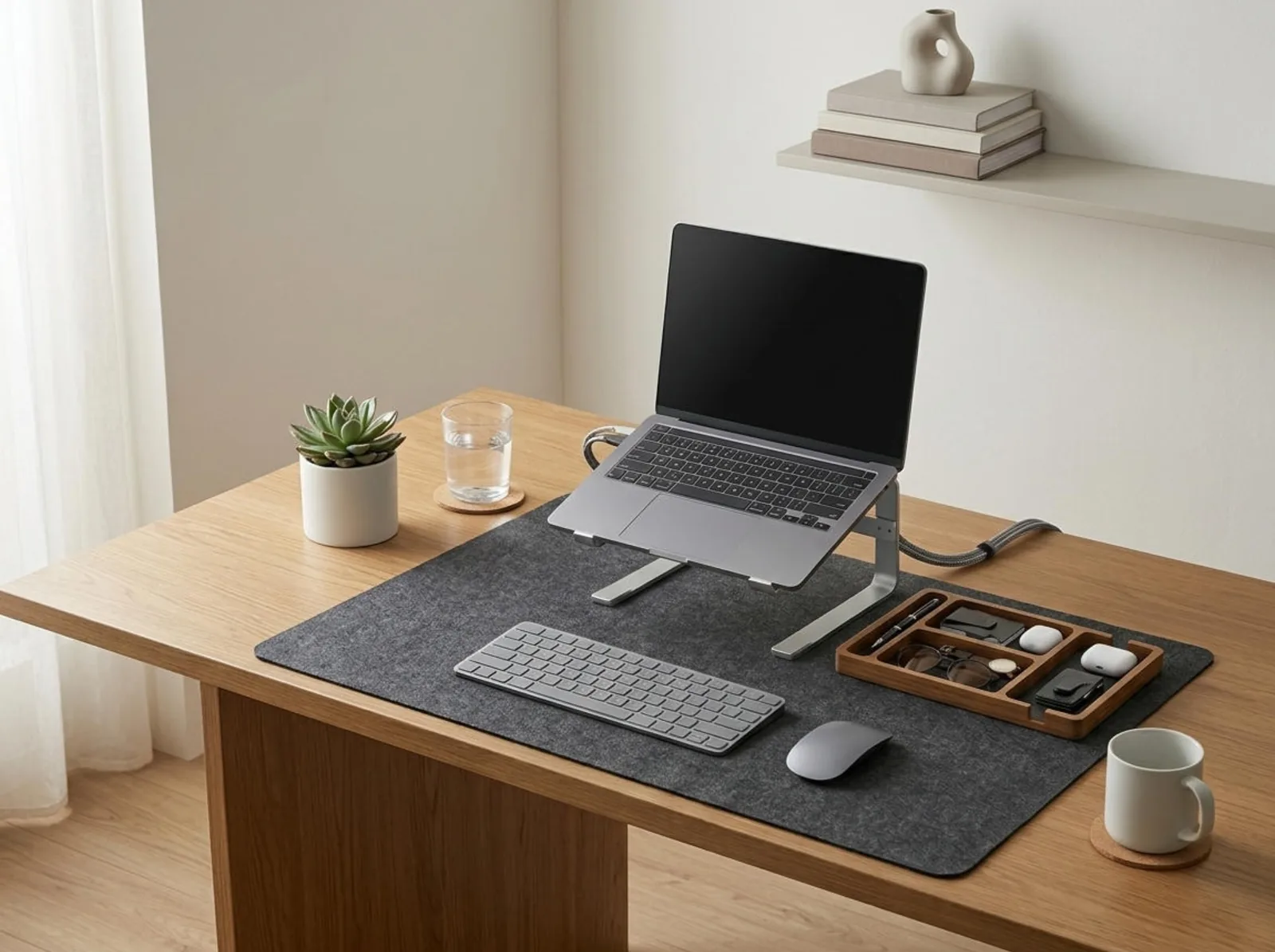
A compact ergonomic desk setup for small apartments is not about buying smaller, unsupportive furniture. It is about maximizing vertical space, ruthlessly editing your tools, and employing specific mounting hardware to reclaim the physical desk surface. A tight footprint like the TidySetup Starter Kit demonstrates how you can achieve perfect posture in under 48 inches of width.
In this guide, I will detail how to build an uncompromising ergonomic environment in a small studio or apartment. We will cover the specific hardware required to reclaim surface depth, the exact input tools that save space, and the cable management strategies that keep a small room feeling uncluttered.
The Ergonomic Challenge of Shallow Desks
When shopping for small apartment desks, people usually filter by width (e.g., 40 or 48 inches). However, the real ergonomic danger of a compact desk is its depth. Many compact desks are only 18 to 20 inches deep. If you place a monitor with a standard factory stand on a 20-inch deep desk, the screen will sit less than 15 inches from your face.
“The primary ergonomic failure of small apartment setups is insufficient focal distance. A screen placed too close forces your eyes to constantly over-converge, leading to severe ocular fatigue and tension headaches within hours.”
The Compact Desk Risk Profile
- Eye strain — Monitors placed too close due to shallow desk depth (under 24 inches).
- Wrist compression — Lack of depth means forearms hang off the front edge of the desk, putting pressure on the carpal tunnel.
- Visual stress — Clutter on a small desk feels overwhelming and immediately degrades the aesthetic of the surrounding living space.
- Legroom restriction — Under-desk storage cabinets or poorly managed cables prevent the user from sitting close enough to the keyboard.
Reclaiming Depth: The Monitor Arm Imperative
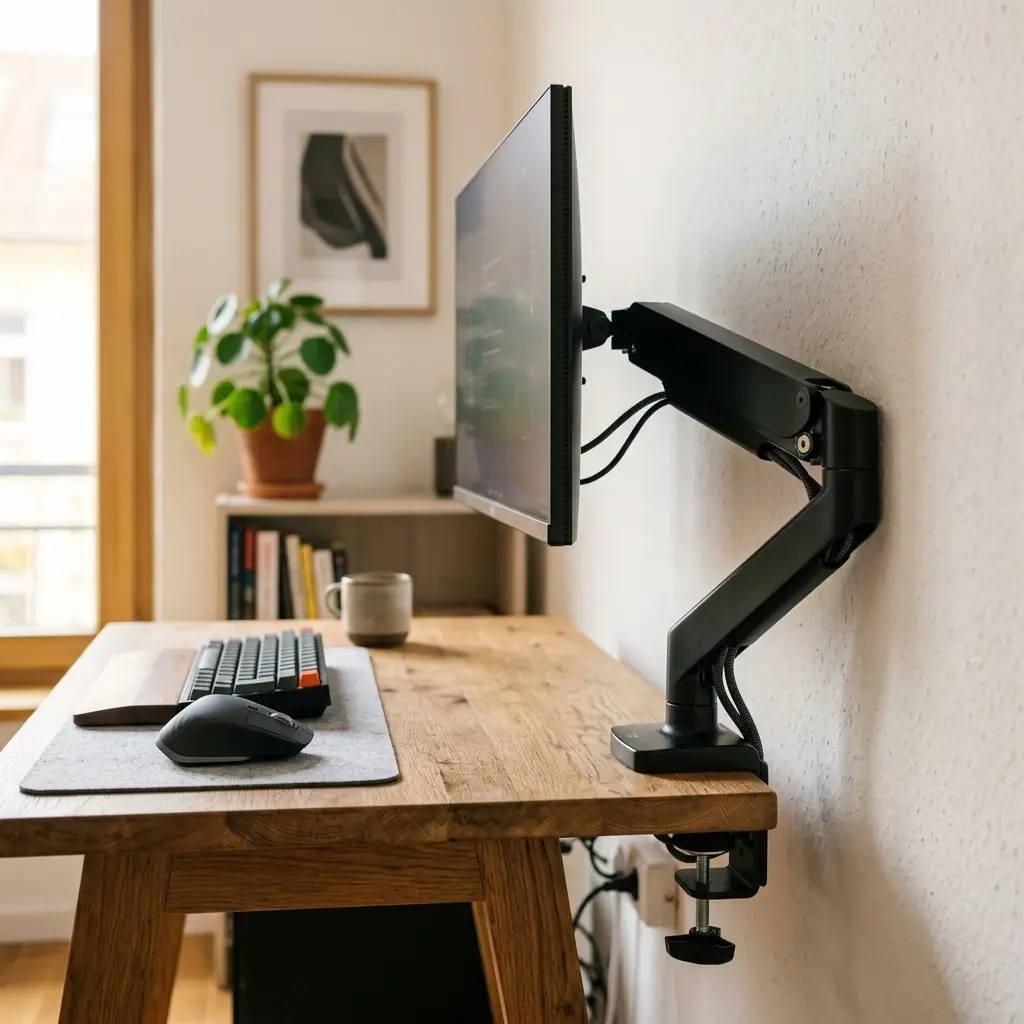
If your desk is less than 24 inches deep, you cannot use the factory stand that comes in the box with your monitor. Factory stands have large footprints that eat up 6 to 8 inches of precious depth.
The Flush-Mount Strategy
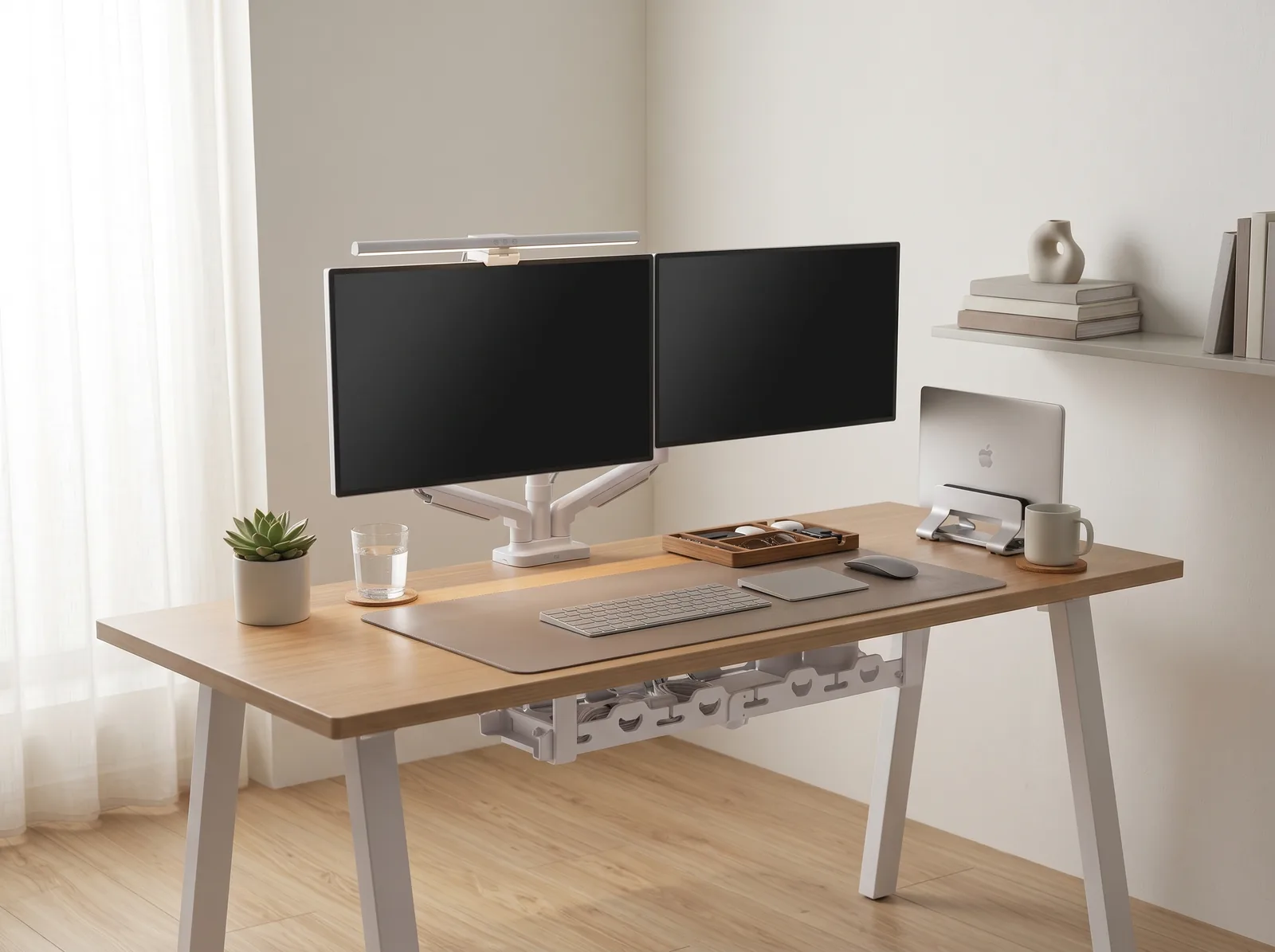
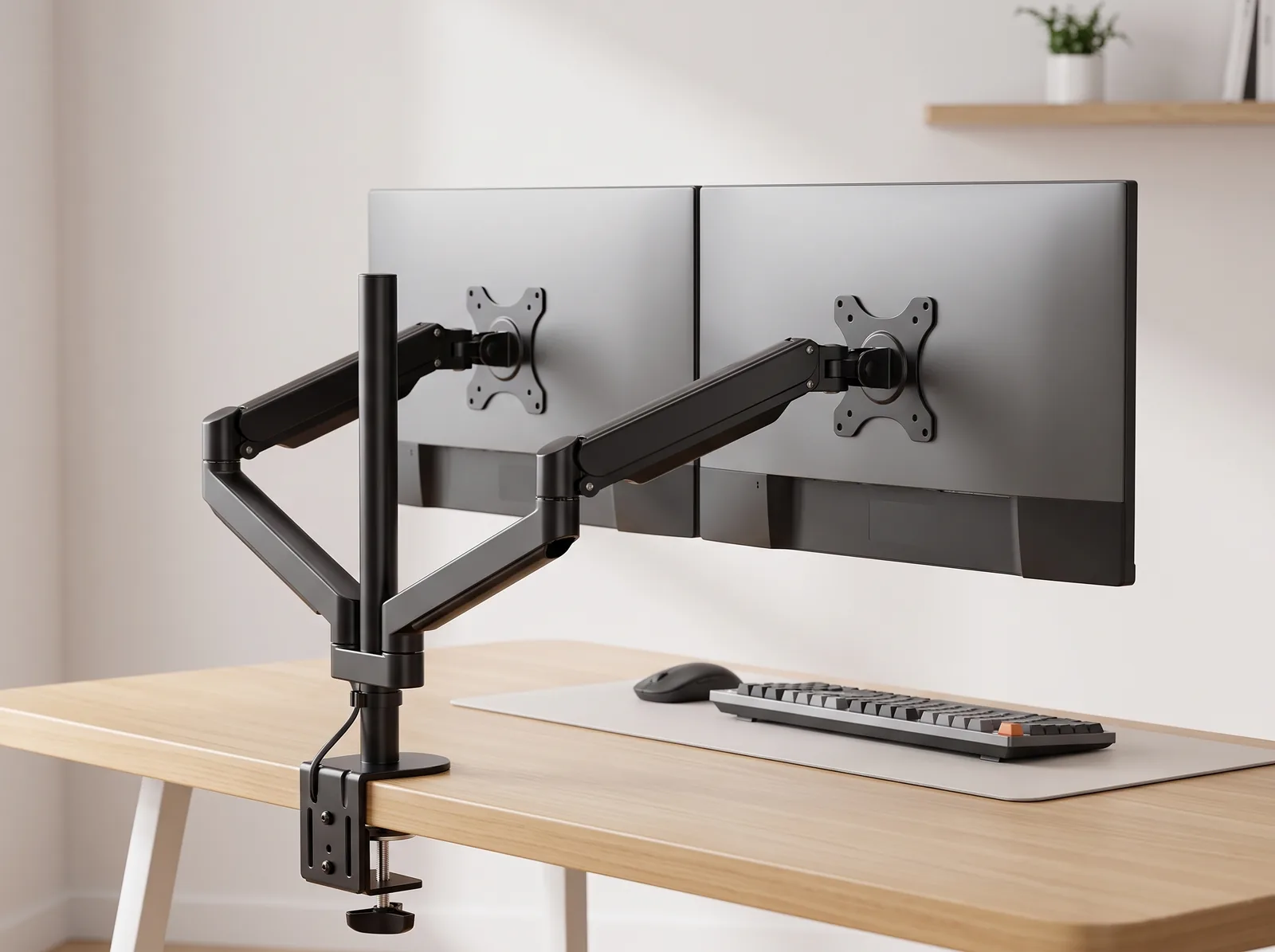
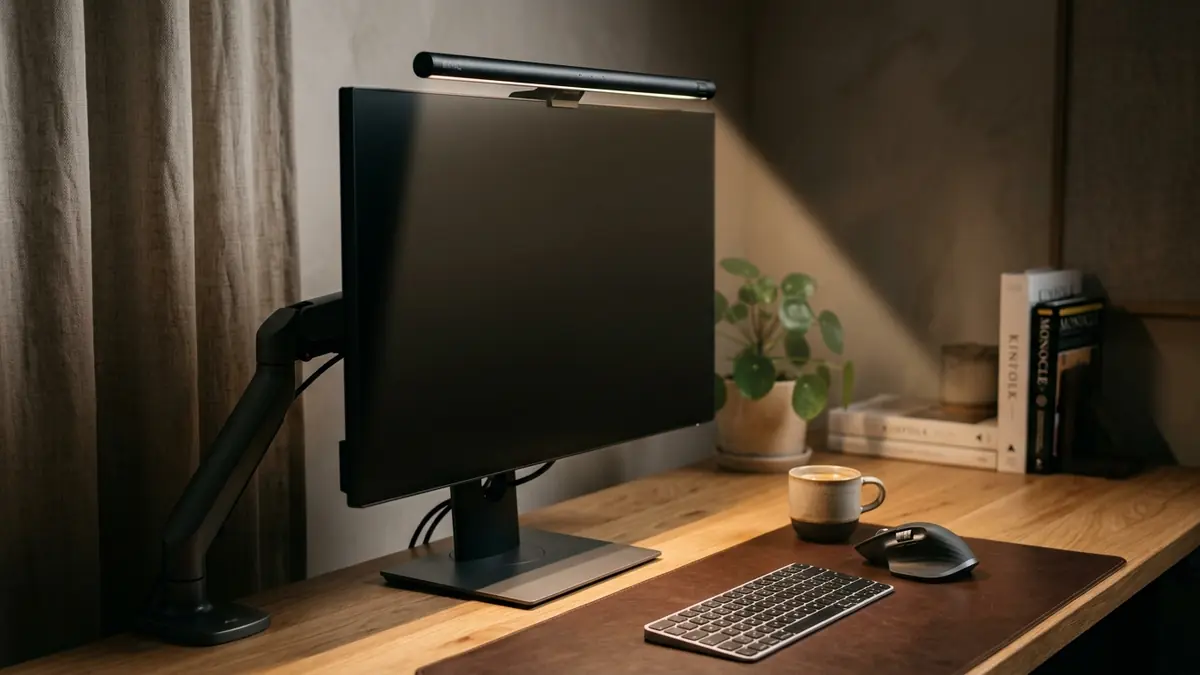
The solution is a heavy-duty, edge-clamped monitor arm. By clamping the arm to the back edge of the desk, you can push the monitor almost completely flush against the wall behind it. This reclaims 100% of the desk surface beneath the screen and pushes the monitor back to the ergonomically required 20–30 inch viewing distance.
- Single vs. Dual Monitors — In a small apartment, a single 27-inch or 32-inch 4K monitor is vastly superior to dual 24-inch monitors. It provides massive screen real estate without overwhelming the physical width of the desk.
- Height Adjustment — Ensure the arm is adjusted so the top edge of the screen rests 2–3 inches above your seated eye level.
For specific recommendations on mounting hardware, refer to our monitor arm setup guide.
Editing Your Inputs: The 65% Rule
A full-size keyboard (with a number pad) is approximately 18 inches wide. On a 40-inch desk, that single input device consumes almost half of your available width, forcing your mouse hand off the edge of your desk mat.
Optimizing the Desk Surface
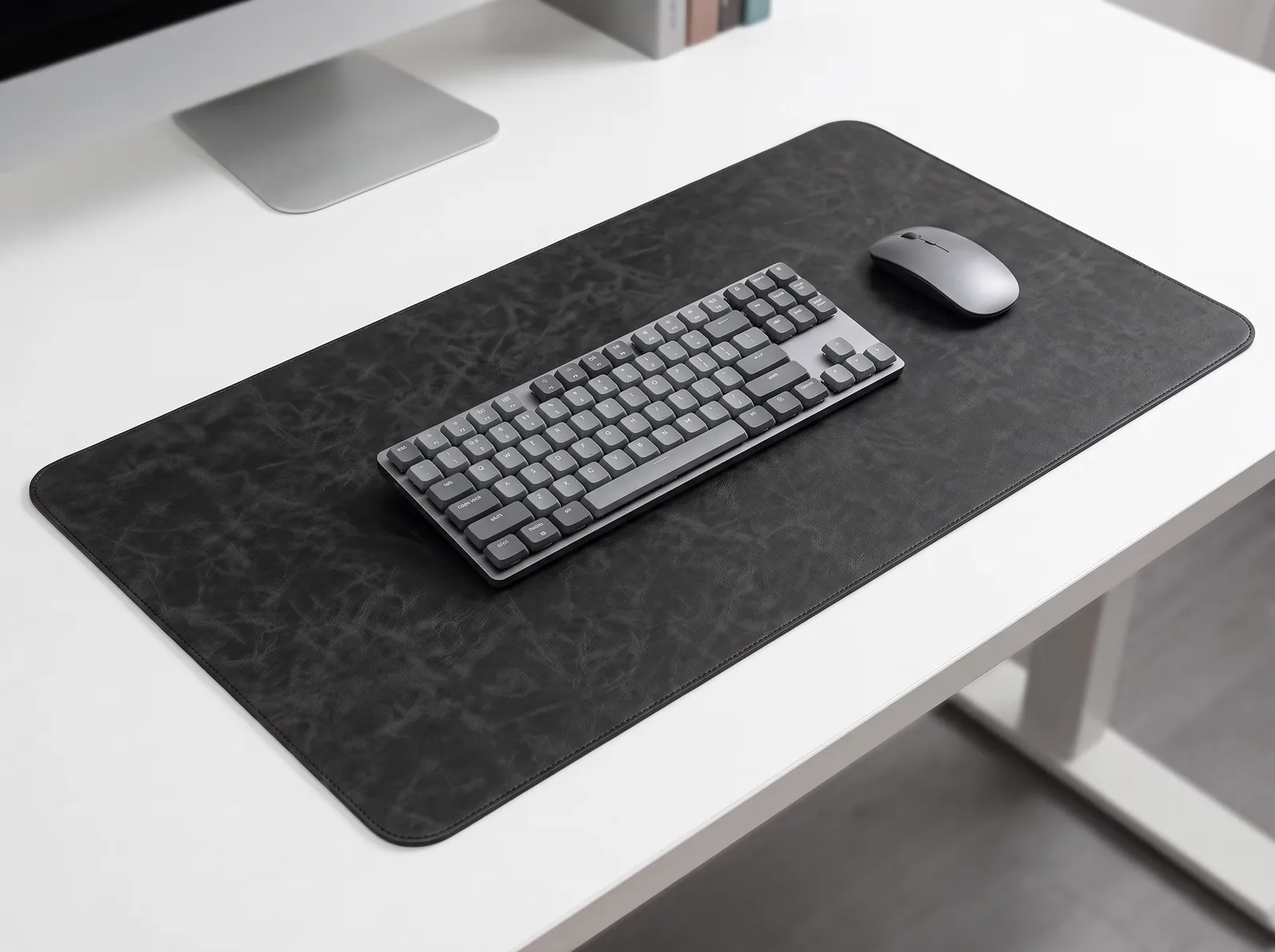
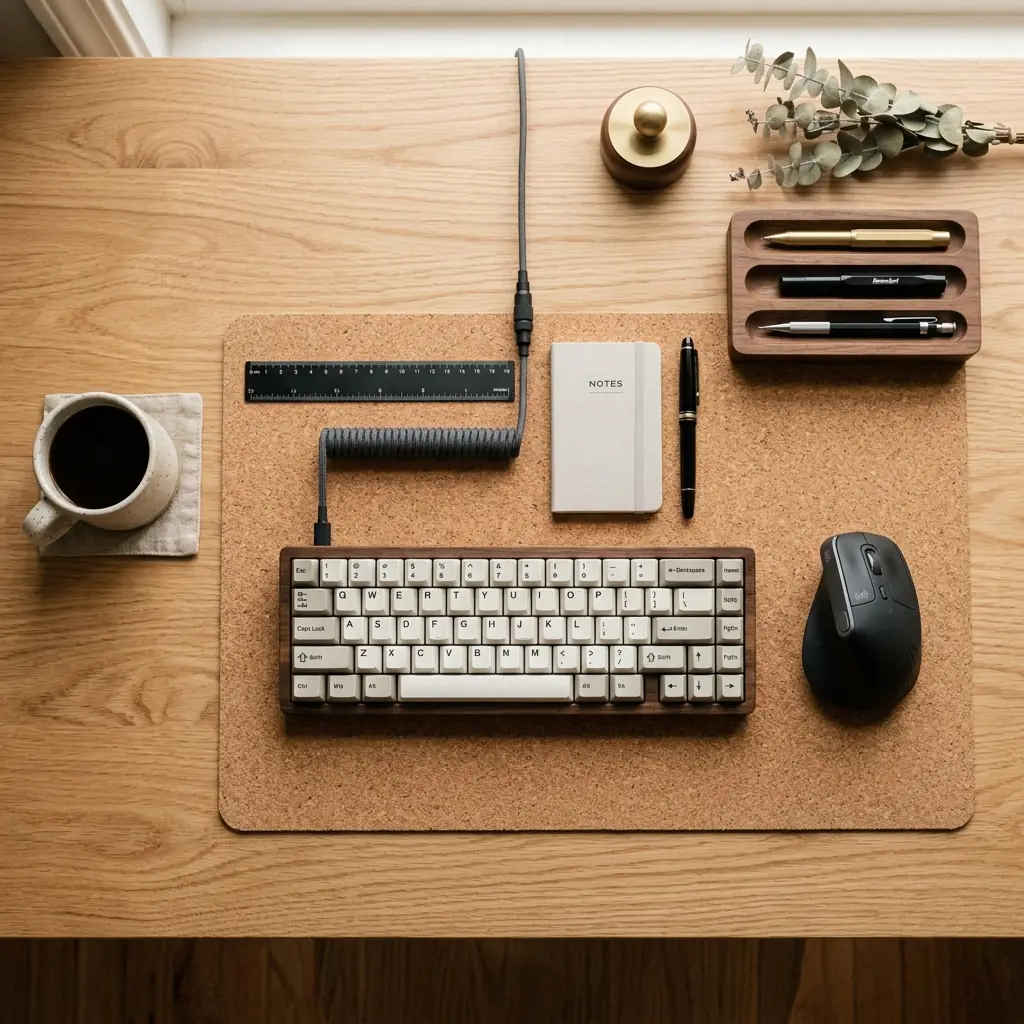
- Adopt a 65% or TKL Keyboard — Unless you work in finance and strictly require a numpad, switch to a compact mechanical keyboard. This brings your mouse 4 to 6 inches closer to your body, eliminating external shoulder rotation and saving massive amounts of desk space.
- Use a Custom-Sized Cork Mat — A standard desk mat is often too large for a compact desk. Measure your desk and buy a natural cork desk mat that fits the space intentionally. It defines your active work zone and dampens typing acoustics in a small room.
- Vertical Integration — Move storage off the desk surface. Use a minimalist wooden desk organizer for your few essential pens, and utilize floating wall shelves above the monitor for everything else.
Posture Does Not Scale Down
You can compromise on the width of your desk, but you cannot compromise on the geometry of your body. Your elbows must still rest at 90 degrees, your wrists must be flat, and your feet must be planted firmly on the floor.

Seating in Small Spaces
Many apartment dwellers buy “aesthetic” dining chairs or small velvet stools to save space, sacrificing their lumbar spine in the process. You must use a proper ergonomic task chair. Look for chairs with a smaller wheelbase (under 26 inches in diameter) that can tuck completely under the desk when not in use. High-quality mesh chairs provide excellent support while remaining visually lightweight, preventing the setup from looking heavy and dominating the room.
To ensure your posture aligns with ergonomic standards regardless of desk size, review our foundational ergonomic posture guide.
The Invisible Workspace: Cable Management
In a large corporate office, a tangle of cords behind a desk is out of sight. In a 600-square-foot studio apartment, a rat’s nest of cables is a constant visual stressor that degrades the aesthetic of your entire home.
Achieving the “Zero Cable” Look
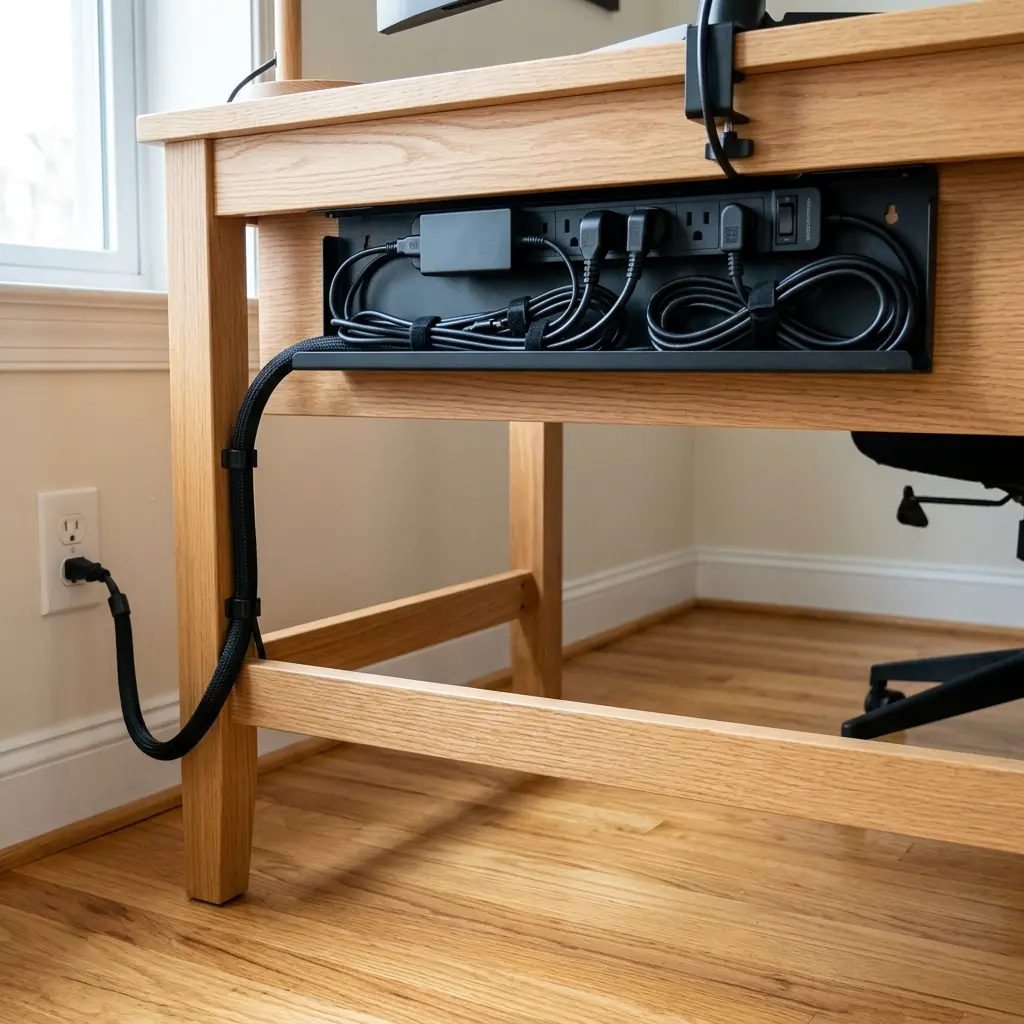
Immaculate cable management is mandatory for a compact setup. It requires three steps:
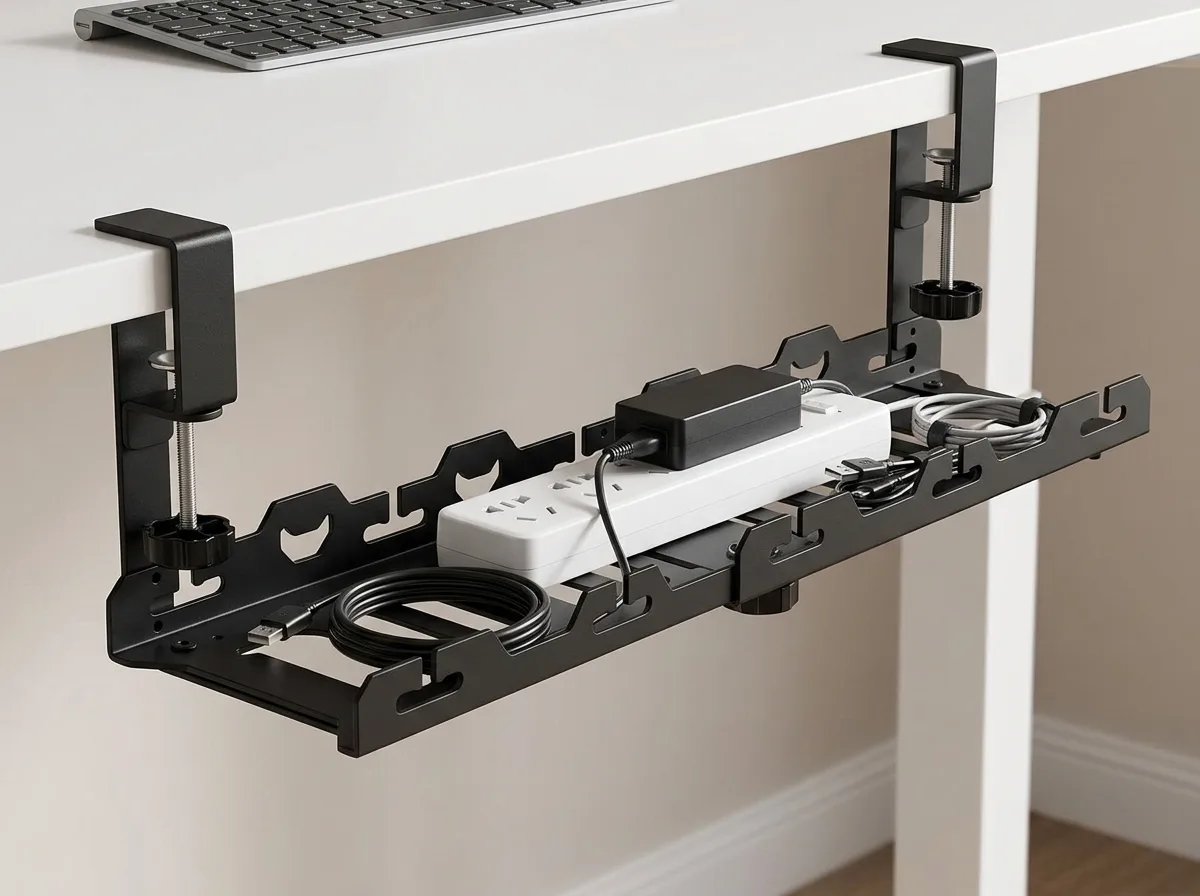
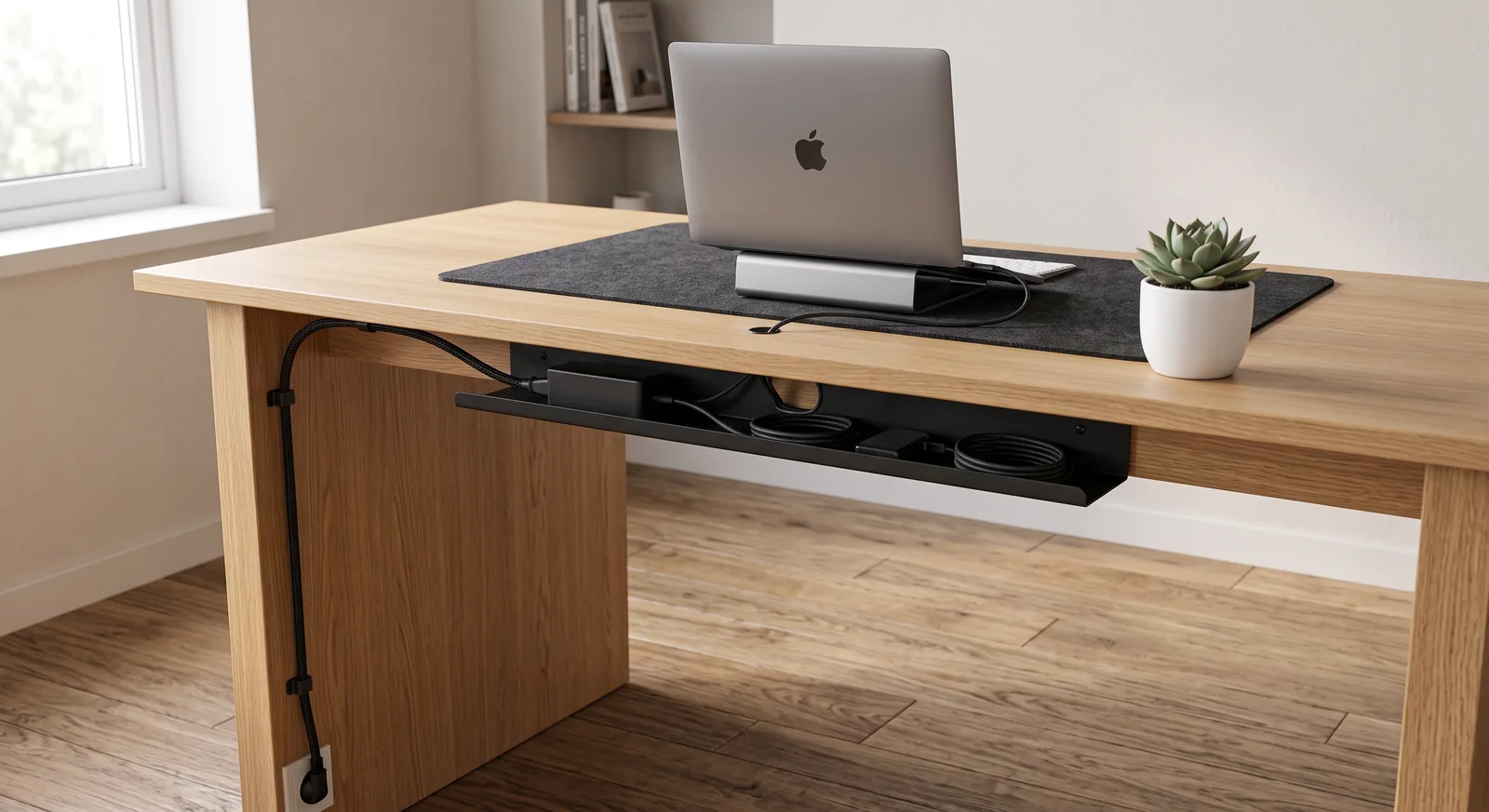
- The Under-Desk Tray — Mount a metal cable tray to the underside of the desk. Place your power strip inside it.
- The Routing Channels — Route your monitor power and display cables directly through the hidden channels built into your monitor arm.
- The Single Sleeve — Gather the single power cord coming from the power strip and wrap it in a black or white cable sleeve, routing it directly down the back leg of the desk to the wall outlet.
When executed correctly, your floor should be completely clear, allowing you to stretch your legs without kicking a power brick. For step-by-step routing instructions, see our complete cable management guide.
The Complete Compact Setup: Step-by-Step
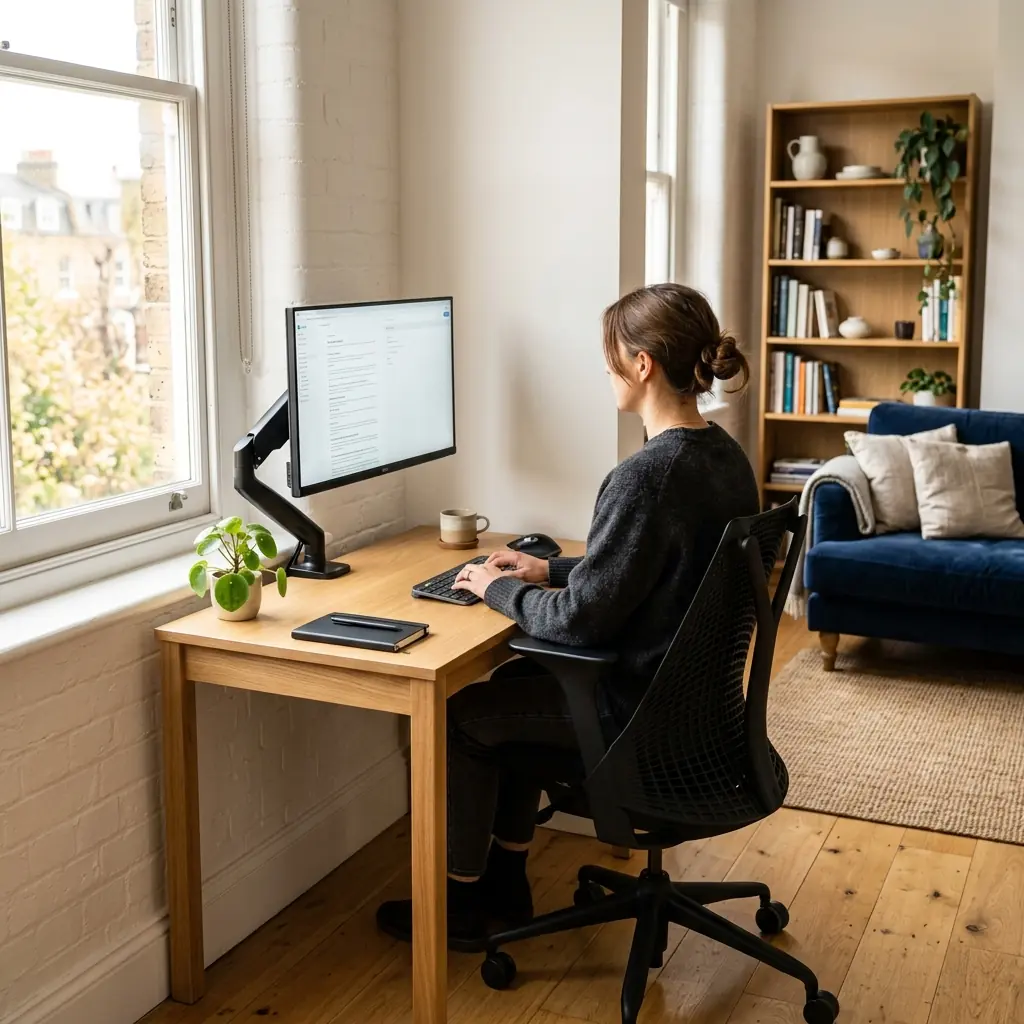
- Select the desk — Aim for 40 to 48 inches wide, but do not go shallower than 20 inches deep.
- Install the monitor arm — Clamp it to the back edge and push your single 27-inch monitor as far back as possible to maximize focal distance.
- Set screen height — Top edge 2–3 inches above seated eye level.
- Reclaim surface area — Use a compact (TKL or 65%) keyboard and a correctly sized cork mat.
- Clear the floor — Mount a cable tray under the desk and route all cables off the floor.
- Tuck in the chair — Ensure your ergonomic chair can slide fully beneath the desk when the workday is over to reclaim living space.
- Add vertical storage — Install a floating shelf above the monitor for plants or reference materials, keeping the desk surface pristine.
Frequently Asked Questions
Can I use dual monitors on a small desk?
It is possible, but not recommended for desks under 48 inches wide. Two 24-inch monitors on a dual arm will span the entire width of a 40-inch desk, making the setup feel cramped and visually overwhelming in a small apartment. A single large monitor (27-inch to 32-inch) or an ultrawide provides similar screen real estate while maintaining a cleaner, more proportionate aesthetic.
How deep should a compact desk be?
Even for the most compact setups, try to avoid desks shallower than 20 inches. A 20-inch depth is the absolute minimum required to fit a monitor arm clamp, a keyboard, and still have a few inches for your forearms to rest comfortably without hanging off the sharp front edge.
Is it better to have a laptop stand or a monitor arm in a small space?
A monitor arm holding an external display is ergonomically superior because it allows you to push the screen further back, increasing focal distance. However, if you are on a strict budget, elevating your laptop on a stand and using an external keyboard is a highly effective, space-saving alternative.
How do I hide my PC tower in a small apartment?
If you use a desktop PC rather than a laptop, do not put it on the desk surface—it consumes too much space. Use an under-desk CPU mount to suspend the tower beneath the desk surface. This keeps it off the floor (protecting it from dust and vacuums) while freeing up your legroom and desk width.
Conclusion
A small apartment does not require you to compromise your physical health or your professional focus. By utilizing a monitor arm to reclaim depth, switching to a compact keyboard to reclaim width, and executing flawless cable management to reduce visual noise, a 40-inch desk can perform just as well as a massive corporate workstation. A compact ergonomic desk setup proves that high performance is about intentional design, not square footage.
To ensure your compact environment also supports your mental focus, review our workspace environmental design guide for tips on lighting and acoustics in small shared spaces.
One of the most effective ways to reclaim surface area in compact rooms is docking your notebook upright in an aluminum vertical laptop stand, instantly freeing up over 60% of your usable desk footprint.
Part of TidySetup’s comprehensive resource series: explore our master Minimalist Workspace Architecture Blueprint for complete workstation benchmarks.