
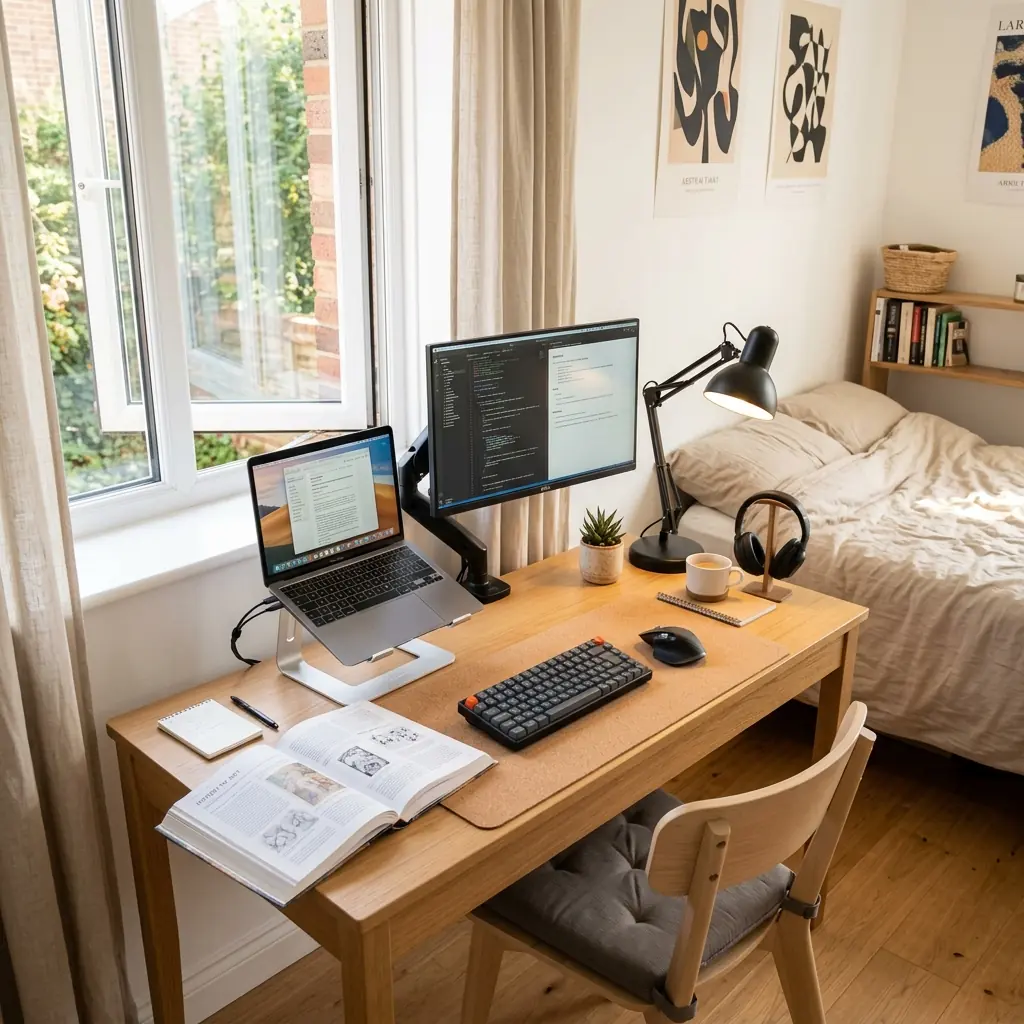
The life of a student involves an intense volume of desk work—writing papers, attending virtual lectures, and cramming for exams—yet students typically have the worst ergonomic environments of any demographic. Slouching over a laptop on a bed, hunching over a tiny dorm desk, or writing in poor lighting are almost rites of passage in college. But they do not have to be.
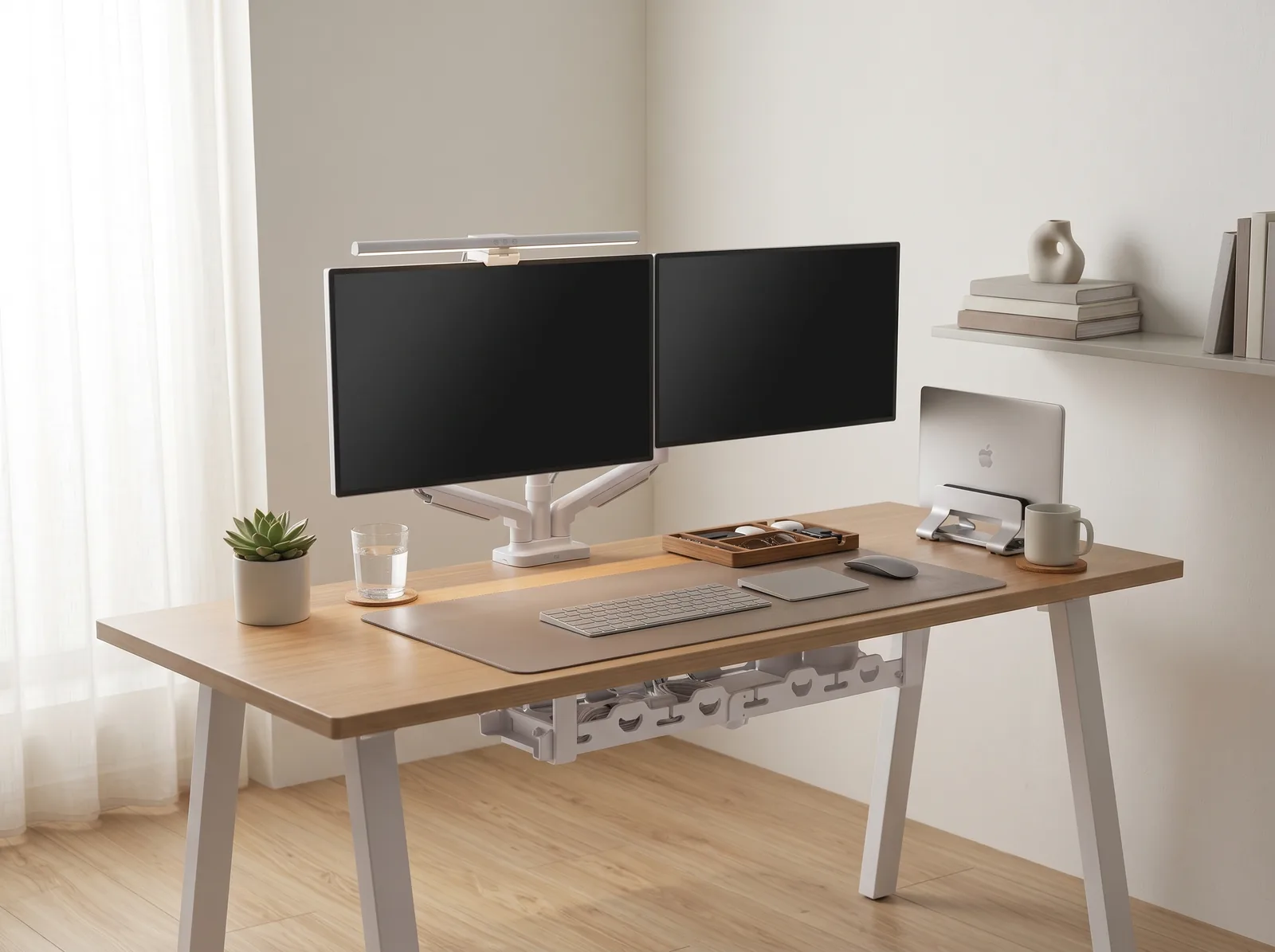
An ideal desk setup for students must solve three specific challenges: it must be affordable, it must fit into a small footprint (like a dorm or shared apartment), and it must easily transition between digital work (typing) and analog work (reading textbooks or handwriting notes). A foundational setup like the TidySetup Starter Kit offers a great baseline for building a focused study zone without overwhelming a small space.
In this guide, I will detail how students can build a professional-grade ergonomic study environment on a tight budget. We will cover the crucial laptop-elevation strategy, how to organize a compact desk surface for hybrid work, and the lighting principles that prevent late-night study fatigue.
The Ergonomic Reality of Student Life
When you use a laptop placed flat on a desk, the screen is typically 8 to 12 inches below your natural eye level. This forces your cervical spine into continuous flexion (bending forward). When you do this for 4–6 hours a day across a four-year degree, the physical toll compounds into chronic upper back pain, tension headaches, and poor posture.
“The single most damaging ergonomic habit among students is attempting to do deep, focused work with a laptop placed flat on a desk or bed. Elevating the screen to eye level is a non-negotiable requirement for long-term comfort and focus.”
The Student Ergonomic Risk Profile
- Neck and upper back — Severe forward head posture from looking down at laptops and textbooks.
- Eye strain — Poor lighting in dorms forces eyes to constantly adjust between a bright screen and a dark room.
- Lower back — “C-curve” spinal posture caused by studying on beds, couches, or unsupportive dorm chairs.
- Mental fatigue — Cluttered, multi-purpose desks (where the desk is also the dining table and storage shelf) deplete focus.
The Laptop Elevation Strategy (The $50 Fix)
You do not need a $500 dual-monitor arm setup to achieve perfect ergonomics. If you primarily work on a laptop, you can correct your posture for under $50.

Step 1: The Laptop Stand
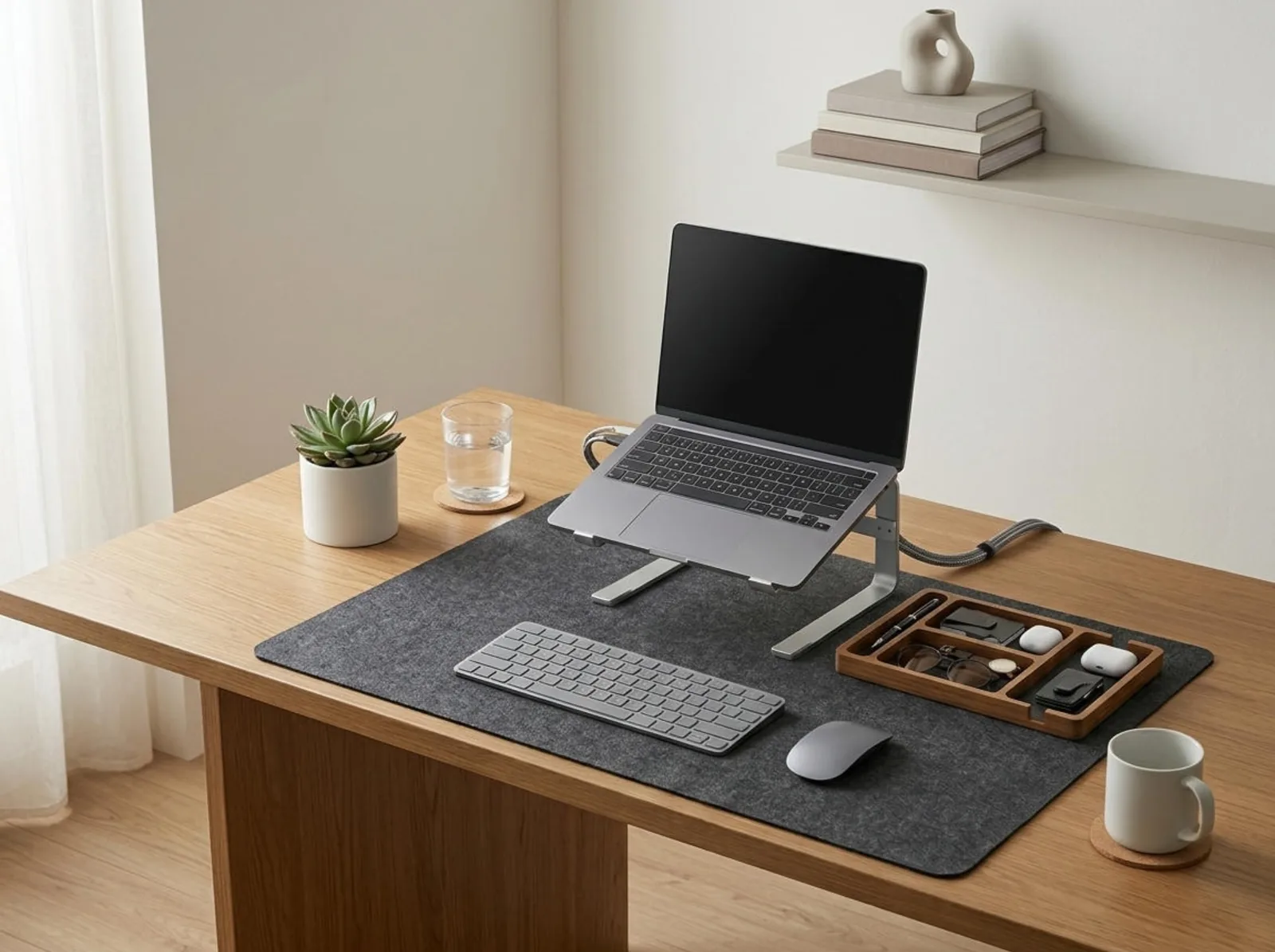
Purchase a rigid aluminum laptop stand. This stand must elevate the laptop screen so the top edge is at or slightly below your seated eye level. This simple tool completely eliminates the “study hunch” and allows your neck to remain in a neutral, relaxed position.
Step 2: External Keyboard and Mouse
Once your laptop is elevated, you can no longer comfortably type on its built-in keyboard without severely hiking your shoulders. You must pair the laptop stand with a compact, wireless external keyboard and mouse. A compact (TKL or 65%) keyboard is ideal for students because it takes up minimal space on a small dorm desk and easily stows away in a backpack.
By splitting the screen from the keyboard, you mimic the ergonomics of a professional desktop setup for a fraction of the cost.
Organizing for Hybrid Study: Digital + Analog
Unlike software developers or financial analysts, students constantly switch mediums. You might be watching a lecture on your screen while taking handwritten notes in a notebook, or typing an essay while referencing a physical textbook.
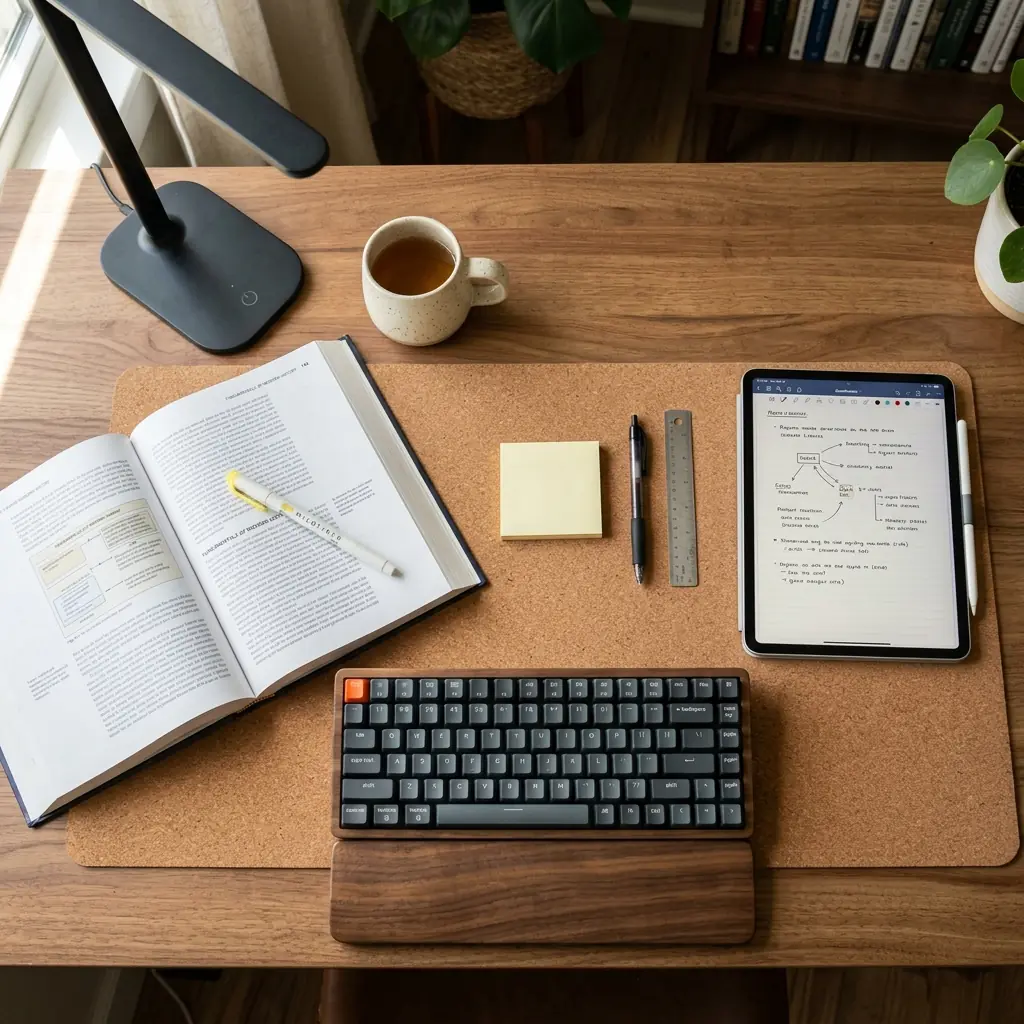
The “Push-Pull” Desk Layout
To accommodate hybrid studying on a compact desk (typically 36 to 48 inches wide), you need a dynamic setup:
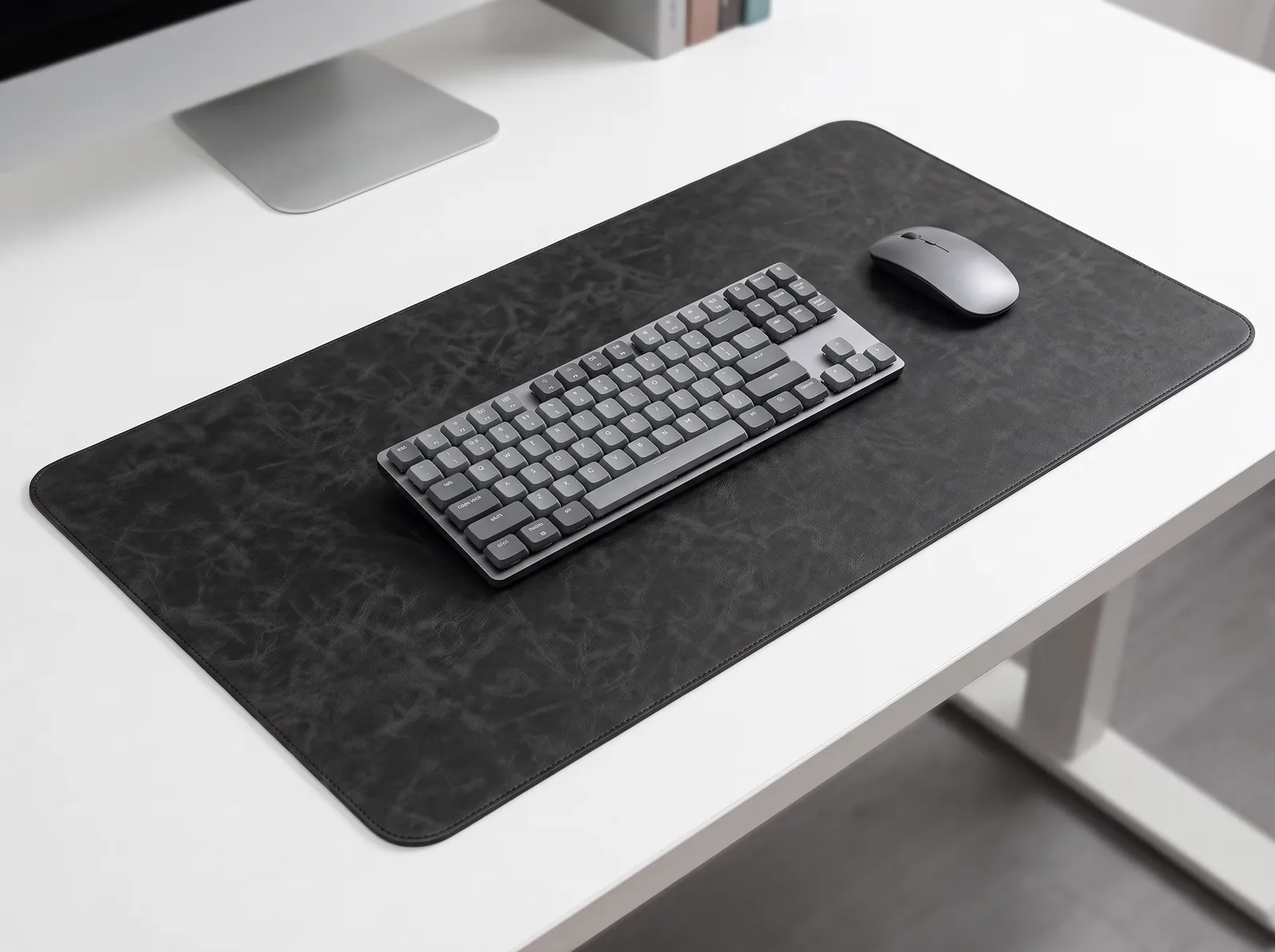
- Use a Cork Desk Mat — A natural cork desk mat defines your active workspace. It provides a smooth surface for writing and a warm, tactile contrast to cheap laminate dorm desks.
- The Digital Mode — When typing, pull the keyboard forward to the edge of the mat. Keep your elbows at 90 degrees.
- The Analog Mode — When writing or reading, push the compact keyboard directly under the elevated laptop stand. This instantly reclaims the center of your desk for your notebook and textbook.
This layout requires discipline: keep only the materials for your current assignment on the desk. A desk cluttered with four different class binders creates visual stress and impedes concentration.
Posture and Seating on a Budget
Dorm-issued wooden chairs are ergonomically disastrous for long study sessions. While high-end ergonomic chairs cost over $1,000, students can achieve excellent posture with budget-friendly alternatives.

Budget Seating Upgrades
- Entry-Level Mesh Chairs — Invest $150–$250 in a basic mesh task chair with lumbar support and adjustable height. This is the single best investment you can make for your back during college.
- The Lumbar Pillow Hack — If you are stuck with a rigid dorm chair and cannot afford to replace it, purchase a firm lumbar support pillow and strap it to the backrest to maintain the natural curve of your lower spine.
- Feet Flat on the Floor — Adjust your chair height so your feet are firmly planted on the floor, with your knees bent at 90 degrees. If the desk is too high and your feet dangle, use a cheap footrest or a thick textbook to support your feet.
Lighting for Late-Night Studying
Overhead dorm lighting is notoriously harsh, often utilizing cheap, flickering fluorescent tubes that cause headaches. Conversely, relying solely on the glow of your laptop screen in a dark room causes severe eye strain.

The 2-Point Lighting System
An ideal student setup uses layered lighting to protect the eyes and maintain alertness:
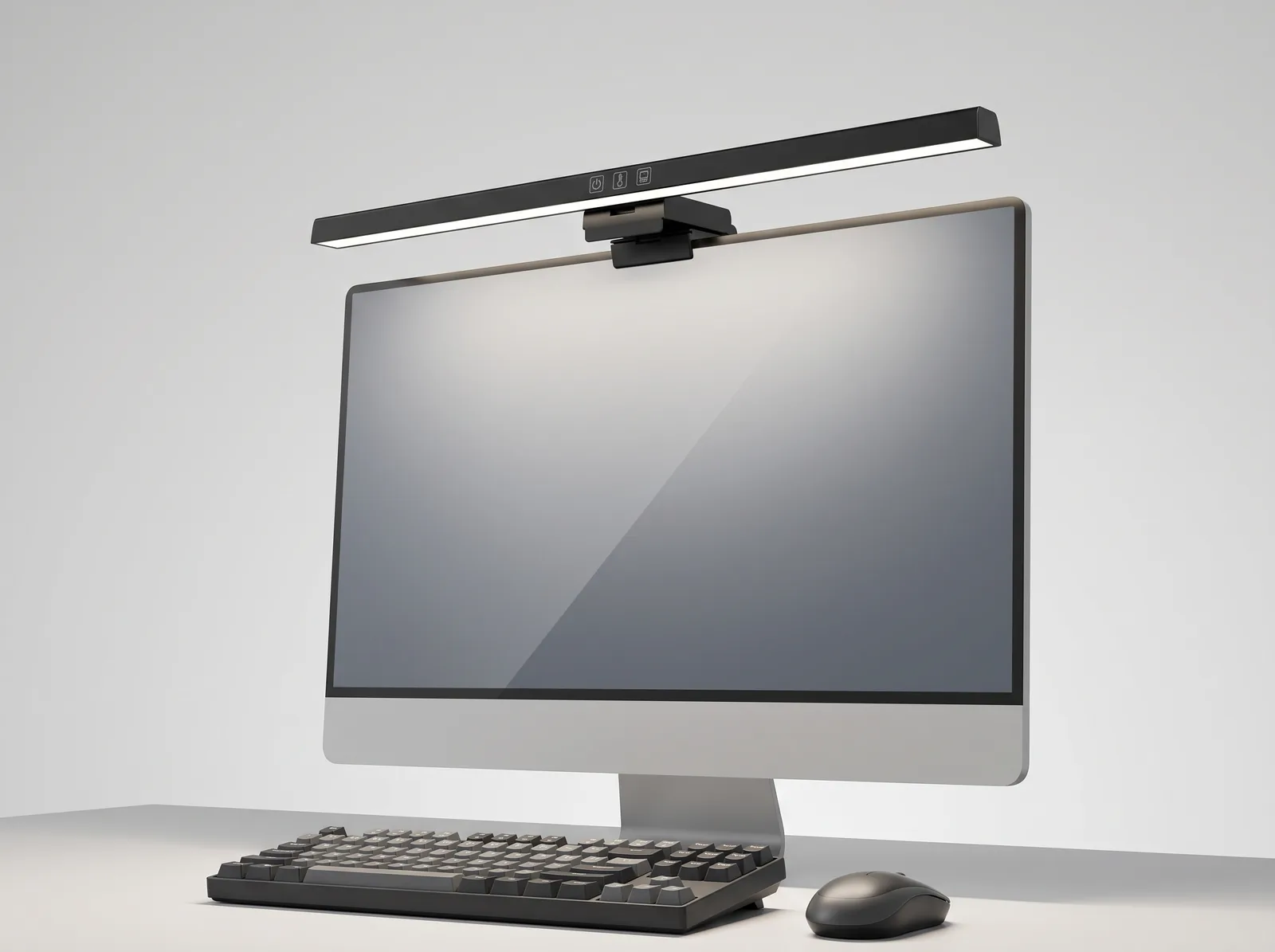
- Task Lighting — Use an adjustable LED desk lamp focused directly on your textbooks or notebooks. Look for a lamp with adjustable color temperature. Use cooler light (5000K) for daytime focus, and warm light (2700K–3000K) for late-night reading to avoid disrupting your sleep cycle.
- Ambient Lighting — Never work in the dark. Keep a small, warm ambient light (like a floor lamp or salt lamp) on in the background to reduce the contrast between your bright laptop screen and the surrounding room.
For more details on how lighting affects your cognitive performance, see our workspace environmental design guide.
The Complete Student Setup: Step-by-Step
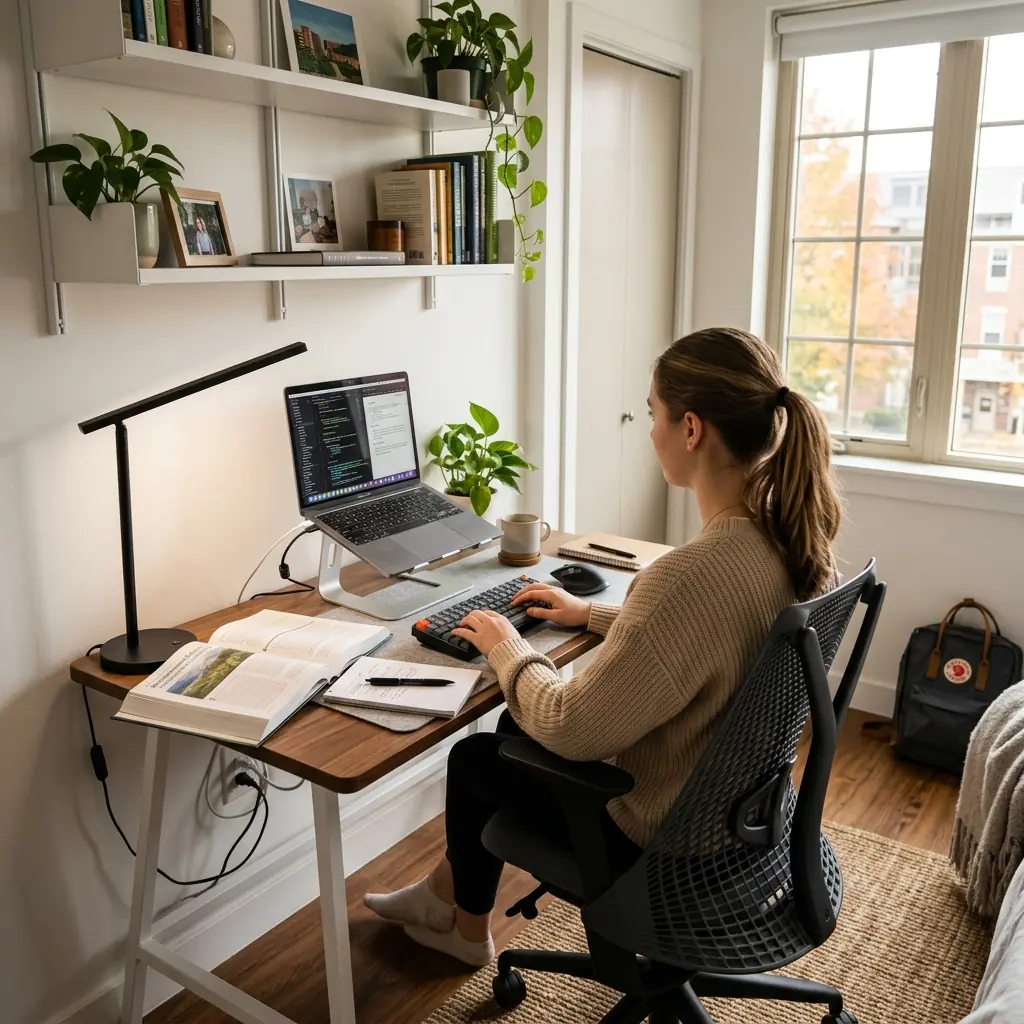
- Clear the desk — Remove everything that is not essential for studying. A clean space equals a clear mind.
- Elevate the screen — Place your laptop on an aluminum stand so the top bezel is at eye level.
- Add external inputs — Connect a compact wireless keyboard and mouse.
- Set up your zones — Place a cork desk mat in the center. Use the space under the laptop stand to store your keyboard when reading physical books.
- Fix your seating — Ensure your lower back is supported (via a good chair or a lumbar pillow) and your feet are flat on the floor or a footrest.
- Layer your lighting — Turn off the harsh overhead dorm lights. Use a warm LED desk lamp for your analog work and a soft ambient light in the background.
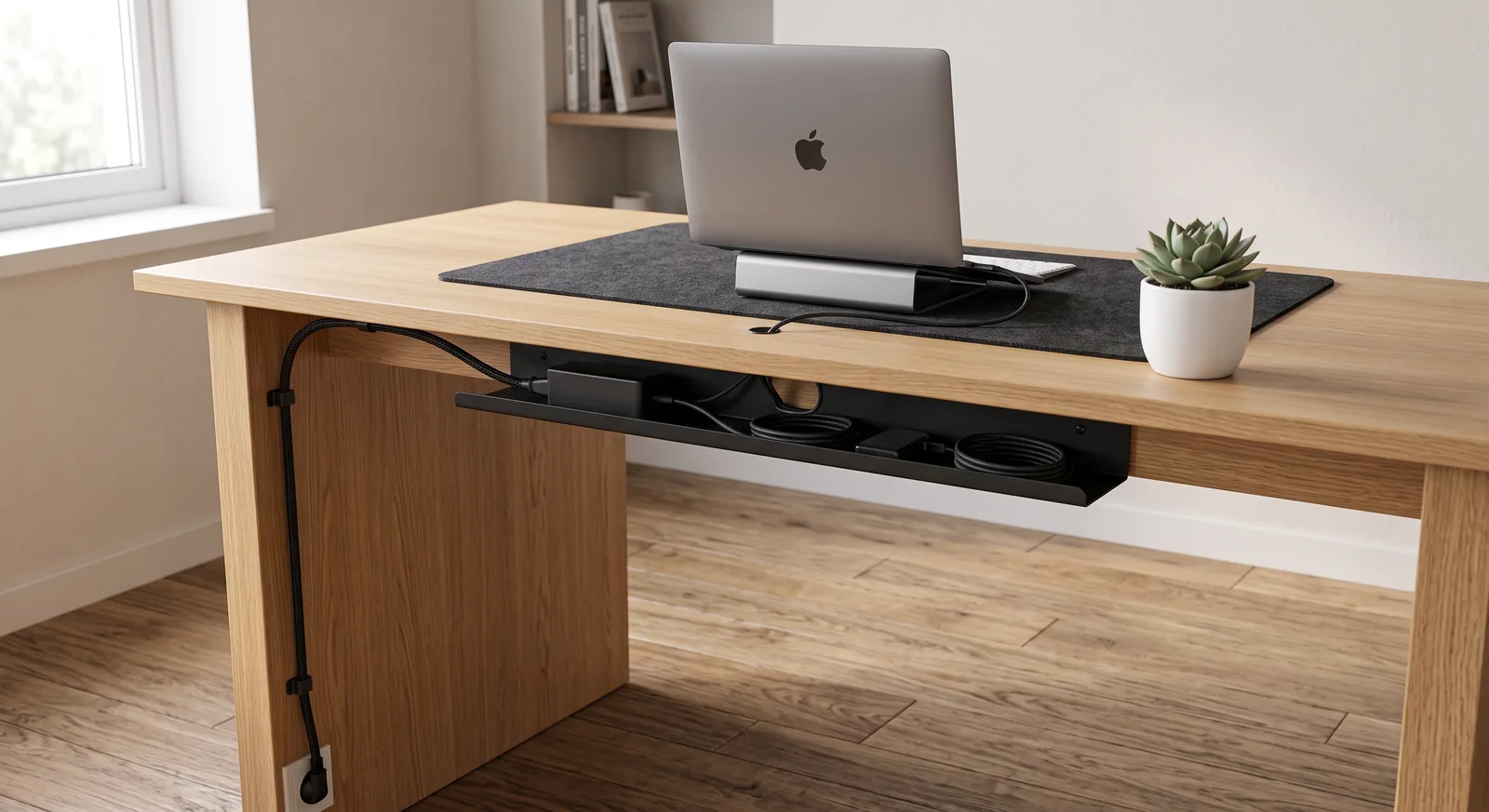
- Manage cables — Use cheap adhesive cable clips to route your laptop charger behind the desk leg. Visible clutter is distracting. (See our cable management guide for more).
Frequently Asked Questions
Can I just use my laptop without a stand?
You can, but it is highly discouraged for prolonged study sessions. Using a laptop flat on a desk forces your neck to bend forward constantly, which will inevitably lead to muscle tension and pain. A $30 laptop stand and a cheap external keyboard are the most cost-effective ways to prevent this.
What is the best desk size for a student dorm?
Most dorms accommodate desks that are 36 to 48 inches wide. While a larger desk (60+ inches) is ideal for spreading out textbooks, a compact desk forces you to be organized. If you utilize the “push-pull” method (stowing your keyboard under a laptop stand), a 40-inch wide desk provides plenty of functional space.
Are standing desks worth it for students?
A standing desk is excellent for energy management during long study sessions, but they are often too expensive and bulky for a dorm. A budget-friendly alternative is to take frequent breaks. Stand up, stretch, and walk around for 5 minutes every hour of studying. If you have the budget and space later in college, see our comparison on standing vs. sitting desk health impacts.
How do I make my study setup less distracting?
Remove everything from your desk surface that is not required for the immediate task. If your desk serves as a vanity, dining table, and bookshelf, clear those items away before you begin studying. A minimalist environment reduces the number of visual stimuli your brain has to process, allowing for deeper focus.
Conclusion
You do not need a massive budget to build an ideal desk setup for students. The foundation of study ergonomics is simple: elevate your screen to eye level, use an external keyboard, support your lower back, and control your lighting. By investing less than $100 in a laptop stand, a compact keyboard, and a decent desk lamp, you can transform a cramped dorm desk into a professional-grade study environment that protects your posture and enhances your focus.
To dive deeper into the core principles of seating and desk height, review our foundational complete ergonomic desk setup guide.
Students working in cramped dorm rooms can immediately double their study desk area by docking their laptop vertically in an adjustable vertical laptop stand while taking notes or reviewing textbooks.
Part of TidySetup’s comprehensive resource series: explore our master Ergonomic Workstation Alignment Master Guide for complete workstation benchmarks.