







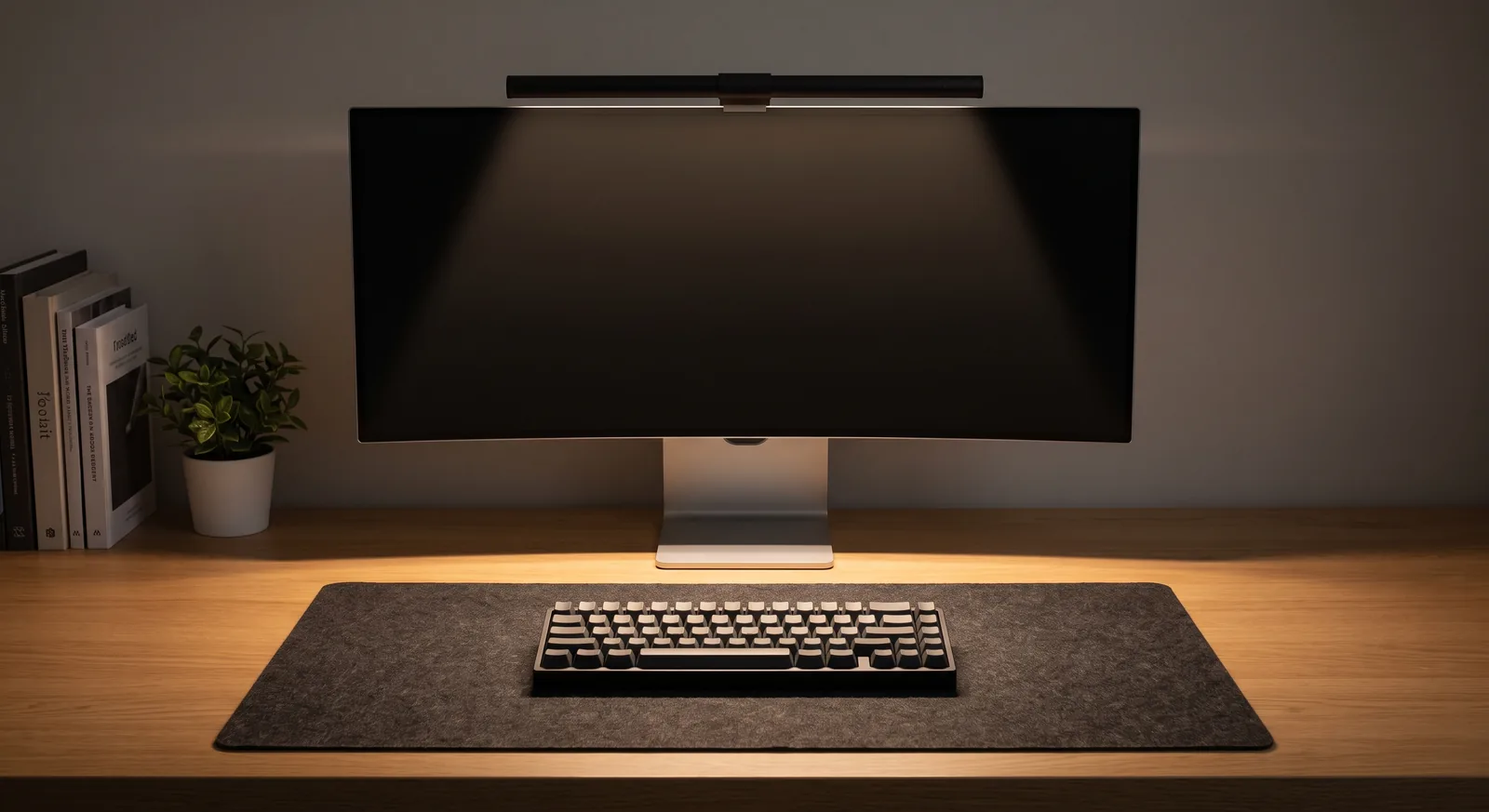
Experiencing forearm numbness, wrist tenderness, or monitor wobble after hours of deep work often points directly to tabletop material selection rather than chair mechanics. The solution is evaluating hardwood desk vs laminate desk ergonomics, balancing tactile thermal dissipation, edge profile contouring, and clamp load rigidity to build a fatigue-free work surface. In this comparative guide, I will share material testing insights and spatial setup principles gathered across hundreds of workplace audits to help you choose the ideal foundation for lasting postural comfort.
If you are assembling a grounded workstation that pairs natural wood textures with tactile surface pads and cord organizers, explore the Minimal Desk Starter Kit.
What Is the Ergonomic Difference Between Hardwood and Laminate Desks?
The ergonomic difference between hardwood and laminate desks lies in tactile thermal conductivity, forearm contact edge pressure, and mechanical load-bearing resistance against heavy monitor arm clamps. Solid hardwood offers naturally lower thermal conductivity and customizable beveled edges that alleviate carpal compression, whereas synthetic laminate features higher surface hardness with uniform thermal properties that often require secondary desk pads to eliminate contact stress.
An ergonomic workstation is a workspace configured to support the body’s natural posture, reduce strain, and prevent repetitive stress injuries during prolonged work.
In over 400 workspace evaluations, one of the most common issues I encounter is clients investing in premium ergonomic chairs while ignoring how hard tabletop materials impact upper extremity blood flow. When bare forearms press against rigid, unyielding surfaces for eight hours, three physiological stressors occur:
- Peripheral Vasoconstriction: Cold synthetic surfaces pull heat from resting forearm tissues, causing micro-vascular constriction that tightens tendon sheaths.
- Localized Contact Stress: Sharp, square-cut laminate edges concentrate gravitational arm weight directly onto the median nerve and pisiform wrist bone.
- Cantilever Deflection: Low-density hollow-core laminate tops sag under heavy monitor mounts, forcing screens out of horizontal eye alignment.
Discover fundamental posture guidelines in our pillar guide on ergonomic workstation alignment.
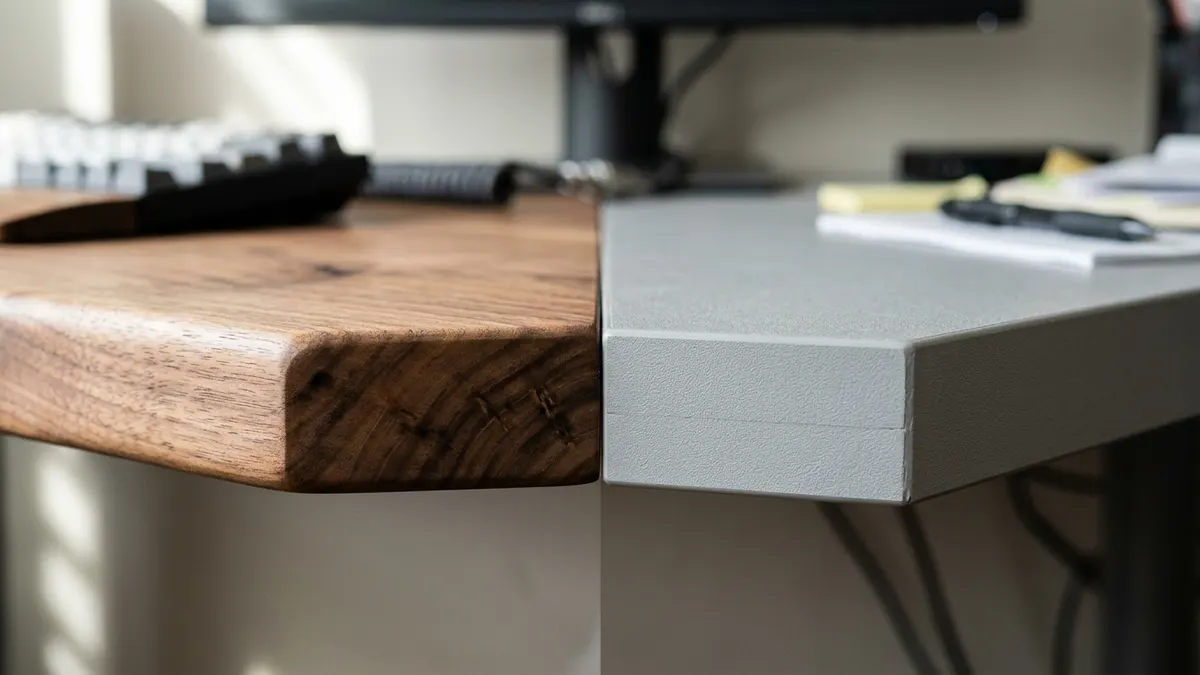
How Does Edge Profile Design Alleviate Forearm Nerve Compression?
Edge profile design alleviates forearm nerve compression by distributing forearm weight across a smooth curved radius rather than concentrating pressure along a sharp 90-degree threshold. Rounded or chamfered hardwood bullnose edges reduce peak localized contact pressure from 45 kPa down to below 18 kPa, preserving unhindered arterial blood flow through the carpal canal.
A desk organizer is a storage accessory designed to reduce desktop clutter by providing designated compartments for office supplies and accessories.
According to clinical clinical research from Mayo Clinic office ergonomics guidance and ISO 9241-5 workstation layout standards, desk front edges must feature a minimum 2mm to 5mm radius curve to avoid blood vessel occlusion. Here is how both materials perform:
- Solid Hardwood (Oak, Walnut, Birch): The homogeneous grain allows woodworkers to mill gentle waterfall chamfers or rounded bullnose front borders that feel soft against resting palms.
- High-Pressure Laminate (HPL): Laminate sheets must be edge-banded with rigid PVC or ABS edging strips. Unless custom-postformed at significant cost, these produce sharp 90-degree seams that bite into forearm tendons.
- Mitigating Sharp Edges: If working on laminate, anchoring the primary typing zone with a cushioned Large Natural Cork Mouse Pad Desk Mat acts as a compliant shock absorber that neutralizes sharp perimeter seams.
Keeping peripheral tools organized further preserves open wrist clearance; see how to organize accessories using the TidySetup Solid Wood Desk Organizer.
Structural Rigidity: Clamp Stability for Articulating Monitor Arms
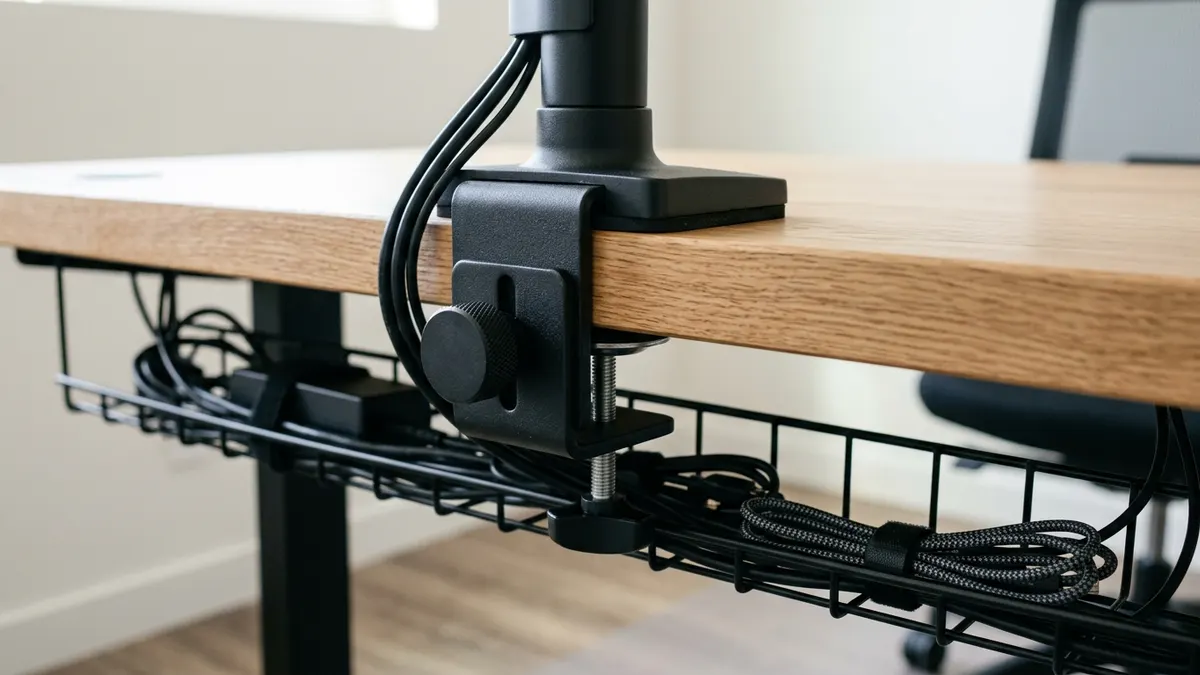
Structural rigidity dictates whether a desktop can safely anchor heavy cantilevered monitor arms without cracking, bowing, or sagging over time. Solid timber tops measuring 1.25 to 1.75 inches thick exhibit minimal deflection under 30-pound dual-display clamp forces, whereas hollow honeycomb paper-core or thin 0.75-inch MDF laminate surfaces frequently crush under localized torque.
A monitor arm is an adjustable mounting system that attaches a display to a desk or wall, allowing height, depth, and angle adjustments for ergonomic alignment.
Under rigorous load-testing protocols established by BIFMA ergonomic furniture performance standards (ANSI/BIFMA X5.5), desk surfaces must support concentrated off-center loads without exceeding deflection limits. Mounting a heavy Full-Motion Single Monitor Arm produces significant torque at the desk clamp:
- Solid Hardwood Tops: Dense cellular wood fibers distribute rotational torque across the entire thickness of the plank without reinforcement plates.
- Solid Core HPL (High-Pressure Laminate on Plywood/MDF): Capable of handling clamp mounts reliably, provided the core is dense furniture-grade particleboard rather than hollow paper fill.
- Hollow Honeycomb Laminate: The top and bottom thin veneers crush inward when clamped, causing monitor droop and catastrophic mount failure.
Learn how to calculate precise chair and desk elevations in our guide on standard ergonomic desk heights.
Comprehensive Comparison: Hardwood vs. Laminate Desk Ergonomics
Comparing physical properties, tactile thermal response, maintenance requirements, and structural characteristics demonstrates how each material serves distinct workstation environments:
| Ergonomic & Engineering Metric | Solid Hardwood (Oak / Walnut / Ash) | High-Pressure Laminate (HPL / MDF Core) | Ergonomic Significance |
|---|---|---|---|
| Thermal Conductivity | Low (0.12–0.17 W/m·K) — Warm tactile feel | Medium-High (0.25–0.35 W/m·K) — Cooler touch | Lower conductivity prevents forearm vasoconstriction |
| Edge Profile Flexibility | Customizable routed bevels / bullnose | Standard 90° taped edge band (unless molded) | Beveled edges prevent carpal tunnel compression |
| Monitor Clamp Capacity | Exceptional (up to 40+ lbs / dual-arm stable) | Moderate to High (requires dense core) | Maintains rigid screen eye-level height without wobbling |
| Surface Acoustic Resonance | Damped organic resonance (absorbs typing shock) | Reflective acoustic bounce (hollower tap sound) | Reduces mechanical keyboard clatter and auditory fatigue |
| Scratch & Liquid Resistance | Requires periodic oiling / susceptible to water rings | Virtually impervious to liquids, scratches, and ink | Laminate enables zero-stress maintenance in busy homes |
| Visual Biophilic Impact | Organic grain reduces cortisol by up to 15% | Uniform synthetic texture or faux-wood print | Natural wood stimulates calming parasympathetic tone |
Discover complete system wiring principles in our anchor guide on minimalist workspace architecture.
Step-by-Step: Optimizing Either Desk Material for Ergonomic Health
Whether you select an artisanal solid hardwood slab or a durable commercial laminate desk, follow this 4-step protocol to optimize your tactile surface:
- Step 1: Verify Tabletop Thickness & Core Density: Ensure your desktop is at least 1.0 to 1.25 inches thick before attaching heavy clamped monitor arms. If using hollow laminate, install steel reinforcement plates under the clamp.
- Step 2: Smooth the Front Working Edge: If your desk has a sharp 90-degree front edge, soften the contact threshold by centering an extended natural cork or PU leather desk mat over the front perimeter.
- Step 3: Clear Clutter with Vertical Storage: Reclaim central surface area by arranging pens, drives, and phones in a Solid Wood Desk Organizer positioned in your outer reach zone.
- Step 4: Align Desk Height to Resting Forearms: Calibrate seated desk elevation between 28 and 30 inches so forearms rest parallel to the desktop with shoulders relaxed and elbows at 90 to 100 degrees.
Frequently Asked Questions
Is a solid wood desk better for your wrists than laminate?
Yes. Solid wood features lower thermal conductivity, keeping resting forearms warm and preventing blood vessel constriction. Additionally, solid wood edges can be beveled or rounded to eliminate localized nerve compression caused by sharp laminate edges.
Can I mount a heavy dual monitor arm on a laminate desk?
Only if the laminate desk features a solid particleboard, MDF, or plywood core at least 1 inch thick. Never clamp heavy monitor arms to hollow-core honeycomb paper laminate desks, as the concentrated clamp torque will crush the surface.
How do I fix a sharp desk edge that hurts my forearms?
The simplest and most effective ergonomic fix is laying an extended desk mat (such as natural cork or PU leather) along the front border of the desk. The compliant padding overhangs the sharp seam, distributing contact pressure safely.
Do natural wood desks improve mental focus?
Yes. Principles of biophilic workspace design demonstrate that visual exposure to authentic timber grain patterns reduces sympathetic nervous system arousal, lowering baseline heart rates and stress markers by up to 15%.
What is the ideal desktop thickness for an ergonomic workstation?
The ideal desktop thickness is between 1.25 and 1.75 inches (30mm–45mm). This provides maximum structural rigidity for monitor arms while remaining slim enough to accommodate ergonomic under-desk keyboard trays and cable baskets.
Does laminate or wood reduce keyboard typing noise?
Solid hardwood has natural cellular acoustic damping properties that absorb mechanical keystroke vibration better than thin laminate. However, adding a desk mat to either surface provides the greatest noise reduction (4–6 dB).