









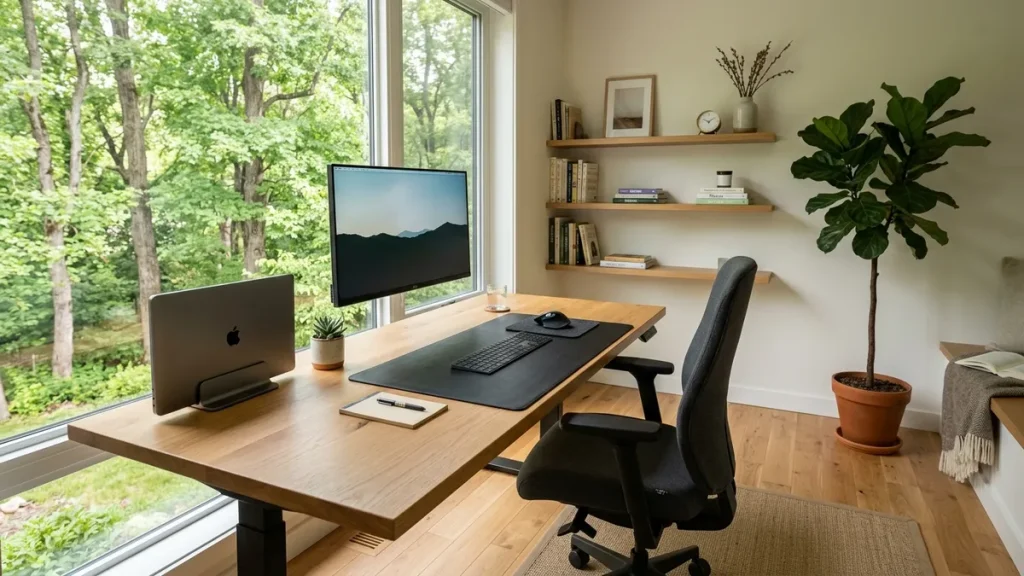
Calculate the dynamic vertical travel delta, required drop loop slack, and minimum cord lengths for motorized standing desk setups to prevent port tear-out and cable snagging.
🔌 Standing Desk Cable Slack & Drop Calculator
Calculate exact vertical stroke delta, strain relief loop length, and cord ratings
⚡ Cable Length Requirements
The Physics of Standing Desk Cable Architecture
The single most frequent failure point on motorized height-adjustable desks is cable tension at maximum elevation. When a desk rises from seated (e.g., 70 cm) to standing (e.g., 115 cm), cables routed without deliberate strain relief loops experience extreme shear loads, pulling display connectors out of monitors or damaging AC adapters.
1. The 3-Zone Cable Architecture
To eliminate wire clutter while maintaining 100% dynamic freedom of movement, organize your desk into three distinct zones:
- Zone 1: Surface Routing — Peripheral cords (keyboard, mouse, stream deck, webcam) gathered into low-profile silicone clips and directed through desktop grommets.
- Zone 2: Under-Desk Consolidation — AC power bricks, multi-outlet power strips, USB hubs, and excess wire length secured inside a heavy-duty, ventilated Under-Desk Cable Management Tray.
- Zone 3: The Articulated Drop Loop — The single power trunk line running from the under-desk tray down to the wall outlet. This drop must be bundled inside a flexible, abrasion-resistant Zipper Cable Sleeve.
2. The +20% Slack Safety Rule
Never calculate cable length based on the direct diagonal distance from the tray to the wall outlet. You must calculate the maximum vertical height plus an additional 20% dynamic slack curve. This slack loop forms a natural U-curve beside the desk leg, allowing the desk to elevate to its maximum height without placing any mechanical tension on the wall plug or under-desk power strip.
3. Monitor Arm Articulation Range
DisplayPort, HDMI, and USB-C monitor cables must accommodate not only the desk’s vertical rise, but also the horizontal reach of your monitor arm. Mounting displays on an articulated Single Monitor Arm or Dual Monitor Arm requires 2.0-meter minimum display cables routed through the arm’s internal channels before entering the under-desk tray.
4. Recommended Cable Management Ecosystem
Explore the complete system in our architectural guide: Desk Cable Architecture: The Master Blueprint for Clean Setups, or equip your workspace with the Advanced Desk Setup Kit.