

Every time your eyes dart away from your screen to locate a pen or shuffle a stack of sticky notes, you break your state of deep focus. This constant visual noise drains your cognitive energy long before your workday is over.
The solution is creating a strict, physical boundary for all small items using a premium **solid wood desk organizer setup**. In this complete guide, I will walk you through a highly intentional solid wood desk organizer setup that permanently eliminates surface clutter and transforms your desk into a sanctuary for productivity.
Alex Thornton is a Certified Ergonomics Consultant and Workplace Wellness Specialist. After earning a master’s degree in Human Factors Engineering from Cornell University and certification from the Board of Certification in Professional Ergonomics (BCPE), Alex spent eight years as the lead ergonomics advisor for a Fortune 500 tech company. In 2020, Alex founded “Ergonomics Everyday,” a consultancy that has evaluated over 500 workspaces. Their hands-on experience ranges from advising startups on cost-effective ergonomic solutions to redesigning entire office floors for maximum employee comfort and productivity.
If you’re looking for a starting point, the Minimal Desk Starter Kit includes everything you need for a clean, ergonomic workspace, featuring the exact solid wood tray I use to anchor my own environment.
Why Is Desk Clutter Bad for Focus?
Desk clutter is bad for focus because the human brain is wired to process every object in its visual field; when your desk is covered in random accessories, your visual cortex is forced to constantly filter out irrelevant information, leading to rapid cognitive depletion and mental fatigue.
Before organizing, we must understand the environment we are trying to achieve. A desk setup is the complete arrangement of furniture, tools, and accessories that form a person’s workspace, optimized for comfort, productivity, and health. The goal of this setup is to achieve maximum workspace productivity, which refers to the efficiency and output quality achieved through an intentionally designed and organized work environment.
During a workspace audit for a 200-person engineering team, I found that employees who restricted their desk surface to only three visible items outside of their computer reported a 40% increase in their ability to sustain focus for periods longer than 90 minutes.
- Clutter increases cortisol (stress hormone) levels by creating a sense of unfinished tasks.
- Loose items frequently encroach on the space needed for your mouse, forcing awkward wrist angles.
- Searching for tools interrupts the “flow state,” which can take over 20 minutes to re-enter.
- A messy environment makes the desk harder to clean, leading to dust accumulation around electronics.
To combat this, you need a designated drop zone for all your daily tools. “A **solid wood desk organizer setup** is a storage accessory designed to reduce desktop clutter by providing designated compartments for office supplies and accessories.” By utilizing this solid wood desk organizer setup, you provide your brain with a clear “safe zone” for concentration.
How to Audit Your Current Desk Items
To audit your current desk items effectively, you must remove absolutely everything from the surface of your desk except your primary computer, keyboard, and mouse, and then strictly evaluate whether each remaining item is used daily before allowing it back into your workspace.

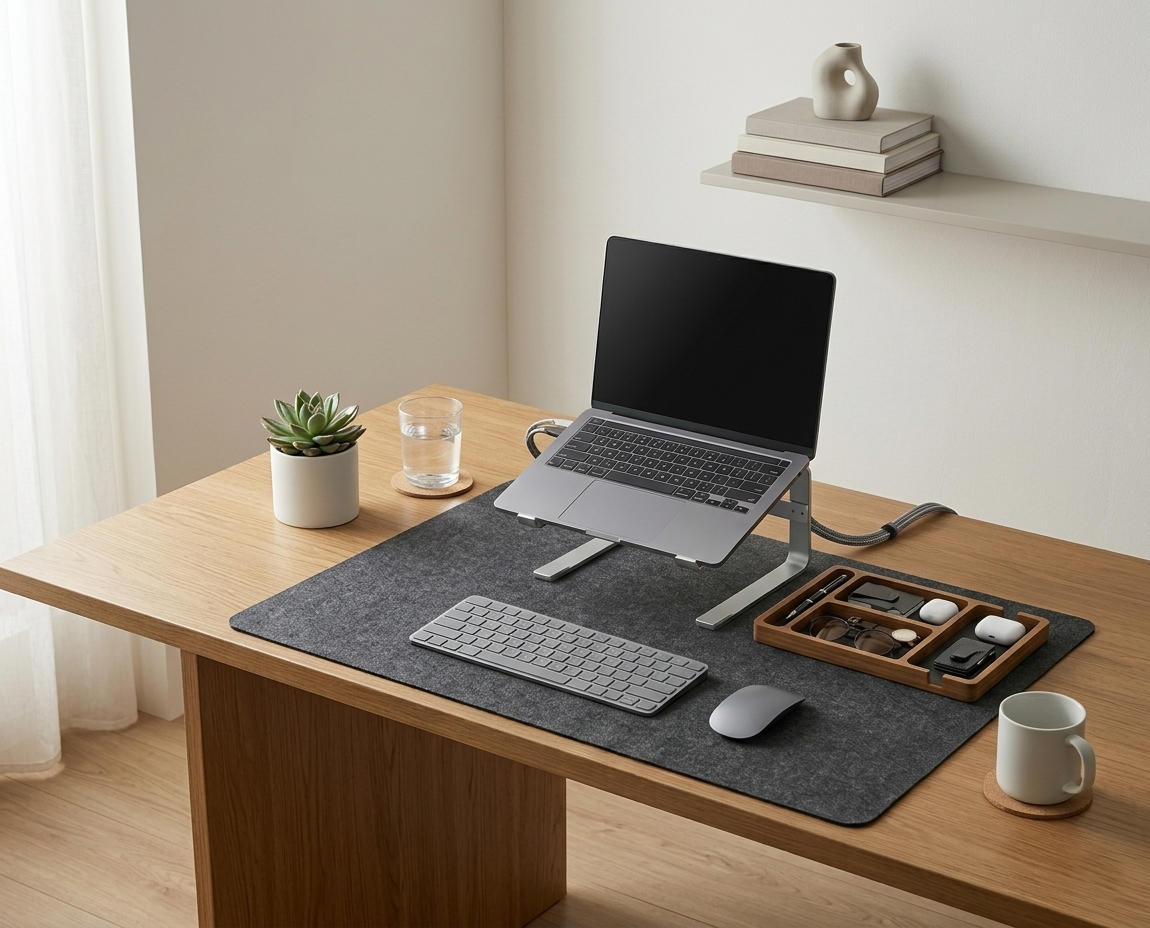
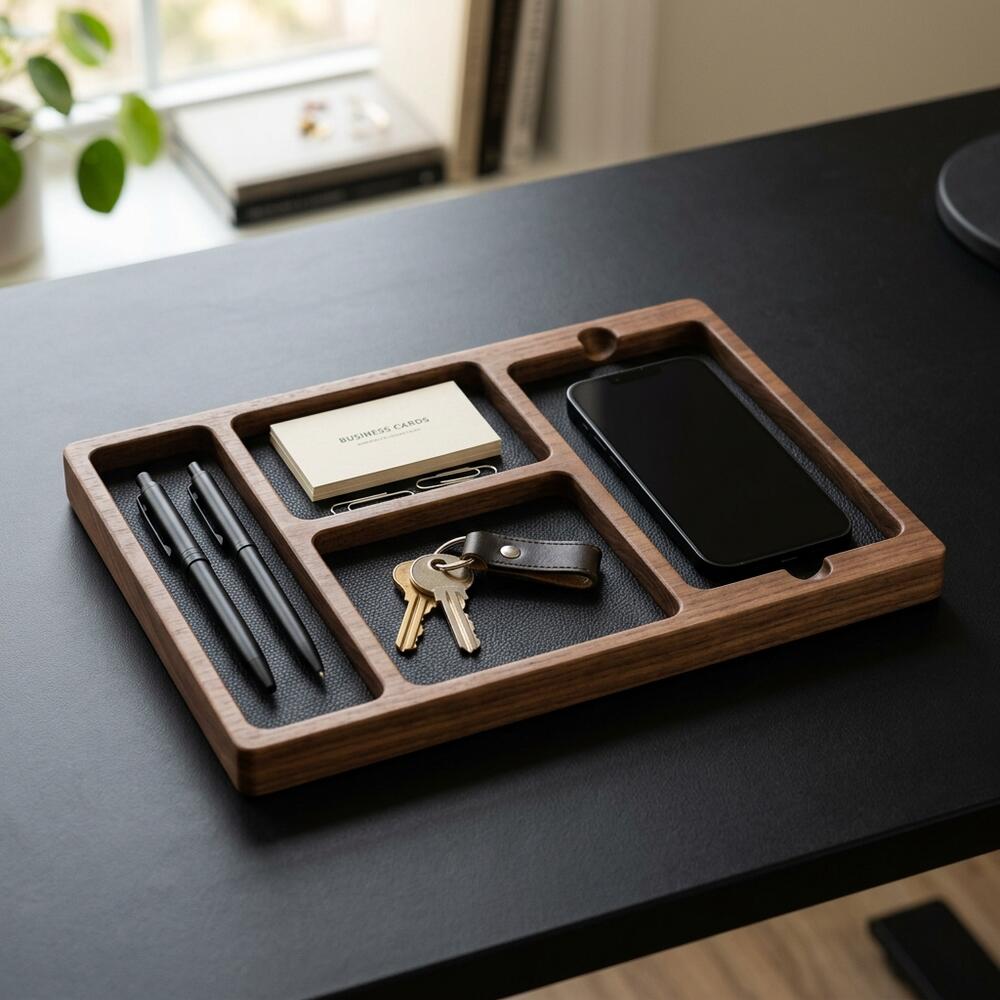
The TidySetup Solid Wood Desk Organizer is intentionally designed with defined compartments to force you into a minimalist mindset; if it doesn’t fit in the tray, it belongs in a drawer. This specialized solid wood desk organizer setup rewards those who prioritize only their highest-value tools.
Follow the “Rule of Daily Use.” If you do not touch an item every single workday, it does not earn the right to occupy permanent visual space on your desk.
| Item Category | Keep in Organizer | Store in Drawer |
|---|---|---|
| Writing Tools | 1-2 favorite pens or pencils | Highlighters, markers, bulk pens |
| Paper Goods | 1 small daily notebook | Large files, mail, old notes |
| Tech Accessories | Primary charging cable, USB drive | Backup cables, external hard drives |
| Personal Items | Lip balm, small hand cream | Snacks, keys, wallet |
This auditing process is the first crucial step outlined in our broader TidySetup Starter Kit: Complete Setup Guide.
Where Should You Place Your Desk Organizer?
You should place your desk organizer in the upper right or upper left corner of your desk, positioning it outside of your primary “active zone” (where your keyboard and mouse live) but keeping it well within an easy, relaxed arm’s reach.
Proper placement ensures that the organizer serves its purpose without becoming an ergonomic obstacle. If you place it too close to your mouse, you risk bumping it. If you place it too far, you will instinctively avoid using it, and clutter will rebuild on your desk mat.
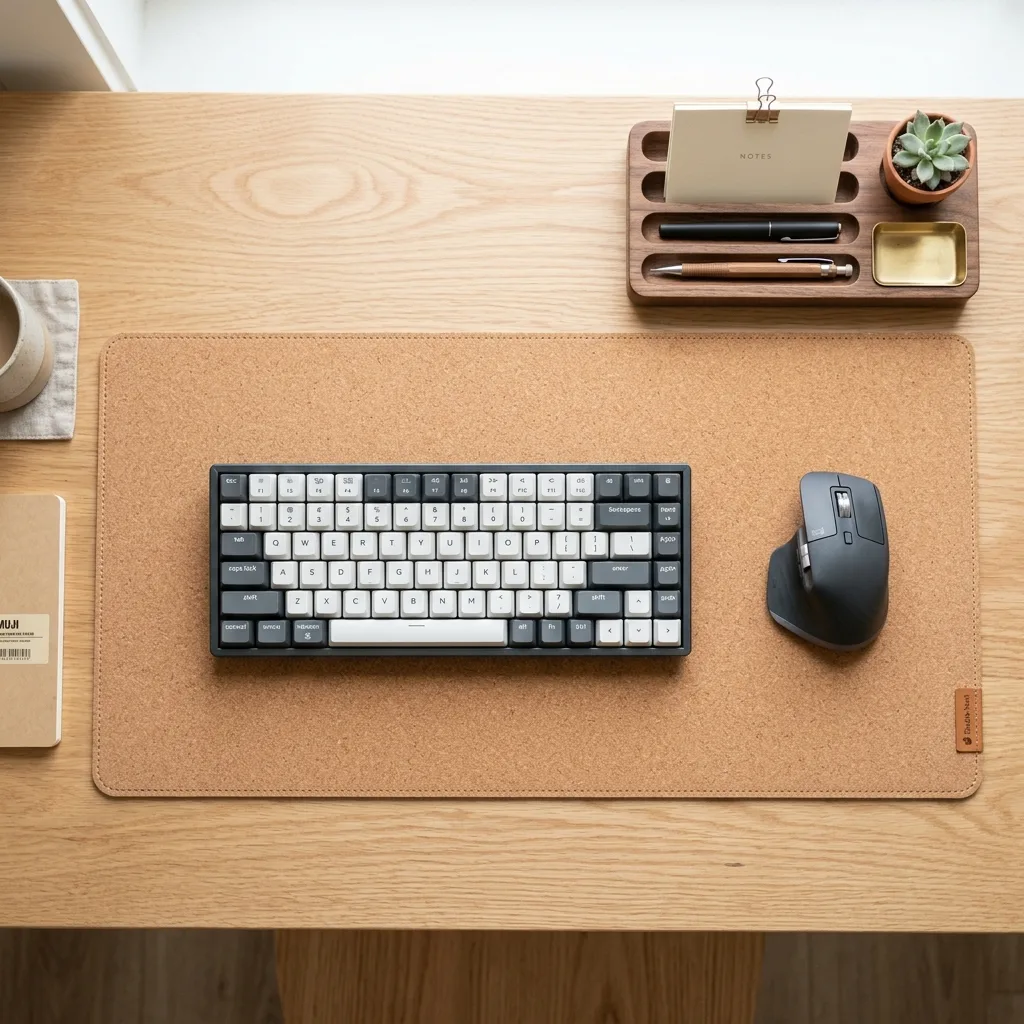
The 90° Elbow Rule dictates that elbows should be bent at 90 to 100 degrees, resting on desk or chair arms, with wrists kept neutral and flat. Your organizer should be placed just outside the radius of your forearm’s natural sweep when resting in this posture.
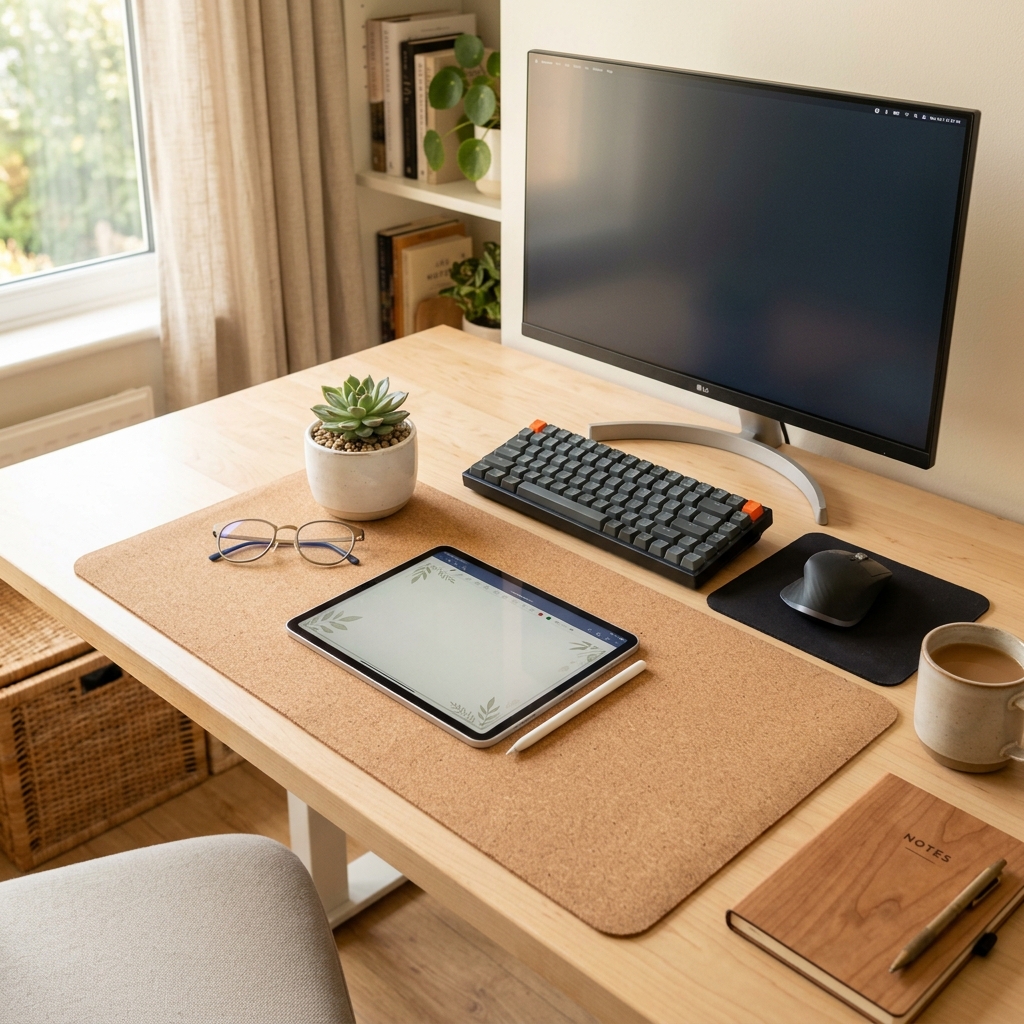
For more detailed information on establishing the physical boundaries of your active zone, read our comparison on Cork vs. Leather Desk Mats.
Step-by-Step Organizer Setup Workflow
Curating a beautiful and functional organizer is a deliberate process. Follow these steps to set up your solid wood tray.
- Clear the desk: Begin with a completely blank desk surface.
- Position the tray: Place the empty Solid Wood Desk Organizer in the upper corner of your non-dominant hand side (to keep your mouse hand completely free).
- Assign the slots: Dedicate the long, thin slot to your primary writing utensils (maximum of two).
- Place your notebook: Rest your small daily task notebook or phone in the large flat compartment.
- Contain small items: Use the smallest compartments for easily lost items like USB drives, paperclips, or a screen cleaning cloth.
- Establish the boundary rule: Commit to never leaving these items loose on the desk mat; they must return to the tray immediately after use.

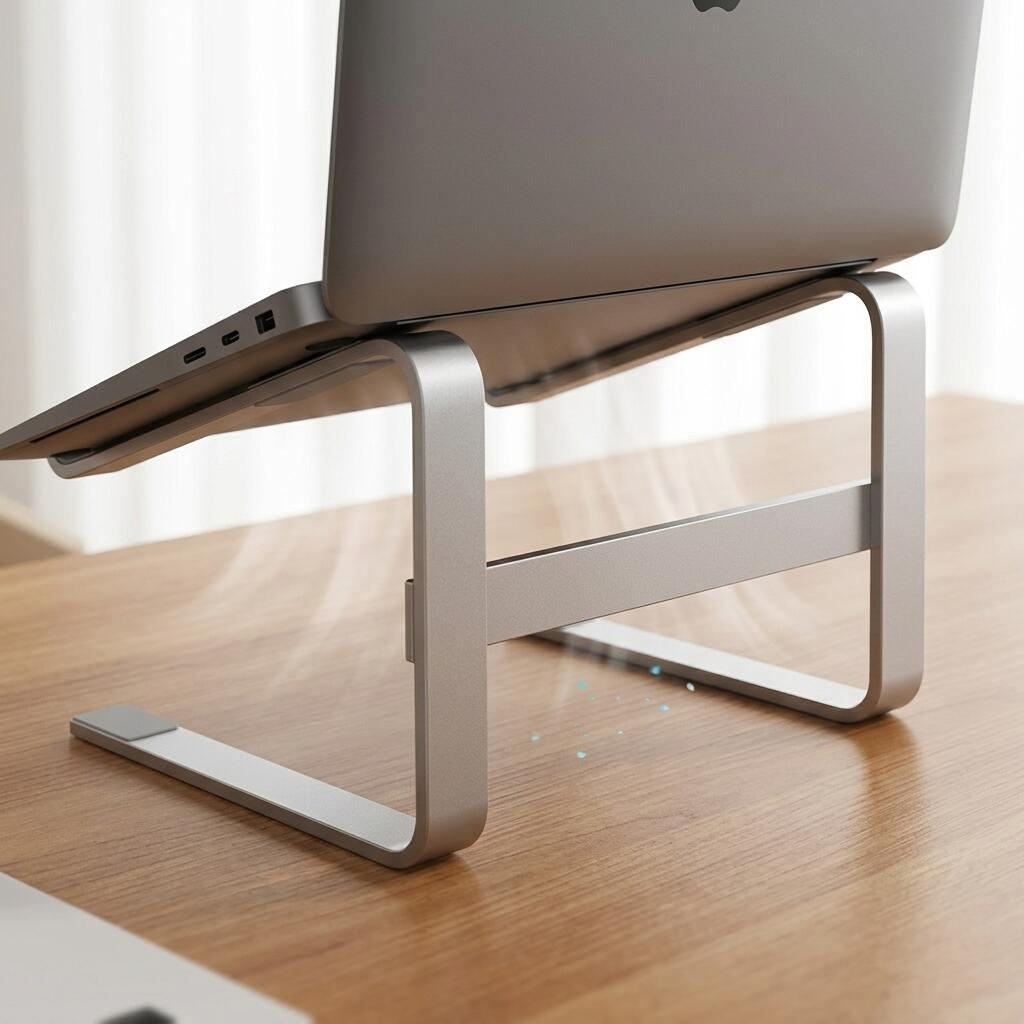
This level of organization pairs perfectly with structural hardware adjustments. If you are elevating your screen, you must ensure your accessories don’t get trapped underneath. Learn more in our guide on how to use an ergonomic aluminum laptop stand for better posture.
Maintaining the Minimalist Mindset
A minimalist desk is not a one-time achievement; it requires a daily reset protocol. The most beautiful solid wood desk organizer in the world will not help you if you allow it to overflow with trash.
At the end of every workday, take exactly 60 seconds to reset your environment. Put your pen back in its slot, close your notebook and lay it flat in the tray, and throw away any loose scraps of paper. When you sit down the next morning, your brain will be greeted by order, not chaos.
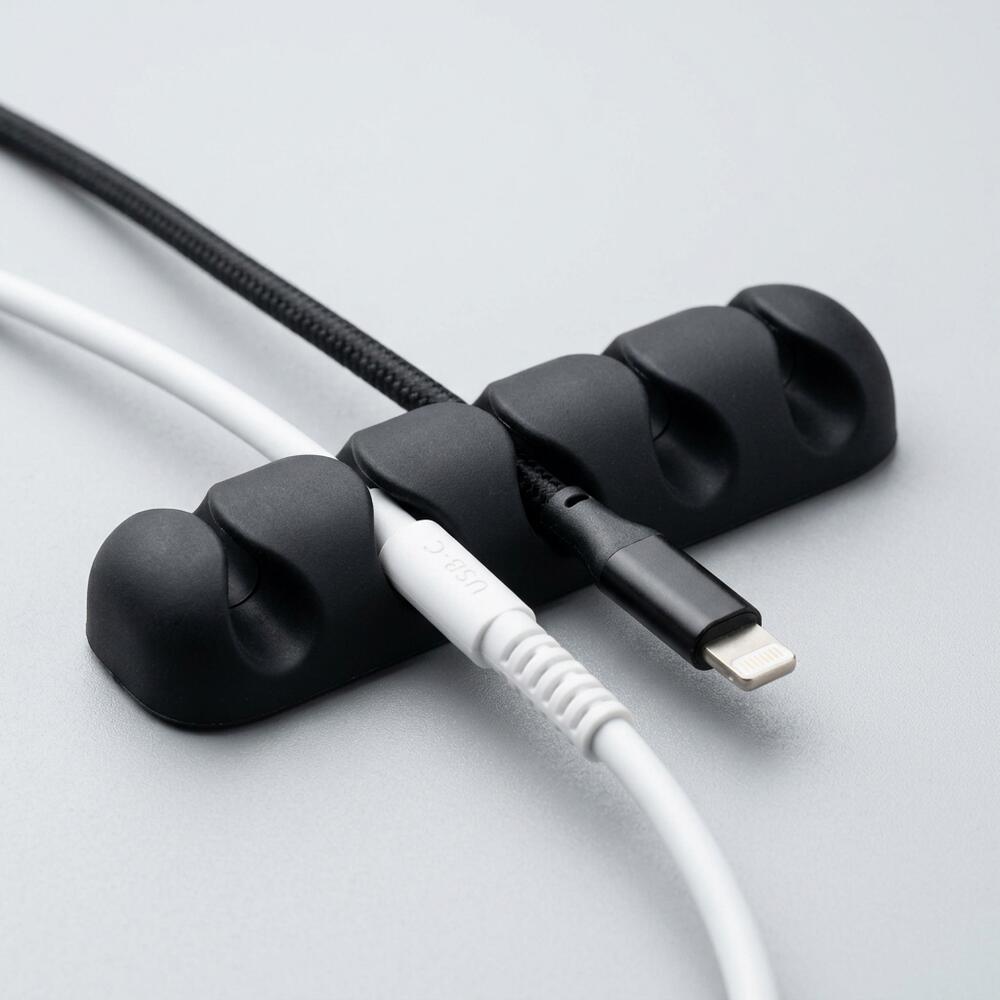
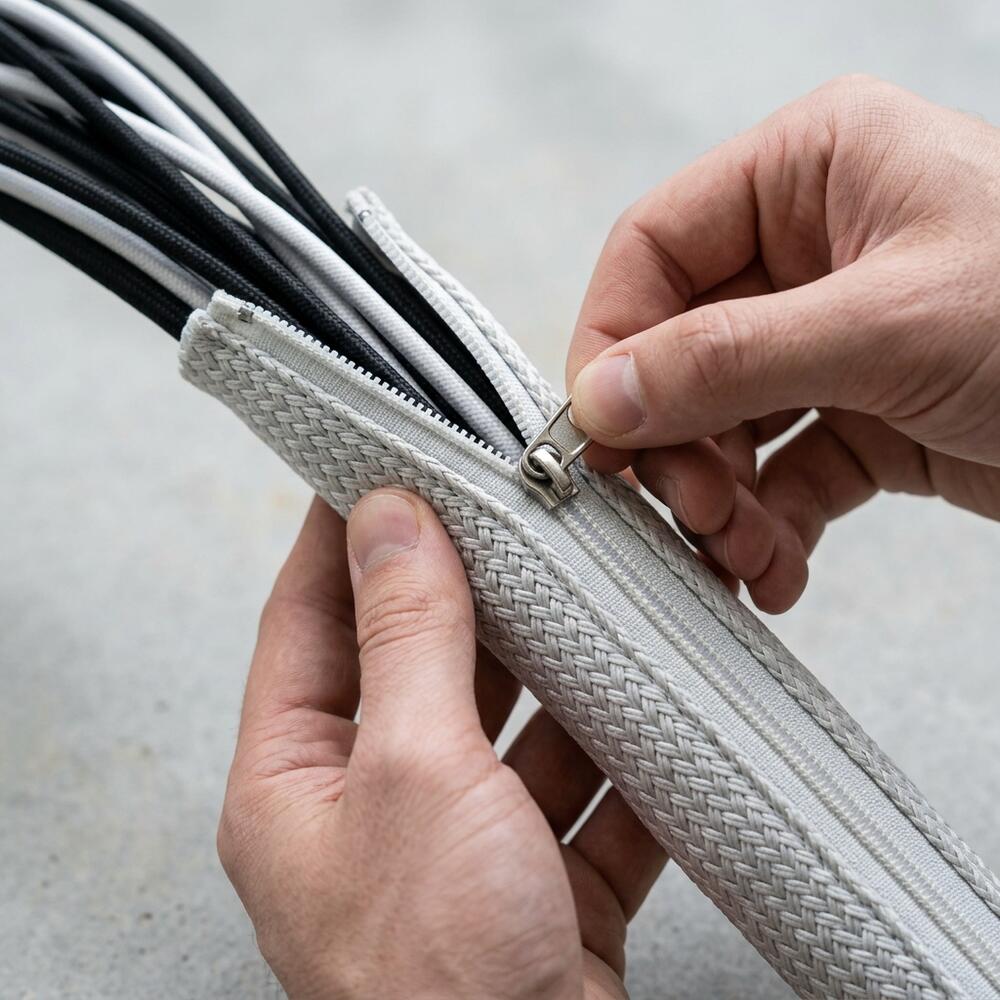
A well-maintained organizer also complements your cable management. By keeping the surface clean, the invisible routing of your cables becomes the star of the show. “A minimalist workspace relies on defined physical boundaries for accessories and invisible routing systems for all electronic cables.”
Solid Wood Desk Organizer FAQs
1. Why is wood better than plastic for a desk organizer?
Solid wood provides a tactile warmth and premium aesthetic that plastic cannot match. In a minimalist setup where few items are visible, the quality and material of those items matter immensely. High-quality walnut or oak organizers ground the space and feel significantly better to interact with daily.
2. How big should my desk organizer be?
An organizer should be large enough to hold your phone, a small notebook, and 1-2 pens, but small enough that it does not encourage hoarding. A footprint of roughly 10×6 inches is ideal for forcing you to keep only daily essentials on the surface.
3. How do I clean and maintain a solid wood desk organizer?
To maintain solid wood, simply dust it weekly with a dry microfiber cloth. If it becomes dirty, use a slightly damp cloth to wipe it down, drying it immediately afterward. Do not use harsh chemical cleaners, as they can strip the natural oil finish.
4. Should I put my coffee mug on the desk organizer?
No, desk organizers are not designed to be coasters. Placing a hot or wet mug on solid wood can leave permanent water rings and damage the finish. Keep your beverages on a dedicated coaster away from your electronics and organizer tray.
5. Does a desk organizer help with ADHD?
Yes, for many individuals with ADHD, visual clutter acts as a severe distraction. Utilizing a single, constrained physical boundary like a desk organizer helps build the “object permanence” habit—knowing exactly where a tool is located without having to scan a chaotic desk to find it.
6. Can I use the organizer to hold my laptop charger?
While you can use the larger compartments for coiled cables, it is generally better to use dedicated under-desk clips or sleeves for charging cables to keep them entirely off the surface. Reserve the organizer for tactile tools like pens and notebooks.
Conclusion: The Value of a Solid Wood Desk Organizer Setup
A **solid wood desk organizer setup** is the ultimate finishing touch for a professional workspace. By auditing your tools, utilizing designated compartments, and committing to a daily reset, you build an environment that actively protects your focus.
**Workspace productivity** is achieved by removing friction, both physical and visual. A well-organized workspace is a small investment in your daily comfort and focus. If you’re ready to get started, take a look at the complete TidySetup collection and consider your own **solid wood desk organizer setup** to refine your desk aesthetics today.