Choosing the wrong desk pad material often leads to frustrating cursor jitter, stained edges from coffee spills, and scratchy wool fibers irritating your wrists during long typing sessions. The solution is understanding the material science behind PU leather vs felt vs cork desk mats, balancing optical sensor tracking accuracy with thermal insulation and daily cleanability. In this comprehensive comparison, I will break down the tactile physics, durability benchmarks, and ergonomic properties of all three materials to help you select the ideal foundation for your desk.
If you want an integrated workspace setup featuring a calibrated high-density desk mat, articulating arms, and cable routing, explore the Advanced Desk Setup Kit.
Why Does Desk Mat Material Matter for Ergonomics & Productivity?
Desk mat material matters because the pad serves as your primary continuous tactile interface, regulating forearm temperature, cushioning the delicate carpal bones, and determining optical mouse sensor tracking consistency. Working directly on cold, hard desk surfaces constricts peripheral blood vessels in your hands, while textured fabrics can cause sensor skipping and drag fatigue.
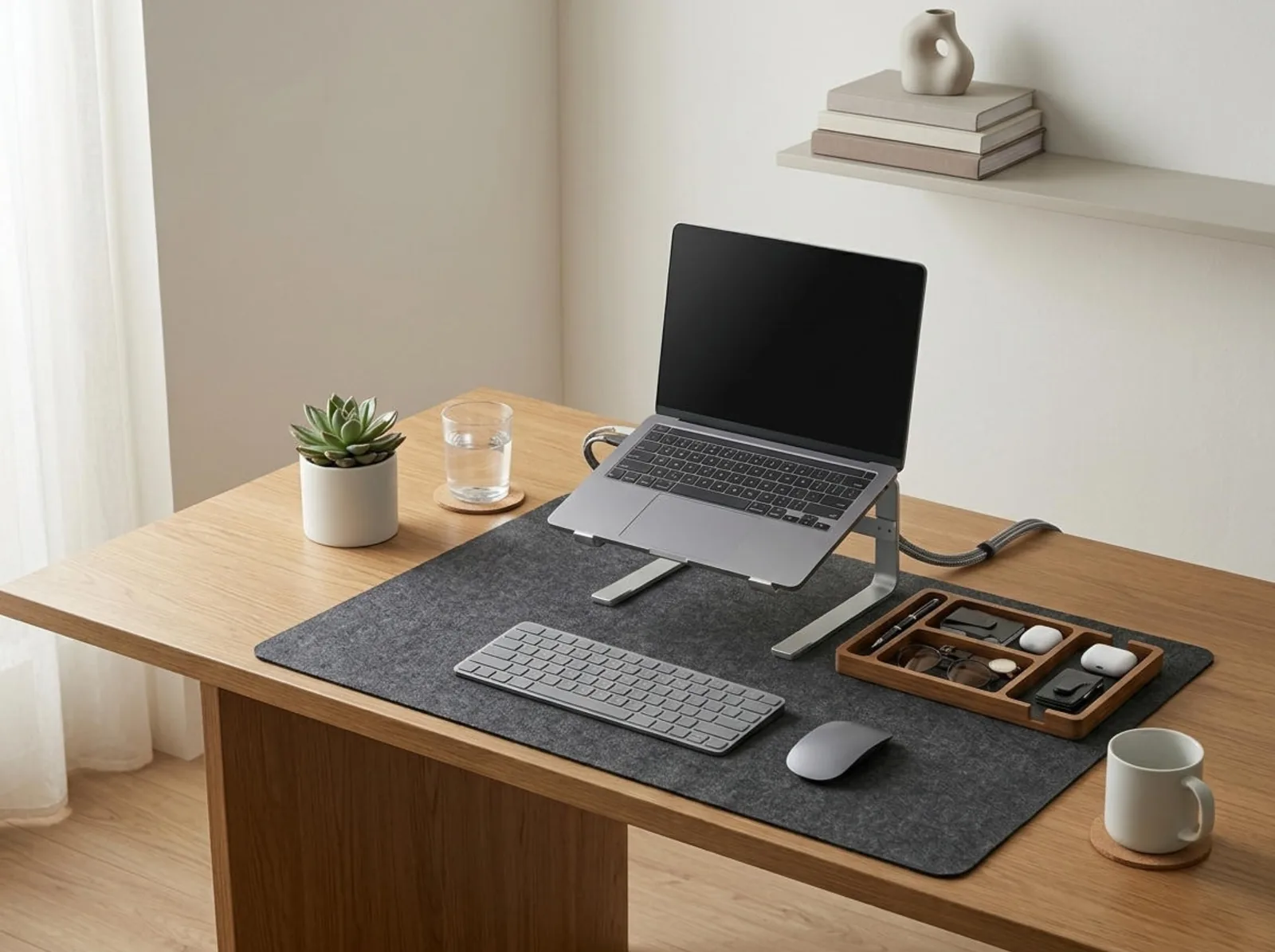
A desk organizer and tactile desk mat provide a designated, cushioned zone that protects the carpal bones and prevents repetitive contact stress.
When selecting a surface foundation, professional spatial designers evaluate three core performance pillars:
- Dynamic & Static Friction Coefficients: Evaluated under ASTM International surface friction standards, low static friction allows effortless mouse initiation, while controlled dynamic kinetic friction ensures pinpoint cursor accuracy without overshooting.
- Thermal Conductivity & Contact Comfort: Prevents cold desktop materials (glass, metal, stone) from cooling forearm tendons and triggering stiffness.
- Spill Resistance & Hydrophobic Durability: Protects high-value timber desks from water rings, oils, and beverage accidents.
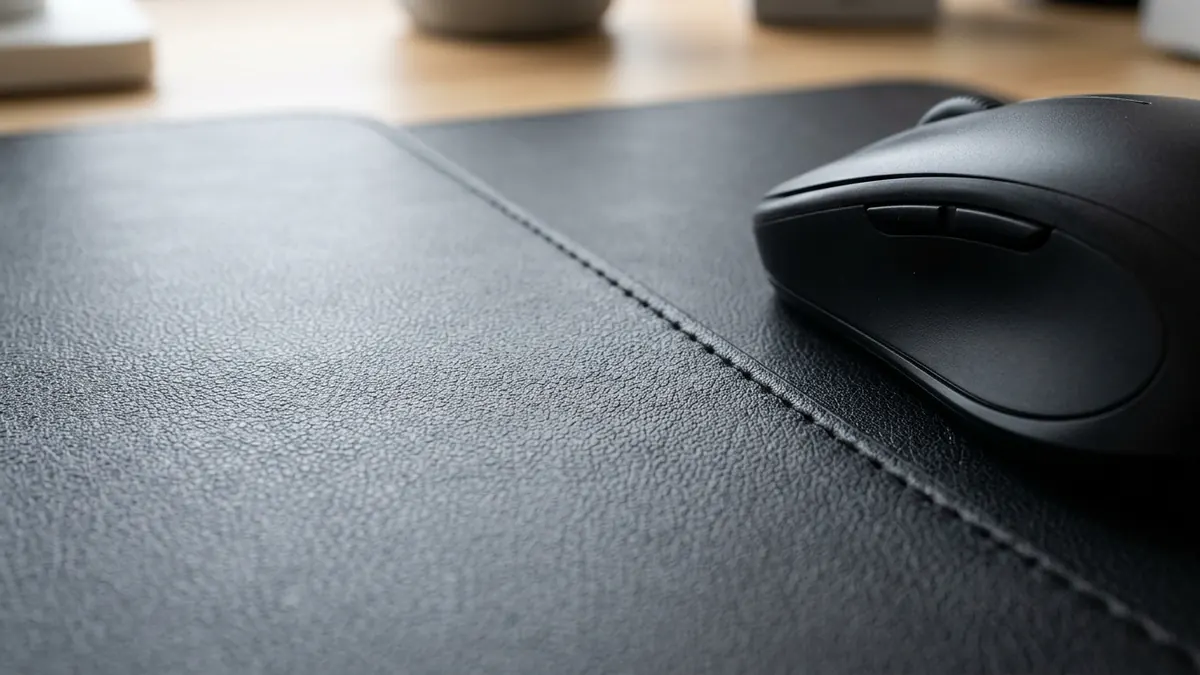
Optical Sensor Tracking: Why PU Leather Outperforms Felt & Cork
PU leather outperforms felt and cork for optical mouse sensor tracking because its micro-textured polymer surface provides consistent light reflectance without fibrous interruptions or porous voids. Modern optical and laser mice rely on high-frequency CMOS sensors capturing thousands of surface images per second; coarse wool felt fibers or uneven cork grain cause sensor micro-stuttering and cursor jitter.
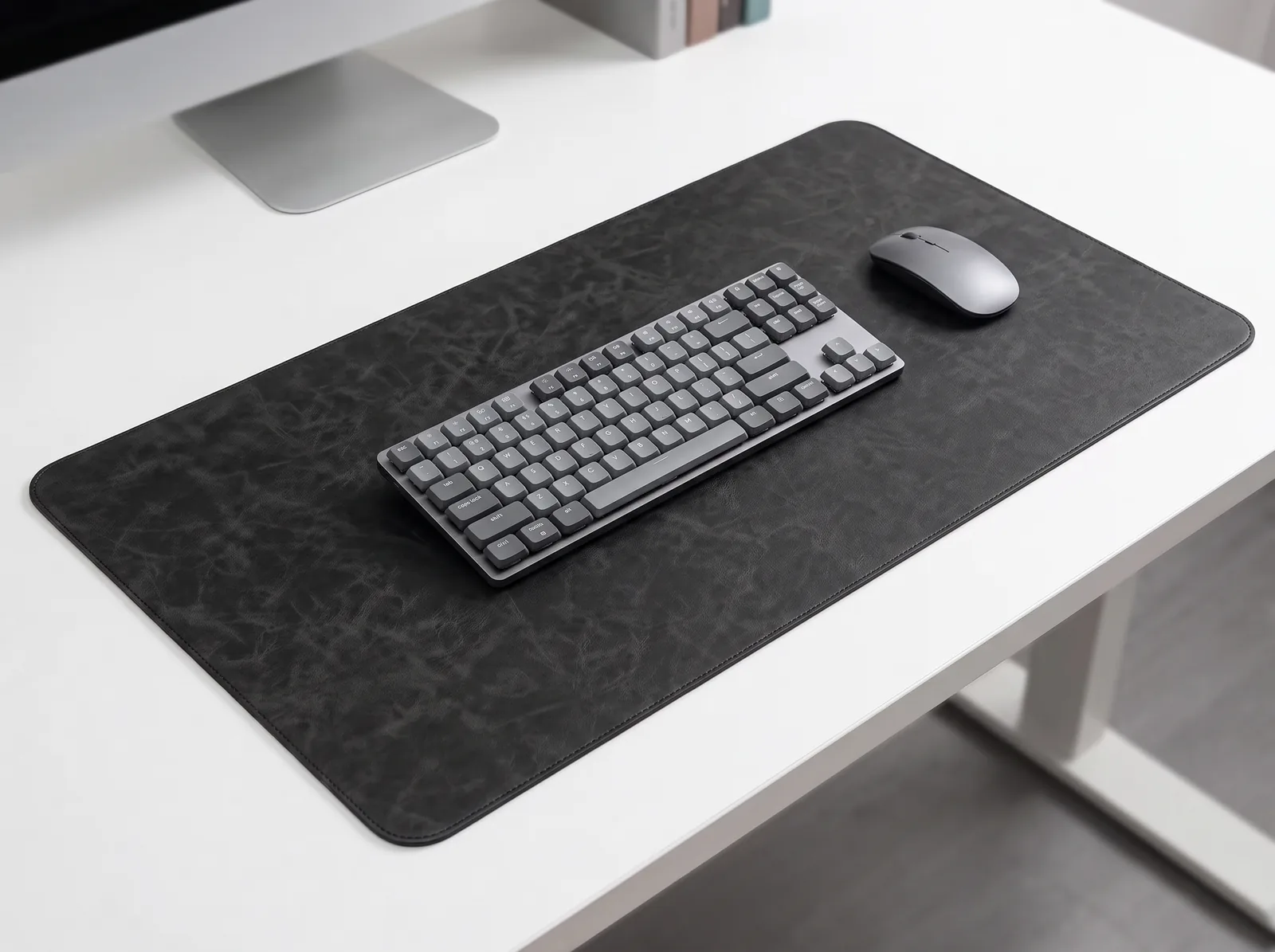
High-density PU leather desk mats deliver a smooth, non-porous glide surface that optimizes optical mouse sensor tracking while cushioning carpal pressure points.
The Premium PU Leather Desk Mat is engineered with an ultra-fine pebbled grain that satisfies strict sensor tracking standards:
- Zero Cursor Smoothing Artifacts: Supports 4000+ DPI tracking with flawless 1:1 sensor translation during precision design work or high-speed gaming.
- Consistent Glide Resistance: PTFE mouse feet glide smoothly across PU leather without the abrasive drag associated with untreated cork or dense felt fibers.
- Firm Tactile Response: The 2mm high-density backing offers firm support for handwriting and sketching without pen tips puncturing through.
For more details on wrist protection, read our tutorial on maintaining neutral wrist angles with desk mats.
Comprehensive Comparison: PU Leather vs. Felt vs. Cork
Evaluating all three materials across real-world durability, maintenance, and ergonomic metrics highlights their functional trade-offs:
| Performance Attribute | Premium PU Leather | Pressed Wool Felt | Natural Granular Cork |
|---|---|---|---|
| Mouse Sensor Accuracy | Flawless (100% optical tracking) | Moderate (micro-jitter on low DPI) | Good (slight grain variance) |
| Water & Spill Resistance | 100% Waterproof (wipes dry instantly) | Absorbent (stains easily; hard to wash) | Water-resistant (prone to water rings) |
| Thermal Insulation | Excellent warm barrier | Highest thermal warmth | Moderate natural thermal buffer |
| Wrist Tactile Feel | Smooth, soft, non-abrasive | Cozy, but can feel scratchy | Firm, dry, slightly textured |
| Durability & Edge Wear | Precision-stitched edge (no fraying) | Prone to pilling and edge fraying | Prone to edge chipping and cracking |
| Writing Surface Support | Smooth, firm backing | Too soft (pens poke through paper) | Firm, but surface texture transmits |
Review additional surface comparisons in our guide on cork vs. leather desk mats for productivity.
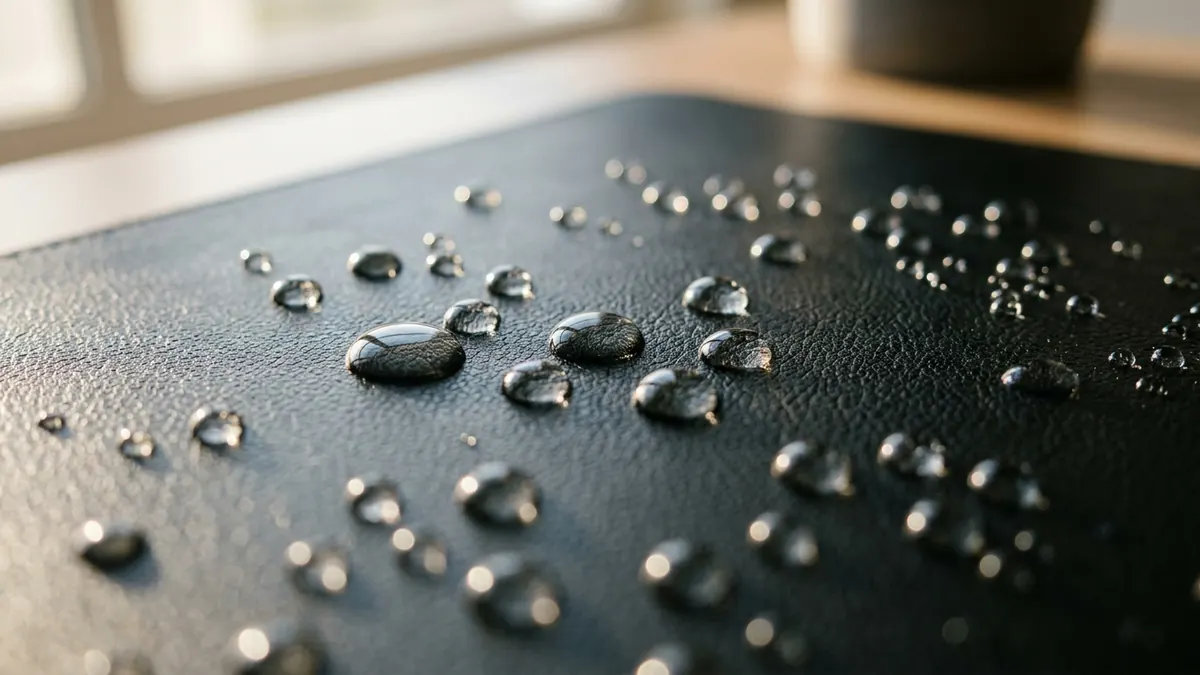
Maintenance and Longevity: Keeping Your Desk Mat Pristine
The daily maintenance requirements of desk mats differ dramatically between materials. In fast-paced work environments where coffee, tea, and daily handling are common, cleanability is a primary decision factor.
Workspace productivity refers to the efficiency and output quality achieved through an intentionally designed and organized work environment.
Follow these care protocols by material:
- PU Leather Care: Wipe down daily with a damp microfiber cloth. For stubborn grease or ink marks, use mild soapy water. Never dries out or requires conditioning like genuine animal leather.
- Wool Felt Care: Requires regular lint-rolling and specialized fabric shaver trimming to remove unsightly surface pilling. Spills must be blotted immediately to avoid permanent discoloration.
- Cork Care: Wipe gently with a dry or slightly damp cloth. Avoid heavy bending, which causes granular micro-fractures along the edges.
Learn how to integrate your desk mat into a complete setup in our guide on minimalist workspace architecture.
Step-by-Step Guide: Selecting the Right Desk Mat for Your Workflow
Follow this simple 4-step decision sequence to choose the best desk mat material for your daily needs:
- Step 1: Assess Your Primary Input Task: If your workflow demands high-precision optical mousing, CAD drafting, or intensive gaming, choose PU Leather for flawless sensor response.
- Step 2: Evaluate Beverage & Spill Risks: If you keep coffee, water, or snacks at your desk throughout the day, avoid absorbent wool felt in favor of waterproof PU leather.
- Step 3: Check Keyboard & Writing Habits: If you frequently write in paper journals or sign physical documents, choose a firm-backed leather mat rather than a soft, yielding felt pad.
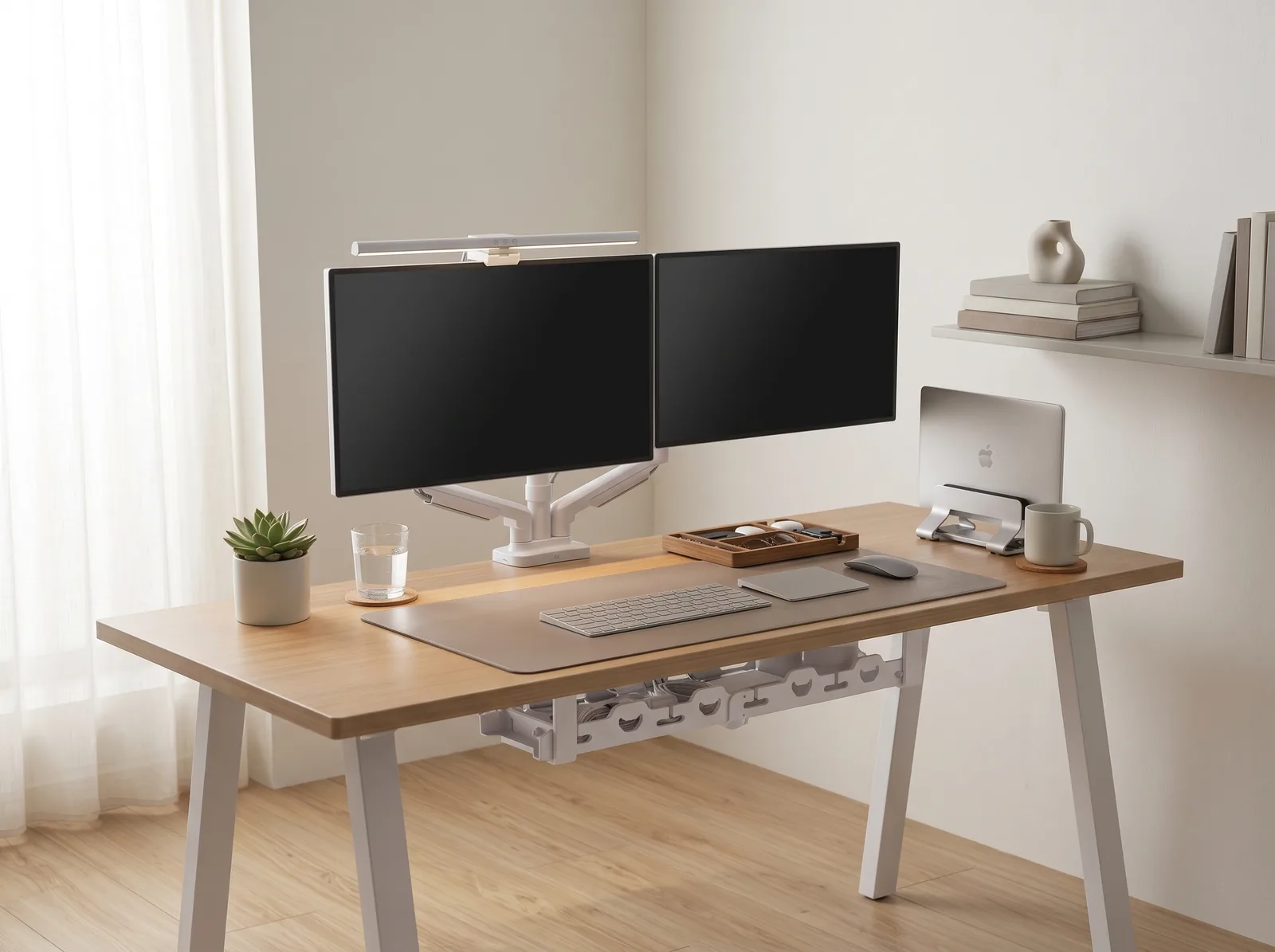
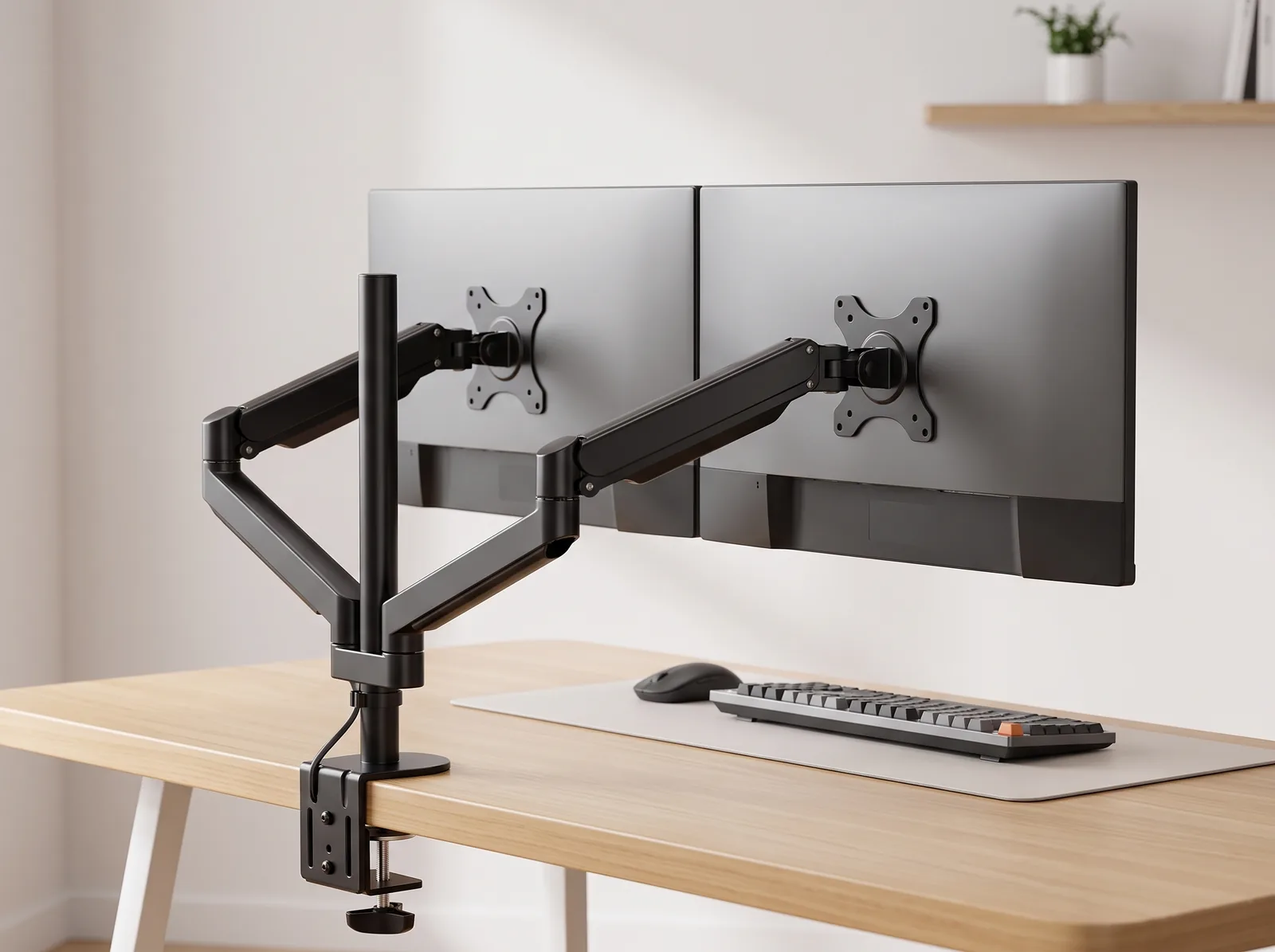
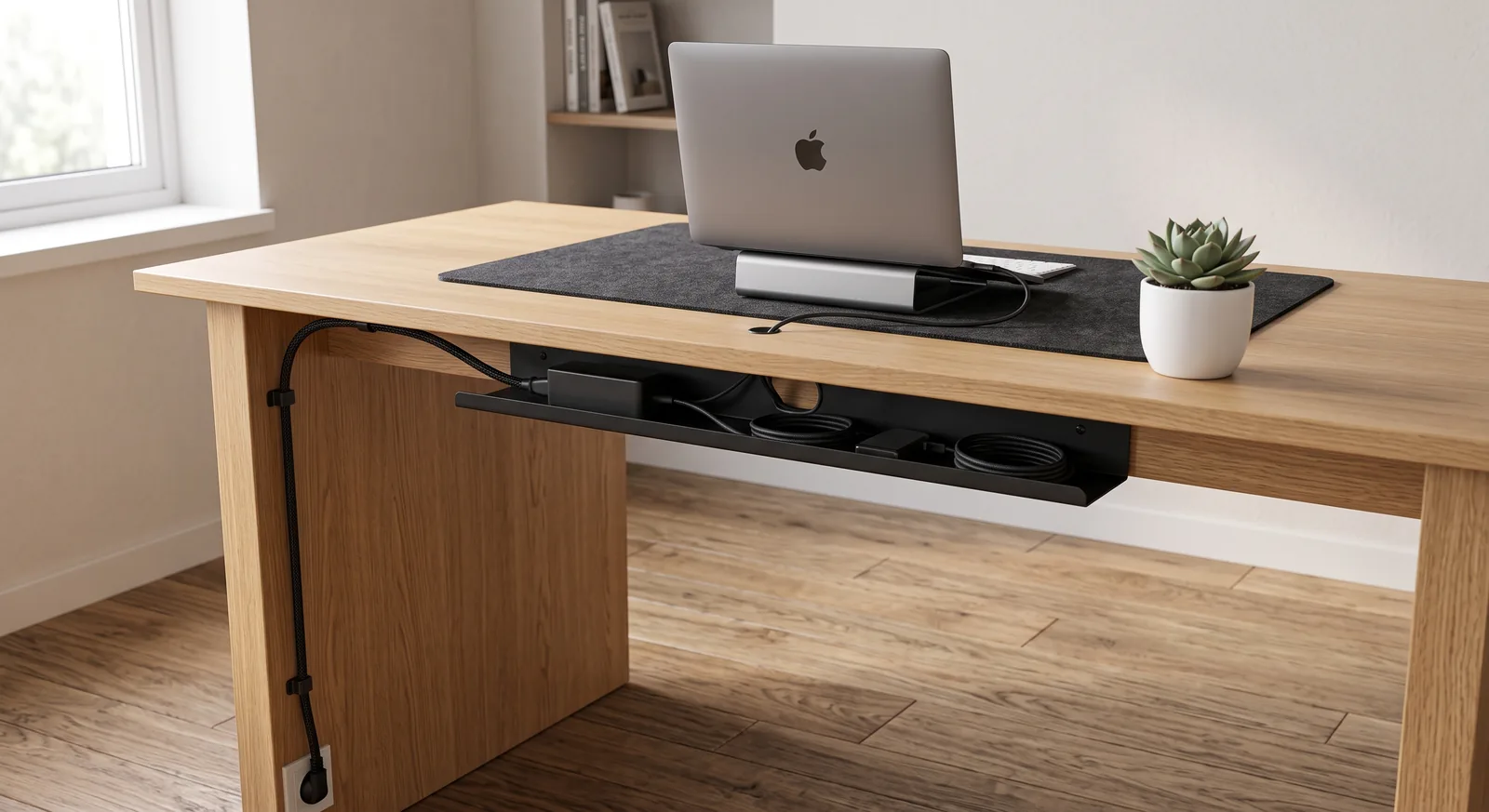
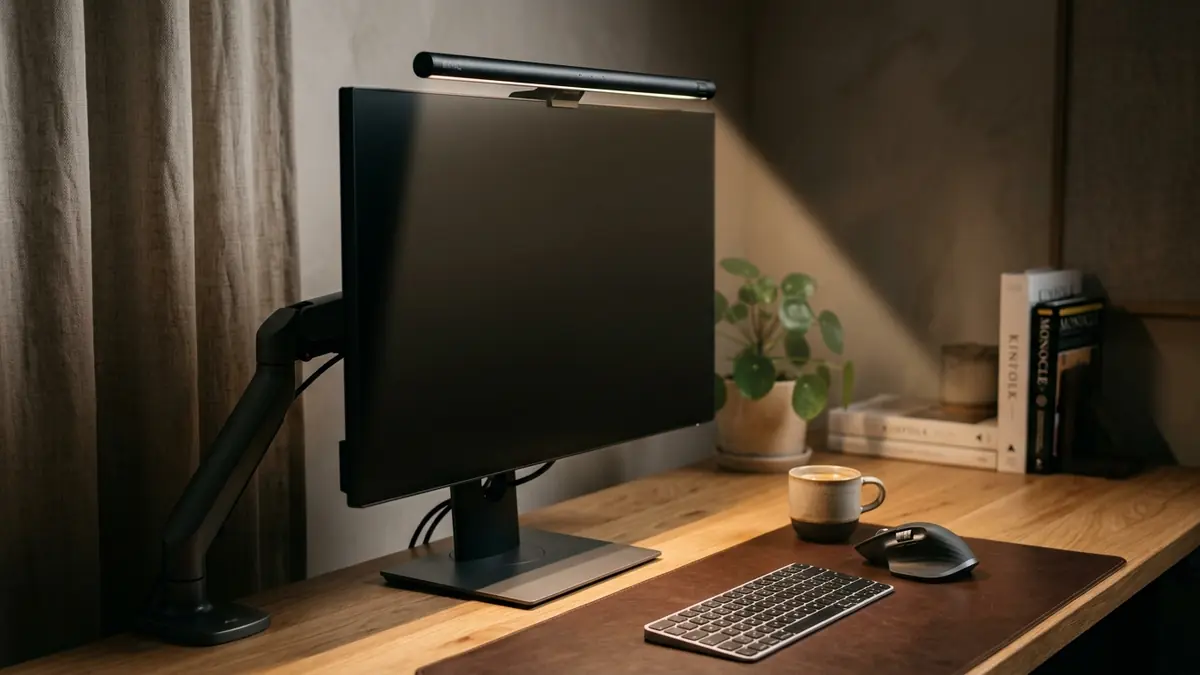
- Step 4: Align with Desk Aesthetics: Pair sleek black or brown leather mats with natural oak or walnut desks, floating monitors mounted on Single Monitor Arms, and vertical laptop docks.

Frequently Asked Questions
Which desk mat material is best for optical mouse gaming and design?
PU leather is the best material for precision optical mouse tracking. Its smooth micro-texture provides consistent sensor reflectance and uniform glide friction without the tracking jitter or drag found in wool felt and porous cork.
Is PU leather durable for long-term daily use?
Yes. High-grade PU leather is scratch-resistant, water-resistant, and will not dry out or crack over time. Precision perimeter edge-stitching prevents peeling and fraying even under heavy daily forearm movement.
Why do felt desk pads pill over time?
Felt desk pads are made of compressed fibers that experience constant friction from wrists and mouse movement. Over time, these surface fibers loosen and tangle into small fuzzy balls (pilling) that degrade mouse tracking.
Can you write on a sheet of paper placed over a desk mat?
You can write smoothly on paper placed over a firm 2mm PU leather desk mat without pen tips poking through. In contrast, soft felt pads are too yielding for writing, and coarse cork can transfer texture through the paper.
How do I clean coffee spills off a PU leather desk mat?
Simply wipe the spill immediately with a dry cloth or damp microfiber towel. Because PU leather is non-porous and hydrophobic, liquids bead on the surface without leaving permanent stains.
Does a desk mat protect natural wood desk finishes?
Yes. A desk mat acts as a protective shield against keyboard scratches, accidental coffee spills, UV fading, and localized pressure dents on soft wood species like pine, birch, and oak.