

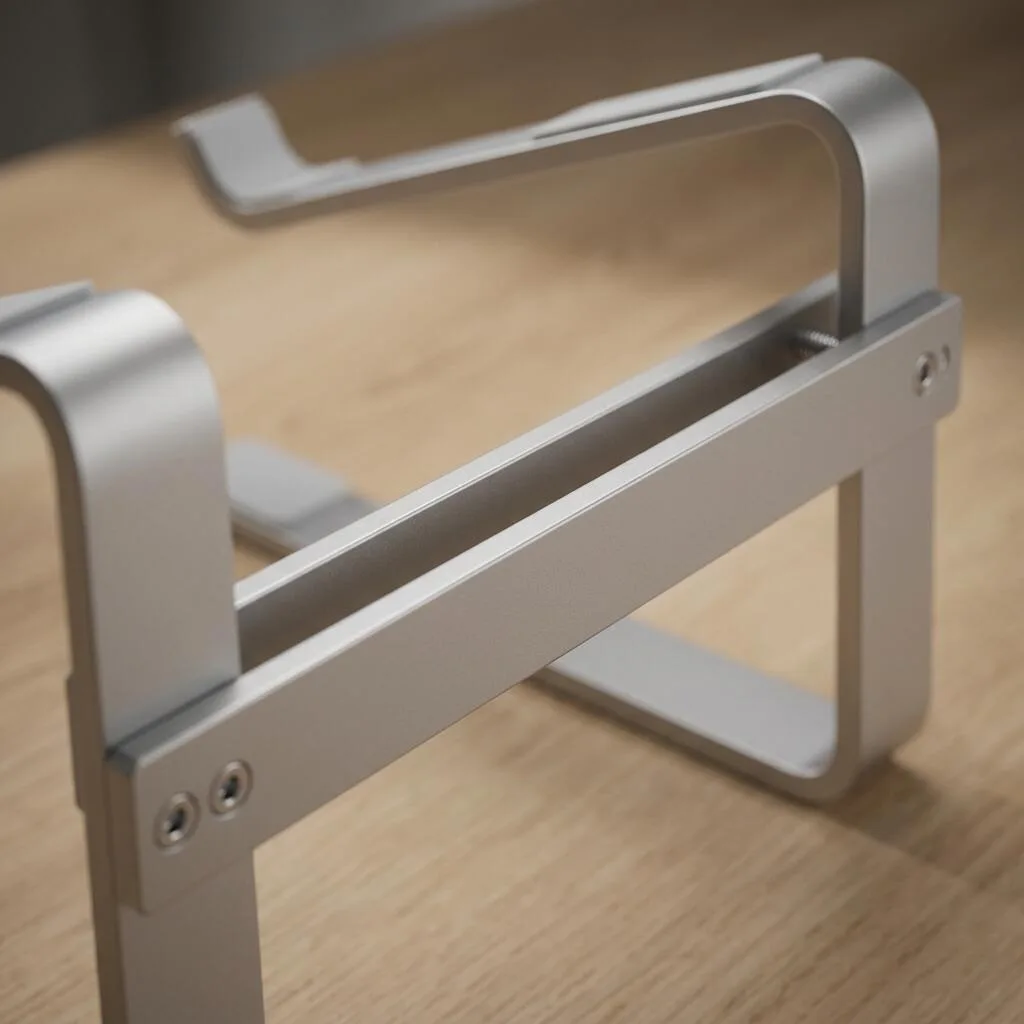

Product Details
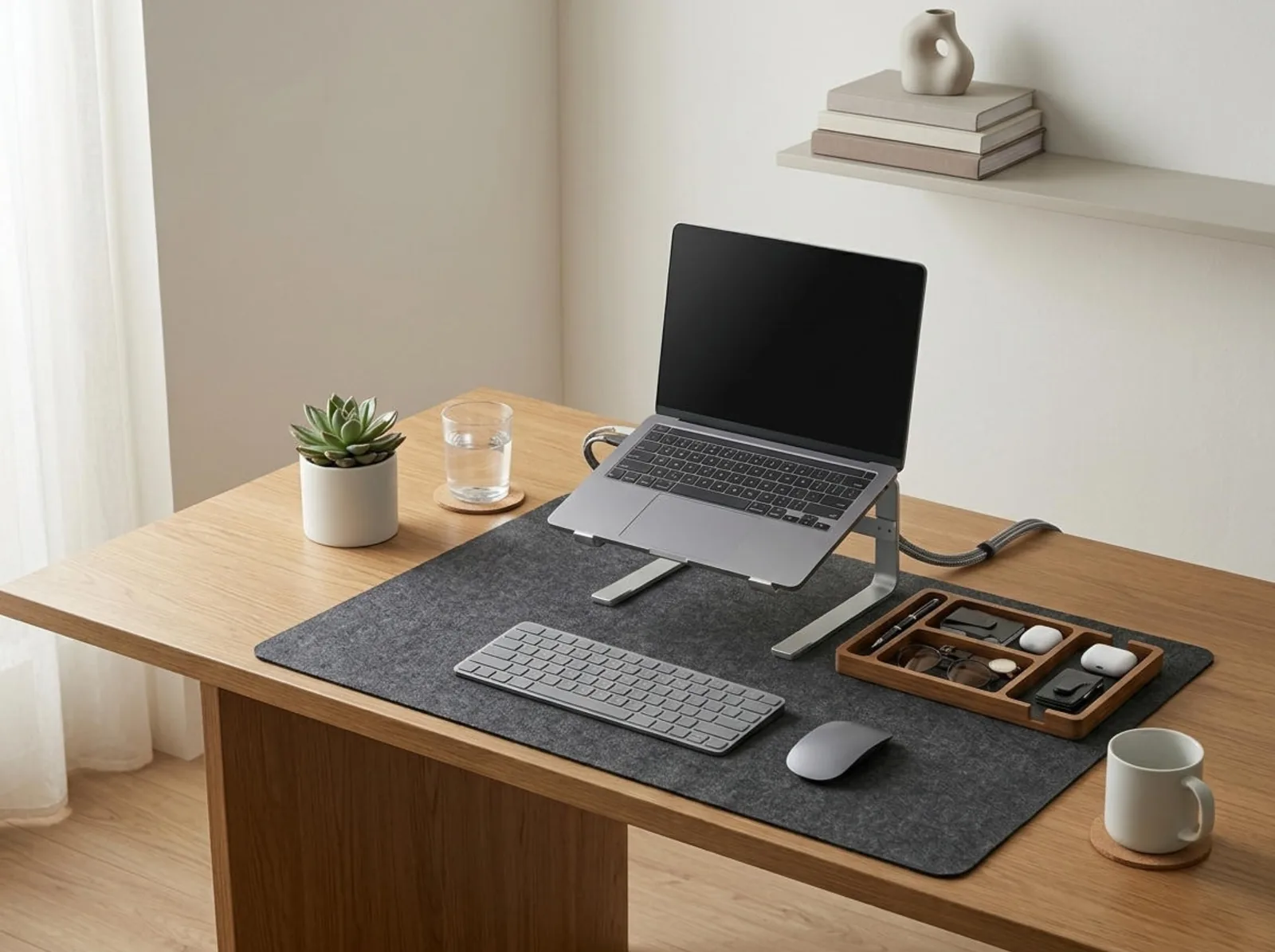
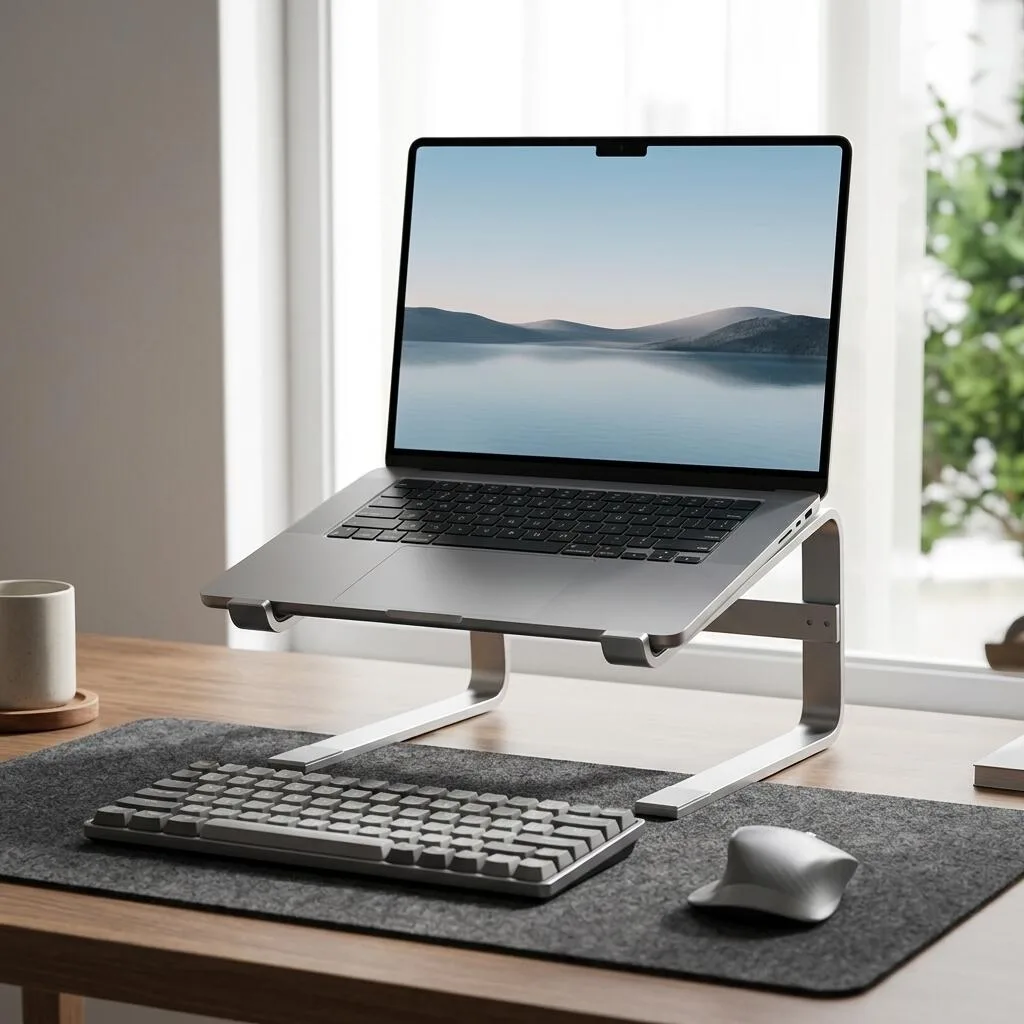
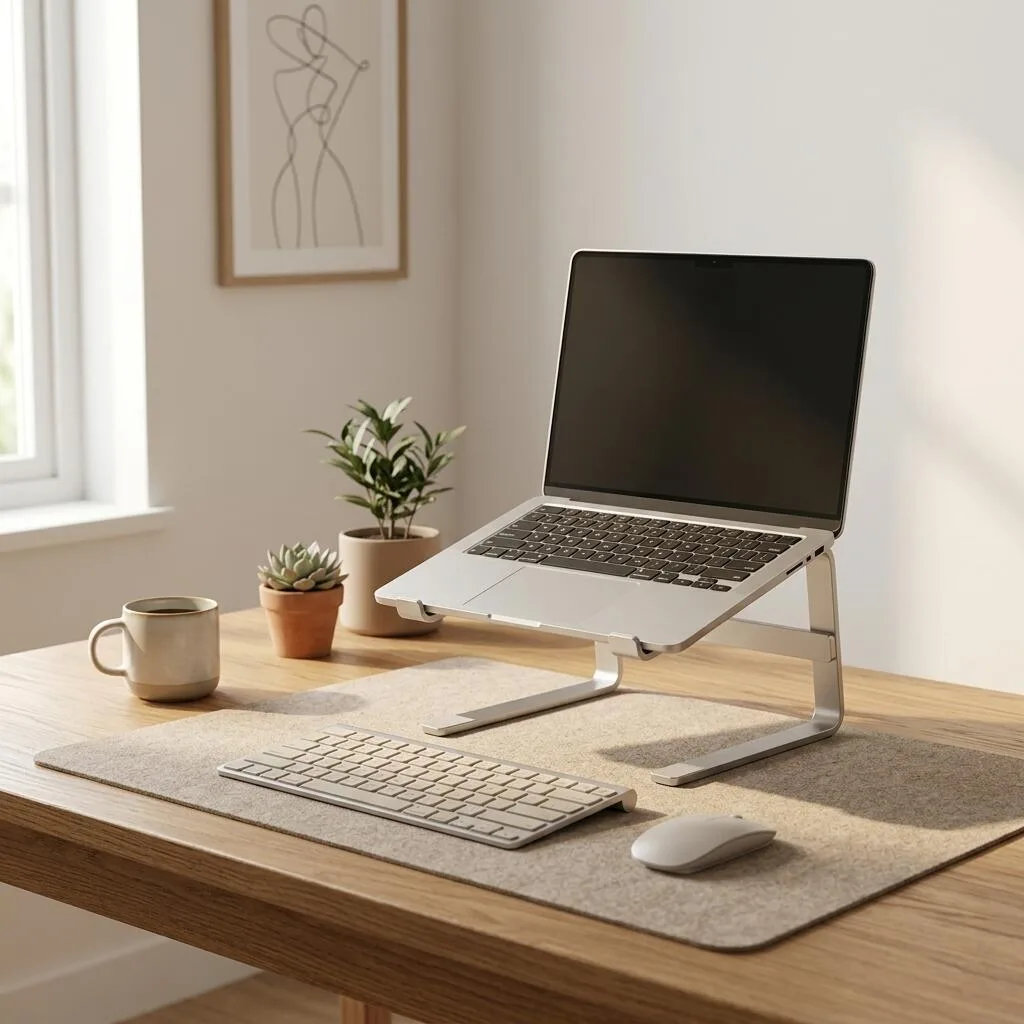
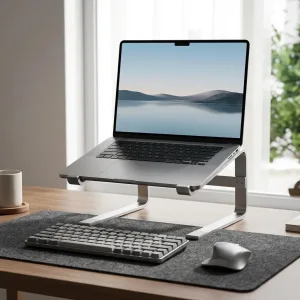
Elevate your laptop display to physiological eye level and eliminate neck and shoulder hunching with the TidySetup Ergonomic Aluminum Laptop Stand. Precision CNC-machined from aircraft-grade 6061-T6 aluminum alloy with an architectural sandblasted anodized silver finish, this rigid cantilever riser provides rock-solid typing stability, creates open desk storage underneath, and enables 360° passive thermal airflow to prevent CPU throttling.
- Ergonomic Eye-Level Alignment: Raises laptop screens by 6 inches (15 cm) at a fixed 15° angle to prevent spinal slouching.
- Universal 10–17.3" Device Compatibility: Supports all MacBooks, Dell, Lenovo, HP, and ASUS laptops weighing up to 11 lbs (5 kg).
- Full Non-Scratch Silicone Protection: Non-slip rubber pads on top platform, front retaining hooks, and base secure devices safely.
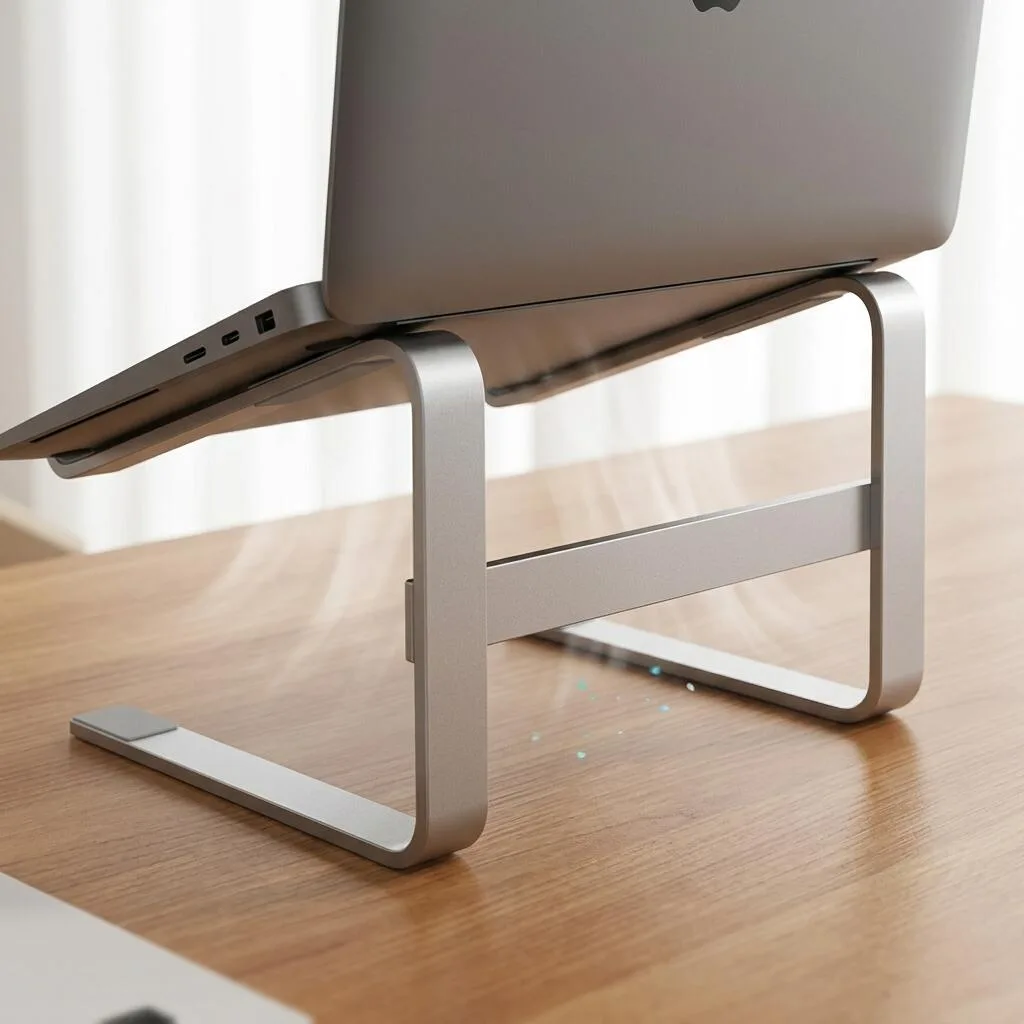
- 360° Open Heat Dissipation Architecture: Open-frame cantilever structure maximizes airflow around laptop exhaust and intake vents.
Biomechanical Posture Elevation for Laptop Professionals
Looking down at a laptop flat on a tabletop forces your cervical spine to support up to 45 to 60 lbs of gravitational load, leading to chronic upper back tension, neck stiffness, and end-of-day headaches. The TidySetup Ergonomic Aluminum Laptop Stand raises your screen by 6 inches to align directly with your horizontal sightline, instantly establishing healthy, upright spinal posture.
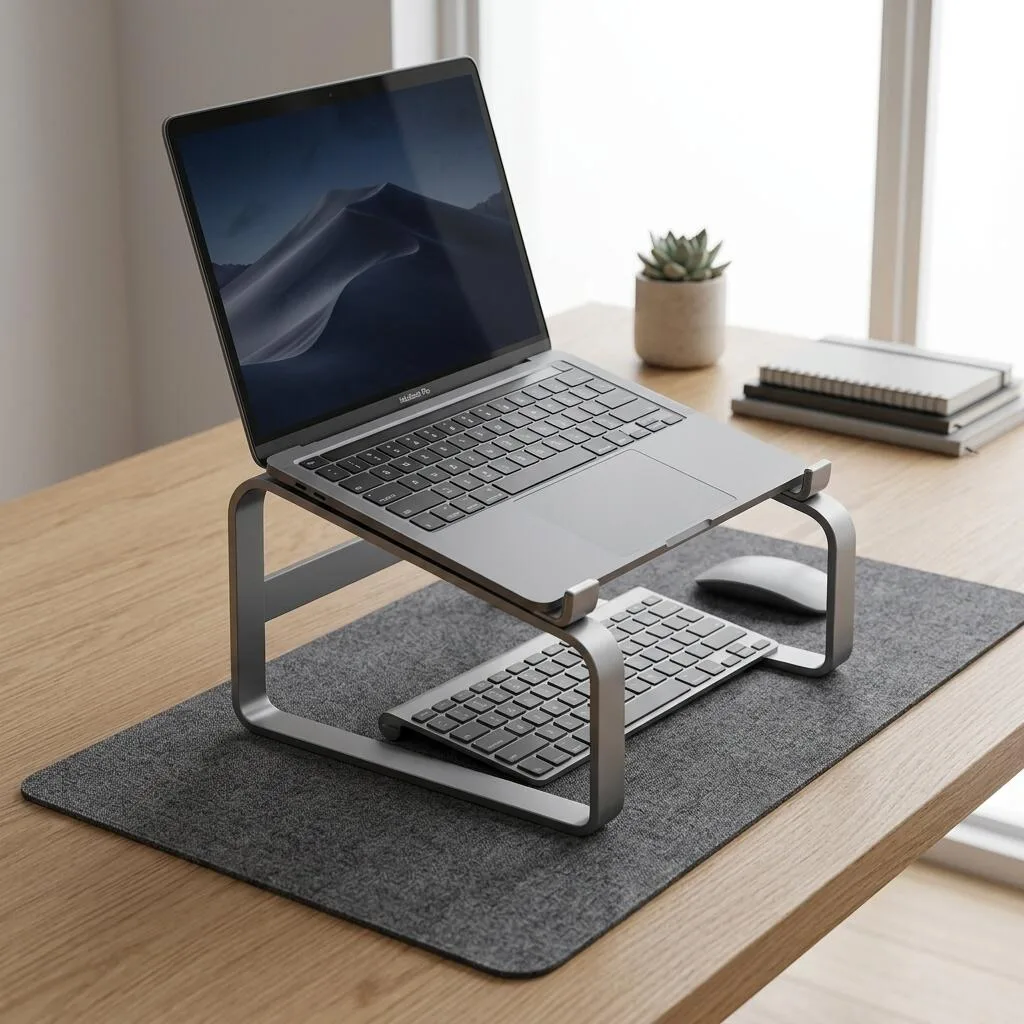
Crafted from rigid 4mm-thick aerospace-grade 6061-T6 aluminum alloy with an architectural sandblasted anodized silver finish, this riser provides wobble-free stability while opening 85 sq. in. of usable storage space beneath your laptop to tuck away external keyboards, trackpads, or notebooks.
Elevating a laptop display 6 inches to seated eye level reduces cervical spine flexion torque by over 70%, eliminating the primary root cause of laptop hunching and upper trapezius fatigue.
Engineering & Thermal Highlights
- Rigid 4mm Aerospace Aluminum Frame: Thick, solid plate construction eliminates wobble and screen bounce when typing or connecting peripherals.
- Passive Thermal Convective Cooling: Unlike flat desks that trap heat beneath battery and CPU zones, the open-air chassis allows ambient room air to circulate freely, lowering internal processor temperatures by up to 6°C to 9°C.
- 85 Sq. In. Reclaimed Storage Footprint: The cantilevered elevation creates a clean, open storage bay beneath your machine to stow away keyboards, docks, and notebooks when not in use.
- Comprehensive Device Protection: Curved front retention hooks and 4 dense silicone landing pads hold your laptop firmly without scratching anodized aluminum chassis edges.
Technical Specifications
| Specification | Detail / Measurement |
|---|---|
| Top Laptop Platform (W × D) | 260 × 220 mm (10.2″ × 8.7″) |
| Base Footprint (W × D) | 240 × 210 mm (9.45″ × 8.27″) |
| Front Lip Retention Height | 15 mm (0.59″) with curved silicone cushion |
| Screen Elevation Height | 150 mm (6.0 inches) vertical lift to rear display edge |
| Fixed Incline Angle | 15° ergonomic incline for optimal keyboard and screen sightlines |
| Maximum Weight Capacity | Supports up to 11.0 lbs (5.0 kg) |
| Material Construction | 4mm Heavy-Duty CNC 6061-T6 Aluminum Alloy |
| Surface Finish | Micro-Sandblasted Anodized Matte Silver (Scratch-Resistant) |
| Device Compatibility | 10″ to 17.3″ Laptops (MacBook Air/Pro, Dell XPS, ThinkPad, HP, Asus) |
Ergonomic Workflow Recommendations
- Position at Distance: Place the stand so your laptop display sits approximately 20 to 28 inches from your eyes.
- Pair with External Peripherals: Use a separate external keyboard and mouse on your desk surface so your arms remain in an optimal 90° neutral elbow angle.
- Store Peripherals Underneath: Slide your keyboard beneath the stand at the end of the day to keep your workspace clear and tidy.
Frequently Asked Questions (FAQ)
Will this stand wobble when typing on the laptop keyboard?
The 4mm-thick aluminum frame is engineered for high torsional rigidity. While you can type directly on the laptop keyboard, ergonomists strongly recommend pairing an elevated stand with an external keyboard and mouse to prevent wrist strain.
What color is the stand finish?
The stand features a micro-sandblasted anodized matte silver finish that precisely complements Apple MacBook silver and light aluminum PC hardware.
Recommended Ecosystem Pairings
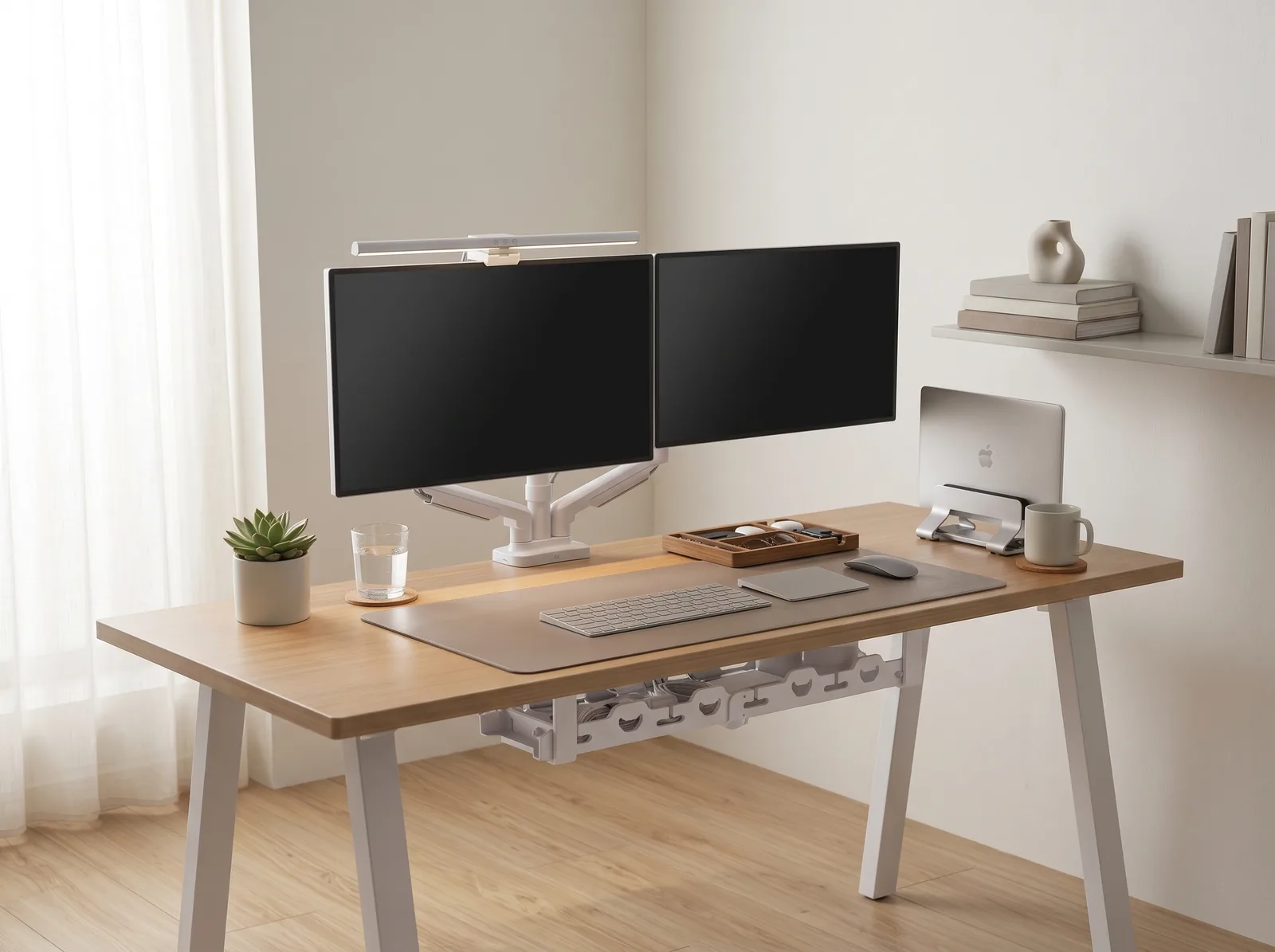
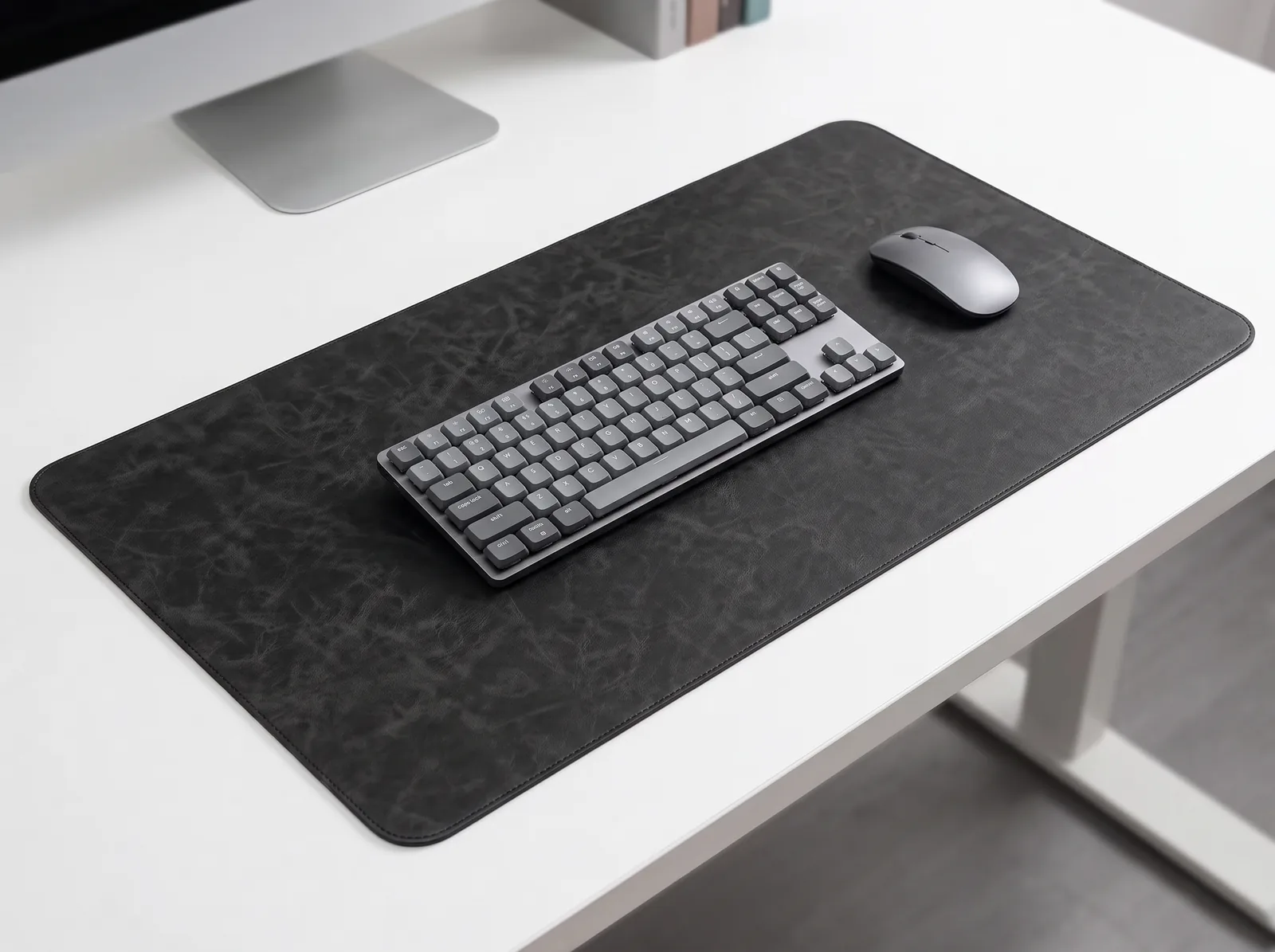
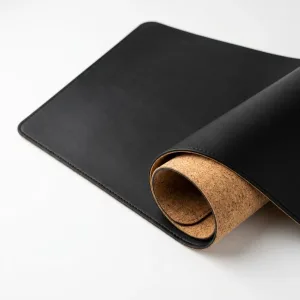
- Tactile Desk Mat: Premium PU Leather Desk Mat
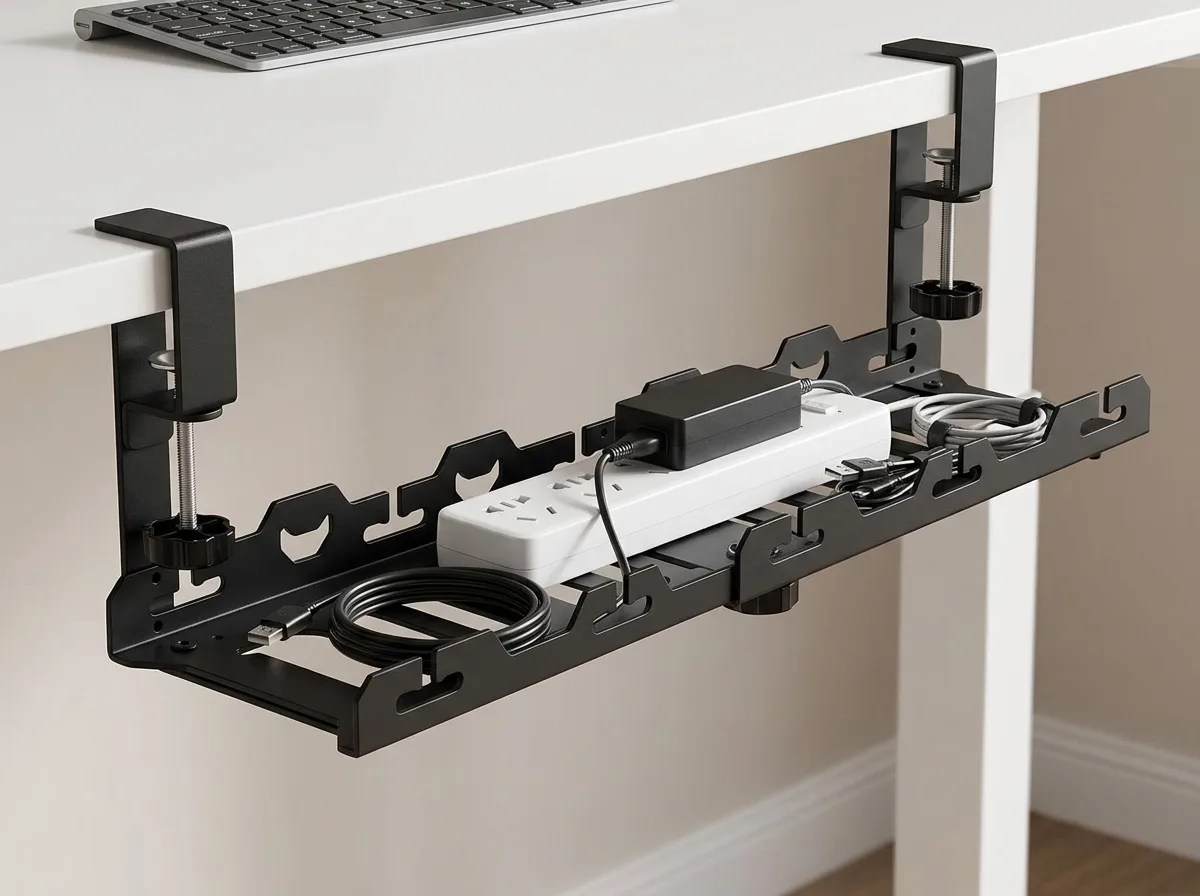
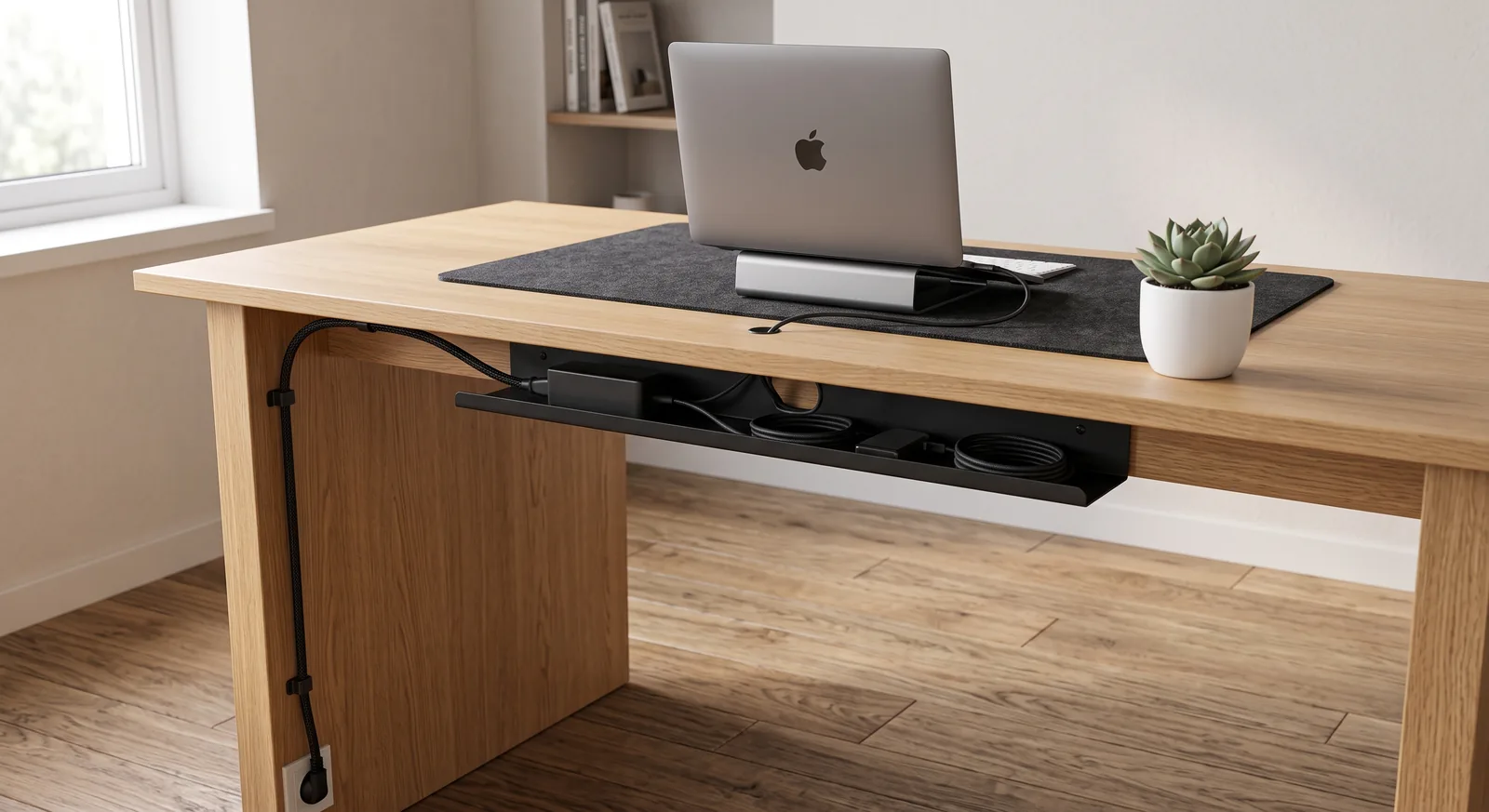
- Cable Control: Under-Desk Cable Management Tray
- Spatial Architecture: Minimalist Desk Architecture & Modular Kits
Dubois (verified owner) –
Just what I needed. Adding this aluminum laptop stand to my desk made a huge difference. The quality of the aerospace aluminum and passive cooling design is immediately apparent. Worth every penny.
James (verified owner) –
I usually think these things are overpriced, but this aluminum laptop stand proved me wrong. The aerospace aluminum and passive cooling design made it worth it. Would buy again.
M. Thorne (verified owner) –
Just what I needed. Adding this aluminum laptop stand to my desk made a huge difference. The quality of the aerospace aluminum and passive cooling design is immediately apparent. Worth every penny.
Expert (verified owner) –
Exactly what I needed. aluminum laptop stand works flawlessly. Highly recommend.
King (verified owner) –
To be fair, Exactly what I needed. aluminum laptop stand works flawlessly. 5/5 stars.