










Product Details
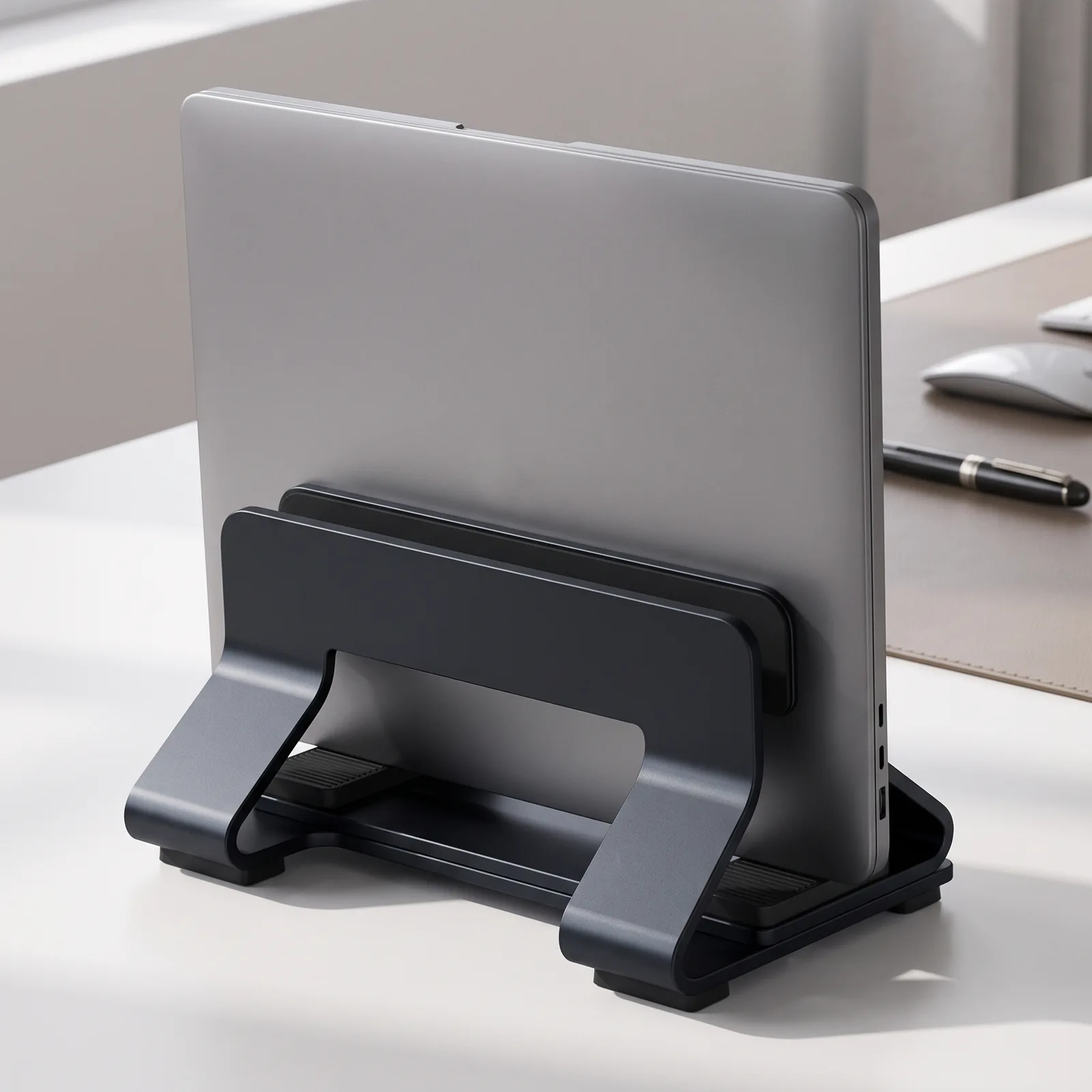
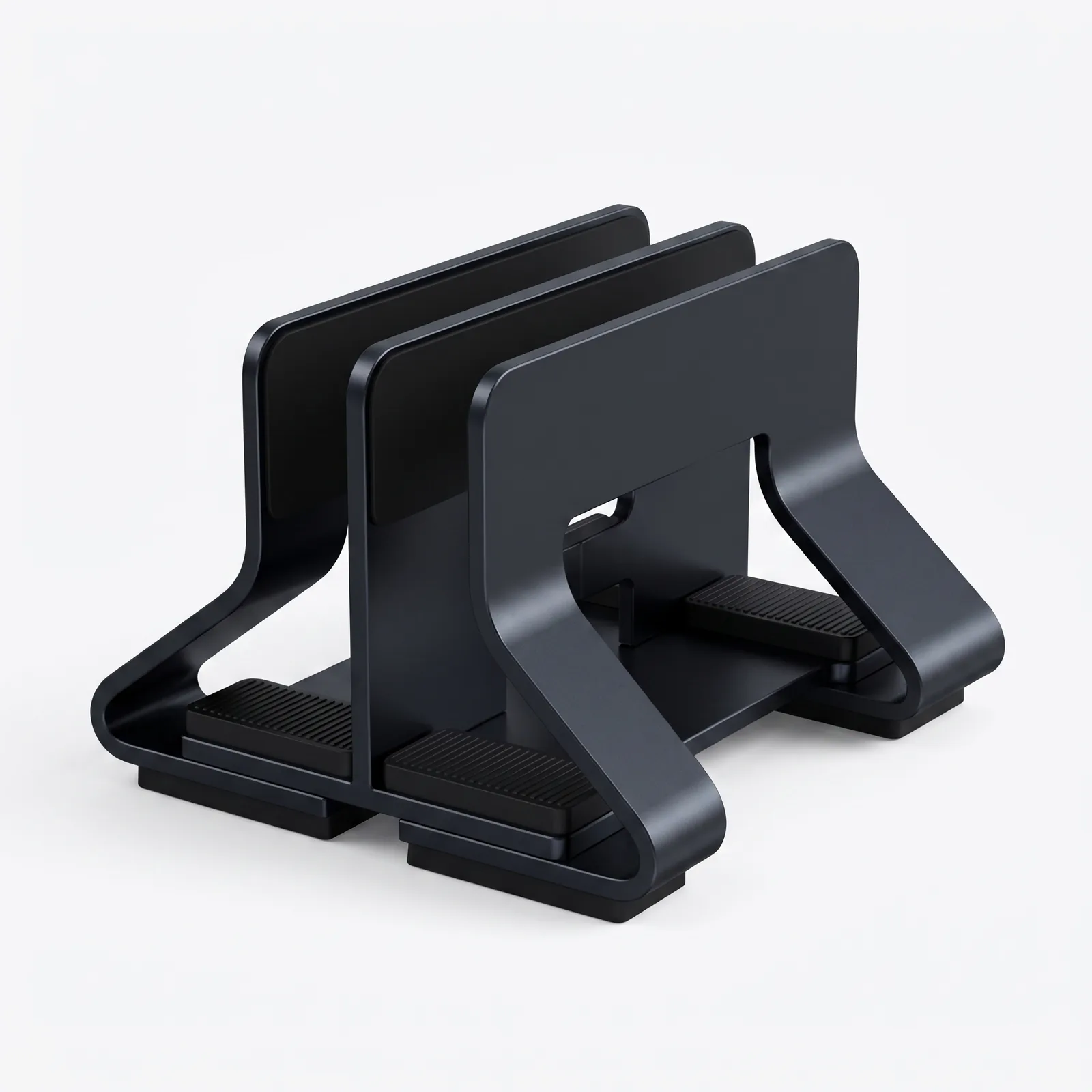
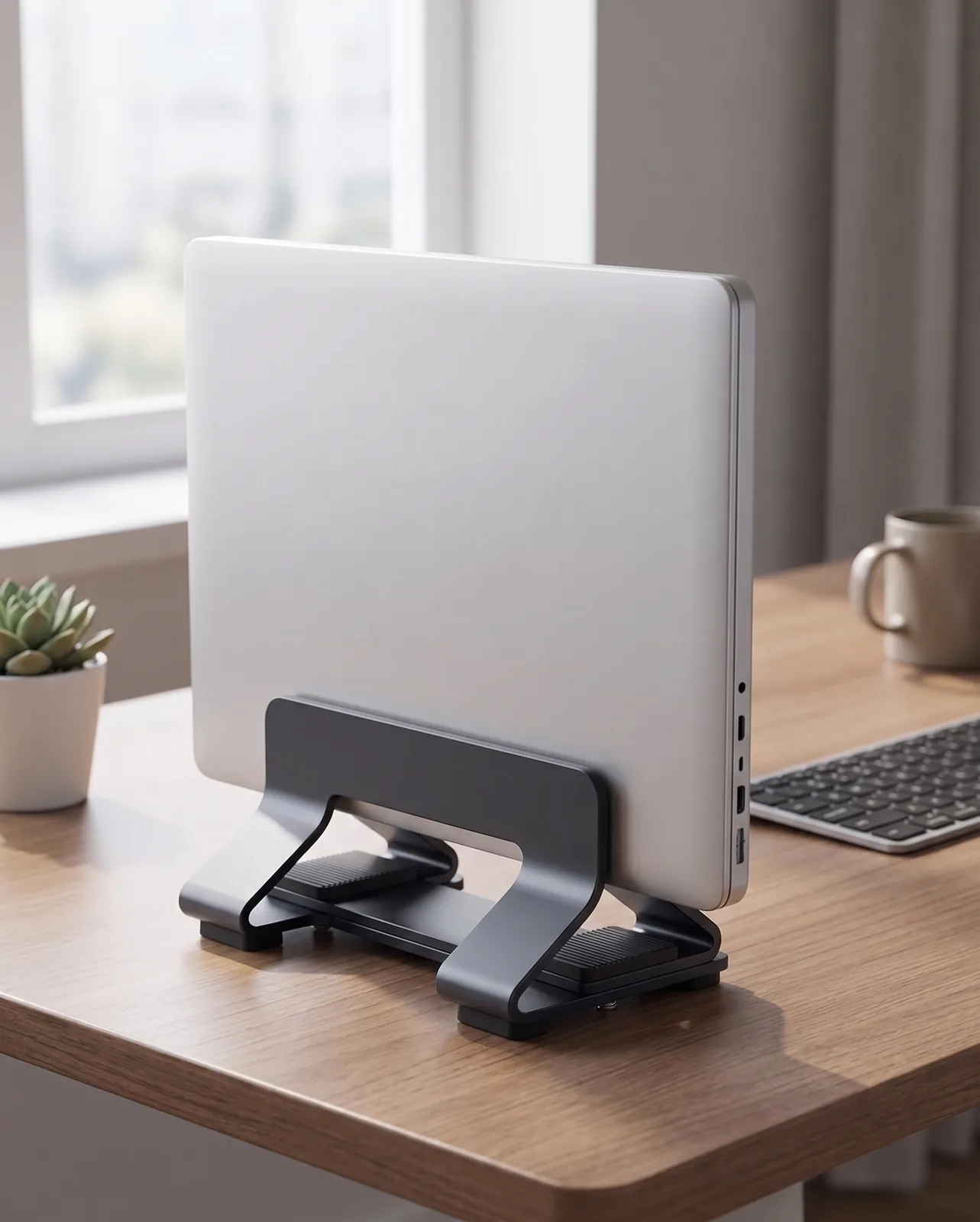
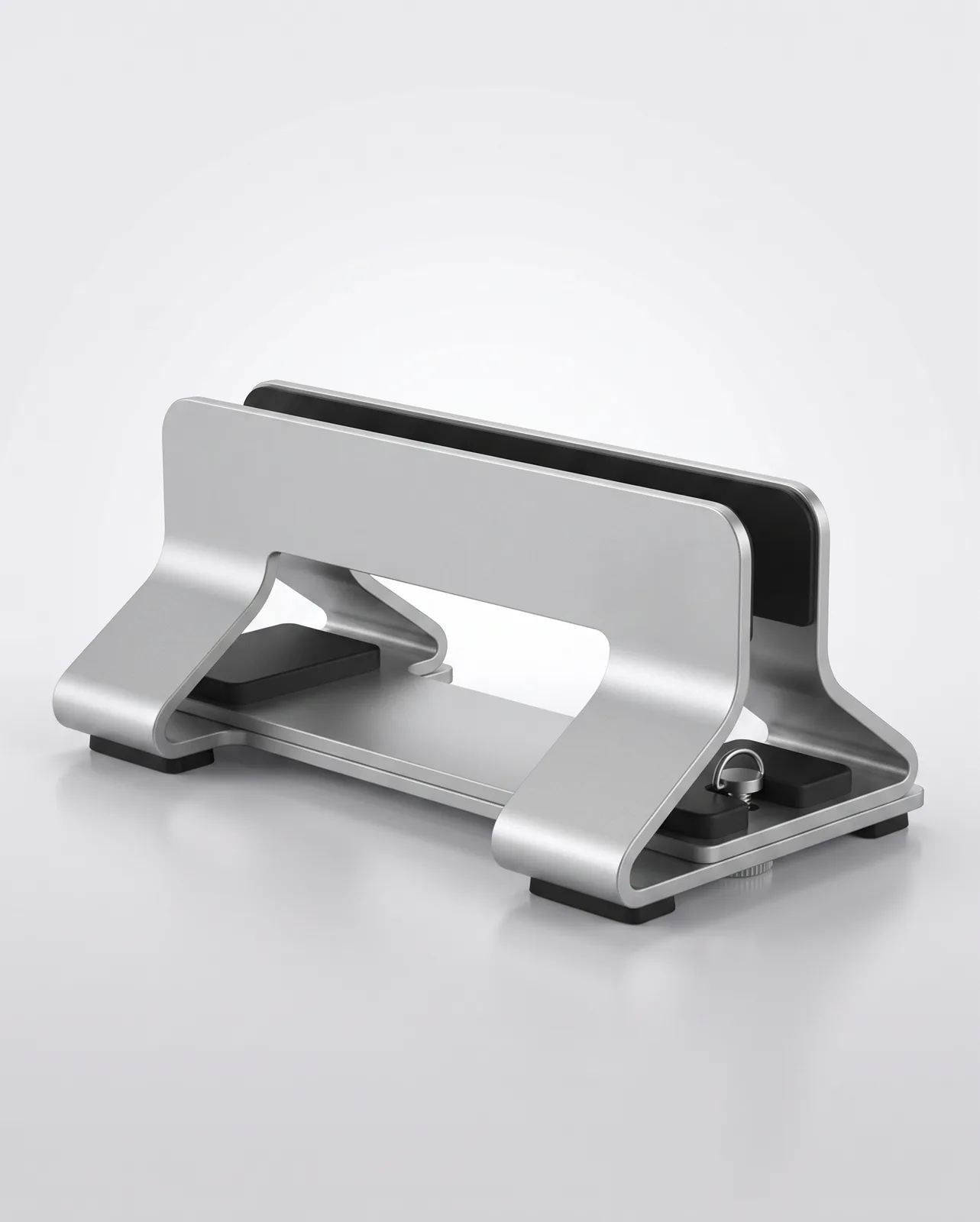
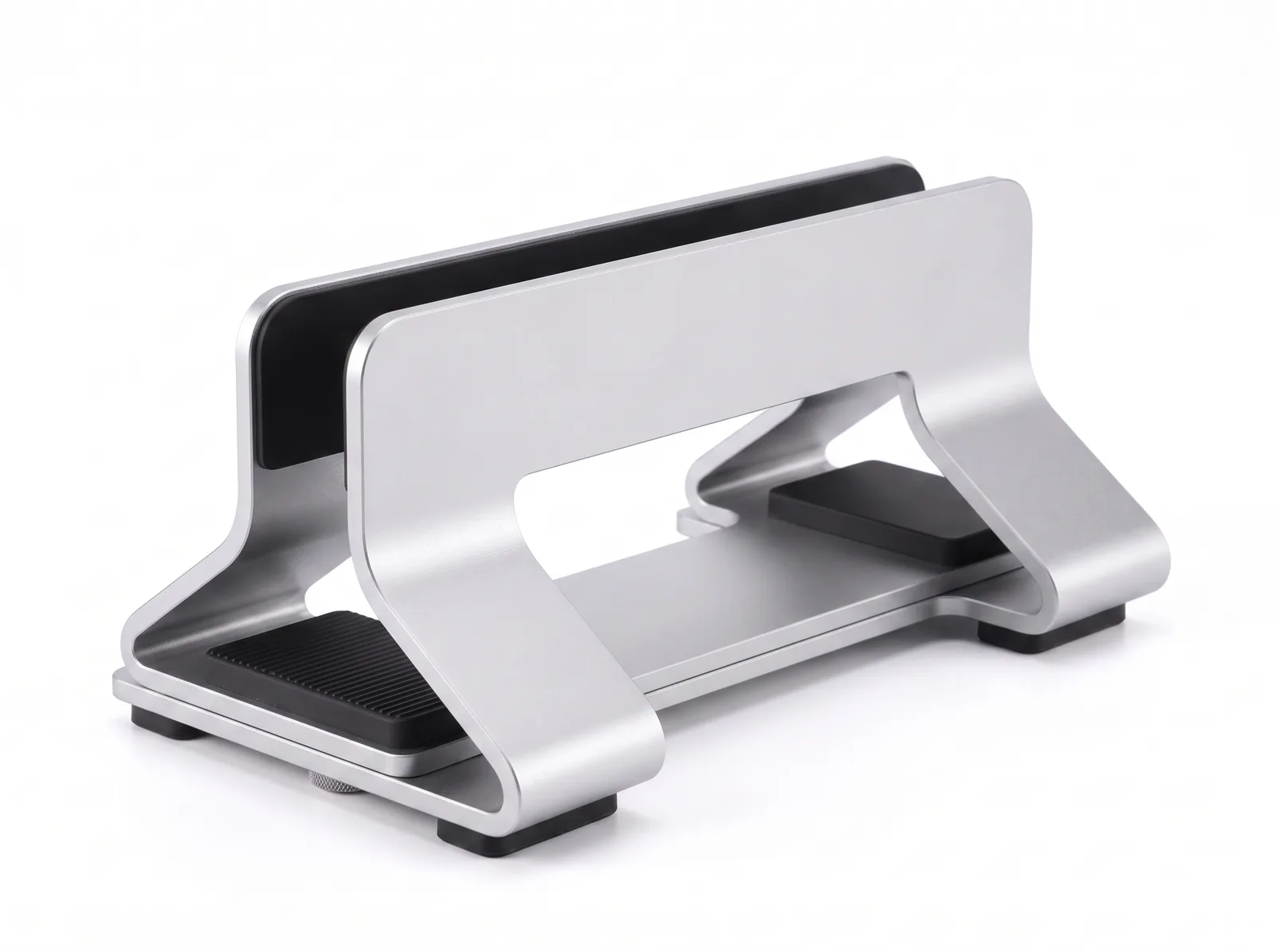
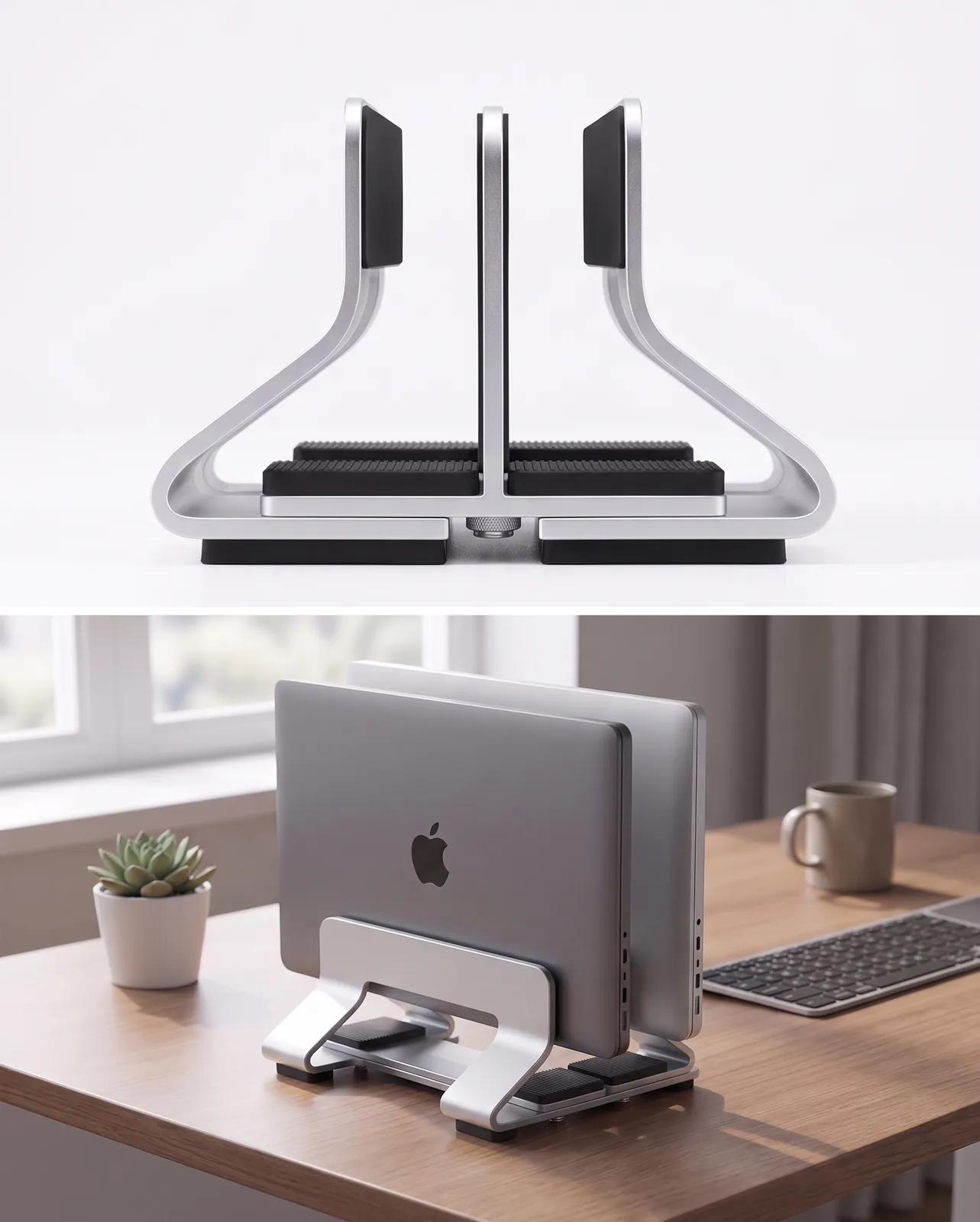
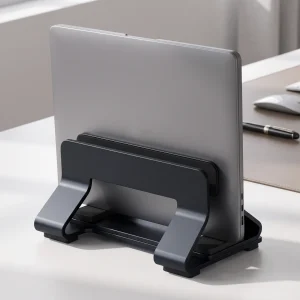
Reclaim up to 80% of your desk space by storing your laptop in an upright, closed clamshell docking position. Precision CNC-machined from sandblasted 6061-T6 aircraft-grade aluminum, the TidySetup Adjustable Vertical Laptop Stand features a stepless underside thumb dial that accommodates laptops from 9mm to 41mm thick without tools, while enhancing 360° convective thermal cooling.
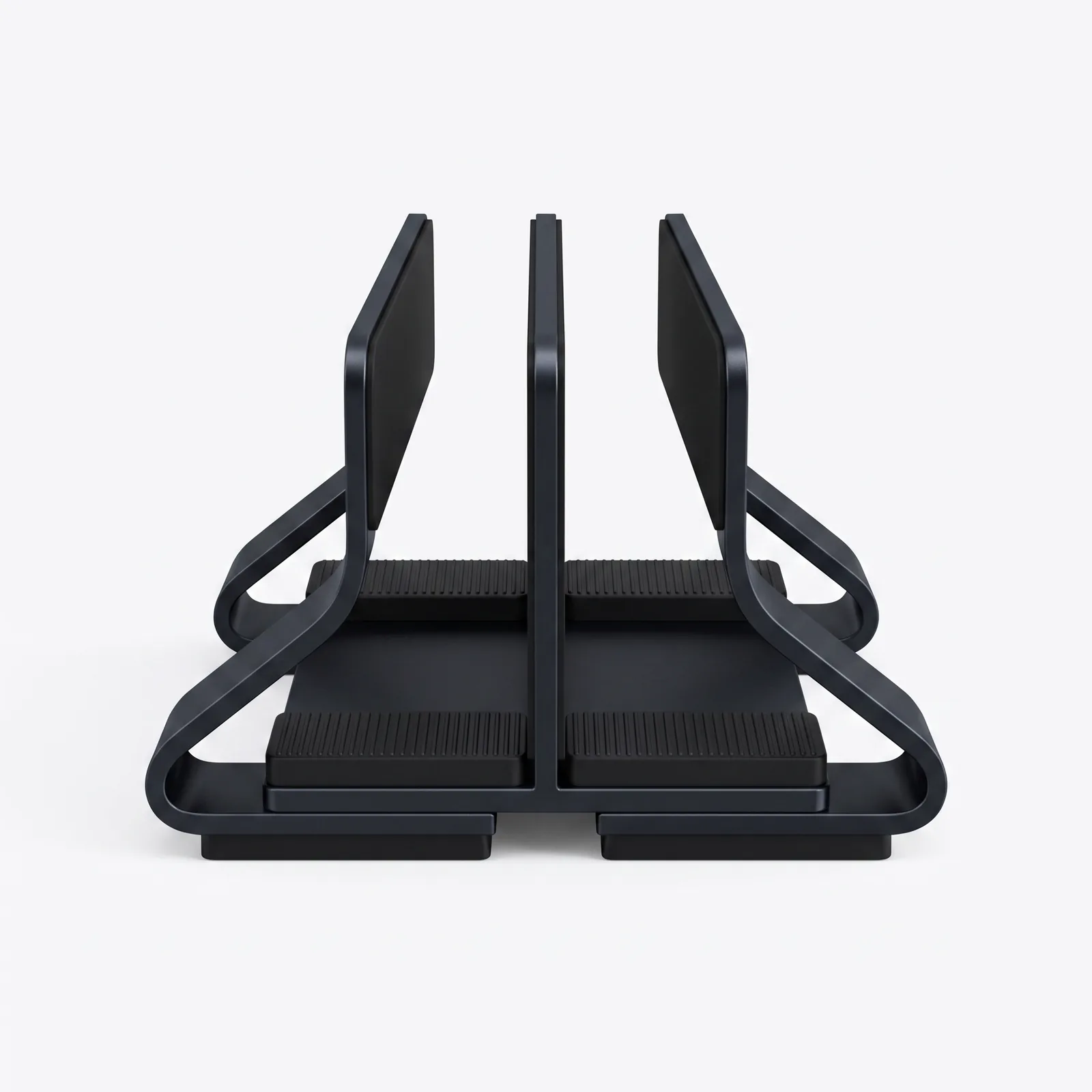
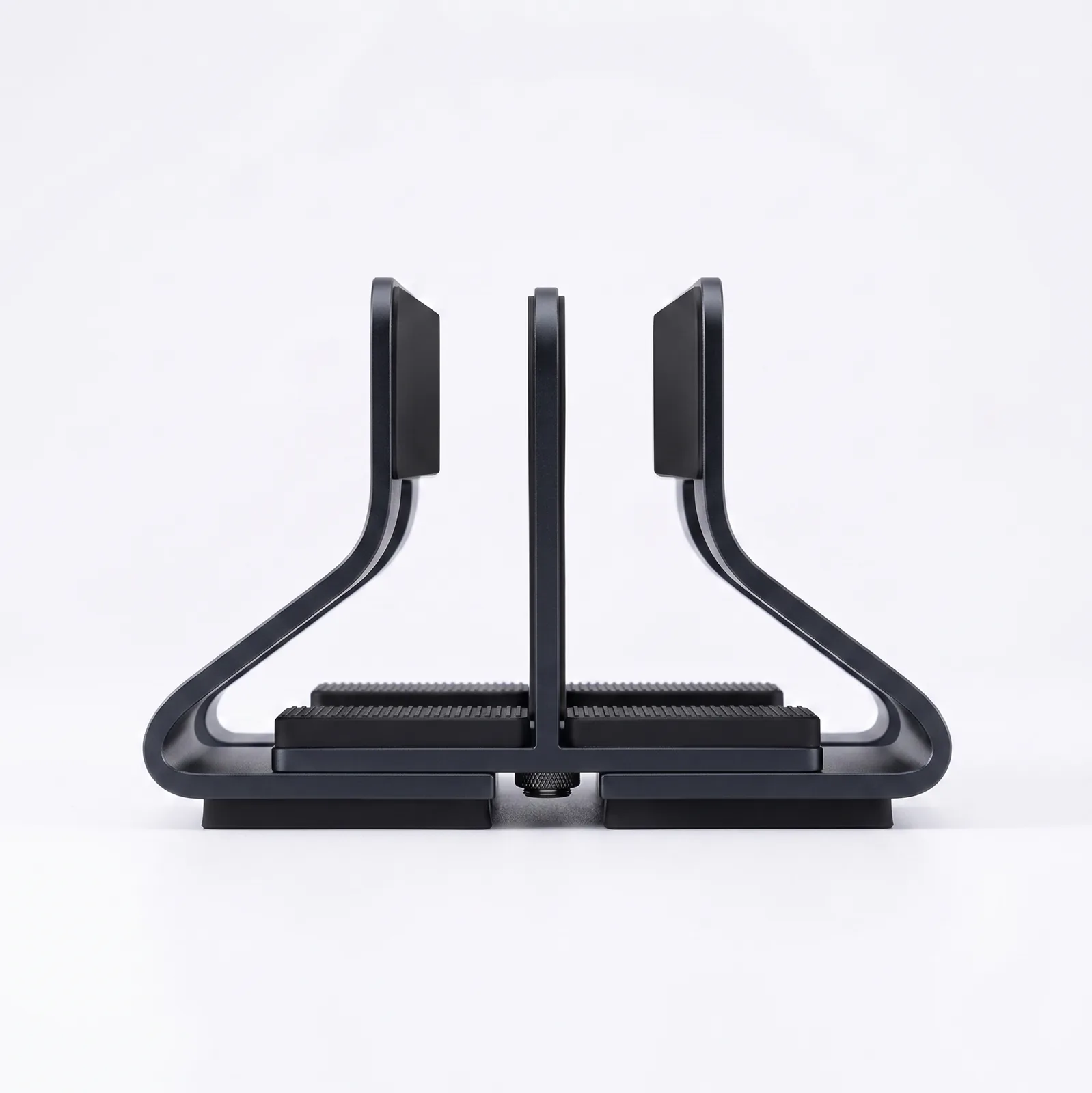
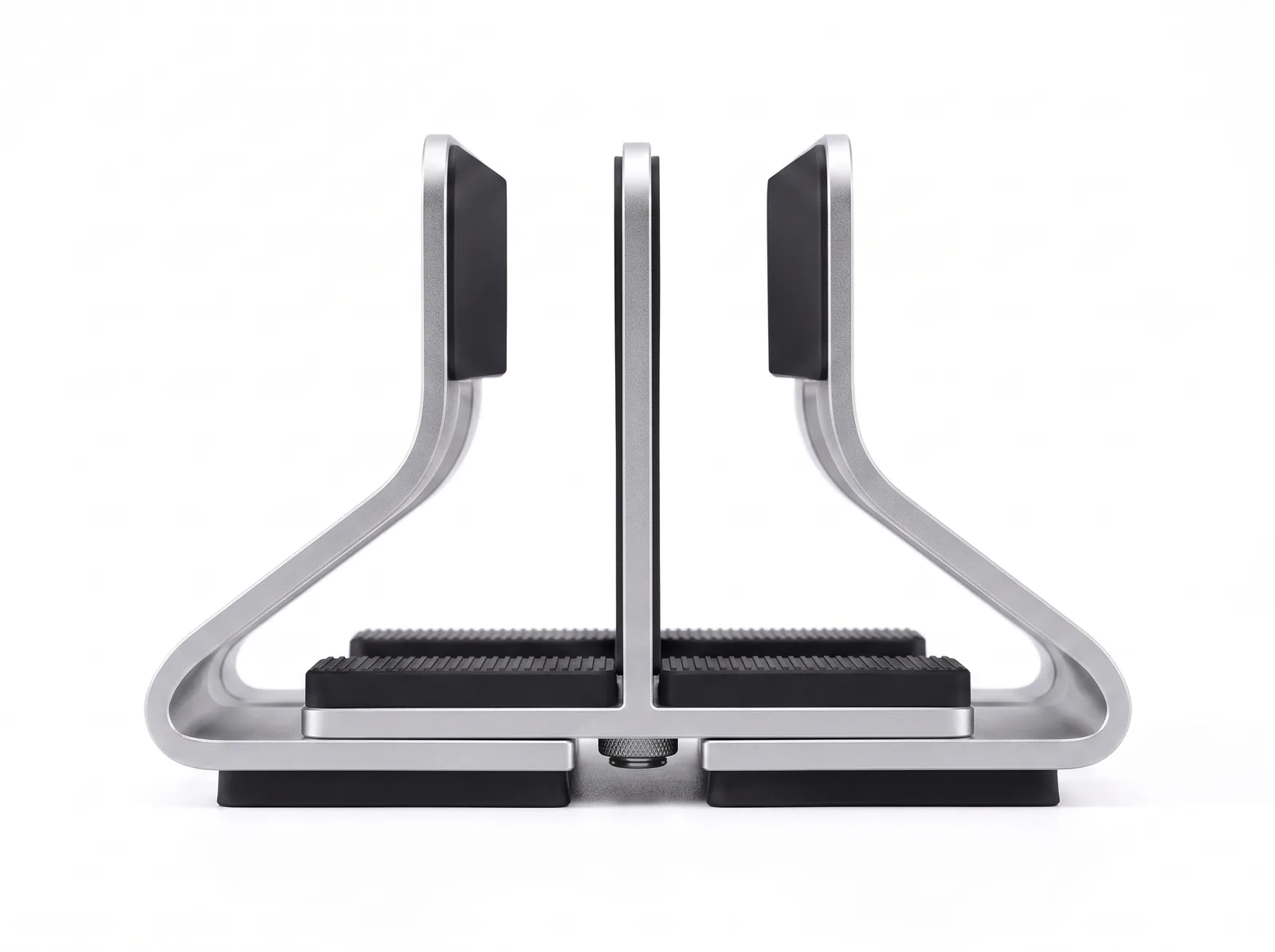
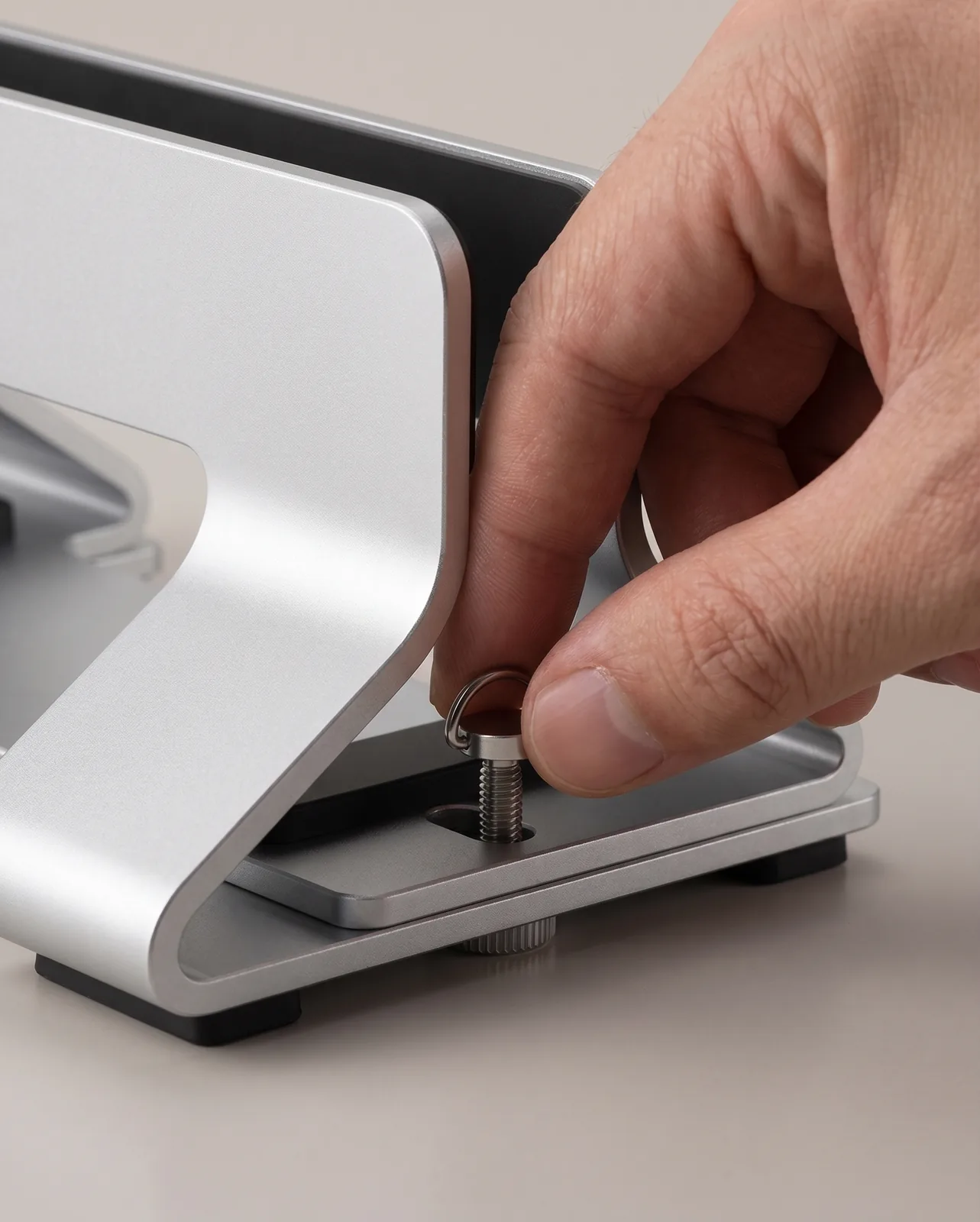
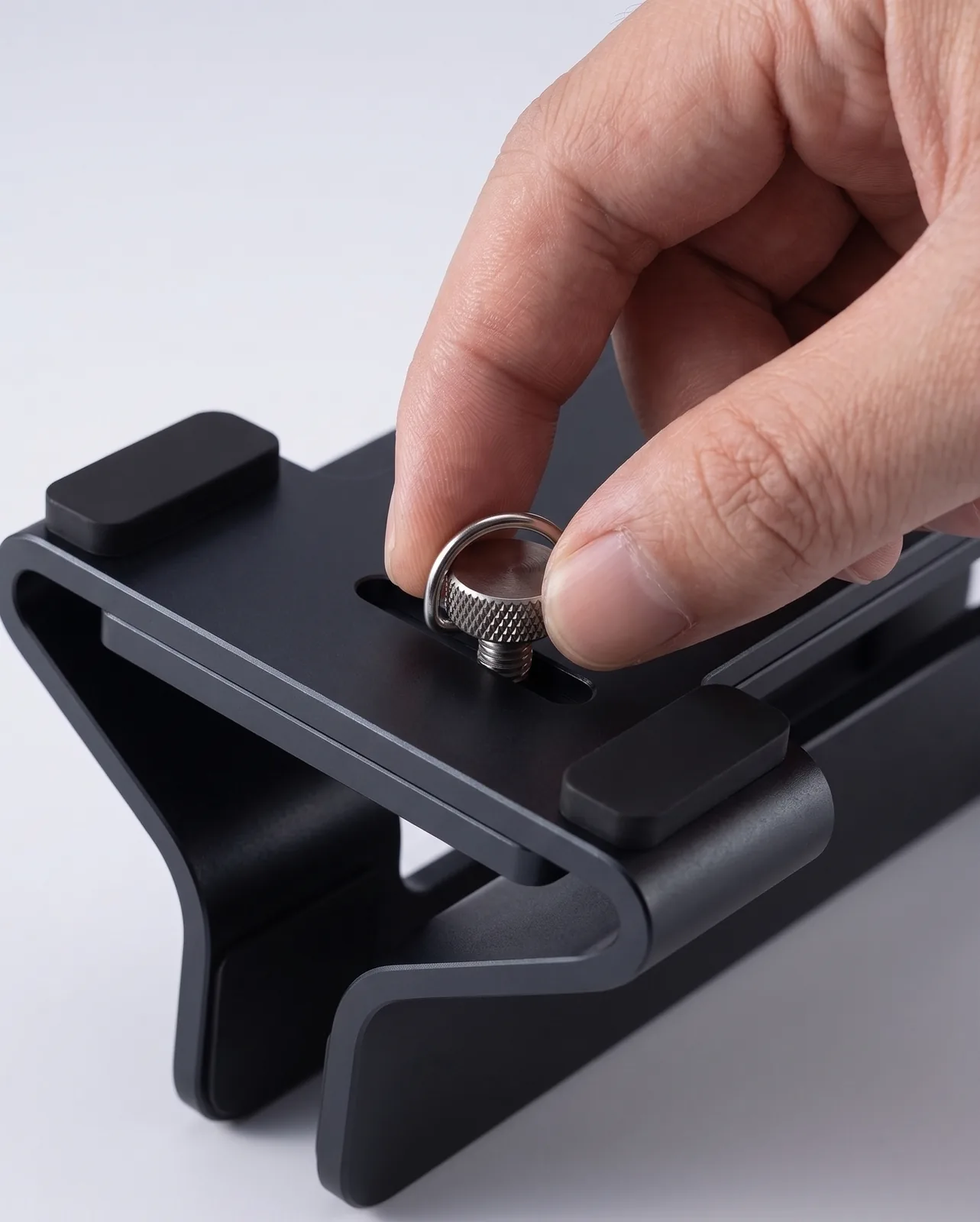
- Tool-Free Stepless Adjustment: Precision thumb dial adjusts slot width from 0.35" to 1.61" (9–41mm) to fit any MacBook, ThinkPad, Dell XPS, or gaming laptop.
- 360° Natural Convective Airflow: Elevating your laptop vertically exposes both top and bottom aluminum panels to ambient air, preventing thermal throttling.
- Solid Weighted Stability: Broad aluminum base with non-slip silicone feet prevents tipping, even when docking heavy 16-inch mobile workstations.
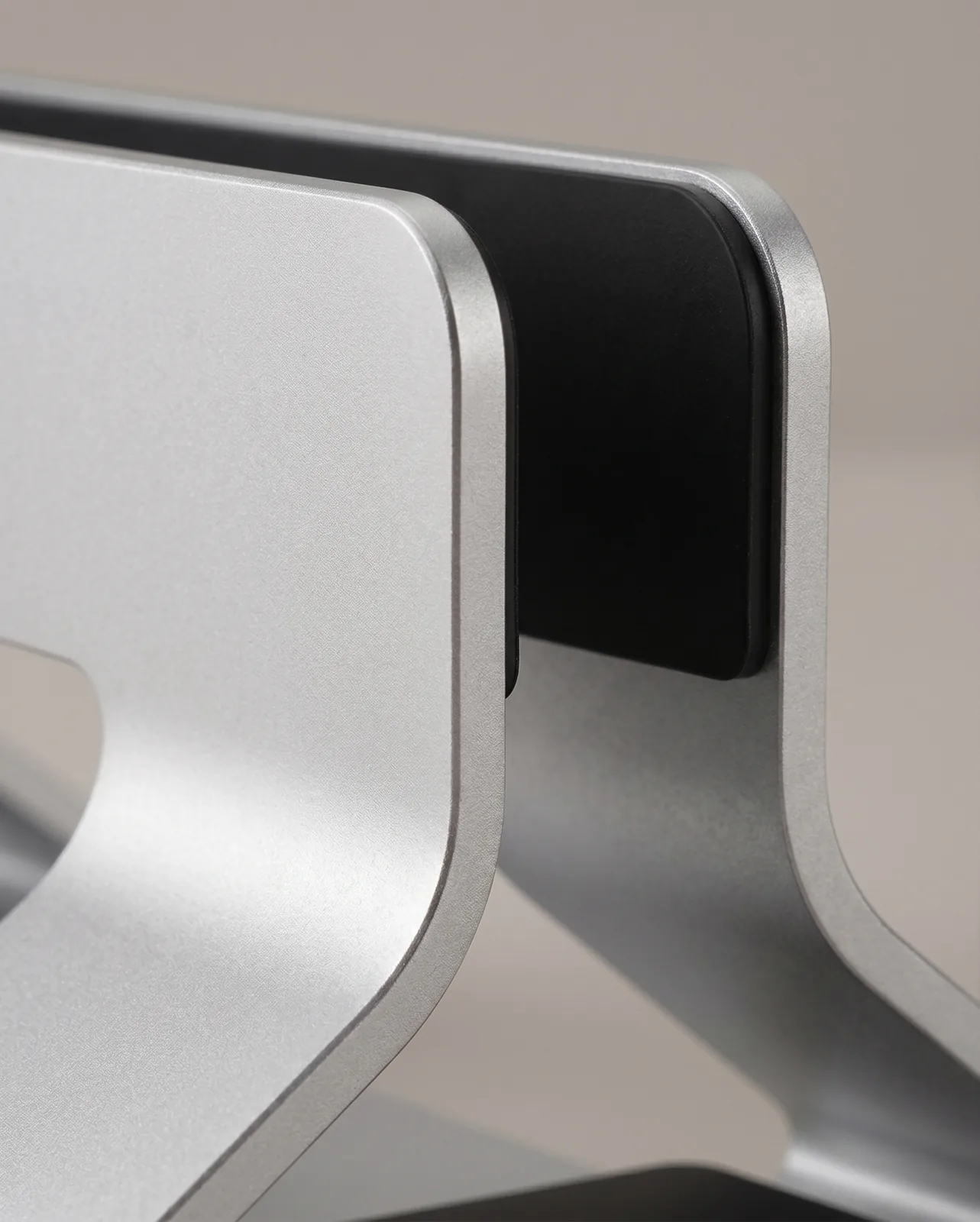
- Scratch-Free Device Protection: High-grade silicone padding cushions every inner contact face and bottom groove to prevent scuffs.
The Ultimate Space-Saving Desktop Docking Solution
Resting a laptop flat on a desk consumes 140 to 180 square inches of prime desktop real estate. When connected to an external monitor, an open or flat laptop creates visual clutter, restricts mouse movement, and obstructs natural cooling vents.
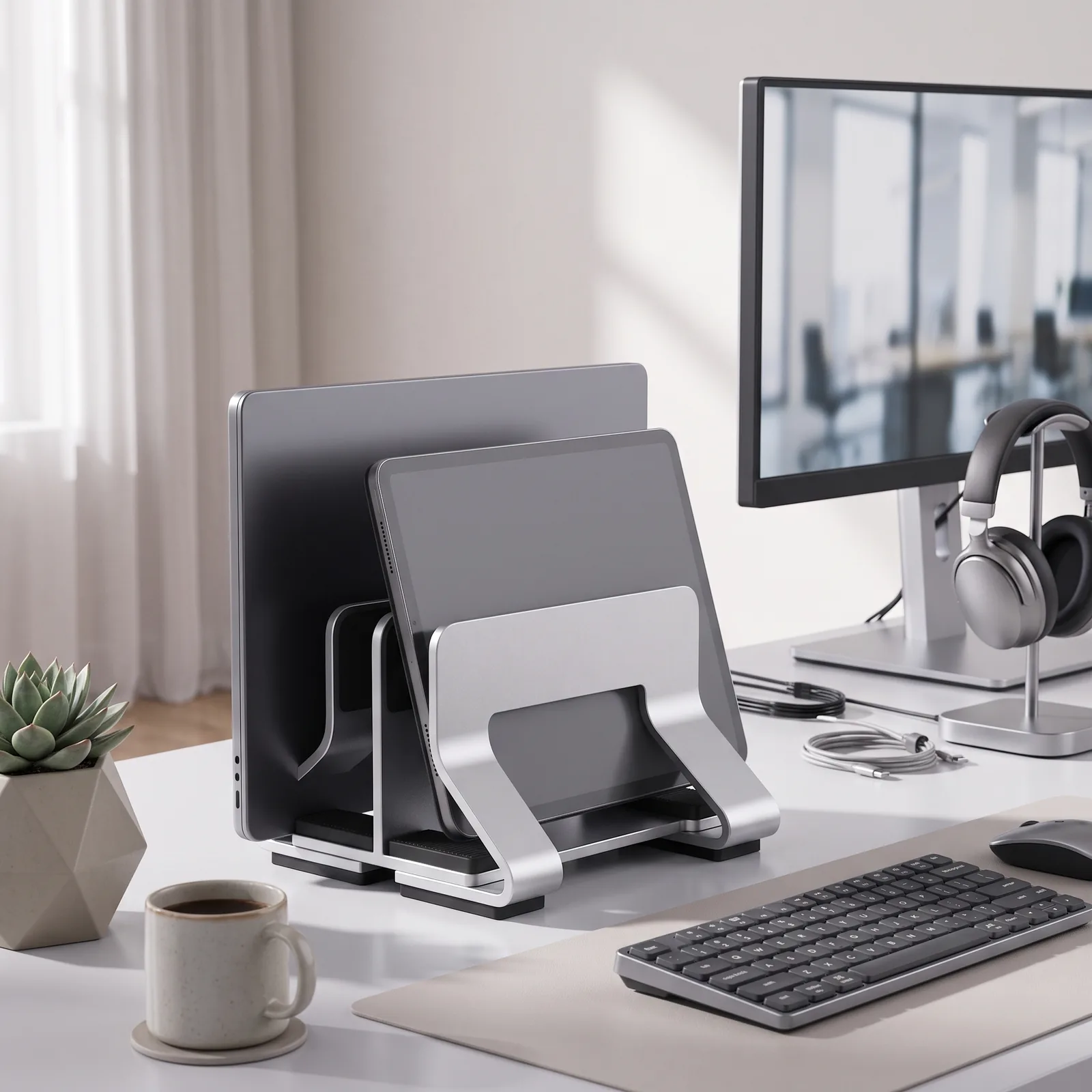
The TidySetup Adjustable Aluminum Vertical Laptop Stand reclaims that space by holding your laptop upright in a sleek, architectural cradle. Designed for modern clamshell workflows, this stand reduces your laptop’s physical footprint from 140 sq. in. down to just 18 sq. in.—an immediate 87% spatial recovery.
An ergonomic vertical laptop stand docks laptops in a closed vertical orientation, reducing machine surface footprint by up to 87% while exposing aluminum chassis panels to ambient room convection for improved thermal dissipation.
Performance & Engineering Highlights
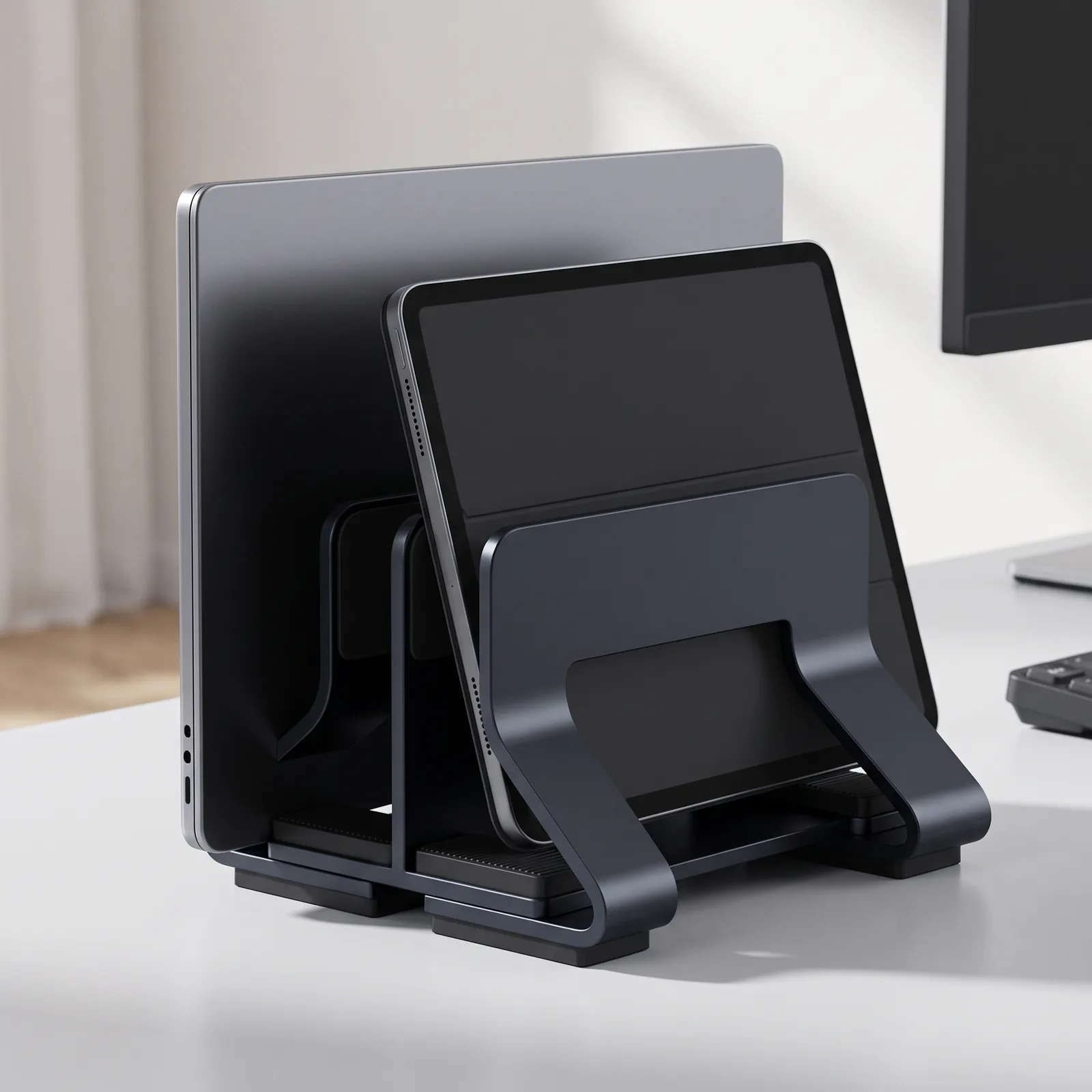
- Universal Device Compatibility (9–41mm): The underside mechanical adjustment dial allows stepless width tuning. Unlike fixed-slot stands that require Allen wrenches or become obsolete when you upgrade machines, the TidySetup stand adapts instantly to ultra-thin MacBooks, thick business laptops, iPads, and mechanical keyboards.
- Enhanced Thermal Dissipation: Operating high-performance laptops flat on wooden desks traps heat beneath the chassis. Docking vertically allows hot exhaust air to rise naturally via convection, keeping CPU/GPU temperatures up to 8°C cooler during intensive compiling, rendering, and data processing.
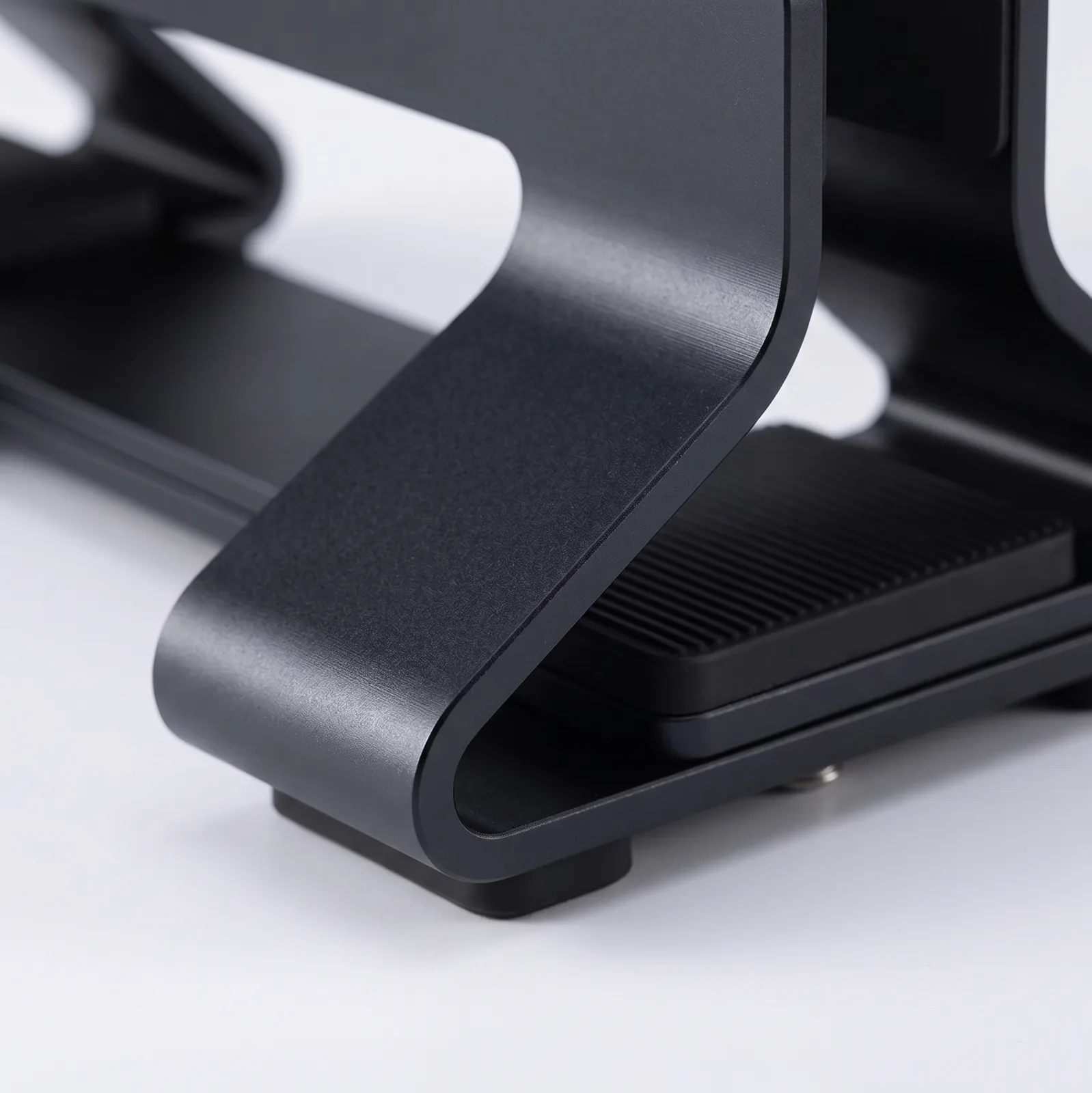
- Premium 6061-T6 Aluminum Build: Machined from solid aerospace-grade aluminum alloy, treated with a sandblasted anodized finish that matches modern MacBook and PC hardware aesthetics.
- Non-Slip, Anti-Tip Weighted Base: Engineered with a low center of gravity and high-friction silicone base pads, ensuring your device remains rock-solid without wobbling.
Technical Specifications & Sizing Matrix
| Specification | Single-Slot Edition (1-Slot) | Dual-Slot Edition (2-Slot) |
|---|---|---|
| Dimensions (L × W × H) | 148 × 92–109 × 60 mm | 148 × 96–132 × 57 mm |
| Unit Weight | 218 g (0.48 lbs) | 356 g (0.78 lbs) |
| Adjustable Slot Range | 9 mm – 41 mm (0.35″ – 1.61″) | 12 mm – 30 mm per slot (0.47″ – 1.18″) |
| Material Construction | CNC 6061-T6 Aluminum Alloy + Silicone | CNC 6061-T6 Aluminum Alloy + Silicone |
| Device Capacity | 1 Laptop or 1 Tablet | 2 Devices (e.g., Laptop + iPad or Keyboard) |
| Surface Finish | Anodized Sandblasted Silver / Space Grey | Anodized Sandblasted Silver / Space Grey |
Setup & Workflow Recommendations
- Position in the Secondary Desk Zone: Place the vertical stand at the 14-to-18-inch rear corner perimeter of your desk, next to your monitor arm mount.
- Calibrate Slot Width: Turn the underside thumb dial until the slot matches your device thickness, leaving a 1mm buffer for smooth one-handed insertion.
- Connect Single-Cable Docking: Run a single braided Thunderbolt 4 or USB-C cable from your under-desk tray to the laptop for simultaneous display output, charging, and data transfer.
Frequently Asked Questions (FAQ)
Is it safe to run my MacBook or PC laptop in closed clamshell mode?
Yes. Modern macOS and Windows laptops are specifically engineered to run in closed-display clamshell mode when connected to an external monitor and power source. The vertical orientation actually improves cooling by exposing the chassis to open air.
Will this stand scratch my laptop’s aluminum finish?
No. All interior contact surfaces, side walls, and bottom landing grooves are fully lined with high-grade, non-abrasive silicone pads.
Can it hold heavy 16-inch or 17-inch gaming laptops?
Yes. The low-profile weighted base and wide footing provide exceptional stability, easily supporting laptops weighing up to 7.5 lbs without tipping.
Recommended Ecosystem Pairings
- Single Screen Elevation: Full-Motion Single Monitor Arm
- Surface Base: Premium PU Leather Desk Mat
- Small Space Guide: How to Maximize Small Desk Space
Matteo Hill (verified owner) –
Fantastic vertical stand! The tool-free dial adjustment is brilliant and holds my Framework 13 Modular Laptop rock-solid on my custom acacia live-edge standing desk. The weighted aluminum base means zero tipping risk. Highly recommended!
David Mendoza (verified owner) –
Great quality and looks sleek on my IKEA Karlby oak countertop with Alex drawers.
Yuto Parker (verified owner) –
I use this daily on my FlexiSpot E7 solid maple desk to hold my Framework 13 Modular Laptop and it works flawlessly. The slot width adjusts smoothly from 9mm up to 41mm, easily accommodating thick cases. The underside thumb dial is genius—you can adjust the slot width in seconds without any hex keys. Highly recommended for any clean desktop.
Aoi Graham (verified owner) –
I use this daily on my 48-inch compact walnut sit-stand desk to hold my Framework 13 Modular Laptop and it works flawlessly. The weighted base ensures heavy 16″ laptops remain completely upright with zero wobble. Vertical airflow keeps my laptop running noticeably cooler during intensive workloads. Highly recommended for any clean desktop.
Julian Thorne (verified owner) –
The **Adjustable Aluminum Vertical Laptop Stand (DNO58)** is a masterpiece of precision CNC machining. I use a closed-clamshell docked setup connecting my MacBook Pro and an iPad Pro to external 4K monitors, and this stand solved my desktop space problem instantly.
### **Tool-Free Precision Adjustment Mechanism**
Unlike cheap vertical stands that require an Allen wrench and constant guessing to fit your laptop thickness, this stand features an underside thumb-dial adjustment. You simply turn the knurled dial to slide the slot width smoothly from 9mm to 41mm. It locks securely in place with zero wobble, whether holding a slim MacBook Air or a thick gaming workstation.
### **Protective Silicone & Thermal Cooling**
The inner slots, sidewalls, and base are fully lined with high-grade, non-scratch silicone padding. My laptop slides in smoothly with zero risk of scratching the anodized aluminum chassis. Because the laptop is held vertically, heat vents remain completely unblocked, resulting in noticeably cooler fan speeds during heavy compiles.
**Pros:**
– Heavy solid 6061 aluminum alloy base with anti-tip weighted balance
– Tool-free underside dial adjustment fits devices from 0.35″ to 1.61″ thick
– Complete 360° silicone scratch protection
– Saves massive desk real estate in clamshell docking mode
**Cons:**
– Slightly heavier than plastic stands (which is actually a benefit for stability!)
Highly recommended for anyone looking for a sleek, rock-solid vertical laptop dock.