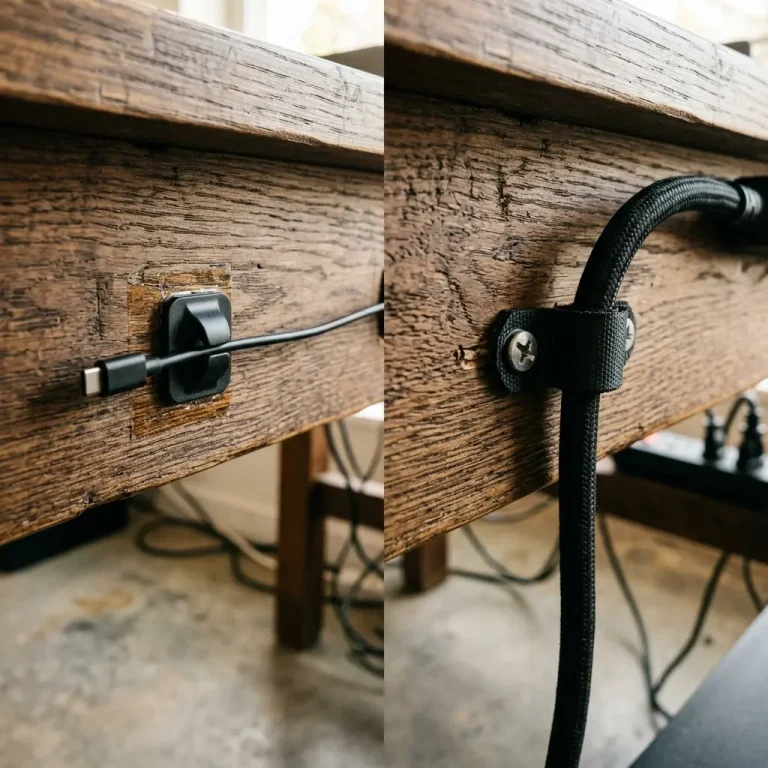
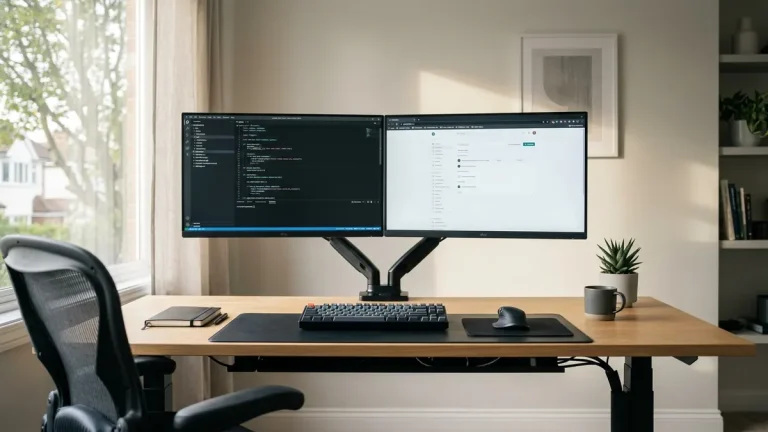
Effective cable management is not just about hiding cables—it is about organising them so that future changes to your setup (adding a new monitor, swapping a keyboard, upgrading a computer) are simple and non-destructive. This is where the cable clips vs cable ties debate becomes critical.
Part of TidySetup’s comprehensive resource series: explore our master Desk Cable Architecture Blueprint for complete workstation benchmarks.
Cable clips and cable ties are the two most fundamental tools in any desk management toolkit. They solve the same surface-level problem (cables flopping around your desk), but they do so with completely different permanence and flexibility philosophies. Using the wrong one in the wrong situation will either leave your desk looking chaotic or force you to destroy your cable management every time you make a change.
Cable Clips: Individual Cable Routing
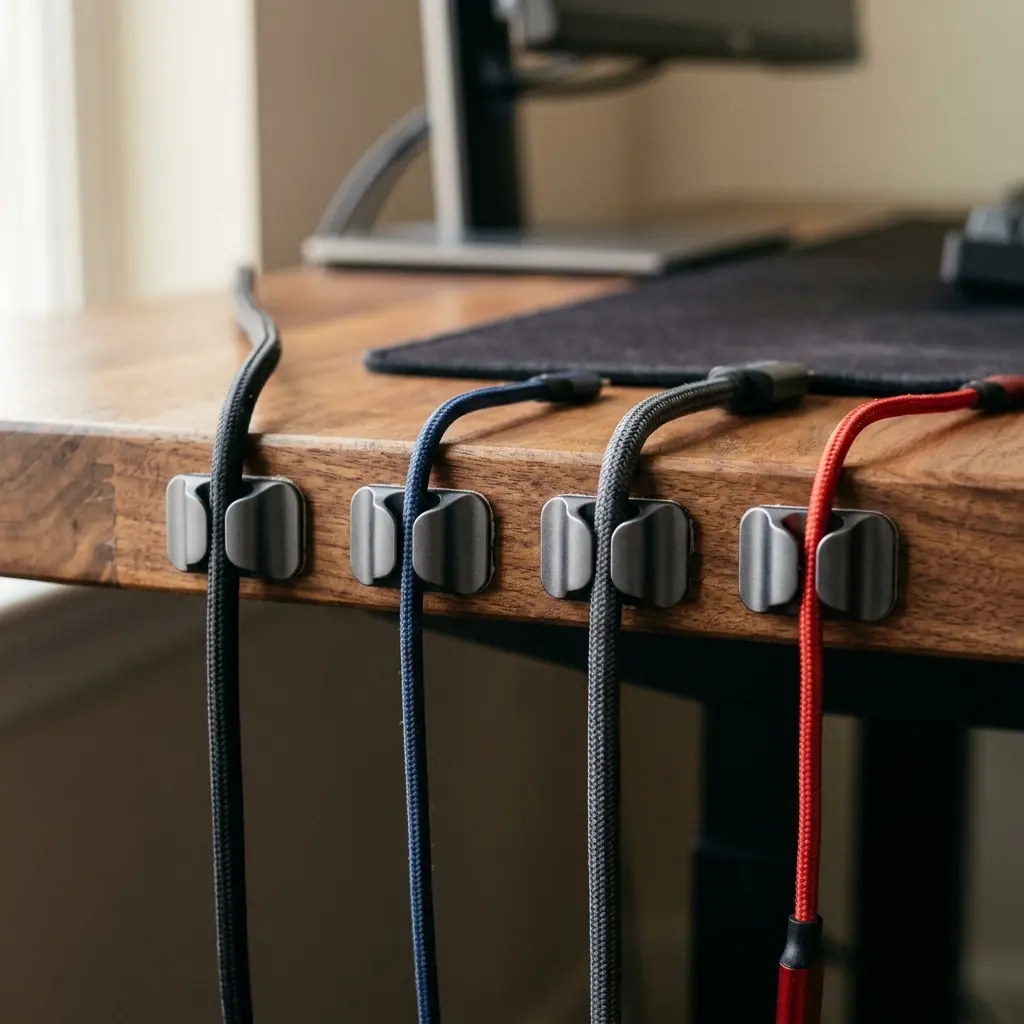
Cable clips are small, self-adhesive plastic hooks that attach to the edge or underside of your desk. Each clip holds one cable. The cable snaps in and can be removed and re-routed at any time without cutting or unwrapping anything.
Pros of Cable Clips
- Individual Cable Accessibility — The defining advantage. Because each clip holds only one cable, you can remove a single cable from the route without disturbing any of the others. When you upgrade your monitor, you simply unclip the display cable and re-route the new one in its place.
- Clean Aesthetics for Visible Runs — Along the visible back edge of a desk, neatly spaced cable clips create a clean, intentional look. Multiple cables running parallel and clipped at equal intervals look premium and deliberate.
- Reversible Adhesive — High-quality cable clips use 3M adhesive that holds firmly but can be removed cleanly without leaving residue or damaging the desk finish.
Cons of Cable Clips
- Limited Load Capacity — A single cable clip cannot hold a thick, heavy cable. Heavier cables (like chunky power bricks or thick HDMI cables) will pull free of the clip’s small jaw over time.
- Individual Routing Only — Clips are inefficient when you need to bundle 4–6 cables together for a single long run (e.g., running cables from your desk down a wall to a power strip on the floor).
Cable Ties: Bundle Management
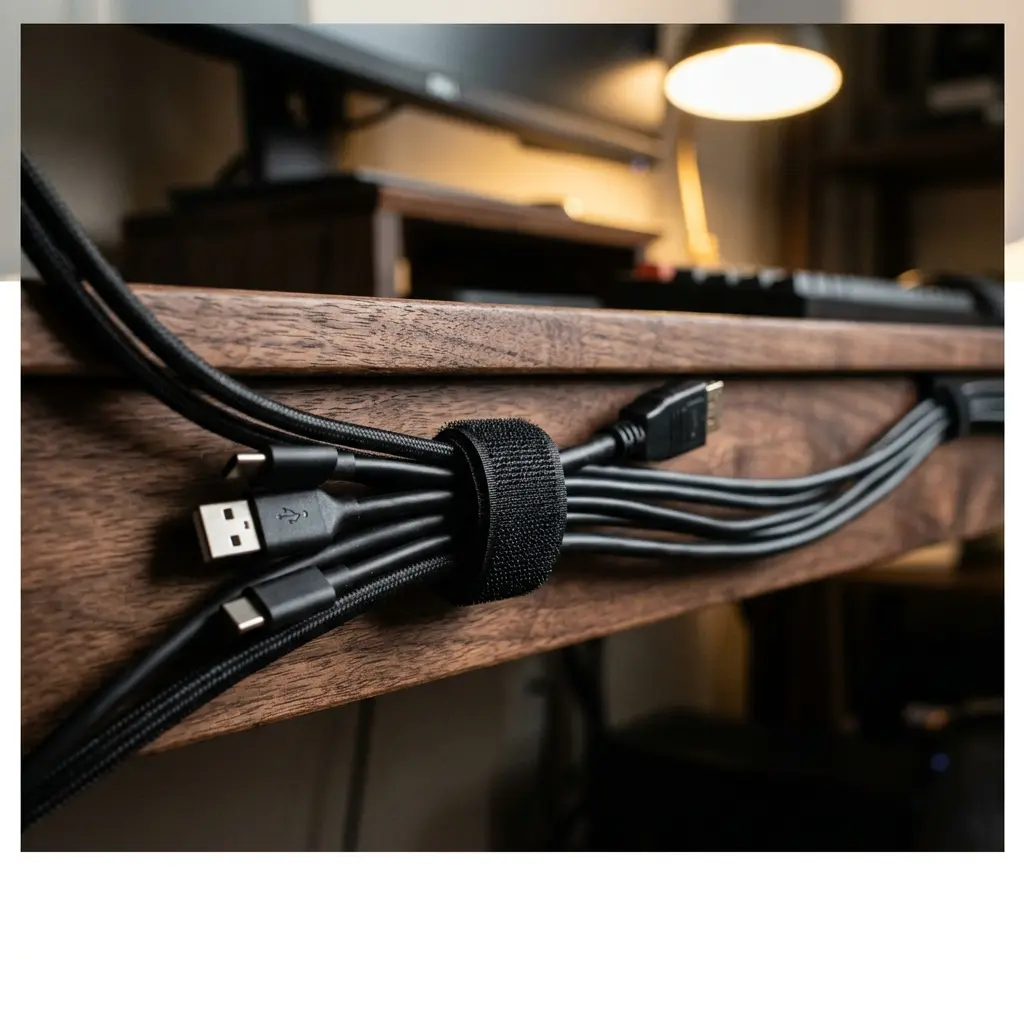
Cable ties (or cable wraps) come in two varieties: single-use nylon zip ties and reusable hook-and-loop velcro straps. The velcro variety is strongly preferred for desk setups, as zip ties must be cut to be removed, destroying them in the process and potentially damaging the cables inside the bundle.
Pros of Cable Ties (Velcro)
- Bundling Efficiency — Velcro ties are the fastest and most effective way to gather multiple cables into a single, clean loom. A bundle of 6 cables secured every 12 inches with velcro ties looks dramatically cleaner than the same cables running loose.
- Reusable and Flexible — Unlike zip ties, velcro straps can be opened and closed dozens of times without any damage to the strap or the cables. When you add a new cable to a bundle, simply open the strap, insert the cable, and re-close it.
- Heavy-Duty Holding Power — A velcro strap can comfortably secure a thick power brick cable or a chunky DisplayPort cable that would overwhelm a small adhesive clip.
Cons of Cable Ties
- All-or-Nothing Access — To remove one cable from a bundled group, you must open the strap and disturb all the cables. This is only a minor inconvenience, but it contrasts with the individual accessibility of cable clips.
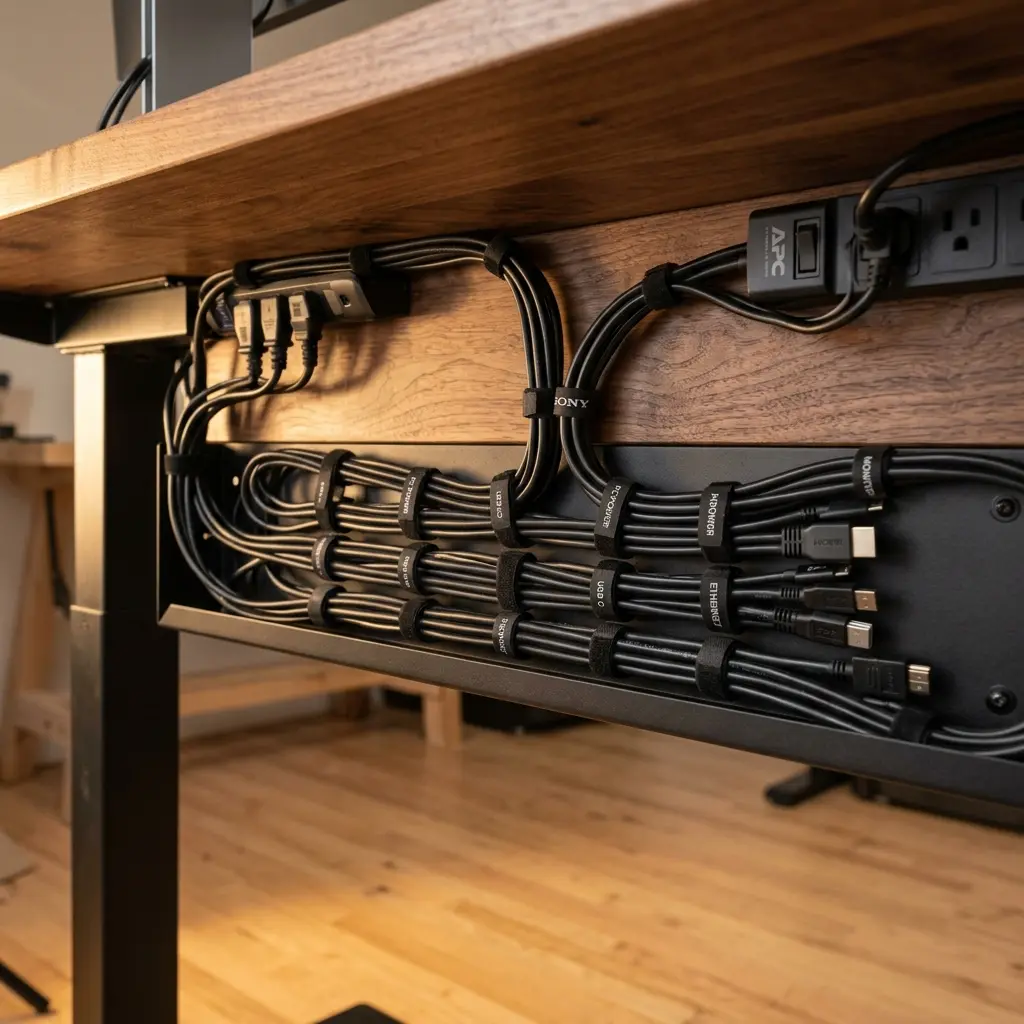
The Verdict: Use Both — They Are Complementary, Not Competing
The cable clips vs cable ties debate has a satisfying resolution: the two tools are not competitors. They are complementary components of a complete cable management system, each serving a specific zone of your desk.
The professional approach is a two-phase system:
- Phase 1 — Bundling (Velcro Ties): At the computer, gather all the cables coming out of your devices into clean bundles using velcro ties. Group cables by destination (monitor group, audio group, USB hub group).
- Phase 2 — Routing (Cable Clips): Once bundled, use cable clips to route each bundle or individual cable along the back edge or underside channel of your desk. The clips hold the route in place; the ties keep the bundles tidy within the route.
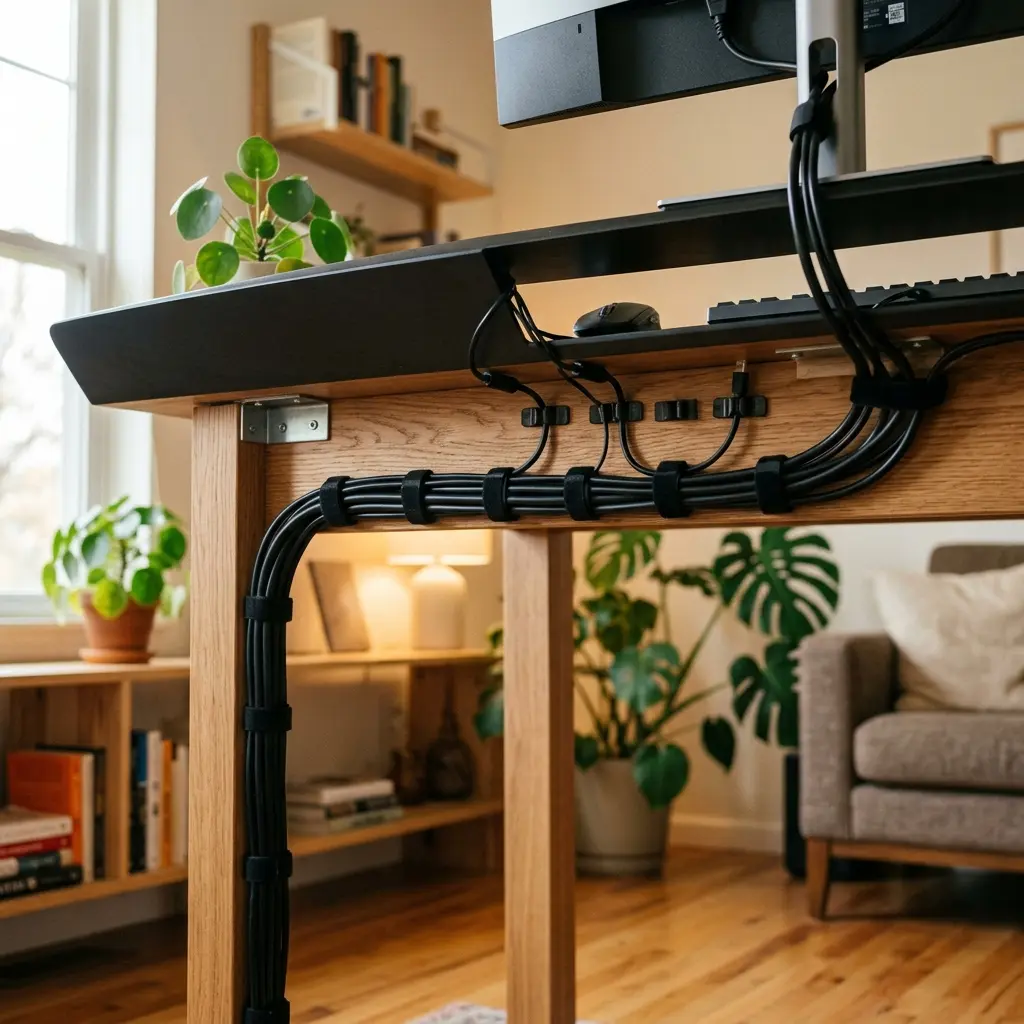
For a comprehensive overview of routing strategies for longer cable runs, read our guide on cable raceways vs cable sleeves.