










Product Details
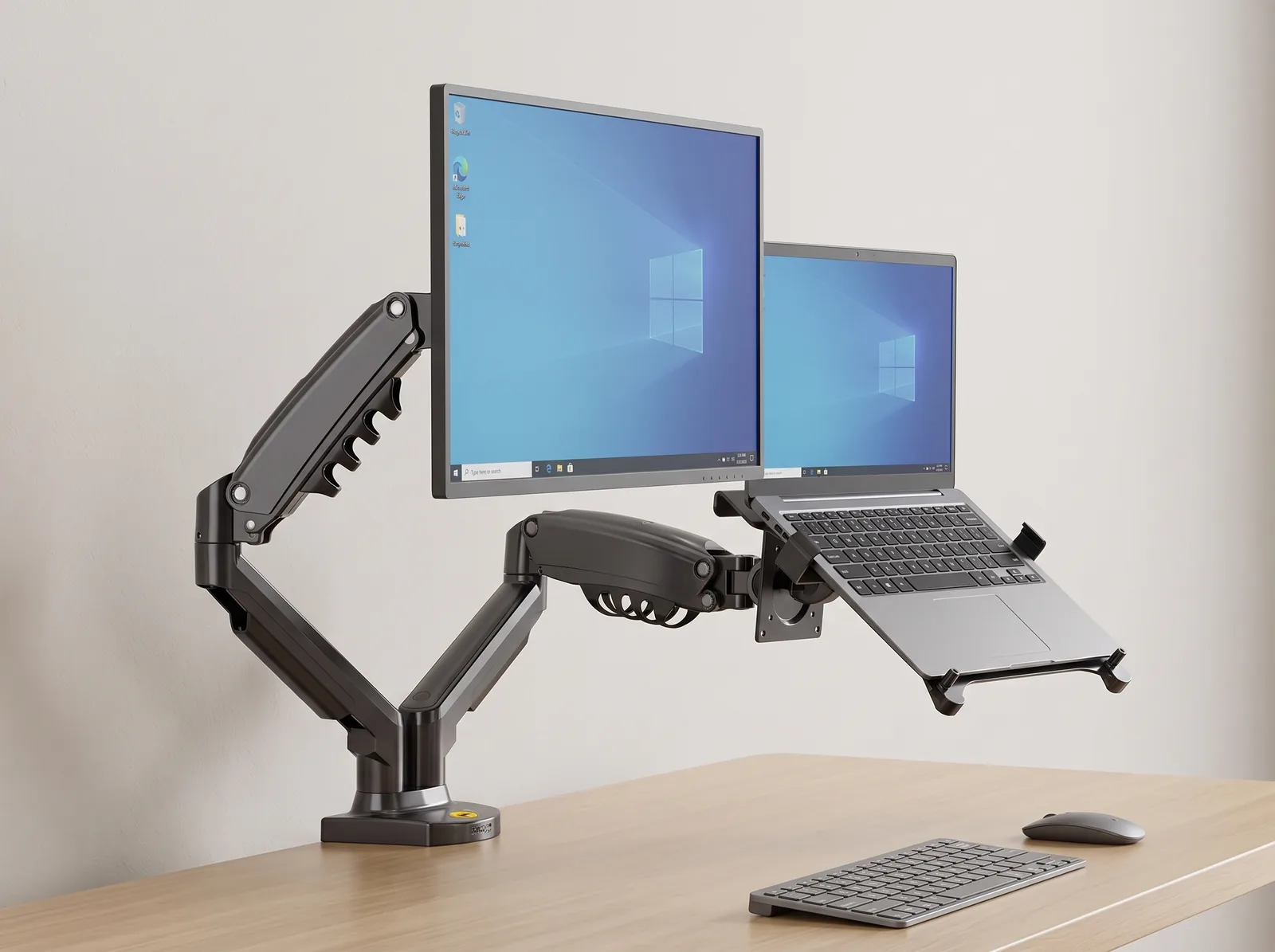
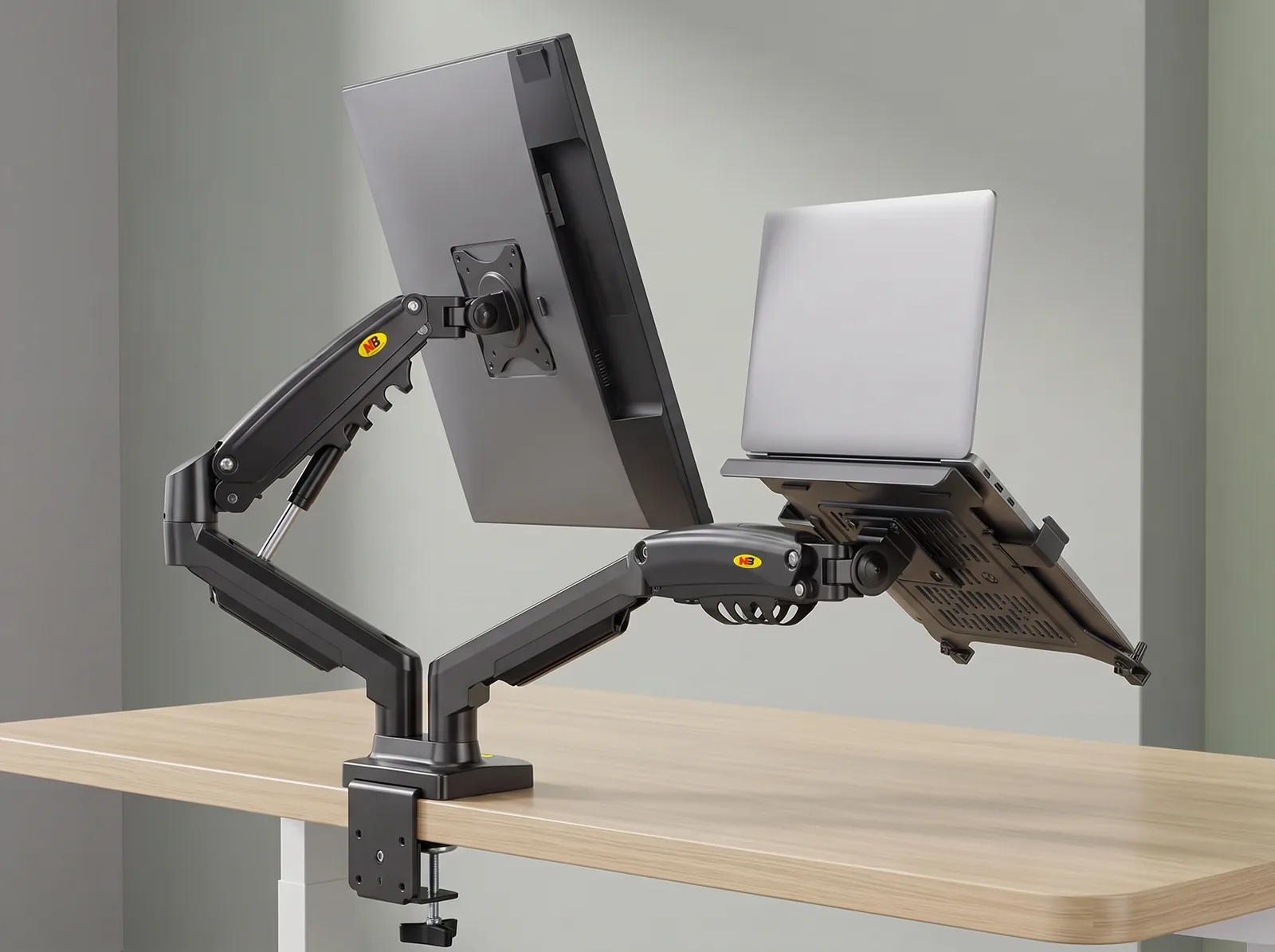
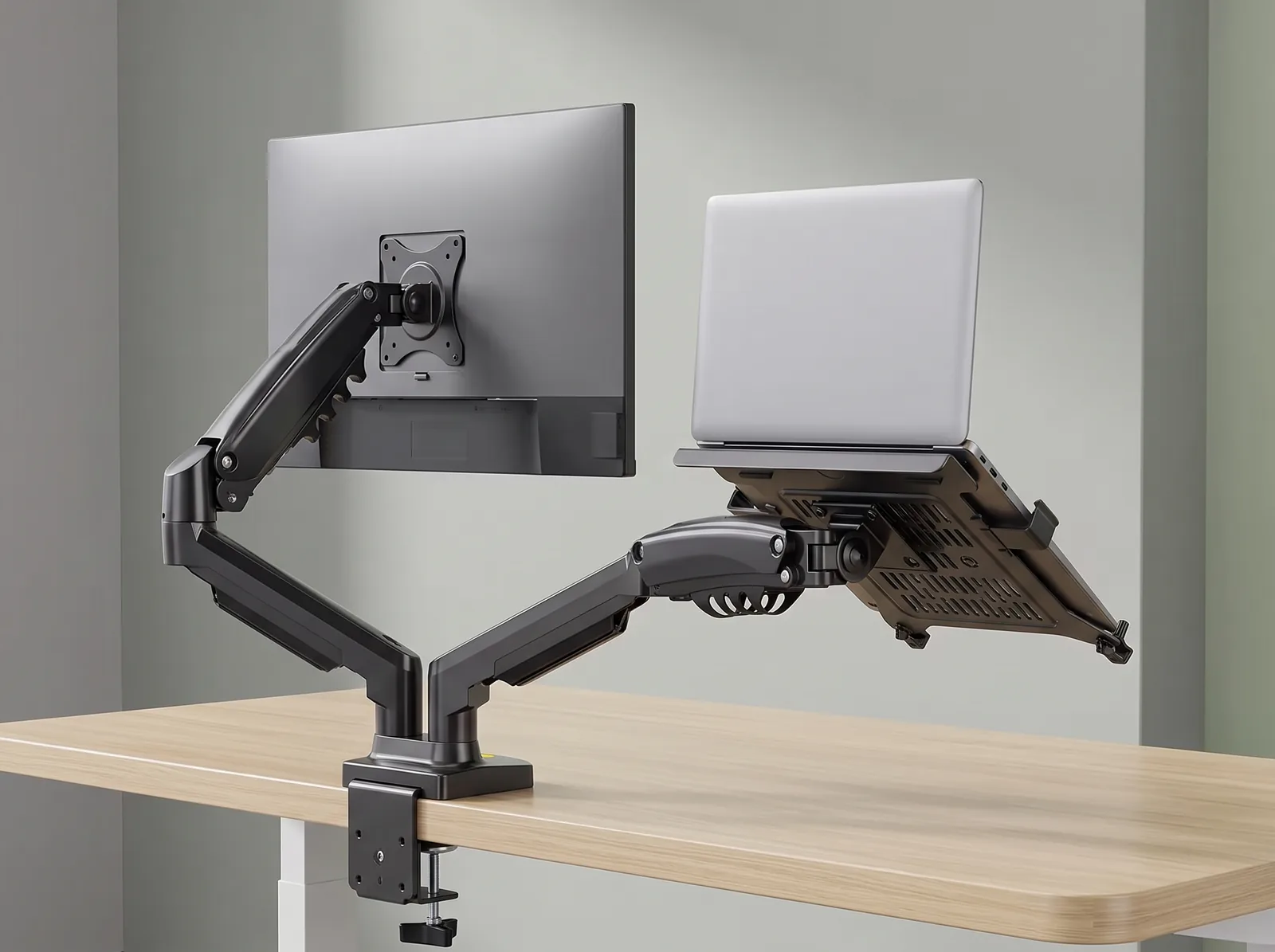
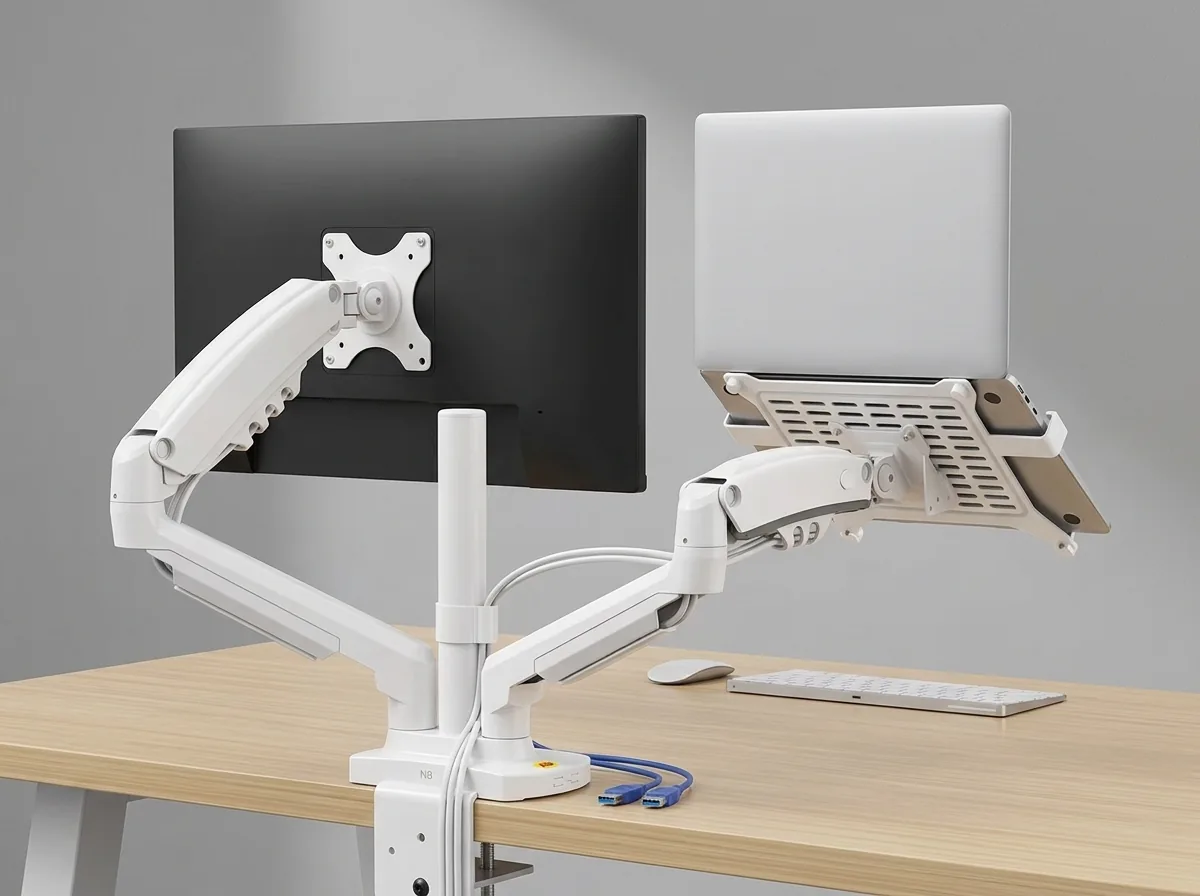
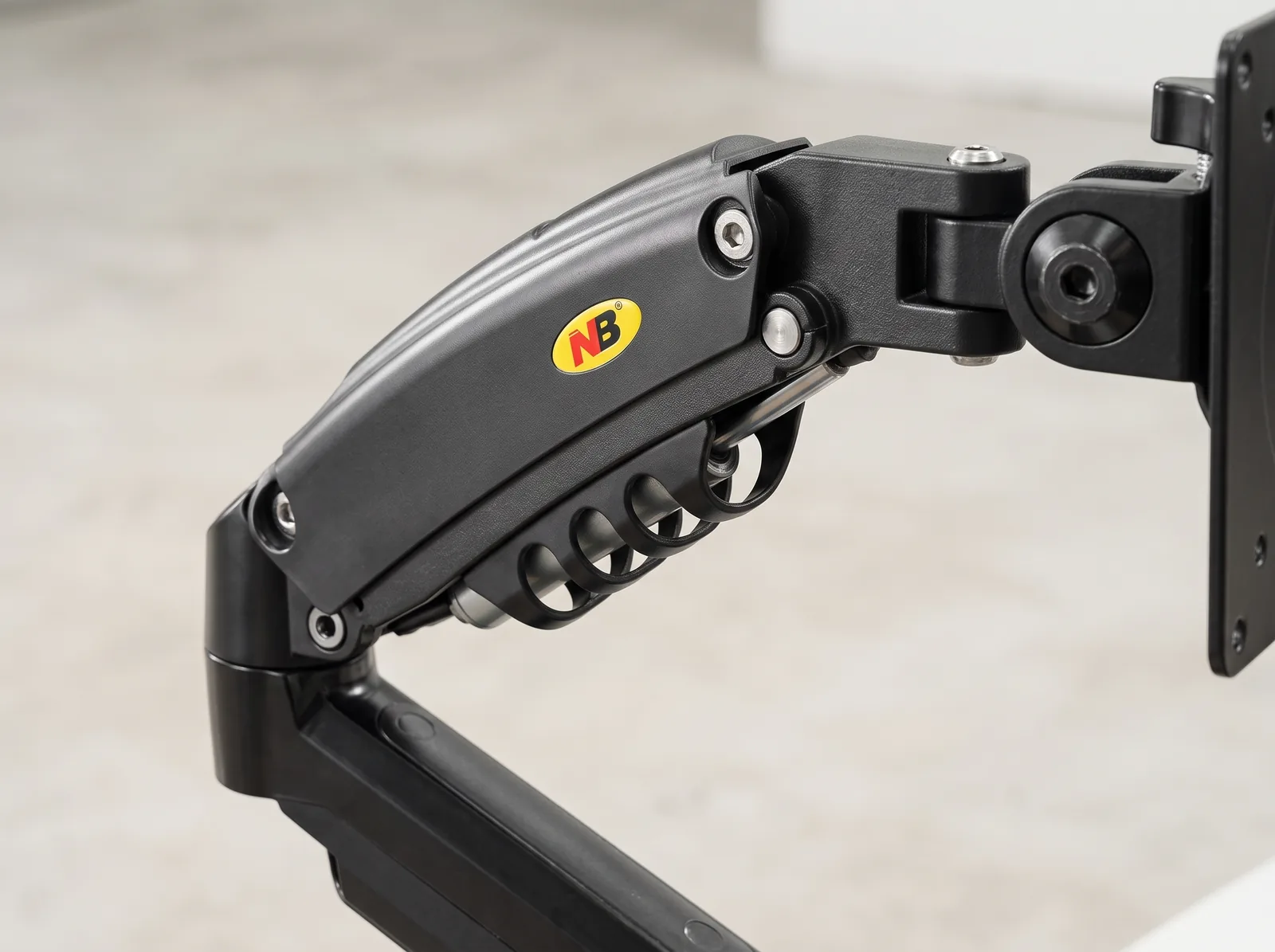
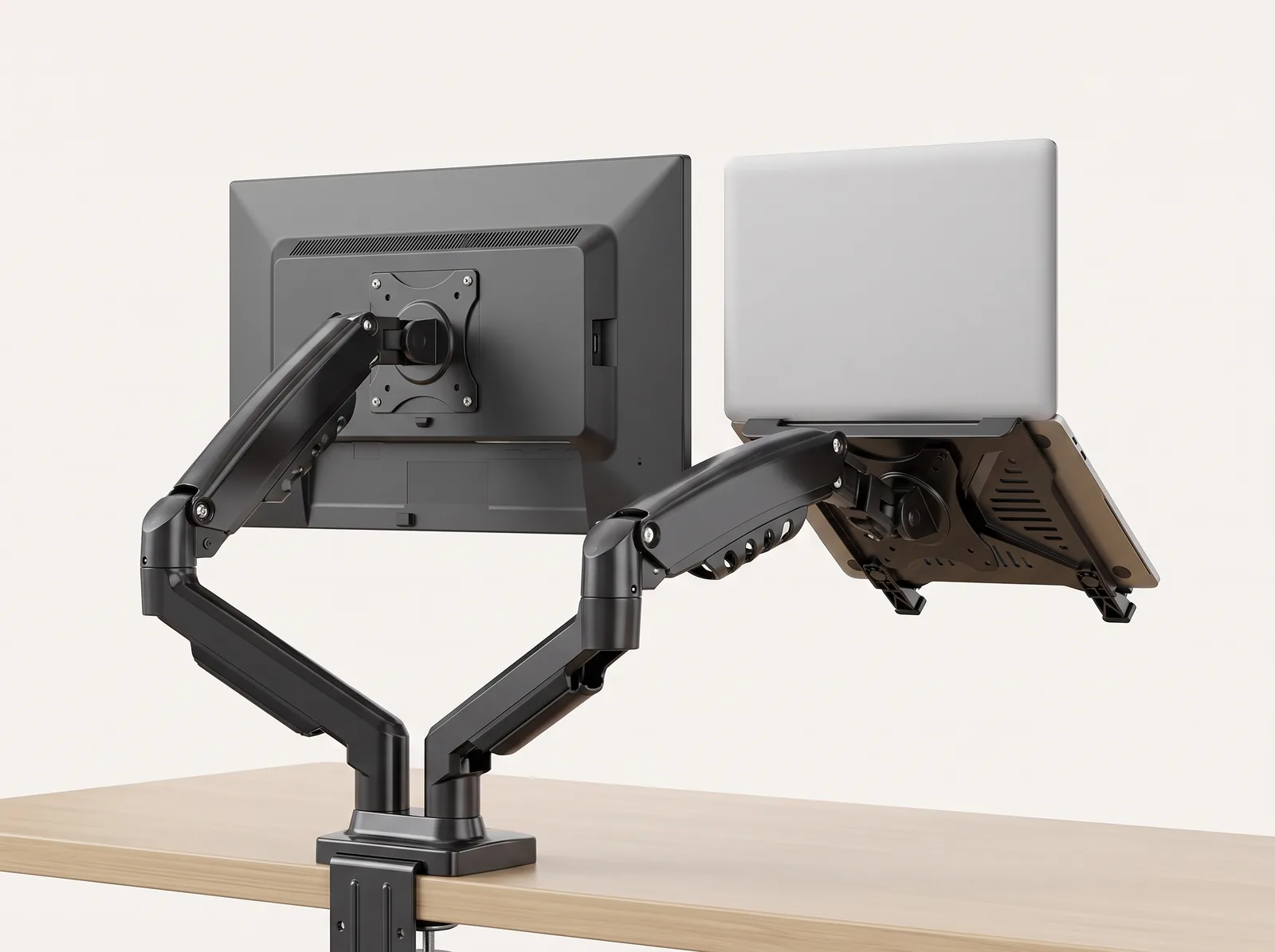
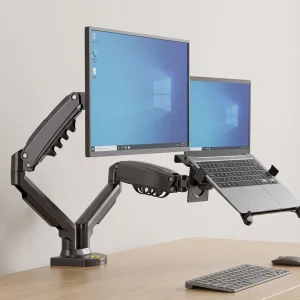
Maximize multitasking productivity and achieve ergonomic comfort with the TidySetup Dual Monitor & Laptop Gas Spring Mount. Engineered with heavy-duty gas struts, this versatile mount supports one 17"–27" monitor (up to 19.8 lbs) and one 10.1"–17" laptop tray simultaneously, enabling 360° rotation, full 3D articulation, and seamless height adjustment with integrated cable channels and dual USB 3.0 passthrough ports.
- Dual-Device Ergonomic Alignment: Simultaneously elevates an external monitor and your laptop screen to eye level on independent gas-spring arms.
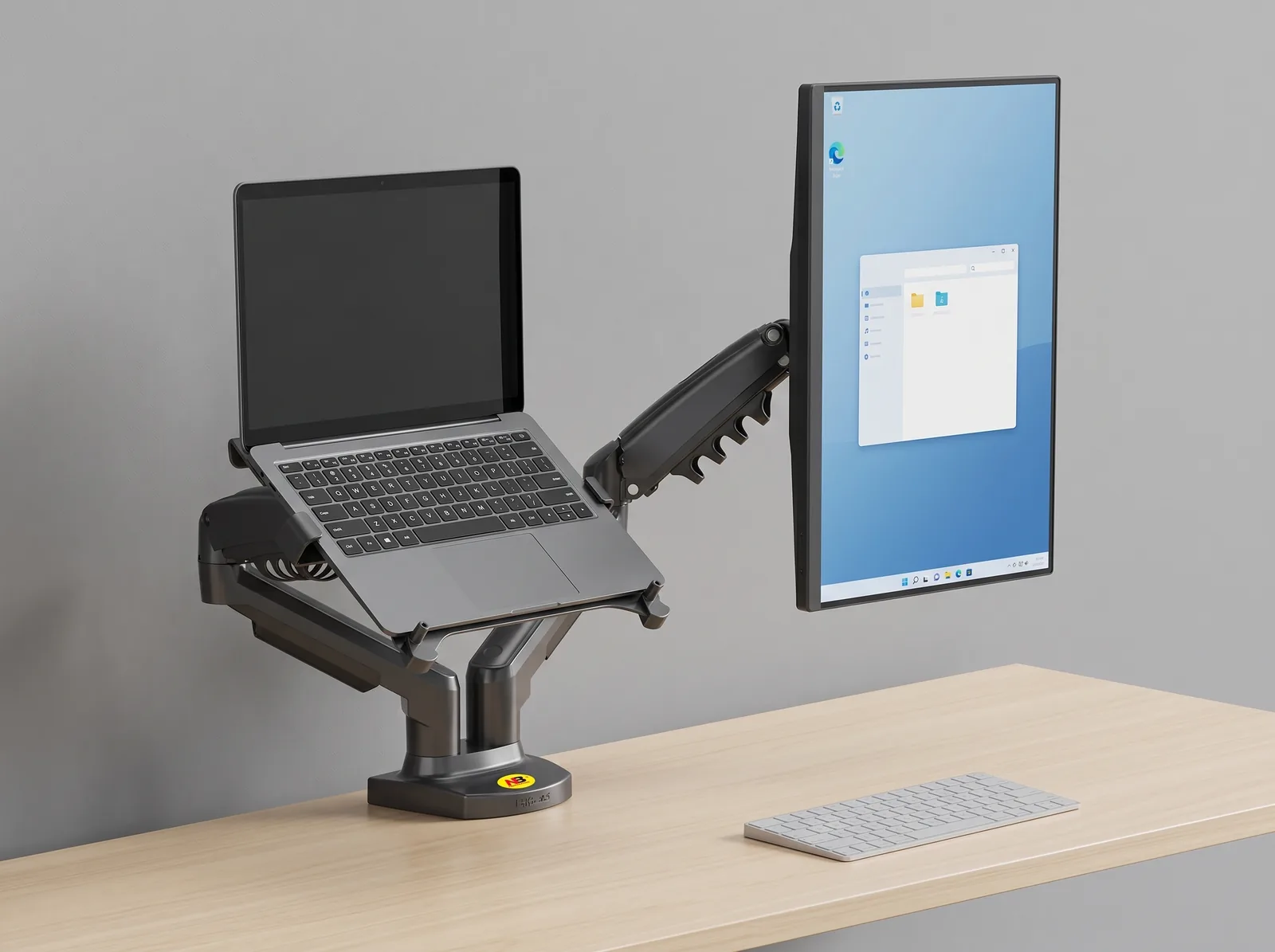
- 3D Full-Motion Articulation: 360° screen rotation (landscape/portrait), ±180° swivel, +85°/-30° tilt, and 10" (260mm) smooth vertical lift.
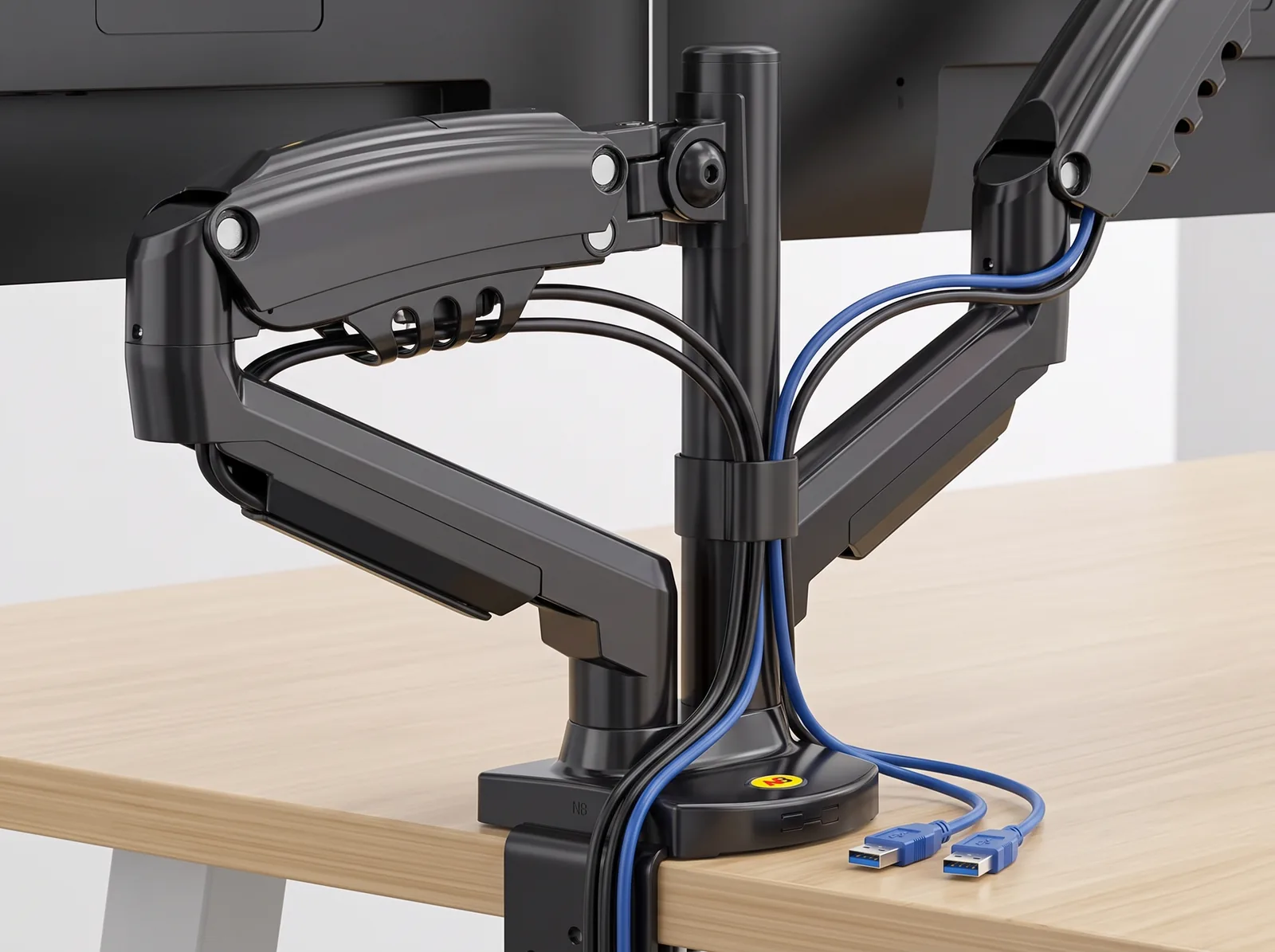
- Integrated Cable Channels & USB Hub: Built-in arm raceways conceal thick video cords, while the base houses two USB 3.0 extension ports.
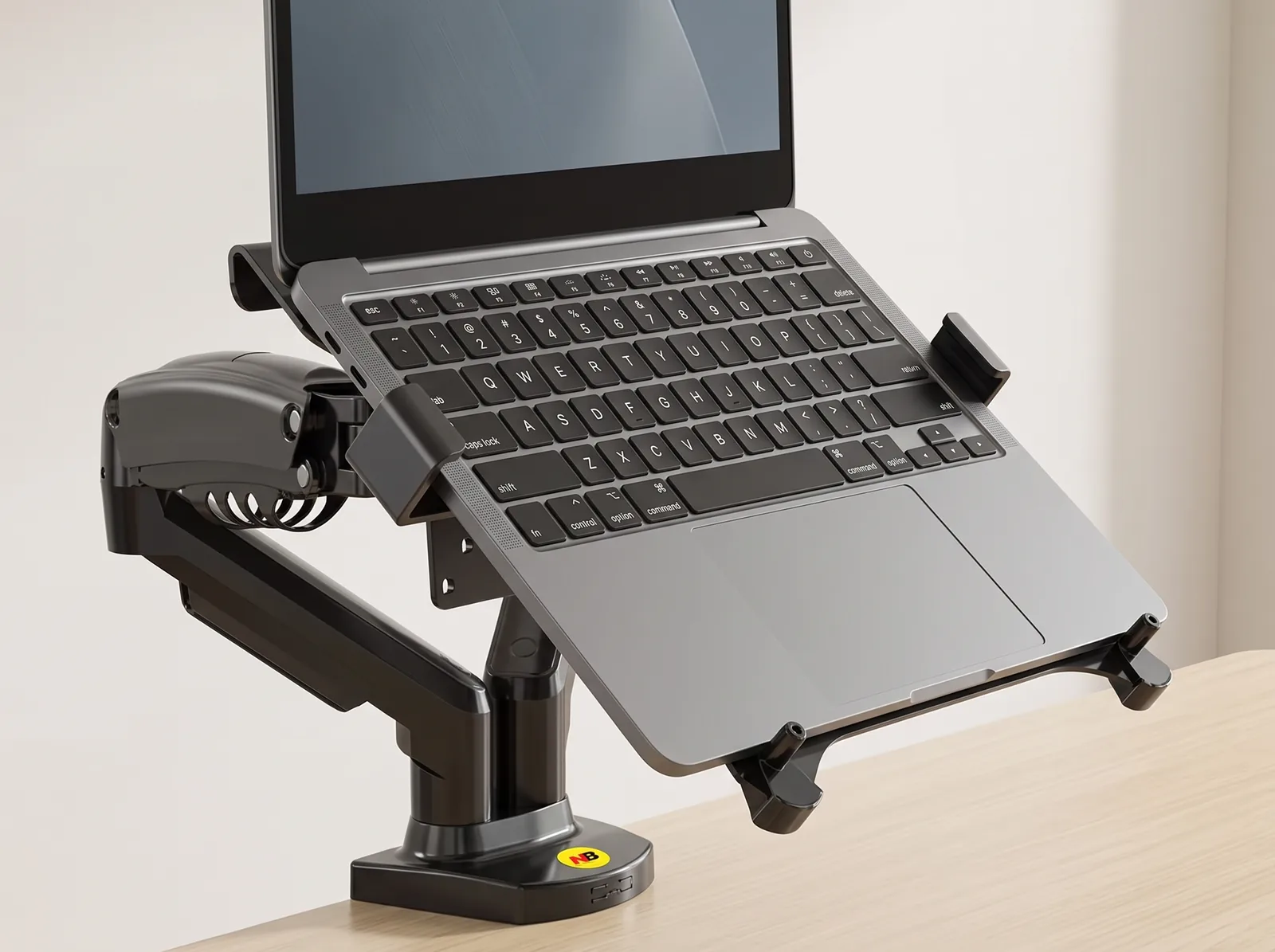
- Universal VESA & Laptop Tray: Standard VESA 75x75/100x100mm interface paired with a ventilated, silicone-padded laptop cradle (holds devices 5–21mm thick).
The Complete Multi-Screen Developer & Executive Cockpit
Looking down at a flat laptop screen while glancing sideways at an unaligned external monitor forces continuous cervical twisting and forward head posture. The TidySetup Dual Monitor & Laptop Gas Spring Mount solves this by elevating both screens to eye level on independently adjustable mechanical gas struts.
Whether you are a software developer reviewing code on a vertical portrait monitor beside your laptop terminal, or a financial analyst managing live market feeds, this heavy-duty mount delivers effortless fingertip adjustability and clears over 220 square inches of desktop space.
A dual monitor and laptop gas spring mount elevates external displays and laptop screens independently to seated eye level, reducing cervical spine load by up to 27 pounds while enabling instant landscape-to-portrait orientation shifts.
Core Ergonomic & Functional Advantages
- Cervical Spine Relief: Aligning both screens with your horizontal line of sight eliminates the 35° downward neck bend associated with flat laptops, preventing upper trapezius and levator scapulae spasms.
- Landscape-Portrait Coding Cockpit: The monitor arm rotates 360°, allowing software engineers to rotate their screen 90° into portrait mode to view 100+ lines of continuous code without scrolling.
- Ventilated Laptop Cradle: The heavy-duty steel laptop tray features ventilation cutouts and silicone grip pads, promoting airflow beneath laptop cooling fans.
- Dual USB 3.0 Base Hub: Integrated base passthrough allows you to plug flash drives, dongles, or charging cables directly into the desk mount rather than reaching behind your computer.
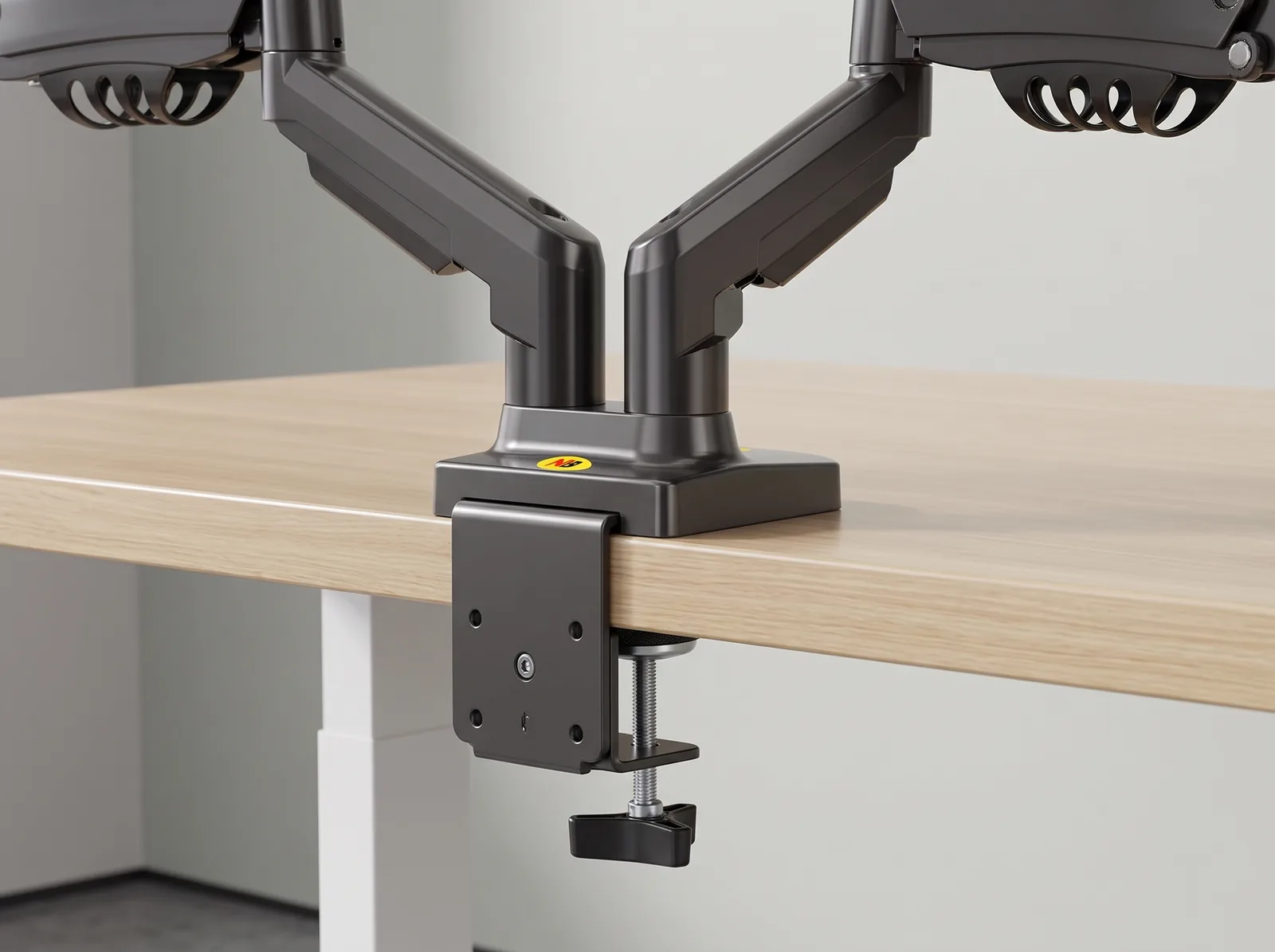
- Integrated Wire Architecture: Concealed snap-shut channels along upper and lower arm segments route DisplayPort, HDMI, and power cables invisibly down to your under-desk tray.
Technical Specifications & Motion Range
| Attribute | Technical Specification |
|---|---|
| Monitor Screen Size | 17″ to 27″ Flat and Curved Displays |
| Laptop Tray Compatibility | 10.1″ to 17″ Laptops (Chassis thickness: 5 mm – 21 mm) |
| Weight Capacity | 4.4 to 19.8 lbs (2.0 to 9.0 kg) per arm |
| VESA Standards | 75 × 75 mm and 100 × 100 mm Compliant |
| Tilt Range | +85° upward to -30° downward |
| Swivel Range | ±180° horizontal joint rotation |
| Screen Rotation | 360° (Seamless Landscape to Portrait) |
| Vertical Height Adjustment | 10.2 inches (260 mm) gas-strut elevation travel |
| Maximum Arm Extension | 21.0 inches (535 mm) forward reach |
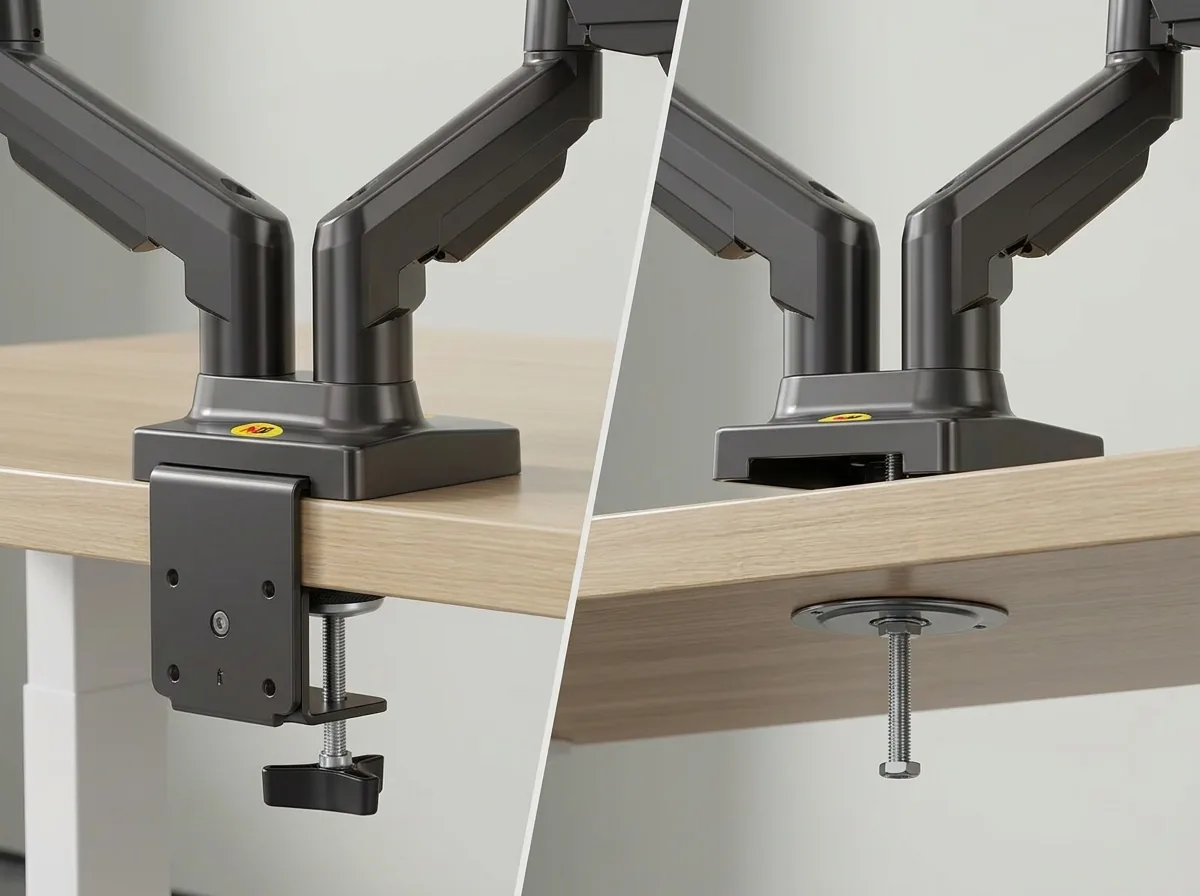
| Mounting Options | Padded Desk Clamp (0.8″–3.5″ thickness) & Grommet Mount |
| Included Hardware | VESA screws, laptop tray clamps, 2x USB 3.0 cables, Allen keys |
Setup & Gas Strut Tension Calibration
- Mount Base to Desk Lip: Secure the heavy-duty C-clamp to the rear center or rear side of your desk.
- Attach Monitor & Laptop: Fasten your monitor using the VESA bracket; place your laptop on the tray and tighten the protective side clamps.
- Calibrate Gas Spring Tension: If the arm drifts upward, turn the adjustment screw clockwise (-); if the arm sags downward under monitor weight, turn counter-clockwise (+) until the screen hovers weightlessly at any height.
- Route Cables with Slack: Feed cables through internal raceways, leaving a 3-inch loop at elbow joints for full articulation.
Frequently Asked Questions (FAQ)
Can I remove the laptop tray and mount two monitors instead?
Yes. The laptop tray attaches to a standard VESA plate. You can unbolt the laptop tray at any time to mount a second 17″–27″ VESA monitor.
Will the laptop tray hold thick gaming laptops?
Yes. The adjustable side brackets accommodate laptops from 5mm up to 21mm (0.82 inches) thick with non-slip silicone pads.
How do the built-in USB ports connect to my PC?
The mount base includes two 4-foot male USB 3.0 cables that route down through your cable tray and plug into your PC or docking station.
Recommended Ecosystem Pairings
- Under-Desk Tray: Under-Desk Cable Management Tray
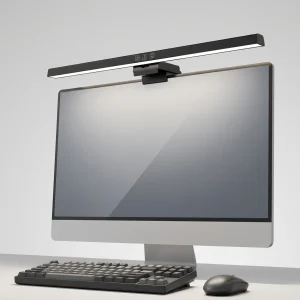
- Task Lighting: 50cm Computer Monitor Light Bar
- Developer Audit: Behind the Audit: Transforming a Developer Desk
Brody Henderson (verified owner) –
Rock-solid gas spring mount. Holds my display and laptop with zero sag.
Logan Kennedy (verified owner) –
The counterbalance gas springs on this mount make adjusting display heights effortless. The C-clamp fastened securely to my solid ash motorized studio desk without scratching or flexing the wood. Full 360° screen rotation lets me switch between landscape coding and portrait document reading in seconds. Highly recommended for any dual-display setup.
Logan Kennedy (verified owner) –
The counterbalance gas springs on this mount make adjusting display heights effortless. The C-clamp fastened securely to my solid ash motorized studio desk without scratching or flexing the wood. Full 360° screen rotation lets me switch between landscape coding and portrait document reading in seconds. Highly recommended for any dual-display setup.
Hunter Phillips (verified owner) –
Super smooth gas spring motion and rock-solid stability! Easily holds my Dell 34″ Curved USB-C Hub Monitor and Lenovo ThinkPad X1 Carbon Gen 11 on my 48-inch compact walnut sit-stand desk. Cable routing is clean and assembly was easy. 10/10 product!
Hunter Phillips (verified owner) –
Super smooth gas spring motion and rock-solid stability! Easily holds my Dell 34″ Curved USB-C Hub Monitor and Lenovo ThinkPad X1 Carbon Gen 11 on my 48-inch compact walnut sit-stand desk. Cable routing is clean and assembly was easy. 10/10 product!