







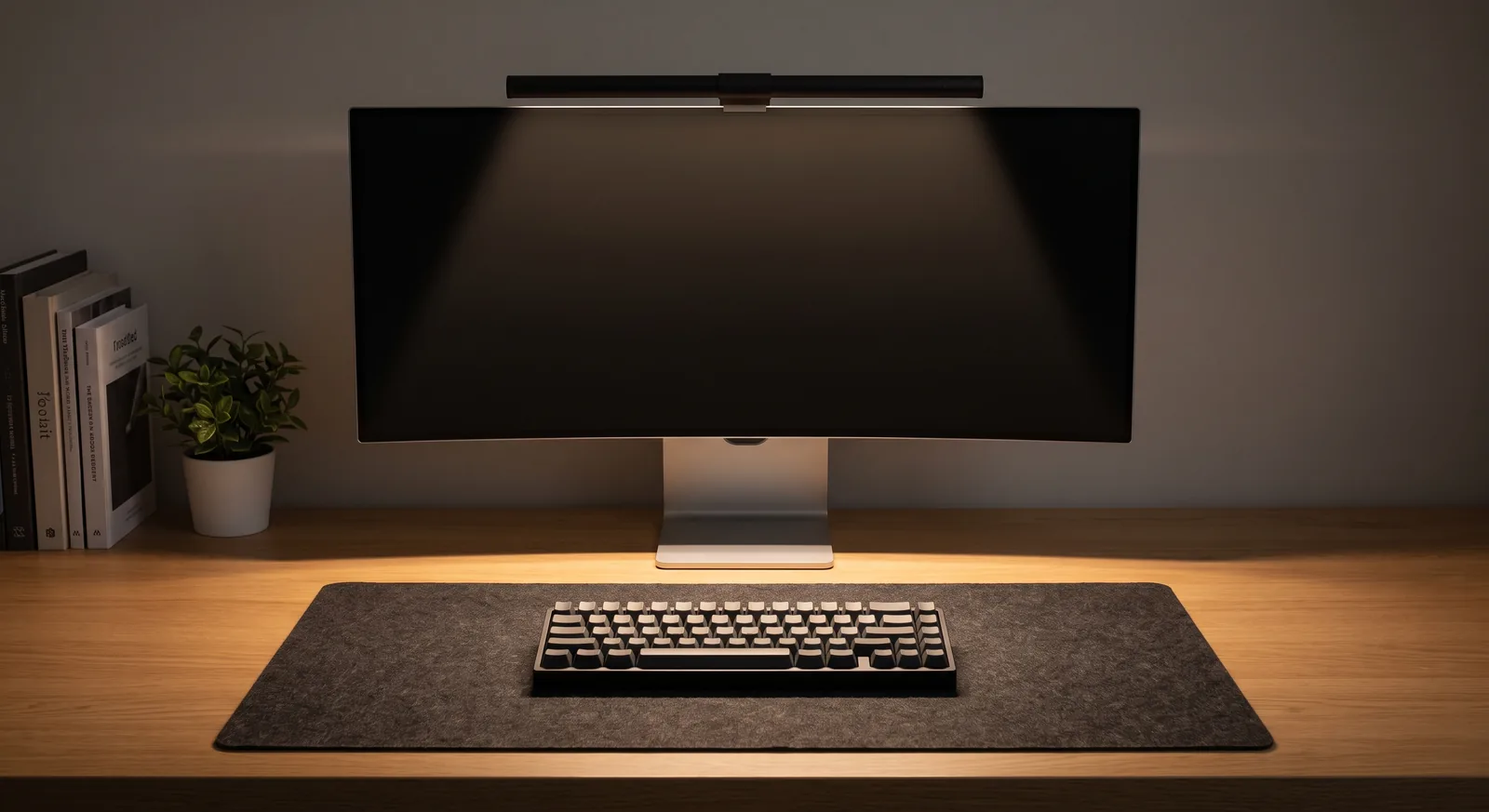
A software developer debugging code on three displays has vastly different biomechanical and visual requirements than a graphic designer grading color or a financial analyst monitoring dynamic market feeds. The solution is tailoring profession desk setup audits to the exact physical, optical, and peripheral demands of your specific daily workflow. In this master audit directory, I will share the custom hardware arrangements, sightline calculations, and cable routing frameworks I have deployed across more than 400 professional workspace overhauls.
If you want a versatile modular foundation engineered to adapt to any specialized professional setup, explore the Advanced Desk Setup Kit.
Why One-Size-Fits-All Ergonomics Fails High-Output Professionals
One-size-fits-all ergonomics fails high-output professionals because generic desk guidelines assume a single static monitor and minimal peripheral input, ignoring the specialized sensory and hardware demands of modern digital disciplines. As demonstrated in landmark multi-display workflow research from the University of Utah and international ISO 9241-5 workstation layout standards, tailoring screen geometry, input reach zones, and task lighting to specific task workflows reduces task errors by up to 33% and accelerates production throughput.
An ergonomic workstation is a workspace configured to support the body’s natural posture, reduce strain, and prevent repetitive stress injuries during prolonged work.
In my audit practice across fast-growing tech startups and remote-first executive suites, I observe distinct role-specific pain points:
- Software Developers: Chronic cervical rotation pain caused by improper dual/triple monitor panning angles and heavy tangled cable loads.
- Graphic & UI Designers: Severe digital eye strain caused by specular monitor glare and inaccurate ambient lighting color temperatures.
- Financial & Data Analysts: Mid-thoracic spine stiffness from static posture while scanning massive multi-monitor data grids without articulating arms.
- Compact Remote Workers: Wrist compression and cognitive stress caused by overcrowded, cluttered small apartment nook desks.
1. The Software Developer & Engineer Workstation Audit
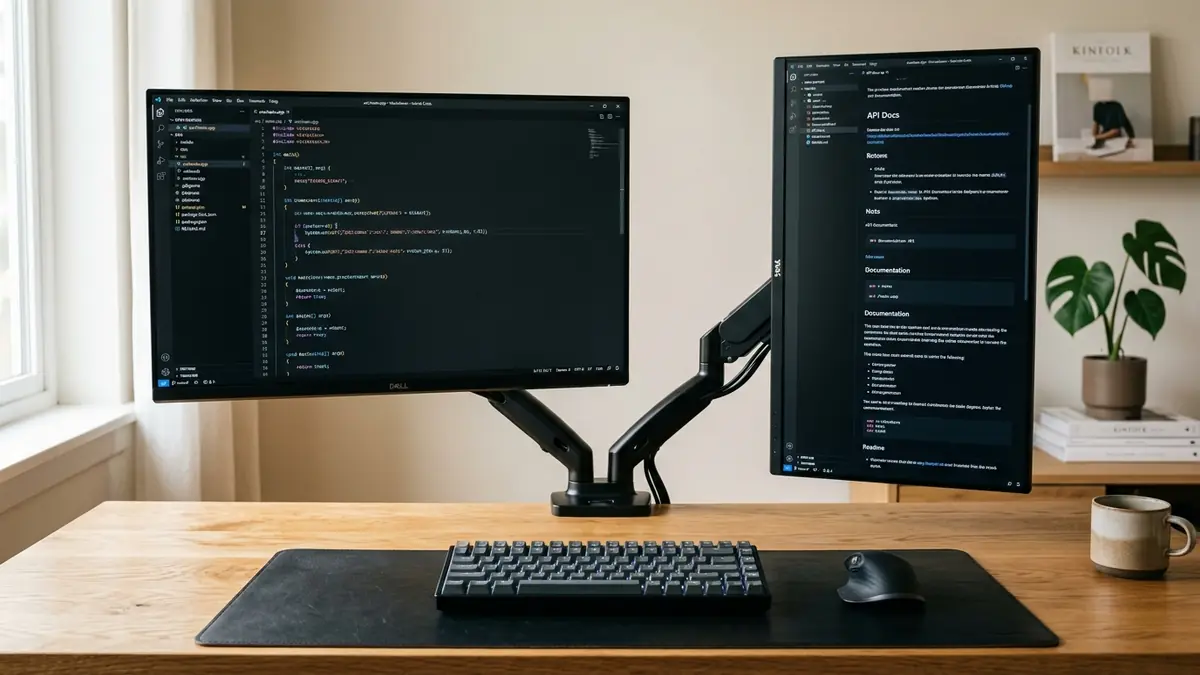
Software developers require extensive screen real estate to view IDE terminals, browser documentation, and code review windows simultaneously. The optimal developer setup mounts dual or triple screens on heavy-duty gas-spring arms in a gentle 20-degree inward cockpit curve to eliminate repetitive lateral neck rotation.
An ergonomic monitor arm maintains optimal viewing distance at 20 to 30 inches while elevating the screen to eye level, reducing cervical spine load by up to 27 pounds.
Core hardware specifications for developer workstations:
- Display Architecture: Mount a primary landscape display directly center, paired with a vertical portrait orientation monitor on a Dual Monitor & Laptop Gas Spring Mount. Portrait orientation displays up to 120 lines of code without scrolling.
- Under-Desk Power Hub: Software rigs generate significant cable bulk. Mount a high-capacity steel Under-Desk Cable Management Tray to hold high-wattage charging bricks and multi-port Thunderbolt docks off the floor.
- Tactile Base: Lay a wide PU Leather Desk Mat to cushion forearm contact stress during 8+ hours of intensive mechanical keyboard typing.
Read our full case study on transforming a cluttered developer desk.
2. The Financial & Quantitative Analyst Workstation Audit
Financial and data analysts handle continuous high-density data feeds, spreadsheets, and charting tools that require rapid focal adjustments across multiple monitors. Optimal data workstations utilize heavy-duty dual-arm stands that maintain shared horizontal bezel height across all panels.
A dual monitor setup requires matching screen heights and focal distances across both panels to eliminate lateral neck rotation and optical vergence fatigue.
Key ergonomic recommendations for analysts:
- Shared Horizontal Horizon: Use a rigid Dual Monitor Arm Stand to ensure bezels meet at exact eye level directly in front of the nose, eliminating vertical head bobbing.
- Dynamic Sit-Stand Transitions: Quantitative modeling encourages long hours of static sitting. Adopt the 20-8-2 sitting-standing cadence to decompress lumbar discs.
- Clutter-Free Surface: Keep the primary reach zone clear for financial calculators and dedicated macro numpads.
Explore our deep-dive case study on a financial analyst’s multi-monitor ergonomic overhaul.
3. The Creative & Graphic Designer Workstation Audit
Creative directors, graphic designers, and video editors demand extreme color accuracy and reflection-free working conditions. Overhead ambient lighting often creates veiling reflections on high-gloss monitors that wash out shadow detail.
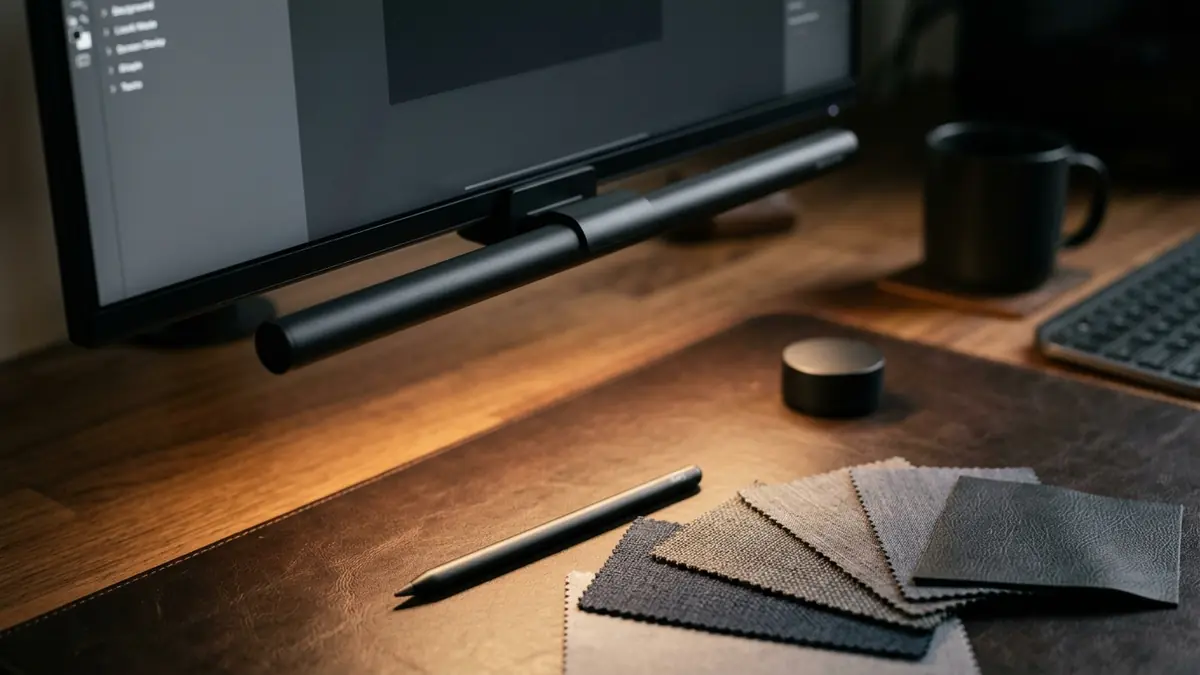
A monitor light bar provides asymmetric desk illumination that casts downward light across the work surface without bouncing glare off the screen glass.
Optimal creative workstation adjustments:
- Asymmetric Desk Illumination: Clip a 50cm Computer Monitor Light Bar atop the color-critical monitor. Its forward-angled optical design casts crisp illumination across drawing tablets without reflecting off the panel.
- Vertical Clamshell Laptop Docking: Dock high-performance editing laptops in an Adjustable Aluminum Vertical Laptop Stand to enhance cooling airflow during intense 4K video rendering.
- Low-Friction Surface Interface: Use a smooth PU Leather Desk Mat for flawless stylus and mouse tracking.
Review our studio lighting case study on a graphic designer’s studio light setup.
Cross-Profession Ergonomic Comparison Matrix
Comparing the optimal hardware configurations across key professional disciplines demonstrates how tailored architecture solves role-specific ergonomic challenges:
| Profession | Primary Screen Layout | Critical Hardware Component | Primary Ergonomic Risk Solved |
|---|---|---|---|
| Software Engineers | Dual screen (1 Landscape + 1 Portrait) | Gas-Spring Arm + Steel Cable Tray | Cervical lateral strain & cord clutter |
| Financial Analysts | Dual primary side-by-side (50/50 split) | Dual Monitor Arm Stand | Vertical neck bobbing & lumbar compression |
| Graphic Designers | Color-calibrated screen + vertical laptop | 50cm Asymmetric Monitor Light Bar | Veiling screen glare & optical fatigue |
| Remote Workers | Single floating monitor + vertical dock | Vertical Stand + Leather Desk Mat | Small desk crowding & carpal contact stress |
Discover complete system wiring principles in our anchor guide on desk cable architecture.
Step-by-Step: Conducting Your Own 5-Minute Workspace Audit
Follow this 4-step diagnostic protocol to audit and optimize your professional desk setup today:
- Step 1: Check Eye Level Alignment: Sit upright in your chair. Confirm that your horizontal gaze strikes the top 2 inches of your primary display screen. If not, adjust your monitor arm elevation.
- Step 2: Inspect 60° Visual Clutter: Remove any items from your primary 60-degree field of view that are not actively used during your current task.
- Step 3: Test Wrist Resting Angles: Place your hands on your keyboard. Ensure wrists form a flat, neutral line with forearms and rest on a compliant desk pad.
- Step 4: Audit Under-Desk Legroom: Look beneath your desk. If power strips or cords touch your feet, mount them into an under-desk steel tray immediately.
Frequently Asked Questions
What is a workspace ergonomic audit?
A workspace ergonomic audit is a systematic evaluation of desk heights, monitor sightlines, lighting luminance, and peripheral reach zones to eliminate physical strain and optimize cognitive workflow.
Why do software developers benefit from portrait orientation monitors?
A vertically oriented monitor displays 100 to 120 lines of continuous code without scrolling, allowing software developers to review complex functions and terminal logs with minimal cognitive interruption.
How does lighting affect creative and design work?
Improper lighting causes veiling glare on monitor glass, reducing perceived contrast and distorting color perception. An asymmetric monitor light bar illuminates the desk surface while keeping display contrast 100% accurate.
What is the most common mistake made during multi-monitor setups?
The most common mistake is placing two monitors flat side-by-side without angling them inward. This forces constant lateral neck rotation, causing severe upper trapezius and cervical spine fatigue.
How can remote workers optimize small home office desks?
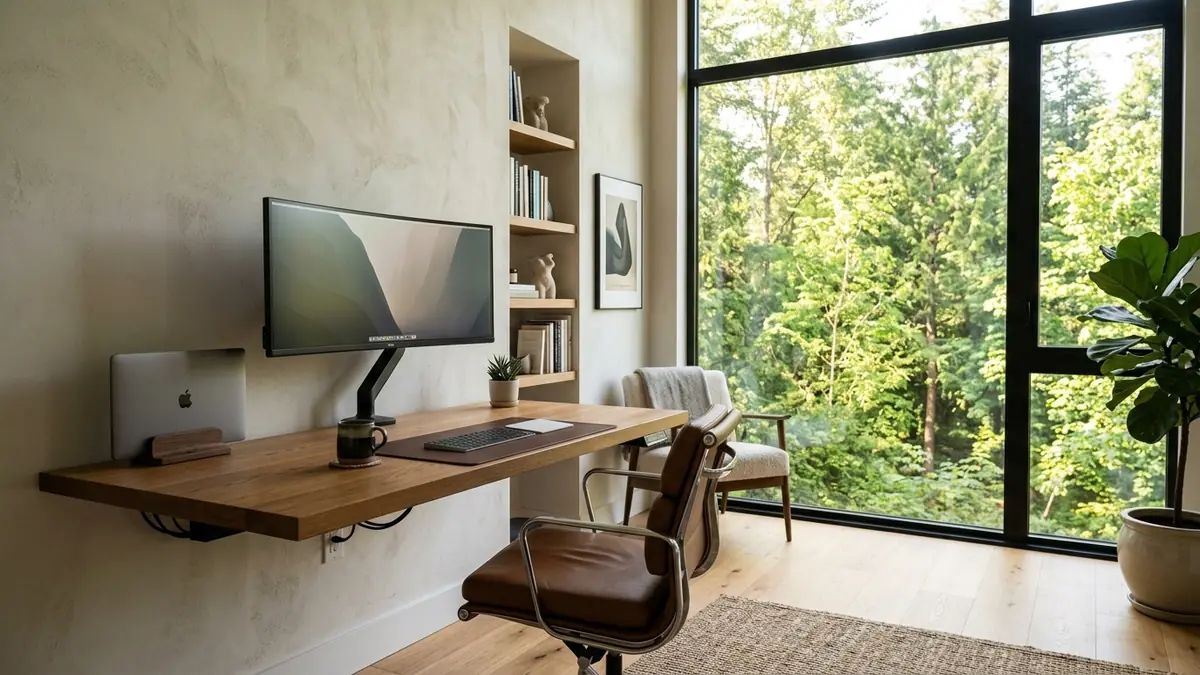
Remote workers should dock laptops vertically in an aluminum stand and mount displays on gas-spring arms, recovering up to 80% of desk surface space for a full-size desk pad and clean mouse movement.
How often should I conduct an audit on my desk setup?
Conduct a brief workspace audit every 3 to 6 months or whenever you change hardware, notice emerging physical discomfort, or shift your primary daily work tasks.