









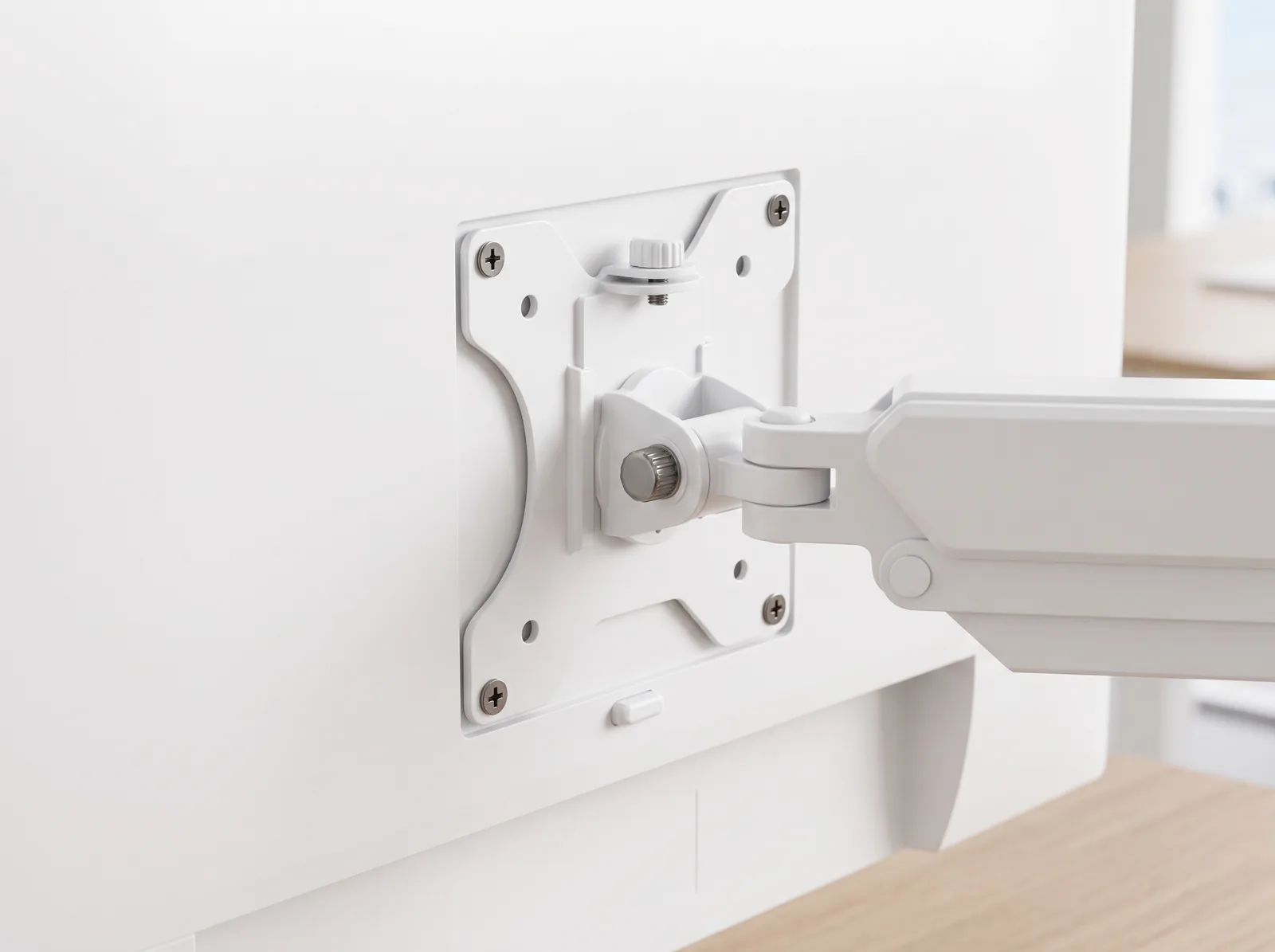

Product Details
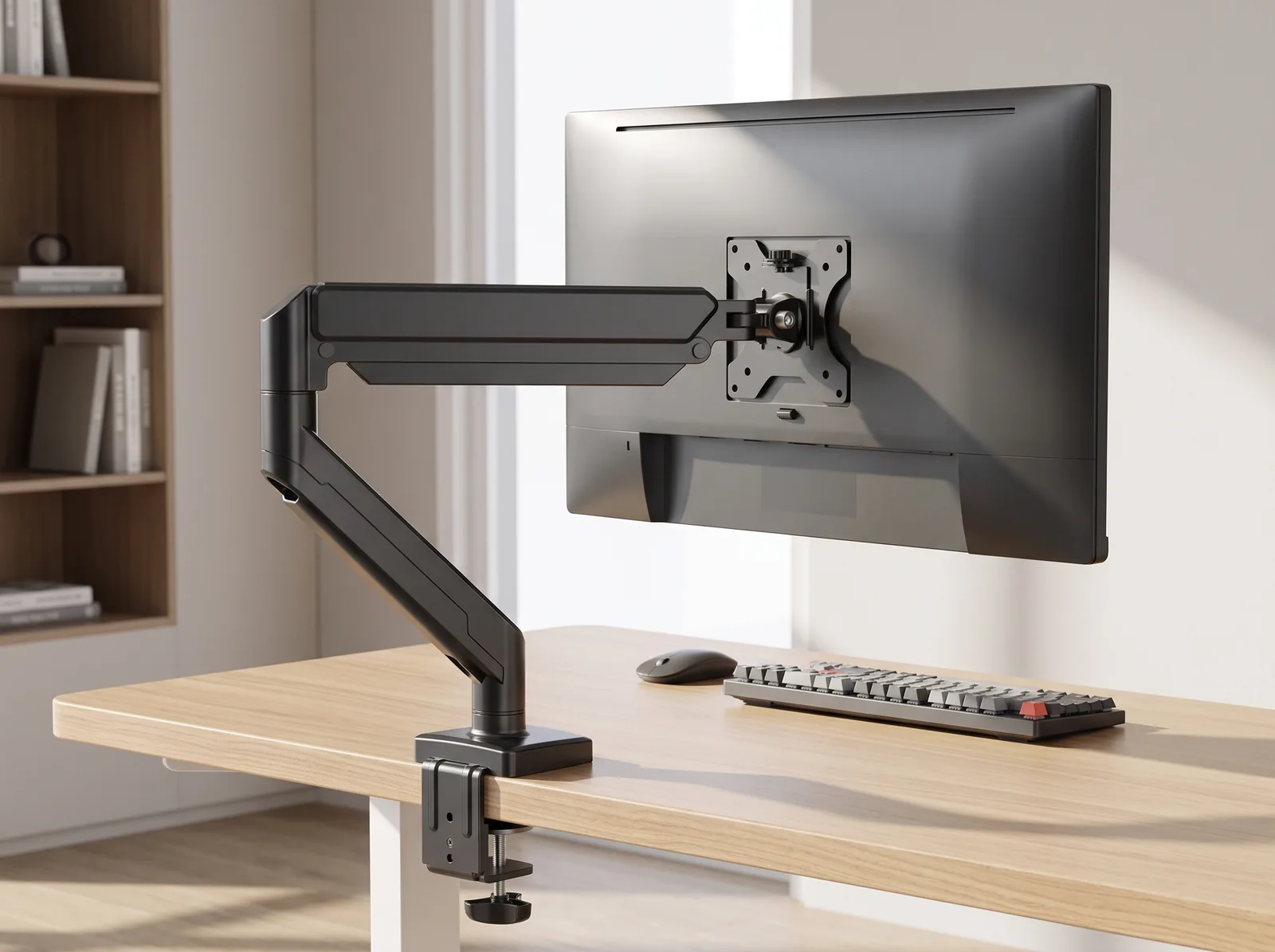
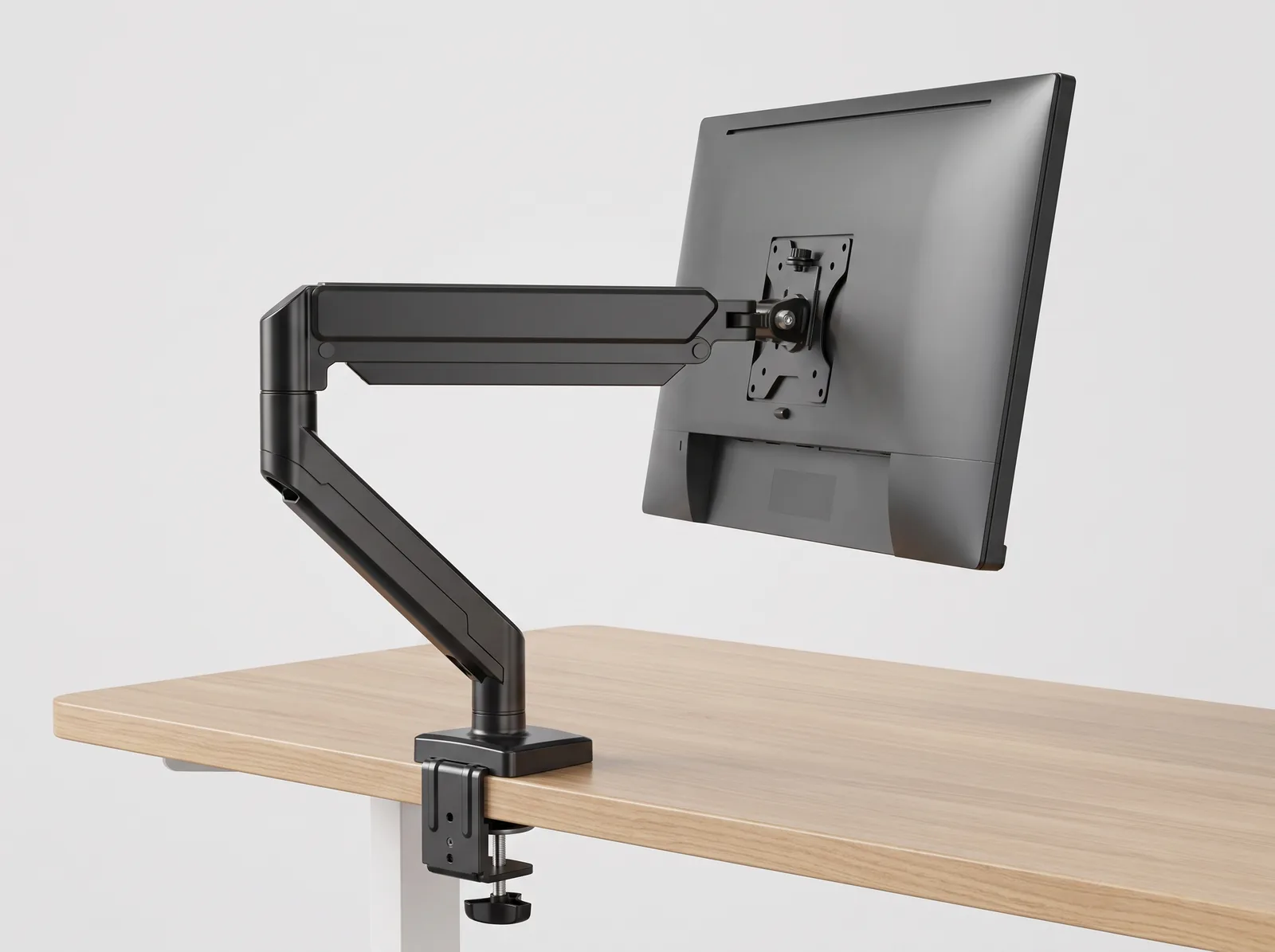
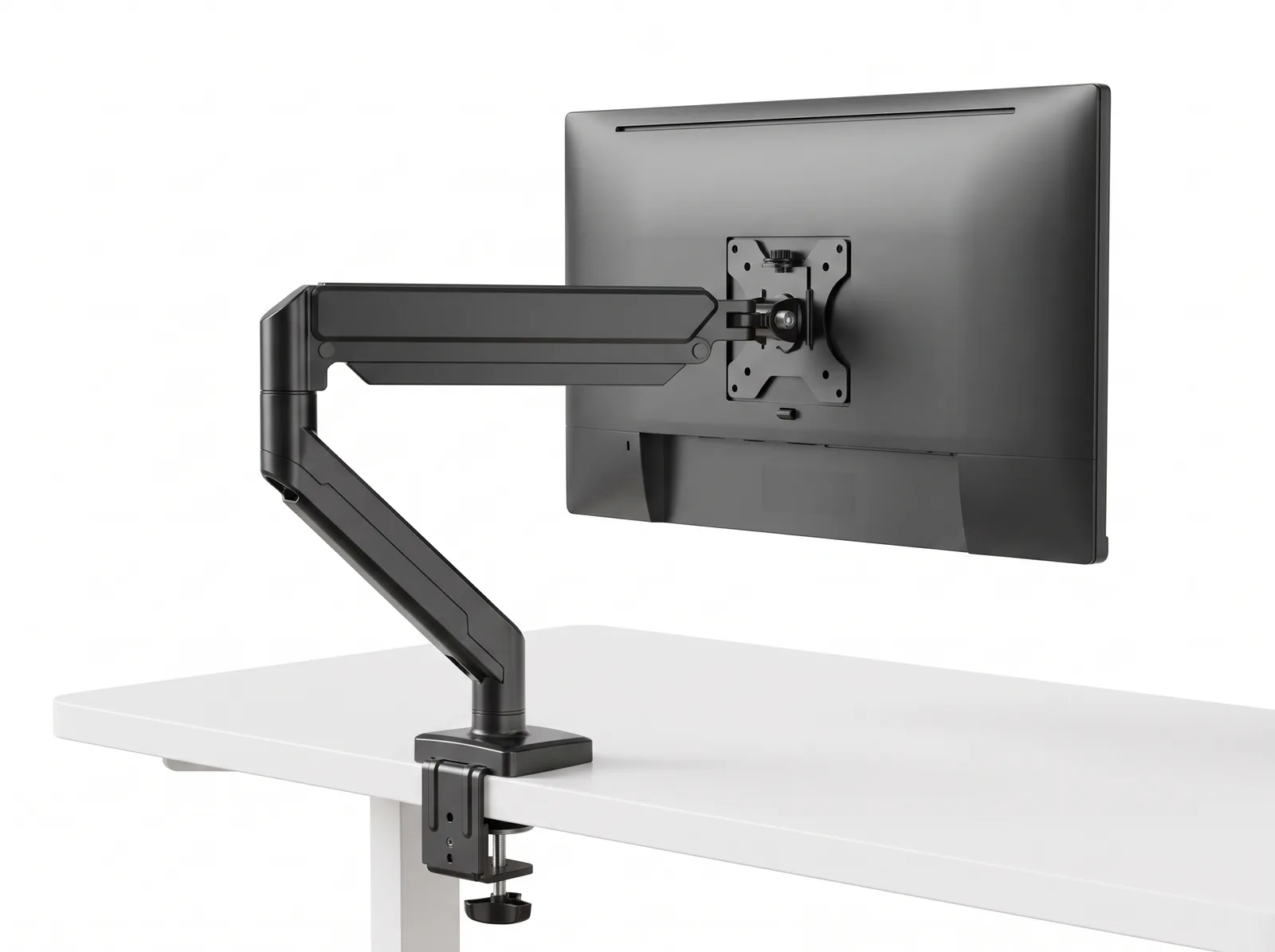
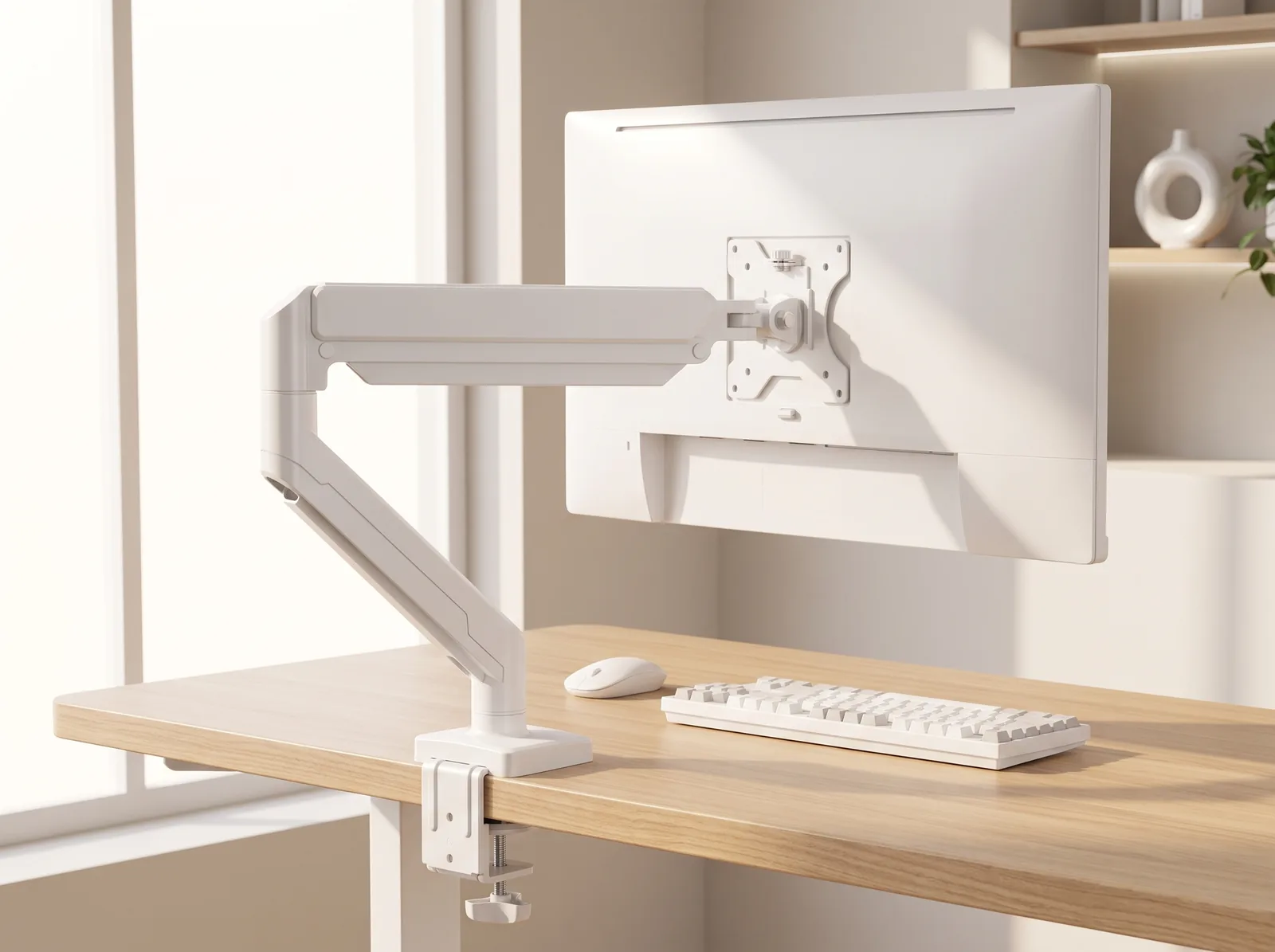
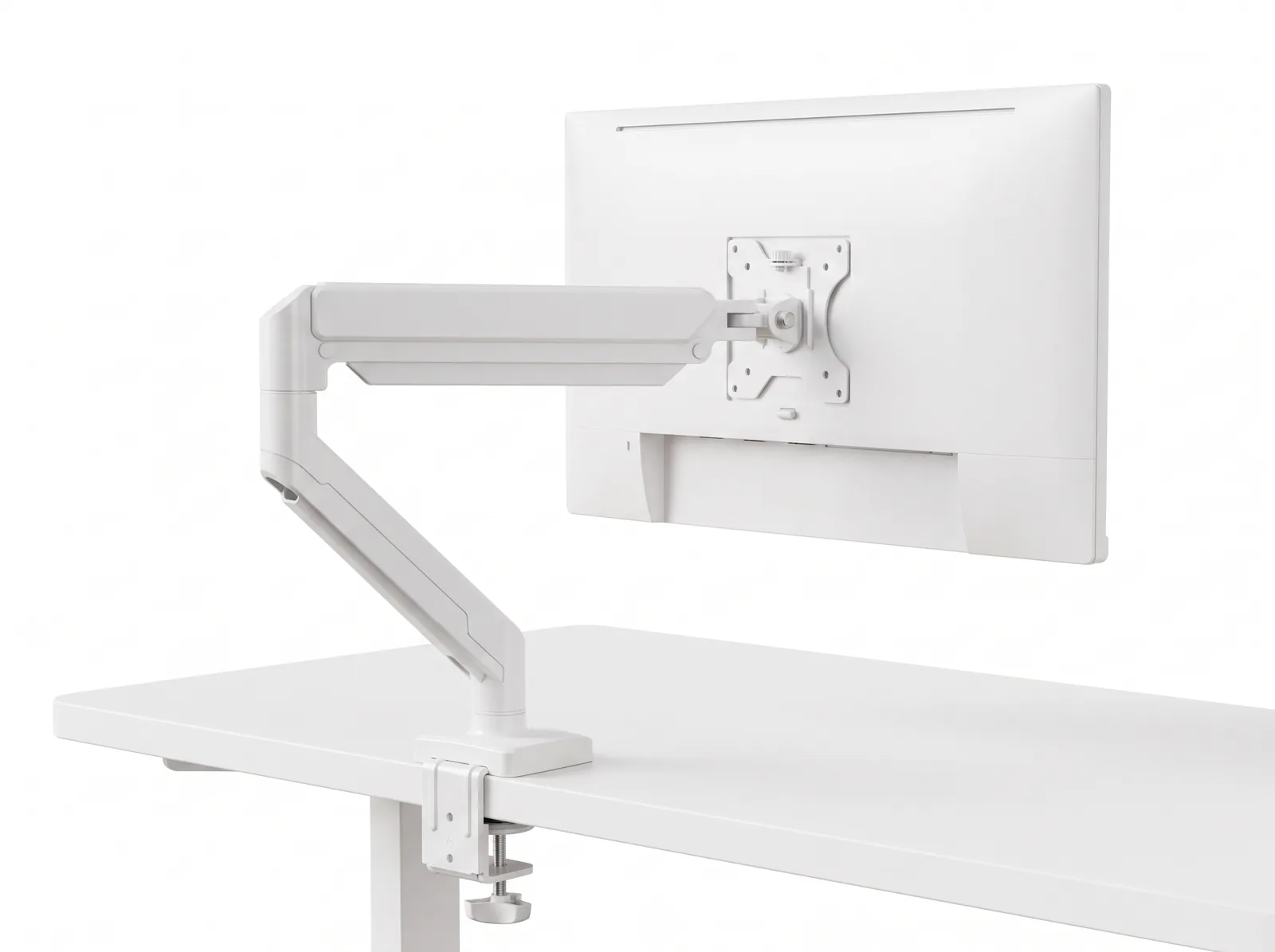
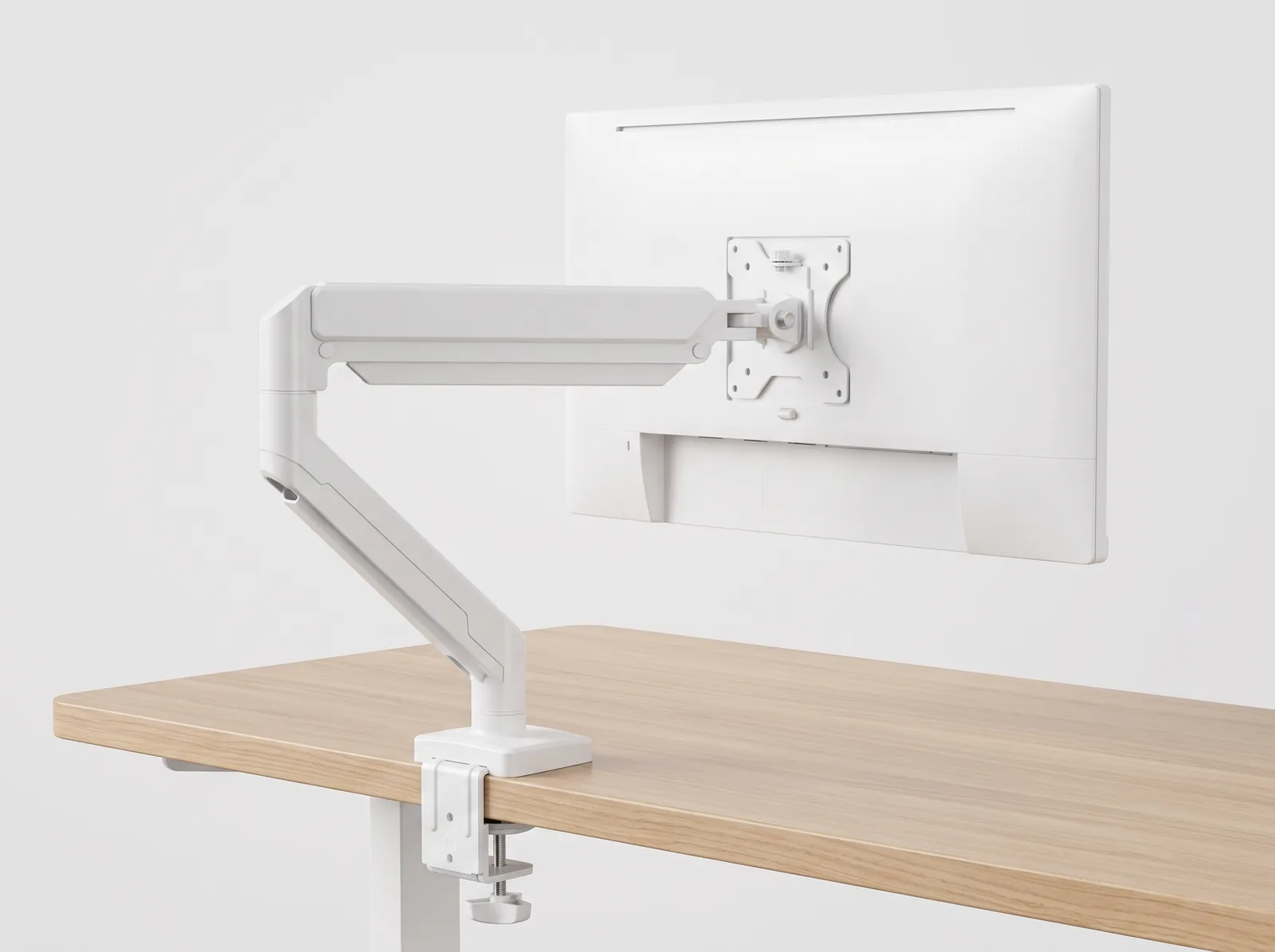
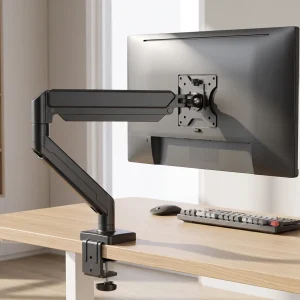
Elevate your display to floating ergonomic perfection with the TidySetup Full-Motion Single Monitor Arm. Built with aircraft-grade aluminum and a precision gas-spring counterbalance strut, this heavy-duty mount supports screens from 13" to 32" (up to 19.8 lbs / 9 kg). Enjoy effortless 360° screen rotation, +90°/-45° tilt, ±90° swivel, and integrated cable concealment in sleek Matte Black or Pure White finishes.
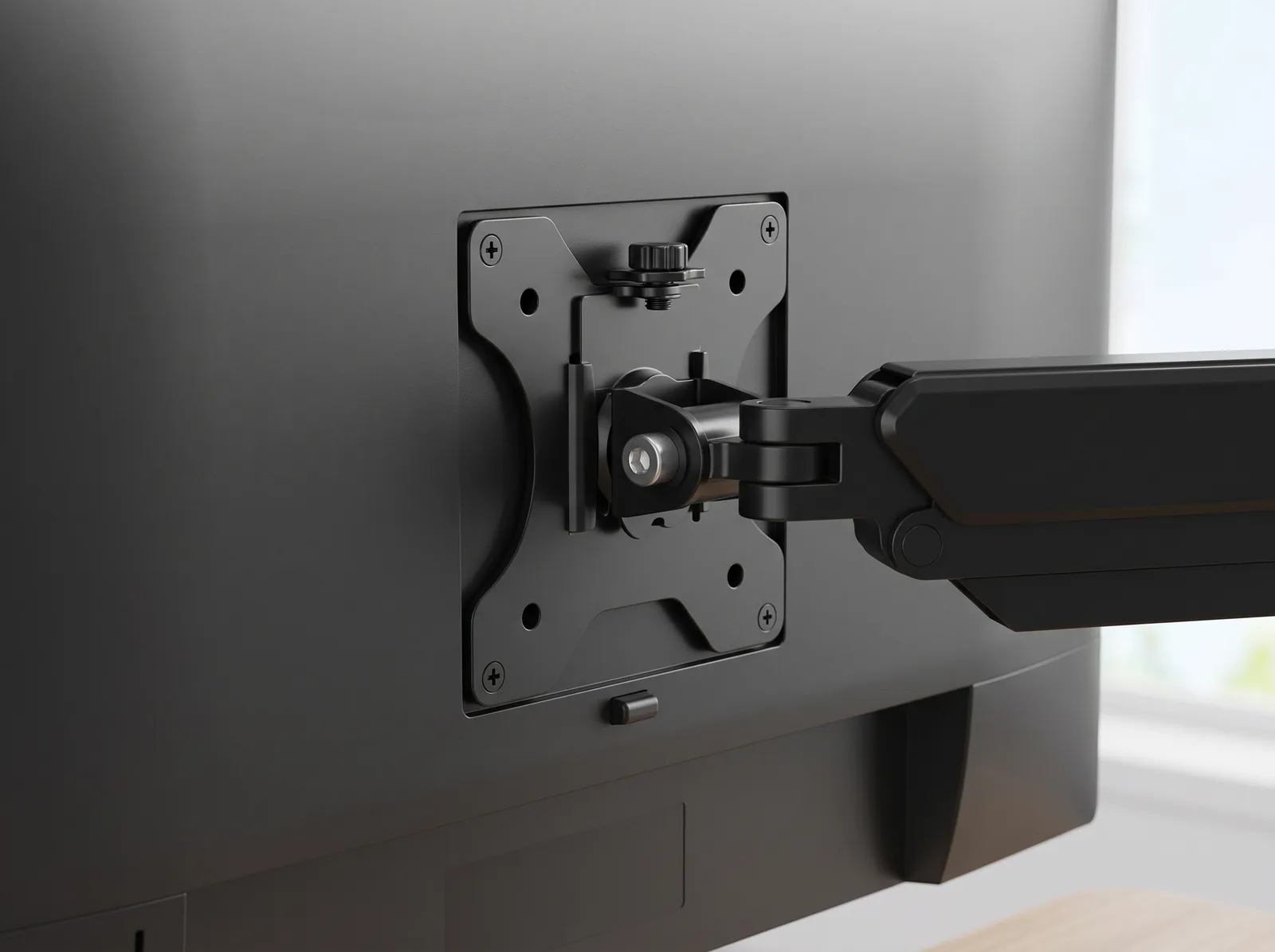
- Universal 13"–32" Display Support: Handles flat and curved monitors up to 19.8 lbs (9 kg) with standard VESA 75x75mm and 100x100mm interfaces.
- Effortless Fingertip Positioning: Smooth gas-strut cylinder enables tool-free vertical elevation, depth extension, and tilt adjustments.
- Reclaims 100+ Sq. Inches: Eliminates massive plastic factory monitor bases, clearing the entire central desk surface beneath your screen.
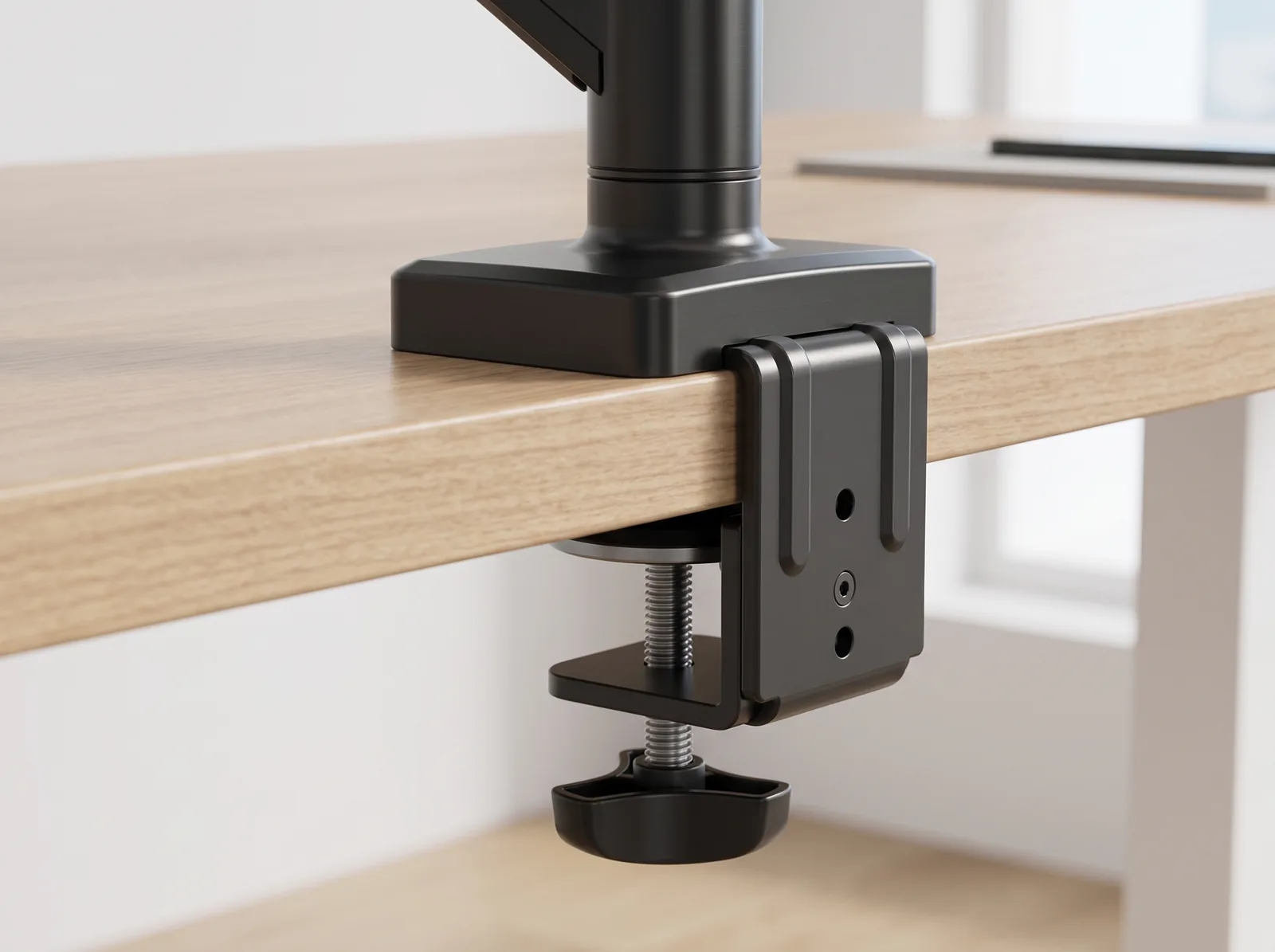
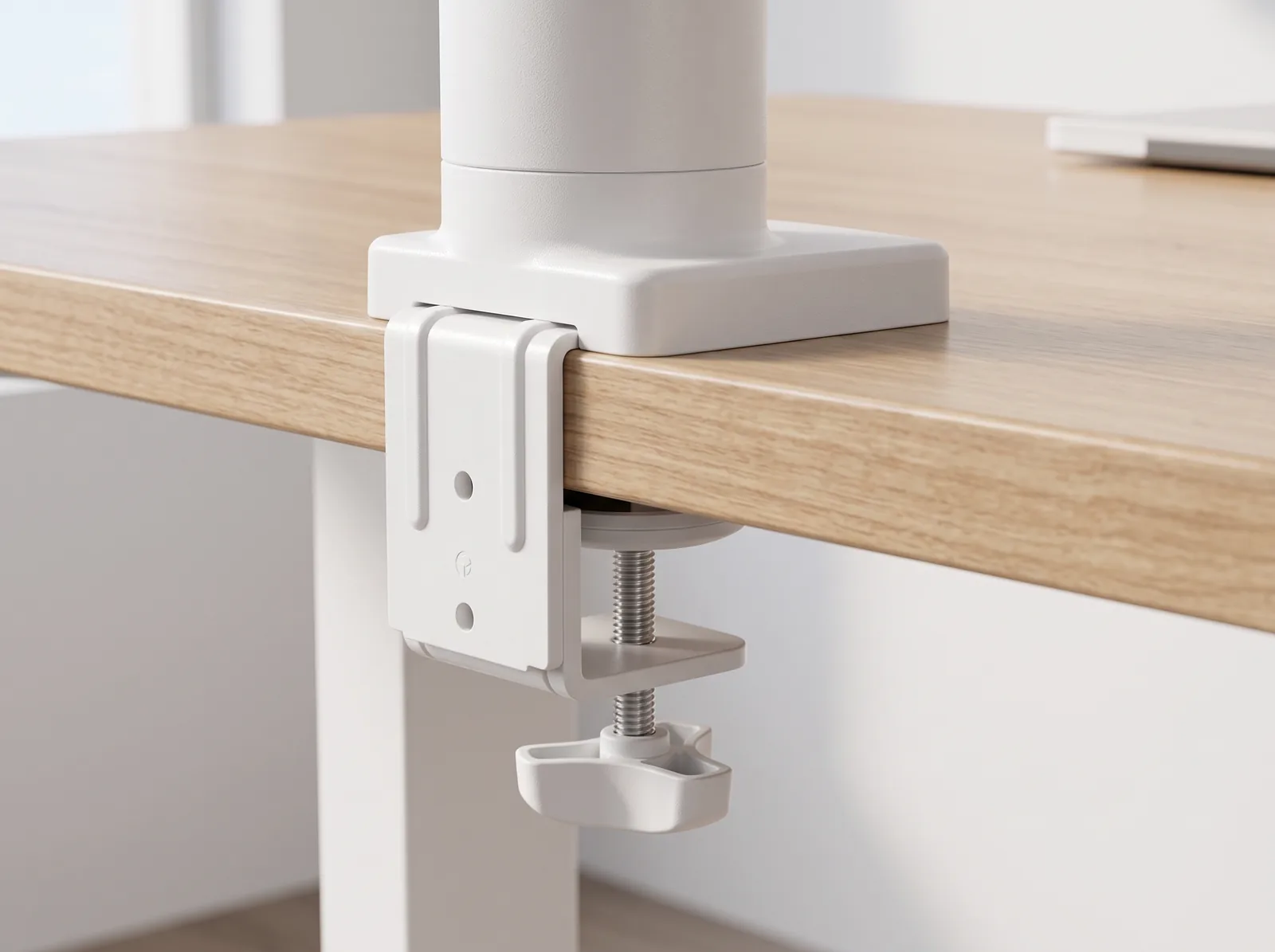
- Dual Mounting Options Included: Heavy-duty silicone-padded C-clamp (0.4"–2.0" desk thickness) and grommet mounting hardware included.
Floating Display Architecture for Ergonomic Comfort
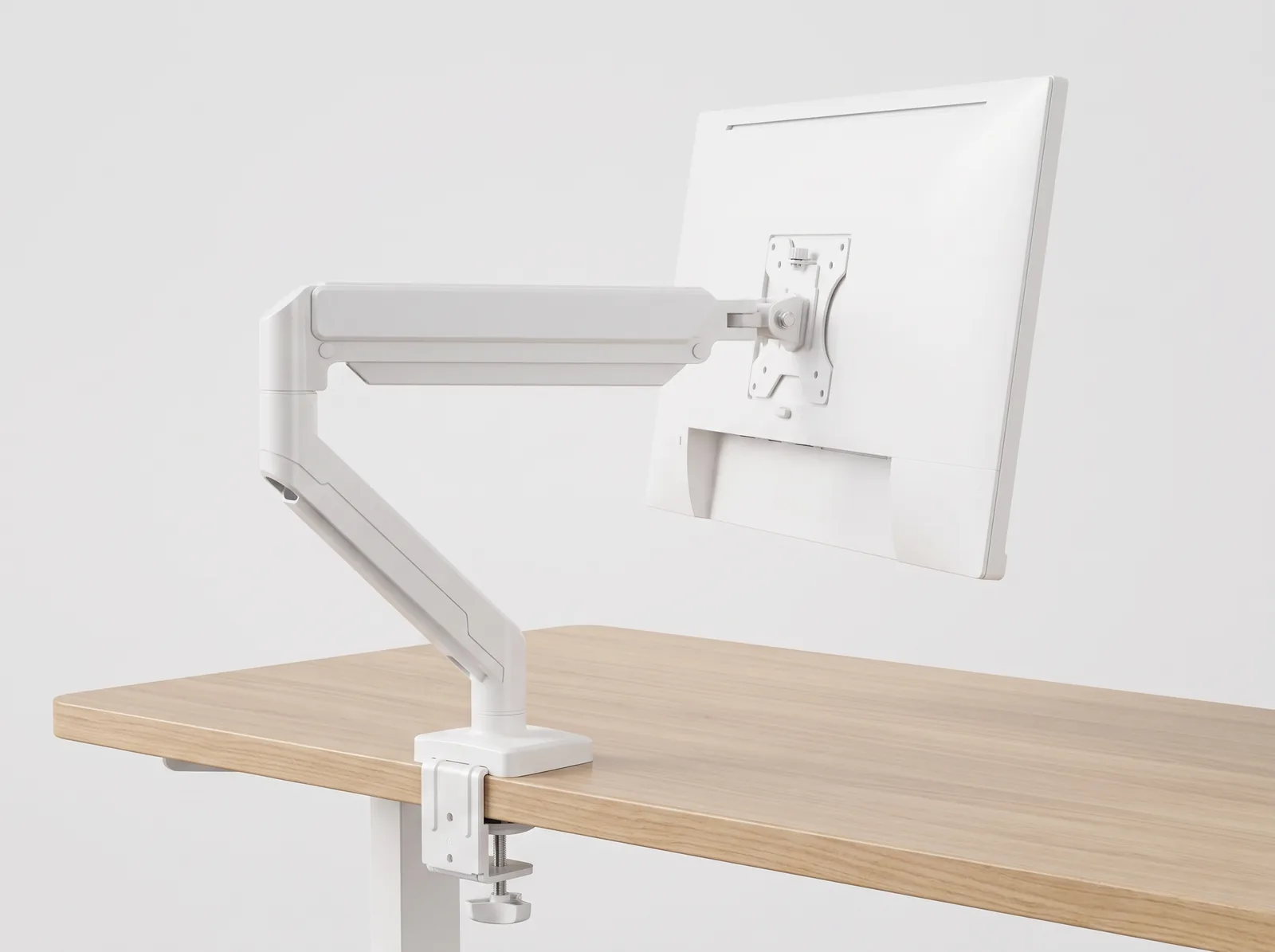
Standard factory monitor stands are bulky, non-adjustable, and trap your display too low and too close to your eyes. The TidySetup Full-Motion Single Monitor Arm replaces static OEM stands with a precision-counterbalanced articulating arm that allows your screen to float effortlessly in 3D space.
Designed for knowledge workers, software developers, and digital creatives, this single monitor mount lets you pull your screen forward for detailed vector drafting or text editing, push it back for open writing room, or rotate it 90° for full-page code reviewing.
A full-motion single monitor arm decouples the display from the tabletop, allowing continuous height, focal distance (20–30 inches), and tilt adjustments while freeing over 100 square inches of primary desk space.
Key Ergonomic & Mechanical Advantages
- Anatomical Sightline Calibration: Adjust screen height so the top third of the display aligns with seated eye level, preventing forward head tilt and relieving cervical spine pressure.
- 360° Landscape-to-Portrait Rotation: Switch seamlessly between horizontal widescreen mode for video editing/spreadsheets and vertical portrait mode for programming and reading long PDF documents.
- Heavy-Duty Gas Strut Mechanism: Internal pneumatic gas cylinder counterbalances the exact weight of your screen, ensuring it stays firmly in position without drooping or wobbling during typing.
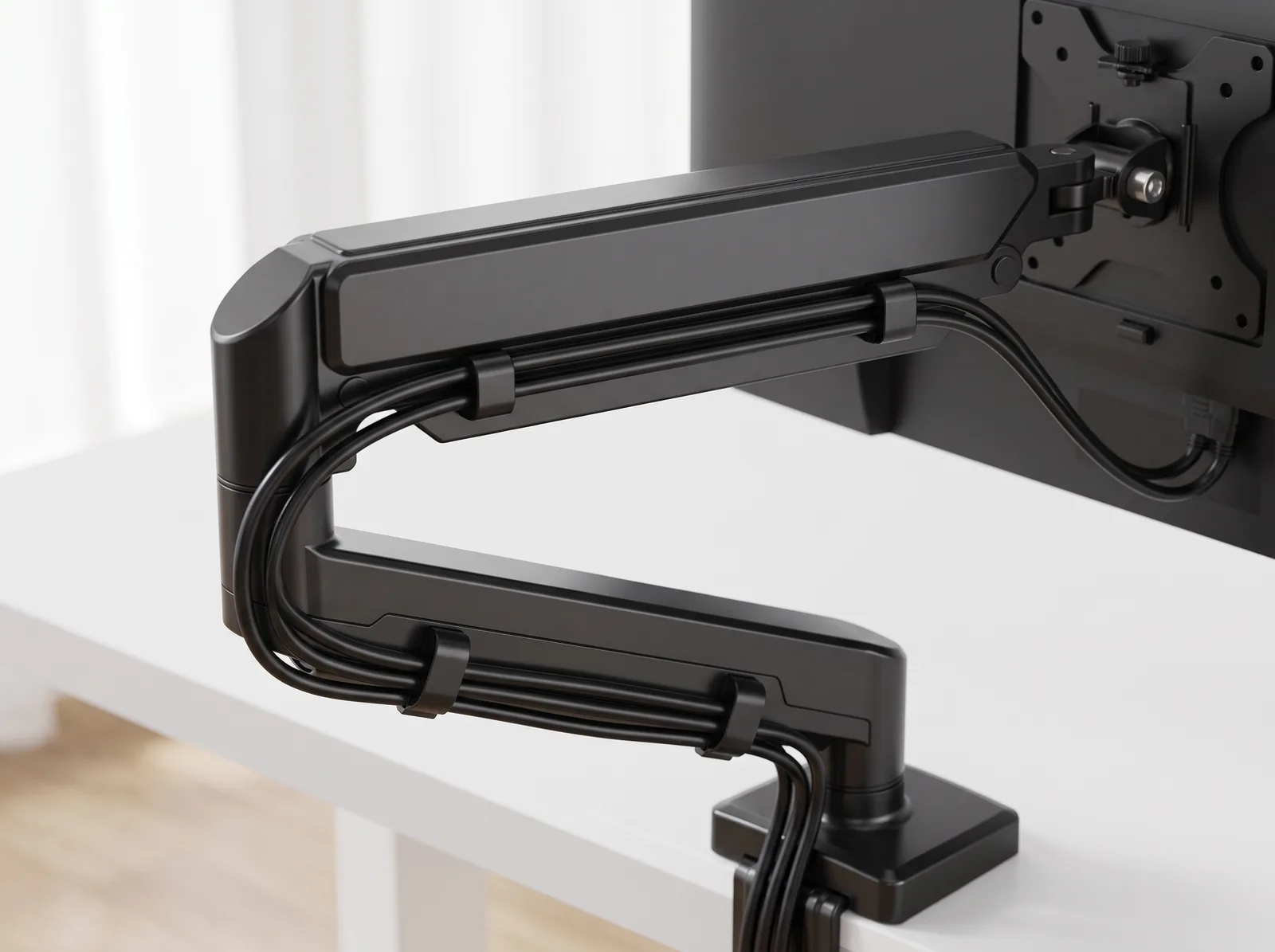
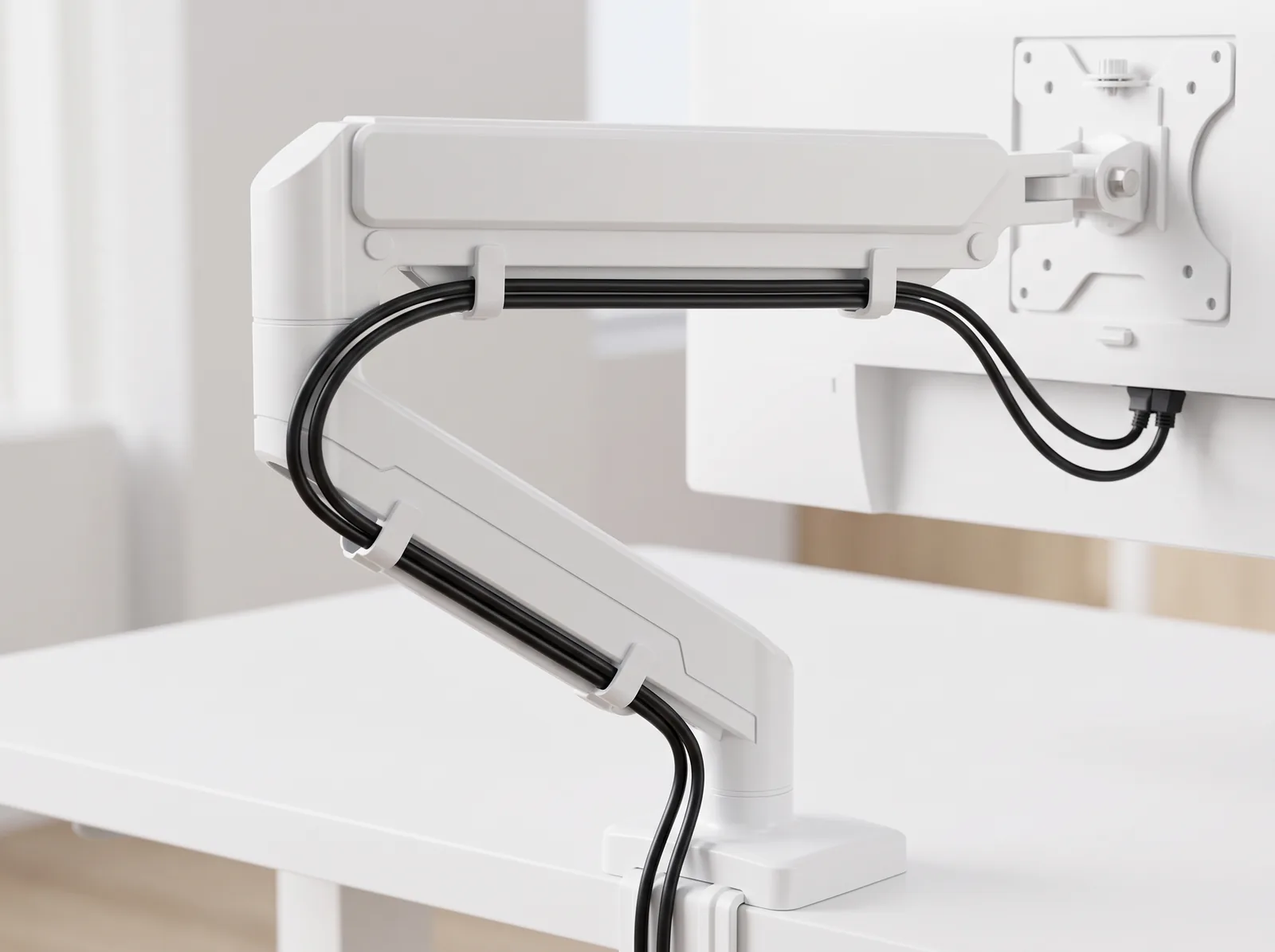
- Integrated Cable Management: Snap-on wire channels along the upper and lower aluminum arm segments conceal power and DisplayPort lines for a clean, wireless appearance.
- Non-Damaging Desk Attachment: Padded C-clamps grip delicate solid wood, laminate, and glass-topped desks firmly without scratching or indenting surfaces.
Technical Specifications & Compatibility Matrix
| Specification Attribute | Detail / Rating |
|---|---|
| Supported Screen Sizes | 13″ to 32″ Flat and Curved Monitors |
| Weight Load Capacity | 4.4 to 19.8 lbs (2.0 to 9.0 kg) |
| VESA Compatibility | 75 × 75 mm & 100 × 100 mm (Detachable plate) |
| Tilt Range | +90° upward to -45° downward |
| Swivel Range | ±90° left to right |
| Screen Rotation | 360° (Landscape and Portrait) |
| Vertical Height Lift Range | 10.0 inches (254 mm) elevation travel |
| Maximum Forward Extension | 19.5 inches (495 mm) reach |
| Desk Thickness (Clamp) | 0.4″ to 2.0″ (10 mm to 50 mm) |
| Desk Thickness (Grommet) | 0.4″ to 2.4″ (10 mm to 60 mm) |
| Color Options | Matte Anodized Black / Pure Minimalist White |
Step-by-Step Installation Guide
- Install Base Clamp: Fasten the padded C-clamp to the rear edge of your desk and tighten the heavy-duty hand bolt.
- Attach VESA Plate: Bolt the detachable VESA plate to the back of your monitor using the included M4/M5 screws.
- Slide Monitor onto Arm: Lower the monitor onto the arm head until the quick-release lock clicks into place.
- Tune Tension: Turn the counter-balance screw with the included 5mm hex key until your monitor floats effortlessly at any desired height.
Frequently Asked Questions (FAQ)
Will this monitor arm hold a 34-inch ultrawide display?
Yes, provided the ultrawide display weighs under 19.8 lbs (9.0 kg) without its original stand and utilizes a 75x75mm or 100x100mm VESA pattern.
Can I push my desk flat against a wall with this arm installed?
Yes. The dual-joint articulating elbows can fold flat along the rear edge of your desk, requiring only 2 to 3 inches of clearance behind the desk.
What if my monitor does not have screw holes on the back?
Non-VESA monitors require a universal VESA adapter bracket before mounting to any standard monitor arm.
Recommended Ecosystem Pairings
- Surface Cushion: Premium PU Leather Desk Mat
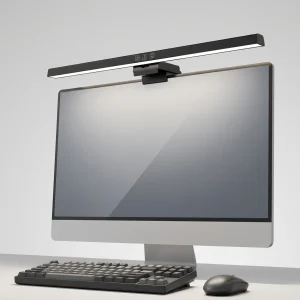
- Glare-Free Task Light: 50cm Computer Monitor Light Bar
- Sightline Guide: Monitor Eye Level vs Viewing Angle Guide
Jeremiah Wells (verified owner) –
Upgrading to this gas-spring arm completely transformed my 48-inch compact walnut sit-stand desk ergonomics. The quick-release detachable VESA plate made installing my heavy 32-inch screen totally effortless. The solid C-clamp mounted securely to my 1.5-inch desktop with zero damage to the wood. Highly recommended for any clean setup.
Jeremiah Wells (verified owner) –
Upgrading to this gas-spring arm completely transformed my 48-inch compact walnut sit-stand desk ergonomics. The quick-release detachable VESA plate made installing my heavy 32-inch screen totally effortless. The solid C-clamp mounted securely to my 1.5-inch desktop with zero damage to the wood. Highly recommended for any clean setup.
Priya Perez (verified owner) –
I upgraded my custom acacia live-edge standing desk setup with the SMA Single Monitor Arm to float my Gigabyte M28U 28″ 4K 144Hz. The difference in desk space and aesthetic cleanliness is incredible.
### **Rock-Solid Clamping & Stability**
The heavy-duty desk clamp fits desks from 10mm to 50mm thick. It grips the desktop with zero flex, even when extending the monitor fully forward. Screen bounce is virtually non-existent on my standing desk.
### **Full Range of Articulation**
Whether I need the screen tilted back for design review, turned 90° into portrait mode for reading long code files, or pushed back against the wall to clear the desk for sketching, the arm moves effortlessly with one hand.
**Pros:**
– Buttery smooth gas spring motion
– Reclaims all desk space under the monitor
– Detachable VESA plate makes one-person installation easy
– Premium powder-coated matte finish
**Cons:**
– Requires tightening the tilt bolt firmly for heavy 32-inch displays, but holds solid once set
Highest recommendation for anyone looking for a reliable, heavy-duty monitor arm.
Priya Perez (verified owner) –
I upgraded my custom acacia live-edge standing desk setup with the SMA Single Monitor Arm to float my Gigabyte M28U 28″ 4K 144Hz. The difference in desk space and aesthetic cleanliness is incredible.
### **Rock-Solid Clamping & Stability**
The heavy-duty desk clamp fits desks from 10mm to 50mm thick. It grips the desktop with zero flex, even when extending the monitor fully forward. Screen bounce is virtually non-existent on my standing desk.
### **Full Range of Articulation**
Whether I need the screen tilted back for design review, turned 90° into portrait mode for reading long code files, or pushed back against the wall to clear the desk for sketching, the arm moves effortlessly with one hand.
**Pros:**
– Buttery smooth gas spring motion
– Reclaims all desk space under the monitor
– Detachable VESA plate makes one-person installation easy
– Premium powder-coated matte finish
**Cons:**
– Requires tightening the tilt bolt firmly for heavy 32-inch displays, but holds solid once set
Highest recommendation for anyone looking for a reliable, heavy-duty monitor arm.
Emily Baker (verified owner) –
Reclaimed my desk space and fixed my posture completely.