








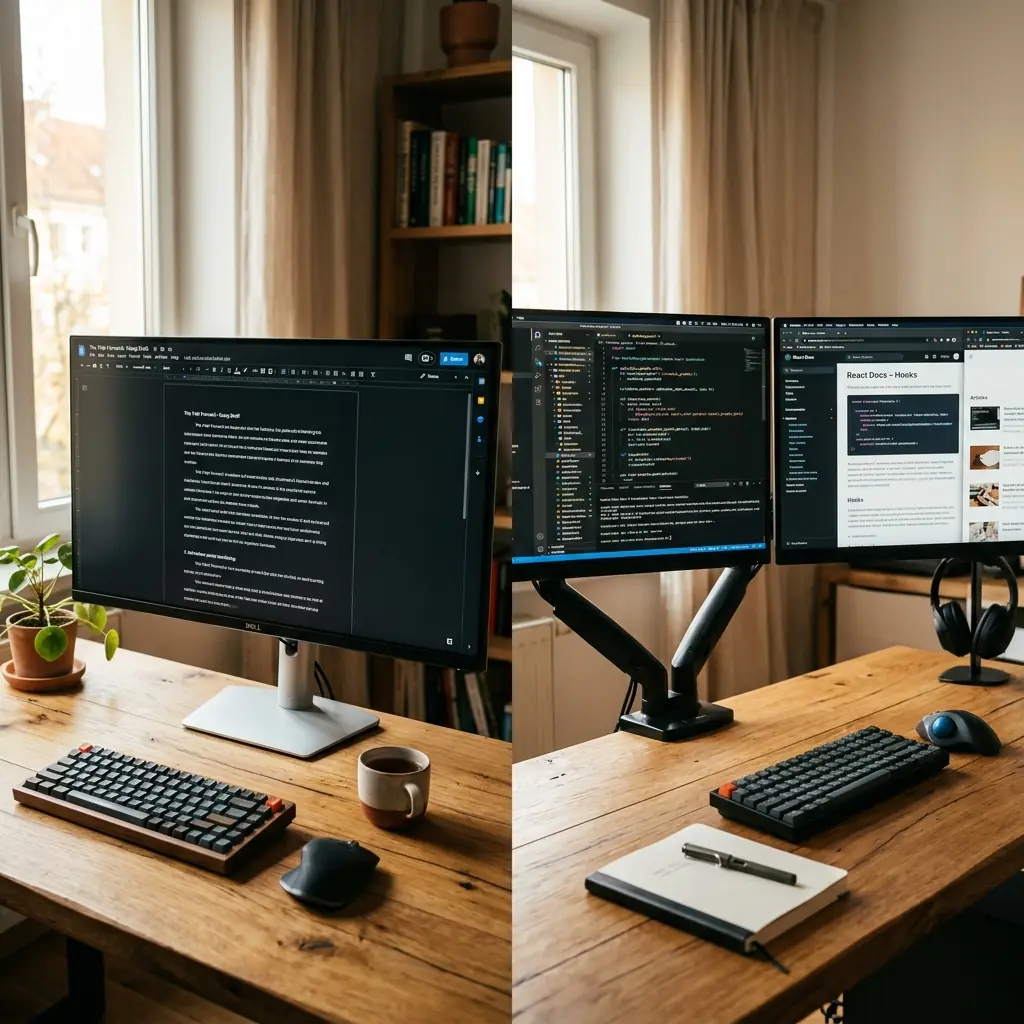
When you decide to invest in your desk setup, few decisions carry as much weight as the single monitor vs dual monitor debate. More screens should equal more productivity, right? The research is more nuanced than that simple assumption suggests.
A 2017 study by Jon Peddie Research found that multi-monitor setups can increase productivity by up to 42% for certain task types. However, that 42% figure depends entirely on the type of work you do. For writers and those requiring deep focus, a second monitor can be a devastating distraction that constantly pulls your attention away from the task at hand.
In this guide, I will break down the real-world productivity cases for both configurations, and introduce the third option that most guides skip entirely: the single ultrawide monitor.
The Case for a Single Monitor: Focus and Simplicity
A single monitor setup forces a specific type of cognitive discipline. With only one screen, you are compelled to commit to one application at a time. Context-switching requires deliberate effort—you must minimise one window before opening another.
The Ultrawide Alternative
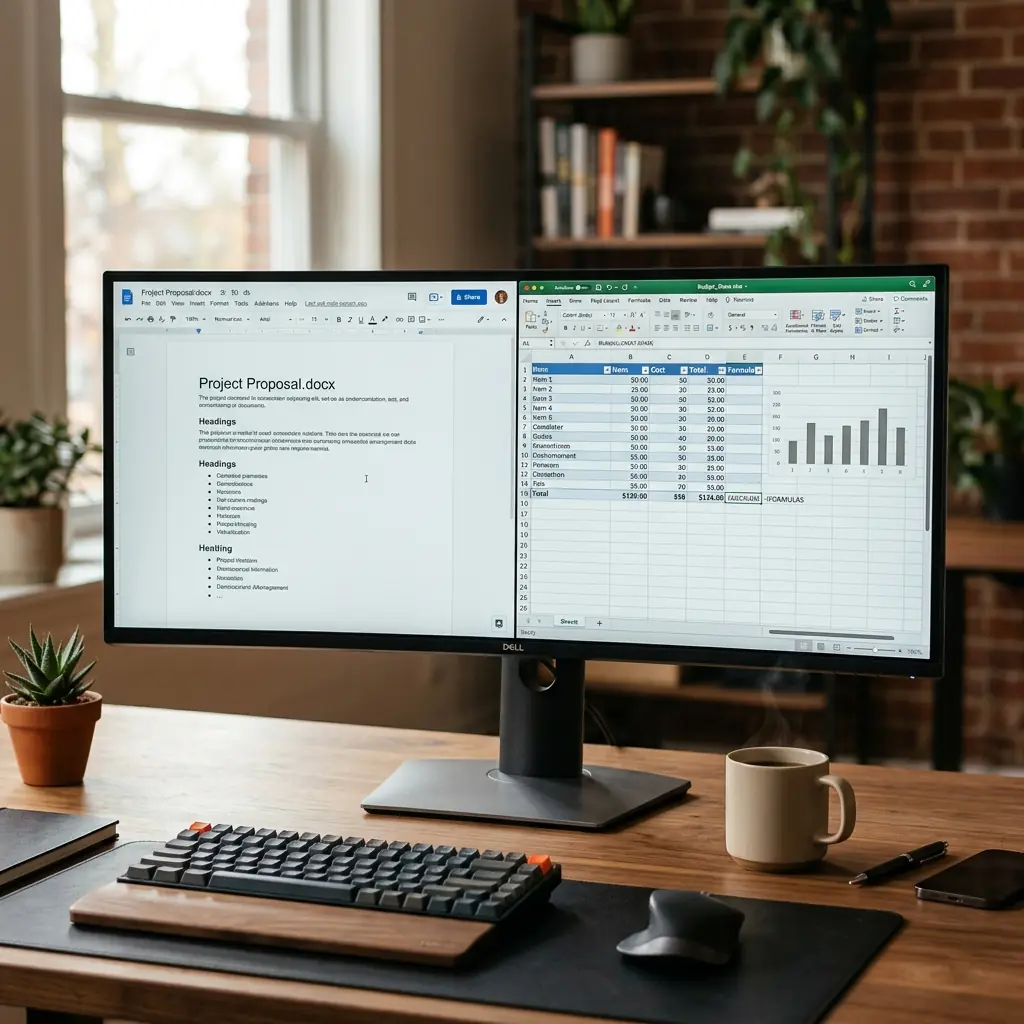
The single monitor debate took a major turn with the popularization of ultrawide monitors (21:9 or 32:9 aspect ratios). A 34-inch ultrawide gives you roughly the same horizontal real estate as two 24-inch monitors placed side by side, but with a single unbroken panel. This eliminates the bezel gap that splits your vision on a traditional dual setup, and keeps all your content on a single focal plane, reducing the need to physically turn your head.
For those who want the space of dual monitors without the ergonomic penalty, an ultrawide is the sophisticated solution. It pairs especially well with a solid desk surface and looks significantly more premium than two mismatched monitors.
Best For
- Writers, editors, and creatives who need sustained focus windows
- Minimalist desk aesthetic enthusiasts
- People with smaller desks who cannot accommodate the depth/width of two monitors
The Case for Dual Monitors: Multitasking Power
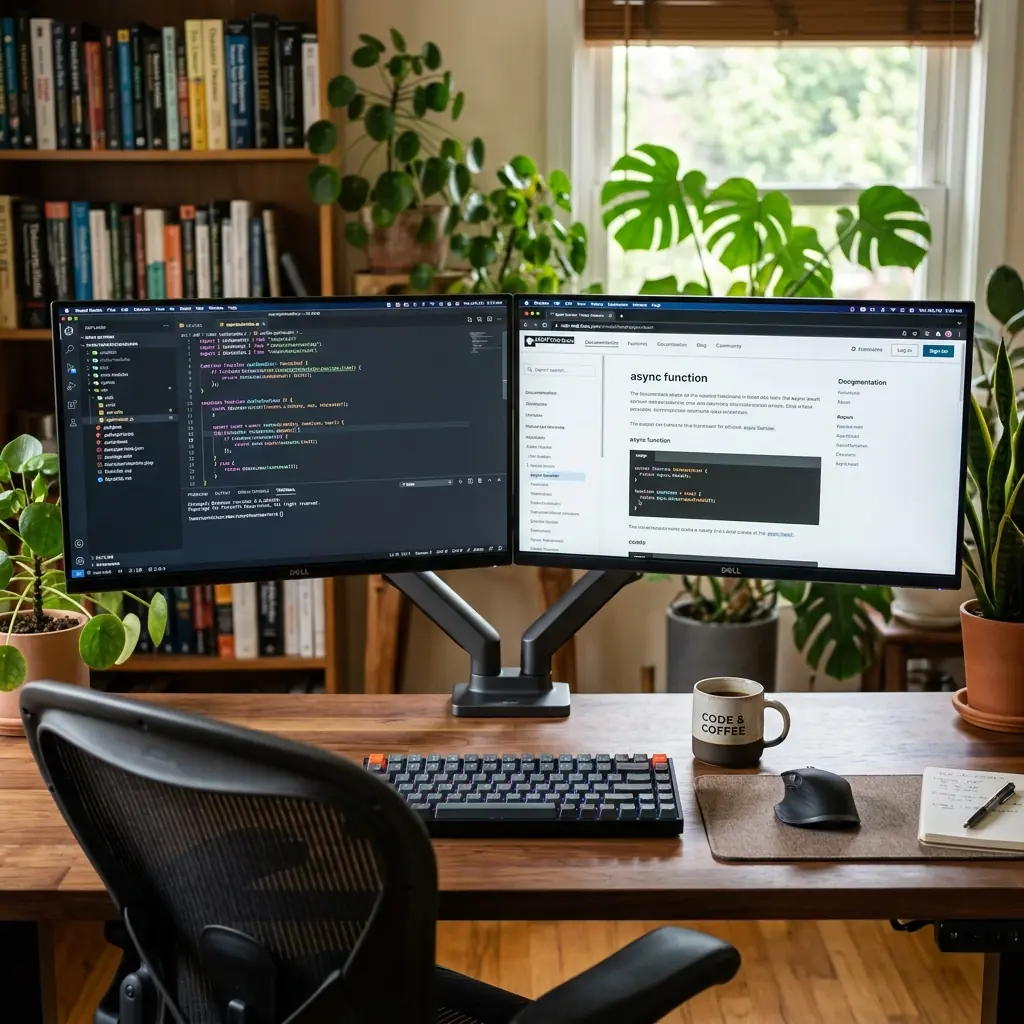
The argument for dual monitors is strongest for people whose work requires constant reference switching. If you are a developer who perpetually bounces between your code editor and documentation, or a financial analyst who cross-references two spreadsheets simultaneously, a second screen eliminates the friction of constant window management.
The Ergonomic Problem
The most overlooked issue with dual monitors is the ergonomic penalty of poor placement. Most people place their two monitors side by side and then sit directly in front of the seam between them, which means they are never looking straight ahead at either screen.

The correct approach is to identify your primary monitor (the one you stare at for 80% of the day) and center it directly in front of you. Your secondary monitor should be placed at roughly a 30-degree angle to the side. This preserves the ergonomic alignment of your neck for the majority of your working day.
The Portrait Monitor Configuration
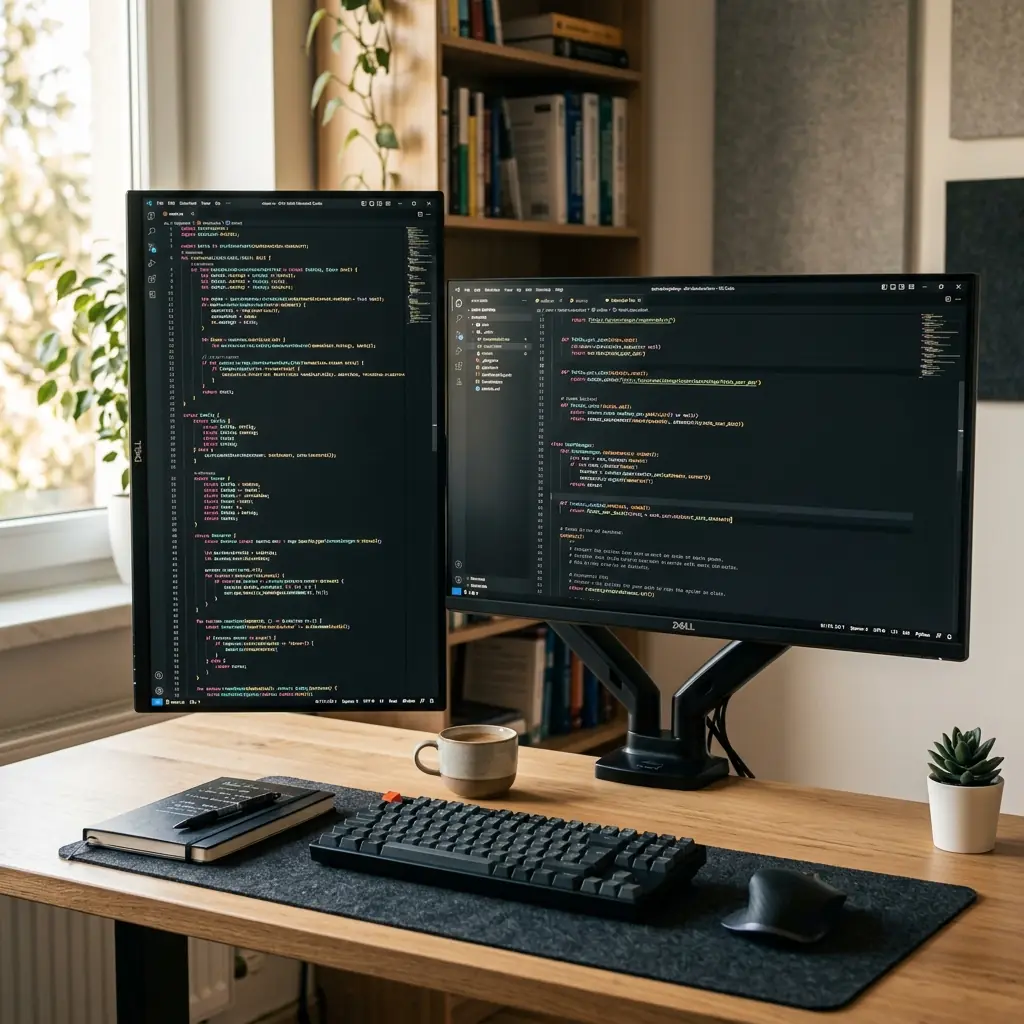
For developers specifically, the most powerful dual-monitor configuration is not two landscape screens—it is one landscape primary and one portrait (vertically rotated) secondary. A portrait monitor displays roughly 65–80 lines of code at a time, compared to just 30–40 lines in landscape mode, making it ideal for reading long files without scrolling.
Best For
- Software developers who reference documentation constantly
- Financial analysts and data scientists who run multiple applications simultaneously
- Video editors who need a primary edit timeline and a secondary reference panel
The Verdict: It Depends on Your Primary Work Type
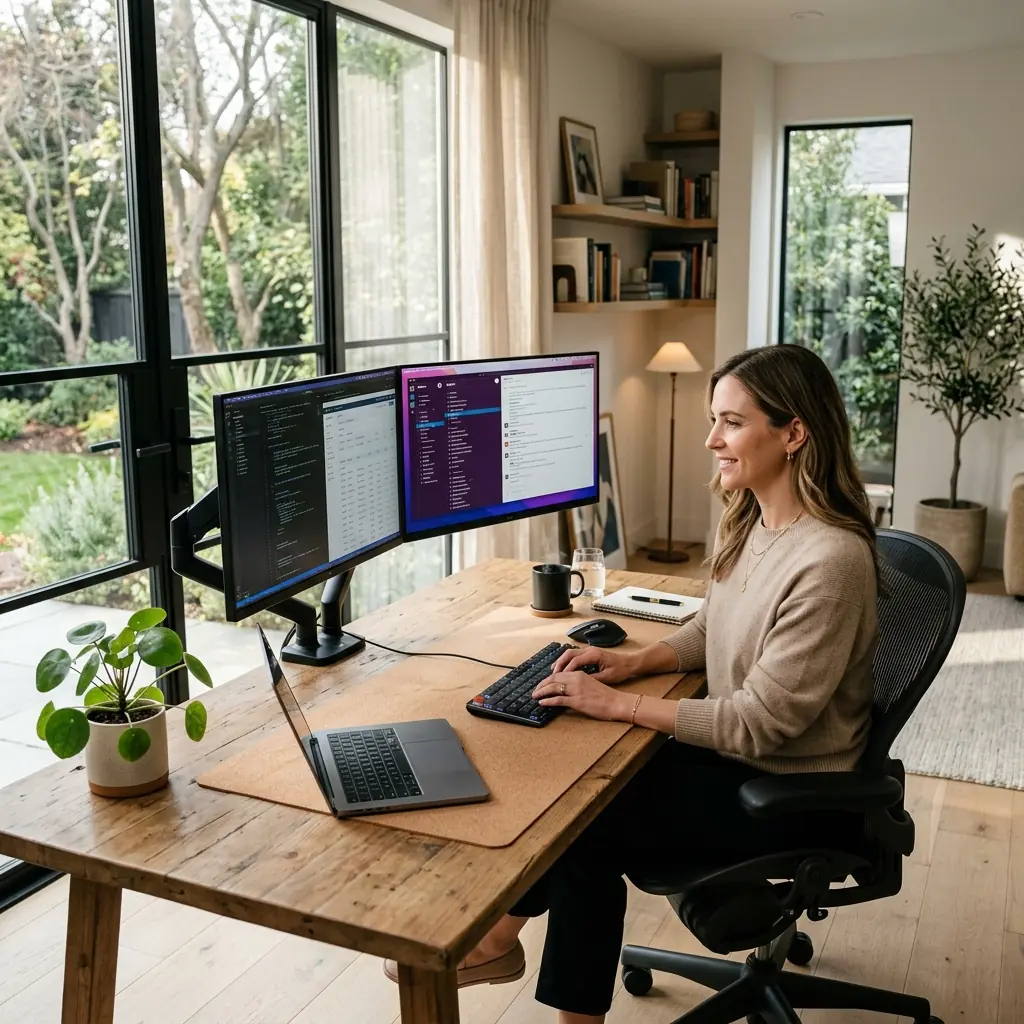
The single monitor vs dual monitor question does not have a universal answer. It is entirely dependent on how you work.
- Choose a single 34″+ ultrawide if your work is primarily deep-focus creative or writing work. You get the space you need without the distraction.
- Choose dual monitors if you are a developer or analyst constantly referencing two apps simultaneously. Pair with a dual monitor arm to eliminate the factory stands and reclaim desk space.
For deeper guidance on how to ergonomically position whichever configuration you choose, read our detailed guide on the dual monitor workstation for financial analysts, which covers optimal screen positioning for any profession.
If your workflow relies on a hybrid laptop and desktop display arrangement, mounting both on a gas-spring dual monitor and laptop mount allows fluid, independent height and angle adjustment for both screens simultaneously.
Part of TidySetup’s comprehensive resource series: explore our master Ergonomic Workstation Alignment Master Guide for complete workstation benchmarks.