








Part of TidySetup’s comprehensive resource series: explore our master Ergonomic Workstation Alignment Master Guide for complete workstation benchmarks.
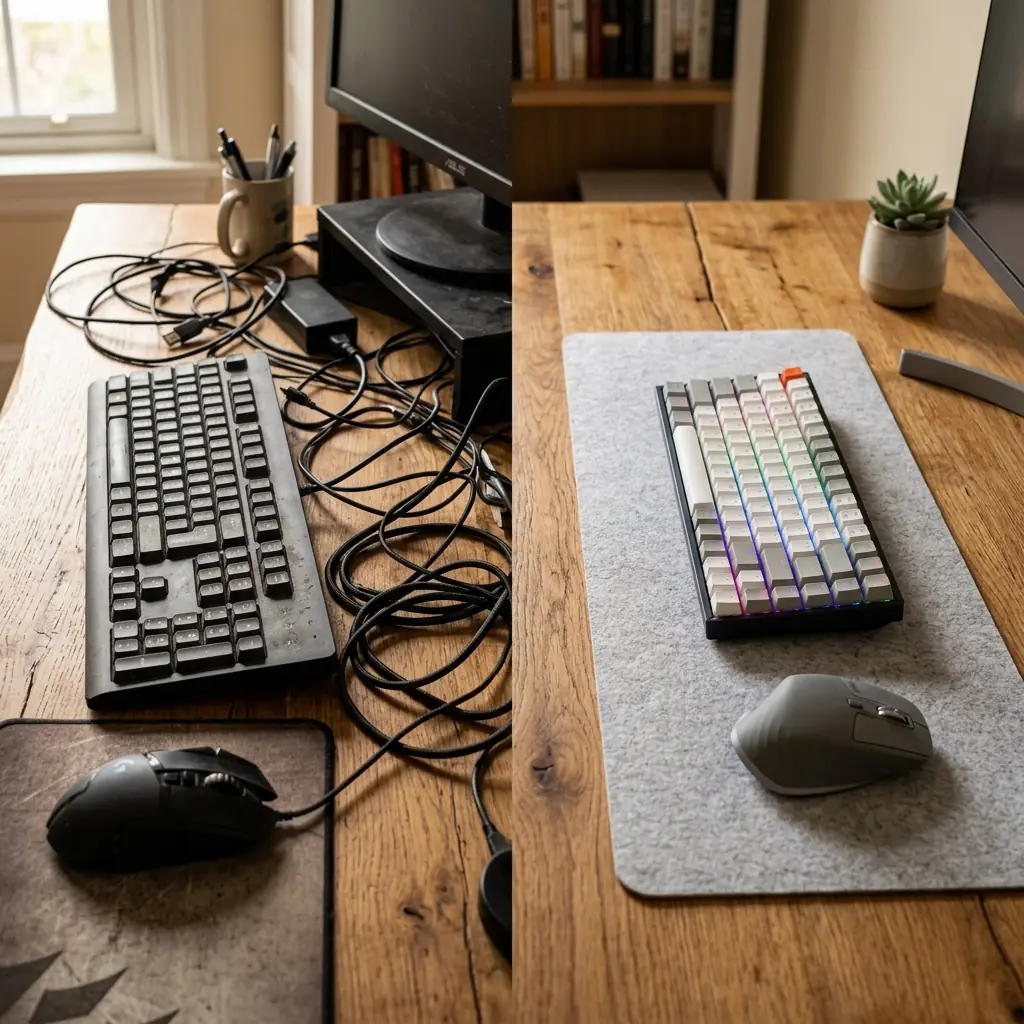
Every journey toward building the perfect home office desk setup eventually hits a major crossroads: deciding between wired vs wireless peripherals. Historically, the argument was simple. Gamers used wired gear for low latency, while office workers used cheap Bluetooth mice that constantly disconnected.
However, technology has evolved. Modern wireless receivers (like Logitech’s Bolt receiver) offer latency that rivals direct USB connections, making the performance gap negligible for 99% of productivity tasks. Today, the debate is no longer about lag—it is about aesthetic purity, desk mobility, and battery anxiety.
In this guide, I will break down the pros and cons of going completely wireless versus staying tethered, and help you decide which approach will keep your desk looking clean and functioning perfectly.
The Case for a Pure Wireless Setup
A wireless setup relies entirely on Bluetooth or 2.4GHz USB receivers to connect your keyboard and mouse. Devices are powered by internal rechargeable batteries.
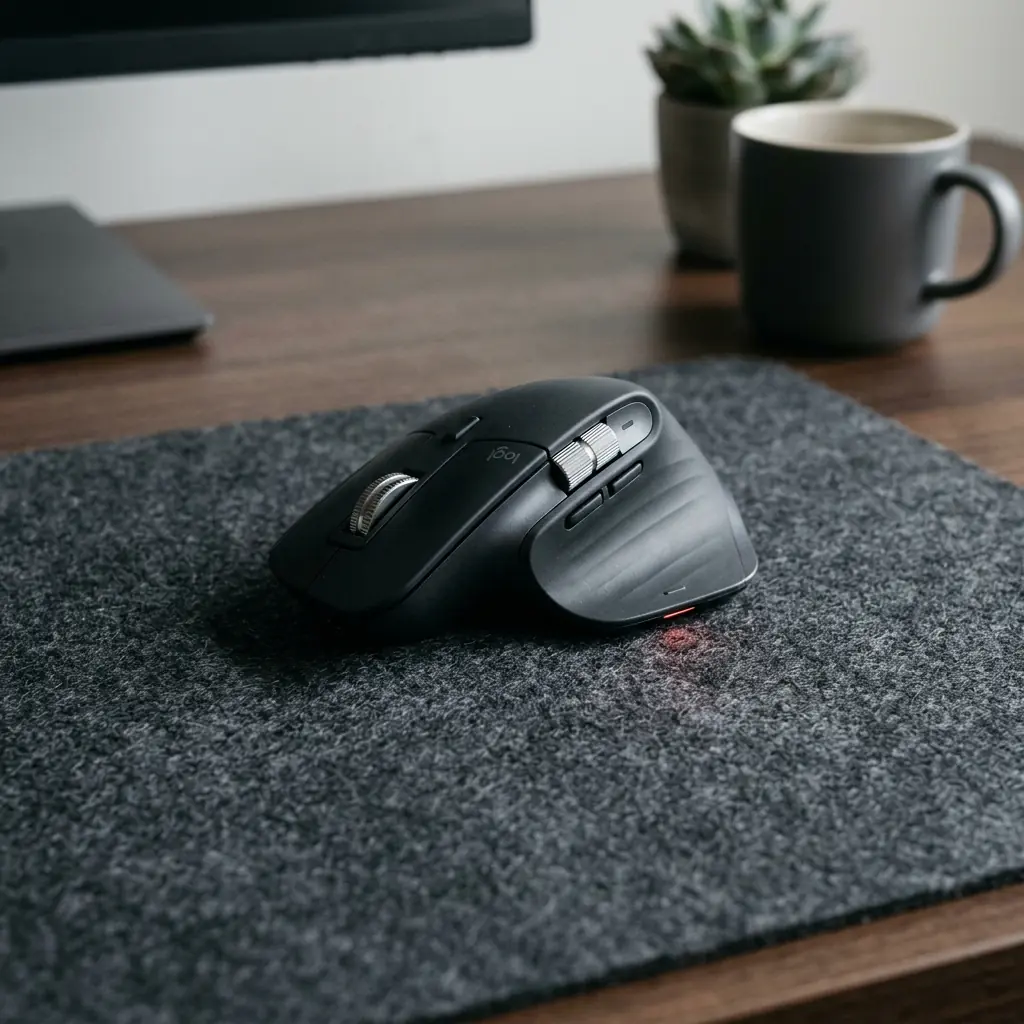
Pros of Wireless Peripherals
- The Ultimate Clean Aesthetic — This is the primary reason people go wireless. Eliminating the thick black USB cables trailing across your desk instantly elevates the look of your workspace from “computer lab” to “architectural studio.”
- Unhindered Mobility — A wireless mouse offers true freedom of movement. You never have to worry about cable drag or the cord snagging on the edge of your desk mat or coffee cup while you are working.
- Multi-Device Switching — Premium wireless peripherals (like the MX Master series) allow you to pair with multiple devices. You can press a single button to switch your keyboard and mouse from your work laptop to your personal desktop instantly.
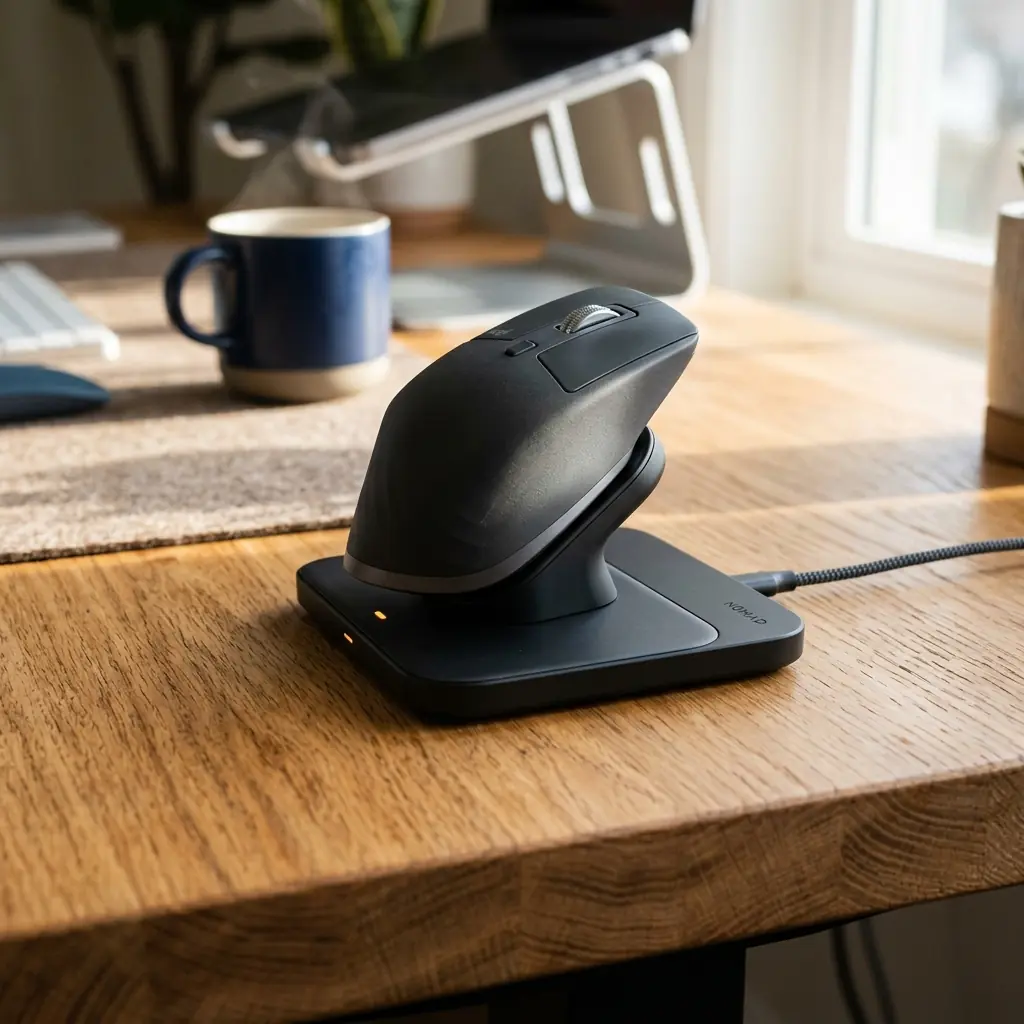
Cons of Wireless Peripherals
The main drawback is battery anxiety. There is nothing worse than sitting down for a crucial video call only to have your mouse die. Furthermore, internal lithium-ion batteries degrade over time. A wired keyboard can last 20 years; a wireless keyboard might refuse to hold a charge after 5 years, forcing you to use it plugged in anyway (defeating its purpose) or throw it away.
The Case for Sticking with Wired Peripherals
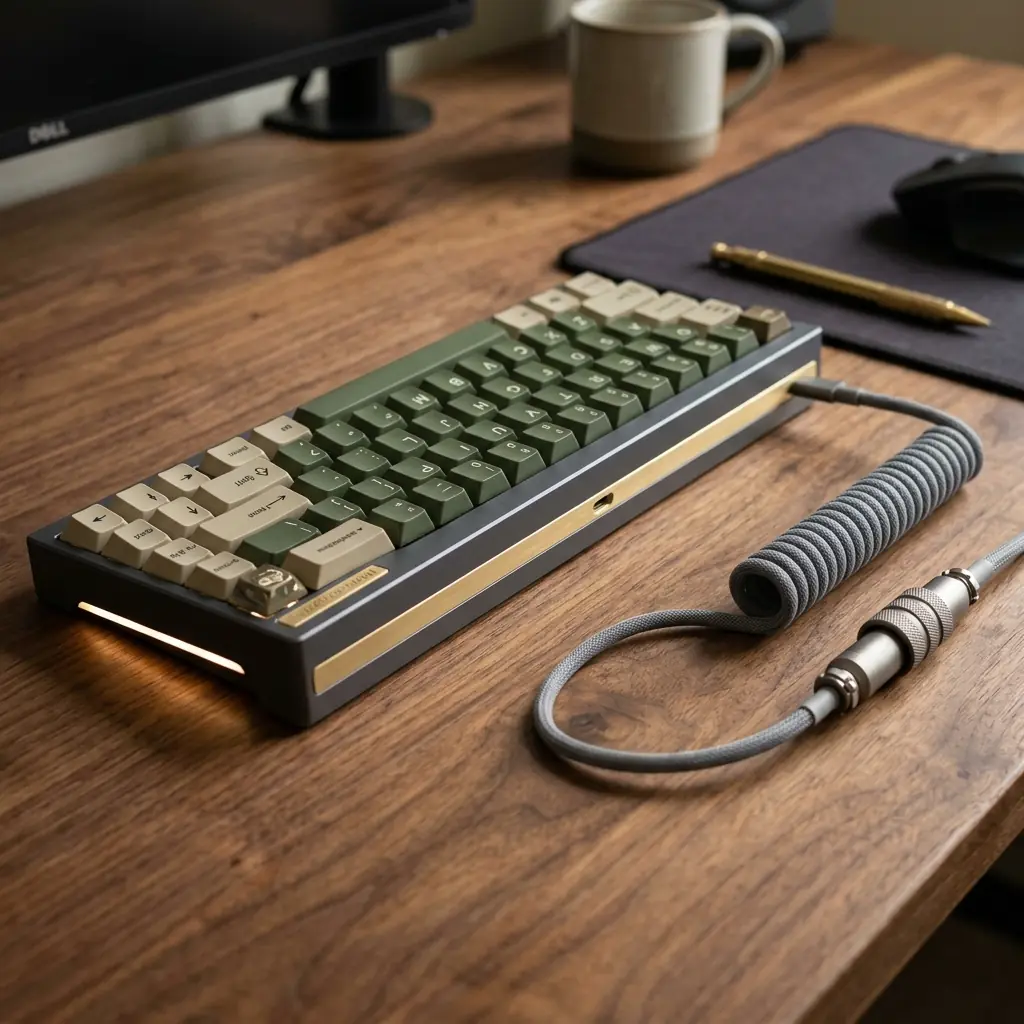
A wired setup physically tethers your peripherals to your computer (or a hidden USB hub) using cables. While standard rubber cables look terrible, the custom mechanical keyboard community has popularized premium braided and coiled cables.

Pros of Wired Peripherals
- Absolute Reliability — A wired connection never drops, never suffers from Bluetooth interference, and never runs out of battery. It simply works, 100% of the time.
- Zero Battery Degradation — Because there is no internal battery to die, wired peripherals have a significantly longer functional lifespan, making them a better long-term investment.
- The Custom Cable Aesthetic — A wired setup does not have to look messy. Many enthusiasts use custom coiled “aviator” cables that act as a visual centerpiece for the desk, turning a functional tether into a piece of industrial art.
Cons of Wired Peripherals
Wired peripherals restrict movement and demand rigorous cable management. If you do not route your cables properly, they will tangle, gather dust, and ruin the aesthetic of your workspace. Additionally, if you use a standing desk, you must ensure your mouse and keyboard cables are long enough to accommodate the full height of the desk without pulling taut.
The Hybrid Approach: The Best of Both Worlds
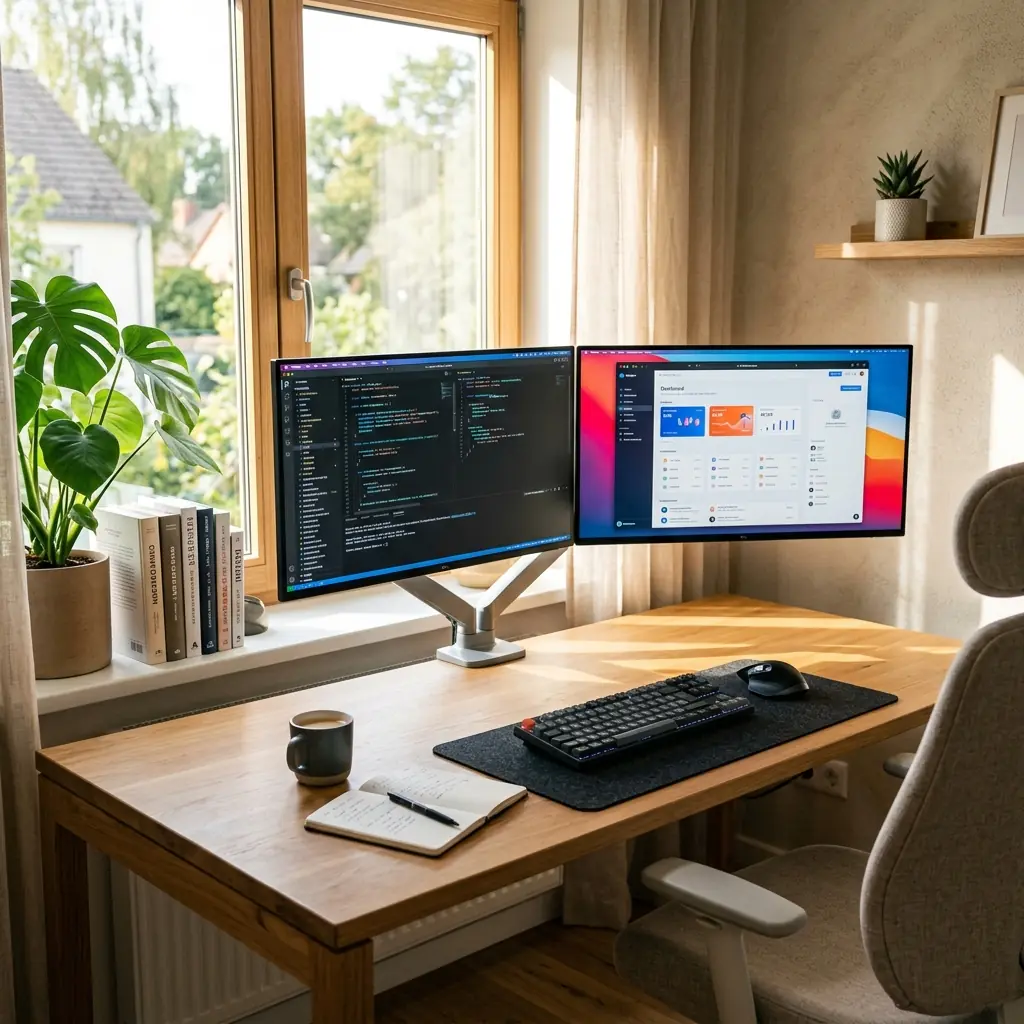
When choosing between wired vs wireless peripherals, you do not have to pick just one philosophy. The most common and effective compromise for modern professionals is a hybrid approach.
1. Use a Wireless Mouse: Cable drag on a mouse is annoying and actively hinders your precision when doing detail work. A wireless mouse provides undeniable ergonomic benefits and should be standard in any modern setup.
2. Use a Wired Keyboard: Because a keyboard remains stationary on your desk, a cable does not hinder its functionality. By using a beautiful custom coiled cable, you gain the reliability of a wired connection, eliminate battery anxiety for at least one device, and add a premium aesthetic touch to your desk surface.
This hybrid approach perfectly balances clean aesthetics with long-term reliability.